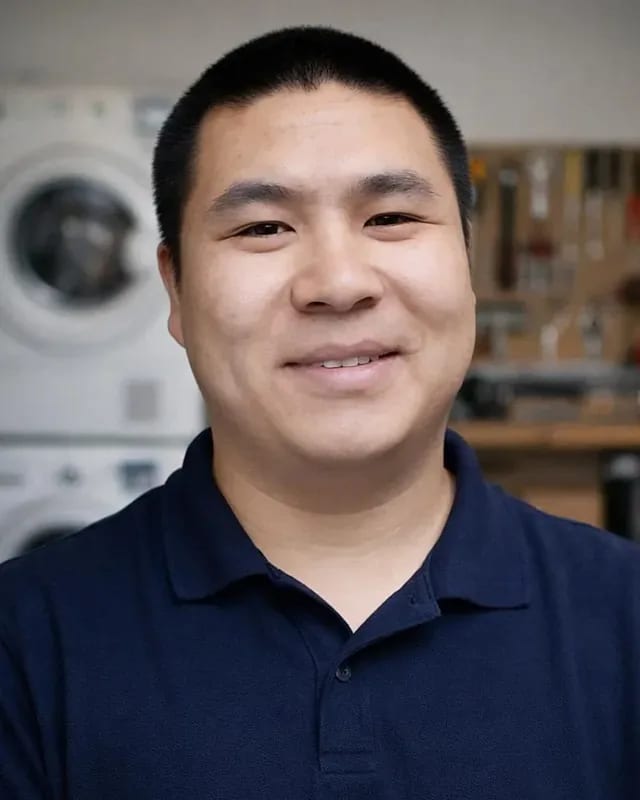
 experience9 years
Ruslan Ts.
Washing machine and refrigerator repair technician
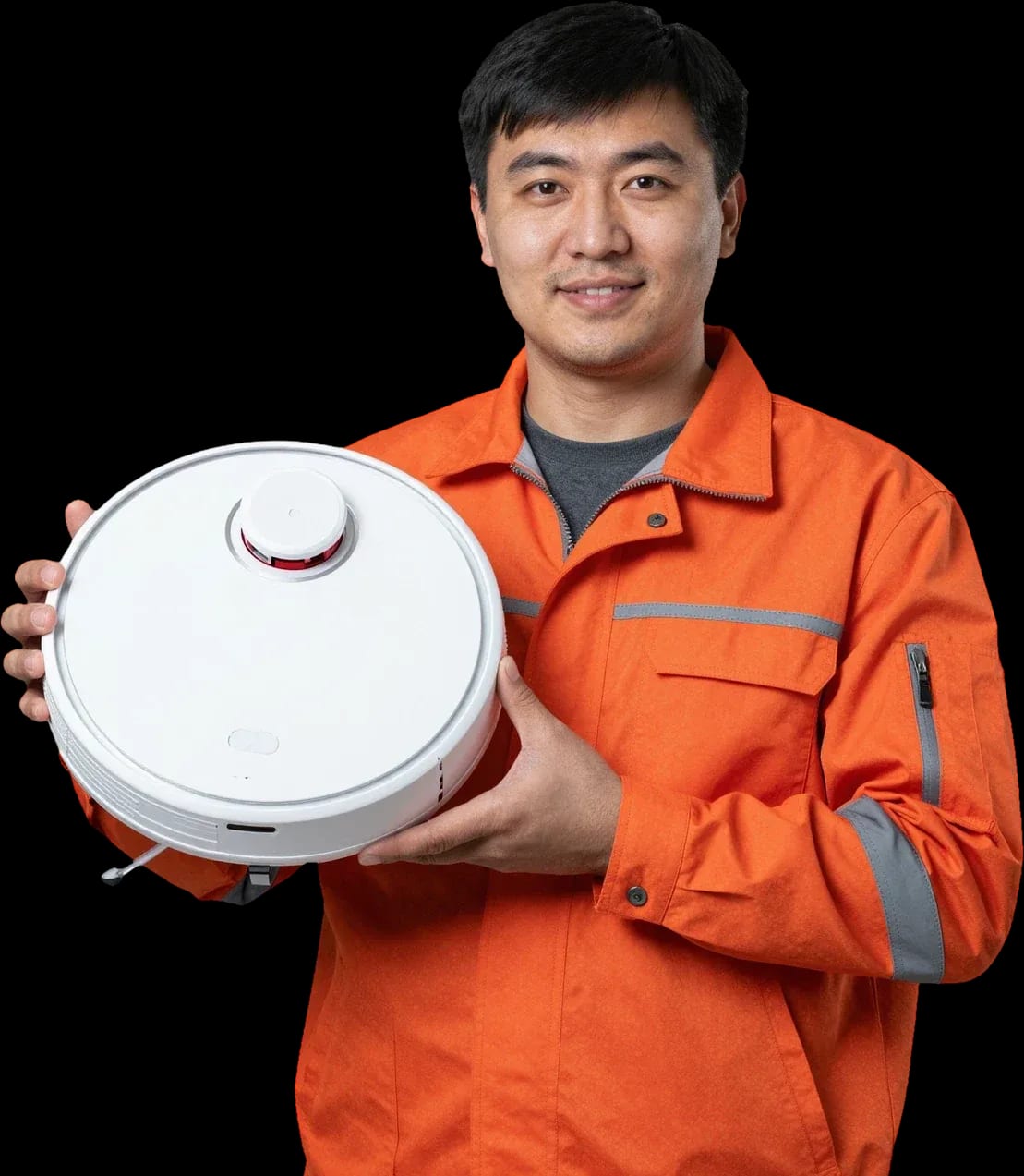
A technician arrives within 60 minutes anywhere in the city. Free diagnostics — you'll get the cause and the price after the check.
Our own technicians4 to 20 years of experience


Repair prices
Below are the symptoms customers most often report. The technician pinpoints the exact cause after a free diagnostic.
contacts, adapter, battery
from9 500 ₸
button, board, battery
from3 000 ₸
filter, brush, turbine
from1 500 ₸
the code points to a specific unit
from7 000 ₸
bearing, brush, debris in the turbine
from3 000 ₸
Wi-Fi module, firmware
from7 000 ₸
sensors, contacts, dock
from9 000 ₸
battery, sensors, board
from7 000 ₸
1–3 business daystime
from 8,000 ₸cost
 BeforeAfter

From request to final check — five steps.
Describe the symptom and the model — the technician will prepare for the visit.
The technician confirms the model, symptom, and error code, and brings tools and parts for that specific model.
Checks the power, sensors, turbine, and board, and identifies the cause.
The technician explains the scope of work and the price, and you decide.
The technician demonstrates how the units work and documents the completed work.
The home appliance repair department in Almaty has 8 technicians with 8 to 12 years of experience.
The department has 8 specializations — they are listed on the technicians' cards.
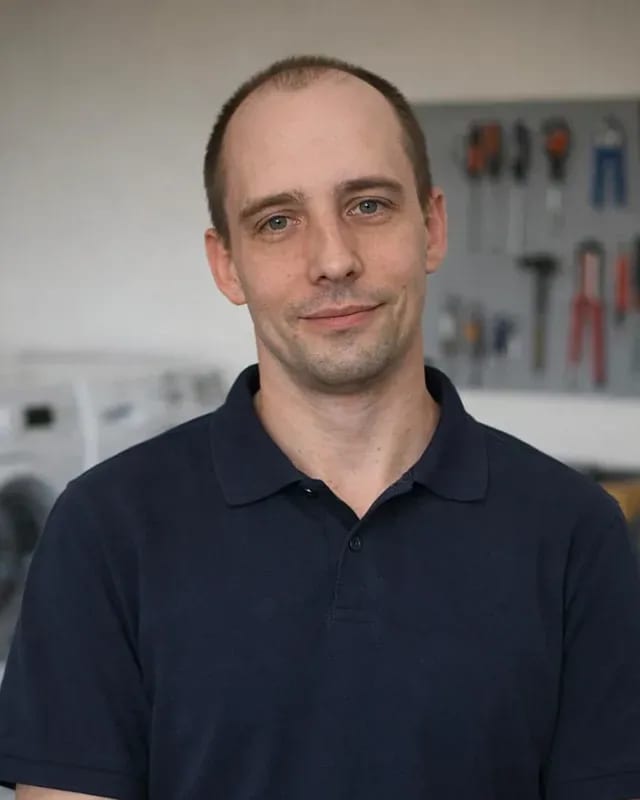
experience9 yearsWashing machine and refrigerator repair technician
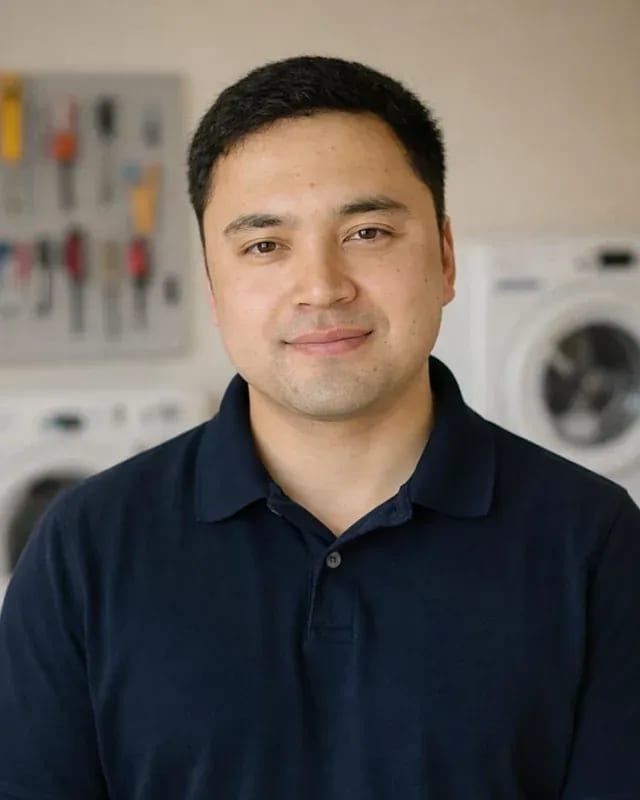 experience12 years
General household appliance repair technician
 experience10 years
Field technician for washing machine and refrigerator repair
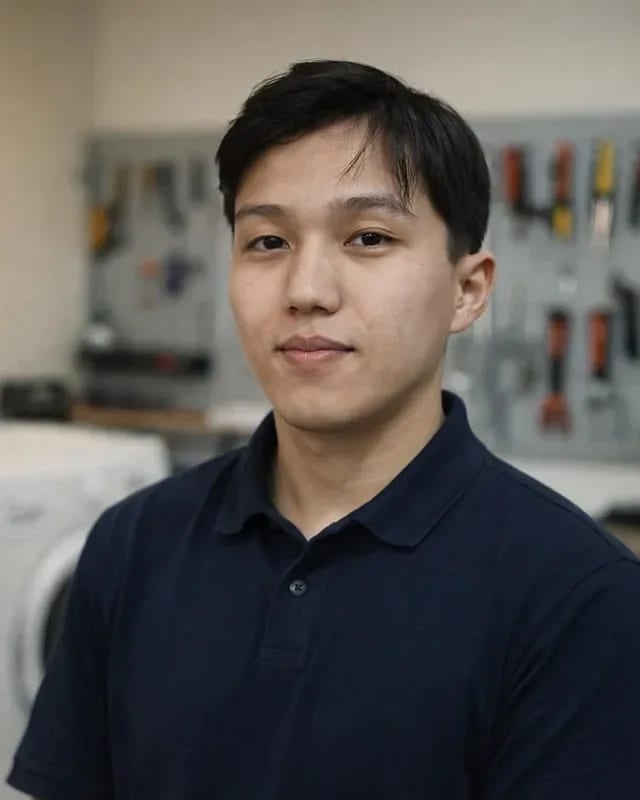 experience8 years
Expert washing machine repair technician
 experience8 years
Field refrigerator repair technician
 experience8 years
Senior washing machine repair technician
 experience11 years
Dishwasher repair technician
 experience9 years
Washing machine repair technician
We reply during working hours
Fill out the form or call us: provide the model, symptom, and your address — the technician will confirm the visit time.

Warranty question? Call us
+7 (778) 021 13 16Tech Service repairs Yeedi robot vacuums in Almaty as a direct provider: our technician comes to your home within 60 minutes or the repair is done at our service center. Diagnostics are free, with a 1-year warranty on labor and parts, and technicians have 4 to 20 years of experience. The technician provides the cost after diagnostics.
Yeedi owners most often notice that the robot has stopped cleaning properly or returning to its base. Let's look at which components are responsible and how we start restoring the device at our service center.
Most often, the cause is the battery, charging contacts, or control board, and free diagnostics show which component is at fault. A device that doesn't respond to the power button may have a discharged battery cell, oxidized contacts on the dock, or a charging controller failure on the board. Our technician checks the voltage at the contacts, tests the battery under load, and traces the power circuit — this shows where the current stops. With 4–20 years of practice, we've learned to distinguish deep discharge from a board failure by how the device reacts when plugged in. If the robot doesn't respond to the button, don't rush to disassemble the case — that would prevent us from accurately determining whether the problem was in the power supply or the electronics.
Yeedi relies on a lidar and sensors for navigation, and if they get dirty or fail, the robot loses its map and can't find the dock. The optical rangefinder on the turret, bumper sensors, and infrared obstacle sensors work together: one element fails and the device spins in place, moves randomly, or bumps into walls. We check the lidar's rotation, the cleanliness of its window, and the sensors' response to obstacles, and we test base detection from different points in the room. Almaty residents often place the dock near a mirror or in direct sunlight, and the reflected signal disrupts navigation — this common household cause comes up regularly. Before bringing the robot in for service, wipe the lidar and sensors and check that the base isn't in direct sunlight or near a mirror — this is a frequent household cause of navigation failures.
Loss of suction is most often linked to a clogged filter, worn turbo brush, or motor, while unusual noise usually comes from the brush drive or wheel. A HEPA filter clogged with fine dust reduces suction power, and worn bristles on the turbo brush stop picking up debris from carpets. Side brushes and wheels with drives suffer from hair and threads: winding around the axle overloads the motor and causes humming or crackling. The technician disassembles the unit, checks the suction motor at operating speed, inspects the drive gears, and replaces worn parts. If suction doesn't return after cleaning the filter and brush, further disassembly on your own risks damaging the mounts — at this point, it's wiser to show the robot to a technician and avoid worsening the wear on the mounting points.
The Yeedi robot reports a problem with a code in the app or a voice prompt. Below is how to read typical signals and what they mean in practice.
An error code in the Yeedi app points to a specific component — navigation, charging, brush, or sensors — and the technician immediately knows what to check first. The lidar is responsible for mapping, infrared sensors for obstacle avoidance and stair detection, and charging contacts for delivering power to the base. The same numeric code on different Yeedi models may refer to different components, so the decoding is checked against the specific model, not just the general list in the app. The Yeedi app keeps an error history, which shows whether a failure recurs regularly or occurred once. Before the technician's visit, it helps to save a screenshot of the code and note what actions preceded it — this detail often narrows down the cause faster than the code itself.
| Signal | Likely component | What the technician checks |
|---|---|---|
| Doesn't map, just spins | Lidar, sensors | Lidar cleanliness and operation |
| Can't find the base | Dock, sensors | Contacts and base signal |
| Discharges quickly | Battery, board | Capacity and power circuit |
| Stops with the brush | Turbo brush, drive | Winding and belt |
| Won't connect to the app | Board, communication module | Reset and module communication |
In our experience, a connection failure after a reset is more often a problem with the communication module or the control board, not the app itself. The control board manages the robot's components and sends data to the yeedi app, so if the communication circuit is damaged, the device won't appear in your account even after reinstalling the app. The room map may still be stored in memory, which shows the electronics are alive and the break is in the transmission channel. The technician checks the module contacts, the ribbon cable integrity, and the board's response to commands. If the robot still won't connect after a reset and re-pairing, diagnostics will show exactly where the signal is lost—in the module or on the board. Before re-pairing, it's worth deleting the old device from your account and connecting the robot again—sometimes that's enough and no repair is needed.
A Yeedi robot is more complex than a regular vacuum—besides the motor and brushes, it has navigation and electronics, which changes the approach to maintenance.
In a Yeedi robot, the motor and brushes are joined by a lidar, sensors, and a control board, so diagnostics start not by disassembling the body but by checking the electronics and navigation. A regular model is linear: mains power, suction motor, brush on the shaft—when it breaks, the technician follows this chain and quickly finds the fault. In robotic devices, a control board sits between the button and the motor, collecting readings from the lidar, bumpers, and cliff sensors, and a failure in any of them blocks cleaning entirely. The lidar rotates on a separate drive and sends data about distances to walls and furniture, which the device uses to build a map of the room. Because of this, "won't move" means different faults for an autonomous device versus a corded one: in the former, the cause is often sensors or firmware, not the motor, and it needs to be checked on the board, not at the brush.
| Component | Regular vacuum | Yeedi robot |
|---|---|---|
| Motor and suction | Present | Present |
| Brushes | Main | Main and side |
| Navigation | Absent | Lidar and sensors |
| Power | Mains | Battery |
| Electronics | Minimal | Control board |
Our Yeedi diagnostics include a separate check of navigation and map building, because a lidar or sensor failure isn't visible during a routine motor inspection. The technician runs the device on a test run and watches how it avoids obstacles, returns to the base, and rebuilds the room map after a reset—these signs show where the signal is lost. The control board polls the lidar, bump sensors, and cliff sensors, and an error in one channel causes chaotic movement even with good suction. If the device cleans but moves erratically, the problem is almost always in navigation, not the motor—and it should be fixed before replacing consumables, otherwise new brushes won't fix the route. Diagnostics are free, and after service we recheck navigation and map building.
Our Yeedi vacuum repair in Almaty starts with free diagnostics, then moves to replacing the faulty unit and testing. Below are the process steps and a checklist to help you prepare the device for the technician's visit.
We start with free diagnostics, then disassemble and troubleshoot the units, replace worn parts, and finally test the device, checking navigation and suction. During disassembly, the technician inspects the lidar, wheel modules, bumper contact sensors, and the condition of the battery pack — these components most often fail on Yeedi. Troubleshooting shows what needs replacement and what just needs cleaning and calibration. After reassembly, the device is tested: it maps the room, avoids obstacles, returns to the base, and builds suction on a test area. It's important not to skip post-assembly testing — some faults only show up in motion, when the device maps the room and returns to the base. In my opinion, a skipped motion test is the most common reason a fault comes back a week later.
Our technician arrives at your home within 60 minutes anywhere in the city, or the device is serviced at the service center if the breakdown requires deeper disassembly. The mobile technician handles typical jobs on site: cleaning and replacing brushes, checking charging contacts, removing and installing the battery, inspecting sensors. Complex cases involving the control board, lidar, and motors are better handled at the workshop, where we have access to components and can do full troubleshooting. The technician will suggest the work format after diagnostics — based on the nature of the breakdown and the initial check results. For simple replacements like a brush or battery, a home visit is more convenient, while complex electronics are more often checked at the service center. Before the visit, confirm the device model — this speeds up preparation.
As a robot owner, it's important to know who is coming and what will happen to your device after the work. Here's about our work format, the repairability of different units, and service terms.
Tech Service is a direct provider: our own technician comes to you, not a middleman from an aggregator, and the work is done by specialists with 4 to 20 years of experience. The same service that takes your request is the one responsible for the result — no chain of subcontractors between you and the technician. A city visit takes up to 60 minutes, and diagnostics are free: technicians inspect the device on site and name the cause right away. You also choose the format — service at home or at the service center. The technician quotes the cost of Yeedi vacuum repair after free diagnostics, so the final price is discussed after the inspection. In my opinion, the difference really shows after the work: with a direct provider, it's easier to find out exactly what was done to the robot, which units were replaced and why — this information is useful if you later need repeat diagnostics or decide to sell the device with its service history.
We accept Yeedi robots regardless of where they were purchased, and after diagnostics we give you an honest assessment of what can be restored and what is better replaced. A robot ordered from a marketplace or brought from another country is no exception: we look at the condition of the components, not at the receipt. The battery, brushes, and lidar are usually replaceable, while in case of control board damage the decision depends on the specific model — it's worth discussing with the technician before work begins. The dock station is also diagnosed: charging contacts and power supply are checked separately from the robot itself. Moreover, the line of repairability is determined not by the price of the device but by the availability of the needed component — for some models replacement is more reasonable than restoration, and we warn you about this in advance.
The technician gives you the cost after free diagnostics, a 1-year warranty applies to labor and parts, and you can pay via Kaspi QR, Kaspi Red, card, cash or bank transfer. Diagnostics is free regardless of the outcome: you learn the exact cause of the breakdown before you agree to any work. Knowing it, you decide whether to restore the robot or not — and that decision remains yours, with no time pressure. The warranty also covers installed parts, so if you come back about the same component within a year, it is handled with priority. You can pay in any convenient way — cash, card, or bank transfer. In our experience, the cost is more often determined by the specific component rather than the whole model, so the final amount becomes clear only after disassembly and inspection.
Five takeaways that help a Yeedi robot vacuum owner realistically assess a breakdown and prepare for a technician's visit without unnecessary actions or wasted time.
Tech Service technicians repair other appliances too — with the same 1-year warranty on labour and parts.
 Refrigerator Repair in Almatyfrom 3 000 ₸
 Washing Machine Repair in Almatyfrom 3 000 ₸
 Dishwasher Repair in Almatyfrom 3 500 ₸
 Oven Repair in Almatyfrom 3 000 ₸
 Cooktop Repair in Almatyfrom 3 500 ₸
 Air Conditioner Repair in Almatyfrom 3 500 ₸
 Boiler and Water Heater Repair in Almatyfrom 2 500 ₸
 Freezer Repair in Almatyfrom 6 000 ₸
 Tumble Dryer Repair in Almatyfrom 5 000 ₸
 Coffee Machine Repair in Almatyfrom 2 500 ₸
 Robot Vacuum Cleaner Repair in Almatyfrom 3 500 ₸
 Vacuum Cleaner Repair in Almatyfrom 1 500 ₸
 Microwave Oven Repair in Almatyfrom 2 000 ₸
 Hair Dryer Repair in Almatyfrom 1 500 ₸
 Iron Repair in Almatyfrom 3 000 ₸
 Electric Kettle Repair in Almatyfrom 2 500 ₸
 Mixer Repair in Almatyfrom 2 500 ₸
 Multicooker Repair in Almatyfrom 500 ₸

If your dishwasher won't drain, the most common culprits are a clogged filter or drain hose; less often, it's the pump, impeller…
24 March 2026 · 12 minutes read
A washing machine can hum for many reasons, and the first thing to figure out is when the sound appears.
20 March 2026 · 12 minutes read
If your washing machine isn't filling with water, the most common culprits are a closed valve, a clogged inlet filter screen on the hose…
20 February 2026 · 13 minutes read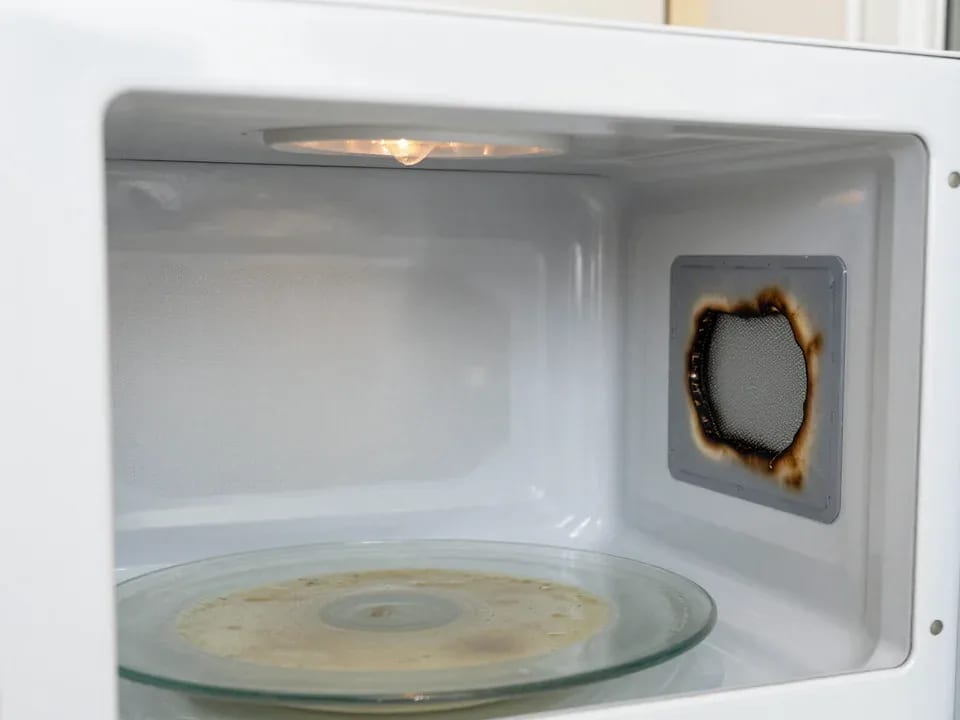
If your microwave isn't heating but the light and turntable still work, the problem is usually one of the high-voltage components — the magnetron, diode…
15 February 2026 · 12 minutes read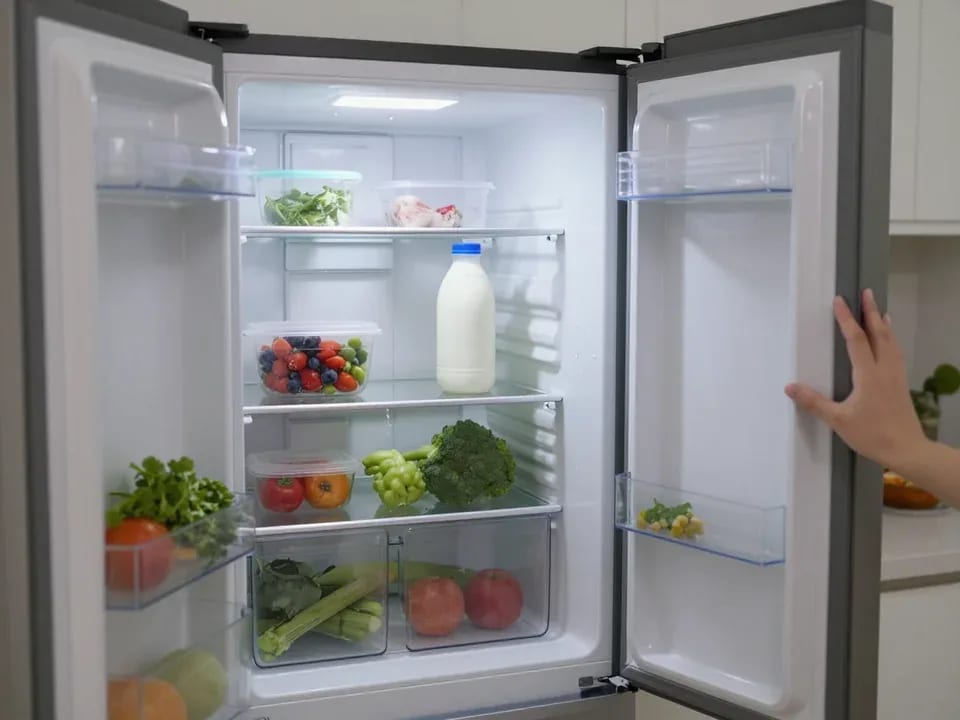
If your refrigerator stops working, first check the outlet, the power cord, and the thermostat setting, and after defrosting let it stand for a while.
4 February 2026 · 12 minutes read
Washing machine error codes are self-diagnostic codes that point to a specific component: drain, water fill, heating, motor, or door lock.
29 January 2026 · 13 minutes read