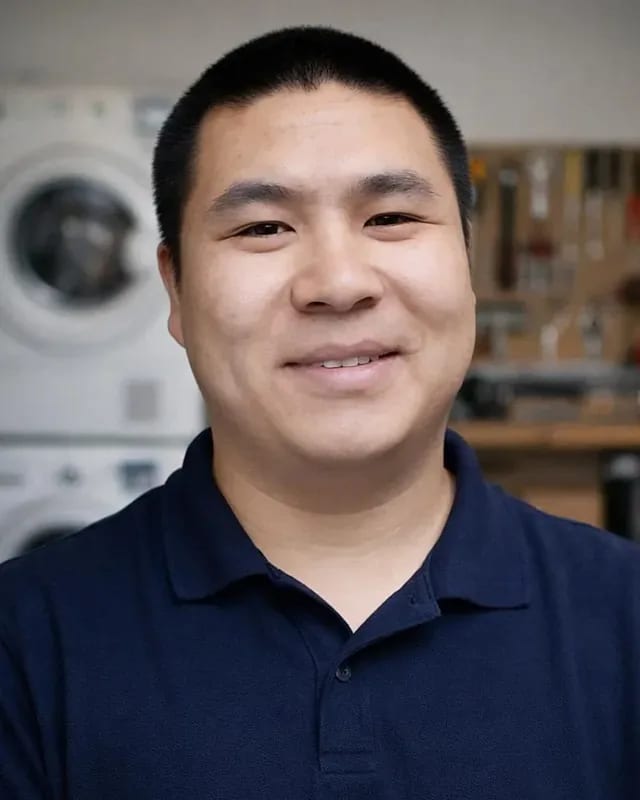
 experience9 years
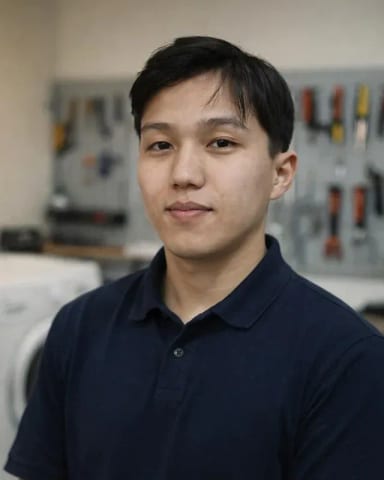
Ruslan Ts.
Washing machine and refrigerator repair technician
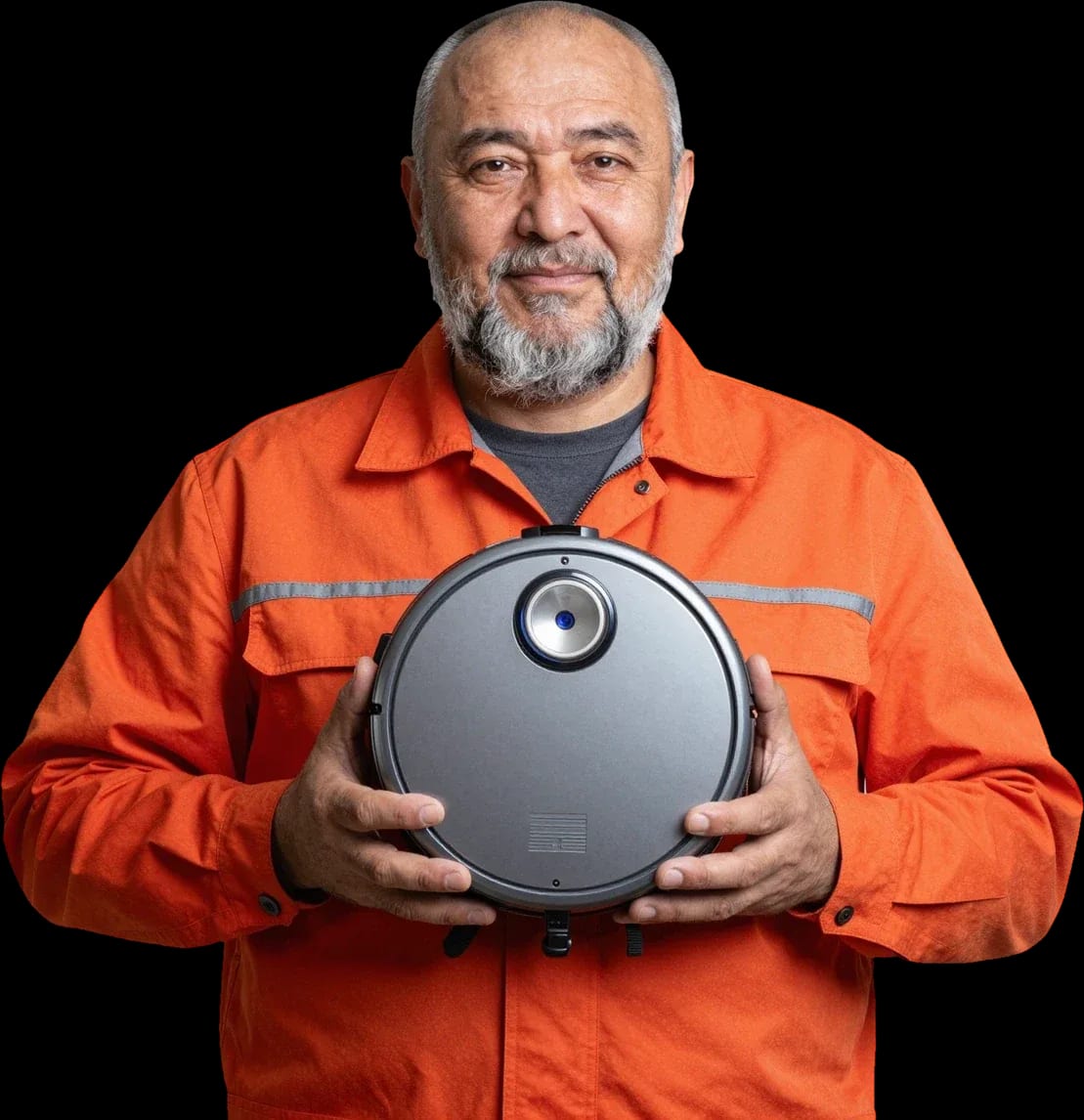
A technician arrives within 60 minutes anywhere in the city. Diagnostics are free.
Our own technicians4 to 20 years of experience

Repair prices
The symptom points to a specific component, but the exact cause is identified by a technician after free diagnostics.
Discharged battery, oxidized contacts
from3 000 ₸
Dock, power adapter, worn battery
from9 500 ₸
Clogged filter, worn brushes, turbine
from1 500 ₸
The code points to a specific component, not a glitch
from7 000 ₸
Bearing, debris in the turbine, imbalance
from3 000 ₸
Battery, motor overheating, sensor
from7 500 ₸
Reset settings, sensors, contacts
from9 000 ₸
Sticking, oxidized board, firmware
from3 000 ₸
1–3 daystime
from 8 000 ₸cost
 BeforeAfter

Five steps from your request to checking that the device works.
Describe the symptom and your vacuum model so the technician brings the right tools.
A technician arrives within 60 minutes anywhere in the city, to your device and dock.
The technician comes at a convenient time and place, checks the device, and agrees on next steps with you.
The technician gives the cost of the component and options for parts, and you choose what works for you.
The device is tested in operation — this is the final step of your order.
The home appliance repair department in Almaty has 8 technicians with 8 to 12 years of experience.
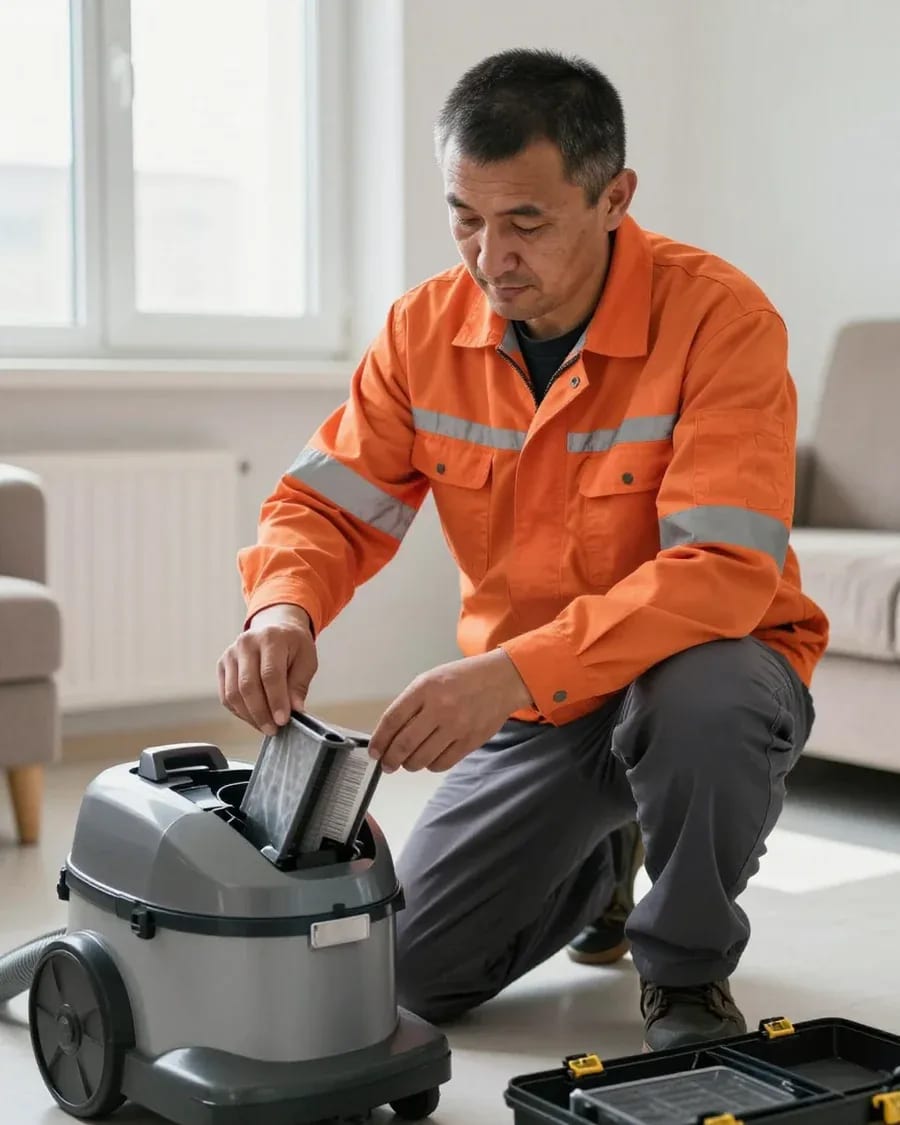
The department has 8 specializations — they are listed on the technicians' cards.
experience9 yearsWashing machine and refrigerator repair technician
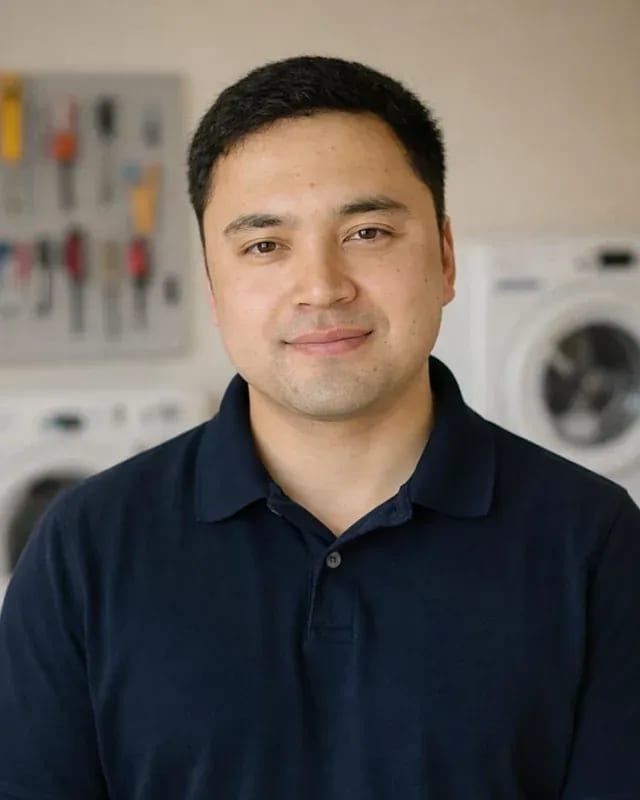 experience12 years
General household appliance repair technician
 experience10 years
Field technician for washing machine and refrigerator repair
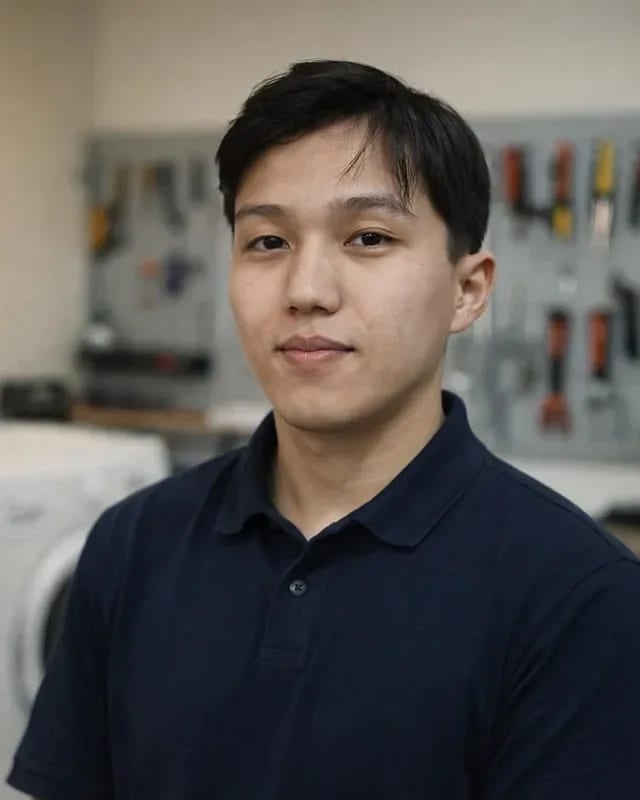 experience8 years
Expert washing machine repair technician
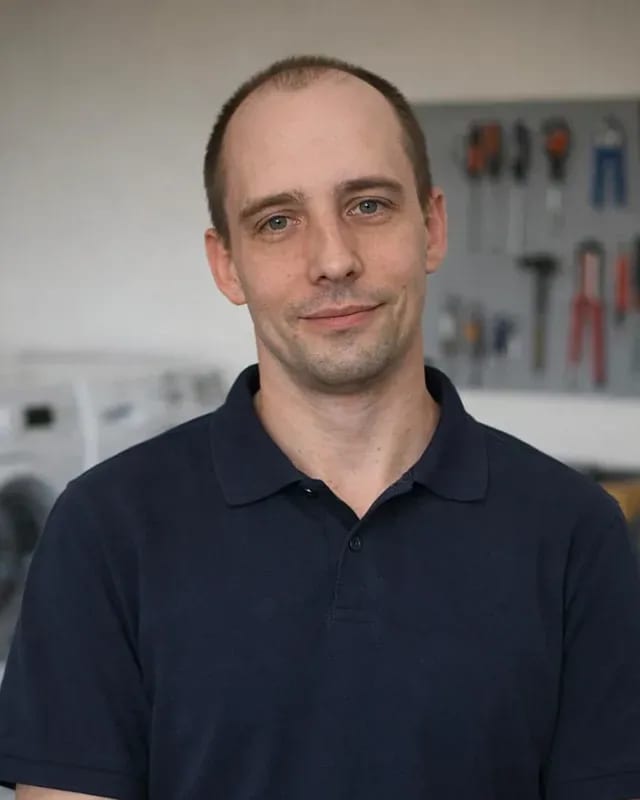 experience8 years
Field refrigerator repair technician
 experience8 years
Senior washing machine repair technician
 experience11 years
Dishwasher repair technician
 experience9 years
Washing machine repair technician
We reply during working hours
Choose your preferred contact channel and visit time — the technician will confirm the arrival and answer your questions.

Warranty question? Call us
+7 (778) 021 13 16Tech Service repairs Xrobot vacuum cleaners in Almaty as a direct provider: our technician arrives at your home within 60 minutes or takes the device to our service center. Diagnostics are free, with a 1-year warranty on labor and parts, and technicians have 4 to 20 years of experience. The technician provides the price after diagnostics.
Most Xrobot service requests start with a symptom, not a part name: the robot spins, beeps, or can't find its dock. Let's break down what the error means and how a technician reads it during diagnostics.
An error on Xrobot is a code that points to a specific component, and a Tech Service technician decodes it during free diagnostics, not from memory. The number appears on the body screen and is duplicated in the Xrobot app, where it's easy to show before the technician arrives. Behind the code are the control board, lidar, obstacle and cliff sensors, wheel motors, and suction turbine — a single entry can point to two or three components at once. During diagnostics, the technician cross-checks the number against the machine's behavior: how it starts, reacts to obstacles, and holds a charge. The code on the screen and in the app may differ from the actual cause, so the decoding is always confirmed by testing the component, not just by the error number.
If Xrobot doesn't see the base or loses the map, we check three groups of causes: charging contacts, sensors and lidar, and firmware condition. The dock should stand on a flat surface against a wall, without a rug or mirrors nearby — reflections confuse navigation. Charging contacts on the robot and the base oxidize from wet cleaning, and the machine pulls up but doesn't start charging. Lidar is responsible for mapping and navigation: a dirty glass or a stuck shaft causes a navigation error and random movement. Firmware is checked in the Xrobot app — a corrupted map after an update is restored by rebuilding it. Most often the problem isn't a single component but a combination of dirty contacts plus a corrupted map, so cleaning only the base isn't enough.
With Xrobot, it's not the whole vacuum that fails but a specific component. Let's look at which parts are replaced, which are restored, and how to tell natural wear from a real breakdown.
For Xrobot, we install a fresh battery and suction motor as modules, while lidar and the board are more often restored if a separate component is damaged rather than the whole unit. The battery loses capacity after several hundred charging cycles, and then the robot can't complete a full cleaning on one charge. The suction motor wears on the bearing and impeller — traction drops and a whistling appears. In the lidar, the rotation drive and optical window are more often affected: dirt or a chip causes a navigation error, even though the module itself is intact. The control board is checked for burned traces and swollen capacitors — with a local defect, it's restored rather than thrown away. Xrobot vacuum repair in Almaty is built on exactly this component-level troubleshooting. The choice between installing a new part and restoring the old one depends on the condition of the mounting seats and ribbons, so it's made after troubleshooting, not based on the symptom.
| Xrobot component | Typical symptom | Repair option |
|---|---|---|
| Battery | discharges quickly, won't charge | install a new battery |
| Lidar | doesn't map, spins in place | repair or replace the module |
| Suction motor | weak suction, noisy | install a new motor |
| Power board | won't turn on, won't charge | repair the component |
| Charging contacts | doesn't see the dock | clean or replace the contacts |
| Brushes and turbo brush | squeaking, poor cleaning | replace the consumable |
| Dock | robot doesn't return | repair the dock |
For Xrobot, we work with parts that can be sourced for a specific model, and during diagnostics we name the required component and what its availability depends on. Restoring Xrobot vacuums in Almaty isn't about a single warehouse: the lineup includes different generations, and a component from one model doesn't always fit another without modification. We check the part number against the specific unit before offering a repair option. If a part for the model is unavailable, the technician suggests an alternative for that block rather than a "universal" component that breaks compatibility. Our specialists have worked with this brand for 4 to 20 years and can tell from the condition of the board, connectors, and mounts what installing an unsuitable part will lead to. That's why an on-site diagnostic in the city remains the first step: it shows which component actually needs to be installed.
The process is the same whether at your home or at the service center: a technician arrives, finds the cause, agrees on the scope, and finishes with testing. Let's go through the steps from request to warranty and what the technician does at each stage.
After you request service, a Tech Service technician arrives within 60 minutes anywhere in the city and performs free diagnostics on your Xrobot on-site. First, they ask about the symptoms: not mapping, spinning in place, not returning to the dock, or shutting down mid-clean. Then they open the housing and check the components in sequence — the battery under load, lidar, suction motor, sensors, and charging contacts. During diagnostics, the specialist notes the symptom and works from it to the cause, so the culprit may not be the component the owner suspected: a discharged battery often masquerades as a navigation failure. Diagnostics are free regardless of your decision to proceed with the repair — in my view, it's an honest way to first understand the extent of the problem and then decide.
After diagnostics, the specialist agrees on the scope of work and the cost, then repairs the Xrobot at your home or at the service center and tests the result. The defect report lists each component with its condition: those needing replacement, those that can be cleaned and adjusted, and those working normally. The cost is quoted after free diagnostics — before any work begins, so the decision remains with the owner. Some faults are fixed on-site, while others are better handled at the service center, where there are proper conditions for disassembling the housing and checking the electronics. Testing includes verifying the return to the dock and map building, since these functions are most often affected when components fail, as well as running a cleaning cycle on different surfaces. Moreover, we check not only the repaired component but also neighboring ones, so that a related defect doesn't surface a week later.
Tech Service provides a 1-year warranty on labor and parts, and this applies to both on-site service and work done at the service center. The term is the same regardless of complexity: whether after replacing the battery or after restoring the lidar or suction motor. The warranty covers the work performed and the installed part, so if you contact us again, the technician first checks the specific unit that was serviced — this helps find the cause faster. In our practice, most repeat calls are related to the battery and charging contacts, and under warranty we return to these units first. You can pay via Kaspi QR, Kaspi Red, card, cash or bank transfer, and the warranty card records which unit and which part are covered. Keep it — it makes it easier to confirm that the case is under warranty and not a new one.
The quality of work and the warranty depend on who actually comes to your robot. Let's look at the difference between a direct contractor, an aggregator, and a private technician.
Tech Service is a direct contractor: our specialist comes to you, not a subcontractor to whom an aggregator passed the request. An aggregator only collects requests and distributes them among third-party contractors, while an intermediary adds an extra link between the owner and the person holding the tools. With us, the person personally performs diagnostics, disassembles the case, and is responsible for the result to the client. A private technician also works directly, but one person rarely covers the entire set of units — lidar, suction motor, control board, battery. In our practice, the difference shows at the stage of agreeing on the work: a contractor with his own responsibility explains what exactly he is doing and why, rather than forwarding the question down the chain. When contacting through an aggregator, the warranty is provided by the party who actually performed the work, so clarify in advance which party is responsible for the result. The experience of our specialists ranges from 4 to 20 years, and each one handles the device from the first inspection to delivery.
The Tech Service specialist quotes the price after free diagnostics, and the service itself provides a 1-year warranty on labor and parts. Diagnostics costs the owner nothing: first our employee checks the unit and determines what exactly has failed, and only then states the amount and scope of work. This procedure protects against a situation where a fault is guessed over the phone and a different defect is found on site. The 1-year warranty covers both the replaced part and the work itself — if the unit misbehaves again, the same service resolves the issue, not a third party. The cost depends on the unit and the type of work, so naming it before diagnostics would mean guessing rather than calculating. The owner chooses an acceptable option with a clear picture of the fault in hand, and on-site visits within the city take up to 60 minutes.
A few simple steps before the technician arrives help preserve information about the fault and speed up Xrobot diagnostics. Below is a list of what to prepare in advance and the units that are best left untouched.
Before the technician arrives, do not reset the map and settings in the Xrobot app, because they show how the robot behaved before the breakdown. Save the error log with codes and times of their occurrence — this timeline shows the sequence of failures and isolated cases. Remember or write down at what stage of cleaning the device stops: at the start, on the way back to the base, or in the middle of the room. Do not delete the app or reinstall the firmware before inspection — during an update, old error records are erased irrevocably. If the device freezes in the app, take a photo of the screen with the status: the snapshot will remain even after a restart. The saved map and error log help the technician quickly link the symptom to a specific unit, and after a reset this information cannot be recovered.
You can clean the charging contacts and brushes yourself, but taking apart components and replacing the board without diagnostics often makes the problem worse. Dust on the base contacts and oxidation on the battery terminals cause a false charging error — wipe them with a dry cloth and the device will dock again. Hair clogged on the brushes and in the wheel reduces motor current, causing the device to stop with a movement error. However, removing the lidar, disassembling the suction motor, and soldering the control board require verifying the cause: without it, a new component fails in the same way. Replacing a part incorrectly without identifying the source of the failure leads to repeated breakdowns, so saving on diagnostics results in a second visit. If the error persists after cleaning the contacts and brushes, a specialist needs to take a look.
Repairing an Xrobot robot vacuum comes down to a few recurring scenarios: understanding the error code, confirming the cause through testing, and choosing between replacing a component or restoring it part by part.
Tech Service technicians repair other appliances too — with the same 1-year warranty on labour and parts.
 Refrigerator Repair in Almatyfrom 3 000 ₸
 Washing Machine Repair in Almatyfrom 3 000 ₸
 Dishwasher Repair in Almatyfrom 3 500 ₸
 Oven Repair in Almatyfrom 3 000 ₸
 Cooktop Repair in Almatyfrom 3 500 ₸
 Air Conditioner Repair in Almatyfrom 3 500 ₸
 Boiler and Water Heater Repair in Almatyfrom 2 500 ₸
 Freezer Repair in Almatyfrom 6 000 ₸
 Tumble Dryer Repair in Almatyfrom 5 000 ₸
 Coffee Machine Repair in Almatyfrom 2 500 ₸
 Robot Vacuum Cleaner Repair in Almatyfrom 3 500 ₸
 Vacuum Cleaner Repair in Almatyfrom 1 500 ₸
 Microwave Oven Repair in Almatyfrom 2 000 ₸
 Hair Dryer Repair in Almatyfrom 1 500 ₸
 Iron Repair in Almatyfrom 3 000 ₸
 Electric Kettle Repair in Almatyfrom 2 500 ₸
 Mixer Repair in Almatyfrom 2 500 ₸
 Multicooker Repair in Almatyfrom 500 ₸

If your dishwasher won't drain, the most common culprits are a clogged filter or drain hose; less often, it's the pump, impeller…
24 March 2026 · 12 minutes read
A washing machine can hum for many reasons, and the first thing to figure out is when the sound appears.
20 March 2026 · 12 minutes read
If your washing machine isn't filling with water, the most common culprits are a closed valve, a clogged inlet filter screen on the hose…
20 February 2026 · 13 minutes read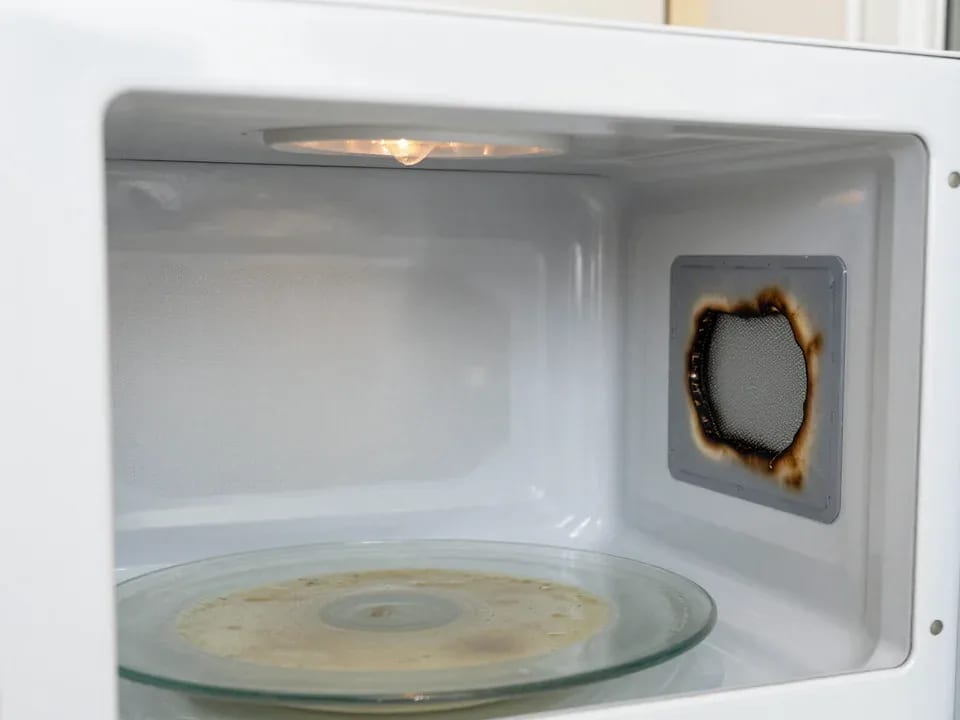
If your microwave isn't heating but the light and turntable still work, the problem is usually one of the high-voltage components — the magnetron, diode…
15 February 2026 · 12 minutes read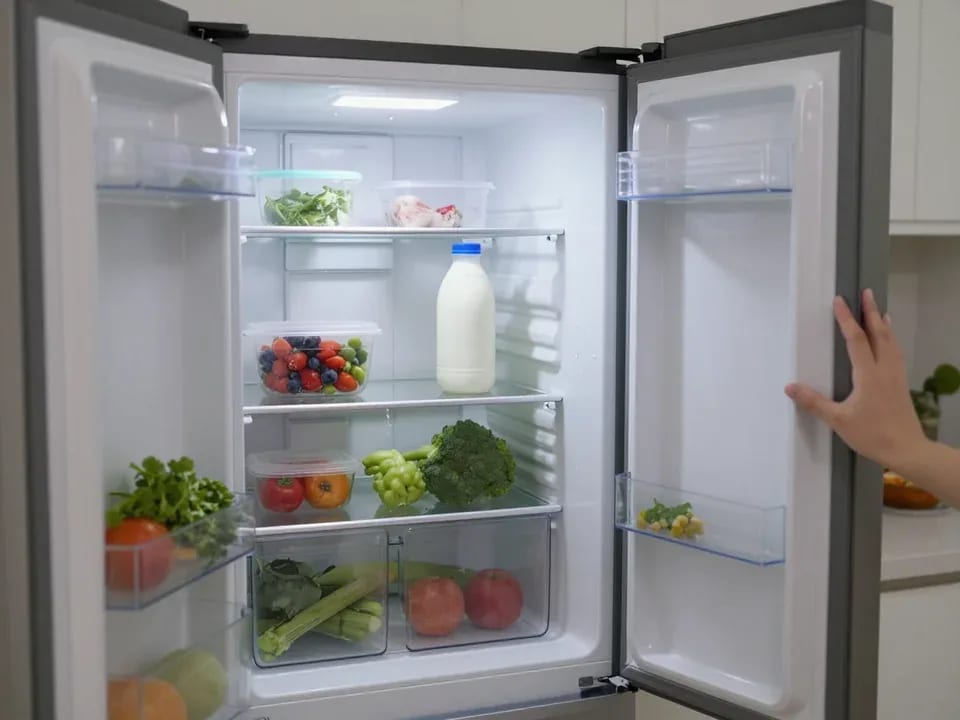
If your refrigerator stops working, first check the outlet, the power cord, and the thermostat setting, and after defrosting let it stand for a while.
4 February 2026 · 12 minutes read
Washing machine error codes are self-diagnostic codes that point to a specific component: drain, water fill, heating, motor, or door lock.
29 January 2026 · 13 minutes read