 experience9 years
Ruslan Ts.
Washing machine and refrigerator repair technician
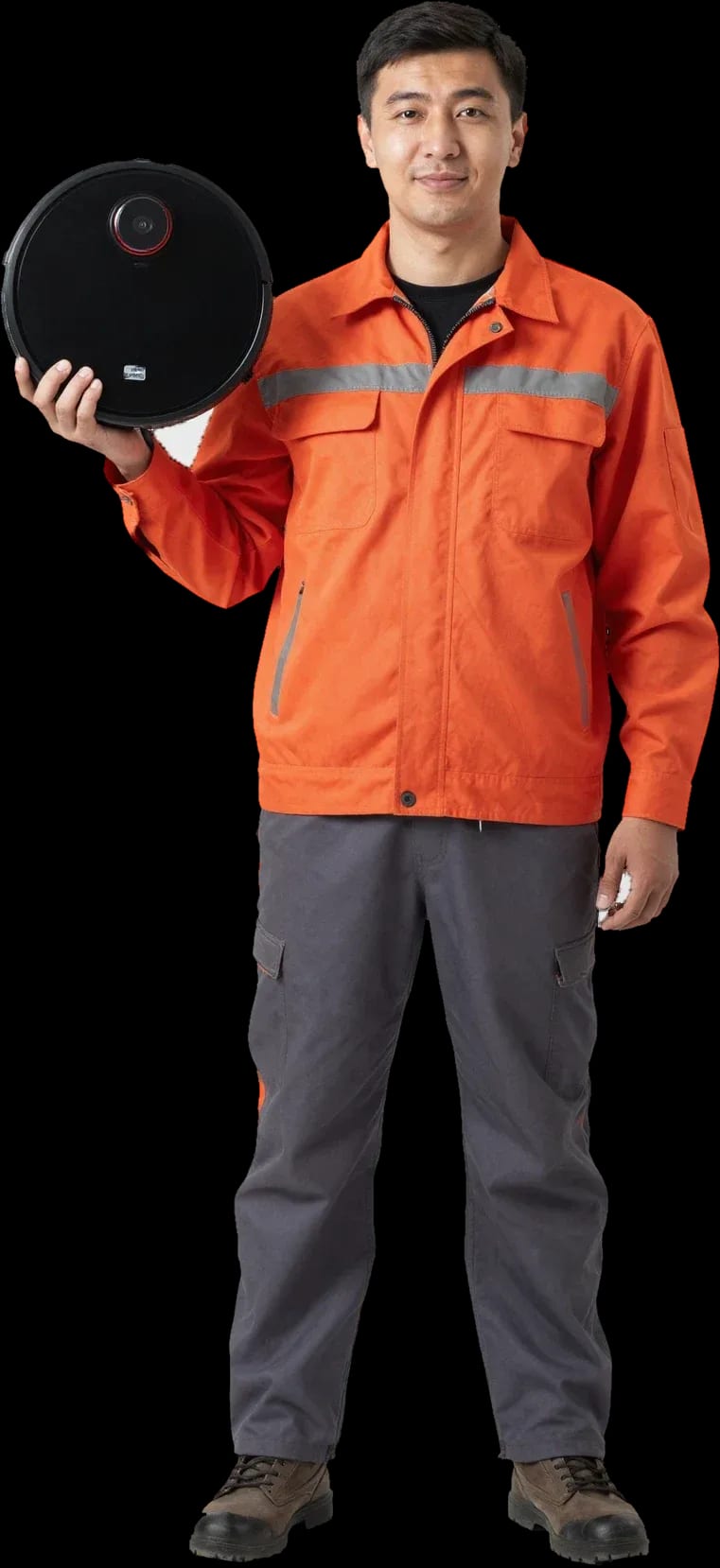
We'll get your device moving and charging again. Diagnostics are free, and a technician arrives within 60 minutes anywhere in the city.
Our own technicians4 to 20 years of experience




Repair prices
Pick a group by symptom: power, movement, or navigation — and see the likely components.
contacts, battery, board
from4 500 ₸
button, battery, board
from4 500 ₸
brush motor, belt, clog
from5 000 ₸
sensors, contacts, board
from5 500 ₸
bearing, debris in turbine
from3 500 ₸
battery, contacts, board
from4 500 ₸
sensors, wheels, board
from4 000 ₸
battery, motor, board
from4 500 ₸
1–2 daystime
from 5 000 ₸cost
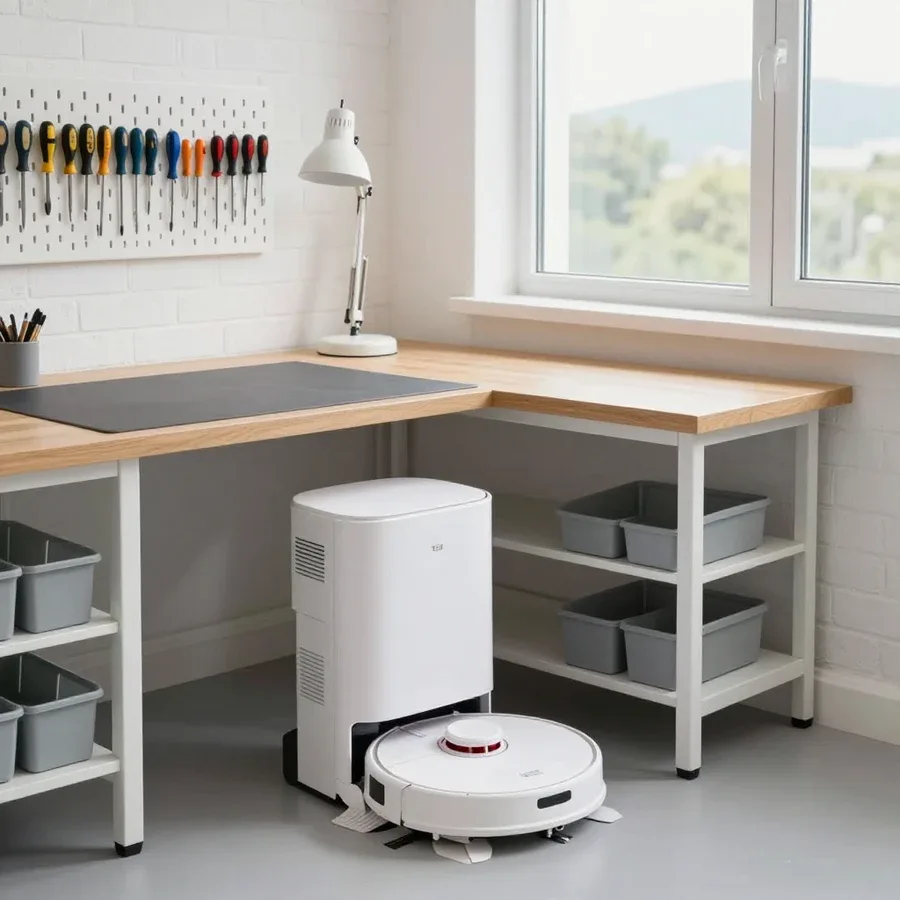 BeforeAfter

Five steps from request to checking the device after the work.
Describe the symptom and model — the technician will prepare for the visit.
A technician arrives within 60 minutes anywhere in the city.
On-site diagnostics before any work: the technician identifies the faults and repair options.
The technician shows the part and scope of work; you approve before they start.
The technician starts the device, demonstrates how the components work, and hands over the replaced part.
The home appliance repair department in Almaty has 8 technicians with 8 to 12 years of experience.
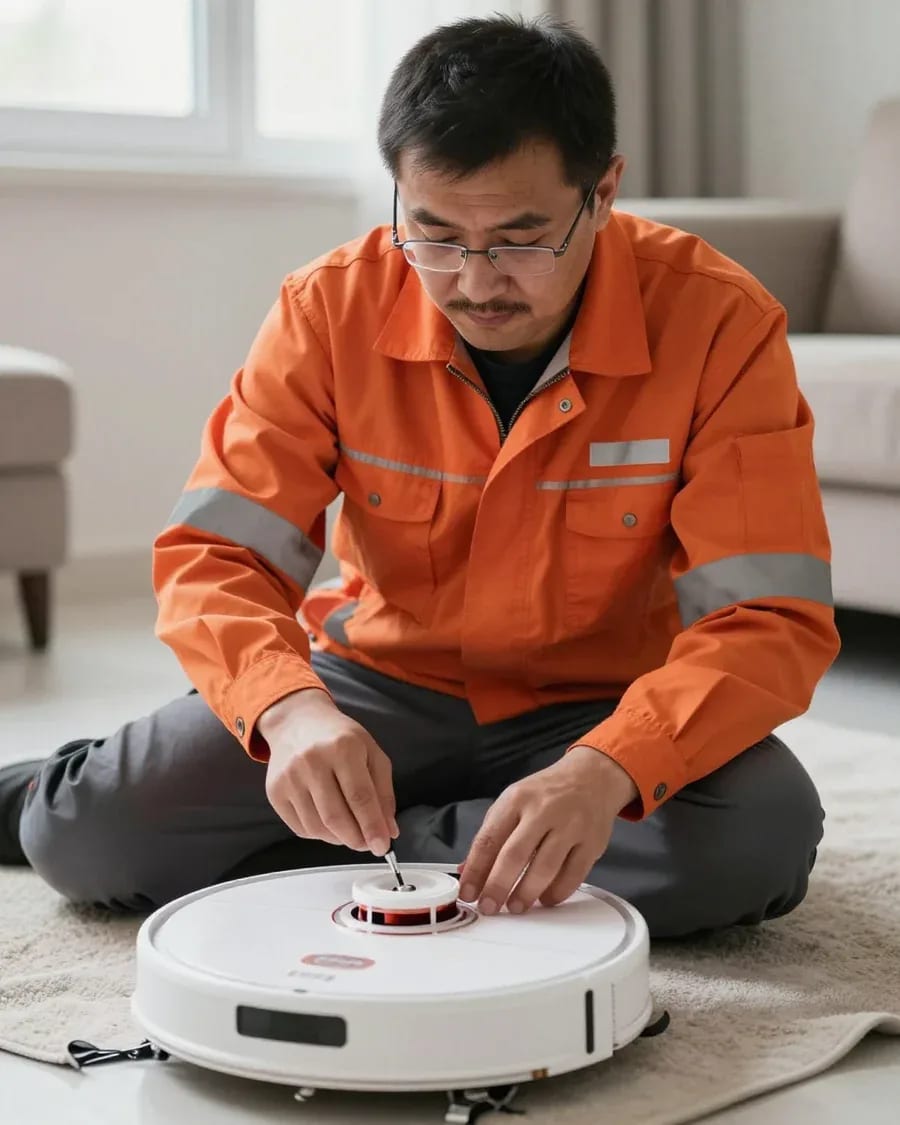
The department has 8 specializations — they are listed on the technicians' cards.
experience9 yearsWashing machine and refrigerator repair technician
 experience12 years
General household appliance repair technician
 experience10 years
Field technician for washing machine and refrigerator repair
 experience8 years
Expert washing machine repair technician
 experience8 years
Field refrigerator repair technician
 experience8 years
Senior washing machine repair technician
 experience11 years
Dishwasher repair technician
 experience9 years
Washing machine repair technician
We reply during working hours
Describe the symptom and model of your robot vacuum so the technician can bring the right parts and prepare for the job.

Warranty question? Call us
+7 (778) 021 13 16Tech Service repairs robot vacuums in Almaty as a direct provider: our technician comes to your home or we take the device into our service center. Diagnostics are free, the technician arrives within 60 minutes anywhere in the city, and we provide a 1-year warranty on labor and parts. The technician gives you the price after diagnostics.
Robot vacuums fail in a few typical ways—charging, navigation, suction, electronics. Let's go over what you can check yourself and when it's time to call a technician.
Most often the culprit is a worn-out Li-Ion battery or oxidized contacts on the dock and on the robot itself. A lithium battery loses capacity after 300–500 full cycles: the robot reaches the station but the charge indicator doesn't go up and blinks red. The second scenario is dust and moisture settling on the charging pads—the metal darkens, resistance increases, and the control board stops detecting the dock. A third, less common one is a failed power supply in the dock. There's also a fourth: after a firmware update, the robot doesn't recognize the dock even though the contacts are physically fine. The technician gives you the repair cost after a free diagnostic—the final price depends on what exactly failed. Before taking the device to service, wipe the contacts with a dry cloth and place the robot on the dock manually—if the charge indicator doesn't respond, the problem is already in the battery or the charging board.
This behavior is usually caused by the lidar, IMU sensor, or a firmware glitch, not by wheel mechanics. The lidar—a rotating laser module on top of the body—scans the room and builds a map; when its window is clogged with dust or the drive motor stops, the robot spins in place and shows a navigation error. The IMU sensor handles orientation in space: if it fails, the device loses direction and moves in curves. A firmware glitch produces a similar picture—the robot can't find the dock even though it's just a couple of meters away. Another cause is a clogged bumper: the collision sensors stick, and the robot turns at every obstacle. If after a reboot and resetting the map in the app the robot still spins in place or shows a lidar error, only diagnostics will help—the lidar module itself can't be repaired with household methods.
We work in two ways: a specialist comes to you or the device goes to our workshop. Let's go over which breakdowns are fixed on-site and which require a workshop.
We can fix a robot vacuum at your home when the issue involves consumables or simple peripherals: we replace the battery, brushes, and filters, check the base contacts and sensors, update the firmware, and set up the app. The technician arrives with their own tools, so most of these jobs are done in a single visit. Base contacts are cleaned of oxidation and dust, obstacle sensors and bumpers are tested for response, and firmware is updated through the manufacturer's app to restore proper navigation and cleaning schedule. We also check the charging current at the device's contacts: a voltage drop indicates the problem is not the battery itself but the power circuit. If the robot still drains quickly after a battery replacement, the cause may be the charging board — in that case, the device is taken to the workshop so the owner doesn't have to make two trips. This approach saves time: a fault that can't be fixed on-site goes straight to the workshop. If you're not sure where to repair your robot vacuum, the technician will tell you over the phone whether it can be fixed at home or if service is required.
Control boards, lidars, turbine motors, and complex navigation issues go to the workshop — they require disassembling the case with hidden latches and checking the electronics. The control board is responsible for power, charging, and communication with sensors, so it is diagnosed only on a disassembled device. The lidar and turbine motor are replaced as a module after checking the ribbons and connectors, and the mounting seats are inspected for play and overheating. Hidden case latches are easy to break during DIY disassembly, so we perform such work only in the workshop, where we have tools for the specific model. When picking up the robot, the specialist immediately states which components will be checked so the owner understands the scope of work. Don't disassemble the case yourself out of curiosity: a broken latch often means replacing the panel rather than restoring a single component.
| Type of fault | Where resolved | What the technician does |
|---|---|---|
| Battery, brushes, filters | At home | Replacement and charge check |
| Base contacts, sensors | At home | Cleaning and signal check |
| Firmware, app | At home | Update and setup |
| Lidar, turbine motor | In service | Disassembly and module replacement |
| Control board, ribbons | In service | Electronics diagnostics |
Diagnostics is not a formality but a way to pinpoint the cause and cost. Here's what the technician checks and why our diagnostics is free.
We measure battery capacity, read error codes, check sensors, base contacts, and the control board — and only then state the cause. The measurement shows how many milliamp-hours the battery actually delivers versus its rated values, and the error log shows at which cleaning cycle the device stops. We also test the base contact pads: oxidation on them mimics a discharge and disrupts charging. The control board is checked for swollen capacitors and signs of overheating in the power circuit. Capacity measurement in mAh shows the actual battery wear, so replacement based on this parameter is justified, not done 'just in case'. If capacity has dropped by a third from nominal, cleaning contacts won't help — a new battery is needed.
Diagnostics are free at our service, and the technician gives you the price after the check — once the cause and scope of work are clear. This approach removes the main worry for owners: hearing a price for work that isn't actually needed. First, the technician takes the robot vacuum apart, finds the faulty component and explains what exactly failed — for example, the turbine motor burned out or the brushes wore down. Then they agree the list of work with you and only start repairs after you confirm. You pay to fix a specific problem, not just for the fact that the device was taken apart. In our experience, this approach protects the customer from invoice surprises: first the cause, then approval, and only then the repair. You can decline the work at any stage before replacement begins — you lose nothing except the time spent on the visit.
Below is a summary of typical breakdowns and the brands customers most often bring to us. The table helps you understand in advance what the owner is dealing with.
| Symptom | Likely cause | Technician's action |
|---|---|---|
| Not charging | Battery or dock contacts | Measure capacity, clean contacts |
| Spins in place | Lidar or IMU sensor | Check sensors, replace module |
| Weak suction | Turbine motor or filter | Clean, install new motor |
| Brush not spinning | Drive motor or brush | Replace brush, check drive |
| Won't turn on | Control board | Electronics diagnostics at the service center |
| Won't connect to Wi-Fi | Firmware or module | Reset, update firmware |
We service Xiaomi, Roborock, Dreame, iRobot and other popular robot vacuum brands. For each of them we have experience with typical faults — from battery replacement to control board work. We repair robot vacuums in Almaty with the specific model in mind. Different manufacturers have their own error codes, different board layouts and lidar mounting designs, so the technician confirms the exact model before the visit: using the model number, they check the list of known faults and plan the work. With Xiaomi and Roborock, customers most often come to us about navigation and dock contacts; with Dreame, about turbine motors; with iRobot, about brushes and batteries. In our experience, giving the model in advance saves time: the technician knows right away which component they'll be working on. It's also worth reading out any error codes on the screen or in the app when you request service — they make it easier to pick the right part and prepare tools for the specific housing.
For a robot vacuum owner, not only the timeline matters but also who exactly repairs the device and what happens if the breakdown recurs. Here we cover the warranty, the direct format of work, and the experience of our technicians.
We provide a 1-year warranty on labor and parts — it covers both battery replacement and control board repair. The condition applies to the entire scope of work performed: if the same unit fails again after a few months, the repeat service and the part are covered by the warranty, not charged separately. This scheme covers both sides of the issue — the quality of installation and the quality of the part itself, because responsibility for both lies with one contractor. For the owner, this means that if the breakdown recurs, there's no need to search for a contractor again or pay for another inspection. A warranty on the part separate from the labor is important because, in case of a recurrence, the client doesn't pay twice — both for the part and for the technician's repeat visit.
Tech Service is a direct contractor: our technician comes to you, not an aggregator's courier, and the work is done by the same specialist who performed the diagnostics. Your request is not resold to another robot vacuum service center: the on-site technician inspects the device, identifies the cause, and performs the work himself, so he is personally responsible for the result. Unlike an aggregator, we don't pass the request to third-party subcontractors — the entire chain from the first call to the post-service check stays within one team. This format eliminates the main problem of intermediary schemes: when the device breaks again, you don't have to track down "that same" specialist through a dispatcher and re-explain the repair history. Responsibility for the result lies with the contractor and doesn't dissolve among subcontractors.
Our technicians have from 4 to 20 years of experience, and on-site visits within the city take up to 60 minutes. Such experience means the specialist has already encountered typical failures across different models — from base contact issues to control board errors — and doesn't waste time guessing during disassembly. The 60-minute visit works throughout the city, so you don't have to wait half a day for a technician. An experienced technician can often guess the cause from the symptom description, so he gets to work faster. In my opinion, it's this combination — experience plus fast response — that saves the owner the most time: the breakdown doesn't have to be diagnosed twice, and the first visit immediately turns into service.
When a robot vacuum breaks down, two questions arise — repair or buy a new one, and can you replace the battery yourself. We cover both.
Restoration makes sense when the failure is local — battery, brushes, sensors, or turbine motor — and the body and electronics are intact. Replacing one or two parts gets the device working again, while a new robot vacuum costs many times more than the repair itself. If both the control board and the turbine motor have failed at the same time, the total repair cost approaches the price of a budget model, and the decision shifts toward buying a new one. We always start with free diagnostics: it reveals the real list of faults, not just the one that stopped the device from cleaning. Repairing a robot vacuum also makes sense because the mechanics and body last longer than the electronics — their durability usually outlasts one or two batteries. If diagnostics show that several expensive components need replacing at once, it's more honest to tell the client that such work isn't worth it than to push it on them.
Technically, you can replace the battery yourself, but without measuring capacity it's easy to install a part with unsuitable parameters and not solve the problem. The Li-Ion pack inside a robot isn't a single cell but a group of elements with specific voltage and capacity, and a universal replacement from a store often differs in these characteristics. The device may come back to life, but cleaning time will be shorter, and the charging board will operate outside normal conditions and heat up. Capacity measurement during diagnostics shows how much of the original resource actually remains, and only then is a compatible pack selected. The practice is simple: if the robot holds a charge noticeably less than usual, first check the capacity, and only then buy a part. A battery with the wrong capacity or voltage reduces runtime and can damage the charging board — so before replacing, it's worth checking the actual wear.
If the robot doesn't respond to buttons and won't charge, the likely cause is the control board or a deeply discharged battery. The control board distributes power between motors, sensors, and charging, and its failure shows up as complete silence from the device. Deep discharge looks similar: indicators are off, buttons don't respond, the base doesn't recognize the device. It's impossible to tell one from the other without opening it up and checking voltage at the terminals, so random attempts to "revive" the device rarely work. If the robot won't turn on at all, robot vacuum repair starts with checking the power circuit, not replacing buttons. Before calling a technician, leave the robot on the base for a few hours — sometimes a deeply discharged battery comes back to life, and that changes the repair plan.
A robot vacuum breaks for a dozen reasons, and outwardly identical symptoms lead to different faults. Below is a short summary to help you decide before contacting a service center.
Tech Service technicians repair other appliances too — with the same 1-year warranty on labour and parts.
 Refrigerator Repair in Almatyfrom 3 000 ₸
 Washing Machine Repair in Almatyfrom 3 000 ₸
 Dishwasher Repair in Almatyfrom 3 500 ₸
 Oven Repair in Almatyfrom 3 000 ₸
 Cooktop Repair in Almatyfrom 3 500 ₸
 Air Conditioner Repair in Almatyfrom 3 500 ₸
 Boiler and Water Heater Repair in Almatyfrom 2 500 ₸
 Freezer Repair in Almatyfrom 6 000 ₸
 Tumble Dryer Repair in Almatyfrom 5 000 ₸
 Coffee Machine Repair in Almatyfrom 2 500 ₸
 Vacuum Cleaner Repair in Almatyfrom 1 500 ₸
 Microwave Oven Repair in Almatyfrom 2 000 ₸
 Hair Dryer Repair in Almatyfrom 1 500 ₸
 Iron Repair in Almatyfrom 3 000 ₸
 Electric Kettle Repair in Almatyfrom 2 500 ₸
 Mixer Repair in Almatyfrom 2 500 ₸
 Multicooker Repair in Almatyfrom 500 ₸

If your dishwasher won't drain, the most common culprits are a clogged filter or drain hose; less often, it's the pump, impeller…
24 March 2026 · 12 minutes read
A washing machine can hum for many reasons, and the first thing to figure out is when the sound appears.
20 March 2026 · 12 minutes read
If your washing machine isn't filling with water, the most common culprits are a closed valve, a clogged inlet filter screen on the hose…
20 February 2026 · 13 minutes read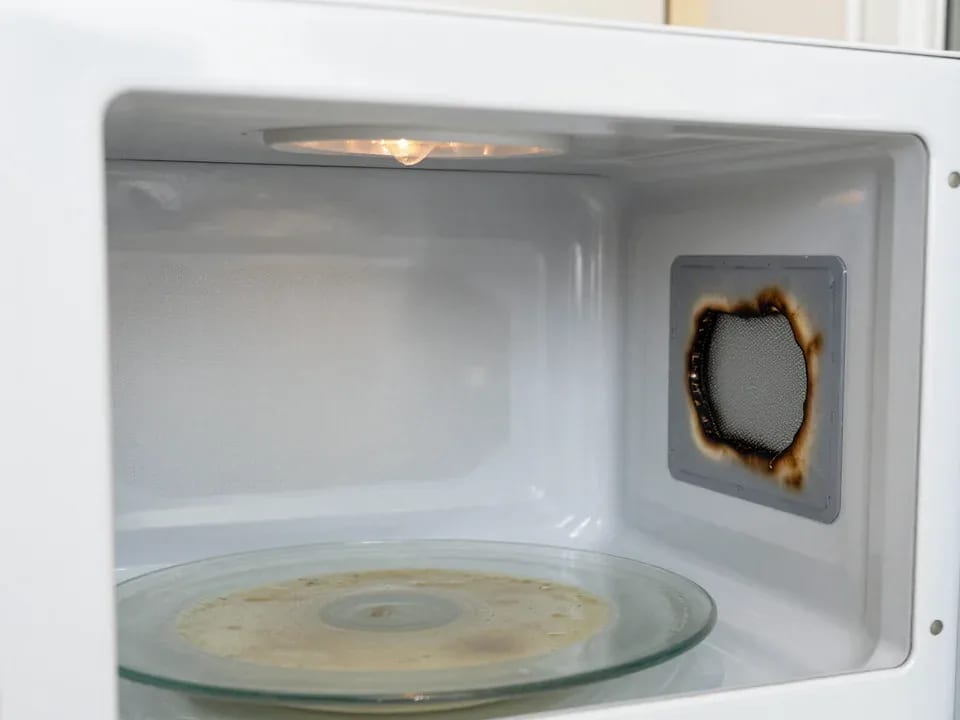
If your microwave isn't heating but the light and turntable still work, the problem is usually one of the high-voltage components — the magnetron, diode…
15 February 2026 · 12 minutes read
If your refrigerator stops working, first check the outlet, the power cord, and the thermostat setting, and after defrosting let it stand for a while.
4 February 2026 · 12 minutes read
Washing machine error codes are self-diagnostic codes that point to a specific component: drain, water fill, heating, motor, or door lock.
29 January 2026 · 13 minutes read