Original
Manufacturer's screen
- Compatibility
- Exact match of connectors and mounts
- Image
- Factory color and brightness
- Selection
- By part number and all-in-one model
- Price
- Higher, quoted after diagnostics
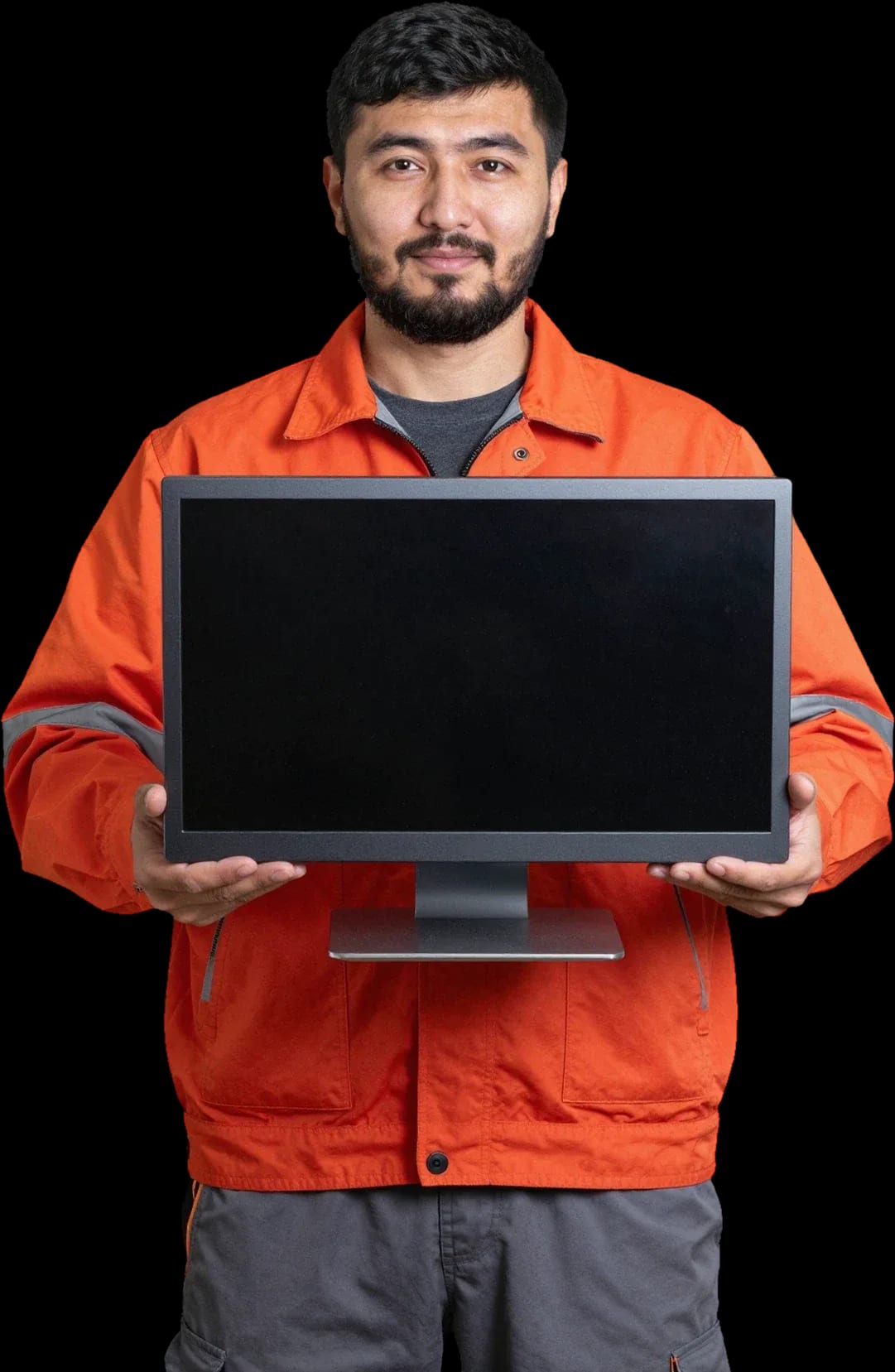
We'll install a new display on your all-in-one: we'll match the screen to your model and check the image and backlight.
Our own technicians4 to 20 years of experience




1 yearwarranty on labor and parts
60 minutestechnician arrival across the city
freediagnostics
5
Five common symptoms point to the screen or its connection. During free diagnostics, the technician can tell from the screen's appearance whether the part needs replacing or just a repair.
Flickering and shutting off
The screen flickers or turns off on its own.
Screen doesn't respond to touch
The cursor is offset or the touchscreen doesn't respond. Check calibration and response in different apps.
Cracks in the glass
Chips and cracks after an impact or pressure. Even if the image works, the glass can delaminate over time.
Spots and bright areas
Dark or light spots, bright corners around the edges.
Lines and artifacts
If the lines change when you tilt the case, it's likely a cable defect, not the screen.
Take a phone photo of the screen when the lines appear so you can show the technician what doesn't show up during inspection.
Describe the symptoms1–2 hourstime
from 11 500 ₸cost

 BeforeAfter
The computer and laptop repair department in Almaty has 7 technicians with 6 to 15 years of experience.
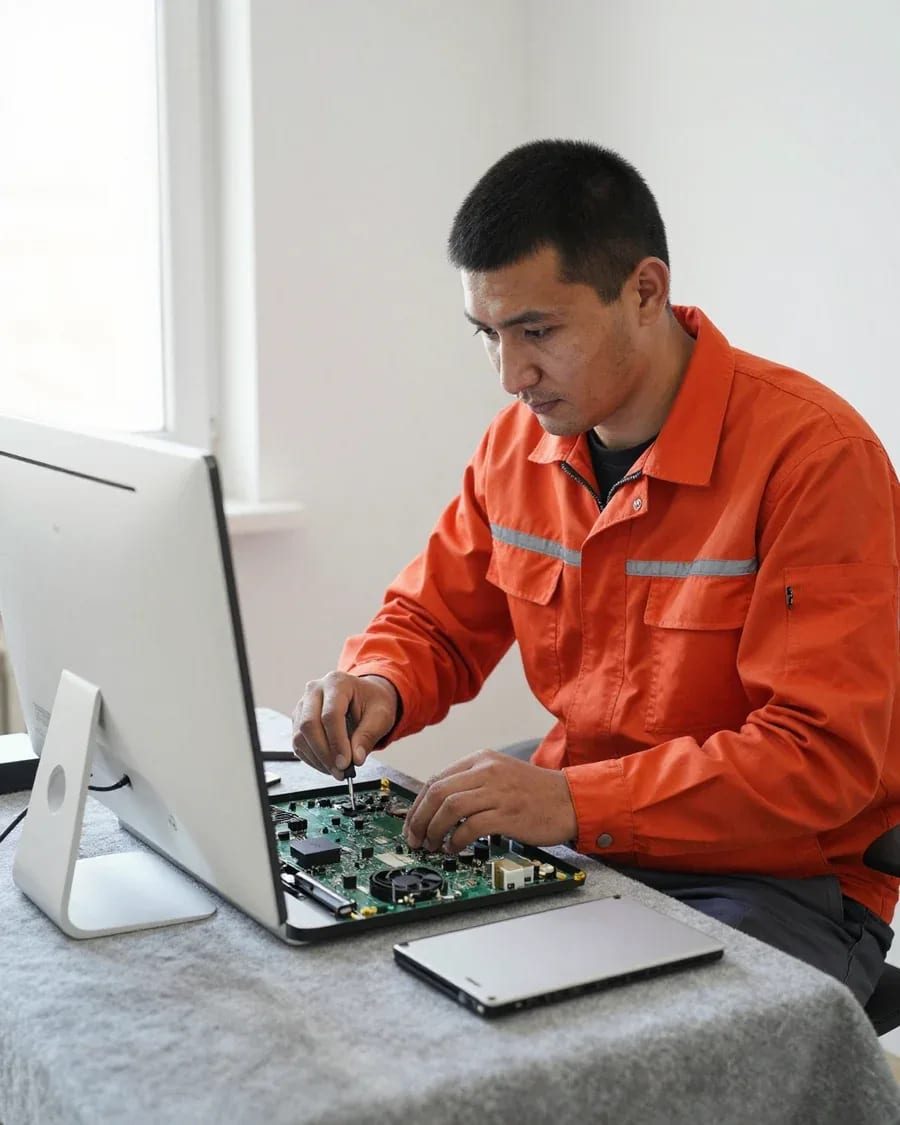
The department has 7 specializations — they are listed on the technicians' cards.
 experience10 years
Graphics card repair technician
 experience6 years
PC and laptop diagnostics technician
 experience8 years
Laptop repair engineer
 experience10 years
Software installation specialist
 experience7 years
PC and laptop repair technician
 experience13 years
Diagnostics and virus removal specialist
 experience15 years
Consultant
We reply during working hours
Leave a request and a technician will arrive within 60 minutes anywhere in the city. We provide a 1-year warranty on labor and parts.

Warranty question? Call us
+7 (778) 046 88 53Tech Service replaces all-in-one screens in Almaty with a technician visit in 60 minutes or at our service center. Diagnostics are free, the technician gives you the price after diagnostics, and you get a 1-year warranty on labor and parts. Our technicians have 4 to 20 years of experience, and you can pay via Kaspi QR, Kaspi Red, bank card, cash, or bank transfer for companies.
Not every screen problem means a broken panel. Some symptoms point to the cable, backlight, or controller board, and that determines what actually needs to be replaced.
During free diagnostics, we check the cable and connector first, because some stripes and artifacts go away after reconnecting rather than installing a new panel. The technician removes the back cover of the all-in-one, inspects the contacts, tests the cable traces, and watches how the image behaves when the cable is in different positions. Damage to the screen itself looks different: dark spots, cracks in the pixel layer, areas that don't respond to backlight and stay black at any angle. The controller board has its own signature — ripples across the whole screen, image loss when it heats up, chaotic flickering unrelated to movement of the case. If the stripes change when you tilt or press on the frame, it's more often a cable contact than the panel itself, so don't rush to agree to a new screen.
Below are symptoms that directly point to the screen, what each one means, and why you shouldn't delay the replacement.
A cracked screen over time leads to the crack spreading, backlight burnout, and cable damage, so a delayed repair costs more. A microcrack from the edge spreads to the center within a few weeks, and the distortion zone grows with it — first a thin stripe, then a third of the screen. The backlight works under overload when layers are damaged: local light spots turn into persistent yellow streaks that can't be removed by settings. The cable suffers from lid movement and temperature changes — the contact oxidizes, and signal loss adds to the stripes. Dead pixels after physical damage stay forever: it's not a software glitch but destroyed subpixels. After installing a new screen, single defective dots within the manufacturer's norm are not considered a defect.
All-in-one screen replacement follows a step-by-step process from the technician's visit to checking the image, and at every stage the client sees exactly what is being done to their device.
We arrive within 60 minutes anywhere in the city, run free diagnostics on site, and determine whether the screen needs replacing or the issue is with the cable. The inspection happens at your location, so you don't have to take the device anywhere. During diagnostics, the technician opens the case, checks the LCD panel for cracks and bright spots, verifies the cable connection, and tests how the image responds to pressure at the corners. For all-in-ones like Lenovo IdeaCentre, the technician separately checks the diagonal and mounting type against the case. Diagnostics are free, and based on the results the client immediately hears the verdict: replace the screen or just resolder the cable. During the inspection, the technician matches the model with the case and connector to determine exactly which panel will fit.
For us, all-in-one screen replacement is more complex than laptop screen replacement because the case is disassembled through an adhesive frame and clips rather than by unscrewing a few screws. In a laptop, the screen is held by hinges and two to four screws, while in an all-in-one the panel is glued into the front of the case and covered by glass that is removed around the perimeter. The technician carefully pries the frame at the edges and disconnects the power and backlight cables without touching the board or antennas inside the case. All-in-one screen repair requires patience specifically during disassembly: one careless move on the glass leaves a chip, and then the front glass is added to the panel replacement. The adhesive frame must be kept intact during disassembly, otherwise the screen will sit unevenly and bright spots will appear at the edges.
The screen is matched to the specific case model by connector, dimensions, and resolution. There is no universal solution here, and the matching is a separate step.
A laptop screen doesn't fit an all-in-one due to the connector, dimensions, and mounts, even if the diagonal matches. Panels have different pinouts, case thickness, and hinge placement, while resolution and panel type (IPS or TN) determine how the image works with the native board. An eDP cable from one model physically won't fit the LVDS connector of another, and the all-in-one's mounting holes are designed for a specific part geometry. Differences in backlight voltage and inverter circuit add another layer of incompatibility: even with a matching cable, the image may not appear or may go into protection. When matching, connector and pinout compatibility matter more than the panel brand, so screens with the same diagonal may be incompatible. Before looking for a part, take the exact number from the back of the old one — it will narrow the compatible options to a few and save time on coordination.
| Line | What we check | Panel type | Mounting |
|---|---|---|---|
| iMac | diagonal, connector, adhesive perimeter | LCD/LED | adhesive perimeter |
| HP EliteOne | connector pinout, dimensions | LCD/LED | screws and bezel |
| Lenovo IdeaCentre | connector, resolution | LCD/LED | perimeter clips |
Below you'll find details on the warranty, payment methods, and how pricing works, so you have no questions before booking a technician and approving the work.
We provide a 1-year warranty on labor and parts, which covers both the new panel and its installation. The same terms apply whether we come to your home or you bring the device to our service center: the LCD or LED panel, the adhesive frame, and the cables are all covered for the same period. A panel replacement for an all-in-one PC with warranty in Almaty means that if the screen or assembly fails again, we deal with it based on your request, not on a one-time agreement. Our technicians have 4 to 20 years of experience, so they are well familiar with typical weak points in the assembly — a misaligned frame, a loose connector, a damaged backlight cable. The warranty is valid provided the operating conditions are met, so if the screen or assembly fails again, we deal with it based on your request.
Here's a quick summary of what determines the decision to replace an all-in-one PC panel: the type of fault, the complexity of disassembling the case, the exact panel selection, and the terms of the technician's work.

If your laptop screen is broken, turn the device off first, don't press on the display, and check the picture through an external monitor.
12 March 2026 · 11 minutes read
If your laptop freezes, the first thing to do is restart it and check Task Manager to see what's loading the CPU and memory.
25 January 2026 · 12 minutes read
If your computer won't turn on, start simple: check the outlet, power cable, switch on the power supply, and the power button.
19 January 2026 · 13 minutes read
If your laptop won't boot, first determine which of two states you're in: the device doesn't respond to the power button at all…
13 December 2025 · 12 minutes read
