 experience6 years
Dmitriy R.
PC and laptop diagnostics technician
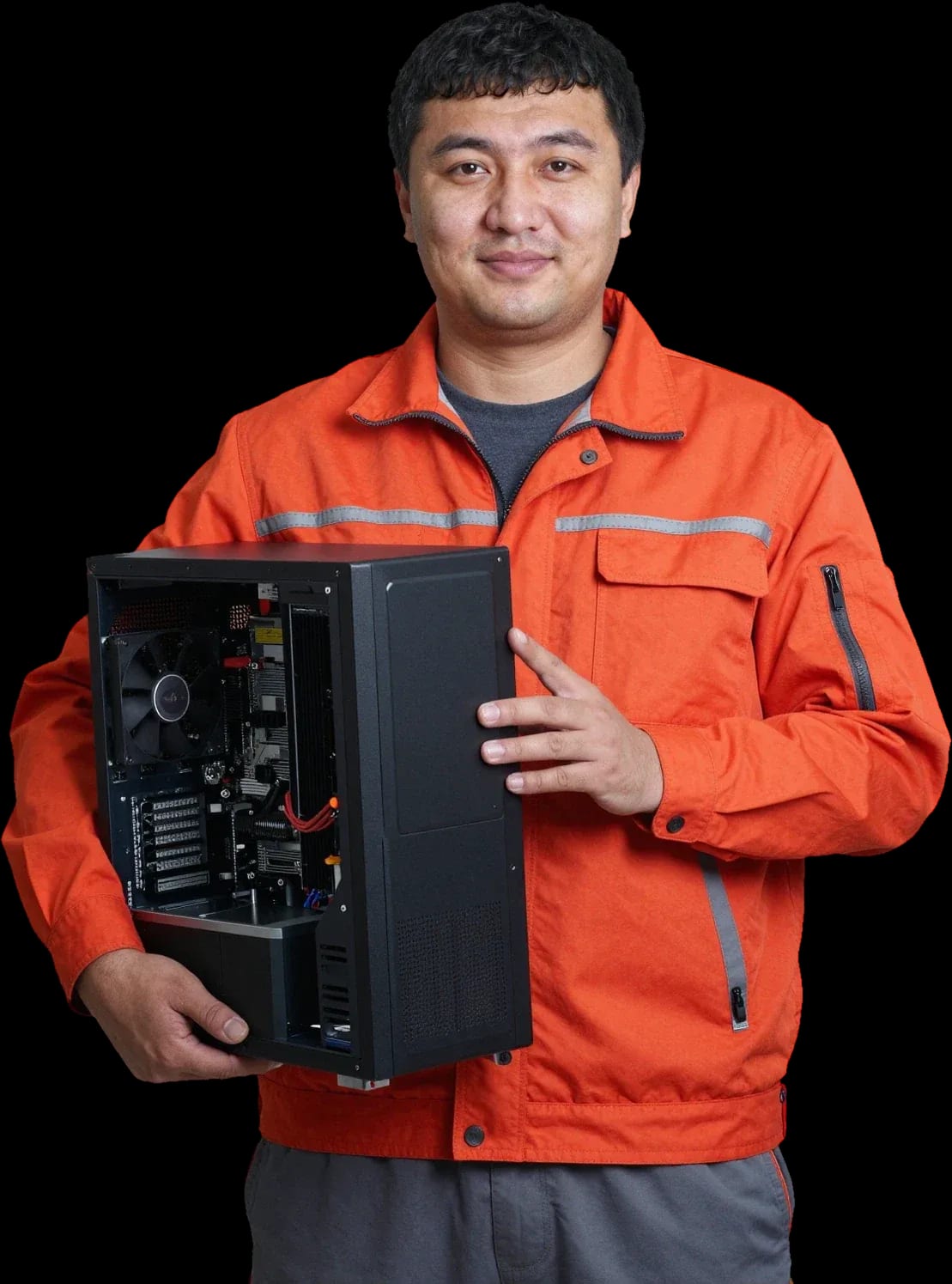
Professional cleaning of computers and laptops with a technician visit. We fix overheating and noise, and extend the life of your equipment.
Our own technicians4 to 20 years of experience




1 yearwarranty on labor and parts
60 minutestechnician visit across the city
Freediagnostics
5
Five main signs of dust buildup and overheating that the owner notices. If ignored, the equipment runs slower and may shut down.
Fan noise
A hum appears when turning on, at idle or when launching games, and changes in volume — this is a reason to check cooling.
Case heating
If the side panels or top panel of the desktop are noticeably hot, heat dissipation is impaired.
Performance drop
Stutters are noticeable in games, when watching video and rendering, and repeat more often — this is a signal to check the cooling system.
Dust on filters
Dust quickly settles on the front panel and grilles — this indicates room ventilation and cleaning frequency.
Dusty smell and buildup
The smell of heated dust and buildup on case filters is a household sign that ventilation is overloaded.
The sooner you clean, the lower the risk of overheating and component wear.
Describe the symptomsThe computer and laptop repair department in Almaty has 7 technicians with 6 to 15 years of experience.
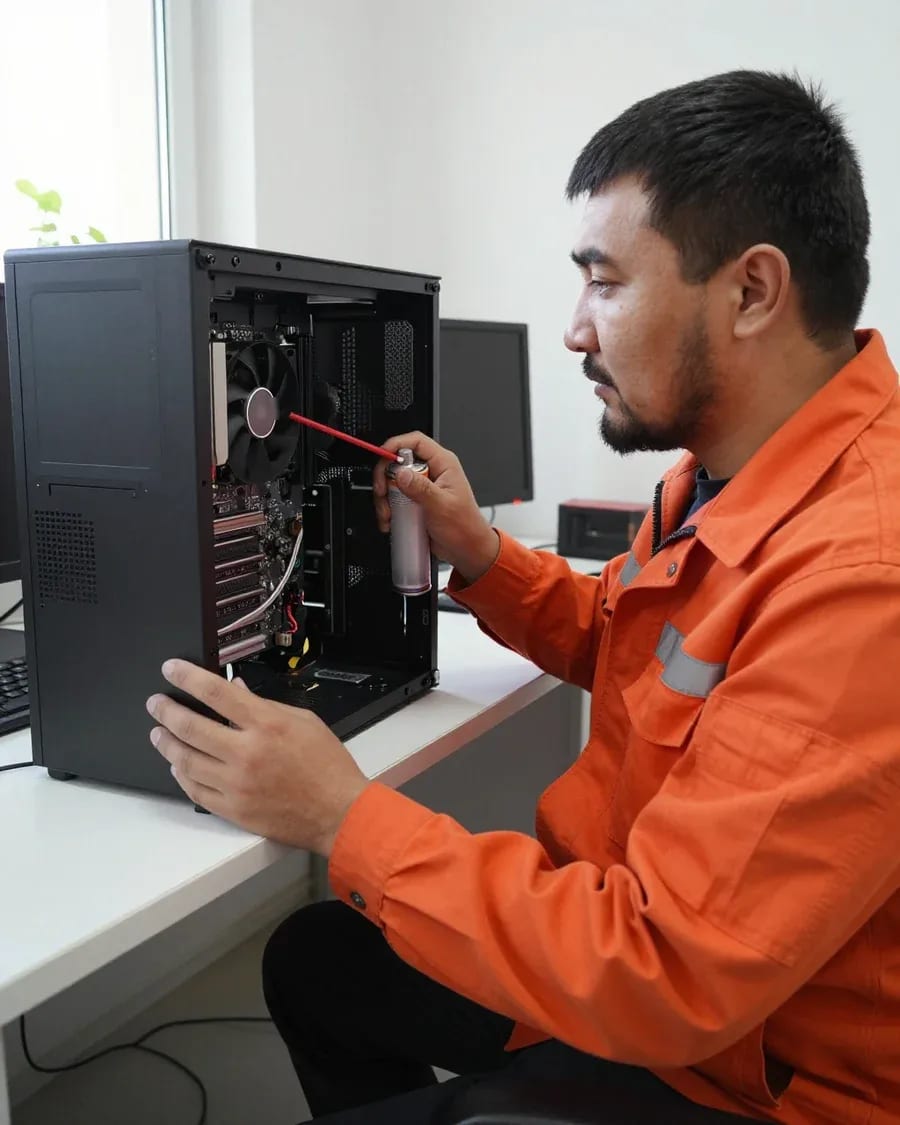
The department has 7 specializations — they are listed on the technicians' cards.
experience6 yearsPC and laptop diagnostics technician
 experience7 years
PC and laptop repair technician
 experience10 years
Graphics card repair technician
 experience8 years
Laptop repair engineer
 experience10 years
Software installation specialist
We reply during working hours
Discuss with the technician whether power supply cleaning, thermal paste replacement and cooler lubrication are included, and agree on the final list before work begins.

Warranty question? Call us
+7 (778) 046 88 53
Author: Dmitriy R.,PC and laptop diagnostics technician
Published
Updated
Tech Service provides computer cleaning in Almaty with a technician visiting your home within 60 minutes anywhere in the city. The service includes cleaning dust from radiators and fans, replacing thermal paste and thermal pads, software maintenance, and temperature checks. Diagnostics are free, there is a 1-year warranty on labor and parts, and the technician gives you the price after diagnostics.
Maintenance doesn't replace repair and won't fix faulty components. Here's how to spot the signs that your computer needs cleaning and when it's already a job for diagnostics.
A gaming PC under daily load gets dusty faster than an office machine that sits idle most of the time. The difference isn't the case brand but the thermal conditions: constant gaming and rendering keep fans at high RPM and pull in more dust. An office machine running text tasks and a browser heats up less, so dust builds up on radiators more slowly. Frequency should depend on conditions, not the calendar — how dusty the room is, whether you have pets, and how many hours you spend gaming or rendering. Machines near a window on the first floor or next to a kitchen get dirty noticeably faster than those in a closed office. Almaty residents should also consider city dust in season — it settles in filters and on fan blades. A practical tip: measure temperatures under load before servicing — they show whether maintenance is needed now or can wait.
The service has three layers: dust removal, replacing thermal interfaces, and software maintenance. Let's break down each layer — what it includes and why it matters to the owner.
We disassemble the device, clean dust from radiators and fans, and replace thermal paste, and on components with pads — thermal pads. Dust compacts between radiator fins and clogs fan channels, so airflow drops and the CPU and motherboard run hotter. When servicing a computer, we remove old paste from the die and radiator base, degrease both surfaces, apply a new layer, and reassemble the case. On graphics cards and chipsets with thermal pads, we replace those too — over time they lose elasticity and stop transferring heat. We also blow out the power supply and case fans separately: dust felt builds up there and blocks airflow through the whole case. Thermal paste dries out and stops conducting heat, so blowing out dust without replacing it won't solve overheating. The cost of PC cleaning depends on the set of operations, and the technician gives you the exact price after free diagnostics.
Desktop machines, portable models, and all-in-ones are built differently, so access to the cooling system also differs. We've summarized the differences in a table so you can see what the technician actually works with.
| Device type | Access to cooling | What we check | Special feature |
|---|---|---|---|
| Desktop PC | Side panel removed | Coolers, heatsinks, thermal paste | Easiest access to all components |
| Laptop | Full disassembly of the case | Fan, heat pipes, thermal paste | Thin cables and fasteners require care |
| All-in-one | Removal of the display and back panel | Heatsink, fan, thermal interface | Compact cooling system, dust clogs it faster |
Blowing out dust with a vacuum cleaner on your own risks damaging fans and boards with static, and the wrong thermal paste won't solve overheating. A household vacuum creates an airflow that spins the impeller above the bearing's rated speed — the fan starts to make noise and eventually seizes. A static discharge from synthetics or wool when touching the board can fry controllers, and a layer of thermal paste applied "by eye" creates an air gap and temperatures don't drop. Disassembling a laptop without experience is also risky: plastic case clips break, and display cables tear if bent carelessly. Even with careful disassembly, it's easy to damage the cooler mounts or mess up settings — then repair costs add to the service price. If you want to clean your PC yourself, start by blowing out the heatsinks without disassembly — and don't touch the boards with your hands without an antistatic wrist strap.
A specialist comes to your home with their own tools, so you don't need to take the device to a service center. Here's a breakdown of the steps and how computer servicing in Almaty works on-site.
We come to your home anywhere in the city within 60 minutes and work on-site with our own tools. Computer cleaning in Almaty with a technician visit happens without transporting the device to a service center. Tech Service is the direct provider: our employee comes to your address, not an intermediary with someone else's crew, so one party is responsible for the work and the warranty. On-site, the technician works with their own tools and cleaning supplies. The 60-minute arrival applies throughout the city — no specific address restrictions. A home visit is convenient for desktop PCs and all-in-ones, which are hard to transport without risking damage to the case. It also works for laptops: the technician performs the work on-site.
First, we run free diagnostics and agree on the scope of work. Then we take the device apart, clean the cooling system, replace thermal interfaces, and check temperatures. During diagnostics, our technician records the current readings under load, inspects the heatsinks and fans, and assesses the condition of the thermal paste. Once the scope is approved, they disassemble the case according to the model's fastening scheme, remove dust from the heatsinks, fan blades, and board, and apply new thermal interface material to the CPU and GPU. Reassembly follows in reverse order with checks on connectors and mounts. The final step is a repeat temperature measurement under load and comparison with the baseline: the difference shows the result of the work. Approving the scope after diagnostics protects you from unnecessary work — you see in advance exactly which operations will be performed and what you're paying for.
Here's how cleaning costs are determined, what exactly the warranty covers, and why our diagnostics are free — these three points are what equipment owners most often want to know before a technician visits.
We quote the price after free diagnostics, once the scope of work and the condition of the cooling system are clear. Before inspection, the technician won't name a price: an office desktop and a gaming PC with two graphics cards require different amounts of disassembly, and dried-out thermal paste calls for a full replacement of thermal interfaces, not a partial one. The price also depends on how densely dust has clogged the heatsinks and fans — sometimes blowing out the case is enough, sometimes the heatsink assembly needs to be taken apart. You can pay via Kaspi QR, Kaspi Red, bank card, cash, or bank transfer for companies. PC cleaning price depends on the set of operations and the condition of the cooling system — the technician gives the final amount after free diagnostics. The total is affected by the type of equipment, the number of fans, and the condition of the thermal paste — that's why it can't be quoted before inspection, and diagnostics are exactly what lets you see the scope of work before you approve it.
We provide a 1-year warranty on labor and parts used during service. This means that if the computer overheats again after maintenance due to the work performed or a part installed, the issue is resolved under warranty at no extra charge. Technicians with 4 to 20 years of experience perform cleaning and thermal interface replacement. The warranty covers the work performed and the parts installed — it does not apply to wear unrelated to the service. A year is enough time to catch a defective thermal paste or a faulty fan: if they show up, it happens in the first months, not a year and a half later. That's why if overheating recurs within the year, the issue is resolved under warranty.
To sum up what determines the result of maintenance: telling dust buildup from a breakdown, understanding the scope of work, and checking in advance how the visit, diagnostics, and follow-up service commitments work.
If you ask, the technician will check other parts during the same visit.

If your computer won't turn on, start simple: check the outlet, power cable, switch on the power supply, and the power button.
19 January 2026 · 13 minutes read
If your laptop screen is broken, turn the device off first, don't press on the display, and check the picture through an external monitor.
12 March 2026 · 11 minutes read
If your laptop freezes, the first thing to do is restart it and check Task Manager to see what's loading the CPU and memory.
25 January 2026 · 12 minutes read
If your laptop won't boot, first determine which of two states you're in: the device doesn't respond to the power button at all…
13 December 2025 · 12 minutes read


