 experience10 years
Maksim S.
Graphics card repair technician
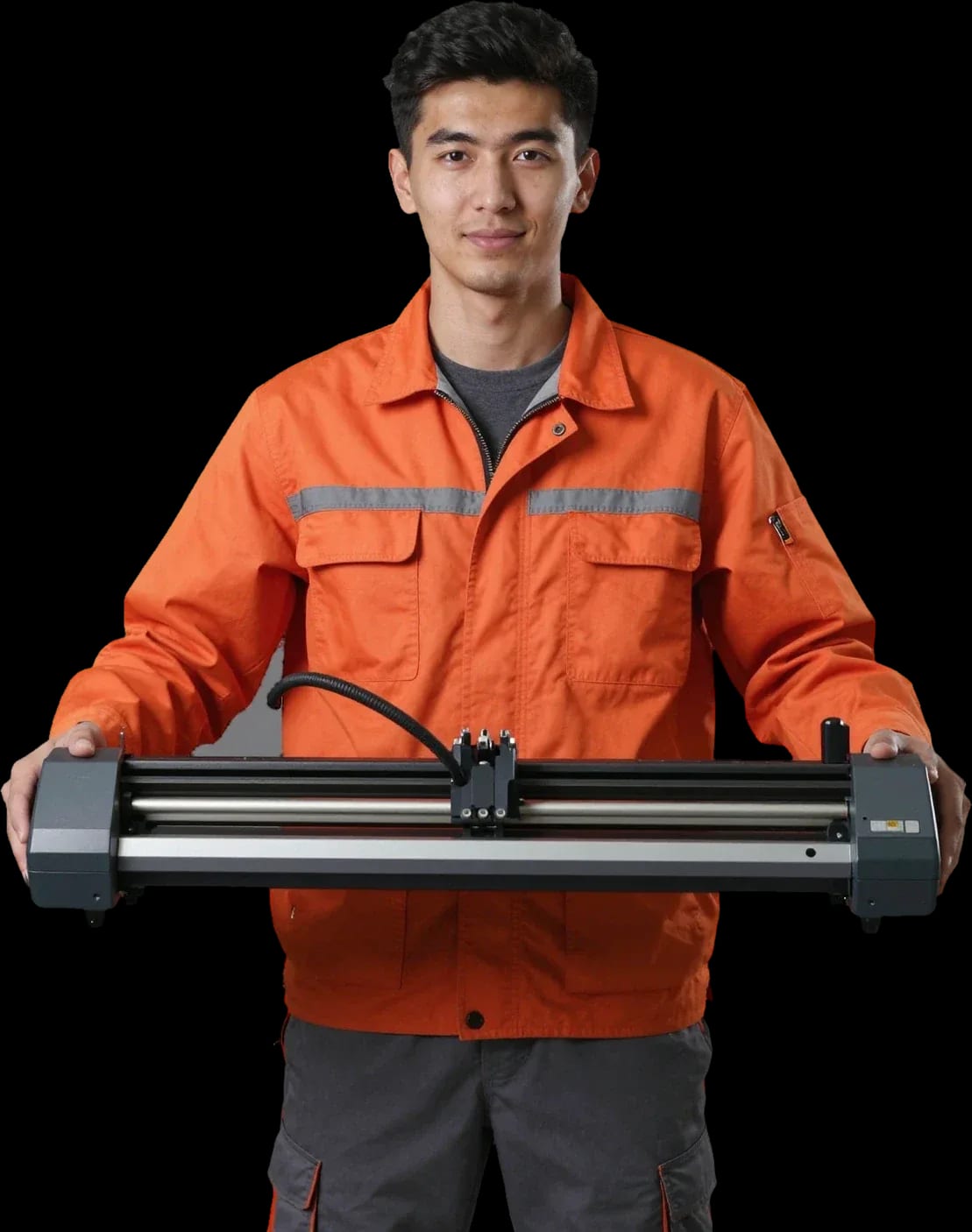
A technician arrives within 60 minutes anywhere in the city. Free diagnostics — the technician identifies the cause and gives you the price.
Our own technicians4 to 20 years of experience




Repair prices
Pick the symptom that matches yours to see which component we check first.
Clogged printhead, air in the ink, wear
from7 000 ₸
Worn rollers, dirty guides
from6 500 ₸
Oxidized contacts, chip failure, firmware
from13 000 ₸
Faulty power supply, damaged cord
from15 000 ₸
The code points to a specific component
from6 500 ₸
Damaged dampers, tubes, pump
from13 500 ₸
Worn bearings, loose belt, motor
from8 500 ₸
Worn rollers, faulty feed motor
from6 500 ₸
1–2 hourstime
from 7,000 ₸cost
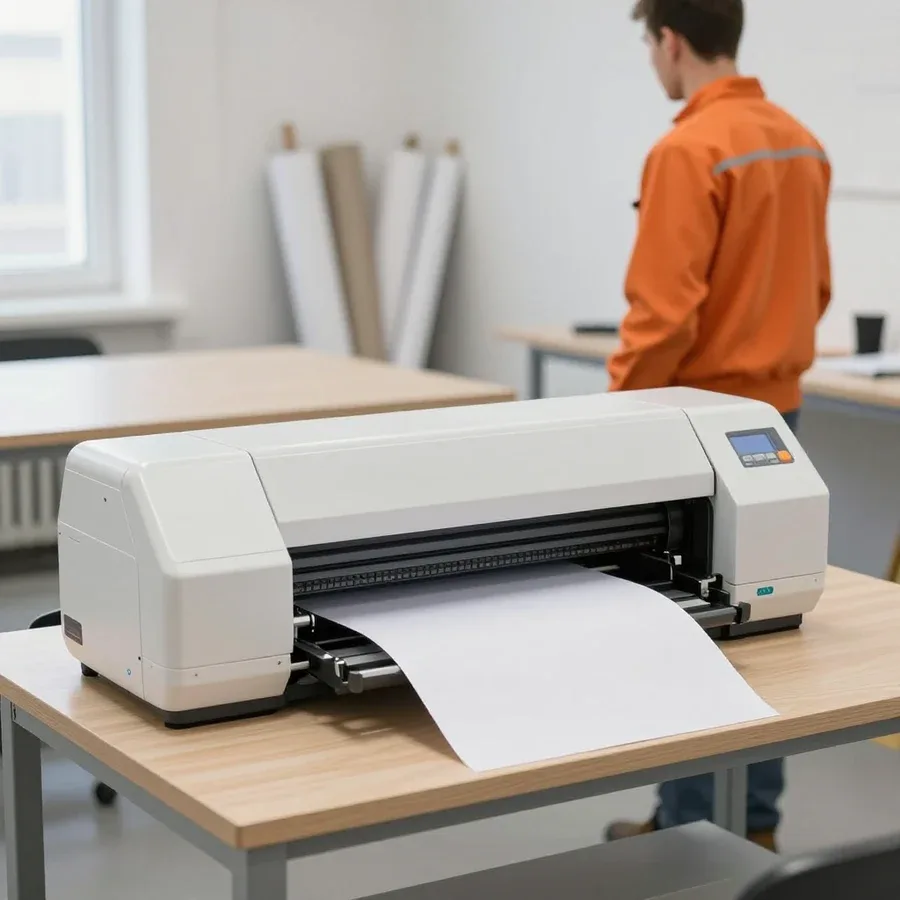 BeforeAfter

Five steps from your request to handing the device back.
Leave a request — the technician will contact you and clarify the details.
The technician comes to your location and works on the plotter on-site; time and address are agreed during the call.
The technician will discuss the visit time and access to the plotter at your location.
You approve the scope of work and the cost of parts.
The technician hands the plotter back to the owner and briefly explains how to handle it after the work.
The computer and laptop repair department in Almaty has 7 technicians with 6 to 15 years of experience.

The department has 7 specializations — they are listed on the technicians' cards.
experience10 yearsGraphics card repair technician
 experience6 years
PC and laptop diagnostics technician
 experience8 years
Laptop repair engineer
 experience10 years
Software installation specialist
 experience7 years
PC and laptop repair technician
 experience13 years
Diagnostics and virus removal specialist
 experience15 years
Consultant
We reply during working hours
Leave a request now — it's easier to agree on a convenient visit time and not put off the repair.

Warranty question? Call us
+7 (775) 031 92 28Tech Service repairs wide-format printing and cutting plotters in Almaty: our technician arrives at your location within 60 minutes or we fix the equipment at our service center. Diagnostics are free, you get a 1-year warranty on labor and parts, and the technician quotes the price after diagnostics. We work as a direct contractor, with no middlemen.
A plotter doesn't break down out of nowhere—every symptom points to a specific component. Here's how we link the symptom on the panel or printout to the component we check first.
When the device fails to pick up the media, we first check the rollers, the media presence sensor, and the drive—these are the three components most often responsible for this symptom. Rubber rollers get clogged with dust and paper debris over time, which reduces grip on the sheet and causes the media to skew. The optical sensor next to them reacts to the sheet edge: a dirty sensor "doesn't see" the paper and stops printing at the start. The drive adds play—feeding becomes uneven, and the sheet drifts to one side. A worn roller and a dirty sensor produce the same error on the panel, so replacing the roller without checking the sensor means paying for a part that wasn't the cause. During diagnostics, we remove the assembly and inspect roller wear and sensor signal separately—that's how we find the cause before replacing anything. That's why plotter repair in Almaty starts with finding the root cause, not with replacing parts at random.
We associate white bands across the print width with the printhead or ink supply system, and smudges along the edges with the feed mechanism or settings. Clogged printhead nozzles cause even gaps across the full height of the sheet, while air being drawn in through the CISS pump leads to ragged bands and missing color in individual channels. Cartridges that are past their life and a dirty pressure roller add smeared edges and marks on the back of the media. After long downtime, cleaning and priming the system often saves the printhead rather than replacement—but only if the nozzles aren't physically burned out; this is checked during diagnostics. Our technician runs a nozzle test during free diagnostics and examines the pattern of the bands: even gaps point to the printhead, fluctuating ones to ink supply, and a smeared edge to the pressure roller.
Printing and cutting plotters break down differently, and their components shouldn't be confused: one fails at the printhead or ink supply, the other at the knife or calibration. Let's look at the specifics of each type.
For wide-format printing plotters used in advertising and design work, we most often deal with the printhead, ink supply system, and media feed mechanism. The head clogs when ink dries in the nozzles, the CISS loses pressure and draws air, and the feed rollers stop holding the roll straight—causing bands, gaps, and skewed images. A wide-format printing plotter is sensitive to ink quality: incompatible ink forms clots and clogs nozzles faster than the standard. Our technicians start by checking the head and system pressure, because a similar-looking print defect can be caused by either a clog or a feed failure. Wide-format printing is sensitive to downtime: ink in the nozzles dries faster than the mechanics wear out, so preventive maintenance extends the life of the head more effectively than repairing after a breakdown.
On a cutting plotter, we check the blade, the calibration sensor, and positioning accuracy—if the film isn't cut through completely, the cause is almost always one of these three components. The cutting plotter's blade cuts the film along the contour, and a dull edge leaves uncut bridges on corners and small elements. The calibration sensor is responsible for aligning to the marks, and if it fails, the contour shifts relative to the image even with a sharp blade. Feed rollers add a third cause: with uneven pressure, the sheet drifts to the side, and the cut comes out wavy. A dull blade and off calibration produce a similar "not cutting" result, but they are fixed differently: the blade is replaced, calibration is restored through settings, and confusing these tasks is not cost-effective.
| Plotter type | Common symptoms | What we check | Typical work |
|---|---|---|---|
| Wide-format printing | bands, gaps, smudges | head, CISS, feed | cleaning, flushing, replacing components |
| Cutting (cutter) | not cutting through, contour misalignment | blade, calibration sensor | blade replacement, calibration |
| Office / design | feed error, won't turn on | rollers, sensor, board | cleaning, roller replacement, board repair |
A plotter is a large piece of equipment, and the question "bring it in or fix it on site" depends on the type of breakdown. We cover both formats: which tasks the technician performs at the client's location and which require checking outside the case.
We arrive on site within 60 minutes anywhere in the city and handle breakdowns that don't require disassembling the case or checking mechanisms outside the case. An on-site technician takes care of what can be seen and checked without removing the device from its stand: misconfigured feed settings, media jams, clogs in the paper path, calibration errors after changing a roll, and a visual inspection of the board and connectors for oxidation and play. Some of these calls are resolved in a single visit—the client doesn't need to set aside half a day for transportation and wait for a truck with movers. In our experience, an on-site visit saves time but doesn't replace service: parts that can't be reached without disassembly can't be checked on site, and it's more honest to say so right away than to transport the equipment twice.
At the service center, we repair what requires disassembly and checking outside the case—for example, work on the printhead or control board. The printhead is checked on test prints and flushed outside the case; the control board is tested by running signals. Such operations can't be done in an apartment or office, and handling them in mid-air can easily damage ribbon cables and mounting seats. Transporting a wide-format machine itself requires care: the stand is secured, the carriage is parked, the media is removed—otherwise a new mechanical breakdown is added to the existing one along the way. If the fault affects several parts at once, the service center format is more cost-effective: the equipment doesn't need to be shuttled back and forth between visits, all checks are done in sequence, and the technician sees the whole picture rather than one symptom per visit.
While the technician is on the way, some actions help pinpoint the cause, and some make things worse. Here's what you can safely do yourself, what not to touch, and why prevention matters.
We recommend prevention and cleaning even on a working plotter — it extends the head's life and prevents breakdowns after downtime. In our practice, most printhead calls are due to infrequent cleaning and long pauses in operation, not manufacturing defects. During prevention, a Tech Service technician checks the ink supply system, the condition of the rollers and sensors, runs a test print, and shows which components already need attention. For devices that sit idle for weeks, a scheduled inspection is enough — it catches dried ink and dusty optics before they stop printing. Regular prevention is cheaper than emergency service not so much in money as in downtime: the equipment doesn't drop out of service at the worst possible moment.
Warranty and cost are what the client wants to know before work begins. We explain the terms plainly, with no fine print or hidden clauses — so the decision is made with full understanding.
We provide a 1-year warranty on labor and parts — it also covers a replaced control board if the failure recurs due to our work. The term is the same for on-site service and in-shop repairs, for printing and cutting models: there is no difference in conditions between formats. Warranty on a part and on labor are different things: the unit itself may be fine, but the assembly was done incorrectly, so both parts need to be covered. Without the second point, the client is left unprotected in the most common situation — when everything worked after the replacement, but a couple of weeks later the symptom returned. In my view, it is the wording 'warranty on labor and parts' that distinguishes a proper service from a formal one: the technician is responsible not only for what was installed, but also for how it works in the plotter. So when talking to us, clarify what exactly is covered by the warranty — the part alone or the part together with the work performed.
The technician gives the cost after free diagnostics — it depends on the unit and the scope of work, not on an average market figure. Diagnostics is free: first we find the cause, show it to the client, and only then agree on the work. This order protects against replacing working parts 'just in case' — you don't pay for guesswork. Restoration is almost always cheaper than buying a new plotter, but the decision depends on the condition of the other units: if several systems are worn at once, it's more honest to discuss this before starting work. You can pay via Kaspi QR, Kaspi Red, bank card, cash, or bank transfer for companies. In our practice, the conversation about whether the work is worthwhile comes before the invoice — the client sees exactly what we are replacing and why, and decides whether to continue or not.
If the same error returns after the work, we deal with it under warranty: a repeat diagnostic will show whether the cause was deeper than the replaced unit. A recurring symptom doesn't always mean 'bad repair' — sometimes the first unit was a consequence, not the cause, and the real fault lies in the control board or the drive. That's why it's important that the warranty covers repeat work as well, not just the part itself. The client just needs to describe under what conditions the error code appears — that's enough to narrow down the search area. Localizing the fault on the second visit is usually more accurate: the technician already has a history of work on that specific plotter and goes from the known rather than starting from scratch. A separate note on timing: if the error returns within the warranty year, a repeat technician visit in the city is handled in the same way as the first — under warranty.
Before agreeing to a repair, the owner wants to understand whether their equipment is repairable and whether the necessary parts can actually be obtained. We break it down without promises: which units can be restored, which are replaced entirely, and how we work with components.
Most plotter failures are repairable unless the printhead and control board are irreversibly damaged — these two components determine whether restoration is worth undertaking at all. Feed rollers, the cutter blade on cutting models, the calibration sensor, and the paper path are restorable in most cases: cleaning, adjusting the pressure, and fixing mechanical elements bring the equipment back to life. At Tech Service we work as a direct contractor, not an intermediary, so the technician opens the case himself, inspects each component, and gives the real scope of work rather than relaying someone else's diagnosis over the phone. The decision 'repair or new machine' depends not on the age of the device but on the condition of key elements: if the head and board are intact, restoration gets the plotter back to work for a long time, whereas replacing a whole unit for the sake of one worn part is usually not cost-effective.
| Component | Usually repaired | Usually replaced |
|---|---|---|
| Feed rollers | cleaning, restoring pressure | when worn |
| Cutting plotter blade | sharpening and adjustment | when dull |
| Calibration sensor | calibration adjustment | on failure |
| Control board | circuit and contact check | on breakdown |
| Printhead | cleaning, flushing | on irreversible nozzle damage |
We're straightforward about parts: if a component needs replacing, the technician tells you after diagnostics, and the 1-year warranty covers the installed part as well. We agree on the work before repairs start — you know in advance which part is being repaired and which is being replaced, and you decide without pressure. Diagnostics are free, so you get the disassembly and assessment of the printhead or board before you agree to the repair. An honest conversation about parts saves the customer money: sometimes it's cheaper to get an old component working again than to install a new one, and that only becomes clear after disassembly — you can't tell the difference from the outside or from an error code. The technician explains each option in plain terms: what repairing a component achieves and when replacement is justified by the condition of the parts.
Here's a quick summary from our breakdown: what the symptoms mean, how to choose the repair format, and what to look for when contacting a technician.
Tech Service technicians repair other appliances too — with the same 1-year warranty on labour and parts.
 Refrigerator Repair in Almatyfrom 3 000 ₸
 Washing Machine Repair in Almatyfrom 3 000 ₸
 Dishwasher Repair in Almatyfrom 3 500 ₸
 Oven Repair in Almatyfrom 3 000 ₸
 Cooktop Repair in Almatyfrom 3 500 ₸
 Air Conditioner Repair in Almatyfrom 3 500 ₸
 Boiler and Water Heater Repair in Almatyfrom 2 500 ₸
 Freezer Repair in Almatyfrom 6 000 ₸
 Tumble Dryer Repair in Almatyfrom 5 000 ₸
 Coffee Machine Repair in Almatyfrom 2 500 ₸
 Robot Vacuum Cleaner Repair in Almatyfrom 3 500 ₸
 Vacuum Cleaner Repair in Almatyfrom 1 500 ₸
 Microwave Oven Repair in Almatyfrom 2 000 ₸
 Hair Dryer Repair in Almatyfrom 1 500 ₸
 Iron Repair in Almatyfrom 3 000 ₸
 Electric Kettle Repair in Almatyfrom 2 500 ₸
 Mixer Repair in Almatyfrom 2 500 ₸
 Multicooker Repair in Almatyfrom 500 ₸

If your laptop screen is broken, turn the device off first, don't press on the display, and check the picture through an external monitor.
12 March 2026 · 11 minutes read
If your laptop freezes, the first thing to do is restart it and check Task Manager to see what's loading the CPU and memory.
25 January 2026 · 12 minutes read
If your computer won't turn on, start simple: check the outlet, power cable, switch on the power supply, and the power button.
19 January 2026 · 13 minutes read
If your laptop won't boot, first determine which of two states you're in: the device doesn't respond to the power button at all…
13 December 2025 · 12 minutes read








