 experience10 years
Maksim S.
Graphics card repair technician
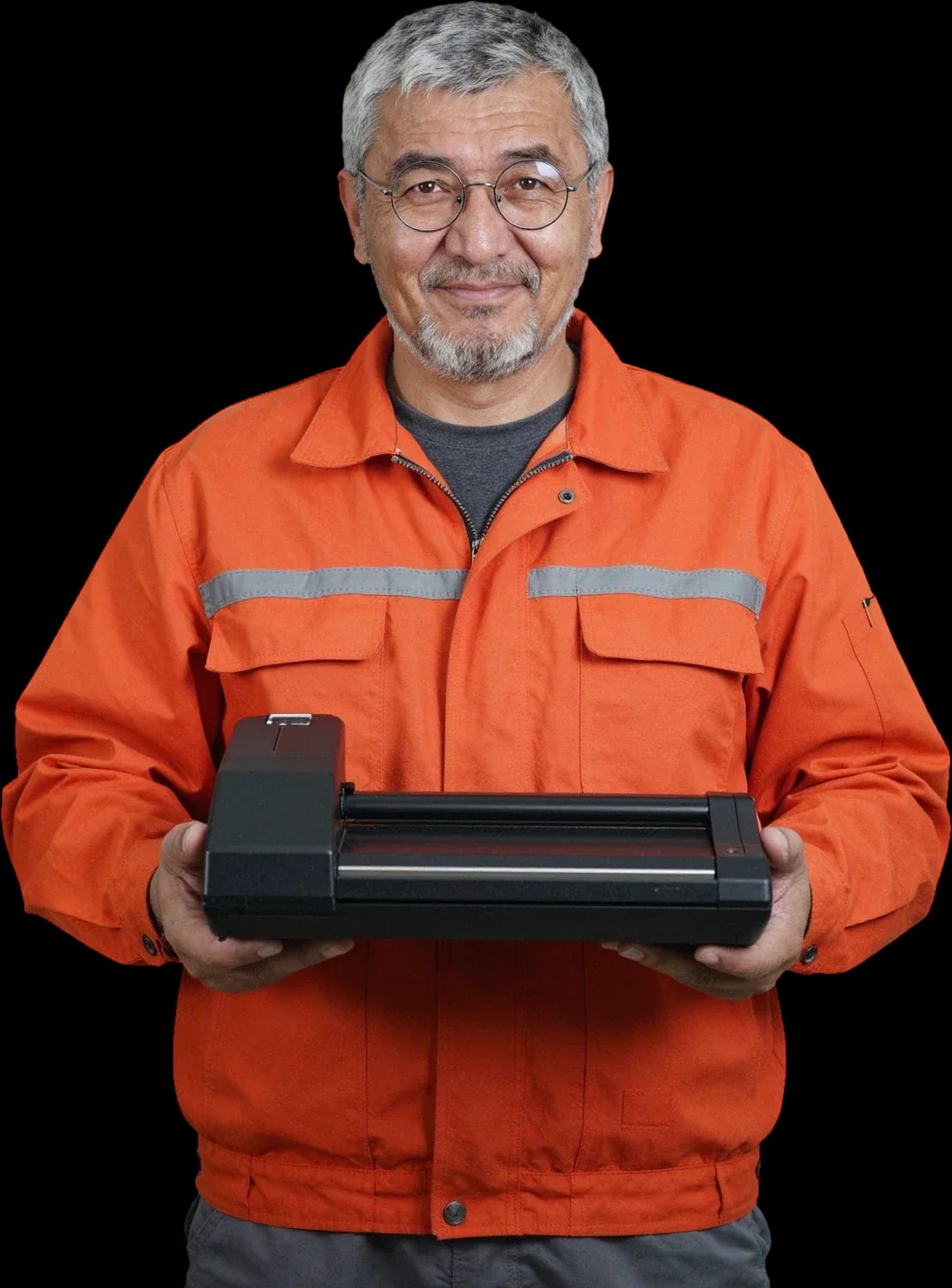
We fix office and flatbed scanning equipment. Free diagnostics, technician on site within 60 minutes across the city.
Our own technicians4 to 20 years of experience




Repair prices
Below are the frequent symptoms scanner owners report and the components we check first.
rollers, spring, sensor
from3 000 ₸
glass, lamp, calibration
from8 000 ₸
code points to a component
from6 500 ₸
rollers, gearbox
from3 000 ₸
guides, rollers
from3 000 ₸
power, board
from12 000 ₸
cable, driver, port
from4 500 ₸
fan, dust
from12 000 ₸
1–2 hourstime
from 3,000 ₸cost
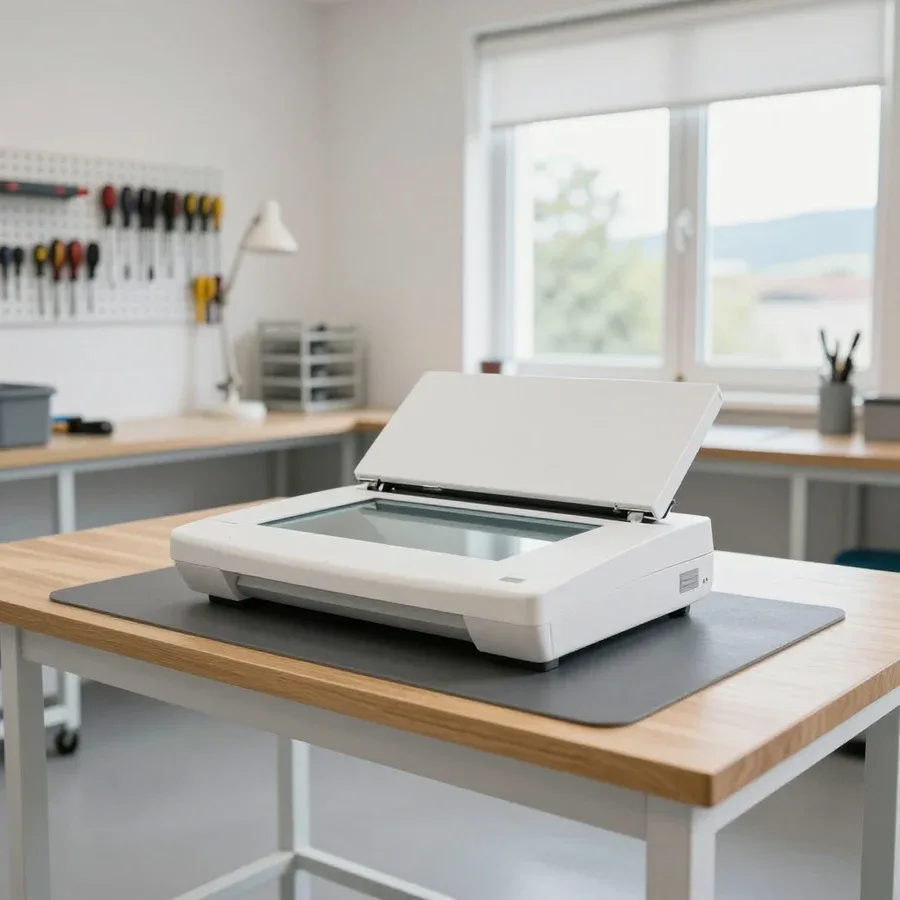 BeforeAfter

Five steps from request to agreeing on warranty terms.
Describe your scanner model and the symptom — the technician will prepare tools and likely parts.
Technician on site within 60 minutes across the city, work starts on the spot.
Diagnostics are free — the technician identifies the cause and price, and you decide on the work.
We discuss the scope, part choice, and final amount before repair begins.
The technician records replaced parts and explains what the 1-year warranty on labor and parts covers.
The computer and laptop repair department in Almaty has 7 technicians with 6 to 15 years of experience.

The department has 7 specializations — they are listed on the technicians' cards.
experience10 yearsGraphics card repair technician
 experience6 years
PC and laptop diagnostics technician
 experience8 years
Laptop repair engineer
 experience10 years
Software installation specialist
 experience7 years
PC and laptop repair technician
 experience13 years
Diagnostics and virus removal specialist
 experience15 years
Consultant
We reply during working hours
Choose a convenient visit time and describe the symptom: scanner model, when the defect appeared, what you've already tried. The technician works on site, in the scanner's usual environment.

Warranty question? Call us
+7 (775) 031 92 28Tech Service repairs scanners in Almaty at your home or at our service center: our technician arrives within 60 minutes anywhere in the city, diagnostics are free, and you get a 1-year warranty on labor and parts. The technician inspects the device and explains the cause and cost after diagnostics. You can pay any way you like.
Scanners fail in a few typical ways, and almost every symptom points to a specific component or to the connection with the computer. The nature of the problem helps the technician narrow down the causes during diagnostics.
Stripes and blurry images are caused by a dirty glass, a worn scanning bar (CIS matrix), or a backlight lamp, and "black-and-white only" mode is often a setting rather than a fault. A constant stripe in the same spot of the image points to dirt or a defect in the scanning bar, a blurry picture across the entire width indicates worn optics and lamp, and missing color is more often related to scan profile settings. A pressure cover with a dirty inner surface adds dark lines along the edge of the page. Cleaning the glass and the inside of the cover with an alcohol wipe removes some defects but doesn't fix wear of the scanning bar. If stripes remain in the same spot after careful cleaning of the glass, the cause is already in the bar or lamp, and further cleaning won't help.
In a sheet-fed scanner, the paper is moved by the feed mechanism — rollers and the paper path — and their wear or contamination most often explains jams and skipped pages. Rubber rollers lose grip over time, paper dust clogs the path, and skewed sheets occur due to uneven pressure. Skipping several pages in a stack points to a sensor or worn pickup rollers, while a jam at the exit indicates dirty feed rollers. Regularly blowing out the path and wiping the rollers reduces jams but doesn't restore the worn rubber layer. The feed mechanism is usually repaired or replaced based on the condition of the rollers, not blindly, so the technician first checks the path and only then quotes the scope of work.
If your scanner is broken, you can either call a specialist to your home or bring the device to the service center. The difference is in what work can be done on-site and what requires a workshop.
We come to you anywhere in the city, and our on-site technician arrives within 60 minutes to perform free diagnostics and do the part of the work that doesn't require a workshop. At your home, we can clean the optics and paper path, set up the connection between the device and your computer, and replace accessible components without deep disassembly of the case. We cover all of Almaty, including residential areas and new neighborhoods, so you don't need to take the device to a workshop. Scanner repair in Almaty at home is convenient when the problem isn't related to the control board or deep disassembly. Diagnostics are free: the cause and scope of work are explained before any work begins. On-site service makes sense when the problem isn't related to the control board or deep disassembly. If fixing the issue requires a test bench, we'll tell you honestly after the inspection instead of dragging out the work on-site.
Some scanner work we do in the shop — when the case needs to be taken apart, the control board needs attention, or components need replacing that can't be done neatly on-site. The control board and controller require stable lighting, a level surface, and access to measuring instruments, and after parts are replaced the feed mechanism is tested by running sheets through. These operations are performed in a workshop where nothing gets in the way or distracts. The decision "home or shop" is made after free diagnostics: if the repair can initially be done on-site, the client doesn't pay for transporting the equipment back and forth. In our practice, some requests are resolved right at the client's home, and only complex cases are offered to bring the device to the workshop.
| Parameter | On-site | In-shop |
|---|---|---|
| Who performs | On-site technician | Shop technician |
| Arrival time | Within 60 minutes in the city | By agreement with the client |
| Diagnostics | Free, on-site | Free, in-shop |
| What is done | Cleaning, adjustment, accessible components | Disassembly, board, component replacement |
| Warranty | 1 year on labor and parts | 1 year on labor and parts |
The owner of a broken scanner wants to understand what they're paying for and whether they're paying for the inspection itself. Here's the process: request, visit, free diagnostics, then cost and work.
We quote the cost after free diagnostics, and it depends on which component has failed, whether a part needs replacing, and how much work is required. Cleaning the glass and rollers is one scenario; replacing the scanning bar or control board is quite another in terms of labor and the number of times the case must be opened. In sheet-fed models the cause is often in the feed mechanism, in flatbed models it's in the optics and ribbon cable, and that determines the list of operations. So the same complaint "the scanner has streaks" can cost differently — from preventive maintenance to component replacement. No honest specialist can give an exact sum without an inspection: a figure quoted over the phone almost always differs from the real one once the device is taken apart. With us, the sum is stated before work begins — and the client decides whether to proceed.
The warranty is one of the main factors when choosing a technician. Here's exactly what our commitments cover and why the warranty period matters so much when restoring a scanner.
We provide a 1-year warranty on labor and parts, which means we stand behind both the quality of the repair and the installed component. These are two separate commitments: one covers the technician's work — disassembly, soldering, setup, alignment — and the other covers the part itself that we installed to replace the failed one. For a scanner, this double protection is essential because the scanning bar, backlight lamp, and feed rollers operate under constant load and wear out faster than other components. A technician with 4 to 20 years of experience knows which parts in a given model are under more stress and where a repeat failure is more likely. If the bar or rollers fail after the repair, the service provider covers the costs, not the customer. Before handing over your equipment, ask which components were replaced and whether they're included in the warranty — this prevents disputes if the issue comes back.
A labor-only warranty doesn't cover the part itself, so if a replaced component fails, the customer pays again for the part and the repeat service. The difference doesn't show up right away — it appears weeks or months later when the new part breaks down. The paper feed mechanism and the scanning bar are exactly the components where a defect can return: rollers start jamming sheets again, and the image gets streaks. When restoring a scanner, this nuance is critical: if the defect comes back after replacing the rollers or the bar, the warranty terms on the part determine who bears the cost. In our practice, technicians include this in the terms upfront. Ask before work begins whether the cost of the part is covered by the warranty period — otherwise, the repeat service will be entirely on you.
Owners want to know if we'll take on their specific device. Here's a breakdown of the device types and brands we see most often.
We service both flatbed and sheet-fed models, but their failures differ: flatbed scanners more often suffer from optical and glass issues, while sheet-fed ones have feed mechanism problems. In a flatbed model, the scanning bar moves along a rail under the glass, and dirt or a misaligned track causes streaks and blurry scans. In a sheet-fed device, the paper is pulled by rollers and pinch rollers: they wear out, get clogged with paper dust, and stop grabbing the page, and the device jams it on output. The feed mechanism is the most heavily loaded part in this class because hundreds of sheets pass through it in a row. That's why it's important to mention the type of equipment when you request service — it determines which components the technician will check first and what to bring on the visit.
We service devices from HP, Canon, Epson, and professional Zebra models, including equipment used for digitizing documents and books. Office desktop models from these brands are the most common: their electronics are predictable and their feed mechanics are straightforward. Professional Zebra and high-volume digitization machines handle a heavy flow of sheets, so their rollers, brake pads, and paper path sensors wear out faster. The electronics in such machines are protected from dust by the housing, but the mechanics are constantly exposed to load. Professional models have higher duty cycles, so maintenance and timely roller replacement extend the device's life more noticeably than with office flatbed units, and a technician on a call should bring replacement rollers for the specific model.
Not every scanner malfunction requires a technician — some issues can be resolved with cleaning and maintenance. We explain where the line between servicing and a breakdown lies, and when you can no longer do without a specialist.
Scanner cleaning is maintenance, not restoration: it removes dust and dirt from the glass and feed mechanism, but it doesn't bring a failed component back to life. Dust, toner, and paper particles settle on the optics and guides, causing the device to produce streaks or jam sheets. With active document scanning, this procedure should be done regularly — it significantly reduces the risk of image defects and paper jams. Maintenance itself includes wiping the glass with a soft lint-free cloth, blowing out internal cavities, and inspecting rollers for contamination. But maintenance doesn't replace restoration if a part is already physically worn: a worn roller or clouded glass can't be fixed by cleaning — it needs replacement. In our experience, this is exactly where owners waste time trying to wipe away what's already damaged.
The paper feed mechanism is either restored or replaced depending on the condition of the rollers and guides: sometimes it's enough to restore grip, other times a worn part needs to be replaced. Over time, rollers become glossy, lose traction, and stop pulling the sheet evenly—causing skews, double feeds, and jams. Grip can be restored, but in our experience such a fix doesn't last long: under heavy use, the glossy rubber slips again, and the problem returns. So the decision to restore or replace the unit is made by the technician after inspection—they assess the degree of roller wear and the condition of the guides and shafts. If the part is worn to the limit, it's more honest to install a new one right away than to deal with the same breakdown again in a month. At the same time, the paper path itself often only needs cleaning and adjustment, and then no replacement is needed.
When choosing a specialist, it's important to know who will actually arrive and who is responsible for the result. Below is a brief overview of how we work and why we're a direct provider, not an intermediary.
Our technicians have 4 to 20 years of experience, and diagnostics are free—you only pay for labor and parts if you decide to go ahead with the repair. With scanners, experience matters because the same symptom—streaks, missing color, a paper feed error—can point to different components: the optics, the ribbon cable, the controller, or the feed mechanism. An experienced specialist narrows down the causes faster and doesn't take the device apart at random but checks specific components one by one. In my view, that's the main time saver for the client—fewer unnecessary teardowns and less fuss around a part that's actually fine. A call within the city takes up to 60 minutes, so you don't have to wait days for diagnostics, and you learn the final cause on the first visit.
We provide a 1-year warranty on labor and parts and you can pay via Kaspi QR, Kaspi Red (instalments), bank card, cash, or bank transfer for companies, so service is convenient for both private clients and offices. The warranty covers the installed part as well, not just the technician's work—this removes the main fear: having to deal with a repeat breakdown on your own. Payment isn't tied to a single method—it works for an employee paying cash for the repair and for a company paying by invoice. The specialist gives the price after free diagnostics, when the cause and scope of work are clear, so there are no surprises at the end. This approach suits both an office's accounting department and someone paying out of pocket.
Scanner symptoms rarely indicate a total breakdown—more often a single component fails, and replacing it gets the device working again.
Tech Service technicians repair other appliances too — with the same 1-year warranty on labour and parts.
 Refrigerator Repair in Almatyfrom 3 000 ₸
 Washing Machine Repair in Almatyfrom 3 000 ₸
 Dishwasher Repair in Almatyfrom 3 500 ₸
 Oven Repair in Almatyfrom 3 000 ₸
 Cooktop Repair in Almatyfrom 3 500 ₸
 Air Conditioner Repair in Almatyfrom 3 500 ₸
 Boiler and Water Heater Repair in Almatyfrom 2 500 ₸
 Freezer Repair in Almatyfrom 6 000 ₸
 Tumble Dryer Repair in Almatyfrom 5 000 ₸
 Coffee Machine Repair in Almatyfrom 2 500 ₸
 Robot Vacuum Cleaner Repair in Almatyfrom 3 500 ₸
 Vacuum Cleaner Repair in Almatyfrom 1 500 ₸
 Microwave Oven Repair in Almatyfrom 2 000 ₸
 Hair Dryer Repair in Almatyfrom 1 500 ₸
 Iron Repair in Almatyfrom 3 000 ₸
 Electric Kettle Repair in Almatyfrom 2 500 ₸
 Mixer Repair in Almatyfrom 2 500 ₸
 Multicooker Repair in Almatyfrom 500 ₸

If your laptop screen is broken, turn the device off first, don't press on the display, and check the picture through an external monitor.
12 March 2026 · 11 minutes read
If your laptop freezes, the first thing to do is restart it and check Task Manager to see what's loading the CPU and memory.
25 January 2026 · 12 minutes read
If your computer won't turn on, start simple: check the outlet, power cable, switch on the power supply, and the power button.
19 January 2026 · 13 minutes read
If your laptop won't boot, first determine which of two states you're in: the device doesn't respond to the power button at all…
13 December 2025 · 12 minutes read








