 experience10 years
Maksim S.
Graphics card repair technician
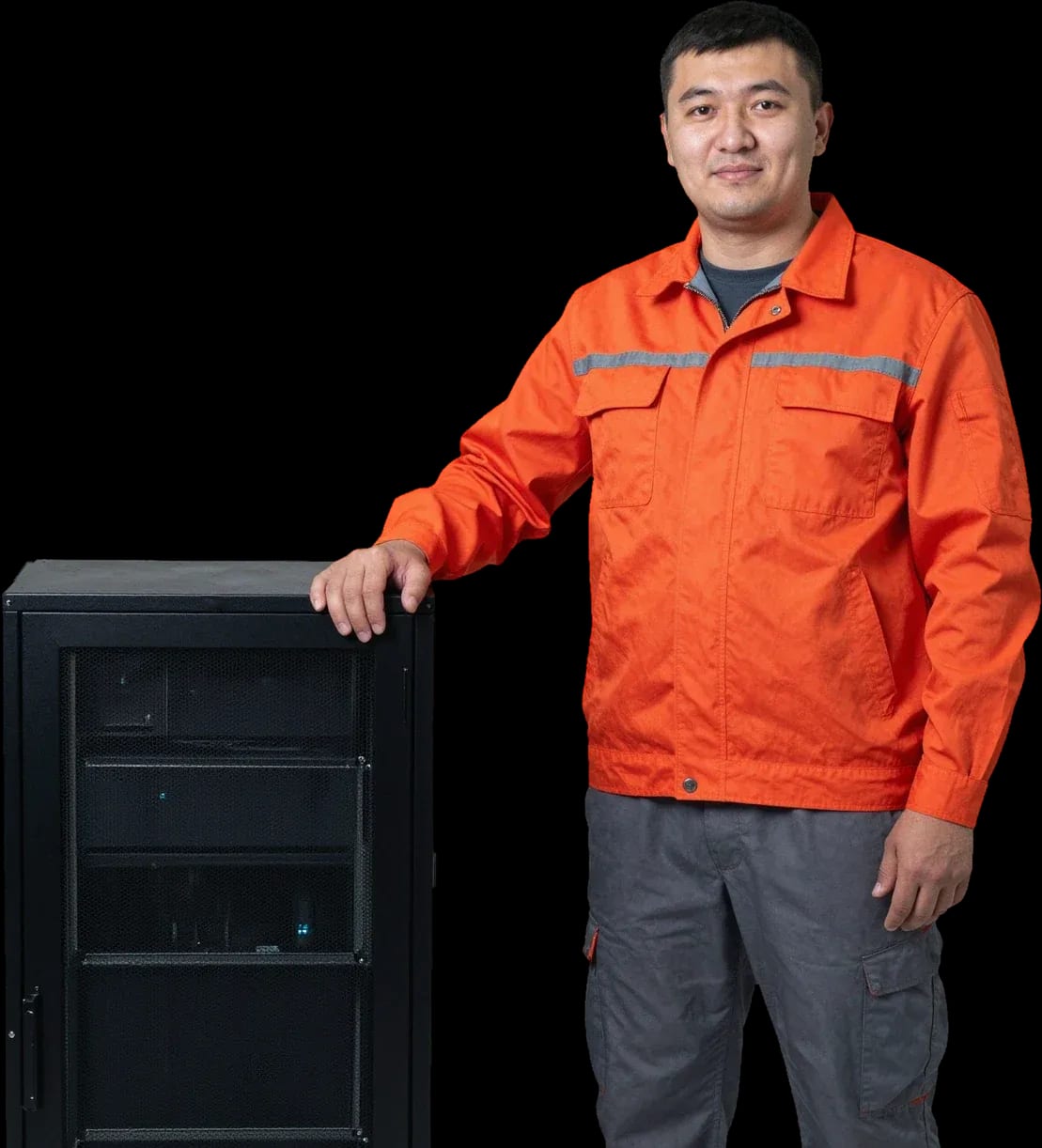
Server repair in Almaty. Technician arrives within 60 minutes anywhere in the city.
Our own technicians4 to 20 years of experience




Repair prices
Below are the frequent symptoms customers report. The technician will pinpoint the exact cause during free diagnostics.
Faulty power supply, board failure
from21 500 ₸
Memory module failure, poor contact
from35 500 ₸
Memory failure, disk error, sensor issue
from16 000 ₸
Unstable power, memory failure
from21 500 ₸
Drive failure, damaged cable
from19 500 ₸
Faulty power supply, poor contact
from21 500 ₸
Network card failure, damaged cable
from35 500 ₸
Memory failure, software error
from14 000 ₸
1–2 daystime
from 21 500 ₸cost
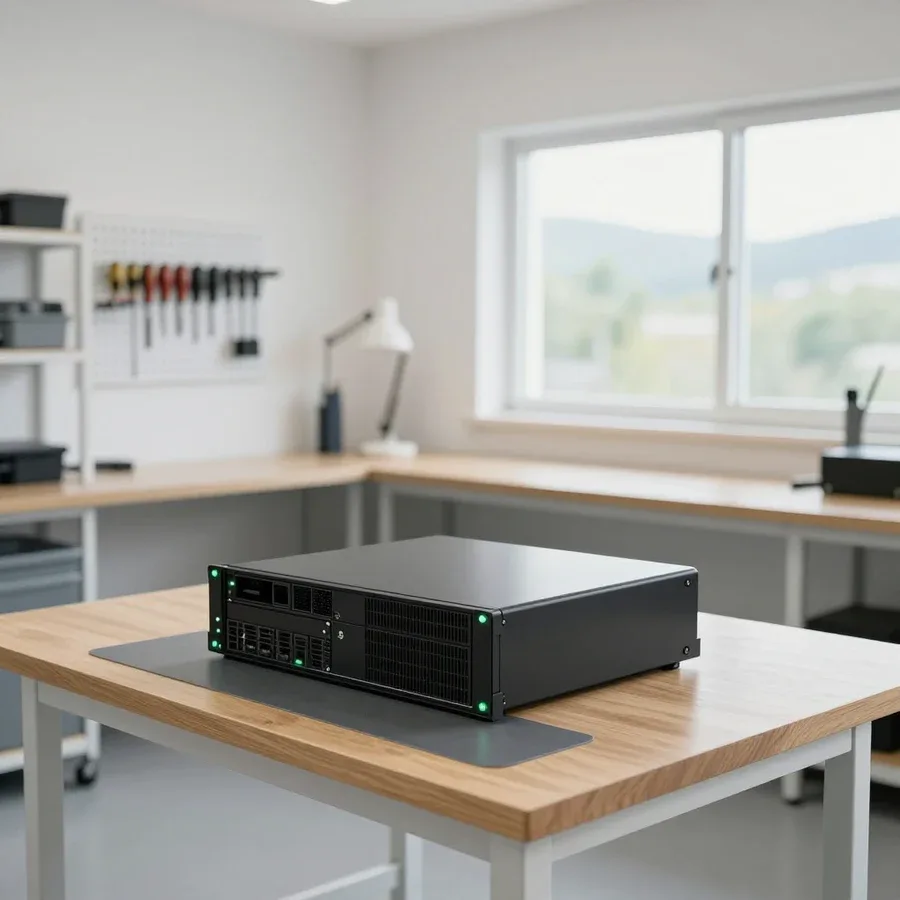 BeforeAfter

Five steps from your call to checking the server after repair.
Describe the symptom and your server model. The technician will clarify details and schedule a visit.
The technician arrives anywhere in the city within 60 minutes after confirming your request.
The technician will agree on a convenient visit time and ask you to prepare access to the server: rack, keys, downtime window.
The technician records the final list of work and parts in the request before starting the repair.
The technician demonstrates the server running in working mode and explains what changed in the configuration.
The computer and laptop repair department in Almaty has 7 technicians with 6 to 15 years of experience.

The department has 7 specializations — they are listed on the technicians' cards.
experience10 yearsGraphics card repair technician
 experience6 years
PC and laptop diagnostics technician
 experience8 years
Laptop repair engineer
 experience10 years
Software installation specialist
 experience7 years
PC and laptop repair technician
 experience13 years
Diagnostics and virus removal specialist
 experience15 years
Consultant
We reply during working hours
Describe the server issue — the technician will schedule a visit and give you the cost before coming out.

Warranty question? Call us
+7 (775) 774 18 08Tech Service provides server repair in Almaty as a direct contractor: our technicians with 4 to 20 years of experience arrive at your home or office within 60 minutes, perform free diagnostics, and provide a 1-year warranty on labor and parts. The technician quotes the price after diagnostics.
Equipment rarely fails silently: it sends signals through panel indicators, fan noise, sudden reboots, and log entries. Let's break down typical symptoms and what each one means.
If the machine won't turn on, we first check the power supply and front panel indicators — a blinking code points to a specific component, not the 'whole device'. In practice, startup failures are caused by the power supply, the standby line on the motherboard, or oxidized contacts after a power surge. On Dell PowerEdge, the indicator blink sequence encodes the state of a specific component, and using it to localize the issue takes minutes, not hours. Restoring functionality in Almaty starts with decoding that code and measuring voltages at the power supply outputs. We begin server repair in Almaty with free diagnostics to accurately identify the faulty component. Don't start by disassembling — take a photo of the indicator blink sequence before powering off: it will help the technician localize the fault faster during free diagnostics.
Overheating and fans at maximum speed are most often related to the cooling system or power supply, not the processor — we check both components during diagnostics. Dried thermal paste, a dust-clogged heatsink, and a degraded fan cause temperature rise, while a sagging power supply under load triggers protection shutdown. On HP ProLiant, shutting down a few minutes after startup often indicates a clogged airflow path or a failed fan in the hot bay. We collect temperature logs and compare fan speeds with specifications — this shows exactly where cooling is lost. If the device dies a few minutes after startup, don't keep restarting it 'for luck' — each overheating cycle shortens the lifespan of the processor and memory.
ECC errors in logs mean the memory module has started failing at the hardware level — this can't be fixed in software; the module needs replacement or repair. Correctable errors indicate degradation of an individual chip, while uncorrectable errors crash the machine. Slots and the motherboard are checked separately: oxidized connector contacts produce the same symptoms as a dying module. Diagnostics begin with swapping modules across slots and reading the error log — this shows whether the failure is tied to the module or the slot. Single ECC errors can be monitored for weeks, but if they repeat on the same slot, it's a signal to replace the module before complete failure, while the issue hasn't escalated to data loss on the array.
A server is a set of components, and the nature of the work and timelines depend on which one has failed. Here's what we take on and how we distinguish faults from each other.
We distinguish a power supply failure from a motherboard failure by how the indicators behave and how the unit responds to a known-good PSU — that's the first step of our free diagnostics. If the server starts up and handles the load after installing a known-working power supply, the issue is in the power supply: voltage drop, dried-out capacitors, or triggered protection. When the indicators stay dark even with a working PSU and there are no signs of a short circuit on the board, we check the power circuits of the CPU socket, memory slots, and connector contacts. The technician tests the lines with a multimeter, cross-checks against controller logs, and watches how the fans respond during startup. We also inspect the VRM area separately: swollen chokes and darkened traces immediately narrow the search to a specific part of the board. Repairing a server motherboard is often possible without a full replacement, but only if the damage is localized — the technician will tell you during diagnostics which option is more cost-effective in your case.
| Component | What we check | Service option |
|---|---|---|
| Power supply | Indicators, voltage, response to load | Repair or replacement |
| Motherboard | Local damage, slots, power circuits | Repair or replacement |
| RAID controller | Array configuration, disk status | Array recovery |
| ECC memory modules | Errors in logs, slot condition | Module replacement |
| Hard drives and SSDs | SMART, data integrity | Data recovery |
| Cooling system | Fans, thermal paste, airflow | Cleaning and replacement |
If a drive or RAID array fails, we first assess whether data can be recovered, and only then touch the array itself — this improves the chances of preserving information. First, we take a sector-by-sector image of each drive so we work with a copy rather than the original: for SSDs we consider cell wear and controller condition, for hard drives — SMART and the pattern of clicks. We verify the array configuration and disk order against the RAID controller metadata, not by guessing. A bad sector on one drive in a redundant array doesn't necessarily mean data loss — what matters is not to start a rebuild on top of a failing drive. For servers in Almaty, we begin with preserving information when there's still working data on the drives. Don't rebuild the RAID yourself after a failure — the wrong disk order can erase data permanently.
You can have a server repaired either on-site or at our service center — the choice depends on the component and operating conditions. We cover both scenarios and show how diagnostics work before restoring your equipment.
During free diagnostics, we check power, indicators, memory, cooling, and logs — based on the results, we name the cause and the cost of work. First, we test the power supply under load: a voltage drop on the 12V line often explains sudden shutdowns. Then we read error codes from the control panel and IPMI logs, check ECC modules for failing cells, and measure heatsink temperatures under load. We also listen to the fans and check filter dust — overheating causes instability that's easy to mistake for a board failure. The technician records every check in a report, so you can see which components are fine and which need attention. Diagnostics are free but not guesswork — you get a specific cause and scope of work, not a vague "we need to take a look." In my view, it's the report that separates proper diagnostics from guessing.
We come to your home or office within 60 minutes anywhere in the city — the technician arrives with their own tools and runs diagnostics on site. For a tower server under a desk or in a small server room, that's enough: we check power, pull logs, and test memory and cooling without moving anything. On-site visits also cover everyday cases — Almaty residents call a technician when equipment sits in an apartment or home office and shuts down under load. For rack servers, an on-site visit is especially convenient: you don't have to dismantle equipment or stop office work while it's transported. The technician coordinates a window with you when the load is minimal so diagnostics don't disrupt your workflow. We reach any district in the city, including industrial zones and business centers. If the issue can be fixed on site, we fix it right away — no transport needed.
Some work — like motherboard soldering or data recovery — we do at the service center when it can't be done on site. Soldering BGA controllers and replacing board components require stable temperature and precise equipment that isn't part of an on-site kit. Data recovery from server drives is also done at the service center: we take images, work with the RAID array, and verify file system integrity. Before transport, the technician agrees with you on which drives stay in the office and which go to the service center — so your data doesn't leave your infrastructure unless necessary. We tell you in advance which components we'll take so you can power down and prepare the rack. In my experience, most servers are fixed on site, and only isolated cases with deep soldering or arrays go to the service center.
When repairing a server, it's not just the specialist's skill that matters but also who's accountable for the result. Here's what the warranty gives you and how a direct provider differs from a middleman.
We provide a 1-year warranty on labor and parts — if a component fails again after service, we handle it under warranty. This covers both a refurbished module and a replaced component: a power supply, an ECC memory stick, a drive in the array — the same term applies to each. Based on our workshop's experience, a replaced part most often fails in the first weeks under load, so a year also covers the period when a hidden defect may still show up. A warranty on parts is just as important as on labor: if a replaced component breaks, you don't pay twice — for the part and for taking the server apart again. Before handing a component over to the service center, ask whether the term covers parts — otherwise a repeat failure will cost you double.
Tech Service is a direct provider: we have our own specialists, not an aggregator that passes the request to a third party. That means our employee comes to your site, runs diagnostics, agrees the scope of work with you, and is accountable for the result. When a middleman does the work, accountability gets blurred between them and the contractor: one takes the request, another does the job, and if something breaks again, each points at the other. With a direct provider, the warranty and claims go to one service — you don't have to figure out who to contact and you don't pay extra for dispatching. In our practice, this shortens the path from call to a specialist's visit in the city and removes an extra link when resolving a dispute.
Our technicians have 4 to 20 years of experience, and you can pay via Kaspi QR, Kaspi Red, bank card, cash, or bank transfer for companies — that's part of our service standard. The range in experience is no accident: complex cases with a motherboard or disk array go to those who've worked with server hardware longer, while routine tasks are handled by specialists with less experience under their supervision. Experience shows in how a person asks questions during diagnostics: the more precisely they clarify symptoms, the faster they find the cause — they don't swap components at random but narrow it down by error code and how the server behaves under load. The specialist quotes the cost of work after free diagnostics, once the cause is clear, and a technician visit anywhere in the city takes up to 60 minutes.
Servers from different manufacturers are built differently, but the diagnostic principles are the same. Here are the platforms and chassis formats we work with.
We service HP ProLiant, Dell PowerEdge, Supermicro, and custom builds based on them—these are the most common platforms in Almaty offices. HP ProLiant servers most often fail due to power supplies and iLO modules, Dell PowerEdge—due to PERC RAID controllers and hot-swap fans, Supermicro—due to CPU heatsink mounts and power cables. A technician experienced with a specific platform reads indicator codes and IPMI or iDRAC logs without a reference guide and locates the fault faster. Our specialists have worked with these lines for 4 to 20 years, and we have a proven inspection sequence for each platform. Each brand has its own indicator codes and logs, so when you contact us, provide the exact model and generation—this saves time on the first diagnostic step.
We repair rack, tower, and blade servers—the chassis format affects access to components but not the scope of work. In 1U and 2U rack systems, dense layout complicates motherboard replacement and requires partial disassembly; in tower chassis, access to memory slots and drives is easier; and in blade systems, servicing is done through the shared chassis. Diagnostics are the same: checking power, memory, drives, and the controller. In blade systems, a fault in one blade can affect the entire enclosure—diagnostics should start with the chassis, not the individual server. A technician arrives on-site within 60 minutes anywhere in the city and determines the scope of work on the spot.
Storage systems (SAN/NAS) and UPS units are connected to the server via power and data, so we check them during servicing as well. A disk failure in a storage system shows up as a server hang or controller error, while a UPS failure manifests as a sudden shutdown under load and reboots without an obvious reason. During diagnostics, we review storage logs, UPS battery status, and output voltage stability. We also check the cables between the storage system and the server: a frayed or oxidized connector causes intermittent errors that are easy to blame on the controller. If the server shuts down regularly, check the UPS—unstable power can look like a server power supply failure. Diagnostics are free, and based on the results, the technician names the likely cause and next steps.
When a server fails, the owner faces a choice—restore the current machine or get another one. Here's what drives that decision and how the cost of work is calculated.
Restoration is usually more cost-effective if one component has failed and the rest are fine—replacing the server makes sense when there are multiple systemic faults. A single failure of a power supply, memory module, or disk in a RAID array can be fixed locally, whereas intermittent errors on the motherboard along with drive degradation signal that the entire platform is worn out. Buying a used machine of the same model adds the risk of hidden defects: it already has its own load history, and predicting remaining lifespan without inspection is impossible. Before purchasing a used server, estimate how long it will last until the next restoration—sometimes getting the current one back online is cheaper per year of ownership, especially if the chassis, enclosure, and most modules remain functional.
The technician gives you the price after a free diagnostic. It depends on the component, the scope of work, and the parts. The diagnostic shows what exactly failed: a burnt-out power supply, a damaged connector, a degraded ECC module, or a RAID controller failure. That determines the set of operations: replacing a module takes less labor than soldering power circuits on the motherboard, and restoring an array requires separate work with the drives. At Tech Service, we don't quote a sum blindly: first we check the server, then we explain what the total is made of. Don't agree to work "over the phone" without a diagnostic. The exact cause may be cheaper to fix than expected, and a sum named at random is often inflated to cover the worst-case scenario.
The timeframe depends on the component: replacing a power supply or memory is usually faster than soldering a motherboard or restoring a RAID array. Modular components are swapped without complex disassembly, while working on the board requires finding the faulty circuit and testing after the intervention. Restoring an array adds time for copying data and checking integrity—here, rushing is more dangerous than an extra hour of work. The technician gives the exact timeframe after the diagnostic. Promising specific hours in advance would be unfair to the client, since the cause only becomes clear upon opening and testing. In our technicians' experience, an honest forecast after inspection is more valuable than an optimistic number over the phone: it accounts for both parts availability and the actual condition of the board.
A server rarely fails suddenly. Indicators, unusual noise, and reboots give early clues about which component needs attention. Below is a short summary to help you decide on restoring the equipment.
Tech Service technicians repair other appliances too — with the same 1-year warranty on labour and parts.
 Refrigerator Repair in Almatyfrom 3 000 ₸
 Washing Machine Repair in Almatyfrom 3 000 ₸
 Dishwasher Repair in Almatyfrom 3 500 ₸
 Oven Repair in Almatyfrom 3 000 ₸
 Cooktop Repair in Almatyfrom 3 500 ₸
 Air Conditioner Repair in Almatyfrom 3 500 ₸
 Boiler and Water Heater Repair in Almatyfrom 2 500 ₸
 Freezer Repair in Almatyfrom 6 000 ₸
 Tumble Dryer Repair in Almatyfrom 5 000 ₸
 Coffee Machine Repair in Almatyfrom 2 500 ₸
 Robot Vacuum Cleaner Repair in Almatyfrom 3 500 ₸
 Vacuum Cleaner Repair in Almatyfrom 1 500 ₸
 Microwave Oven Repair in Almatyfrom 2 000 ₸
 Hair Dryer Repair in Almatyfrom 1 500 ₸
 Iron Repair in Almatyfrom 3 000 ₸
 Electric Kettle Repair in Almatyfrom 2 500 ₸
 Mixer Repair in Almatyfrom 2 500 ₸
 Multicooker Repair in Almatyfrom 500 ₸

If your laptop screen is broken, turn the device off first, don't press on the display, and check the picture through an external monitor.
12 March 2026 · 11 minutes read
If your laptop freezes, the first thing to do is restart it and check Task Manager to see what's loading the CPU and memory.
25 January 2026 · 12 minutes read
If your computer won't turn on, start simple: check the outlet, power cable, switch on the power supply, and the power button.
19 January 2026 · 13 minutes read
If your laptop won't boot, first determine which of two states you're in: the device doesn't respond to the power button at all…
13 December 2025 · 12 minutes read








