 experience10 years
Maksim S.
Graphics card repair technician
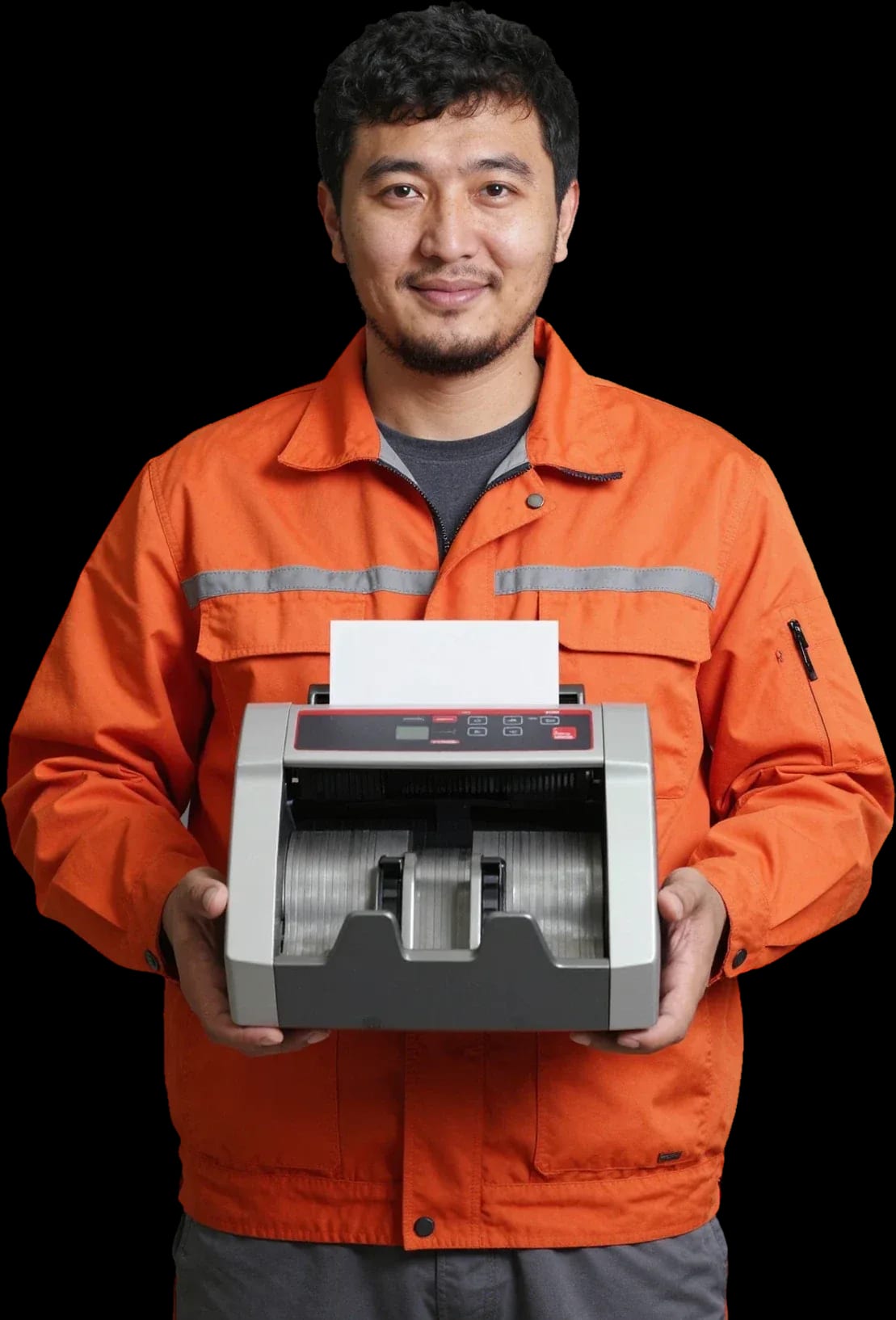
A technician arrives within 60 minutes anywhere in the city. Diagnostics are free.
Our own technicians4 to 20 years of experience




Repair prices
The symptoms customers most often report. The technician will identify the exact cause after free diagnostics.
dirty rollers, worn plate
from8 500 ₸
dirty sensors, calibration drift
from7 500 ₸
the code points to a unit malfunction
from6 500 ₸
power supply, cable, fuse
from8 500 ₸
dirty optical sensor, worn lamp
from7 000 ₸
dirty paper path, worn rollers
from8 500 ₸
sticking, dirty board, cable
from6 500 ₸
worn bearings, loose mounts
from5 000 ₸
1–2 hourstime
from 7,000 ₸cost
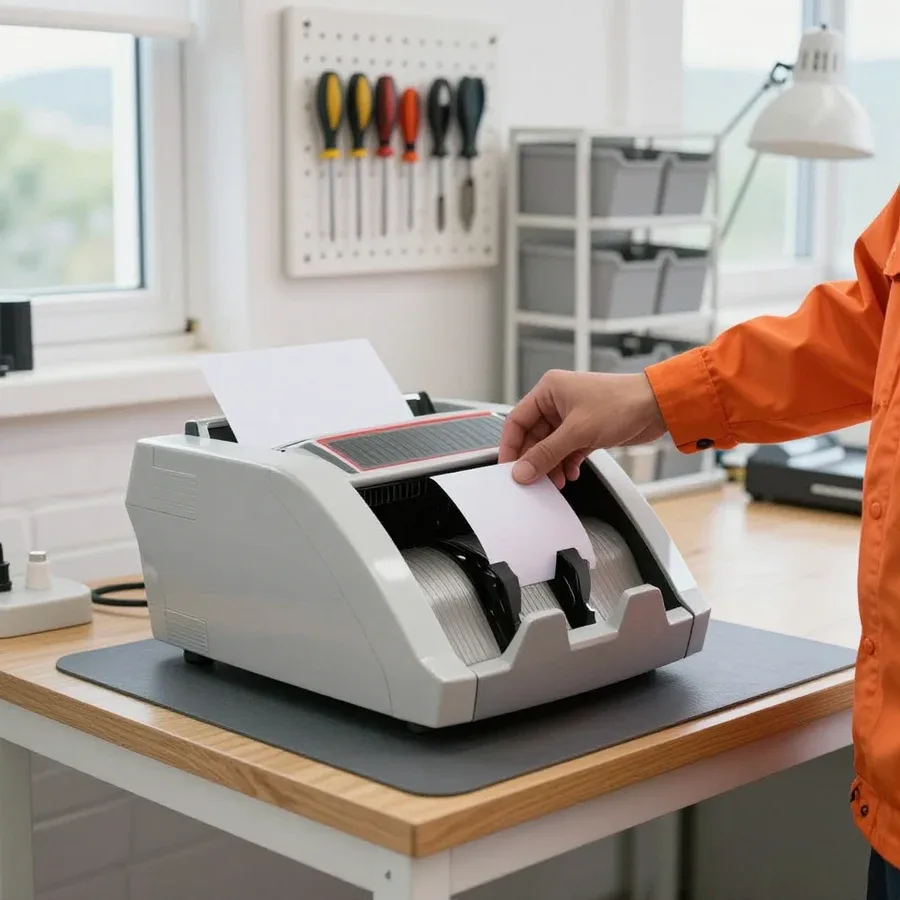 BeforeAfter

Five steps from request to checking the device.
Describe the symptom and your banknote counter model.
The technician comes anywhere in the city.
The technician identifies the cause and quotes the cost.
We do the work and test the device.
The technician runs test banknotes and shows that counting works without errors.
The computer and laptop repair department in Almaty has 7 technicians with 6 to 15 years of experience.

The department has 7 specializations — they are listed on the technicians' cards.
experience10 yearsGraphics card repair technician
 experience6 years
PC and laptop diagnostics technician
 experience8 years
Laptop repair engineer
 experience10 years
Software installation specialist
 experience7 years
PC and laptop repair technician
 experience13 years
Diagnostics and virus removal specialist
 experience15 years
Consultant
We reply during working hours
Describe the symptom and your banknote counter model — the technician will clarify the details and agree on a convenient visit time.

Warranty question? Call us
+7 (778) 096 59 70Tech Service repairs banknote counters in Almaty as a direct provider with its own technicians. A mobile technician arrives within 60 minutes anywhere in the city, or the equipment is repaired at the service center. Diagnostics are free, and there is a 1-year warranty on labor and parts. The technician provides the cost after diagnostics.
A symptom points to a specific component. We explain what's behind "won't turn on," "doesn't count," "jams," and "error on screen" so the technician arrives prepared.
Most often, "won't turn on" means the power supply or control board, and our technician checks these first on-site. Inside the case, there's a switching power supply, a control board, and cables to the display and buttons. During a voltage spike, the power supply burns out first, and the board gets damaged through the power circuit. Check the model on the nameplate on the back or bottom of the case — the technician uses it to select compatible components in advance. Occasionally, a damaged power cord or oxidized connector on the rear panel is to blame. If the indicator doesn't light up after plugging in, and the cable and outlet are fine, you can't go further without disassembly: it's not worth opening high-voltage components yourself — the risk of damaging a working board is higher than the chance of fixing it on the spot.
Jamming almost always indicates worn rollers and feed belts, and the error code on the display narrows the search to a specific component. Rubber rollers and pressure mechanisms lose grip on paper, feed belts stretch, and the banknote gets stuck at an angle in the path — hence the counting stops. Sometimes a crumpled or stuck-together banknote enters the path, and the machine honestly stops to avoid tearing it further. The error message is different for each model, but it links the failure to a path zone or a specific sensor. It's worth writing down or photographing the error code before calling the technician — it makes it easier to determine in advance which parts to bring on-site and avoid making two trips.
Some malfunctions are visible without disassembling the case. A few simple checks will tell you if a specialist visit is needed and save time if the issue is with the connection or settings.
Some "breakdowns" turn out to be a wrong mode or setting, and the error code on the display points directly to the component that needs attention. Check the manual: on banknote counters, switching between counting, sorting, and authenticity modes can sometimes change how the machine responds to bills beyond recognition. See if a button is stuck, whether the counting settings got messed up, and what language the on-screen message is in — that hints at the series and class of the machine. If the display shows a combination of symbols, don't rush to press everything in a row: random button presses reset factory parameters and make diagnostics harder. Write down the error code and the model before you call — with these two details, a technician can often pinpoint the cause before even coming out.
The model on the nameplate is needed so the technician can bring the right parts, and it's time to call a specialist when simple checks don't help. The nameplate is a metal or paper label on the back or bottom panel with the part number and serial number; copy down all the details, including the letter code. An on-site engineer arrives anywhere in the city within 60 minutes, and diagnostics are free, so there's no point in delaying a call if after checking the power and settings the counter still doesn't count or shows an error. Don't take the unit apart to look inside — there are high-voltage components inside, and careless opening often turns a minor repair into a board replacement. Better to keep the nameplate intact and describe to the technician exactly what happens when you turn it on.
Banknote counters are repaired both at your home and in the service center — the option depends on what exactly has failed and whether the cause can be fixed on site.
Equipment is taken to the service center when a control board replacement, complex soldering, or recovery after liquid damage is needed — these are jobs that can't be done on site. Such breakdowns require disassembling the unit, accessing the electronics, and checking components after reassembly. A drop or liquid spill damages several circuits at once: power, sensors, and the optical recognition pair suffer. During an on-site visit, the specialist confirms the diagnosis and moves the recovery to the workshop. If you need the counter every day, ask during the free diagnostics which jobs can realistically be done on site so you're not left without the machine for long. After a spill, there's usually more damage than the first symptom suggests, so such equipment is inspected at the service center. Practical tip: ask about repair timelines and the possibility of a loaner device in advance — this helps you plan work and avoid downtime.
| Situation | What we do |
|---|---|
| Jams banknotes, settings are off | We fix it on-site |
| Won't turn on, power supply burned out | Repair at the service center |
| Equipment after liquid damage or a fall | Restoration at the service center |
| Bought elsewhere | We take it in |
Before service, it's important to know what you'll get and what the risks are. That's why we provide free diagnostics and a warranty on labor and installed parts — let's go over the terms in more detail.
Diagnostics are free, and the technician quotes the price after them, once the cause and scope are clear. First, they check the power, control board, sensors, and banknote feed mechanism, run a test count, and identify which unit has failed. Based on the results, you get a clear explanation: which part needs replacement, which can be restored, and what operations are included in banknote counter service. We don't start work until you approve the scope and price. Ask what exactly is included before work begins — it's easier to compare offers and understand what you're paying for. If the cause is dirty sensors or incorrect settings, the technician will fix it on-site; if there's a suspicion of a control board issue, they'll suggest restoration at the service center.
We provide a 1-year warranty on labor and parts, so you won't have to pay to fix the same issue again. This applies both to on-site visits and to cases when the equipment is brought to us: the terms are the same regardless of the scenario. The warranty also covers installed parts — if a part fails prematurely, it's resolved under warranty, not as a new repair. For counter owners, it's important to know which units were replaced: the same one-year term applies to installed parts. For organizations that count revenue daily, this reliability margin removes the risk of a sudden cash register shutdown. If the symptom returns after repair, the technician will re-inspect the same unit under warranty and determine why the issue reappeared.
Some breakdowns can be prevented: regular cleaning and attention to banknote recognition reduce the risk of jams and counting errors. Here's what maintenance includes and how to monitor the result.
Firmware is needed when the counter stops correctly recognizing notes from the current Kazakhstan database, but not every recognition error is related to it. The machine uses optical, magnetic, and UV sensors to verify authenticity: if one of the channels is clogged with dust or misaligned, the machine rejects genuine tenge and accepts counterfeits. Updating firmware for the Kazakhstan note database rewrites the verification algorithms when banknote designs change or new security features are introduced. Before thinking about the software side, it's worth ruling out sensor contamination: often after cleaning, recognition is restored without touching the algorithms. Often "blind" recognition is fixed by maintenance rather than reflashing—sensors and rollers here affect the result more than the software version.
We work not only with banknote counters but also with related classes of cash equipment—sorters, currency detectors, and coin counters: their diagnostic principles are similar, and faults are recognizable by symptom.
Banknote counters and bill counting machines are the main class of equipment we restore in Almaty. Inside the housing, a counting unit with feed rollers, optical double-detection sensors, and a magnetic authenticity head operate—and each unit produces its own type of failure: rollers jam a note, a sensor skips a banknote, the head falsely flags a genuine note as suspect. The technician checks the counting unit for wear, calibrates the optics, and compares readings with a control stack. The feed mechanism requires special attention: stretched springs and worn rollers disrupt the pitch, and the machine starts counting intermittently even with working electronics. Banknote counter repair in Almaty starts with free diagnostics: the technician identifies which unit has failed and agrees on further work with you. If the equipment won't start or the count is off, don't delay diagnostics—a minor sensor fault eventually leads to replacing units.
| Equipment class | What we check most often |
|---|---|
| Banknote sorter | Recognition sensors and stacking mechanism |
| Currency detector | Optics and magnetic sensors |
| Coin counter | Feed mechanism and tray diameter |
| Banknote counter | Rollers, optics, magnetic head |
We service DORS and Hitachi banknote counters, as well as machines bought elsewhere — where you bought it doesn't affect whether we take it in. DORS and Hitachi ST-series have a similar counting path layout, so diagnostics start with the same components: the double-detection sensor, the magnetic head, and the feed rollers. A Tech Service technician comes to your home or picks up the device for service — citywide arrival within 60 minutes, free diagnostics, and a 1-year warranty on labor and parts. We accept the machine regardless of where it was purchased: just tell us the model and describe the symptom. Give us the model in advance — using the nameplate, the technician will select compatible parts and bring them along.
The banknote counter service market includes both direct providers and intermediaries — the difference shows in who is responsible for the result and the warranty.
Tech Service is a direct provider with its own technicians, not an aggregator or intermediary, so we are responsible for the result and the warranty. Our specialist comes to your home or picks up the equipment for service, performs diagnostics and repairs, and the warranty on labor and parts is 1 year. There is no third link in the chain that resells the request and shifts responsibility. With an intermediary, you don't know who will actually arrive and who is responsible for the result — with a direct provider, responsibility for the outcome is the same at every stage. In my view, this is the main criterion for choosing: ask which specialist will physically work on the counter and who is responsible for quality.
A mobile technician arrives within 60 minutes anywhere in the city, so your counter doesn't sit idle longer than necessary. Our specialist reaches the center, residential areas, and retail outlets on the outskirts — our service area covers all of Almaty, not just the neighborhoods near the service center. This format is convenient for cash handling stations where every minute of downtime slows down revenue collection. If you need the equipment urgently, let us know when you call — the technician will take that into account when planning the visit. Warn us in advance if the counter is in a tight space. In our experience, a pre-agreed route helps the technician arrive without delays. If the counter is in a warehouse or back room, clear a passage to the machine and a place to inspect it before the visit. That way the specialist doesn't waste time moving boxes and gets straight to checking the components.
A banknote counter is a device with several independent components, and the symptom narrows down the search before you even open the case. Breaking down the key takeaways helps you understand upfront what to expect from the repair.
Tech Service technicians repair other appliances too — with the same 1-year warranty on labour and parts.
 Refrigerator Repair in Almatyfrom 3 000 ₸
 Washing Machine Repair in Almatyfrom 3 000 ₸
 Dishwasher Repair in Almatyfrom 3 500 ₸
 Oven Repair in Almatyfrom 3 000 ₸
 Cooktop Repair in Almatyfrom 3 500 ₸
 Air Conditioner Repair in Almatyfrom 3 500 ₸
 Boiler and Water Heater Repair in Almatyfrom 2 500 ₸
 Freezer Repair in Almatyfrom 6 000 ₸
 Tumble Dryer Repair in Almatyfrom 5 000 ₸
 Coffee Machine Repair in Almatyfrom 2 500 ₸
 Robot Vacuum Cleaner Repair in Almatyfrom 3 500 ₸
 Vacuum Cleaner Repair in Almatyfrom 1 500 ₸
 Microwave Oven Repair in Almatyfrom 2 000 ₸
 Hair Dryer Repair in Almatyfrom 1 500 ₸
 Iron Repair in Almatyfrom 3 000 ₸
 Electric Kettle Repair in Almatyfrom 2 500 ₸
 Mixer Repair in Almatyfrom 2 500 ₸
 Multicooker Repair in Almatyfrom 500 ₸

If your laptop screen is broken, turn the device off first, don't press on the display, and check the picture through an external monitor.
12 March 2026 · 11 minutes read
If your laptop freezes, the first thing to do is restart it and check Task Manager to see what's loading the CPU and memory.
25 January 2026 · 12 minutes read
If your computer won't turn on, start simple: check the outlet, power cable, switch on the power supply, and the power button.
19 January 2026 · 13 minutes read
If your laptop won't boot, first determine which of two states you're in: the device doesn't respond to the power button at all…
13 December 2025 · 12 minutes read








