 experience9 years
Ruslan Ts.
Washing machine and refrigerator repair technician
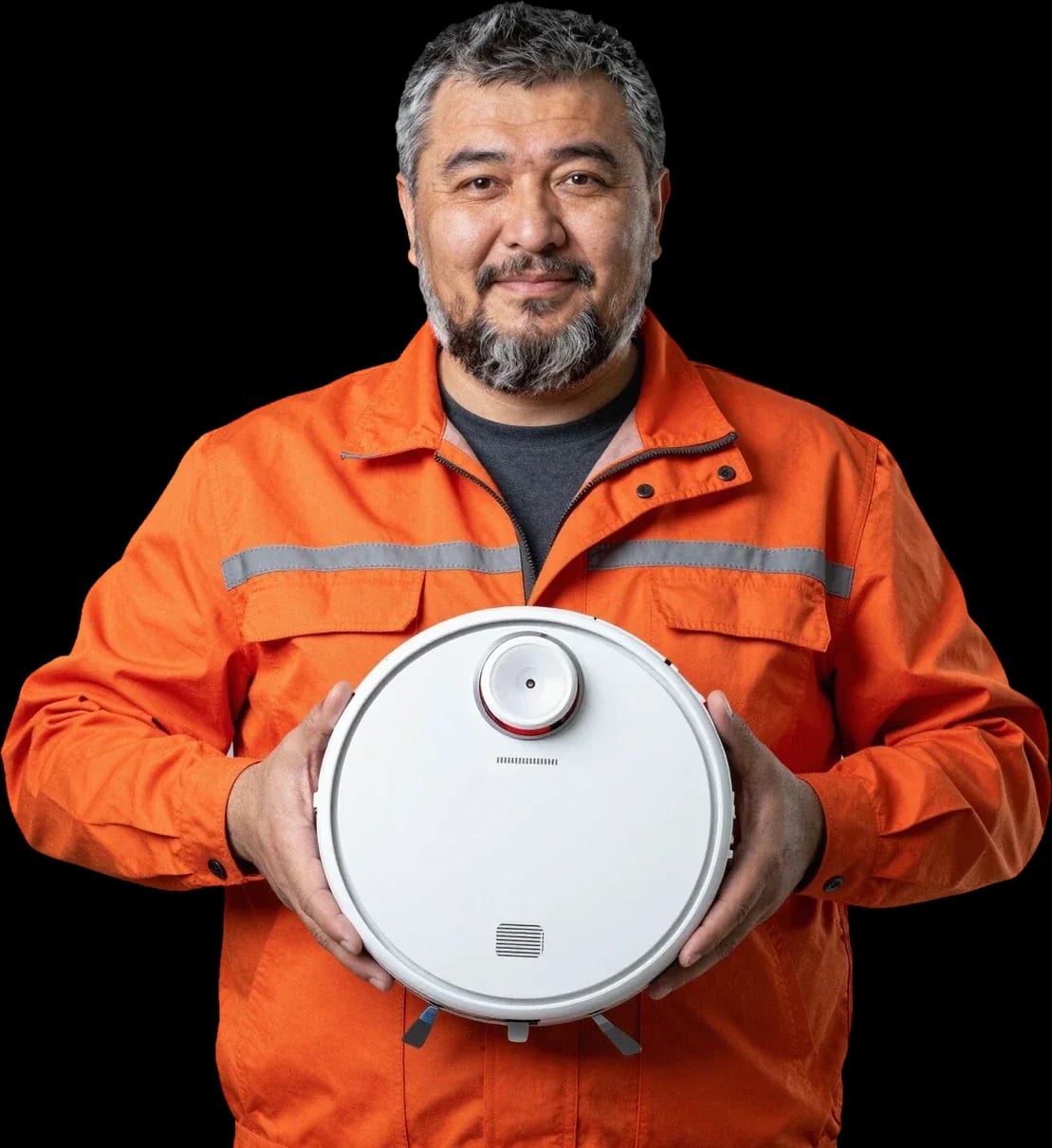
A technician arrives within 60 minutes anywhere in the city. Free diagnostics, 1-year warranty on labor and parts.
Our own technicians4 to 20 years of experience



Repair prices
Below are eight common symptoms and their likely causes, which the technician will check during diagnostics.
oxidized contacts, power supply failure
from9 500 ₸
deep battery discharge, stuck button
from3 000 ₸
clogged hose, pump failure
from7 500 ₸
stretched belt, worn motor
from9 000 ₸
clogged drain, pump failure
from7 500 ₸
clogged filter, worn turbine
from1 500 ₸
battery discharge, navigation error
from9 000 ₸
object in the brush, worn bearing
from3 000 ₸
1–3 business daystime
from 8 000 ₸cost
 BeforeAfter

Five steps from your call to checking the robot's performance.
Describe the symptom and your robot model so the technician brings the right tools.
The technician arrives with tools and test equipment for your model; confirm the service area when you request.
The technician explains which component failed and what repair options are available.
You approve the list of work and parts, and then the technician starts the repair.
Ask the technician what they leave behind after the repair: the old part and documents for the work.
The home appliance repair department in Almaty has 8 technicians with 8 to 12 years of experience.
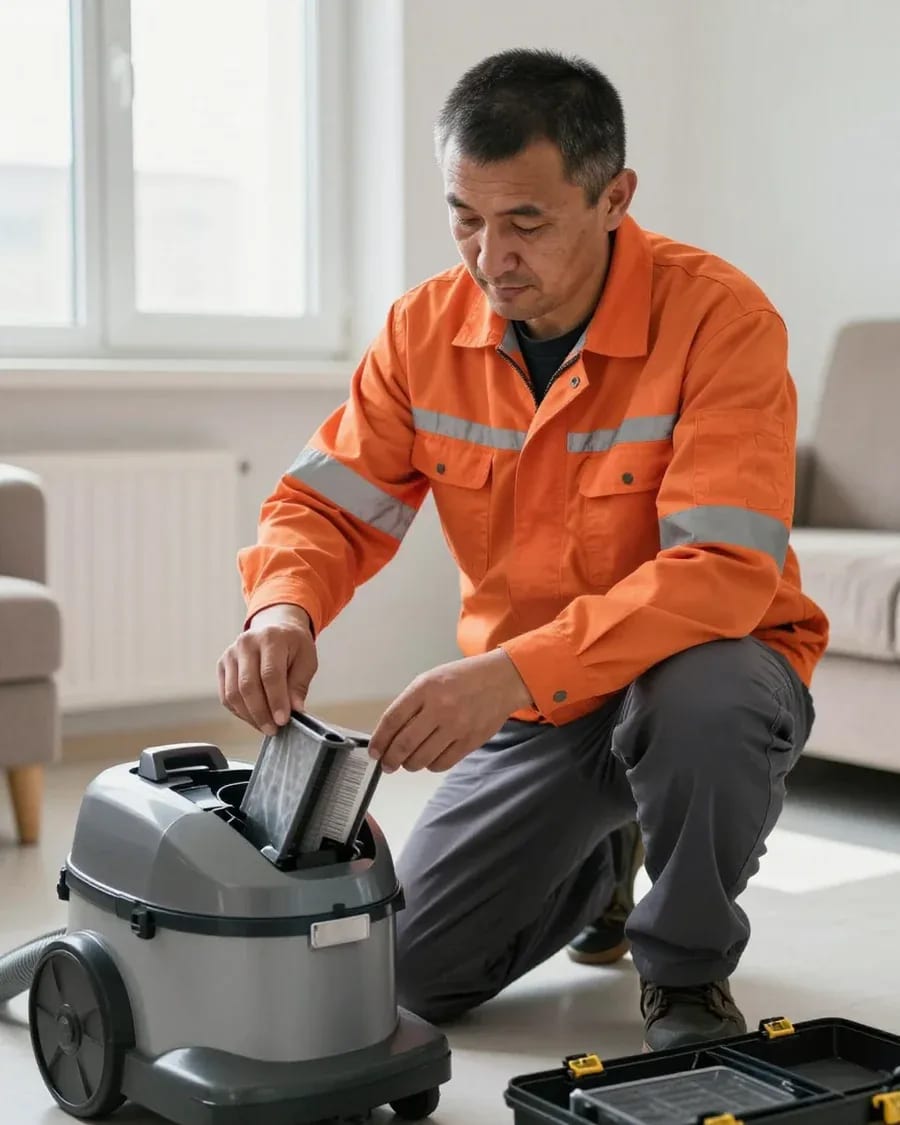
The department has 8 specializations — they are listed on the technicians' cards.
experience9 yearsWashing machine and refrigerator repair technician
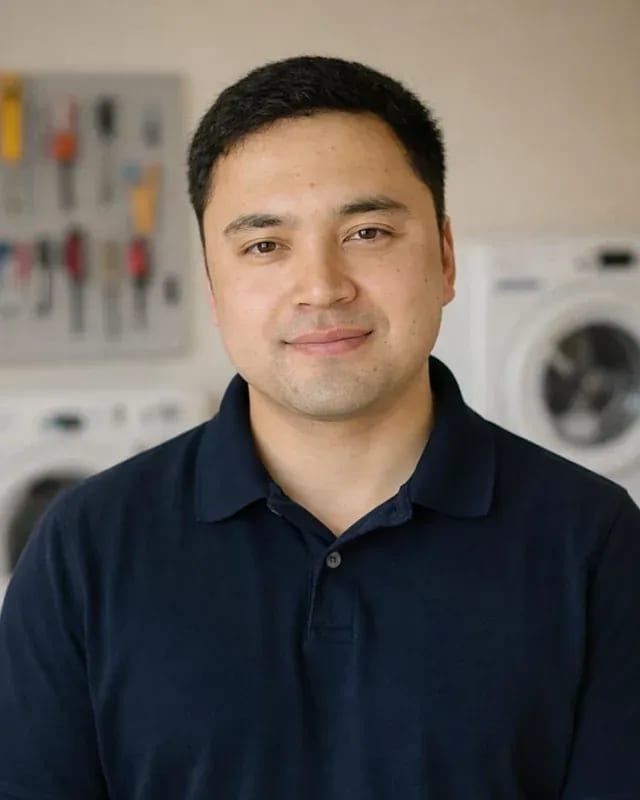 experience12 years
General household appliance repair technician
 experience10 years
Field technician for washing machine and refrigerator repair
 experience8 years
Expert washing machine repair technician
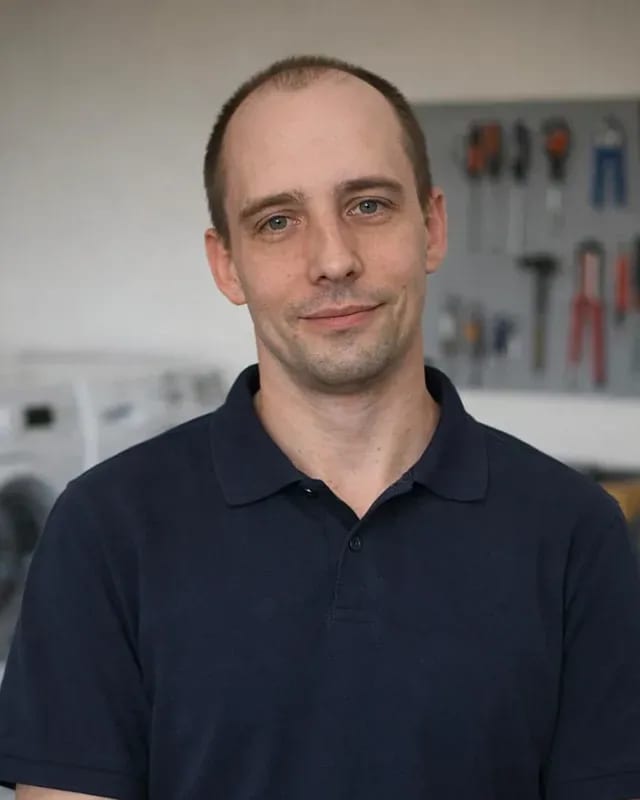 experience8 years
Field refrigerator repair technician
 experience8 years
Senior washing machine repair technician
 experience11 years
Dishwasher repair technician
 experience9 years
Washing machine repair technician
We reply during working hours
When you request, provide the robot model, symptom, and error code — the technician will bring the right part and tool. You can pay via Kaspi QR, Kaspi Red, bank card, cash, or bank transfer for companies.

Warranty question? Call us
+7 (778) 021 13 16Tech Service repairs Roborock robot vacuums and upright vacuums in Almaty: our technician arrives at your home within 60 minutes anywhere in the city, or the repair is done at our service center. Diagnostics are free, we agree on the work before the repair, and there is a 1-year warranty on labor and parts.
The robot shows an error or just stopped cleaning — let's look at what most often breaks on Roborock and which parts are responsible.
A lidar error on Roborock means the laser rangefinder can't see its surroundings, and the robot can't build a map or stay on route. Inside the module there's a rotating unit with a window that collects dust and fine lint — when it gets dirty, the beam scatters, and the vacuum moves blindly, bumps into furniture, and stops in the middle of the room. The obstacle sensors on the bumper and front of the body work separately from the lidar, so if they're dirty, the robot loses orientation even with a working rangefinder. In the Roborock app at this point you'll usually see a message about being unable to build a map or navigation being blocked. If the error comes back after wiping the lidar window and rebooting, the problem is more often in the module itself or the ribbon cable, not the software — then it needs disassembly and checking the unit. If the unit can't be cleaned, a technician performs Roborock vacuum repair in Almaty with on-site checking of the lidar and ribbon cable.
If Roborock doesn't see the base or won't charge, we first check the charging contacts on the robot and the station, then the battery. Oxidized or spring-loaded pads on the body and base cause poor contact: the vacuum pulls up but no charge flows, and it keeps going off to look for the station. The battery wears out over several years of cycles, and then even a short cleaning ends with a return to the base at half charge. The self-cleaning station adds its own power line — if it fails, the robot gets no current even though the mechanics are fine. Fast draining isn't always the battery's fault — often it's a worn suction motor or a clogged filter drawing power.
Weak suction, brush stopping, and no water supply on Roborock are most often related to the motor, brush drive, and water pump. The suction motor loses traction over time due to dust packed in the channel and on the impeller, and a clogged filter makes it worse — airflow drops, and the vacuum just smears dirt around. The brush drive stops when hair and threads wrap around the shaft, and the belt and motor wear out: the robot spins the brush in jerks or not at all. The pump supplies water during wet cleaning, and its failure shows up as a dry cloth and a water supply error. If the robot won't turn on after a fall, don't press power repeatedly — that can finish off the control board; better to show it to a technician right away.
| Symptom | Likely part | What we check |
|---|---|---|
| Lidar error, moves blindly | Lidar, ribbon cable | Lidar window, module, map |
| Doesn't see the base | Contacts, sensors | Charging contacts, station |
| Drains quickly | Battery, motor | Battery capacity, filter |
| Brush not spinning | Brush drive | Hair, belt, motor |
| No water supply | Pump, tank | Pump, tubes, tank |
| Bumps into furniture | Obstacle sensors | Dirt, functionality |
Some errors can be cleared in a couple of minutes without disassembly — here's what to check before the technician's visit so you don't pay for an extra diagnostic.
The first thing we recommend is to turn the robot off and on, wipe the charging contacts on the body and on the dock, and restart it from the dock. Dry, oxidized pads on the self-cleaning dock produce the same symptom as a dead battery: the robot won't dock to charge and runs out of power in minutes. Reboot through the Roborock app, not the button on the body — that way the device will correctly finish the current task and re-read the dock's position. It's worth remembering or photographing the error before resetting: the error code helps the technician quickly understand which component to check, and after a reboot the message may disappear. Our technicians advise on Roborock operation and care even before a visit — sometimes one call is enough to determine whether a technician needs to come out at all.
If your Roborock has stopped building a map, check in the app whether the settings have been messed up or a firmware update is in progress, and don't reset the map unless necessary. A fresh firmware update sometimes restarts navigation mid-clean, and the robot moves randomly until the module finishes loading data. Another cause is the Wi-Fi module: if the device disappears from the app but still moves around the apartment, the issue is more often the router or network band, not the motor. Deleting the map and unlinking the robot from the account erases zone and no-go settings, so it's better to save a snapshot of the map first and only then experiment. In our experience, half of the 'won't build a map' calls end with network setup, not a lidar replacement.
With Roborock, it's not just the motor and brushes that break: a significant portion of calls involve electronics, navigation, and the dock, which a regular vacuum simply doesn't have. We break down the components that most often need a technician's attention.
In Roborock, navigation is handled by lidar and obstacle sensors, and these are what most often need a technician's attention, not just the suction motor. Lidar is a laser rangefinder on the robot's 'cap': it builds a map of the room from reflections, while obstacle and cliff sensors adjust the route around furniture and step edges. A failure in this system shows up immediately — the device moves randomly, loses the map, and keeps hitting the same corner. In our practice, dirty obstacle sensors produce the same effect as a breakdown: the robot bumps into furniture and ignores the route, so a simple cleaning of the optics sometimes solves the problem without replacing parts. Diagnostics should start with the lidar and sensors, not the motor.
In mopping Roborocks and upright H-series models, the usual components are joined by a water supply pump and tank, which also fail. The pump doses water onto the mop or roller, and a clog in the tubes or a misaligned tank disrupts that dosing. The symptom is always the same — the robot passes over the area dry, or even pours water continuously. We service Roborock upright vacuums in the same order as robots: free diagnostics first, then approval of the work. If water isn't being supplied, don't rush to replace the pump — first check the tubes and tank, because a clog produces the same symptom even with a working pump. We replace the component only when it truly isn't pumping.
The Roborock self-cleaning station can be serviced separately from the robot, but for diagnostics it's better to bring both devices or show them to the technician at home. The station combines charging contacts, the dust shaking mechanism, and the roller washing system — each unit breaks in its own way, and power and data exchange go through a single pair of contacts. Some errors like "can't find the base" and "not charging" only show up when the robot and station are paired, so sometimes you can't pinpoint the cause separately. During a home visit, the technician checks the whole setup in 60 minutes anywhere in the city: tests the contacts, checks charging under load, and observes the robot's behavior as it approaches the base. The battery is tested together with the station's charging board. If you're unsure what to bring, take both units — diagnostics will be more accurate and you won't need to call the technician again.
We are the direct provider, not an intermediary, so restoring your Roborock follows a clear scenario — from request to checking the work after all repairs.
After you submit a request, our technician arrives at your home within 60 minutes anywhere in the city and performs free diagnostics of the Roborock robot on site. The specialist inspects the body, checks the lidar, sensors, charging contacts, and pump — using the symptom to determine which unit has failed. Our technicians have 4 to 20 years of experience, so they quickly distinguish typical and rare faults. The visit covers the entire city, including remote areas where equipment more often faces dust and voltage fluctuations. Before the visit, have the robot model and a description of the symptom ready — this speeds up diagnostics and lets the technician check the right unit immediately. Note when exactly the error appears and on what surface — this detail often narrows down the causes even before disassembly.
Before starting work, we agree on the list of tasks with the owner, and perform the work either at home or at the service center — whichever is more convenient. The technician explains what exactly broke, which units need to be replaced or restored, and why the robot won't clear the error without it. The decision is up to the owner: they can agree to the full scope or ask to do only part of it. Home service covers cleaning, contacts, settings, and replacement of accessible parts, while complex cases involving the board or lidar go to the service center. Approval before work protects against unexpected tasks — the owner knows in advance what will be done to the robot and can decline extras. Ask the technician to say the cause of the breakdown out loud — it's easier to understand how preventive maintenance like cleaning the filter will extend the unit's life.
| Format | When it fits | What we do |
|---|---|---|
| At home | Cleaning, contacts, settings | Diagnostics and repair on site |
| At the service center | Disassembly, lidar, board | We pick up and repair at the service center |
| Station separately | Base breakdown | We check the station and also paired with the robot |
Before contacting a service center, a robot vacuum owner usually worries about three things: how much diagnostics cost, what about the warranty, and whether it's worth repairing the device at all. Let's go through each point in order.
Diagnostics are free, and the technician names the cost of work after it, when the cause of the breakdown is clear. The technician comes to your home and checks the lidar, sensors, battery, pump, and control board — based on symptoms from the app and the device's behavior on the floor. If the fault is in navigation, it's immediately visible: the robot spins in place or bumps into an obstacle it doesn't see. Power problems show up differently — the device doesn't reach the base or runs out of charge within a couple of minutes of cleaning. After the inspection, the owner gets a clear explanation of which unit failed and what to do about it. The cost depends on which unit failed, so naming it before diagnostics means guessing, not calculating.
We provide a 1-year warranty on labor and parts, and we discuss the manufacturer's warranty with the owner before starting any work. If the device is still under the manufacturer's warranty, it's worth considering whether it's more beneficial to claim it first — we honestly tell you this before the work begins, not after. The warranty covers the replaced lidar, the new battery, and the pump: if a component fails again within a year, we'll sort it out without any hassle. The owner should keep the description of the work performed — it makes it easier to confirm what was replaced and when. When purchasing a device outside Kazakhstan, the seller's warranty obligations often don't apply, and in that case our service becomes the main option. The warranty on labor and parts does not cancel the manufacturer's warranty where it still applies — these are two separate mechanisms.
Repair is usually more cost-effective than buying a new robot if the issue is with a single component — the lidar, battery, or pump — rather than the entire board. The lidar is responsible for mapping, the battery for cleaning time, and the pump for water supply during wet cleaning; each of these components can be replaced separately, and the rest of the device continues to work. However, if the control board has failed or the body is damaged after a fall, replacing the device may be more reasonable. We also accept robots purchased outside Kazakhstan — the main thing is to show the model during diagnostics and describe how the device behaved before the breakdown. Models from other countries sometimes differ in firmware and configuration, so it's important for the technician to see the exact marking on the body. Based on our workshop's experience, most requests in the city are resolved by replacing a single component rather than buying a new robot.
Five short points — for Roborock robot owners who are preparing to contact a service center and want to understand in advance how the repair process works.
Tech Service technicians repair other appliances too — with the same 1-year warranty on labour and parts.
 Refrigerator Repair in Almatyfrom 3 000 ₸
 Washing Machine Repair in Almatyfrom 3 000 ₸
 Dishwasher Repair in Almatyfrom 3 500 ₸
 Oven Repair in Almatyfrom 3 000 ₸
 Cooktop Repair in Almatyfrom 3 500 ₸
 Air Conditioner Repair in Almatyfrom 3 500 ₸
 Boiler and Water Heater Repair in Almatyfrom 2 500 ₸
 Freezer Repair in Almatyfrom 6 000 ₸
 Tumble Dryer Repair in Almatyfrom 5 000 ₸
 Coffee Machine Repair in Almatyfrom 2 500 ₸
 Robot Vacuum Cleaner Repair in Almatyfrom 3 500 ₸
 Vacuum Cleaner Repair in Almatyfrom 1 500 ₸
 Microwave Oven Repair in Almatyfrom 2 000 ₸
 Hair Dryer Repair in Almatyfrom 1 500 ₸
 Iron Repair in Almatyfrom 3 000 ₸
 Electric Kettle Repair in Almatyfrom 2 500 ₸
 Mixer Repair in Almatyfrom 2 500 ₸
 Multicooker Repair in Almatyfrom 500 ₸

If your dishwasher won't drain, the most common culprits are a clogged filter or drain hose; less often, it's the pump, impeller…
24 March 2026 · 12 minutes read
A washing machine can hum for many reasons, and the first thing to figure out is when the sound appears.
20 March 2026 · 12 minutes read
If your washing machine isn't filling with water, the most common culprits are a closed valve, a clogged inlet filter screen on the hose…
20 February 2026 · 13 minutes read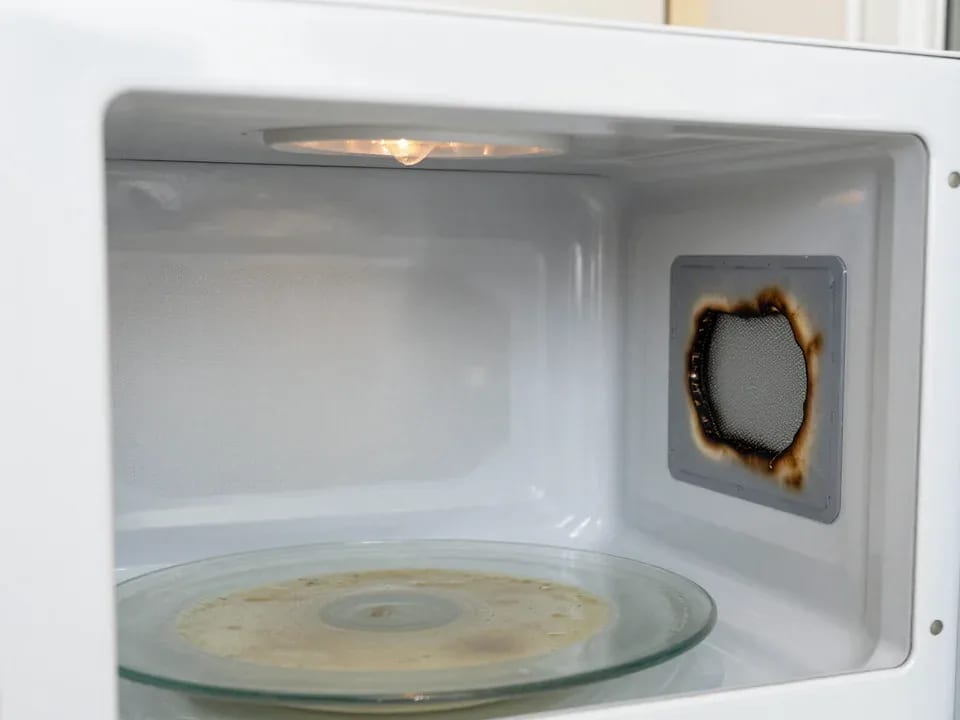
If your microwave isn't heating but the light and turntable still work, the problem is usually one of the high-voltage components — the magnetron, diode…
15 February 2026 · 12 minutes read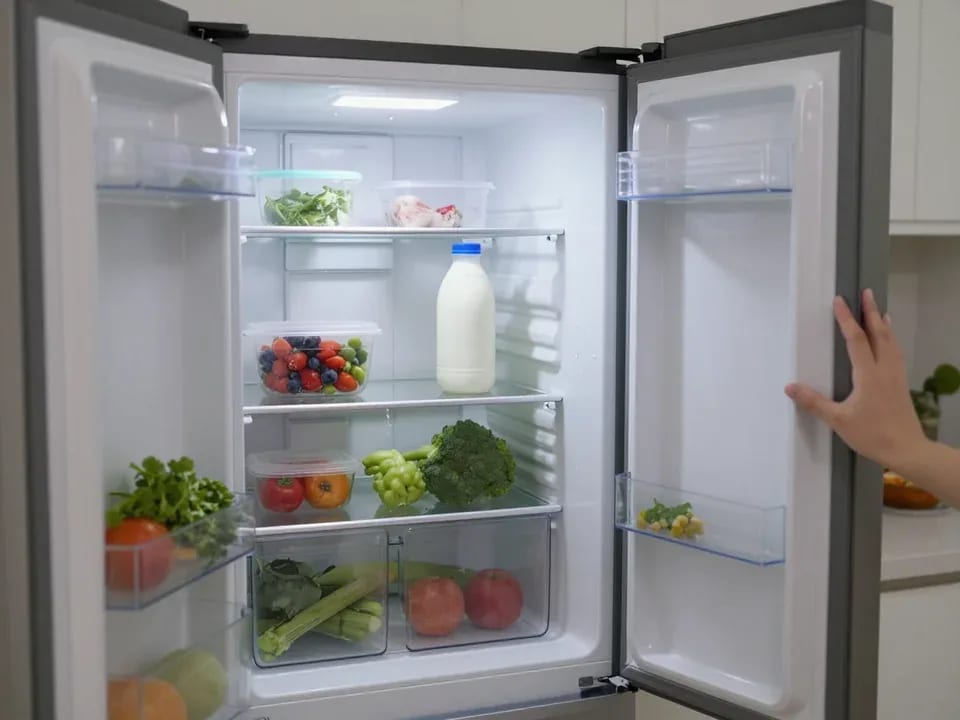
If your refrigerator stops working, first check the outlet, the power cord, and the thermostat setting, and after defrosting let it stand for a while.
4 February 2026 · 12 minutes read
Washing machine error codes are self-diagnostic codes that point to a specific component: drain, water fill, heating, motor, or door lock.
29 January 2026 · 13 minutes read