Original
Screen from the laptop manufacturer
- Backlight type
- Matches factory specification
- Connector and mounting
- Fully compatible with the model
- Model compatibility
- Guaranteed by the manufacturer
- Price
- Determined after diagnostics

Laptop screen replacement in Almaty with a technician arriving within 60 minutes. Free diagnostics, 1-year warranty on labor and parts.
Our own technicians4 to 20 years of experience




1 yearwarranty on labor and parts
60 minutestechnician arrival anywhere in the city
freediagnostics
5
Five typical symptoms point to a problem with the screen or its connection. The technician will determine the cause based on the image.
Image appears after pressing
The picture only appears after pressing on the bezel — a sign of poor contact or microcracks in the panel.
Lines along the screen edge
Extraneous vertical lines around the perimeter indicate local defects in the panel or cable.
Color distortion when warming up
The defect appears after a short period of use — possible overheating of screen components or backlight.
Screen goes dark when charging
The link between the defect and power requires checking power circuits and the backlight controller.
Flickering
Unstable brightness or flickering backlight indicates a faulty inverter or lamp.
Take a photo of the defect and note when it appears — this will help the technician find the cause faster.
Describe the symptoms1–2 hourstime
from 10 500 ₸cost
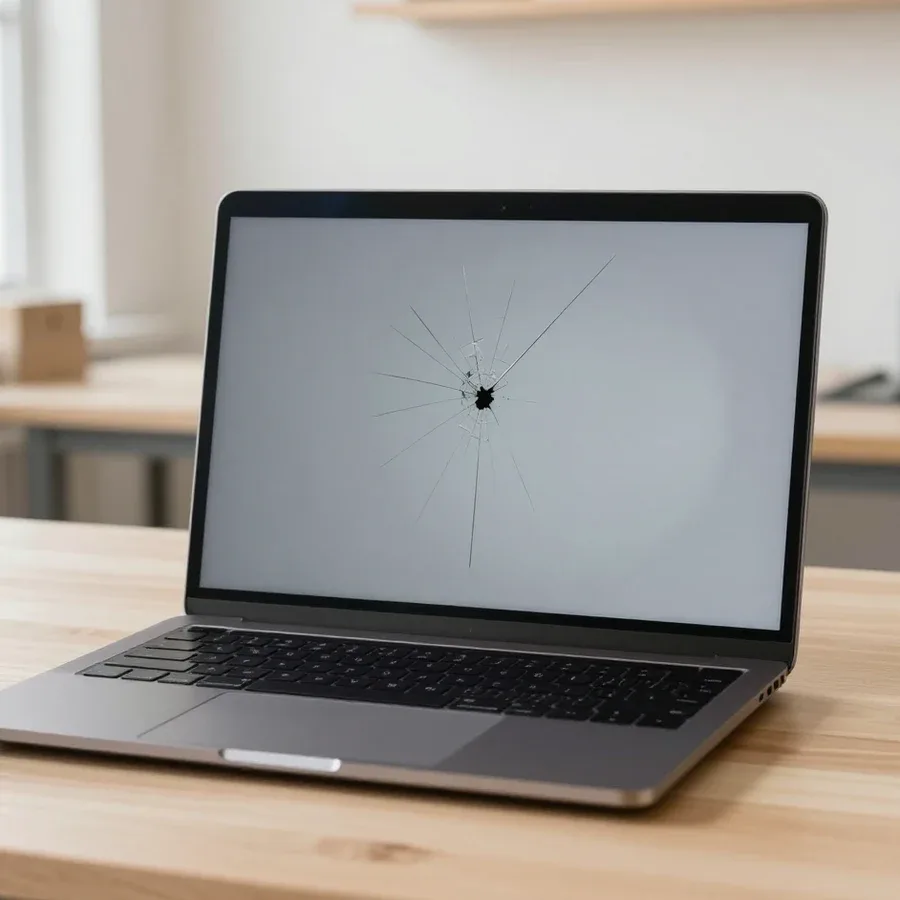
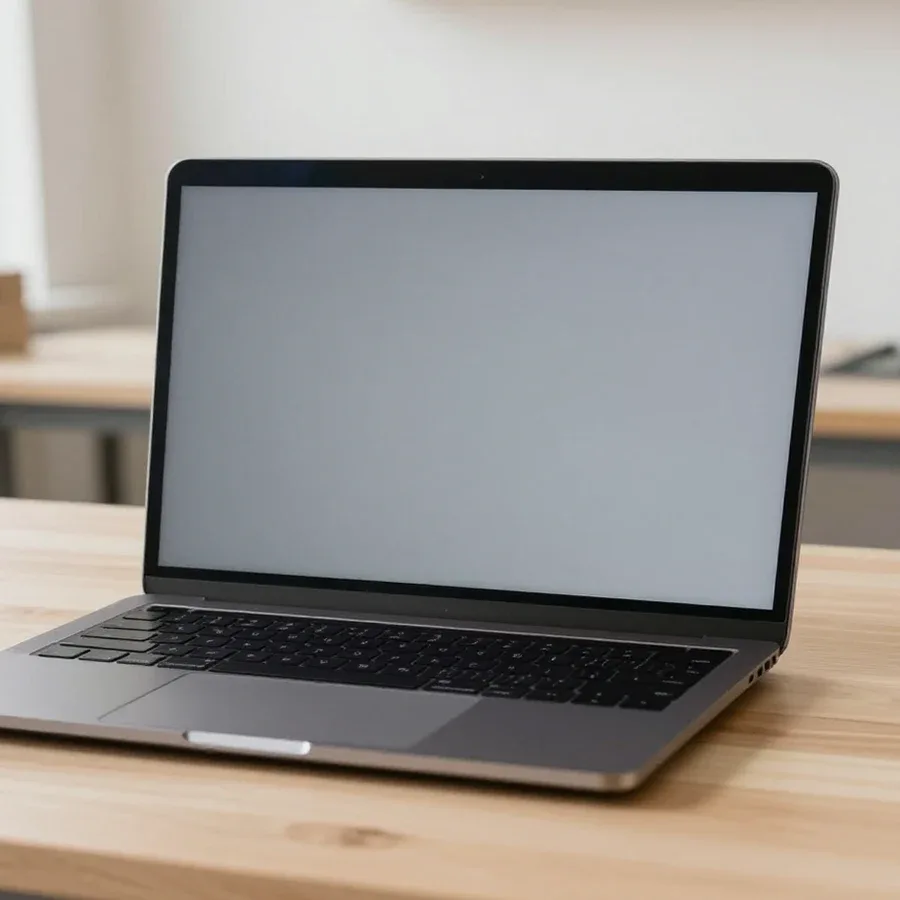 BeforeAfter
The computer and laptop repair department in Almaty has 7 technicians with 6 to 15 years of experience.

The department has 7 specializations — they are listed on the technicians' cards.
 experience6 years
PC and laptop diagnostics technician
 experience8 years
Laptop repair engineer
 experience7 years
PC and laptop repair technician
 experience10 years
Graphics card repair technician
 experience10 years
Software installation specialist
We reply during working hours
Describe your device model and the type of damage — the technician will tell you which part is needed and how long the replacement will take. Ask about visit terms and payment.

Warranty question? Call us
+7 (778) 746 01 65
Author: Dmitriy R.,PC and laptop diagnostics technician
Published
Updated
Tech Service replaces laptop screens in Almaty with its own technicians: on-site visit within 60 minutes across the city or repair at the service center. Diagnostics are free, and you get a 1-year warranty on labor and parts. The technician selects a compatible panel for your model and checks the screen for dead pixels after replacement.
Lines, flickering, and cracks on the screen don't always mean you need a new panel. Let's break down how to tell from the symptoms what exactly has failed.
During free diagnostics, our technician checks the screen via an external monitor and a panel test to accurately separate the screen from the cable and graphics card. We connect an external display: if the image is clean on it, the graphics chip is fine, and the issue is in the panel or its cable. Then we check the reaction to the lid position — flickering that disappears when you change the angle often points to the cable, while "scattered" artifacts across the entire screen point to the graphics chip. This laptop screen repair starts with an accurate diagnosis, not with replacing everything, so the owner doesn't pay for unnecessary parts. If the owner wants to know how much laptop screen repair costs, the technician gives the price after free diagnostics. According to Tech Service technicians' experience, confusion between these three causes is the most common: panels are replaced where simply reconnecting the cable would suffice. If the defect repeats on an external monitor, look for the cause in the graphics chip, not the glass.
The screen is selected based on the laptop model, diagonal, resolution, and connection type. Let's break down which parameters matter and how original differs from analog.
We select the panel so that the diagonal, resolution, connection type, and lid mounting match; otherwise, the screen won't fit or won't work. Common sizes are 13.3, 14, 15.6, 16, and 17.3 inches, and each is tied to a specific chassis line: a 15.6 screen won't fit a 14-inch lid even if the dimensions seem similar. The resolution must also match what the screen cable supports, or the image won't display or will stretch. If you want to replace a laptop screen without mistakes, the technician cross-checks the panel part number with the model specification, not just the screen size. Even with the same diagonal, a different panel may not fit due to the cable connector location, so selection is done by part number, not just size.
| Panel Type | Viewing Angles | Color Reproduction | Best For |
|---|---|---|---|
| TN | Narrow | Basic | Office, email, documents |
| IPS | Wide | Accurate | Graphics, video, color work |
| VA | Medium | High contrast | Movies, dark scenes |
| OLED | Maximum | Rich | Media and design |
The process goes step by step: from free diagnostics to checking the image after reassembly. Let's break down what the on-site technician does at each stage and how to prepare your device for their visit.
Turn off the device and don't press on the cracked glass, so shards don't damage the backlight and the matrix contact line. This internal cable connects the panel to the motherboard, and any contact displacement adds a separate connector soldering to the job. If the image is completely gone, don't disassemble the lid yourself: incorrect force on the hinges often adds case repair to the work. Before the technician arrives, move the device off soft surfaces — on a sofa or blanket it overheats, and the cracked coating spreads further from the heat. Don't try to tape the broken corner: the adhesive tape pulls the shards when opening and tears the wiring. Hold the lid with both hands in the middle when carrying the device — this distributes the load on the hinges evenly.
Time and cost depend on the model, screen type, and format of work. We explain what goes into the estimate and when repair is justified.
The technician quotes the price after free diagnostics, and the calculation depends on the laptop model, screen type, and format of work — at home or in the service center. We agree on the scope after inspection: the engineer confirms that the issue is with the matrix, not the cable or video chip, and only then names the sum. The final price is affected by resolution and backlight type, the presence of an oleophobic coating and touch layer, as well as how the display is attached to the case — on thin ultrabooks the bezel and hinges are harder to disassemble than on bulkier models. A technician visit within the city takes up to 60 minutes, and on-site diagnostics is free. The exact part number often determines the final price more than the diagonal, so don't rely only on screen size when choosing — check the marking on the back of the removed matrix.
A new panel is justified when the other components of the laptop are working and the screen is the only serious problem. If the case is intact, the board is stable, the battery holds a charge, and the keyboard and ports work, a fresh display gets the device back in action and extends its life for several years. Another scenario is older hardware with multiple defects: a cracked display, worn battery, loose hinges, and board failures. Here laptop matrix repair, whose price consists of several items, rarely pays off, and it's wiser to look at a used laptop of a similar class. Our technician honestly says what's more cost-effective in a specific case during diagnostics — sometimes we advise against such work. If board, battery, and case issues are added to a broken screen, the total repair may be comparable to buying another laptop.
After replacement, it's important to make sure the screen works without defects. We explain how we check the result and what the warranty covers if a defect appears later.
After installation, we check the display for dead pixels and backlight bleed so the customer can accept the work without hidden defects. First, we run solid fills — white, black, red, green, and blue backgrounds: on each color, individual dots and lines show up that you wouldn't notice on a regular desktop. Then we look at the backlight from an angle and assess how evenly it glows around the edges of the panel. We also run a smooth brightness change from minimum to maximum — this reveals flickering and areas where the backlight drops out. Backlight bleed is more noticeable on a dark background at maximum brightness, so the test should be done in that mode, not on a light desktop: in daylight, the defect is easy to miss. If you're wondering how much a laptop screen replacement costs, the technician gives you the price after free diagnostics. The technician shows you the result before leaving, so there are no disputes after acceptance.
We provide a 1-year warranty on labor and parts, so if there's a defect in the panel or the installation, it's covered under this warranty. The direct contractor is responsible for both the screen itself and how it's seated in the case — you don't have to figure out who's at fault between intermediaries. Over 4–20 years of work, our technicians have seen how both factory defects in the panel and installation errors show up: the former cause lines or spots, the latter cause a misaligned frame and uneven pressure. The warranty covers both the panel and the quality of installation, so don't replace the screen yourself after repair — it will complicate the case review. If a defect appears, just keep the operating conditions and don't open the case before inspection.
Here are the key things to keep in mind before replacing a laptop screen: what affects the choice of panel, how the work is done, and what to rely on when checking the result.
If you ask, the technician will check other parts during the same visit.

If your laptop screen is broken, turn the device off first, don't press on the display, and check the picture through an external monitor.
12 March 2026 · 11 minutes read
If your laptop freezes, the first thing to do is restart it and check Task Manager to see what's loading the CPU and memory.
25 January 2026 · 12 minutes read
If your laptop won't boot, first determine which of two states you're in: the device doesn't respond to the power button at all…
13 December 2025 · 12 minutes read
If your computer won't turn on, start simple: check the outlet, power cable, switch on the power supply, and the power button.
19 January 2026 · 13 minutes read


