Original
Manufacturer's connector
- Compatibility
- Full match for the laptop model
- Quality
- Factory-made, precise dimensions
- Selection
- By part number or model
- Lead time
- Depends on supplier availability
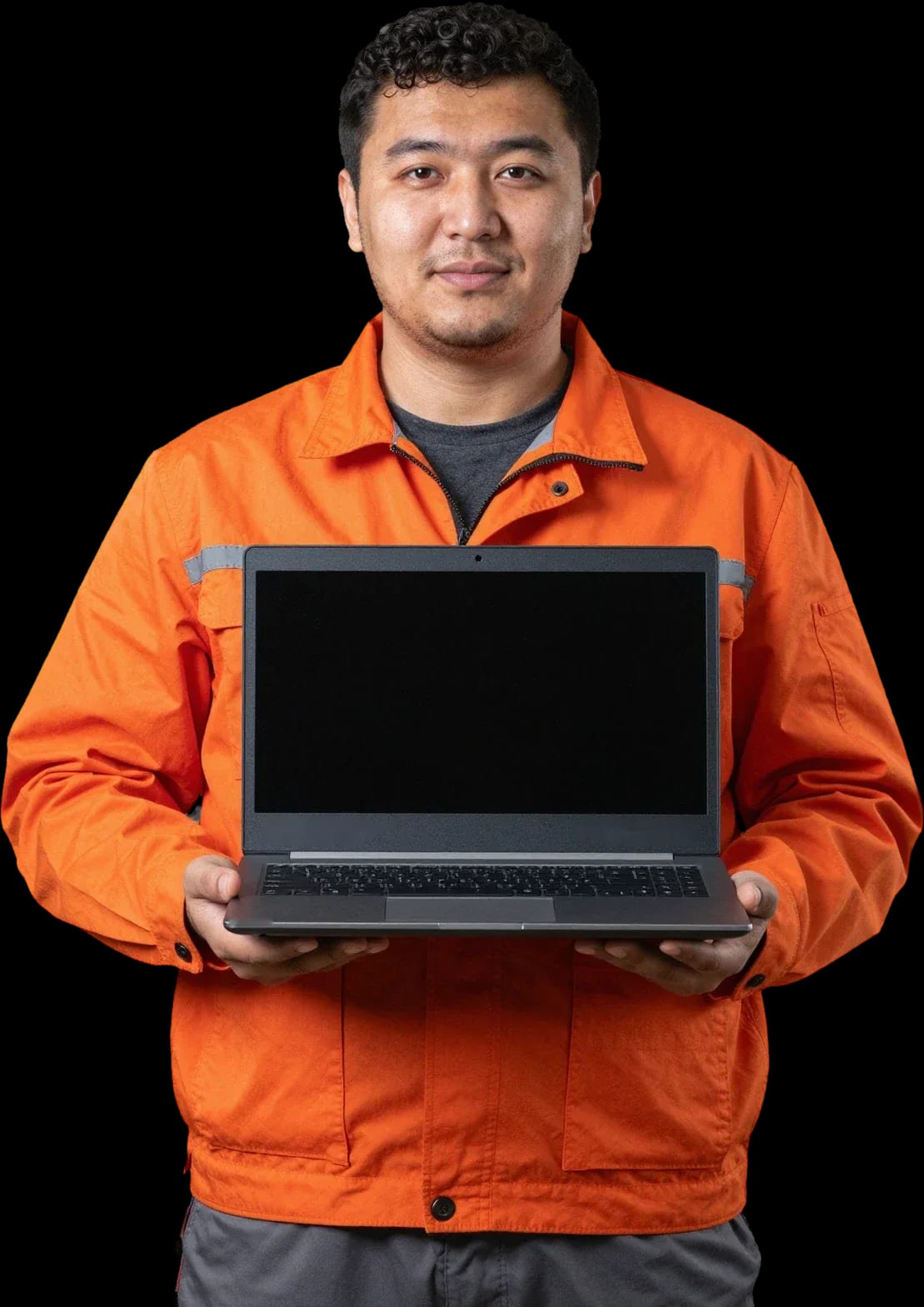
A technician arrives within 60 minutes anywhere in the city. Free diagnostics. 1-year warranty on labor and parts.
Our own technicians4 to 20 years of experience




1 yearwarranty on labor and parts
60 minutestechnician arrival anywhere in the city
freediagnostics
5
A port can stop working due to mechanical wear, oxidized contacts or detachment from the board. Software glitches happen too, but less often.
The port works at an angle
The cable only holds in a certain position — this means mechanical wear of the contacts and loss of connection when moved.
The connector is loose
Play indicates a weakened mount or damaged solder joint. Over time, contact may be lost completely.
The device disconnects
A flash drive or mouse is detected and then immediately disappears — unstable contact that shows up under load.
The port won't hold the cable
The cable falls out at the slightest movement — the retainers or spring contacts of the connector are worn.
The port comes back after a reset
The device is only recognized after restarting the laptop — controller reset and unstable port power.
Don't plug flash drives with important data into a faulty port and don't try to fix the connector yourself.
Describe the symptoms1 visittime
from 6,500 ₸cost
 BeforeAfter
The computer and laptop repair department in Almaty has 7 technicians with 6 to 15 years of experience.

The department has 7 specializations — they are listed on the technicians' cards.
 experience6 years
PC and laptop diagnostics technician
 experience8 years
Laptop repair engineer
 experience7 years
PC and laptop repair technician
 experience10 years
Graphics card repair technician
 experience10 years
Software installation specialist
We reply during working hours
Describe the problem in your request — the technician will agree on a convenient visit time and give you the cost of work before starting the repair.

Warranty question? Call us
+7 (778) 746 01 65
Author: Dmitriy R.,PC and laptop diagnostics technician
Published
Updated
Tech Service replaces USB ports (USB-A and USB-C) on laptop motherboards in Almaty. A technician comes to your home within 60 minutes anywhere in the city or repairs it at the service center. Diagnostics are free, and you get a 1-year warranty on labor and parts. The technician gives you the price after diagnostics.
The port stops seeing a flash drive — but the connector isn't always to blame. Here's how to tell a hardware failure from a driver glitch and when repair is really needed.
If the port doesn't see a flash drive in any mode and on another system, and the connector wobbles or goes in at an angle — that's hardware, not a driver. USB controller drivers in Device Manager can mimic a port failure: the device is detected every other time, the port disappears after sleep, and controller errors show up in the logs. Check it this way: plug the flash drive into another port on the same laptop, then into another laptop. If the failure repeats only in one port, the connector or USB controller is at fault, not the operating system. Reinstalling drivers in this case gives a temporary effect — after a few connections the port drops out again. A quick check takes a couple of minutes, but it separates software from hardware and saves you from unnecessary system tinkering. If the check confirms a failure, USB port replacement on a laptop in Almaty will be faster than trying to fix the port with settings.
A loose connector can be fixed, but if you delay, the loose contacts short out and damage the motherboard — and that's a whole different scale of repair. The connector is held to the board by solder: under constant pressure from the plug, the contacts come loose, the traces on the board overheat, and replacing one port turns into restoring a power circuit. Liquid in the port speeds up contact oxidation — even after drying, it's better to show the connector to a technician before the first power-on. Delayed repair is also dangerous because contact shorts don't show up right away: the laptop works, but the board is already damaged. Diagnostics are free, so showing the port to a specialist costs less than replacing a burned section of the board. In my opinion, a loose connector is the kind of failure that's better to fix at the first stage.
USB-A and USB-C look like 'just ports', but they're repaired differently. Here's how the work differs and when only the port itself is replaced without touching the board.
We repair both types, but USB-C is more complex: it has denser contacts and higher requirements for soldering precision, so the work takes more time and care. USB-A has four large contacts and a wide body — that kind of port is easier to secure and heat. USB-C has twenty-four contacts in two rows, with less than a millimeter between them, and any extra drop of solder shorts neighboring lines. Soldering the connector to the board is done under a microscope, with flux and a fine tip, and after installation we check every line for resistance. On modern thin laptops, USB-C is often combined with charging, so during diagnostics we check not only data but also the port's power lines — otherwise a port that looks fine won't deliver power.
We replace the port separately — we solder a new one onto the motherboard without replacing the whole board; a new board is only needed if the area around the port is damaged. This repair is cheaper for the owner and preserves the board's serial data. A torn-out port with a piece of the board is a separate case: first the traces and pads are restored, and only then is a new port installed. This soldering of the connector to the board requires layer-by-layer work with fiberglass, so the technician assesses the scope during free diagnostics and tells you exactly what will need to be restored. If the pads are intact, we just install one port — we don't touch the board. When a technician comes to your home within 60 minutes anywhere in the city, diagnostics are also free, and we give a 1-year warranty on labor and parts.
Replacing a connector means diagnostics, soldering, and testing the port. Here's how we work and what we do on-site versus at the service center.
We come to you anywhere in the city or repair at our service center — you choose the format, and the on-site technician arrives within 60 minutes. On-site, they run free diagnostics, check the terminals and power lines, and if needed restore the connector seating right there. Some soldering work is better done at the service center, where we have everything for precise board soldering and USB controller testing. For USB connector repair on a laptop, the technician will tell you during diagnostics whether the connector can be replaced on-site or the laptop should go to the service center — it depends on the condition of the traces and the connector type. Soldering USB-C on thin boards more often requires a workshop than USB-A work. We provide a 1-year warranty on labor and parts, and diagnostics stay free in both formats.
For a laptop owner, speed matters: how long to wait for a technician and how everything works. Here's how on-site visits in Almaty go and what options you have for port repair.
An on-site technician arrives within 60 minutes anywhere in the city, runs free diagnostics on the spot, and tells you whether the connector can be replaced right away or a service center repair is needed. Our specialist inspects the port, checks the contacts and power lines, and tests the controller by plugging in working peripherals — this separates a broken socket from a driver issue. If the socket is intact but the port doesn't respond, the technician names the cause and offers a solution without unnecessary disassembly. If the fault requires soldering under magnification, the technician takes the laptop to the service center — the risk of damaging nearby board components is lower than working freehand. Before the visit, they confirm the port type and laptop model to bring the right tools and avoid a second trip. On-site, the technician shows exactly what needs workshop soldering and agrees on the next steps.
| Type of work | Where we do it | What we check | Warranty |
|---|---|---|---|
| USB-A connector replacement | On-site or service center | Contacts, power lines | 1 year |
| USB-C connector replacement | More often service center | Contact density, power | 1 year |
| Broken connector restoration | Service center | Board area, traces | 1 year |
| Port diagnostics | On-site or service center | Controller, contacts | Free |
Warranty and who does the work are the final deciding factors. Here's what the 1-year guarantee on soldering covers and why going directly to the technician is more convenient than using an intermediary.
We give a 1-year warranty on labor and parts: if the replaced USB port stops working due to our fault, we'll fix it under warranty. The coverage rests on two things — the soldering of the port to the board and the part we installed. The technician who handled the repair is also responsible for how well the port sits in the case and for the contact between the pins and the board traces. Repeat visits for ports are more often about mechanics than the new part: a loose port starts pulling on the contacts again. That's why, on a return visit, the technician checks not only how the socket looks but also the solder joint and the condition of the traces around it — that shows whether mechanical stress has come back to the port. The price for replacing a USB port on a laptop is discussed upfront: the technician gives you the cost after free diagnostics, so you know what you're paying for. The warranty covers the work performed and the port we installed, not neighboring board components that weren't touched during the repair.
Tech Service is a direct provider: our own technician comes to you, not a middleman, so diagnostics, soldering, and warranty obligations are handled by one team with 4 to 20 years of experience. There's no dispatcher between you and the person with the soldering iron passing the job to a third party — any quality issue is resolved with the same technician who did the work. Diagnostics are free, a technician arrives within 60 minutes anywhere in the city, and you can pay with Kaspi QR, Kaspi Red, card, cash, or bank transfer. With a middleman scheme, one person takes the request and another does the soldering, and on a repeat visit you have to describe the problem all over again to a new shift — with a direct provider that chain is one link shorter. If your laptop is still under the manufacturer's warranty, having the port repaired at a third-party service may affect it — it's worth checking before work begins.
The outcome depends on three things: an accurate diagnosis, careful soldering, and checking the port after reassembly. Below are brief takeaways to help you decide.
If you ask, the technician will check other parts during the same visit.

If your laptop screen is broken, turn the device off first, don't press on the display, and check the picture through an external monitor.
12 March 2026 · 11 minutes read
If your laptop freezes, the first thing to do is restart it and check Task Manager to see what's loading the CPU and memory.
25 January 2026 · 12 minutes read
If your laptop won't boot, first determine which of two states you're in: the device doesn't respond to the power button at all…
13 December 2025 · 12 minutes read
If your computer won't turn on, start simple: check the outlet, power cable, switch on the power supply, and the power button.
19 January 2026 · 13 minutes read


