 experience10 years
Maksim S.
Graphics card repair technician
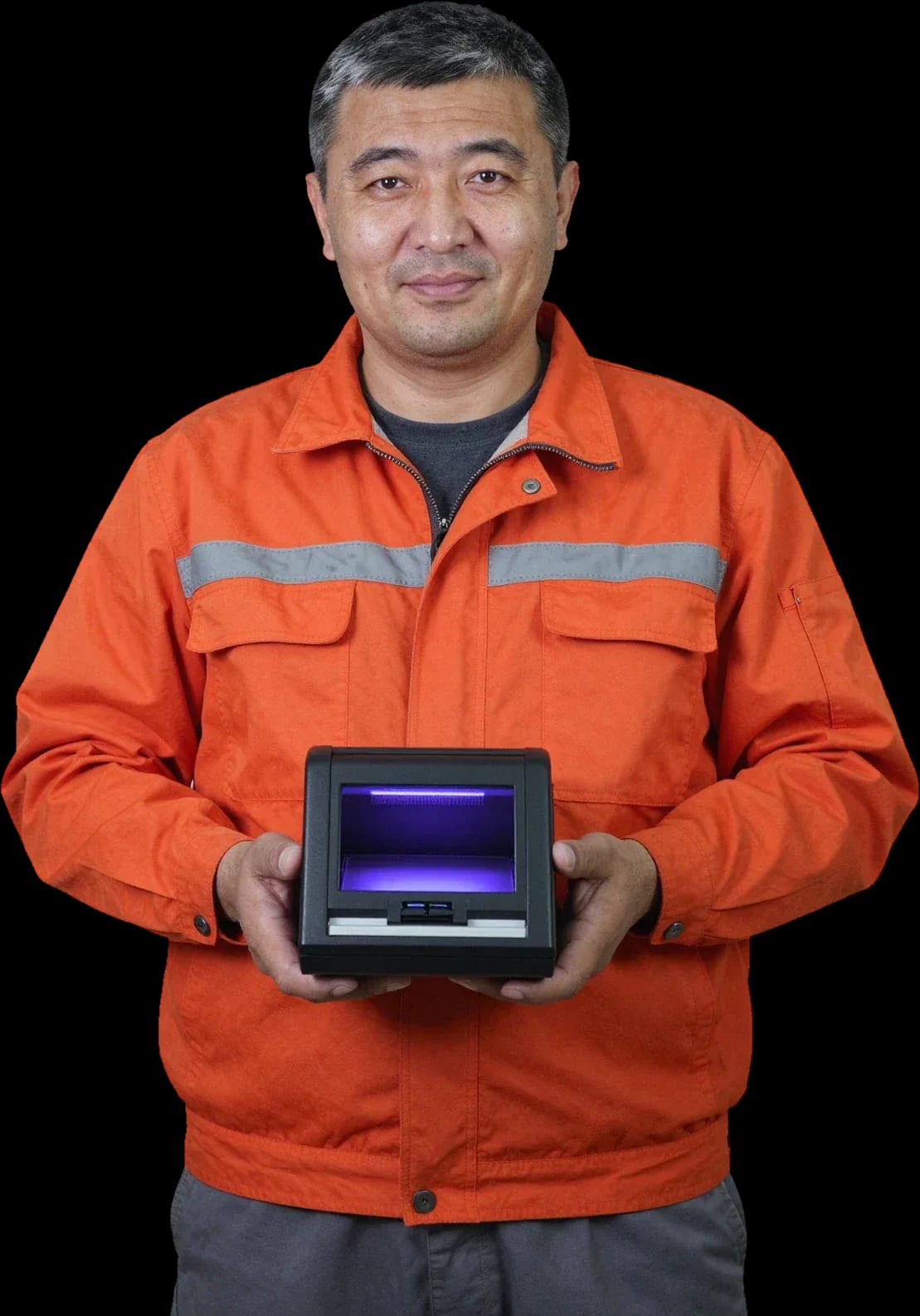
We fix banknote authentication devices on-site. Free diagnostics, 1-year warranty on labor and parts.
Our own technicians4 to 20 years of experience




Repair prices
Symptoms detector owners most often report and their likely causes — starting with the most common.
dirty sensors, worn UV lamp
from6 000 ₸
code points to the feed mechanism
from16 500 ₸
power supply, cord, board fuse
from8 500 ₸
worn rollers, dirty paper path
from6 500 ₸
dirty head, outdated firmware
from6 000 ₸
missing firmware, dirty sensor
from6 000 ₸
burned-out lamp, oxidized contacts
from9 000 ₸
dirty head, broken ribbon cable
from6 000 ₸
1–2 hourstime
from 6,500 ₸cost
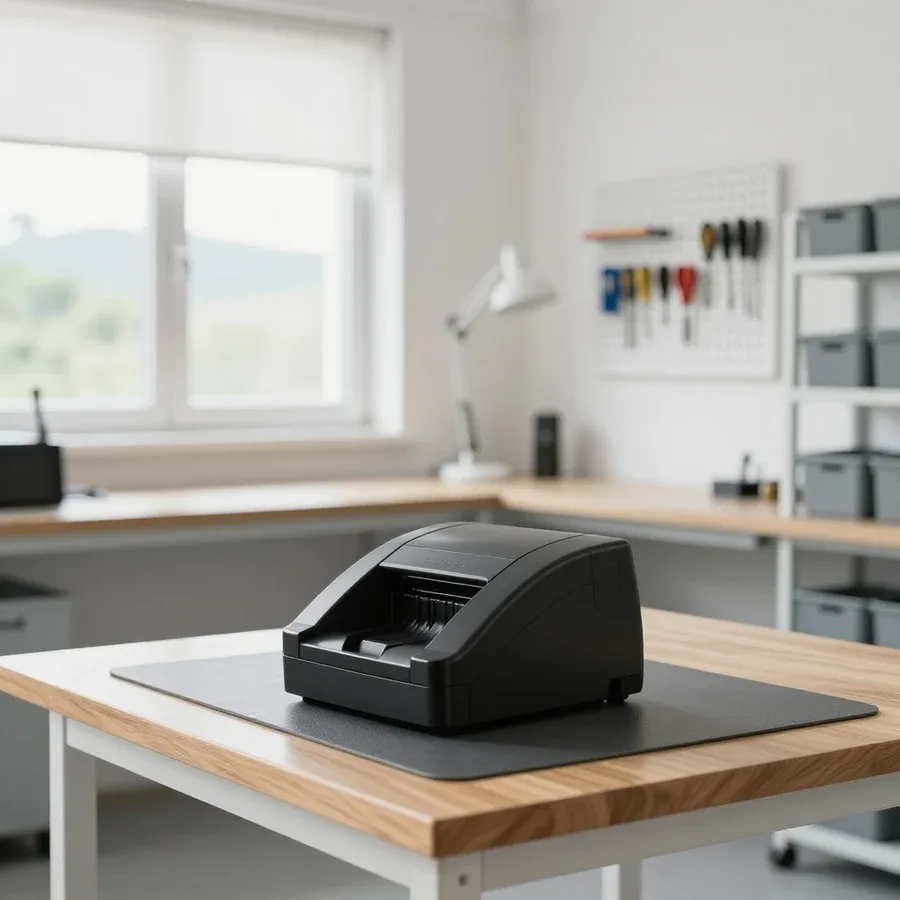 BeforeAfter

From request to testing the device with reference banknotes.
Describe the symptom and model — the technician will prepare tools and likely parts.
Technician on-site within 60 minutes across the city, working at the customer's location.
Provide the model, firmware version, and currencies — the technician will bring the right sensors and lamp.
The technician will agree on the scope of work and parts with you before starting repairs.
Ask to run 3–5 real banknotes of different denominations and currencies to verify operation.
The computer and laptop repair department in Almaty has 7 technicians with 6 to 15 years of experience.

The department has 7 specializations — they are listed on the technicians' cards.
experience10 yearsGraphics card repair technician
 experience6 years
PC and laptop diagnostics technician
 experience8 years
Laptop repair engineer
 experience10 years
Software installation specialist
 experience7 years
PC and laptop repair technician
 experience13 years
Diagnostics and virus removal specialist
 experience15 years
Consultant
We reply during working hours
Choose a convenient day and time for the visit — the technician will come and test the device on-site.

Warranty question? Call us
+7 (778) 096 59 70Tech Service repairs banknote detectors and currency detectors in Almaty: a technician comes to your home within 60 minutes or the device is repaired at our service center. Diagnostics are free, with a 1-year warranty on labor and parts, and technicians with 4 to 20 years of experience. The technician provides the cost after diagnostics.
A banknote detector fails in several typical scenarios—from power to recognition. Below we break down which component is usually to blame and what the technician does about it.
Most often the power supply or cable contact is at fault, less often the control board, and the technician checks the power circuit on site. The power supply is responsible for turning the device on: it converts mains voltage into operating values for the board and sensors. The cable contact and the connector on the housing suffer from frequent moving and dust, and the control board fails after power surges in the mains. Repair of currency detectors in this case begins with checking the power circuit. We start by measuring the voltage at the output of the power supply and inspecting the connector, then check the fuse and board traces. If the device doesn't respond even when plugged into a working outlet, don't keep turning it on—this can finish off the power supply. It's better to immediately describe to the technician exactly how it's not responding.
Jamming is usually caused by worn feed and receive rollers, a stretched belt, or a loose drive coupling—the technician checks the transport path and replaces worn parts. The feed and receive rollers wear out and lose grip on the paper, so the banknote moves unevenly and gets stuck. The drive belt stretches and slips, and the coupling stops transmitting force to the shaft. The optocoupler detects the position of the banknote, and when its window is dirty, the device "doesn't see" the sheet and stops the transport. We run test banknotes through the path, inspect the rollers for wear, and check the belt tension. If a banknote jams at the same spot in the path, it's almost always a specific roller or optocoupler, not the whole device—a targeted replacement costs less than it seems.
If the detector sees the banknote but doesn't determine authenticity or denomination, the cause is in the authenticity sensors, dirty optics, or outdated firmware—the technician checks both possibilities. Authenticity sensors are responsible for recognizing the authenticity of a banknote: the UV unit detects the glow of security fibers, the IR channel reads marks in the infrared spectrum, and the magnetic sensor reads ferromagnetic elements. Optical sensors become covered with dust over time, and the signal weakens—the device starts rejecting normal banknotes. The firmware stores banknote images, and after new banknotes are introduced, older versions stop recognizing them. We check each channel separately and test with reference banknotes. Before replacing sensors, it's worth ruling out simple dirt on the optics and outdated firmware—sometimes non-recognition is fixed by cleaning and updating, not by replacing the unit.
Owners of banknote equipment have two options: call a specialist to their home or bring the device to the service center. Let's look at when each option is more convenient, how a home visit works, and who is responsible for the result.
A field technician arrives within 60 minutes anywhere in the city, performs free diagnostics on site, and, if the breakdown allows, fixes the issue right at your location. This format covers maintenance of currency detectors at a store checkout, exchange office, or warehouse, where the device is fixed in place and removing it stops cash operations. The specialist brings tools for typical transport and power issues, checks the transport, sensors, and connections, and after inspection names the cause and cost of work. It's convenient to call them to your home when the device is fixed at the checkout or the equipment is inconvenient to transport—but some work with the board and firmware is still done at the service center, and you'll learn about this right after diagnostics. This banknote detector repair in Almaty starts with an on-site inspection, and based on its results, the technician decides what can be done at your location and what will require the workshop.
If the problem involves the control board, firmware, or requires disassembly and bench testing, it's more convenient to bring the device to the service center — there a specialist sees the job through to the end. In a workshop setting, it's easier to open the casing, reach the board, check contacts, test the ribbon cables, and reflash the device for current Kazakhstan banknotes. In Almaty, service at the center proceeds without the rush of a call-out: the technician has as much time as needed to check every unit, including the optics and recognition calibration. It's also worth bringing it in when the fault is intermittent and doesn't show up every time: in a workshop it's easier to reproduce the failure under load, run the device in different modes, and catch a rare fault than to wait for it to recur on-site.
Tech Service is a direct provider with its own technicians, not an aggregator: the same specialist who arrives fixes the device and is responsible for the result. Our people have 4 to 20 years of experience, they do the diagnostics themselves and fix the cause themselves — without handing the equipment over to a third party. With an intermediary, you discuss the problem with a dispatcher and don't know who will do the repair or how; with a direct provider, the technician finds the defect and fixes it himself, so the warranty covers the specific job. We give a 1-year warranty on labor and parts, diagnostics is free no matter the outcome, and you can pay in any convenient way.
Before the technician arrives, you can do a few safe checks that won't harm the device and will help you describe the problem more accurately. Below is what to inspect, how to describe the symptom, and what not to do.
The technician needs the model from the nameplate and a description of the symptom — what exactly happens and during which actions — so he arrives with the right tools. The nameplate with the model and serial number is attached to the bottom panel or the back of the casing: copy the details from there and add the error code from the screen. Then the symptom itself: "jams on the third banknote," "doesn't recognize the denomination only on new banknotes," "turns off a minute after power-on." In our experience, a vague "it doesn't work" stretches out the troubleshooting because the technician doesn't know which unit to prepare for and which parts to bring. The more precisely the symptom is described, the faster the on-site diagnostics go — and the less often the device has to be brought back to the service center.
Do not open the casing while it's powered, turn the mechanics, or "adjust" the sensors at random — that easily adds a second problem to the first. Inside the detector, the feed path, optical sensors, and magnetic head are combined, and each unit has its own tolerances. A misaligned roller or a rotated sensor stops catching the edge of the banknote, and the device starts giving a calibration error where there wasn't one before. The mechanics and optics are set with precision, so a knocked-off setting turns a simple replacement into a full calibration — that is, extra work and time without the device. Another common mistake is wiping the path with aggressive chemicals: they leave a film on the sensor glass, and recognition goes off. Stop at external checks, and leave opening and cleaning the units to a specialist.
Some requests we get aren't breakdowns but a dirty transport path, off calibration, or outdated software. Let's clarify where maintenance ends and restoring currency detectors begins.
Cleaning sensors and the transport path is maintenance, not repair: it restores recognition accuracy when the unit is simply dirty, not broken. Dust, lint, and paper particles settle on the optics and feed rollers, causing the machine to make mistakes on genuine banknotes or jam them. We clean with the transport path disassembled and every sensor checked: we remove carbon deposits from the optics, clean rollers and shafts, and blow out the channels. Dirt is almost invisible to the eye—a layer just fractions of a millimeter thick already distorts the sensor signal. Regular cleaning of the transport path extends the life of rollers and optics and reduces the risk of false errors—but if the detector still acts up after cleaning, the cause is deeper and diagnostics are needed.
A calibration error is usually a settings issue, not a breakdown: a technician resets the recognition parameters, and the detector correctly identifies banknotes again. Off sensor thresholds cause false rejections of genuine banknotes, and the cashier starts accepting questionable notes manually—a risk for the till. Recognition calibration includes checking the magnetic and optical channels, setting reference values, and a test run on a set of banknotes. It's best to have a technician handle the setup: each model has its own sequence and tolerances, and randomly changing menu parameters only increases the spread. Calibration should be left to a specialist because off sensor settings cause false "rejections" of genuine banknotes—a direct risk for the till during rush hour.
If the detector no longer recognizes new banknotes, it's often outdated firmware—an update restores recognition of current Kazakhstan banknotes. Recognition software contains banknote images and algorithms for checking security features; when an updated series enters circulation, older versions simply don't know it. We select firmware for the specific model and board version, and after the update we test recognition on a control set of banknotes. You don't have to bring the device in for this—the technician will determine the software version during diagnostics and tell you if reflashing is needed. Firmware should be checked after each banknote series update rather than waiting for the detector to start "making mistakes" at the till—that way you avoid surprises at the worst possible moment.
We service banknote equipment of various brands and types; below is what we take in and how these devices differ from one another.
| Equipment type | What we check first | Common cause of failure |
|---|---|---|
| Banknote detector | Authenticity sensors and optics | Dirt, outdated firmware |
| Banknote counter | Rollers, belt, optocouplers | Transport path wear, jamming |
| Banknote sorter | Sorting mechanics, sensors | Calibration failure, roller wear |
We service equipment from Dors, Cassida, DoCash, Glory, Hitachi, and other brands—diagnostics will show whether a particular device can be repaired. Each brand has its own transport path design and set of sensors, so disassembly and inspection of components follow the specific model's scheme, not a generic instruction. Dors and Cassida often come in with worn feed rollers, DoCash frequently loses calibration after a voltage spike, and Glory and Hitachi require careful handling of optics during cleaning. In our practice, currency detector maintenance starts with the technician checking the model and firmware version—this determines which parts will be needed. That's why we tailor our approach to each machine individually rather than using a template: what helps one device only throws off calibration on another.
Banknote equipment and coin counters have different transport paths and sensors, so both the failures and the approach to them differ—these are not interchangeable devices. In a banknote detector, optical and magnetic authenticity sensors do the work; in a coin counter, it's a mechanical path with a calibrated disc and diameter sensors. Hence the different causes of failure: banknote devices are more often affected by dirty optics and outdated firmware, while coin counters suffer from disc wear, coin jams, and misconfigured recognition settings. The tools and spare parts for these two categories also don't match. Don't confuse them when you call: it's important for the technician to know right away which type of equipment they'll be working on, otherwise they'll arrive with the wrong tools and parts—leading to an extra visit and wasted time. Specify the device type when you request service so the technician comes prepared.
Below are the key details about device inspection, warranty obligations, and payment procedure. These terms help you make a decision about restoring your equipment calmly, without rush and without surprises at the end.
Diagnostics are free, and the technician quotes the price after them—once it's clear which component is at fault and what work is needed. First, the device is checked based on the symptom: power supply, transport path feed, sensor response, and recognition of a sample banknote are examined. Based on the result, the faulty component is identified—optics, rollers, control board, or firmware—along with the scope of work for it. The cost consists of two parts: labor and the part, if replacement is truly needed. This order protects you from surprises: you first learn the cause and scope of work, and only then make a decision—without obligations or a pig in a poke. In my view, this is the main difference between a calm approach and a quick 'eyeball' estimate, where the final bill only emerges after disassembly.
We provide a 1-year warranty on the repair—both on labor and on parts, so if the device fails again for the same reason, it's resolved under warranty. The year covers both the fact that the fault was fixed and the installed component: the technician is responsible for ensuring that the banknote detector works for its stated resource after service, rather than coming back with the same symptom a month later. A warranty on parts is no less important than on labor: a worn component can fail again, and then a warranty replacement saves you from repeat costs. So when talking to the technician, ask exactly which items are covered by the warranty—just labor or also the installed part: with us, both are covered.
Our technicians have between 4 and 20 years of experience, and you can pay for the service in any convenient way—via Kaspi QR, Kaspi Red, bank card, cash, or bank transfer for companies. An experienced technician can often tell from the symptom which component will need work—this saves time and reduces the risk that a second, initially unnoticed fault surfaces after the repair. Within the city, the technician arrives at your home within 60 minutes, and if it's more convenient to bring the device to the service center, the work is done there. Payment isn't tied to one method: card, cash, or transfer all work, so you don't have to adapt to a cash register. Ask the technician which components they checked beyond the obvious breakdown—that way you get a fuller picture of your device's condition.
Banknote equipment repair comes down to a clear chain: symptom → component → solution. The short summary below helps you talk to the technician in specific terms and avoid wasting time on unnecessary steps.
Tech Service technicians repair other appliances too — with the same 1-year warranty on labour and parts.
 Refrigerator Repair in Almatyfrom 3 000 ₸
 Washing Machine Repair in Almatyfrom 3 000 ₸
 Dishwasher Repair in Almatyfrom 3 500 ₸
 Oven Repair in Almatyfrom 3 000 ₸
 Cooktop Repair in Almatyfrom 3 500 ₸
 Air Conditioner Repair in Almatyfrom 3 500 ₸
 Boiler and Water Heater Repair in Almatyfrom 2 500 ₸
 Freezer Repair in Almatyfrom 6 000 ₸
 Tumble Dryer Repair in Almatyfrom 5 000 ₸
 Coffee Machine Repair in Almatyfrom 2 500 ₸
 Robot Vacuum Cleaner Repair in Almatyfrom 3 500 ₸
 Vacuum Cleaner Repair in Almatyfrom 1 500 ₸
 Microwave Oven Repair in Almatyfrom 2 000 ₸
 Hair Dryer Repair in Almatyfrom 1 500 ₸
 Iron Repair in Almatyfrom 3 000 ₸
 Electric Kettle Repair in Almatyfrom 2 500 ₸
 Mixer Repair in Almatyfrom 2 500 ₸
 Multicooker Repair in Almatyfrom 500 ₸

If your laptop screen is broken, turn the device off first, don't press on the display, and check the picture through an external monitor.
12 March 2026 · 11 minutes read
If your laptop freezes, the first thing to do is restart it and check Task Manager to see what's loading the CPU and memory.
25 January 2026 · 12 minutes read
If your computer won't turn on, start simple: check the outlet, power cable, switch on the power supply, and the power button.
19 January 2026 · 13 minutes read
If your laptop won't boot, first determine which of two states you're in: the device doesn't respond to the power button at all…
13 December 2025 · 12 minutes read








