Original
Manufacturer parts
- Compatibility
- Guaranteed to fit by model and socket
- Selection
- By part number or motherboard model
- Availability
- Ask the technician after diagnostics
- Price
- Quoted after compatibility check
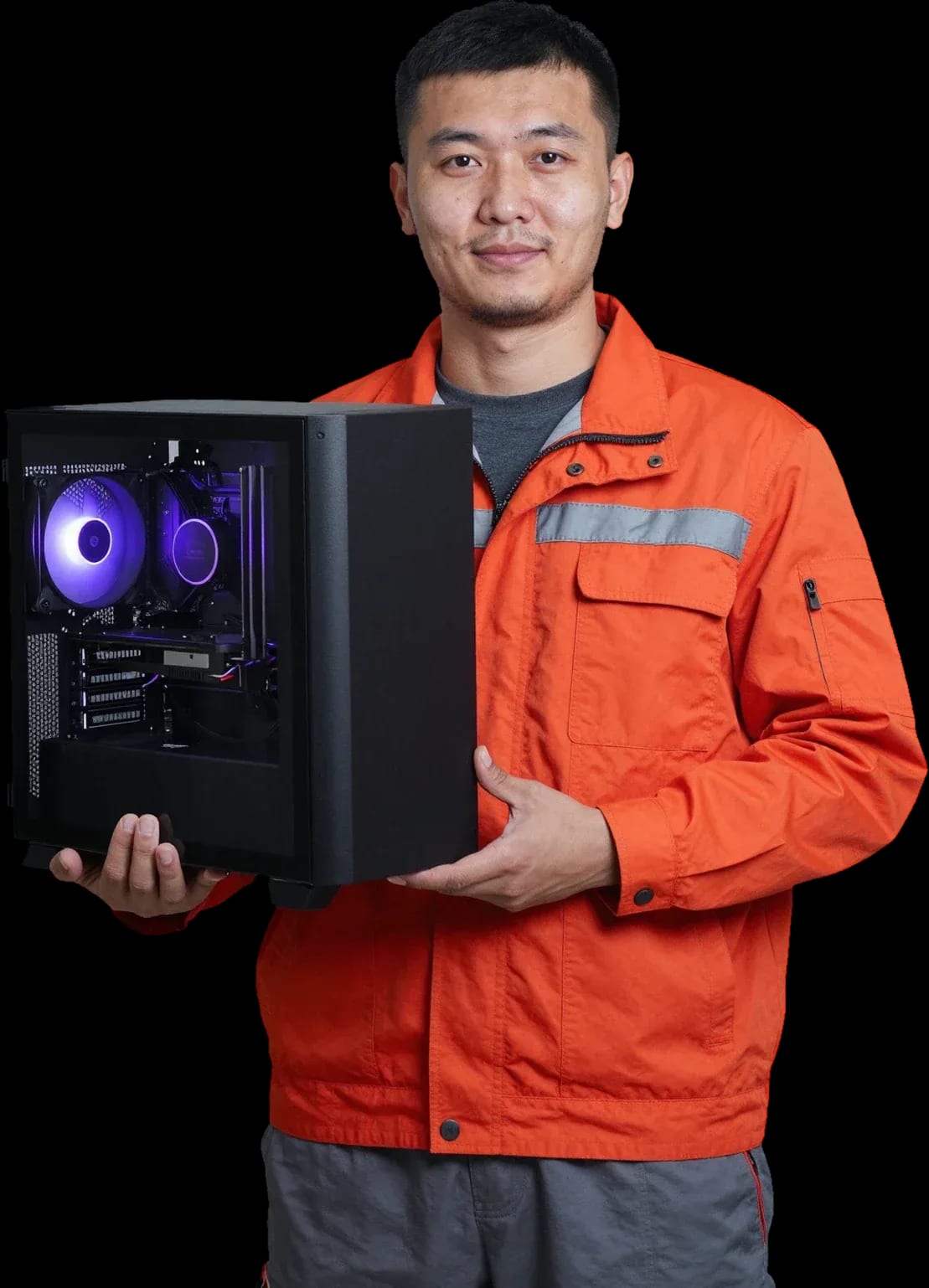
A technician arrives within 60 minutes anywhere in the city. Diagnostics are free. 1-year warranty on labor and parts.
Our own technicians4 to 20 years of experience




1 yearwarranty on labor and parts
60 minutestechnician arrival anywhere in the city
freediagnostics
5
Five common symptoms that mean it's time to call a technician for diagnostics. The sooner you find the cause, the easier the fix.
Slow system startup
After turning on, the computer takes a long time to show the desktop. The cause is often the drive's condition or file system errors.
Blue screen
The system suddenly restarts with an error. Likely causes are driver conflicts, memory failure, or disk problems.
No sound or device not working
Sound disappears or connected devices stop working. It's worth checking the drivers and port condition.
Issues after updates
After a system update, programs or devices stop working. The cause is driver or component incompatibility.
Programs won't launch
Apps show errors on startup or close. Possible causes are version conflicts, corrupted files, or lack of resources.
Leave a request and the technician will come at a convenient time.
Describe the symptomsThe computer and laptop repair department in Almaty has 7 technicians with 6 to 15 years of experience.
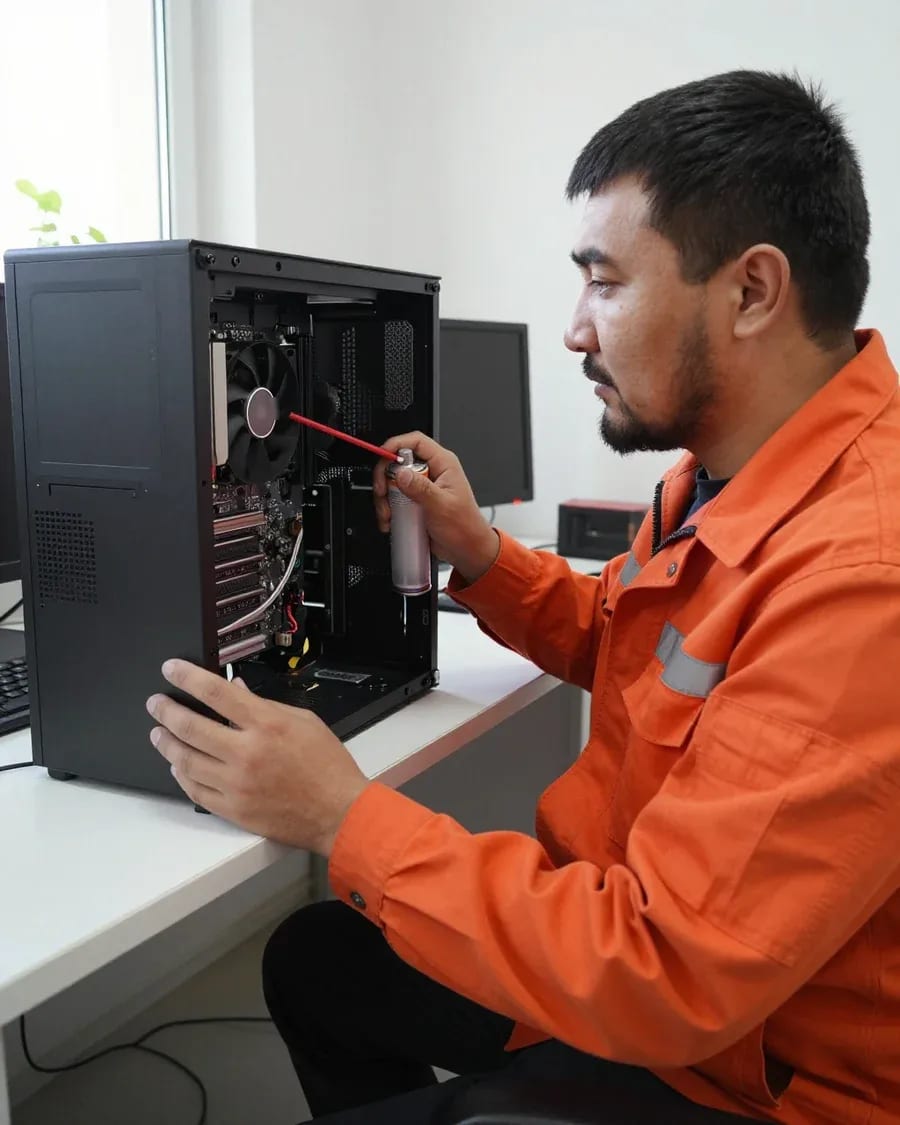
The department has 7 specializations — they are listed on the technicians' cards.
 experience6 years
PC and laptop diagnostics technician
 experience7 years
PC and laptop repair technician
 experience10 years
Graphics card repair technician
 experience8 years
Laptop repair engineer
 experience10 years
Software installation specialist
We reply during working hours
Describe the task by phone or leave a request so the technician can bring the right components for your specific PC model.

Warranty question? Call us
+7 (778) 046 88 53
Author: Dmitriy R.,PC and laptop diagnostics technician
Published
Updated
Tech Service provides computer setup in Almaty at your home or office: a technician arrives within 60 minutes anywhere in the city, diagnostics are free, and there is a 1-year warranty on labor and parts. We are a direct provider with our own technicians with 4 to 20 years of experience, so we take full responsibility for the setup ourselves, without intermediaries.
A software glitch and a broken part can produce similar symptoms but require different actions. We explain how a technician tells one from the other.
Working with the system and programs is one thing, and with hardware is quite another: in the first case, the technician doesn't replace parts but gets Windows, drivers, software, and performance settings in order. They clean up startup, disable unnecessary background services, update device drivers, check the integrity of system files, and set power settings for the specific model. Computer restoration begins where software measures fail: diagnostics show wear on the drive, a faulty memory stick, CPU overheating, or damage to the power circuit. Repair and computer setup differ precisely in the nature of the work: in one case the technician works with the system, in the other with the parts. The line between the two is drawn by the diagnostic result, not by the owner's complaint—the same symptom "running slow" can point to both a cluttered system and a dying disk. If the computer slows down again after servicing, that's a reason to check the hardware—sometimes a worn disk or overheating hides behind a "slow system."
In our experience, slowdowns are most often a matter of getting the system in order: bloated startup, background processes, and extra programs slow it down more than you might think. The technician looks at three things—how many apps start with Windows, what share of memory and disk background services use, and how much free space is left on the system partition. During free diagnostics, these indicators are taken before any work, so the owner immediately sees the cause instead of guessing. Repair and PC setup are not yet fully separated at this stage: if after cleaning startup and adjusting settings the system still bogs down under load, during free diagnostics we check whether it's time to talk about hardware restoration. Moreover, such a check takes less time than searching for "optimizers" online—and doesn't add dubious utilities to the system.
The scope of work depends on the system's condition and the task, but there is a basic set of steps the technician follows during servicing. We show them in order and in a table.
| What is configured | What the technician does |
|---|---|
| System and drivers | Checks Windows and installs device drivers |
| Programs | Installs office software, browsers, utilities |
| Antivirus | Sets up protection and updates |
| Network and internet | Checks connection and settings |
| Accounts | Sets up users and access |
Most issues are resolved on-site, but the format depends on what exactly needs to be done. Here's when a technician comes to you and when it's better to bring the device to the service center.
Our technician arrives within 60 minutes anywhere in the city, and almost all work is done on-site — you don't need to bring a desktop or laptop to the service center. The specialist connects the device to your network, checks peripherals, updates the system, and sets up programs for the owner's tasks: work, study, gaming. Computer setup at home in Almaty also covers the printer, router, and transferring data from an old machine — all done in one visit. Before the visit, we confirm the device model and the task so we bring the right tools. Home visits are also convenient because the specialist immediately sees how the equipment behaves in its usual environment — with your internet, peripherals, and work programs.
We get your equipment in order at the office just like at home: the specialist comes to the workplace, runs diagnostics, and prepares the system without interrupting other employees. The same technician who does home visits also handles office calls, so on-site they first check network connections, then user accounts, access rights, and shared folders. The set of operations is the same, but coordination is added: we agree on the order of machines so we don't block the entire department. Services for organizations also include a unified system profile — same updates, antivirus, and set of programs on every workstation. In the office, what matters more is not the speed of one machine but consistent settings across all: it's easier to maintain order and avoid different issues at each workplace.
If diagnostics show the issue is not in the software but in the hardware, we tell you honestly and suggest repair at the service center — setup won't fix that. Repair and PC preparation diverge at this step: free diagnostics before work shows the condition of the storage, memory, and power supply, and based on the result the specialist outlines the next scenario. Repair and maintenance at the service center complement each other when after replacing a component the system needs to be prepared for work again — then both tasks are handled in one place. A sign it's time for the service center: the computer won't turn on, shuts down by itself, or shows errors during boot — that's no longer about programs but about components. It's also worth bringing the device in when a part needs replacement: it can't be done on-site, and bringing it again wastes time.
After installing or reinstalling Windows, the computer is rarely ready to use right away: drivers, programs, and protection are missing. Here are the next steps.
After reinstalling Windows, we restore drivers, install the necessary programs, and enable antivirus protection — without this the system runs unstable and remains vulnerable. First we check Device Manager: unrecognized components are marked with a yellow icon, and the code shows which file is missing. Then we install software for the chipset, graphics card, sound, and network adapter, after which we add an office suite, browser, archiver, and antivirus protection. At this stage we also adjust performance settings: remove unnecessary items from startup, check for updates, and enable backup of important folders. Drivers should be installed before programs: if a device is not recognized by the system, some software simply won't install or will work with errors. After installation, we check Device Manager again — this shows that all components are recognized and there are no conflicts.
We set up each machine for its job: in gaming, speed and a current graphics driver matter most; in office work, it's the stability of office apps and the network. For gaming, we check that the graphics driver is up to date, set the power plan to maximum performance, turn on Windows Game Mode, and allocate resources so background tasks don't steal frames. For work, the priorities are different: the office suite running correctly, access to the network and printer, and disabling unnecessary services and background updates during work hours. We can also set up a system for an older user — larger fonts, a clear desktop, and pop-up notifications turned off. Gaming and work setups differ in priorities: the tweaks that speed up games do almost nothing for office tasks, and vice versa.
When choosing who to hire, promises matter less than who is actually responsible for the work and what happens if something goes wrong. Here's how our warranty works and how a direct provider differs from a middleman.
We provide a 1-year warranty on labor and parts, and the technician quotes the price after free diagnostics — so you know what you're paying for before work begins. The same engineer who runs the diagnostics then gets your system in order: they check the drive, RAM, and startup load, note exactly where intervention is needed, and only then start the job. If a fault in our work — from installing components to configuring the system — shows up within a year after the work is done, we fix it under warranty. In my view, the value here isn't in the wording but in who stands behind it — a specific person. A warranty only makes sense when it's given by the one who did the work: with a middleman, there's effectively no one to hold accountable for the result.
Tech Service is a direct provider: our specialist comes to you, not an aggregator's employee, and we provide computer setup services ourselves with our own engineers who have 4 to 20 years of experience. Your request isn't passed to a third-party crew — it's handled by the technician who came to your address. You don't overpay for someone else's dispatch service, and you can pay by Kaspi QR, Kaspi Red, card, cash or bank transfer — cash, card, or transfer. If you need the work done at home, the specialist arrives within 60 minutes. The difference shows in the warranty and accountability: a middleman passes the request along, while a direct provider is responsible for the result from diagnostics to system check. So when choosing, ask which engineer will come and who the warranty is issued to — the answer immediately tells you who you're dealing with.
We've covered what determines the result of a setup: the difference in tasks, the scope of work, where it's done, and the criteria for choosing a provider. Below is a short summary you can rely on when you get in touch.
If you ask, the technician will check other parts during the same visit.

If your computer won't turn on, start simple: check the outlet, power cable, switch on the power supply, and the power button.
19 January 2026 · 13 minutes read
If your laptop screen is broken, turn the device off first, don't press on the display, and check the picture through an external monitor.
12 March 2026 · 11 minutes read
If your laptop freezes, the first thing to do is restart it and check Task Manager to see what's loading the CPU and memory.
25 January 2026 · 12 minutes read
If your laptop won't boot, first determine which of two states you're in: the device doesn't respond to the power button at all…
13 December 2025 · 12 minutes read


