Original
Parts with the stated specs
- Specs
- Match the manufacturer's specification
- Compatibility
- Checked by socket, chipset and model number
- Lifespan
- Service life as stated by the manufacturer
- Selection
- By exact motherboard and PSU model
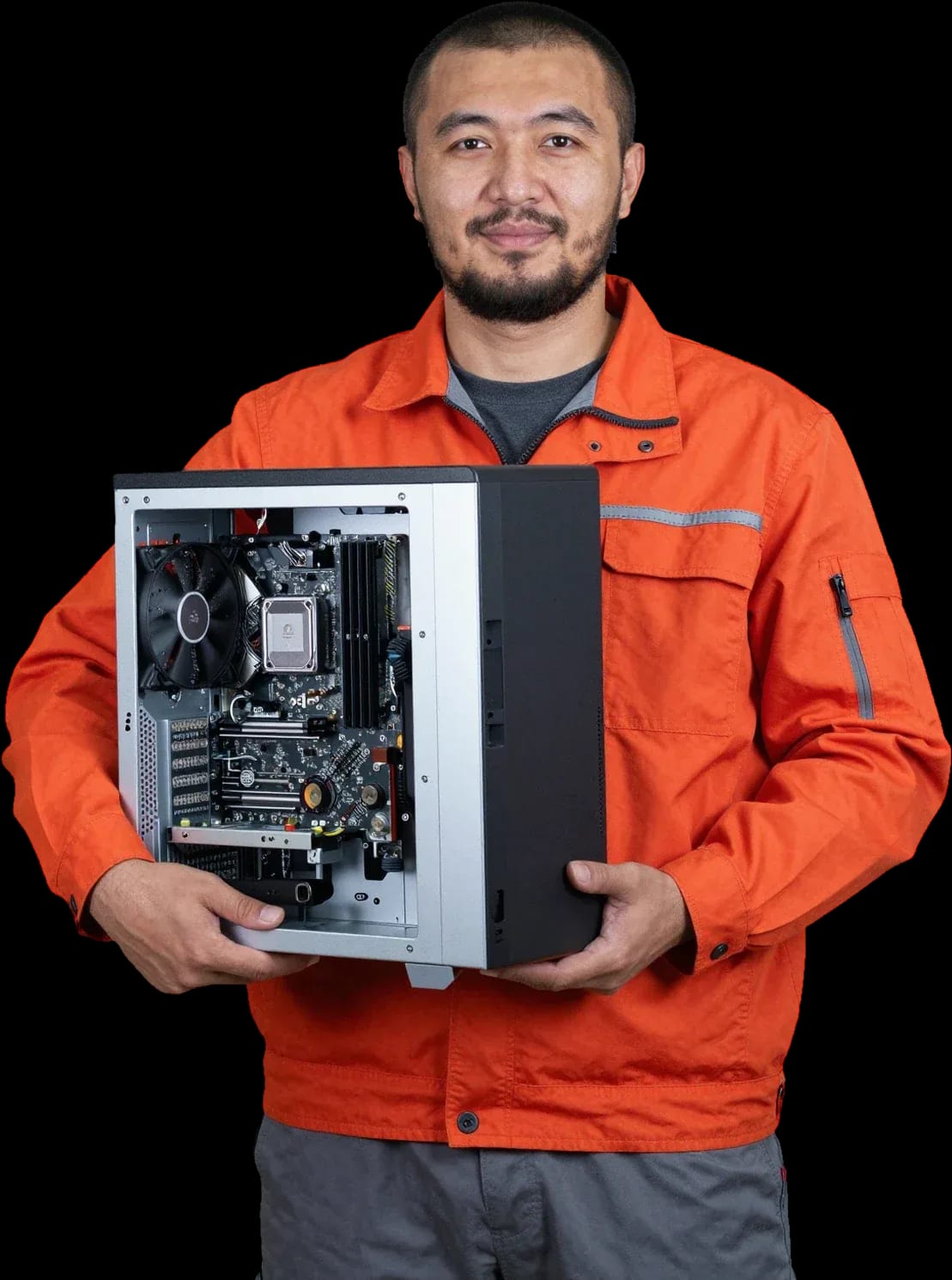
We'll pick compatible parts, assemble and set up a computer for your needs. A technician arrives within 60 minutes anywhere in the city.
Our own technicians4 to 20 years of experience




1 yearwarranty on labor and parts
60 minutestechnician arrival anywhere in the city
freediagnostics
5
Five reasons to call a technician: the PC can't handle your tasks, new parts don't fit the case, the system won't turn on after a DIY build, a build from another service, or an upcoming move.
The old PC can't keep up
Modern games and apps need more power. The technician will assess what can be replaced without a full rebuild.
Parts don't fit the case
The graphics card is longer than the case or the cooler is too tall. Sizing by dimensions and specs solves the problem.
A build from another service
Signs of a poor build you can spot without opening it: noisy fans, a card wobbling in its slot, unplugged power cables.
Won't turn on after assembly
What to do if the PC turns on but shuts down under load: overheating or not enough PSU power.
Moving or relocating the PC
A technician will help move an assembled computer without damaging the components.
If your computer is acting up, don't buy new parts at random — start with free diagnostics.
Describe the symptomsThe computer and laptop repair department in Almaty has 7 technicians with 6 to 15 years of experience.
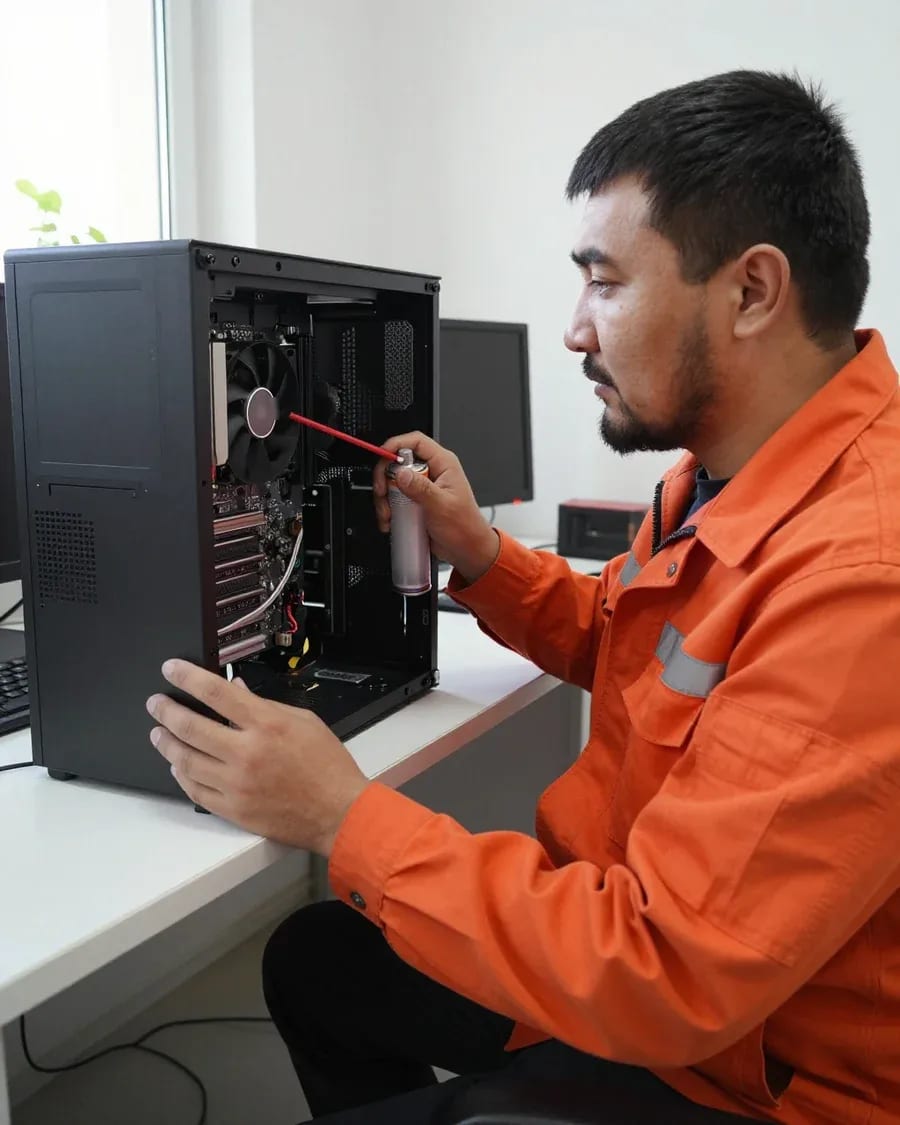
The department has 7 specializations — they are listed on the technicians' cards.
 experience6 years
PC and laptop diagnostics technician
 experience7 years
PC and laptop repair technician
 experience10 years
Graphics card repair technician
 experience8 years
Laptop repair engineer
 experience10 years
Software installation specialist
We reply during working hours
Describe your task and pick a convenient time — the technician will agree on the parts and start the build. Ask about part compatibility and timelines.

Warranty question? Call us
+7 (778) 046 88 53
Author: Dmitriy R.,PC and laptop diagnostics technician
Published
Updated
Tech Service builds computers in Almaty for your specific task: the technician selects the configuration, checks component compatibility, assembles and tests the system. We come to you anywhere in the city within 60 minutes, diagnostics are free, and there's a 1-year warranty on labor and parts. The technician gives you the price after free diagnostics.
A store-bought PC and a custom build solve different problems. Let's look at when individual selection wins and why such a build turns out more practical than a ready-made configuration.
A ready-made PC is built for an average scenario and often cuts corners on the power supply or cooling, while individual selection is tailored to the client's specific workload and budget. In a store configuration, the manufacturer picks the CPU and graphics card according to a marketing lineup, but saves on power supplies and cooling systems—these are the very components that fail first under prolonged use. Task-based selection starts with the question of what the machine will actually do: video editing, gaming, 3D work, office programs. For each scenario, the CPU plus graphics card pairing changes, and the power supply is chosen with a power reserve. If the task is known in advance, this approach saves money on unnecessary components and eliminates bottlenecks that show up under load in a ready-made option. Custom PC builds in Almaty are built around this logic: first the work scenario, then the specific components.
You should start by describing the task and budget, not by choosing a processor: our technician clarifies what the computer is for during free diagnostics and suggests a configuration for that goal. You don't need to know socket and chipset names—just tell us which programs and games the PC will run and what budget is comfortable. Then the technician determines the CPU, motherboard, and graphics card pairing, checks compatibility, and explains where you can save without losing speed. Clients often come with a ready-made list from the internet, but after clarifying scenarios, some items change—and not toward higher cost. Remote works too: you describe how you'll use the machine, the specialist selects a configuration and agrees on it before the visit. The client doesn't need to understand socket and chipset names—just tell us which programs and games the PC will run and what budget is comfortable; the selection covers the rest.
The process is transparent and broken into clear stages—from the first conversation to powering on the finished system unit. Below we explain what the service includes and how quickly the technician arrives.
A technician arrives at your location within 60 minutes anywhere in the city, and we can build your computer either at your place or at our service center — you choose the format. If it's more convenient to discuss the details remotely, we'll agree on the configuration online and do the assembly on site. You can also order a PC build online: we arrange the configuration and request remotely, without a visit to the service center. The on-site option is popular when the case and peripherals are already at your workplace: the specialist assembles the system unit, connects the monitor, keyboard, and mouse, and checks that everything starts up. The second option is work at our service center, where you bring the components or an old system unit for an upgrade. People choose on-site service when they want to see the process with their own eyes and take a working machine right away. On-site service is convenient when you need to assess the space for the equipment, connect it to the monitor and peripherals on the spot, or pick up old hardware for an upgrade — so you don't waste time transporting the case. If you don't have time for a visit, you can agree on the configuration and place a request remotely.
Compatibility and testing are the two stages that distinguish a properly built computer from parts that are simply connected. Let's look at which parameters are checked before assembly and how the finished system is tested.
| Component | What we check | What we check it against |
|---|---|---|
| Processor | Socket and TDP | Motherboard, cooler |
| Motherboard | Form factor and chipset | Case, processor |
| RAM | DDR type and frequency | Board slots |
| Power supply | Wattage and connectors | Graphics card, system power draw |
| Case | Mounting dimensions | Graphics card length, CPU cooler height |
After assembly, we test the computer under load to catch instability, overheating, or component conflicts before handing it over to the client. Stress testing runs the CPU and GPU at peak levels while monitoring temperature, fan speeds, and voltage on the power rails. We check cooling separately: cooler mounting pressure, thermal paste application, and case airflow — that's where overheating usually hides. The stress test runs longer than a regular power-on because some defects only show up during extended operation under load. Stress testing reveals what a simple startup doesn't: voltage drops at peak and temperature spikes — it's easier to fix them before handing over the system unit than after the owner complains. Remote configuration approval comes before assembly, and post-assembly testing confirms that all components work stably. Ordering a PC build online lets you agree on the configuration in advance, and post-assembly testing confirms stable operation. Our finished builds come with a 1-year warranty on labor and parts, and diagnostics are free.
You don't always need a PC from scratch: sometimes the client already has parts or a working system unit that just needs an upgrade. Let's look at both scenarios.
Yes, we build PCs from client components: the technician checks compatibility between the parts, assembles the system unit, and tests the result. Often the person has already bought a processor and graphics card, and picks the case, PSU, and cooling together with the technician. Compatibility checks include the motherboard socket and chipset, case form factor, graphics card length, power supply headroom for peak load, and mounting space for coolers. We also check connector pinouts on non-standard models and RAM profile height, otherwise the CPU cooler tower may hit the memory sticks. When some parts are already there and some still need to be purchased, the technician will tell you during free diagnostics what to replace first so you don't overpay for a full set.
We start with free diagnostics to find the bottleneck: when the drive is slow or there's not enough RAM, an upgrade costs less than a new PC. But if the CPU is the limit, a fresh build makes more sense. System lag, long boot times, and browser freezes are often caused by an HDD instead of an SSD and a full RAM, not by CPU wear. For computer upgrades across the city, we begin by checking your current setup: motherboard model, free slots, SATA or NVMe version, and temperature under load. If the case and PSU allow, replacing the drive and adding RAM sticks brings back working speed. Swapping in an SSD and increasing memory often give a noticeable boost on an old PC without changing the CPU or graphics card — worth checking before deciding on a full build.
Warranty and payment terms are what clients ask about before ordering: what obligations the technician takes on and what makes up the bill. Below are the conditions that apply when you order tech services.
We provide a 1-year warranty on labor and parts, and our technicians have 4 to 20 years of experience — the build is handled by a specialist who is responsible for the result from selecting components to system startup. The warranty covers both the work and the installed parts: if a board fails or the system starts acting up, the same engineer will deal with it, not a third party. For the owner, this means you don't have to bounce a claim between the parts seller and the builder — it's resolved in one place. A direct technician warranty means that if something goes wrong, the client goes back to the same technician instead of figuring out who's responsible — this simplifies any breakdown resolution. The value of such a condition shows up when something fails, not when you order. PC build terms in Almaty are the same for any configuration — whether it's an office machine or a gaming station.
The technician gives you the price after free diagnostics, once the task and configuration are clear; you can pay via Kaspi QR, Kaspi Red, bank card, cash, or bank transfer for companies. Diagnostics show which parts need replacing and which can stay, so we tailor the configuration to your task and budget based on the actual condition of your tech, not an average list. The final price is made up of the set of works and parts for your specific configuration: different tasks lead to different bills, and quoting a sum in advance without inspection wouldn't be fair. The order of 'diagnostics first, then price' protects you from bill surprises — the number is tied to a specific set of works and parts, not an average price list. You can pay in any convenient way — Kaspi QR, Kaspi Red, bank card, cash, or bank transfer for companies.
These final points will help you weigh the decision to order a custom configuration and understand what such work covers and what it doesn't.
If you ask, the technician will check other parts during the same visit.

If your computer won't turn on, start simple: check the outlet, power cable, switch on the power supply, and the power button.
19 January 2026 · 13 minutes read
If your laptop screen is broken, turn the device off first, don't press on the display, and check the picture through an external monitor.
12 March 2026 · 11 minutes read
If your laptop freezes, the first thing to do is restart it and check Task Manager to see what's loading the CPU and memory.
25 January 2026 · 12 minutes read
If your laptop won't boot, first determine which of two states you're in: the device doesn't respond to the power button at all…
13 December 2025 · 12 minutes read


