Original
Original part
- Compatibility
- Fully matches the server model
- Marking
- Part number matches the manufacturer's catalog
- What to clarify
- Availability and delivery times from the technician
- Choice
- If factory compatibility is important
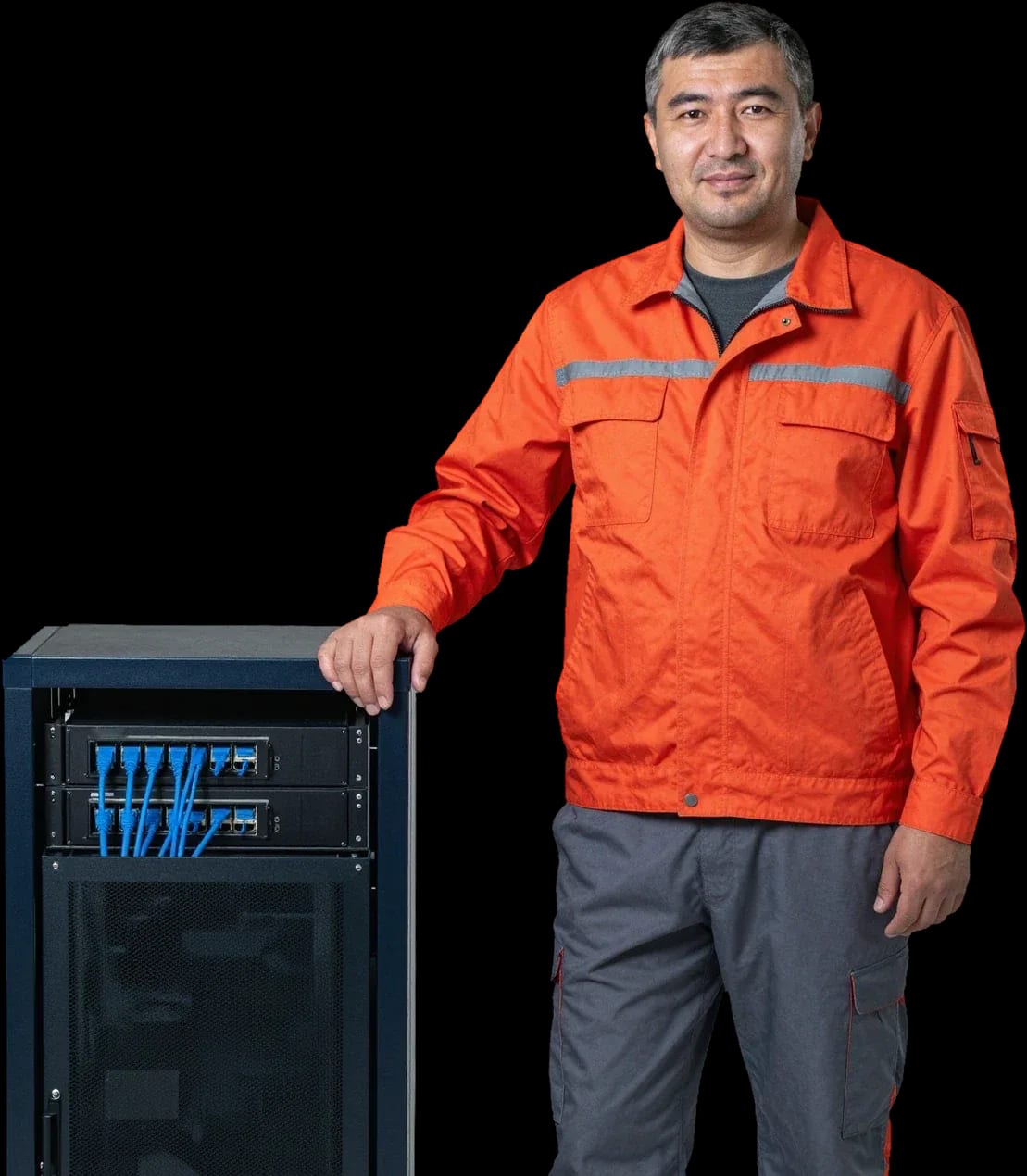
Free diagnostics, a technician arrives within 60 minutes anywhere in the city. We work with servers from various brands.
Our own technicians4 to 20 years of experience




1 yearwarranty on labor and parts
60 minutestechnician arrival anywhere in the city
4 to 20 yearstechnician experience
5
Five signs indicate it's time to show your server to a technician. The earlier you notice changes in operation, the easier the maintenance will be.
Fan noise
Humming or howling fans indicate dust on blades or worn bearings. Cleaning and lubrication often solve the problem.
Dust inside the case
A visible layer of dust on the grille and fan blades is a reason to do preventive maintenance before components overheat.
Unusual smell
A burning smell or signs of overheating on the case require checking the power supply and cooling system.
Error indicators
Flashing status lights on the panel signal a malfunction and require an unscheduled check.
Performance drop
Slower operation under the same load points to drive wear or dust-clogged heatsinks.
If you notice one of these signs, don't delay diagnostics. It will help avoid downtime.
Describe the symptomsThe computer and laptop repair department in Almaty has 7 technicians with 6 to 15 years of experience.

The department has 7 specializations — they are listed on the technicians' cards.
 experience10 years
Graphics card repair technician
 experience6 years
PC and laptop diagnostics technician
 experience8 years
Laptop repair engineer
 experience10 years
Software installation specialist
 experience7 years
PC and laptop repair technician
 experience13 years
Diagnostics and virus removal specialist
 experience15 years
Consultant
We reply during working hours
Specify the server model when requesting so the technician can prepare the necessary tools. Diagnostics are free, 1-year warranty on labor and parts.

Warranty question? Call us
+7 (775) 774 18 08Tech Service provides server maintenance in Almaty with our own technicians who have 4 to 20 years of experience. A technician arrives within 60 minutes anywhere in the city, diagnostics are free, and there's a 1-year warranty on labor and parts. We quote the price after diagnostics and you can pay via Kaspi QR, Kaspi Red, bank card, cash, or bank transfer for companies.
A server runs nonstop, and owners often miss the early signs of wear. Here's what symptoms mean it's time to call a technician and when you can still wait.
We recommend preventive maintenance at least once a year, and more often in dusty rooms and under high load, based on the condition of components after diagnostics. Before work, our technician checks the temperature under load, drive health via SMART, radiator cleanliness, and fan operation for free—these data determine the interval. The technician quotes the cost of server maintenance after free diagnostics, once the scope of work is clear. A server in a back room next to open windows gets dirty in just a few months, while a rack in a dedicated server room with air filtration lasts noticeably longer. It's better to tie frequency to operating conditions rather than the calendar: after each cleaning, the technician records the baseline condition, and the next visit is planned from that, not from a date in the log. This approach saves hardware life and reduces the risk of a sudden stop in the middle of the workday.
These concepts are often confused, and it affects which service to order. We explain the difference with clear examples and show where the line is.
| What we do | Maintenance | Repair |
|---|---|---|
| Component condition | Routine check | Finding the failed unit |
| Cooling system | Dust cleaning | Fan replacement |
| Storage drives | Wear monitoring | Replacing a failed disk |
| Software | Firmware updates | Reinstalling the system |
| Reason for contact | Working server | Crash or failure |
Our service covers both the physical and software sides: technicians clean and check components, update firmware, and make sure the platform runs correctly. Scheduled maintenance on a running server includes checking the condition of components — drives, memory, power supply, cooling — and updating the server platform microcode. Tech Service engineers work as a team: first they blow dust off the heatsinks and measure fan speeds, then they check firmware versions and error logs. The software side is useless without the physical side: an overheated processor with outdated microcode will still fail. If a drive has already failed, dusting won't fix the problem — that calls for recovery, not preventive maintenance. Before scheduled work begins, ask the provider for a list of components being checked: it makes it easier to see what's outside the scope and needs separate attention.
Here's what technicians actually do on site and what steps preventive maintenance consists of. It helps you understand what you're paying for and what you'll get after the visit.
We try to do preventive maintenance without stopping business processes where possible, and we discuss any necessary pause with you before work begins. Some operations are safe to do on a running server: dust cleaning, fan inspection, drive and RAM checks, and controller firmware updates. Replacing thermal paste requires powering down and disassembly, so it's scheduled as a separate step. We structure server maintenance in Almaty so every operation is clear and agreed on in advance. A technician arrives within 60 minutes anywhere in the city, performs free diagnostics, and agrees on the scope of work and its cost on site. For any pause, we find a convenient window so downtime doesn't coincide with peak load. In our experience, a work plan agreed on in advance saves more time than trying to do everything without stopping — that's why the technician discusses the pause schedule before the visit.
Not every owner knows whether a server can be serviced on site or has to be brought in. We break down both scenarios and explain what determines the choice.
We arrive on site within 60 minutes anywhere in the city, and we perform most preventive work on site, at the office or at home. On-site services cover cleaning the cooling system of dust, checking board and connector mounts, monitoring fan and power supply operation, inspecting cables, and diagnosing drive condition. This format works well for rack equipment and small server cabinets that are permanently installed and connected to the office network. The technician brings tools and consumables and works in your presence — you see every step and get immediate explanations about the condition of components. Preventive maintenance at the office doesn't require stopping employees: it runs alongside the workday if system load allows. An on-site visit saves the owner time — no need to dismantle the equipment or stop office work during transport. For server maintenance, on-site services are available throughout the city, so we can reach your site at a time that suits you.
If the problem can't be fixed on site, we take the unit to our service center and return it once the work is done. We agree on the scope and cost after the free diagnostics. At the service center, we can disassemble the case, replace failed components, and test the boards on a bench—things that can't be done in an office setting. This scenario is suitable when server repair at the service center is needed: the fault affects the motherboard, controller, or power supply, and accessing them requires full disassembly. Diagnostics are free—the technician first identifies the cause, then provides a list of work, and restoration begins only after your approval. The cost of work is discussed at this same stage, with no hidden extra charges along the way. The decision on the format is made by the technician based on the inspection: some faults are only visible during disassembly, and then repair at the service center is faster than repeated callouts.
Equipment owners worry about what happens after the intervention and what they can count on if the problem recurs. We answer these questions with facts about our work.
We provide a 1-year warranty on labor and parts, meaning we stand behind both the quality of the maintenance and the installed components. The term is the same for scheduled service and for replacement of failed components: a Tech Service specialist records which operations were performed and which parts were installed, and this same list defines the scope of our responsibility. The warranty covers everything the engineer did and installed, so if a repeat failure occurs, it's important to keep the description of operations to quickly determine the cause. In my opinion, the owner should keep a list of replaced components on hand—it makes it easier to understand whether a new malfunction falls under the already covered warranty scope or is a separate breakdown. I should clarify: the warranty is not tied to the case type or configuration—it applies to both rack-mounted models and floor-standing towers that our technicians have serviced. Server maintenance pricing depends on the scope of work, and the technician provides it after free diagnostics.
If the equipment starts failing again after service work, we come out under warranty and perform free diagnostics again to find the cause. The engineer checks the condition of hard drives and storage, monitors temperature readings, and reviews system logs—this shows whether the previous fault has returned or a different one has appeared. A callout within the city takes up to 60 minutes, and checking the condition of components costs nothing, both the first time and on a repeat visit. A repeat failure is not always related to the operations performed: sometimes a different malfunction manifests, and free diagnostics help separate one from the other. Based on its results, the specialist explains which component has failed and only then provides the cost of work—no guesswork and no random replacements. If the cause is our work or a supplied part, the repeat visit and fix are covered by warranty; if it's a new component, the technician first shows the test results, and the decision on further actions remains with the owner.
Below is a short summary to help server equipment owners plan their maintenance and understand when it's time to act and when they can wait.

If your laptop screen is broken, turn the device off first, don't press on the display, and check the picture through an external monitor.
12 March 2026 · 11 minutes read
If your laptop freezes, the first thing to do is restart it and check Task Manager to see what's loading the CPU and memory.
25 January 2026 · 12 minutes read
If your computer won't turn on, start simple: check the outlet, power cable, switch on the power supply, and the power button.
19 January 2026 · 13 minutes read
If your laptop won't boot, first determine which of two states you're in: the device doesn't respond to the power button at all…
13 December 2025 · 12 minutes read
