Paid
Paid programs
- Support
- Technical support from the developer
- Updates
- Regular updates and security fixes
- Features
- Full set of features without restrictions
- Compatibility
- Guaranteed operation with other programs

A technician will install the OS, drivers, and the software you need, check the system for viruses, and set up your laptop for your tasks.
Our own technicians4 to 20 years of experience




1 yearwarranty on labor and parts
60 minutestechnician arrival anywhere in the city
4 to 20 yearstechnician experience
5
Five situations when a laptop needs software installation or reinstallation. The sooner you contact a technician, the faster your device will work properly again.
New laptop without software
After purchase, the device may lack necessary software: office programs, a browser, antivirus. The technician will install everything you need.
Pop-ups and ads
Tabs open by themselves in the browser, and unknown extensions appear; this is a reason to show the laptop to a technician before installing new software.
Programs won't install
Installation is blocked due to lack of administrator rights or antivirus restrictions; the technician will check access and security settings.
Devices not working
The printer won't print, the flash drive isn't recognized, or sound is gone; the cause is often missing or outdated drivers, which the technician installs.
Failure after update
After a system update, familiar programs stopped working; the technician will check OS version compatibility and select suitable ones.
If you notice at least one of these signs, it's worth contacting a technician for diagnostics and laptop setup.
Describe the symptoms1 daytime
45 000 ₸cost
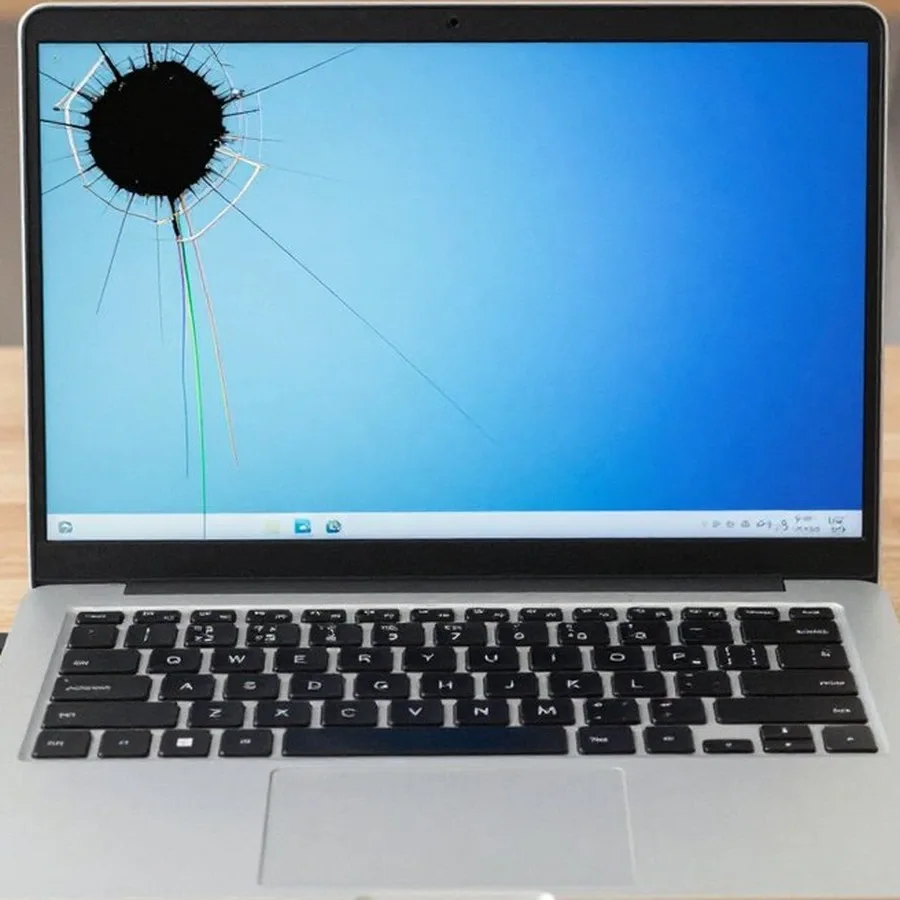
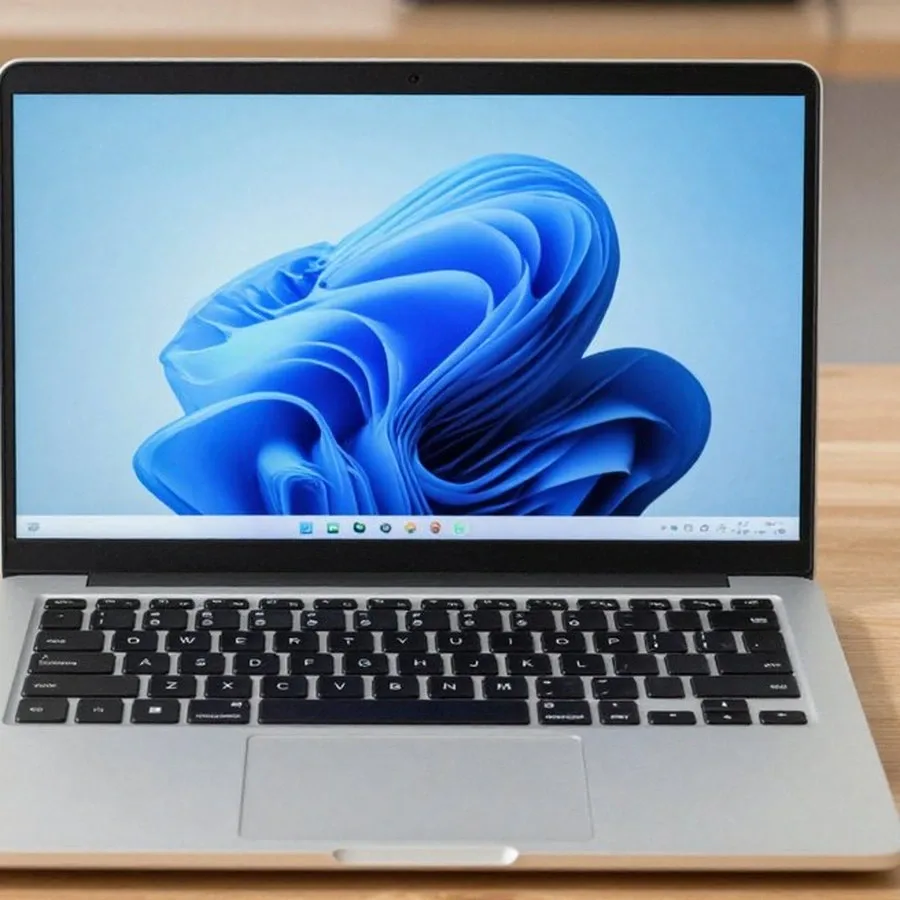 BeforeAfter
The computer and laptop repair department in Almaty has 7 technicians with 6 to 15 years of experience.

The department has 7 specializations — they are listed on the technicians' cards.
 experience6 years
PC and laptop diagnostics technician
 experience8 years
Laptop repair engineer
 experience7 years
PC and laptop repair technician
 experience10 years
Graphics card repair technician
 experience10 years
Software installation specialist
We reply during working hours
Leave a request — a technician will arrive within 60 minutes anywhere in the city and install the necessary programs on your laptop. Ask the technician about payment and service timelines.

Warranty question? Call us
+7 (778) 746 01 65
Author: Dmitriy R.,PC and laptop diagnostics technician
Published
Updated
Tech Service installs software on laptops in Almaty with a technician visiting you within 60 minutes anywhere in the city, or at our service center. We select the right software for your tasks, provide free diagnostics, and offer a 1-year warranty on labor and parts. The technician gives you the price after diagnostics.
Your laptop is slow or a program won't start—and it's not always the software's fault. Here's how to tell a software glitch from hardware wear, and why we start with free diagnostics.
During free diagnostics, our technician checks both hardware and software and tells you whether you need software installation or the device needs repair. First, they measure CPU and memory load, check the drive's SMART status, and scan for viruses and malware—these readings show whether the laptop is limited by weak hardware or by a cluttered startup. The specialist also listens to the fan and checks temperatures: overheating due to dried thermal paste causes the same freezes as a driver failure, but it's fixed by disassembly, not reinstallation. If the system takes minutes to boot but the disk and memory are fine, it's usually software and startup junk rather than a "tired" laptop—so cleaning up software is cheaper and faster than replacing hardware.
Software installation adds the needed programs on top of a working system, while reinstalling Windows deploys the OS and all drivers from scratch. In the first case, the operating environment, user account, and already installed applications stay in place—the technician adds what's missing and configures compatibility with the current Windows version, preserving the user profile and bookmarks. In the second case, everything is set up from zero: drivers and updates are pulled again, and previous applications and some settings have to be restored manually, sometimes one by one. Plan a reinstall in advance: some programs and parameters will need to be set again, so it's best to agree on the list of required software before work begins—that way the technician can install both the platform and everything needed in one visit, without a second trip.
The software set depends on the task—studying, working with documents, design, or video editing. Below we explain what kit your laptop gets and what parameters we use to select it.
| Task | Software | What we check |
|---|---|---|
| Studying | Office suite, browser, PDF reader | Compatibility with Windows version |
| Working with documents | Office suite, archiver, utilities | RAM and disk space |
| Design and graphics | Graphic editors, plugins | Laptop system resources |
| Video and audio editing | Video and audio editors | CPU and video memory |
We install antivirus and security software, update drivers, and work with laptops that have no operating system, installing Windows from scratch. We select drivers for the specific chipset and graphics card model rather than using a universal package—this avoids conflicts with already installed components. On devices without an OS, we first partition the disk, then install the OS, and only after that add application software. Windows built-in protection isn't enough for everyone: if you actively work with external files, additional antivirus reduces the risk of catching malware. In our practice, machines that regularly exchange data via flash drives and email are affected more often—they need a security layer first. Our laptop software installation in Almaty follows the same principle: first the system and drivers, then application software. We also check that all drivers are picked up after reinstalling Windows: without them, sound, Wi-Fi, and the touchpad won't work.
You can have programs installed on your laptop either by a technician who comes to your home or at our service center. Here's a breakdown of the steps involved and what the post-installation setup includes.
After the work, we configure the applications for you, scan the system for threats, and help fine-tune any software you already had. The cost of installing programs on a laptop depends on the set of applications and is agreed upon after free diagnostics. We set up browser profiles, email clients, and office applications for your tasks, review plugins and extensions for security, and remove unnecessary items from startup. We update existing applications and bring them to working default settings. Each application is launch-tested — the technician doesn't leave until everything opens and saves files correctly. Configured profiles, startup, and default settings save time every day, so it's worth paying attention to them right away rather than "later."
Two common concerns when installing programs are pirated builds and loss of personal data. Here's how we handle licenses, how we check the system for threats, and what happens to your files during a reinstall.
We work with licensed software and scan the system for threats after installation so that programs are safe and stable. For each task, we select the appropriate antivirus and security software, not just any distribution from a third-party file-sharing site. In our practice, a common reason for contacting us is a laptop that has become noticeably slow: inside, we often find a build with adware modules and a miner. A pirated version often carries hidden add-ons and breaks system updates, so saving on a license leads to reinstalling and cleaning up. We verify the source of the distribution and the license before running the installer — it's easier to cut off a substitution before it gets into the system. The technician explains the cost of installing programs on a laptop in advance so you understand the scope of work. Additionally, we check startup items and the task scheduler: malicious modules often register there and survive a normal program removal. Ask the technician about the origin of the build and its license in advance: sorting this out before work begins is cheaper than dealing with the consequences of an infection and restoring the system.
During a reinstall, we transfer your files and user settings so that after the work you can continue with your data. We save documents, photos, and work projects to a separate drive, and carefully transfer existing software and profiles so you don't lose correspondence and bookmarks. A clean installation of Windows does not preserve some user settings, so we make copies before the reinstall, not after. We specifically ask which folders are important to you: the desktop, downloads, and browser profiles often remain outside the backup if not discussed in advance. Bookmarks, passwords, and profiles are best transferred beforehand: after a reinstall, some settings are harder to restore and sometimes impossible without access to the old account. Before work begins, check that important files are duplicated — it's calmer for both you and the technician.
Below is how warranty, diagnostics, and payment work so you understand what you're paying for and what you get after installing programs on your laptop.
We give a 1-year warranty on labor and parts, and diagnostics before installation are free. Our technician comes to your home or works at the service center — Tech Service is the direct provider, with no middlemen between you and the specialist. Our specialists have 4 to 20 years of experience, and during the inspection they check not only the system but also the condition of the drive: installing over a failing disk will quickly lead to freezes. The warranty covers the work performed, so if the installed software fails, the engineer will find the cause rather than leave you to deal with the problem alone. Before handing over your device, ask exactly what the warranty covers — it helps avoid misunderstandings later.
The specialist quotes the price for installing software on your laptop after a free diagnostic, once the scope of work is clear; you can pay via Kaspi QR, Kaspi Red, card, cash or bank transfer. During the inspection, they check how many programs need to be installed, whether there is a working system and what condition it is in — this determines the set of actions. The price is agreed before work begins: you know upfront what you are paying for. The final amount depends on the software set and the system's condition, so agreeing after diagnostics protects you from extra charges for work you did not expect. You can pay in cash, by card, or by transfer — choose whatever is convenient on site. Ask the engineer for the list of work before it starts — so you know exactly what is included in the agreed amount.
Installing software solves a specific task: bringing back your laptop's working applications and predictable system behavior. Below are brief takeaways to help you decide without extra steps.
If you ask, the technician will check other parts during the same visit.

If your laptop screen is broken, turn the device off first, don't press on the display, and check the picture through an external monitor.
12 March 2026 · 11 minutes read
If your laptop freezes, the first thing to do is restart it and check Task Manager to see what's loading the CPU and memory.
25 January 2026 · 12 minutes read
If your laptop won't boot, first determine which of two states you're in: the device doesn't respond to the power button at all…
13 December 2025 · 12 minutes read
If your computer won't turn on, start simple: check the outlet, power cable, switch on the power supply, and the power button.
19 January 2026 · 13 minutes read


