 experience6 years
Dmitriy R.
PC and laptop diagnostics technician
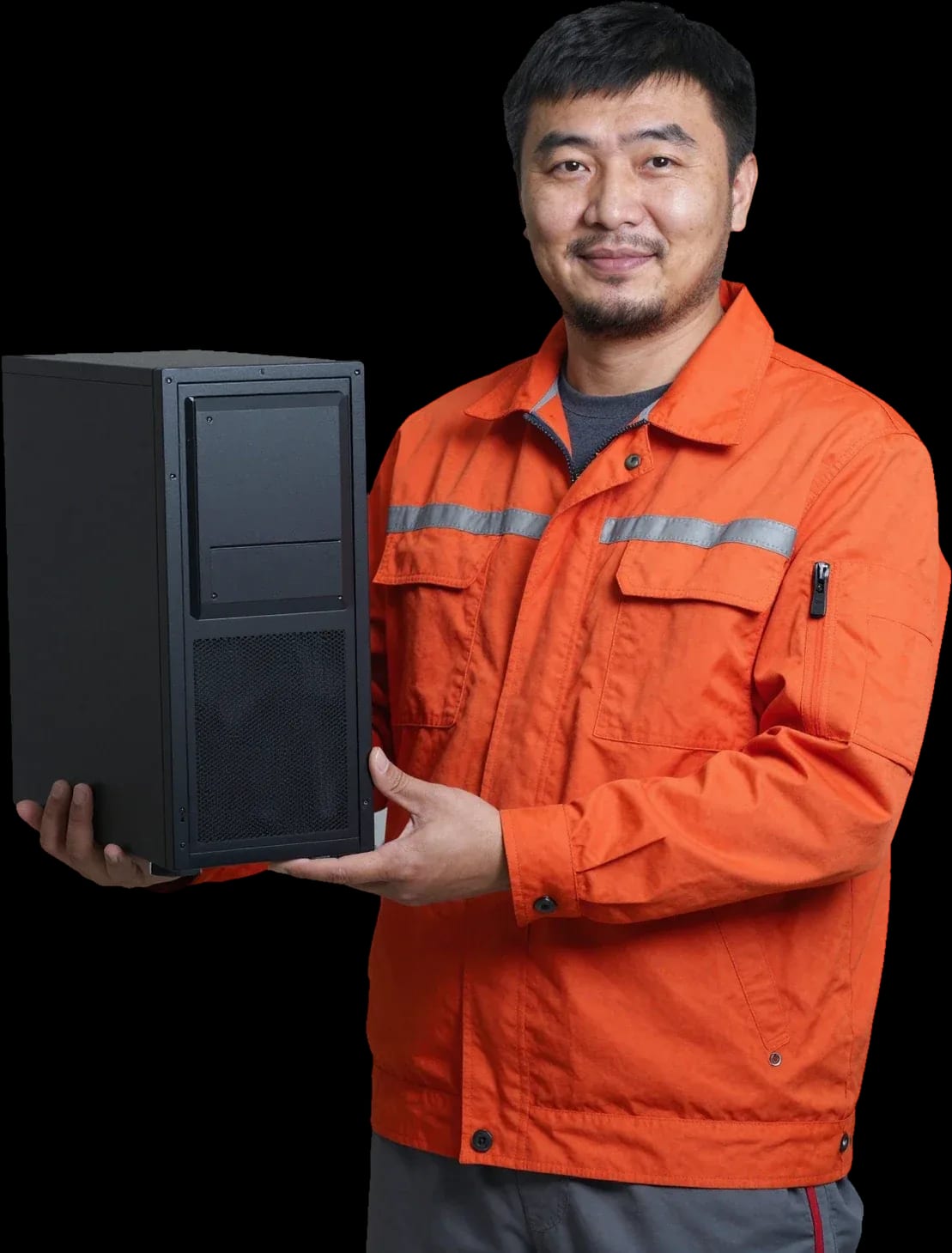
A technician arrives within 60 minutes anywhere in the city. Free diagnostics, 1-year warranty on labor and parts.
Our own technicians4 to 20 years of experience




Repair prices
Below are typical signs of computer problems. The technician will pinpoint the exact cause after diagnostics.
power, button, power supply
from7 000 ₸
dust, fan, thermal paste
from6 000 ₸
memory, disk, driver
from4 500 ₸
disk, bootloader, memory
from4 500 ₸
power supply, overheating, board
from7 000 ₸
disk, memory, overheating
from4 500 ₸
cable, connector, disk
from8 500 ₸
graphics card, cable, monitor
from8 500 ₸
1–2 hourstime
from 3 500 ₸cost
 BeforeAfter

Five steps from request to getting your computer back after repair.
Submit a request and describe the symptoms and your computer model.
The technician will confirm the model, symptoms, and the tools and parts needed over the phone.
Diagnostics are part of the request process and help the technician decide what to do next.
The technician will agree on a convenient time and the scope of disassembly before starting.
The technician will return your computer and explain what was done.
The computer and laptop repair department in Almaty has 7 technicians with 6 to 15 years of experience.
The department has 7 specializations — they are listed on the technicians' cards.
experience6 yearsPC and laptop diagnostics technician
 experience7 years
PC and laptop repair technician
 experience10 years
Graphics card repair technician
 experience8 years
Laptop repair engineer
 experience10 years
Software installation specialist
We reply during working hours
Pick a convenient time and describe the symptoms: the technician will confirm details over the phone and bring the right tools.

Warranty question? Call us
+7 (778) 021 13 16
Author: Dmitriy R.,PC and laptop diagnostics technician
Published
Updated
Tech Service provides computer repair in Almaty as a direct contractor: our technician arrives at your home or office within 60 minutes anywhere in the city, or the repair is done at our service center. Diagnostics are free, there is a 1-year warranty on labor and parts, and our technicians have 4 to 20 years of experience.
A symptom alone doesn't name the culprit, but it narrows down the components. Below we break down the most common complaints and what each one points to.
Most often, sudden shutdowns are caused by the power supply or CPU overheating, and during diagnostics we check both components first. The power supply loses capacity gradually: under load, voltages drop, and the motherboard's protection shuts the system down. Overheating produces a similar picture if the cooler can't dissipate heat from the processor. During free diagnostics, we measure the output voltages of the power supply and check temperatures under load, not just at idle—at idle, a faulty component often behaves normally. We also check the power button and contacts on the motherboard: an oxidized connector produces the same effect as a failing power supply. If the case is hot after shutdown and the cooler is louder than usual, the problem is almost certainly cooling, not power—and that changes the order of checks. When self-checks don't help, a computer repair technician in Almaty will identify the cause on site and advise which component needs replacement.
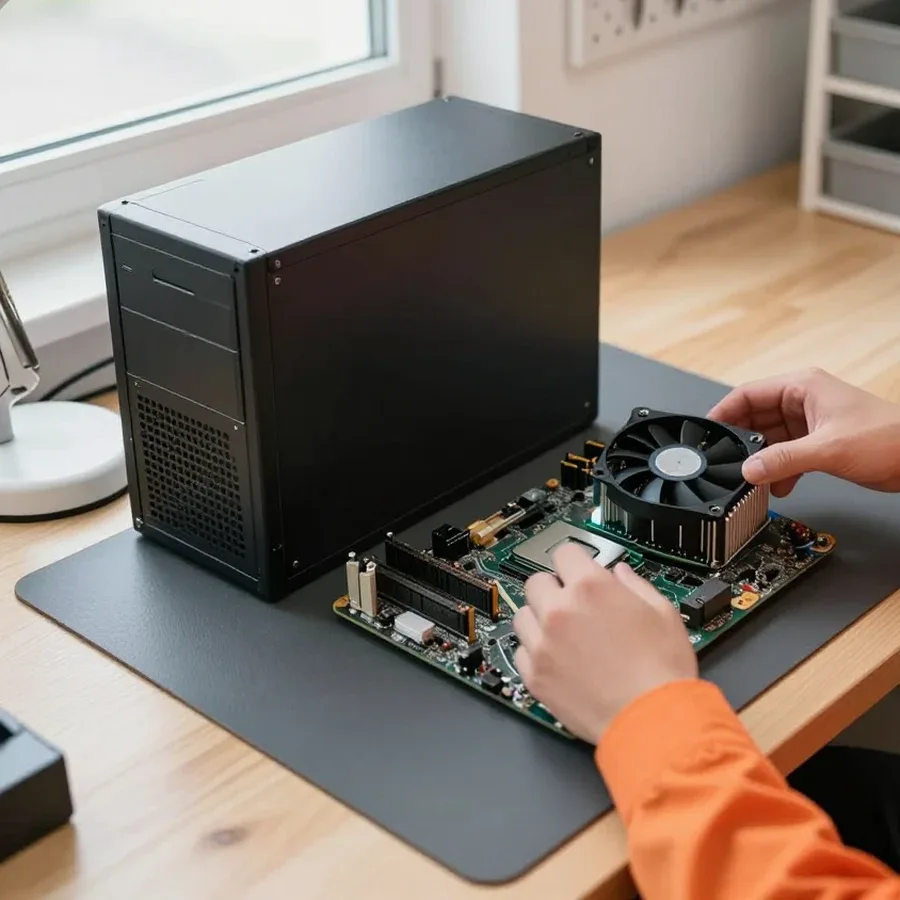
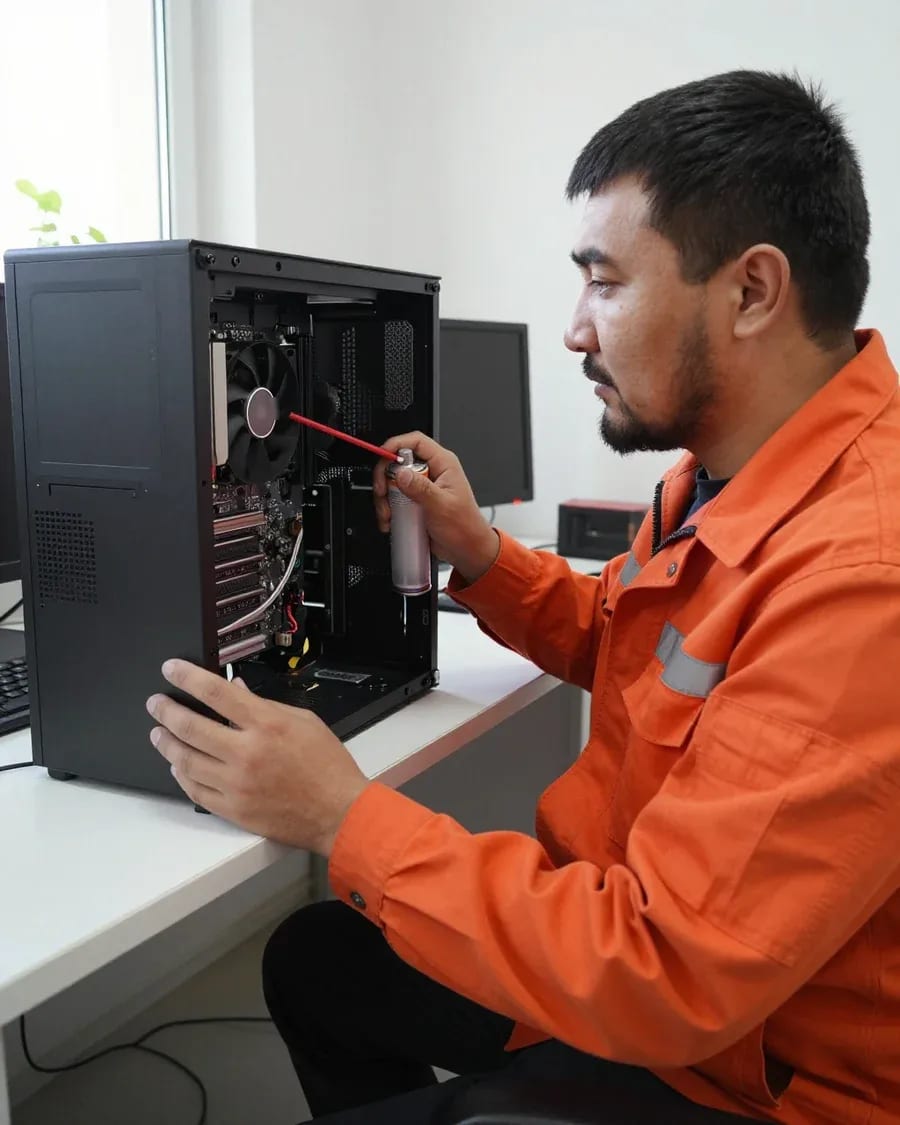
Noise and overheating usually mean a dust-clogged cooling system and dried-out thermal paste, and we service it as a separate job. Dust builds up in the radiator, the fan spins at maximum to push air through, and the case hums. Over the years, the thermal paste between the CPU and the heatsink dries out and stops conducting heat. The service includes disassembly, cleaning the radiator and fan blades, replacing thermal paste, and checking fan speeds. The technician also checks whether the cooler mounts have come loose: a tilted heatsink presses unevenly against the CPU, and one corner gets hotter than the rest. On laptops, there's also a dust-clogged exhaust vent that causes hot air to flow back into the case. Ignoring overheating is dangerous not so much for the CPU as for the hard drive and SSD—they fail from heat before the protection kicks in.
We take liquid-damaged devices to the service center rather than repairing them on site, because after liquid exposure, full disassembly and drying of the board are required. Moisture gets under chips and connectors where you can't reach from the outside, and residues of sugary drinks and tea conduct electricity and cause short circuits. The technician removes the motherboard, cleans it from liquid traces, and checks contacts and traces. A separate category is devices after a failed DIY recovery attempt: an incorrectly installed memory stick or bent socket pins produce the same symptoms as a component failure. We also inspect the case and connectors: liquid leaves traces on power contacts and ports, and without cleaning, they continue to oxidize. If the computer was already turned on after the spill, oxidation eats away contacts faster than the moisture itself, so delay here is more costly than with any other breakdown.
Before calling a technician, it helps to understand what you're dealing with—a Windows crash or a hardware failure. This saves time and suggests which steps to take first.
Software failures show up as Windows errors, freezes during startup, and crashes in specific applications, even though the computer itself boots. The system may go to a blue screen with an error code, spin the loading indicator for a long time, or restart on its own after installing an update or a new driver. Some programs stop opening, files won't save, and the antivirus warns about corrupted system libraries. At the same time, the fans run smoothly, the case doesn't get hotter than usual, and the monitor shows an image—meaning the power supply, memory, and motherboard are showing signs of life. This kind of failure is fixed by reinstalling or restoring the operating system, cleaning up startup items, and updating drivers. If you don't want to deal with it yourself, the service takes care of computer repair: technicians will restore the system and check the hardware. Before reinstalling the system, save your data to an external drive—software failures usually leave it intact, but careless work can easily lose it.
Hardware failure makes itself known before the system even loads—black screen, no signal on the monitor, motherboard beeps, or spontaneous shutdowns. The system speaker emits repeating beeps, signaling memory or video adapter failure. The computer turns off after a few minutes of operation, when starting a game or a heavy program. Boot stops at the hardware initialization stage, never reaching the system. There's a burning smell from the power supply or motherboard, and the case gets noticeably hot in one area. If the computer doesn't reach the Windows logo, reinstalling the system won't help—first check the power supply, memory, and motherboard. This kind of failure is almost always hardware-related, not software, so the approach is different: first find the failed component, then decide whether to replace or repair it.
Before the technician arrives, it's enough to check the power, cables, and how the computer responds to being turned on—that's enough to narrow down the cause. Make sure the outlet works, the power cable is firmly plugged into the power supply and isn't bent. Check if the indicator on the back panel lights up, if you hear fan noise, and if an image appears on the monitor when you turn it on. Disconnect and reconnect the monitor cable, try a different port or a different cable—sometimes the issue is the connector, not the computer itself. Observe at what stage everything stops: before the logo, after it, or already in the system—this detail immediately suggests where to look. Don't open the case or touch the boards yourself: even a careful attempt can erase traces of the failure that the technician uses to identify the culprit.
The format of work depends on the breakdown: some tasks are done on-site, some require workshop conditions. Below we explain what is done where and how quickly the specialist arrives.
| Work area | What is done on-site | When a visit is needed |
|---|---|---|
| Diagnostics | Inspection, component checks, finding the cause | Computer won't turn on |
| Cooling | System cleaning, new thermal paste | Overheating and noise |
| System | Setup, reinstallation, troubleshooting | Won't boot |
| Components | Installing removable parts | Part can be replaced without soldering |
The technician arrives within 60 minutes anywhere in the city, and this is the response time to a request, not the duration of the work itself. Diagnostics are free, so upon arrival the engineer first names the cause and then agrees on the work. On-site computer repair and diagnostics work like this: the engineer checks the device on the spot and immediately says which tasks can be done without transportation. For Almaty addresses, visits are not tied to a district: requests are accepted both on the outskirts and in the center. The warranty on labor and parts is 1 year, and payment is accepted by any method. If the computer won't turn on, don't wait until evening to request a visit: the sooner the technician sees the device, the lower the chance that a second breakdown appears by the time he arrives. Moreover, for minor tasks like dust cleaning, an on-site visit fully resolves the issue without transporting the system unit.
Repair starts with diagnostics, not with random part replacement. Below is how the process works from request to returning the device to the client.
| What we check | How we check | What we detect |
|---|---|---|
| Power supply | Voltage measurement under load | Voltage drops and channel failures |
| RAM | Testing each stick one by one | Faulty modules and contacts |
| Storage drive | Reading SMART and surface | Hard drive and SSD errors |
| Cooling | Inspecting heatsinks and thermal paste | Overheating and clogged channels |
| Software | Booting and system logs | Driver and system failures |
| Peripherals and ports | Checking connectors and cables | Breaks and contact oxidation |
The technician names the cost after free diagnostics, and work begins only after the client agrees to it. Computer repair in Almaty is structured so the client understands each stage and doesn't overpay for unnecessary operations. We go over each found component: whether the part has failed or needs maintenance, whether it's replaced entirely, and what operations are included in the work. If another component is discovered during the process, the technician returns to the client with a new scope of work rather than silently adding to the estimate. This agreement before work begins protects against surprises at the end: the client sees in advance what they're paying for and has the right to decline anything unnecessary. In my view, this step is what most often removes distrust — the person understands the logic of the process instead of getting a ready bill after the fact. In our practice, declining an imposed replacement is normal: the technician explains why the part is still working and leaves it in place.
Warranty obligations matter not in themselves but in what cases they cover and how they work when a fault returns. Let's look at both and explain why the service provider is personally responsible for the result.
We provide a 1-year warranty on labor and parts, meaning we stand behind both the quality of the work performed and the installed components. These are two separate commitments: the first covers how the technician performed soldering, replacement, or configuration; the second covers the component itself that was installed in the system unit or laptop. If the installed part fails a few months later, the claim falls under the parts warranty, not the labor warranty. A parts warranty separate from labor is important because a new component can fail on its own — and that's neither your problem nor your expense. Keep a description of what was done during the repair so the specialist can quickly match a recurring symptom with the previous intervention.
If the fault returns within the warranty period, we handle it under the labor and parts warranty, not as a new request. You don't need to go through a paid procedure again or prove once more that the problem is related to the previous repair. Call or write to us, describe exactly what fault is showing up now, and we'll arrange a technician visit in the city or drop-off at the service center. Tell the specialist what changes appeared after the repair and under what conditions the failure occurred — this helps distinguish a return of the old problem from a new one unrelated to the work. The more precisely you recall under what load or after what action the symptom appeared, the more accurately the technician will determine the cause.
Tech Service is a direct provider: we have our own technicians with 4 to 20 years of experience, and the same specialist who comes for diagnostics does the work. There's no dispatcher between you and the person with the soldering iron passing the job to a third party, and no aggregator collecting subcontractors. Our computer repair technician handles your request from the first inspection to returning the device, so they remember the history of that specific machine. When there's no intermediary between the client and the specialist, responsibility for the result isn't diluted: the warranty is given by the one who did the work. In my view, that's the main practical point of the direct model — if the problem comes back, you talk to the same person instead of explaining everything from scratch to a new contractor.
Sometimes fixing a computer makes little sense, and sometimes an old machine is worth bringing back to life. Let's look at the boundaries where restoration is justified and where replacement is more reasonable.
We also restore old computers if they have a working base and the fault is local — for example, the power supply or drive has failed. Our technicians have 4 to 20 years of experience and can tell from experience when replacing a component will extend the machine's life and when a chain of breakdowns will begin. A hard drive or SSD is replaced separately, and memory upgrades restore speed without replacing the entire platform. The power supply is also replaced selectively if the other components are stable. For an old machine, it's sometimes wiser not to replace everything but to fix the specific fault and extend its life — the technician will tell you where to draw the line. This approach saves the owner's budget: paying for one component is more cost-effective than for a whole new platform.
We accept and diagnose a computer after a failed DIY attempt like any other device, without judgment or reproach. Our computer diagnostics are free, so the analysis starts with facts, not guesses. The most important thing in such a situation is to tell the technician exactly what actions you took and in what order: this hints at which component to look for signs of interference. A removed cover, a reseated memory stick, a disconnected cable, a bent CPU socket pin — each detail narrows the search and helps check the circuits more accurately. For on-site visits in the city, the technician arrives within 60 minutes, and we provide a 1-year warranty on labor and parts. Honestly describing your steps is better than hiding them and prolonging the search: the technician will immediately check the components you touched and won't disassemble working parts.
Diagnosing a breakdown follows a simple logic: from symptom to fault type, from there to the repair format and warranty. Below is what to keep in mind before calling a technician.
Tech Service technicians repair other appliances too — with the same 1-year warranty on labour and parts.
 Refrigerator Repair in Almatyfrom 3 000 ₸
 Washing Machine Repair in Almatyfrom 3 000 ₸
 Dishwasher Repair in Almatyfrom 3 500 ₸
 Oven Repair in Almatyfrom 3 000 ₸
 Cooktop Repair in Almatyfrom 3 500 ₸
 Air Conditioner Repair in Almatyfrom 3 500 ₸
 Boiler and Water Heater Repair in Almatyfrom 2 500 ₸
 Freezer Repair in Almatyfrom 6 000 ₸
 Tumble Dryer Repair in Almatyfrom 5 000 ₸
 Coffee Machine Repair in Almatyfrom 2 500 ₸
 Robot Vacuum Cleaner Repair in Almatyfrom 3 500 ₸
 Vacuum Cleaner Repair in Almatyfrom 1 500 ₸
 Microwave Oven Repair in Almatyfrom 2 000 ₸
 Hair Dryer Repair in Almatyfrom 1 500 ₸
 Iron Repair in Almatyfrom 3 000 ₸
 Electric Kettle Repair in Almatyfrom 2 500 ₸
 Mixer Repair in Almatyfrom 2 500 ₸
 Multicooker Repair in Almatyfrom 500 ₸

If your computer won't turn on, start simple: check the outlet, power cable, switch on the power supply, and the power button.
19 January 2026 · 13 minutes read
If your laptop screen is broken, turn the device off first, don't press on the display, and check the picture through an external monitor.
12 March 2026 · 11 minutes read
If your laptop freezes, the first thing to do is restart it and check Task Manager to see what's loading the CPU and memory.
25 January 2026 · 12 minutes read
If your laptop won't boot, first determine which of two states you're in: the device doesn't respond to the power button at all…
13 December 2025 · 12 minutes read








