 experience10 years
Maksim S.
Graphics card repair technician
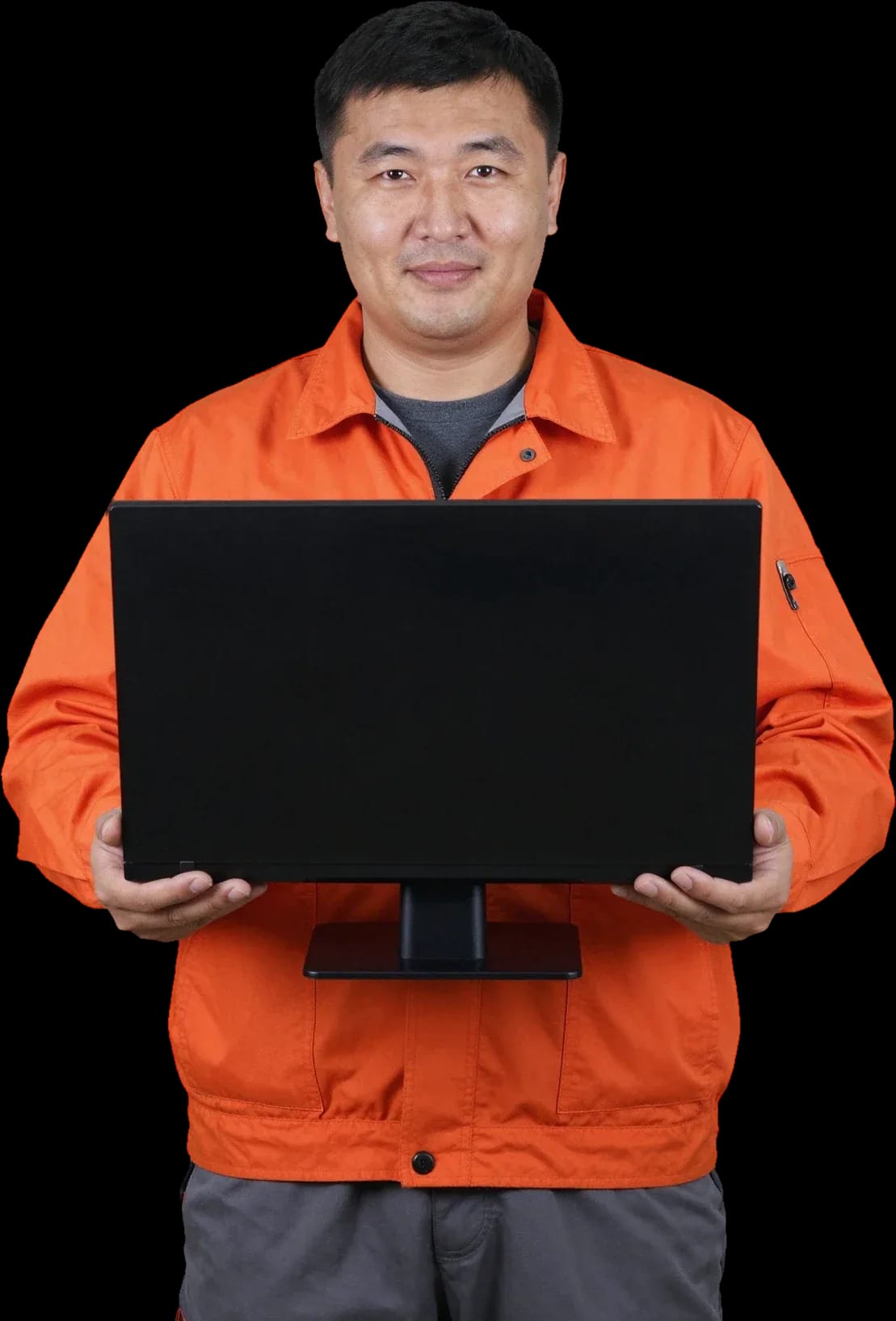
We come to you for diagnostics and all-in-one computer repair. Free diagnostics, technician arrives within 60 minutes anywhere in the city.
Our own technicians4 to 20 years of experience




Repair prices
Below are common symptoms and likely causes. The technician will pinpoint the exact cause during free diagnostics.
power supply, board, button
from12 000 ₸
dust, fan, thermal paste
from6 000 ₸
matrix, backlight, cable
from6 500 ₸
disk, memory, overheating
from7 000 ₸
module, cable, driver
from6 500 ₸
speaker, cable, driver
from6 500 ₸
overheating, power supply, board
from12 000 ₸
matrix, cable, backlight
from6 500 ₸
1–2 daystime
from 14 000 ₸cost
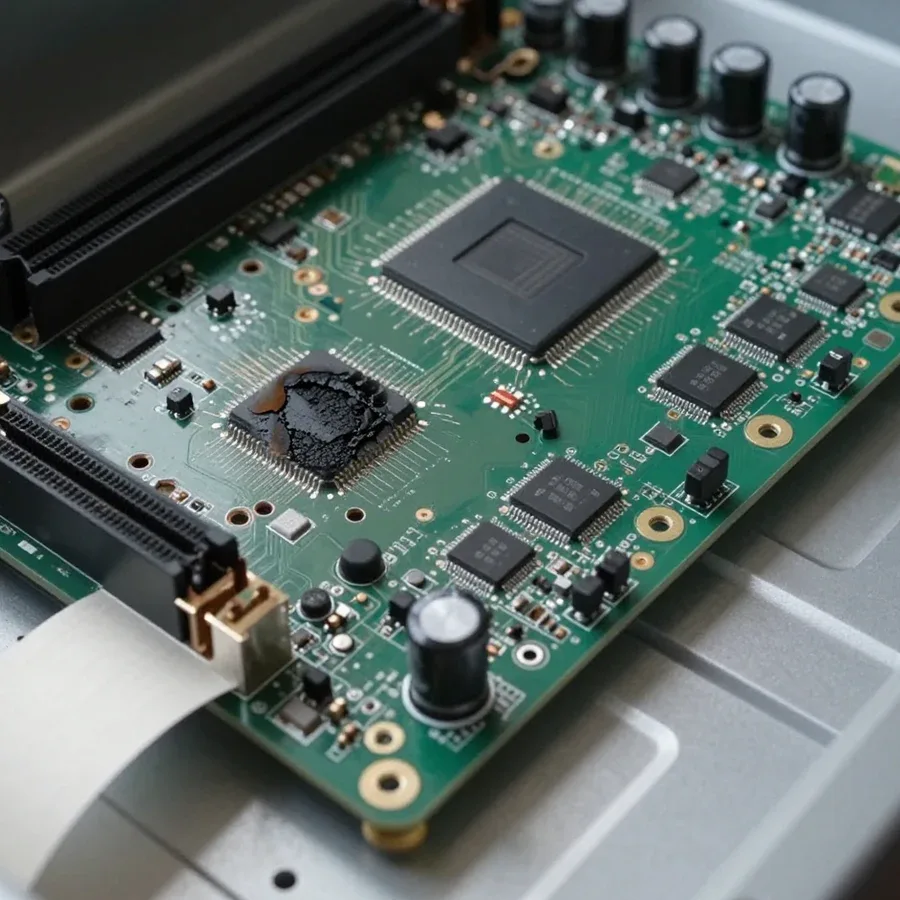
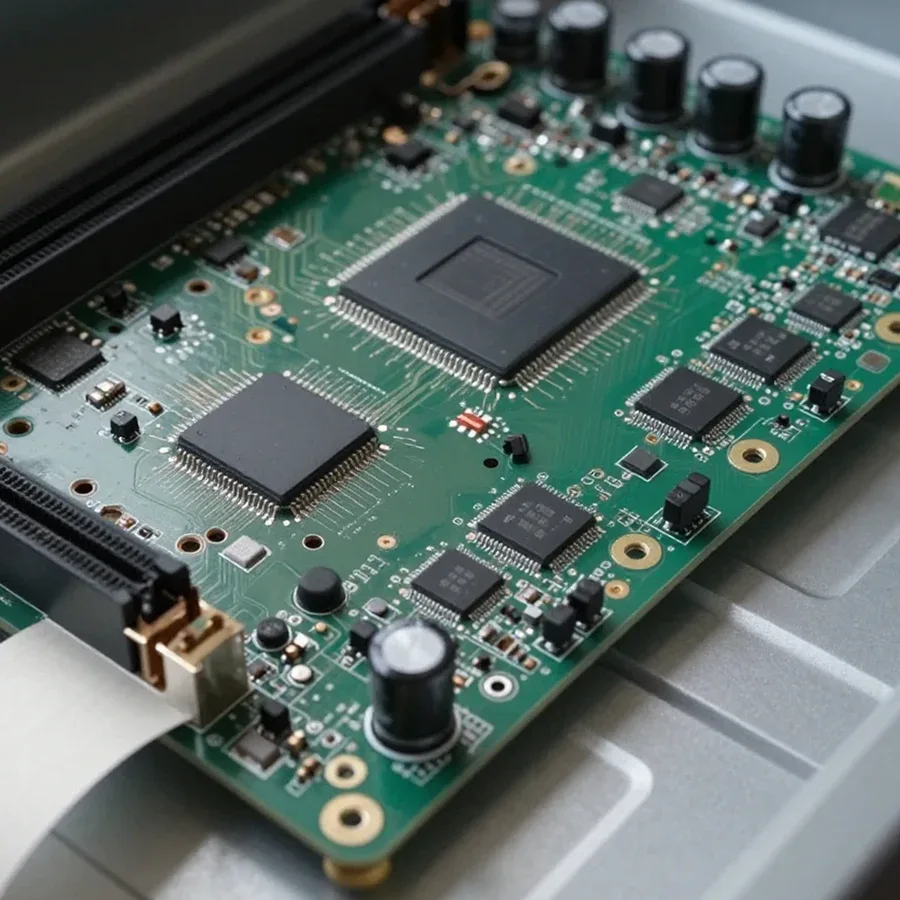 BeforeAfter

Five steps from request to checking the work.
Submit a request and the technician will arrive within 60 minutes anywhere in the city.
Tell the technician your all-in-one computer model, the symptom, and a convenient visit time.
You learn the cost of labor and parts, then decide whether to proceed.
The technician performs the work and checks the device.
The technician runs tests with you: power-on, load, screen, ports.
The computer and laptop repair department in Almaty has 7 technicians with 6 to 15 years of experience.
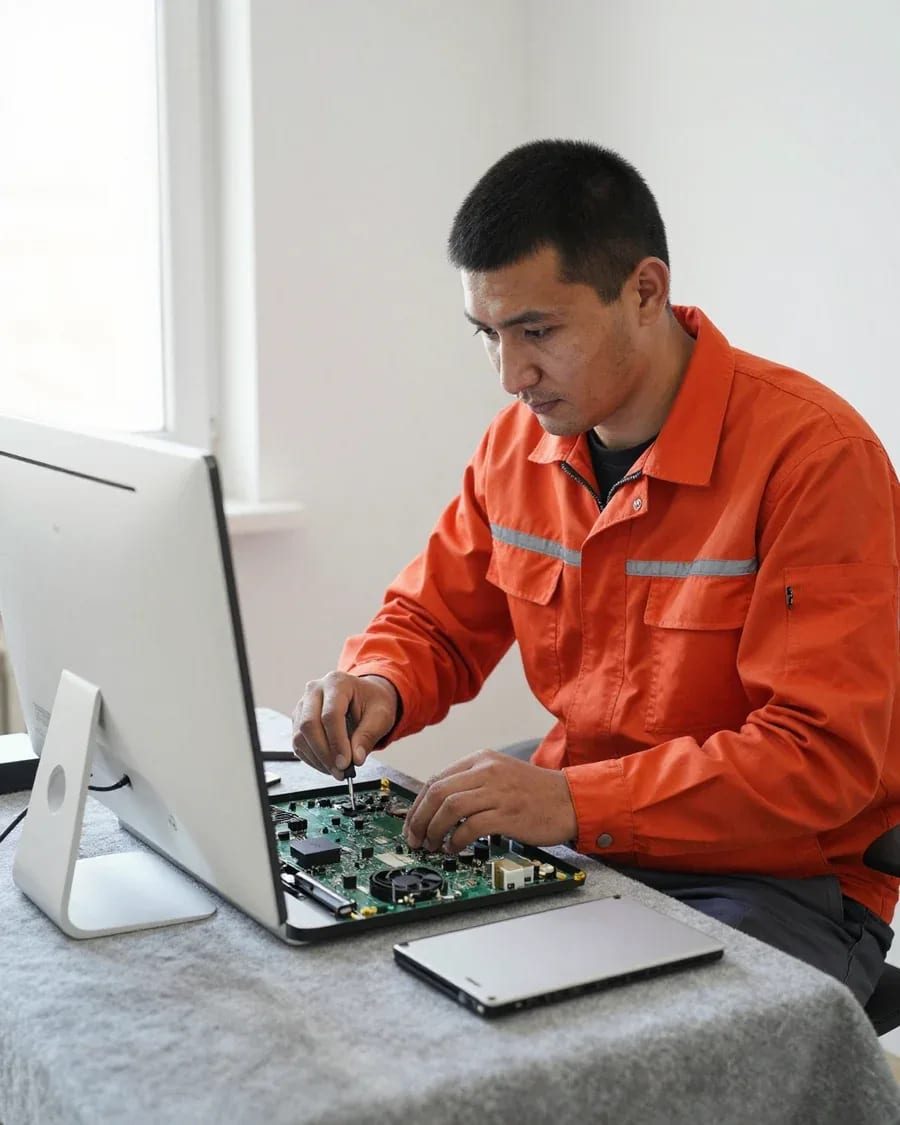
The department has 7 specializations — they are listed on the technicians' cards.
experience10 yearsGraphics card repair technician
 experience6 years
PC and laptop diagnostics technician
 experience8 years
Laptop repair engineer
 experience10 years
Software installation specialist
 experience7 years
PC and laptop repair technician
 experience13 years
Diagnostics and virus removal specialist
 experience15 years
Consultant
We reply during working hours
Provide your all-in-one computer model, the symptom, and a convenient time for the technician to visit. Fill out the request form and the technician will confirm the details with you.

Warranty question? Call us
+7 (778) 746 01 65Tech Service repairs all-in-one PCs in Almaty as a direct provider: our technician comes to your home within 60 minutes or you can drop off your device at our service center. Diagnostics are free, we agree on the price after diagnostics, and you get a 1-year warranty on labor and parts. Our technicians have 4 to 20 years of experience.
Not turning on is a symptom, not a diagnosis. Here's what a technician checks first and why the power supply and motherboard can produce almost the same picture.
We start by measuring the voltage at the input and output of the power supply — this quickly shows whether power reaches the motherboard. Then we check the standby line and the startup circuit: when the output has the correct values but there's no startup, the cause is in the board. Repairing all-in-one PCs in Almaty almost always starts with these two components, because they produce the same "won't turn on" symptom. Voltage drop under load is only visible when measured with a load connected; without it, the power supply looks fine. When the power supply shows a drop, the device may stutter and shut down not immediately but after a few minutes of operation — so you need to check more than just whether it turns on.
If liquid has been spilled on the device, we don't recommend turning it on again — moisture inside the case can cause a short circuit on the board. First, unplug the device and open the case: liquid accumulates at the bottom, near connectors and under the screen, not just where it spilled. Oxides and dried residue remain on the motherboard — they are removed, contacts are cleaned, damaged components are replaced. Even if the device "comes back to life" after a spill, corrosion shows up later: an oxidized contact eventually stops conducting current, and the failure returns at a different component. That's why preventive disassembly and drying cost less than replacing burned-out components. Diagnostics are free, and the warranty on labor and parts is 1 year.
Image defects, overheating, and humming are the most common complaints about all-in-one PCs. Here's which component each symptom points to and when cleaning is enough versus when a part needs replacing.
Image defects most often point to the matrix, the ribbon cable, or the backlight — we check each component in turn so we don't replace parts at random. First we check the ribbon cable contact in the connector, then the condition of the matrix itself and the backlight inverter. A thin vertical line along the edge is usually linked to degradation of a matrix column, while wide colored stripes across the entire screen are linked to the signal or backlight power. Image shaking and ripples appear with poor ribbon cable contact or an oxidized connector. If the defect disappears when you lightly press on the screen frame, the problem is often in the ribbon cable or connector, not the matrix itself — this changes the scope of work. During free diagnostics, we show you which component is failing so the decision to replace is based on facts.
Overheating and humming are usually caused by a dust-clogged cooling system and dried thermal paste — we clean the heatsink and replace the thermal interface. Dust settles in a thick layer on the heatsink fins and fan blades, airflow drops, the fan spins at maximum speed and starts to hum. Dried thermal paste between the CPU and heatsink stops dissipating heat, and the case gets hot even under light loads. We disassemble the all-in-one, blow out the heatsink, lubricate or replace the fan, and apply fresh thermal interface. Such overheating accelerates wear on the CPU and storage, so it's worth doing maintenance before obvious failures appear, not after. We provide a 1-year warranty on labor and parts. We recommend not putting off maintenance: a clogged heatsink and old paste quietly speed up wear on the CPU and storage, while cleaning and replacing the thermal interface restores normal thermal conditions.
| Symptom | Likely cause | What we check |
|---|---|---|
| Won't turn on | Power supply, motherboard | Input and output power |
| Black screen during operation | Matrix, cable, video system | Backlight and signal to matrix |
| Lines and artifacts | Matrix, cable, backlight | Cable contact, matrix condition |
| Overheating and noise | Dust, thermal paste, fan | Cooling system |
| Sluggish and freezing | Storage, RAM | Disk health, memory |
An all-in-one weighs from 6 to 12 kg and requires careful transportation, so the format of work depends on the breakdown. Let's break down what can realistically be done on-site and what requires workshop conditions.
On-site, we perform free diagnostics, clean the cooling system, replace thermal paste, storage, and RAM — things that don't require disassembling the matrix. The on-site specialist arrives with a set of tools for typical jobs: screwdrivers for iMac and Lenovo, Acer, Asus, and Dell all-in-one case screws, thermal paste, and a power tester. Cleaning at home saves you from transporting the equipment to the service center and back, and installing a new storage drive on-site addresses a common request — speeding up an old machine. On-site service within 60 minutes across the city means the technician arrives with a basic tool kit for typical jobs, and we agree on the scope and details after diagnostics. In my opinion, it's also more reassuring for the owner: the equipment doesn't leave the apartment, and the whole process happens in front of them.
Matrix replacement, motherboard soldering, and complex power diagnostics are performed in the workshop, where there are conditions for disassembling the all-in-one case. The matrix is glued to the case with double-sided tape around the perimeter, and it can only be removed without damaging the backlight and cables on a flat table with heating along the contour. Soldering requires access to the back of the board — on-site, the board can't be desoldered from the case without risking damage to the connectors. If the specialist sees that the breakdown can't be fixed on-site, they honestly say so before disassembly — so you don't pay for work that would have to be postponed anyway. Moreover, diagnostics remain free in both cases, and the 1-year warranty applies to both on-site work and workshop service.
| Job | At home | In the service center |
|---|---|---|
| Diagnostics | Yes | Yes |
| Dust cleaning | Yes | Yes |
| Thermal paste replacement | Yes | Yes |
| Storage and RAM replacement | Yes | Yes |
| Matrix replacement | No | Yes |
| Motherboard repair | No | Yes |
Servicing iMac and Lenovo, Acer, Asus, and Dell all-in-ones differs in disassembly and common faults. Here's what owners of each line should know before bringing their device to a technician.
With iMac, we most often deal with display wear and overheating due to the tight internal layout—disassembly requires care with adhesive joints. The display module is held by an adhesive frame, so removing the screen without damaging the backlight layers is a separate task, not a formality. There's little free space inside the case: heatsinks and fans get clogged with dust, and thermal performance degrades gradually, without obvious noise at first. Thermal paste under the CPU cover dries out faster than in spacious cases, accelerating contact degradation. Because of the dense layout, maintenance for iMac is more important than for regular all-in-ones: dust accumulates faster, and overheating affects components more severely. At the first signs of overheating, don't delay cleaning—it costs less than replacing the screen or board, and we provide a one-year warranty on labor and parts.
For Lenovo, Acer, Asus, and Dell all-in-ones, typical faults are more often related to the power supply, storage drive, and cooling system—we check these components first. In Lenovo and Dell lines, the external adapter often fails, and the drive and memory are accessible after removing the back cover. For Acer and Asus, the main source of problems is a dust-clogged cooling system and a worn hard drive that eventually slows down booting. We do diagnostics for free and start with the power supply and storage drive, not the board. Access to internal components differs between lines: in some, the drive can be replaced without full disassembly, while in others you need to go through the back cover—so the technician confirms the model before the visit. A visit anywhere in the city takes up to 60 minutes, and you can pay for the work in any convenient way.
| Brand | Common faults | Disassembly specifics |
|---|---|---|
| iMac | Display, overheating | Adhesive joints |
| Lenovo | Power supply, storage drive | Access via back cover |
| Acer | Cooling system | Dense layout |
| Asus | Storage drive, memory | Partial disassembly |
| Dell | Power supply, board | Modular layout |
There aren't many components inside an all-in-one, but each is responsible for its own symptom. Here's what exactly we replace and restore and how this work relates to the complaint you came with.
We replace the display for physical damage or irreparable artifacts, and restore the backlight and cables if the issue is with contact. Cracks after an impact, dark spots, and lines that remain on the image during boot indicate the module itself; a uniformly dim or completely black screen on a working all-in-one more often points to the backlight circuit. The cable is checked for kinks and oxidized contacts, the backlight inverter for output voltage, and the lamp or LED strip for even brightness at the edges. On iMac, the display is attached with an adhesive frame, so replacement involves heating and installing a new frame—without it, the glass doesn't hold reliably. On Lenovo, Acer, and Asus all-in-ones, the module is often held by screws and is easier to remove, but the cable is thinner and more prone to tearing during careless disassembly. Before replacing the display, the technician checks the signal and backlight separately—sometimes a "dead" screen comes back to life after restoring the cable.
On the motherboard, we look for damaged power circuits and signs of liquid damage, and we test the power supply by checking voltage drop under load. After a liquid spill, the traces oxidize, and the all-in-one either won't start or shuts down under load; in such cases, the board is cleaned and the contacts are restored. The power supply is tested under load, not at idle — an adapter that looks fine can sag during startup, causing the all-in-one to enter a reboot loop. Another issue is bulging capacitors in the processor power circuit: they cause sudden shutdowns after a few minutes of operation, and replacing them restores stability without buying a new board. Repairing the board is often cheaper than replacing the entire unit, but it takes time to find the fault — that's why we do diagnostics before agreeing on the work.
We offer preventive maintenance as a separate service: we clean the cooling system, replace thermal paste, and check the storage drive and RAM. Dust in the heatsink and dried thermal paste cause overheating and fan noise, so cleaning is combined with replacing the paste on the CPU and GPU. The storage drive is checked for errors and remaining lifespan, and RAM is tested for stability: a faulty module causes freezes and random reboots without an obvious error on screen. Poor contact of the RAM stick in the slot can also cause a blue screen, and sometimes simply reseating the module is enough to get the system running smoothly. Old hard drives make a clicking sound when accessed — a sign of mechanical wear, and such a drive should be replaced before it fails and takes your data with it. Upgrading to an SSD noticeably speeds up an old all-in-one — this often solves the "it's slow" complaint without repairing the board.
Warranty and a transparent workflow are what all-in-one owners look for when choosing a service center. Below we explain how repairs work with us and when it's more cost-effective to repair rather than replace the device.
We start all-in-one repairs in Almaty with free diagnostics, then agree on the cost and scope of work, and finish with pickup and a 1-year warranty on labor and parts. A technician arrives at your home within 60 minutes anywhere in the city or accepts the device at the service center — the owner chooses the format. During diagnostics, we check the power supply, display and backlight, storage drive and memory, and cooling system to find the root cause, not just the symptom. The technician quotes the price after diagnostics, not before — so it only includes the work that's actually needed. You can pay via Kaspi QR, Kaspi Red, bank card, cash, or bank transfer for companies. Some requests are resolved with setup or maintenance without replacing expensive components — that's why we ask you not to agree to a blind repair without proper testing.
The 1-year warranty covers both labor and parts — if a defect caused by our work appears during this period, we'll fix it. This applies to soldering on the motherboard, as well as replacement of the display, backlight, power supply, storage drive, and memory. A warranty on parts means that if the same part fails again, you don't pay for it a second time — it's worth clarifying this at any service center before starting work. Our warranty period is the same for any model: both for iMac and for Lenovo, Acer, Asus, and Dell all-in-ones. Technicians with 4 to 20 years of experience know typical component defects, so it's easier to match the cause with the work performed. Before handing over your device, ask exactly what the warranty covers: labor and part, or labor only.
Here are the key things to keep in mind when your all-in-one stops working — from the first symptoms to choosing how to restore it and checking the warranty.
Tech Service technicians repair other appliances too — with the same 1-year warranty on labour and parts.
 Refrigerator Repair in Almatyfrom 3 000 ₸
 Washing Machine Repair in Almatyfrom 3 000 ₸
 Dishwasher Repair in Almatyfrom 3 500 ₸
 Oven Repair in Almatyfrom 3 000 ₸
 Cooktop Repair in Almatyfrom 3 500 ₸
 Air Conditioner Repair in Almatyfrom 3 500 ₸
 Boiler and Water Heater Repair in Almatyfrom 2 500 ₸
 Freezer Repair in Almatyfrom 6 000 ₸
 Tumble Dryer Repair in Almatyfrom 5 000 ₸
 Coffee Machine Repair in Almatyfrom 2 500 ₸
 Robot Vacuum Cleaner Repair in Almatyfrom 3 500 ₸
 Vacuum Cleaner Repair in Almatyfrom 1 500 ₸
 Microwave Oven Repair in Almatyfrom 2 000 ₸
 Hair Dryer Repair in Almatyfrom 1 500 ₸
 Iron Repair in Almatyfrom 3 000 ₸
 Electric Kettle Repair in Almatyfrom 2 500 ₸
 Mixer Repair in Almatyfrom 2 500 ₸
 Multicooker Repair in Almatyfrom 500 ₸

If your laptop screen is broken, turn the device off first, don't press on the display, and check the picture through an external monitor.
12 March 2026 · 11 minutes read
If your laptop freezes, the first thing to do is restart it and check Task Manager to see what's loading the CPU and memory.
25 January 2026 · 12 minutes read
If your computer won't turn on, start simple: check the outlet, power cable, switch on the power supply, and the power button.
19 January 2026 · 13 minutes read
If your laptop won't boot, first determine which of two states you're in: the device doesn't respond to the power button at all…
13 December 2025 · 12 minutes read








