 experience10 years
Maksim S.
Graphics card repair technician
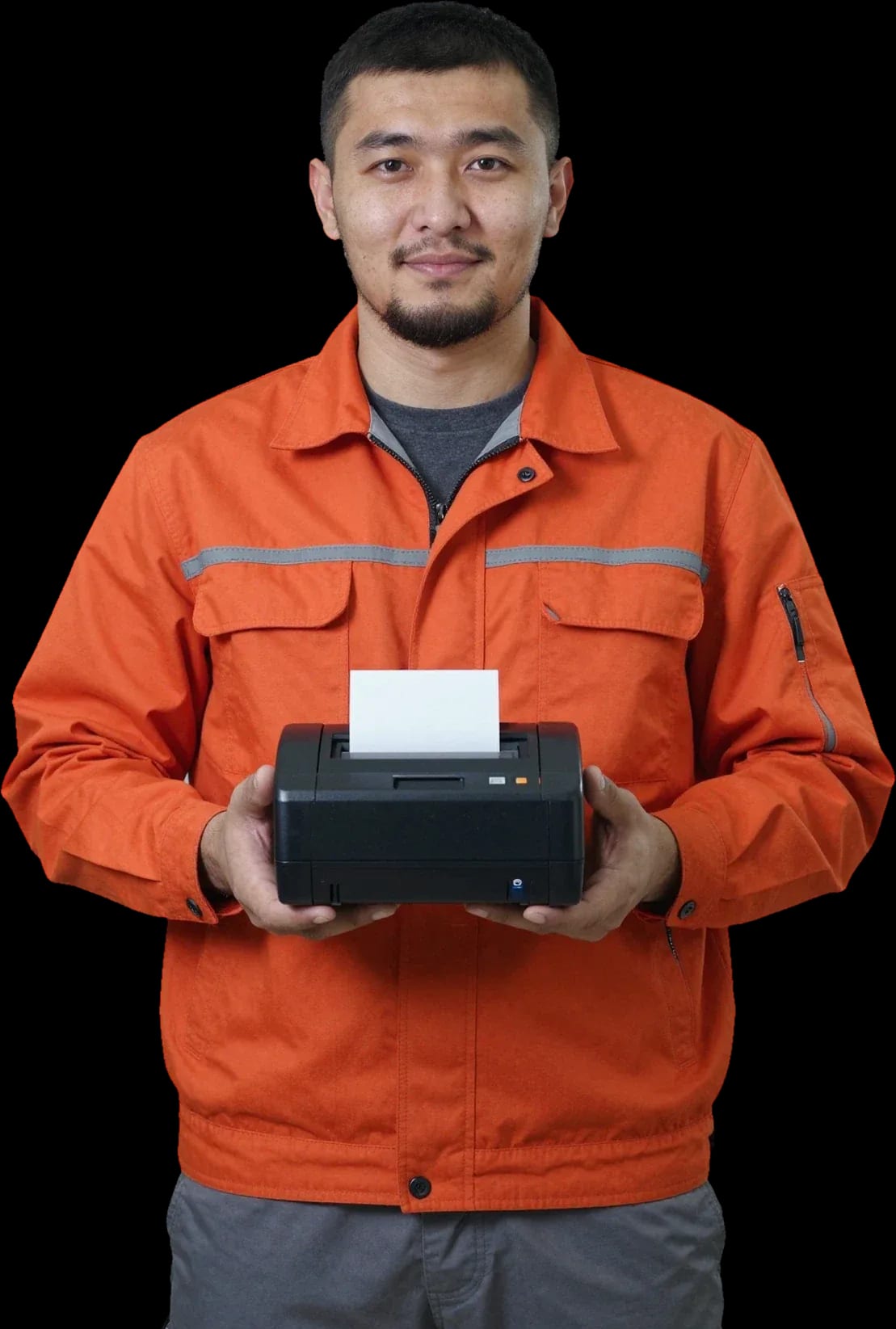
A technician arrives within 60 minutes anywhere in the city. Diagnostics are free, and the technician will tell you the cause and cost on site.
Our own technicians4 to 20 years of experience




Repair prices
Symptoms are grouped by component: printing, power, ribbon, and connectivity.
thermal head, ribbon, power
from4 500 ₸
power supply, button, board
from11 500 ₸
rollers, guides, breakage
from7 500 ₸
head contamination, wear
from4 000 ₸
gearbox, bearings, motor
from3 500 ₸
connector, cable, interface board
from11 500 ₸
code points to a component
from9 000 ₸
ventilation, thermal sensor
from11 500 ₸
1–2 hourstime
from 4,000 ₸cost
 BeforeAfter

Five steps from request to print check.
We confirm the model, serial number, and symptoms, then agree on a visit window.
The technician checks printing, power, and interfaces, and records the inspection results.
We select the part and confirm the scope of work in the request.
We fix the fault on site or replace the part.
The technician shows the result and explains what to do if the issue recurs.
The computer and laptop repair department in Almaty has 7 technicians with 6 to 15 years of experience.

The department has 7 specializations — they are listed on the technicians' cards.
experience10 yearsGraphics card repair technician
 experience6 years
PC and laptop diagnostics technician
 experience8 years
Laptop repair engineer
 experience10 years
Software installation specialist
 experience7 years
PC and laptop repair technician
 experience13 years
Diagnostics and virus removal specialist
 experience15 years
Consultant
We reply during working hours
Call or leave a request on the website and specify a convenient visit time. When confirming, the technician will clarify details and arrange the visit.

Warranty question? Call us
+7 (778) 096 59 70Tech Service repairs receipt printers in Almaty: a technician comes to your home within 60 minutes anywhere in the city, or the device is fixed at our service center. Diagnostics are free, we provide a 1-year warranty on labor and parts, and we agree on the price after diagnostics. Our technicians have 4 to 20 years of experience.
A receipt printer signals a problem in different ways — silence, a blinking indicator, a faint receipt. Let's break down which symptom points to which component and when you can't do without a technician.
If the device turns on but no receipt comes out, the cause is most often the thermal head, the ribbon cable, or the control board — you can't tell them apart visually, diagnostics are required. The thermal head is a thin bar with heating elements: as paper feeds, it heats up and leaves line after line on the receipt. The ribbon cable connects the head to the control board, and a break at its base shows up exactly like this — the motor feeds paper, the device hums, but there's no print. The cover-open sensor may still be working, and the printer thinks it's ready to go. Start with the simple things — check that the cover is closed tightly and there's still a roll; if the indicator is steady but there's no print, it's up to the technician to decide, not a consumables swap.
A blinking indicator is a signal from a specific component: most often the paper sensor, the cover sensor, or head overheating, and the technician identifies the component by the blink pattern. The paper sensor sits in the paper path and detects whether there's paper: if it's dirty or faulty, it "doesn't see" the paper even with a full roll. The cover-open sensor triggers if the latch doesn't press down enough — then the device blocks printing even though everything looks closed. Thermal head overheating is the third common signal: after a long series of receipts, the electronics stop the heating to avoid burning out the elements. Don't reset the error by turning the device off repeatedly: that erases the original state, which makes it easier to find the cause. Note the number and pattern of blinks before the technician arrives.
Faint printing or stripes means thermal head wear or cheap thermal paper, and you can only tell one from the other during diagnostics with a test print. Thermal paper darkens where the thermal head heats it: with a weak coating or a roll stored in the sun, the receipt comes out gray even on a working device. Head wear looks different — even white stripes along the entire length of the receipt where heating elements have burned out or worn away. The third scenario is a dirty bar: carbon buildup and dust prevent individual dots from heating, and the receipt comes out spotty. Before concluding the head is faulty, run a test print on known-good paper — if the stripes remain, it's the head, not the consumable, and then you need receipt printer repair in Almaty with an on-site check of the component.
A jammed receipt, a stuck cutter, a "no paper" message with a full roll — these are mechanical and sensor failures. They're fixed by replacing a specific component or cleaning the mechanism, not by reflashing the whole device.
Jamming is most often caused by worn feed rollers or debris in the paper path, and we fix it by cleaning the mechanism or replacing the rollers. Over time, the rubber rollers lose grip on the thermal paper, the feed gears start to stick, and dust and torn receipts clog the guides. The technician disassembles the feed mechanism, checks the condition of the rollers and gears, cleans the path of debris, and assesses which parts can be restored and which need replacing. Don't pull a jammed receipt by force — that tears the thermal paper and clogs the path; carefully open the cover and free the roll, and let the technician determine the cause. Some of these cases are resolved with cleaning and adjustment without replacing parts. The 1-year warranty on labor and parts applies after the feed unit is restored.
The cutter and paper sensor are repairable components, and we restore them by replacing parts rather than telling you to buy a new printer right away. The auto-cutter jams due to blade wear, a misaligned guide, or a piece of thermal paper stuck under the blade, while the sensor stops detecting the roll because of dirty optics or a broken cable. A technician removes the unit, checks the blade movement and the sensor's response to the roll, then cleans or replaces the part. If the blade is jammed, don't pull the receipt by hand—this bends the blade and adds a second problem to the repair; wait for the technician who will remove the unit correctly. Both faults are visible during free diagnostics, and a new blade mechanism comes with a 1-year warranty. The paper sensor on most models is located under the paper feed path, so the technician checks it together with inspecting the rollers and gears.
| Component | What we check | How we restore |
|---|---|---|
| Thermal head | print uniformity, wear | head replacement |
| Receipt cutter | blade movement, jamming | repair or replacement |
| Paper sensor | response to roll | cleaning or replacement |
| Feed mechanism | roller wear | cleaning, roller replacement |
| Control board | power-on, connection to POS | diagnostics, repair |
| USB, COM connectors | contact with POS | contact restoration |
The thermal head is the heart of a receipt printer, and its condition determines how clear the document comes out. Let's look at how to distinguish its wear from other causes and what maintenance provides.
Signs of thermal head wear are persistent white stripes along the entire length of the tape, missing characters, and faded print that do not disappear on a new roll. Carbon buildup and microcracks on the heating elements cause intermittent contact with the media: some dots do not heat up, leaving even light lines. Test diagnostic utilities print a page with a checkerboard pattern—it shows which sections of the head are working and which are not. A test helps distinguish the head from mechanics: if the tape comes out evenly, without jamming, but with stripes, the problem is in the head, not the feed. Before replacing the unit, run such a check twice on different rolls: defects from poor-quality consumables go away, but wear marks remain on any.
A receipt printer prints by heating thermal paper, not with ink, so there are no cartridges or toner, but there is a thermal head, cutter, and sensors that an office printer does not have. In MFPs and office printers, a technician looks for clogged nozzles, toner level, or a transfer roller failure, while in POS equipment they diagnose the resistance of heating elements, blade movement, and feed optocoupler response. Thermal paper reacts to temperature: if the head heats weaker than normal, printing fades long before complete failure. That's why a technician needs experience specifically with thermal printing: ordinary office equipment diagnostics won't show head wear or a tape sensor failure. Specialists who have worked with POS models for years know this difference in practice—they need separate tools and their own tests.
A cash register that can't print receipts brings sales to a halt, and hauling the equipment to a workshop is inconvenient. We come to your home or store and get the device working right on the spot.
Yes, we make house calls and visit retail locations across the city, and a specialist arrives within 60 minutes to fix the device on site. The visiting technician brings tools for typical issues — jammed paper, a misaligned cutter, a clogged sensor. At your address, they connect the device to your cash register or POS system and run a test print in working mode, not on a separate bench. Receipt printer repair in Almaty is primarily about working with the "device plus register" setup that you use every day. On-site service is convenient because the device stays connected to the register — the technician immediately checks how it prints a receipt in the live system, not in isolation. What's more, the check is done with your paper roll and your receipt template, so formatting errors surface right at this stage.
If the problem involves the control board or requires full disassembly, we repair it at the service center rather than on site — that makes the work more precise and safer for the equipment. A visiting technician can't handle the control board or the paper feed mechanism on the road: soldering, replacing components, and running paper tests require a workbench and stable power. On-site work covers cleaning, print settings, and simple mechanical adjustments that don't require opening the case. After water damage or a drop, it's best not to turn the device on until it's been diagnosed — trying to start it can finish off electronics that could still be saved. Such devices are more likely to be restored if they haven't been powered on again — so if you suspect moisture, take the equipment in or call a specialist for an inspection right away.
When choosing a technician, it's important to understand what happens if the problem comes back and how the process works — let's cover the warranty, diagnostics, and payment.
We provide a 1-year warranty on labor and parts, so if the same issue recurs due to our work, we fix it under warranty. Behind that number is a specific process: after replacing the thermal head, cutter, or paper sensor, we check printing and paper feed, and only then return the device. The one-year term covers the entire assembly, not just a single operation — if the defect returns because of our work, we deal with it again at no extra charge. In my view, the parts warranty is just as important as the labor warranty: a new thermal head or cutter should also be covered, otherwise repeat service comes out of your pocket again. When you drop off the device, ask the technician exactly what the warranty covers — the assembly or the whole operation.
Diagnostics are free at our shop, and that's where the technician pinpoints the real cause instead of swapping parts at random. On a receipt printer, faint printing can come from a worn thermal head, a dirty roller, or the density setting in the driver — without testing, it's easy to replace a part that works fine. The technician opens the device, runs a test print, checks how paper feeds, and only then names the failed component. They agree on the cost with you before any work starts, so you decide whether to go ahead. Free diagnostics benefit both sides: they rule out cases where restoration doesn't make sense, and you don't pay for a teardown that leads nowhere. If the issue is in the cash register settings rather than the printer, you'll know right away.
We service receipt printers (thermal printers) of various models, as well as label printers and office printing equipment, and you can pay via Kaspi QR, Kaspi Red, bank card, cash, or bank transfer for companies. Around the city, a technician reaches you within 60 minutes, and when a case requires on-site disassembly, they bring the device to the service center and return it after testing. Payment isn't tied to a specific method: cash, card, or transfer all work, and you choose what's convenient. If you have more than one printer or several locations, it's best to tell the technician right away — they'll advise what can be checked on-site and what needs the service center. When you request service, describe the model and the symptom — that helps the technician bring the right tools on the first visit.
Some issues can be solved without a technician, while others are best left alone — let's go over where it's safe to check yourself and where you need a specialist.
If a receipt printer won't connect to the cash register or computer, the cause is more often the connector, cable, or port settings rather than the print head itself. Check the USB, COM, and Ethernet connectors: a corroded contact, a loose socket, or a frayed wire breaks the connection, leaving the device functional but unresponsive. On the cash register side, verify that the correct port is selected in the equipment settings — after a POS system update, parameters sometimes reset to defaults. For models with a network port, compare the address on the self-test receipt with the one configured in the cash register: a single digit difference breaks the connection. Before changing the cable, check whether the system detects the connected device — if it's recognized but won't print, the issue is in the settings, not the hardware.
Repair is more cost-effective than replacement when a single component fails — the thermal head, cutter, or sensor — while the housing and board are intact. The thermal head and auto-cutter are consumable parts: they wear out from daily use, and replacing one part gets the device working again without buying a new one. Regular maintenance and cleaning extend the life of these elements and reduce the risk of repeat failures. Replacing the whole device makes sense when the control board is damaged and repair costs are comparable to a new unit — the technician assesses this during free diagnostics. Most service calls in the city are resolved by replacing one component rather than buying a new printer: the housing and mechanics last noticeably longer than the electronics, so it's worth getting an estimate first and deciding on replacement only after that.
Here's the key information about the repair outcome in one place: what determines the exact cause, which components need servicing, and how to avoid paying twice for the same breakdown.
Tech Service technicians repair other appliances too — with the same 1-year warranty on labour and parts.
 Refrigerator Repair in Almatyfrom 3 000 ₸
 Washing Machine Repair in Almatyfrom 3 000 ₸
 Dishwasher Repair in Almatyfrom 3 500 ₸
 Oven Repair in Almatyfrom 3 000 ₸
 Cooktop Repair in Almatyfrom 3 500 ₸
 Air Conditioner Repair in Almatyfrom 3 500 ₸
 Boiler and Water Heater Repair in Almatyfrom 2 500 ₸
 Freezer Repair in Almatyfrom 6 000 ₸
 Tumble Dryer Repair in Almatyfrom 5 000 ₸
 Coffee Machine Repair in Almatyfrom 2 500 ₸
 Robot Vacuum Cleaner Repair in Almatyfrom 3 500 ₸
 Vacuum Cleaner Repair in Almatyfrom 1 500 ₸
 Microwave Oven Repair in Almatyfrom 2 000 ₸
 Hair Dryer Repair in Almatyfrom 1 500 ₸
 Iron Repair in Almatyfrom 3 000 ₸
 Electric Kettle Repair in Almatyfrom 2 500 ₸
 Mixer Repair in Almatyfrom 2 500 ₸
 Multicooker Repair in Almatyfrom 500 ₸

If your laptop screen is broken, turn the device off first, don't press on the display, and check the picture through an external monitor.
12 March 2026 · 11 minutes read
If your laptop freezes, the first thing to do is restart it and check Task Manager to see what's loading the CPU and memory.
25 January 2026 · 12 minutes read
If your computer won't turn on, start simple: check the outlet, power cable, switch on the power supply, and the power button.
19 January 2026 · 13 minutes read
If your laptop won't boot, first determine which of two states you're in: the device doesn't respond to the power button at all…
13 December 2025 · 12 minutes read








