 experience9 years
Ruslan Ts.
Washing machine and refrigerator repair technician
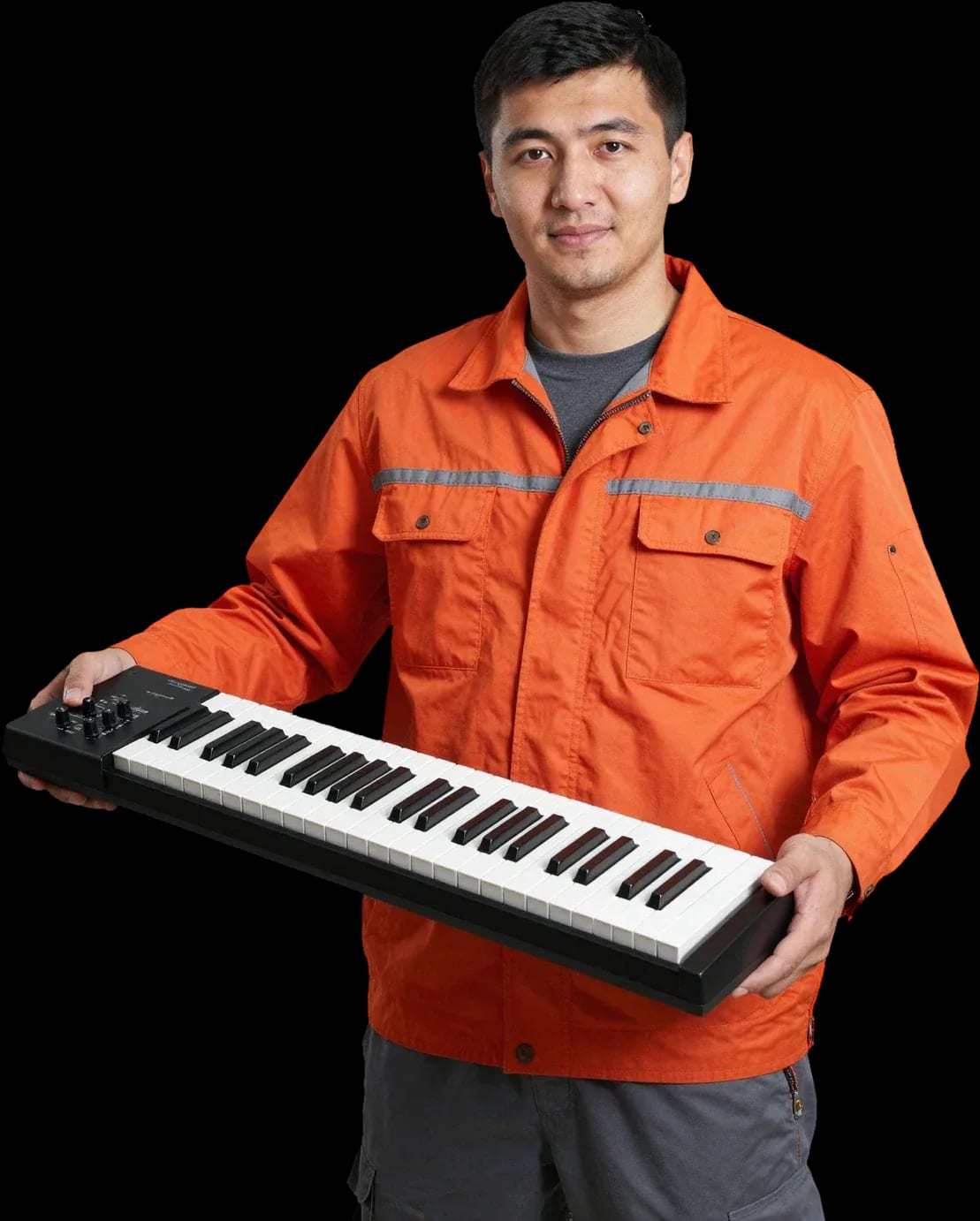
A technician arrives within 60 minutes anywhere in the city. Free diagnostics, 1-year warranty on labor and parts.
Our own technicians4 to 20 years of experience




Repair prices
Below are typical symptoms and technical causes that technicians find during diagnostics.
power supply, cord, fuse
from11 500 ₸
speaker, amplifier, settings
from4 500 ₸
mechanics, contacts, dirt
from8 500 ₸
memory battery, firmware
from4 500 ₸
jack, soldering
from7 500 ₸
diaphragm, amplifier
from7 500 ₸
oxidation, short circuit
from12 000 ₸
potentiometer, contacts
from7 500 ₸
1–2 daystime
from 11 500 ₸cost
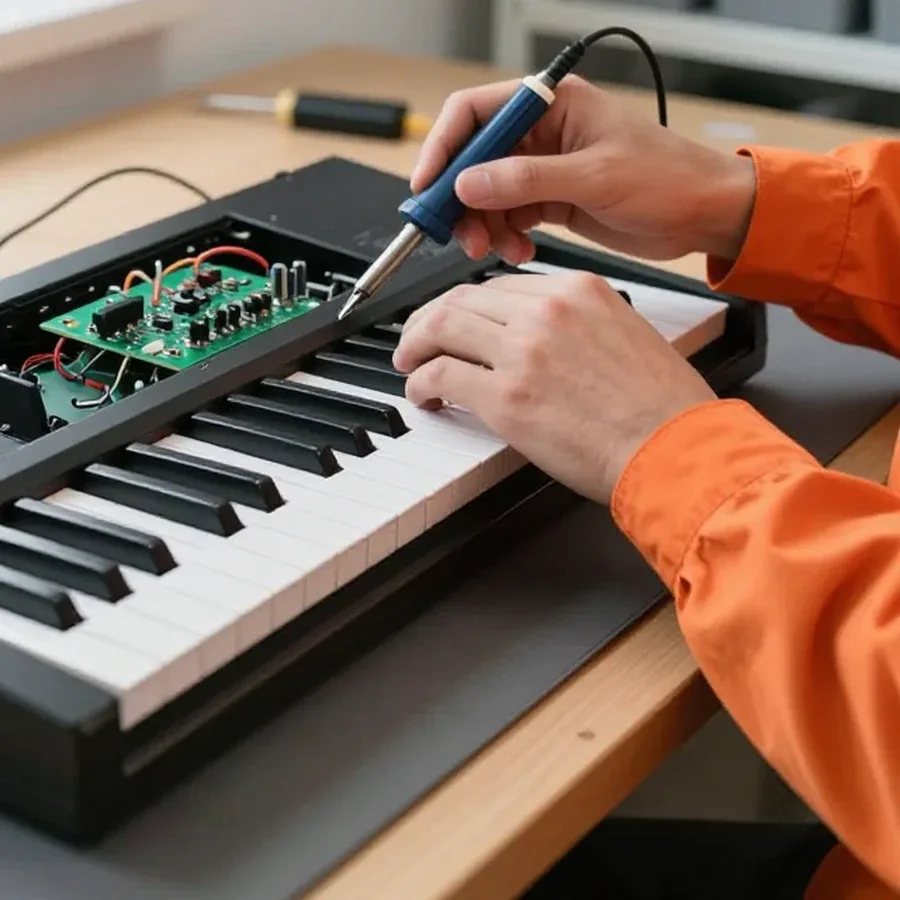 BeforeAfter

Five steps from request to checking the instrument after repair.
Describe the symptom and your synthesizer model so the technician brings the right tools.
Provide the address, floor, elevator availability, and clear access to the instrument so the technician brings the right equipment.
The technician identifies the fault and agrees on next steps with you.
You approve the scope of work and the cost, then the technician starts the repair.
The technician tests the keyboard and audio path with test recordings, and checks the ports and power supply.
The home appliance repair department in Almaty has 8 technicians with 8 to 12 years of experience.

The department has 8 specializations — they are listed on the technicians' cards.
experience9 yearsWashing machine and refrigerator repair technician
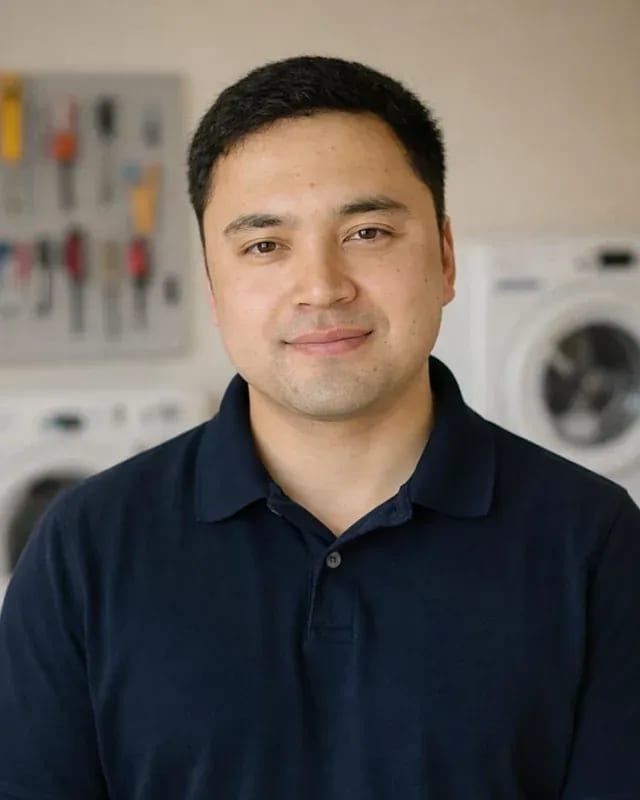 experience12 years
General household appliance repair technician
 experience10 years
Field technician for washing machine and refrigerator repair
 experience8 years
Expert washing machine repair technician
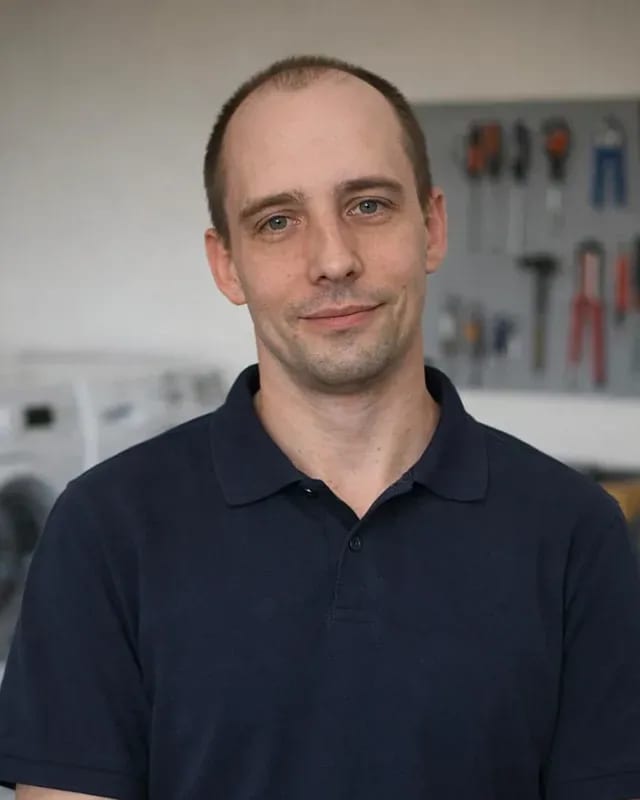 experience8 years
Field refrigerator repair technician
 experience8 years
Senior washing machine repair technician
 experience11 years
Dishwasher repair technician
 experience9 years
Washing machine repair technician
We reply during working hours
Describe the model and symptom in your request — the technician will confirm the details by phone and agree on a convenient visit time.

Warranty question? Call us
+7 (778) 021 13 16Tech Service repairs synthesizers, digital pianos, and MIDI keyboards in Almaty: a technician comes to your home or takes the instrument to the service center. Diagnostics are free, and we provide the price after diagnostics. We offer a 1-year warranty on labor and parts. We cover the entire city and arrive within 60 minutes.
The instrument stays silent after you press the power button or freezes during boot — these are two different groups of causes. Let's figure out where to look for the source of the problem before taking the keyboard to a service center.
Most often, "won't turn on" means the power supply or the AC adapter, not the instrument itself: in our diagnostics, this cause is confirmed in the majority of cases with this complaint. The power source is responsible for supplying current to the control board, and if the voltage drops or a contact breaks, the device won't start at all, or it turns off a few seconds after startup. Power connectors on the case loosen over time, and the cord frays near the plug — a cable that looks intact may not transmit current. It's easy to check: connect a known-good power supply with the same voltage, polarity, and current ratings. If the device comes to life, the problem is in the power supply, and you shouldn't take the case apart right away. Bring the faulty adapter along with the instrument — it's important for the technician to see both components. We start synthesizer repair in Almaty by checking the power supply.
An error code on the display is a signal of a firmware or control board boot failure, not a death sentence for the instrument. The screen shows a combination of letters and numbers that the manufacturer uses to encode a specific unit — power, memory, communication with the board, or peripheral blocks. Freezing on the logo is more often associated with corrupted firmware, while spontaneous rebooting in a loop is linked to unstable voltage or a loose display ribbon cable. It's best not to touch the USB and MIDI ports at this point: connecting a flash drive or controller distorts the picture and confuses diagnostics. Write down the code and the conditions under which it appears (after turning on, when changing modes, when connecting USB) — this information speeds up diagnostics and helps the technician locate the unit faster. A photo of the screen with the code will also work. If the device has been stuck on one screen for more than a minute, don't pull the power cord — let the technician see the initial state.
The instrument turns on and responds to keys but stays silent or crackles. The cause lies in the speakers, amplifier, sound generator, or settings — let's figure out how to tell one from another.
When the synthesizer turns on and responds to keys but there's no sound, we first check the volume settings and output mode, then the sound generator and amplifier. The sound chip generates the instrument's signal, which then goes to the amplifier and speakers, and a break anywhere in this chain results in silence. On Casio and Yamaha models, we specifically check whether the output is switched to headphones and whether the volume level is set to zero in the preset itself. We inspect the audio output jacks for oxidation and looseness — such cases occur regularly during technician visits across the city, and our diagnostics are free. Plug in headphones: if you hear sound in the headphones but not in the speakers, the problem is in the speakers or amplifier, not the sound generator.
Crackling and noise are usually caused by the speakers, amplifier, or contacts rather than the keyboard. The speakers and amplifier reproduce the signal, and when faulty they produce crackling, distortion, or intermittent volume—while the sound generator itself may be fully functional. Contacts and ribbon cables between the board and speakers oxidize over time, especially when the instrument has been kept in a damp room or near a window, and a thin layer of oxidation on the connector eats away at the contact and adds hiss during pauses. The power supply also contributes: a voltage drop produces a characteristic hum and background noise that can easily be mistaken for a speaker defect, and a worn electrolytic capacitor in the filter amplifies this effect. A torn cone or detached surround causes buzzing on low notes that disappears through headphones. Noise that appears only at high volume points to the amplifier; constant background noise points to contacts or power.
One key is silent, several are stuck or have sunk—the causes for these cases are different. Let's look at the mechanics and electronics of the keyboard: what can be fixed and what requires replacement parts.
Sticking and non-responsive keys are most often caused by contacts, ribbon cables, and the hammer mechanism rather than a failure of the entire keyboard. The keyboard transmits key presses through contact groups and ribbon cables to the control board: an oxidized pad loses conductivity, and a worn ribbon cable breaks the signal for an entire row. The hammer mechanism under the plastic key returns it to its original position—when worn or contaminated with dust, the key sticks and doesn't close the circuit. On synthesizers with velocity sensitivity, there is a second pair of pads, and a mismatch between them causes a drop in volume. If keys in the same row are silent one after another, look for the ribbon cable or contact group rather than individual keys: replacing one key with a broken ribbon cable won't help. Dust and dried lubricant on the hammers are the second most common cause of sticking after spilled liquid.
In most cases we restore the keyboard rather than replace it entirely: replacement is needed when the mechanism itself or the entire housing is damaged. Contact groups are cleaned and restored, ribbon cables are replaced, and individual hammers and springs are selected for the instrument model. Tech Service services synthesizers in Almaty and on-site, and during diagnostics it's clear whether local work is enough or a new assembly is needed. The decision depends on what exactly failed—the pad, the ribbon cable, or the mechanical part; this is visible during free diagnostics, so don't rush to order a new keyboard. In my opinion, a restored assembly serves no worse than a replacement if the technician fixed the cause, not just the symptom. The warranty on such work is 1 year, just like on replaced parts, so rushing to buy a new assembly often hurts the budget.
The unit heats up and shuts down after a few minutes of playing — is it protection or already a breakdown? Let's figure out where to look for the cause and how normal heating differs from a malfunction.
Overheating and self-shutdown are most often caused by the control board, power supply, or clogged ventilation grilles, not the keyboard. The control board manages the operation of components, and under overload or with a damaged component, it heats up more than usual. The second source is the power supply: dropped voltage forces the circuit to work at its limit, and the case accumulates heat. The third factor is dust-clogged grilles and ventilation holes: airflow weakens, and the temperature inside rises even with working electronics. On Roland and Korg models with dense board layouts, heat dissipation is limited, so contamination has a faster effect. If the unit turns off after the same amount of time each time it's turned on, it looks like protection is kicking in — note for the technician how many minutes pass before shutdown and what was playing at that moment.
Unstable operation and sudden shutdowns often come from the power supply or the AC adapter, not the instrument's electronics. The internal power supply is responsible for turning on the synthesizer and maintaining stable voltage on the control board: worn capacitors cause voltage drops that make the unit reboot or cut out on loud notes. The external adapter also contributes — a faulty cord, a loose connector, or incorrect specifications cause the same symptoms. A simple check helps distinguish power from the board: plug the keyboard into another adapter with the same specifications and see if the failure repeats. If the behavior changes, the cause is in the power source; if not, we look further along the chain. Testing with another adapter with the same specs is a simple way to separate power from the board.
Some breakdowns are fixed on the spot, others require repair at the service center. Let's go over how a home visit works, what can be fixed at home, and how diagnostics are done.
We come to your home to the instrument within 60 minutes anywhere in the city and start with free on-site diagnostics. The specialist brings tools to check power and contacts, so the initial inspection doesn't require transporting the synthesizer. At home, it's convenient to check the power supply and adapter, MIDI and USB connectors, the keyboard, and the instrument's settings — these are the components that most often fail. If the cause is in the control board or sound generator, the instrument is taken to the service center. In my opinion, a home visit saves the main thing — time: you don't have to pack the synthesizer and haul it across town. Before the visit, describe the symptom — that way the specialist will bring the right parts and check the likely component first.
| What we check | Where we do it | What we do |
|---|---|---|
| Power supply and adapter | At your home | Check power and connections |
| MIDI and USB ports | At your home | Inspect contacts and cables |
| Keyboard and contacts | At your home or in the service center | Clean and restore contacts |
| Sound generator and amplifier | In the service center | Diagnose and repair the unit |
| Control board | In the service center | Find the cause of overheating and failures |
Diagnostics are free: we find the cause and explain it before any work, and we give you the price after the inspection. First we check the power and connections, then how the instrument responds when turned on and how the keyboard behaves, and after that we inspect the control board and sound generator. We explain the cause in plain words, not an error code: which unit failed, why it happened, and what will happen if you put off the repair. The price is given after the inspection and before work starts, so you can decide whether to go ahead or stop. Ask which unit failed and why — it helps you understand the scope of work and avoid agreeing to anything unnecessary. A good sign is when the technician is ready to show you the faulty part and explain how it will be restored.
What the warranty covers, which brands we take in for repair, and how payment works — it's worth knowing these terms before you contact us, so you understand the scope of work and your rights right away.
We give a 1-year warranty on the work performed and on the parts installed, and our technicians with 4 to 20 years of experience have been handling these instruments for years. The warranty period is the same for on-site service at your home and for work in the service center: if the synthesizer acts up again after the repair, you go back to the same technician who worked on your instrument. The 4 to 20 years of experience means our technicians have seen typical keyboard, power supply, and audio path failures many times, so they know where the cause usually lies. The warranty covers both the work done and the parts themselves: replacing the key matrix, power connectors, volume controls, and buttons falls under the same period. This applies to the entire scope of work recorded after diagnostics — ask the technician what exactly is covered in your case, so there are no questions if you need to come back.
We service synthesizers, digital pianos, and MIDI keyboards, including instruments from Yamaha, Casio, Roland, Korg, and Arturia. We take in compact home models, stage keyboards with a full set of controls, and digital pianos with hammer action, where the key suspension and velocity sensors are a separate story. We diagnose MIDI controllers by the same units: power, control board, key matrix, connectors, and computer connection. On stage models, we check the pitch and modulation wheels separately — they are the first to suffer after a drop or liquid spill. The brand doesn't change our approach to diagnostics: we look for the cause of "no sound" or "won't turn on" by unit, not by brand, so the inspection order is the same for a home synthesizer and a concert instrument.
When you put the signs of a breakdown together, a clear picture emerges: it tells you what to check and in what order.
Tech Service technicians repair other appliances too — with the same 1-year warranty on labour and parts.
 Refrigerator Repair in Almatyfrom 3 000 ₸
 Washing Machine Repair in Almatyfrom 3 000 ₸
 Dishwasher Repair in Almatyfrom 3 500 ₸
 Oven Repair in Almatyfrom 3 000 ₸
 Cooktop Repair in Almatyfrom 3 500 ₸
 Air Conditioner Repair in Almatyfrom 3 500 ₸
 Boiler and Water Heater Repair in Almatyfrom 2 500 ₸
 Freezer Repair in Almatyfrom 6 000 ₸
 Tumble Dryer Repair in Almatyfrom 5 000 ₸
 Coffee Machine Repair in Almatyfrom 2 500 ₸
 Robot Vacuum Cleaner Repair in Almatyfrom 3 500 ₸
 Vacuum Cleaner Repair in Almatyfrom 1 500 ₸
 Microwave Oven Repair in Almatyfrom 2 000 ₸
 Hair Dryer Repair in Almatyfrom 1 500 ₸
 Iron Repair in Almatyfrom 3 000 ₸
 Electric Kettle Repair in Almatyfrom 2 500 ₸
 Mixer Repair in Almatyfrom 2 500 ₸
 Multicooker Repair in Almatyfrom 500 ₸

If your dishwasher won't drain, the most common culprits are a clogged filter or drain hose; less often, it's the pump, impeller…
24 March 2026 · 12 minutes read
A washing machine can hum for many reasons, and the first thing to figure out is when the sound appears.
20 March 2026 · 12 minutes read
If your washing machine isn't filling with water, the most common culprits are a closed valve, a clogged inlet filter screen on the hose…
20 February 2026 · 13 minutes read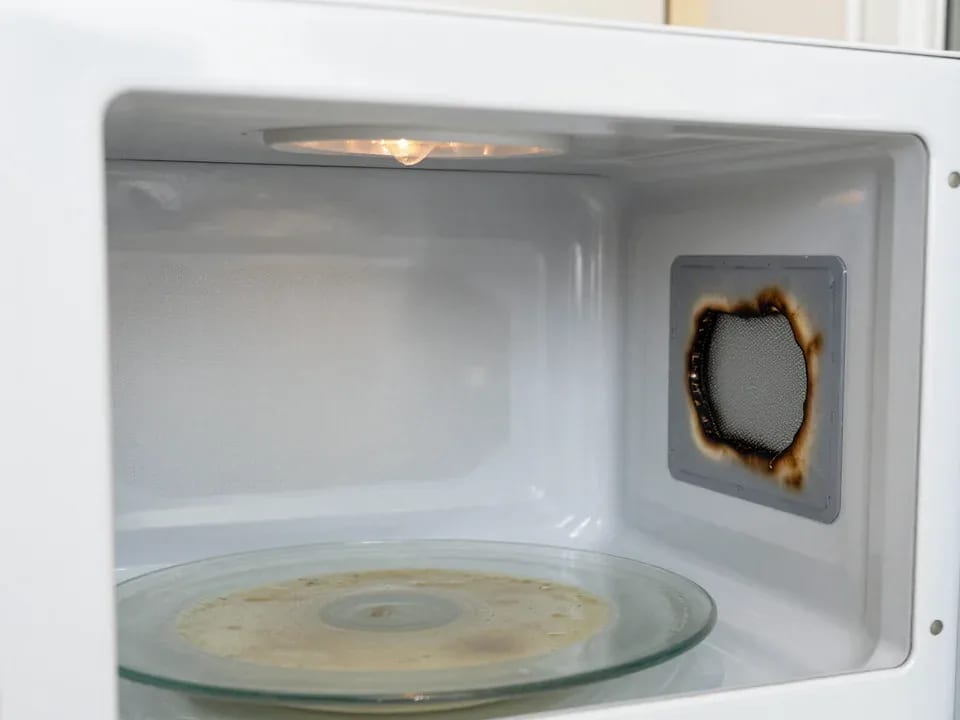
If your microwave isn't heating but the light and turntable still work, the problem is usually one of the high-voltage components — the magnetron, diode…
15 February 2026 · 12 minutes read
If your refrigerator stops working, first check the outlet, the power cord, and the thermostat setting, and after defrosting let it stand for a while.
4 February 2026 · 12 minutes read
Washing machine error codes are self-diagnostic codes that point to a specific component: drain, water fill, heating, motor, or door lock.
29 January 2026 · 13 minutes read