 experience9 years
Ruslan Ts.
Washing machine and refrigerator repair technician
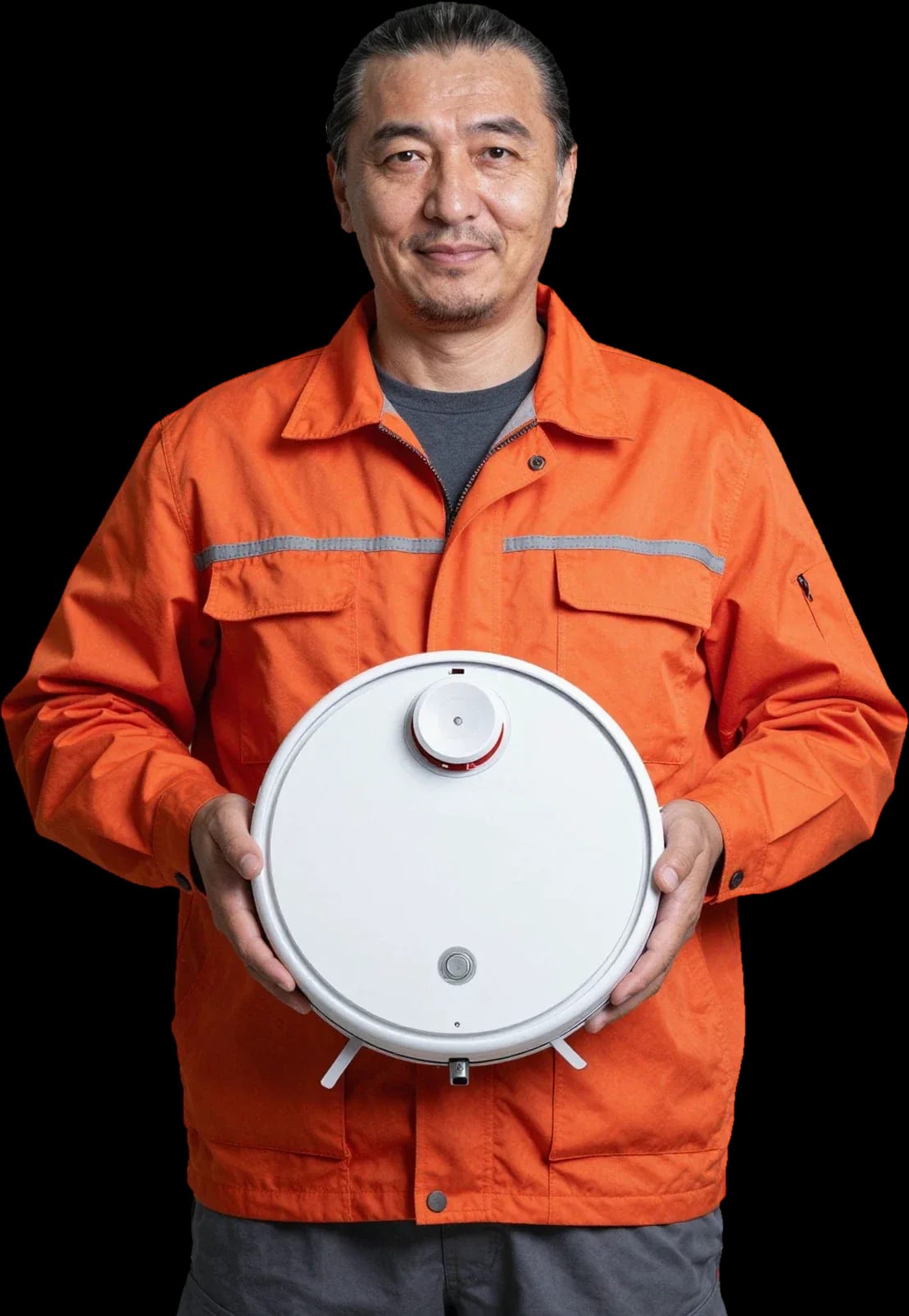
A technician arrives within 60 minutes anywhere in the city. Free diagnostics, and the final price is set after inspection.
Our own technicians4 to 20 years of experience




Repair prices
Eight typical symptoms Dreame robot vacuum owners report, from no power to app errors.
battery, board, button
from4 500 ₸
contacts, power supply, battery
from4 500 ₸
brushes, filter, motor
from5 000 ₸
pump, hose, nozzle
from8 500 ₸
lidar, sensors
from5 500 ₸
Wi-Fi module, firmware
from3 500 ₸
bearing, motor, brushes
from3 500 ₸
code points to a component
from4 000 ₸
1–2 hourstime
from 3 500 ₸cost
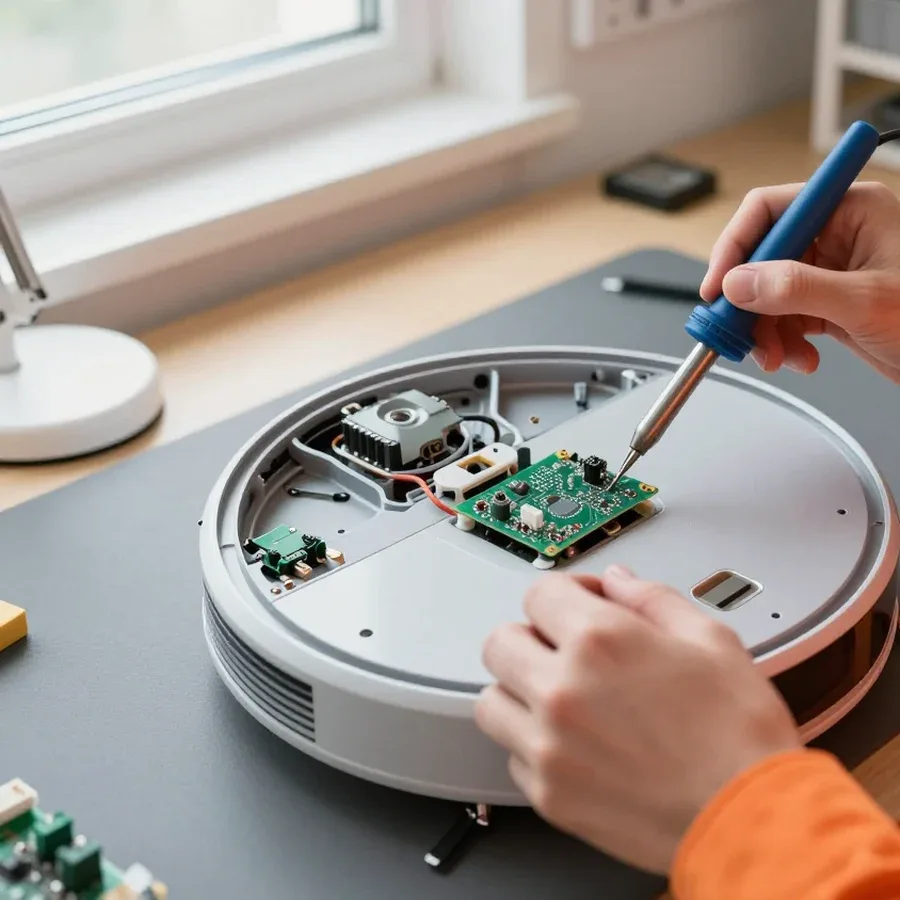 BeforeAfter

Five steps from request to performance check and warranty.
Describe the symptom and your Dreame robot vacuum model so the technician brings the right tools.
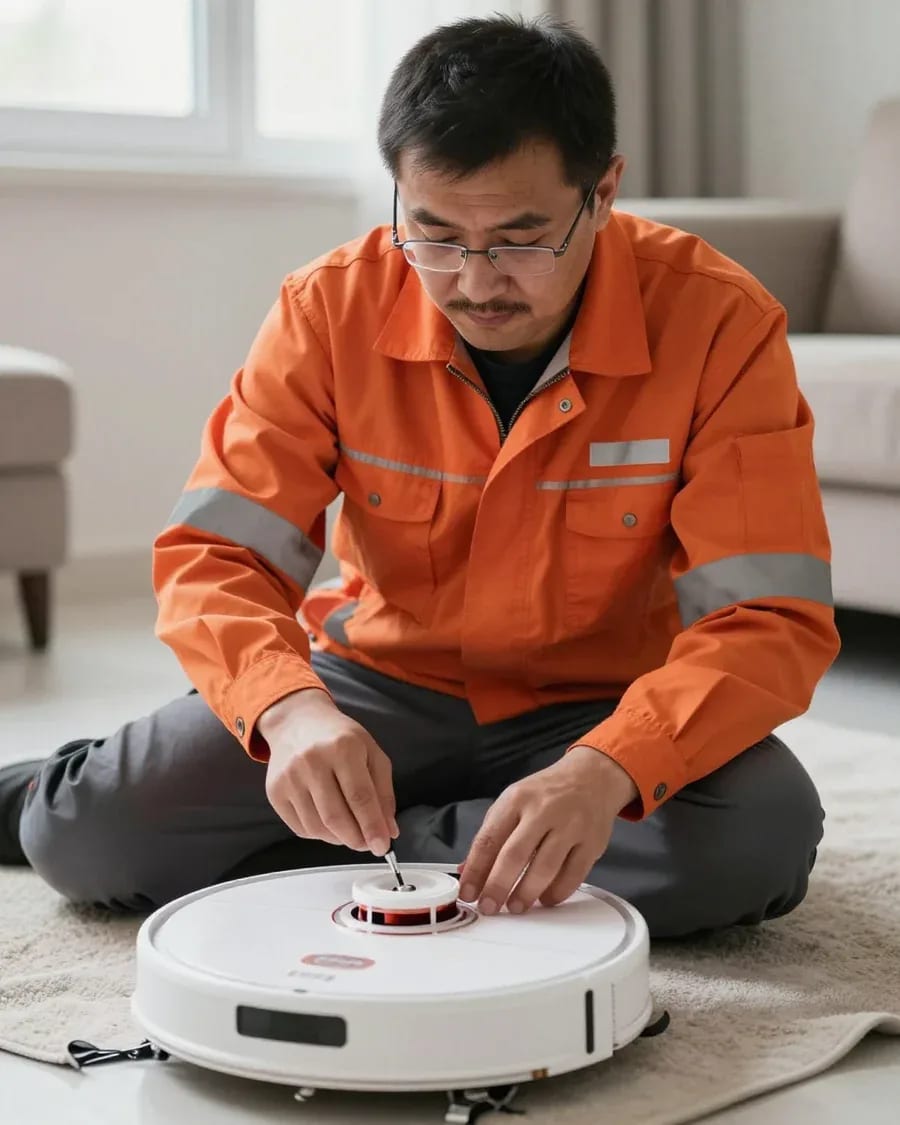
The technician arrives within 60 minutes anywhere in the city and inspects the robot on site.
The technician confirms a convenient time slot and address to arrive with the right tools for your specific model.
A test cleaning and mapping run to make sure the symptom is gone.
The technician records the replaced part in the document so the 1-year warranty covers this repair.
The home appliance repair department in Almaty has 8 technicians with 8 to 12 years of experience.
The department has 8 specializations — they are listed on the technicians' cards.
experience9 yearsWashing machine and refrigerator repair technician
 experience12 years
General household appliance repair technician
 experience10 years
Field technician for washing machine and refrigerator repair
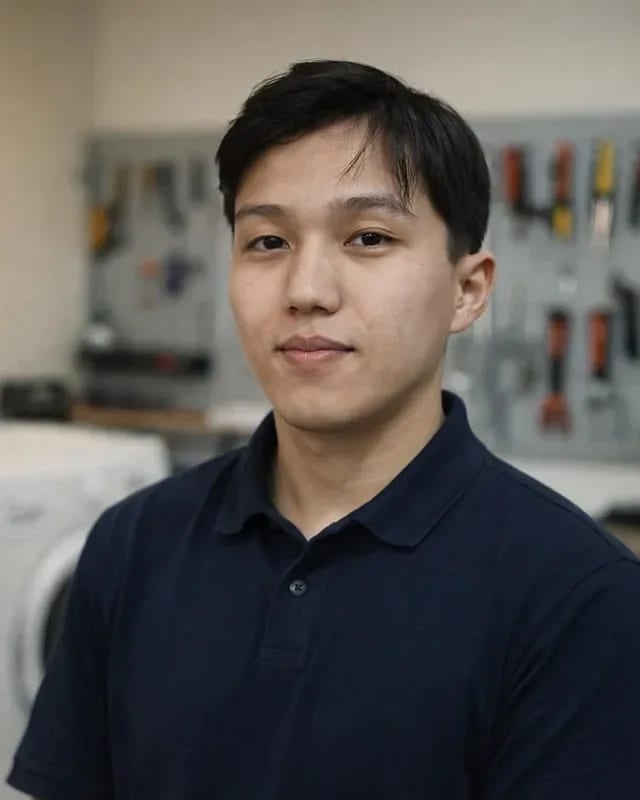 experience8 years
Expert washing machine repair technician
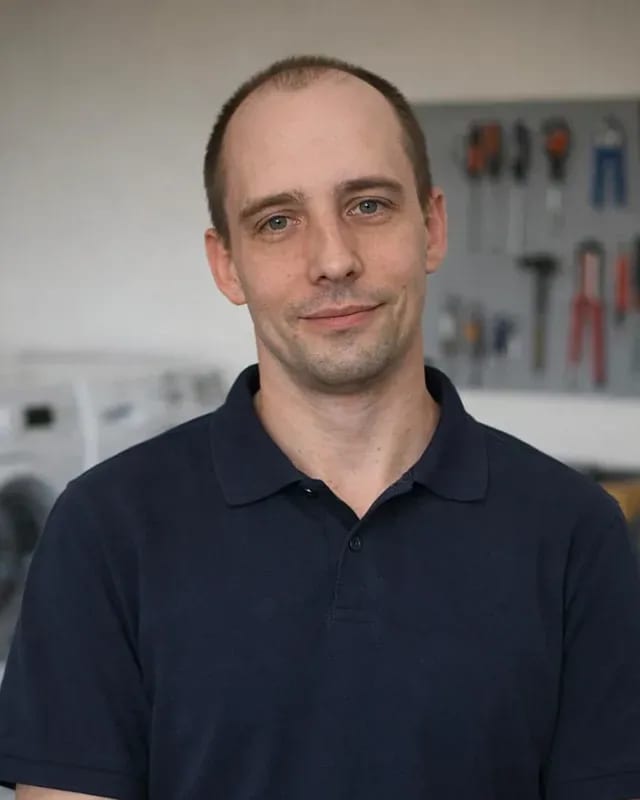 experience8 years
Field refrigerator repair technician
 experience8 years
Senior washing machine repair technician
 experience11 years
Dishwasher repair technician
 experience9 years
Washing machine repair technician
We reply during working hours
Choose a convenient visit time — diagnostics are free, and the technician gives the price after inspection.

Warranty question? Call us
+7 (778) 021 13 16Tech Service repairs Dreame robot vacuums and cordless vacuums in Almaty as a direct provider, without intermediaries. A technician arrives at your home within 60 minutes, or the device is accepted at the service center. Diagnostics are free, there's a 1-year warranty on labor and parts, and the technician gives you the price after diagnostics.
On a Dreame robot, the same symptom can come from mechanics, electronics, or firmware. That's why we decode the symptom first instead of replacing parts at random.
| Symptom | Likely cause | What the technician checks |
|---|---|---|
| Not charging | oxidized contacts, battery, dock | contacts on the body and dock, capacity |
| Discharges quickly | battery wear | remaining capacity under load |
| Brush not spinning | drive belt, brush motor, clog | belt, motor winding, bushings |
| Not picking up dust | HEPA filter, turbine, air ducts | filter, impeller, channels |
| Can't find the dock | lidar, sensors, firmware | lidar rotation, Dreamehome settings |
| Bumps into furniture | lidar, obstacle sensors | lidar rotation, sensors |
| Won't turn on after water | control board, pump | board, moisture traces, pump |
In our experience, "not charging" is most often oxidized contacts on the robot and dock or a worn-out battery, while "can't find the dock" is a misaligned lidar or sensors. The charging contacts power the robot on the dock, and a layer of oxidation on them gives the same symptom as a dying battery. The lidar locates the dock by reflection, so dust on the glass or a knocked-off viewing angle breaks navigation without a single error on the screen. In the Dreamehome app you can see the robot circling the dock and failing to make contact. Before replacing the battery, the technician checks the contacts and charging current, because a new battery on oxidized contacts will drain just as fast.
A humming sound with a stalled brush almost always points to the drive belt or a clogged bushing, while loss of suction points to the HEPA filter, clogged air ducts, or turbine wear. The drive belt transfers rotation to the main brush, and a stretched belt slips under load: the motor hums but the brush stays still. Hair and threads wrap around the bushing and jam the shaft — same sound, different cause. The turbine pushes air through the HEPA filter, and a clogged element chokes the flow before the impeller wears out. If suction doesn't return after cleaning the filter and ducts, the next step is to check the turbine impeller, not to replace the consumable again. In my practice, half of these cases end with a belt replacement, not a motor.
Robot and handheld Dreame vacuums break differently, so repairs focus on different components. Below is a breakdown by model and device type, and where diagnostics start.
| Device type | Common failure points | What we check first |
|---|---|---|
| Robot vacuum | lidar, sensors, brush drive, pump | navigation and brush drive |
| Handheld stick | battery, turbine, button | battery and turbine |
| Portable | battery, contacts, filter | contacts and battery capacity |
We regularly service the L10s Pro, L20 Ultra, D10 Plus, W10, L10 Pro, D9, and F9, and each model has its own set of typical failures. On the L10s Pro and L10 Pro, the side brush drive and lidar are the most common culprits: navigation gets confused and the robot spins in place. The D10 Plus and D9 come in with a clogged pump and worn bumper sensors, which makes the robot bump into furniture. The F9 is a simple model without mopping, so the main load falls on the turbine and the main brush drive. On mopping models like the W10 and L20 Ultra, the water supply pump adds to the mechanical side, so diagnostics start there rather than with the turbine: weak water flow or a leak immediately points to the pump and valves. We repair Dreame robot vacuums in Almaty by disassembling them unit by unit — this way we find the fault faster than by replacing parts at random.
We also accept handheld Dreame V11, V12, and T30 models, and most often we check the battery, turbine, and button contacts. On the V11 and V12, the battery is made of individual cells, and when capacity drops, the whole pack is replaced rather than a single cell — otherwise the pack becomes unbalanced and quickly drains again. The T30 puts a higher load on the turbine, so it more often produces unusual noise and loses suction power. The power button contacts oxidize from moisture when washing the container, and then the device doesn't respond to presses. Handheld vacuums wear out their battery faster due to charge cycles, so capacity is tested under load rather than by the indicator: the indicator shows a rough estimate, while the real voltage drop is only visible on a running motor.
Some Dreame symptoms can be resolved in a couple of minutes without opening the case. These steps don't replace diagnostics, but they help you understand whether you need a technician at all and which components to check next.
If the robot moves and cleans but won't connect to Dreamehome, the issue is usually the network or firmware, not the hardware. The Dreamehome app displays device errors, maps the room, and stores cleaning history, so a lost connection immediately cuts off all that information for the owner. The router can also cause a glitch: switching from 2.4 to 5 GHz, a new password, or enabled client isolation breaks the connection even though the device itself is fine. Firmware matters too — after a failed update, the Wi-Fi module may not come up until it's re-paired with the account. Reinstalling the app and reconnecting to the network takes a few minutes and requires no tools. Before a technician visit, it's worth going through this path again, because some 'breakdowns' turn out to be a setting rather than a board failure.
Repair follows clear steps — from request and free diagnostics to testing and warranty. Below we break down each stage and explain what happens to the device at each one.
We diagnose not only consumables but also the control board, sensors, and lidar, and if necessary perform reflashing and reset settings. The technician checks power, cables, and contacts, reads the logs from the Dreamehome app, and compares the robot's behavior with the factory parameters for the specific model. The lidar is tested separately: a dirty optical sensor causes false navigation errors, and cleaning restores the accuracy of mapping the room. The control board is inspected for signs of overheating and oxidation after moisture exposure — such defects often masquerade as motor failure. Reflashing is needed when a software glitch looks like a mechanical breakdown. If the problem is in the firmware, replacing parts won't help, so electronics are checked before disassembling the mechanics — this way you don't have to replace working components.
We provide a 1-year warranty on labor and parts, you can pay via Kaspi QR, Kaspi Red (instalments), bank card, cash, or bank transfer for companies, and arrive at your home within 60 minutes anywhere in the city. A home visit covers cases when the robot won't leave its base, is stuck under furniture, or is inconvenient to transport across Almaty. Service center drop-off is chosen for complex electronics — control boards and lidar — where on-site disassembly and testing are needed. Repair of Dreame robot vacuums in Almaty starts with an at-home inspection, and the device is taken in only if necessary. A home visit is convenient when the robot won't leave its base or is hard to transport, while service center repair is chosen for complex electronics.
In the Almaty market, both aggregators and private technicians take on Dreame repairs. Below is how a direct provider differs from an intermediary and why this difference is crucial for such equipment.
Tech Service works as a direct provider: our mobile technician comes to your home, or the device is serviced at our center — without being passed to third parties. An aggregator works differently: it takes the request and subcontracts it to a contractor you didn't choose and often never see. With Dreame, the difference is noticeable because the robot goes through several stages — disassembling the body, checking the control board, testing the lidar and turbine. With an intermediary, the device passes through several hands, and it's harder to track who changed what. With a direct provider, the entire chain is closed within one service, so the repair history for a specific device is transparent. In my view, the main thing for the owner is different: when one team is responsible for both diagnostics and part replacement, there's someone to address a complaint to about the result.
Our technicians have 4 to 20 years of experience, and we accept Dreame devices purchased in Kazakhstan, including when the manufacturer's warranty has expired. Diagnostics are free, and we provide a 1-year warranty on completed work and parts — it covers both board replacement and drive restoration. A technician visit within the city takes up to 60 minutes, and payment is accepted in any convenient way. Robots with lidar require careful disassembly: the body plastic is fragile, and sensor cables are easily damaged during careless opening — so experience matters here. Before contacting us, check the manufacturer's warranty terms with the seller: if it's still active, independent intervention or third-party diagnostics may void it, and then part of the costs will fall on you.
Some Dreame breakdowns are related to wear of consumables and dust accumulation in components. Below is what exactly extends the life of the turbine, drives, and sensors, and by what signs it's time to replace a part.
It's time to replace the battery when cleaning time drops noticeably, and the brushes when bald spots and pile loss appear. The battery powers the Dreame robot vacuum, and its capacity decreases gradually: first the cleaning doesn't cover the whole apartment, then the device runs out of charge mid-route and returns to the base early. The main brush with broken bristles stops picking up sand and hair, and side brushes with bent blades don't sweep debris from corners and along baseboards. A worn battery puts constant voltage drops on the control board, so replacing it also reduces the risk of other failures. In our experience, brushes are replaced more often than batteries — they wear out faster. If runtime doesn't increase after replacing consumables, the cause is the battery or the electronics, and diagnostics are needed.
Repairing a robot vacuum rarely comes down to replacing a single part: it's more important to understand what caused the failure and only then take action. Below is a short summary to help you get through this without extra steps or repeat breakdowns.
Tech Service technicians repair other appliances too — with the same 1-year warranty on labour and parts.
 Refrigerator Repair in Almatyfrom 3 000 ₸
 Washing Machine Repair in Almatyfrom 3 000 ₸
 Dishwasher Repair in Almatyfrom 3 500 ₸
 Oven Repair in Almatyfrom 3 000 ₸
 Cooktop Repair in Almatyfrom 3 500 ₸
 Air Conditioner Repair in Almatyfrom 3 500 ₸
 Boiler and Water Heater Repair in Almatyfrom 2 500 ₸
 Freezer Repair in Almatyfrom 6 000 ₸
 Tumble Dryer Repair in Almatyfrom 5 000 ₸
 Coffee Machine Repair in Almatyfrom 2 500 ₸
 Robot Vacuum Cleaner Repair in Almatyfrom 3 500 ₸
 Vacuum Cleaner Repair in Almatyfrom 1 500 ₸
 Microwave Oven Repair in Almatyfrom 2 000 ₸
 Hair Dryer Repair in Almatyfrom 1 500 ₸
 Iron Repair in Almatyfrom 3 000 ₸
 Electric Kettle Repair in Almatyfrom 2 500 ₸
 Mixer Repair in Almatyfrom 2 500 ₸
 Multicooker Repair in Almatyfrom 500 ₸

If your dishwasher won't drain, the most common culprits are a clogged filter or drain hose; less often, it's the pump, impeller…
24 March 2026 · 12 minutes read
A washing machine can hum for many reasons, and the first thing to figure out is when the sound appears.
20 March 2026 · 12 minutes read
If your washing machine isn't filling with water, the most common culprits are a closed valve, a clogged inlet filter screen on the hose…
20 February 2026 · 13 minutes read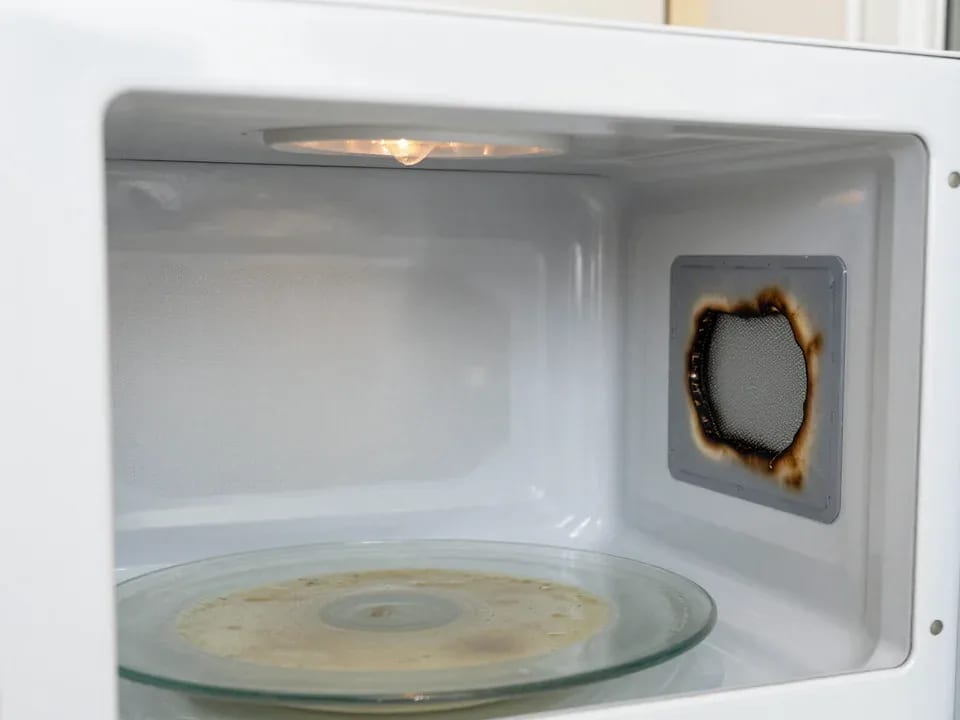
If your microwave isn't heating but the light and turntable still work, the problem is usually one of the high-voltage components — the magnetron, diode…
15 February 2026 · 12 minutes read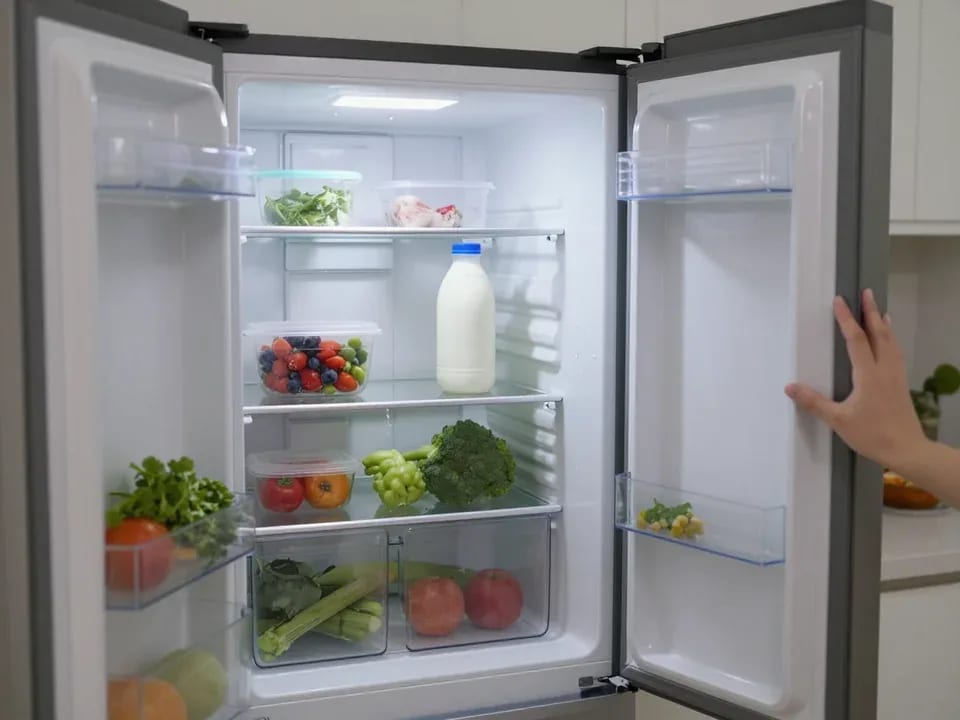
If your refrigerator stops working, first check the outlet, the power cord, and the thermostat setting, and after defrosting let it stand for a while.
4 February 2026 · 12 minutes read
Washing machine error codes are self-diagnostic codes that point to a specific component: drain, water fill, heating, motor, or door lock.
29 January 2026 · 13 minutes read