 experience9 years
Ruslan Ts.
Washing machine and refrigerator repair technician

Free diagnostics and a technician at your door within 60 minutes anywhere in the city. 1-year warranty on labor and parts.
Our own technicians4 to 20 years of experience




Repair prices
Below are typical symptoms and likely causes that technicians identify during diagnostics.
Dead battery or burnt-out power supply
from4 500 ₸
Worn wheels or height settings out of sync
from4 000 ₸
Clogged filter or blocked channel
from5 000 ₸
Dirty sensors or gyroscope misalignment
from5 500 ₸
Damaged panel or oxidized contacts
from8 500 ₸
Object in the brush or worn bearing
from3 500 ₸
Faulty sensor or board malfunction
from5 500 ₸
Dirty contacts or settings out of sync
from7 000 ₸
1–2 hourstime
from 3 500 ₸cost
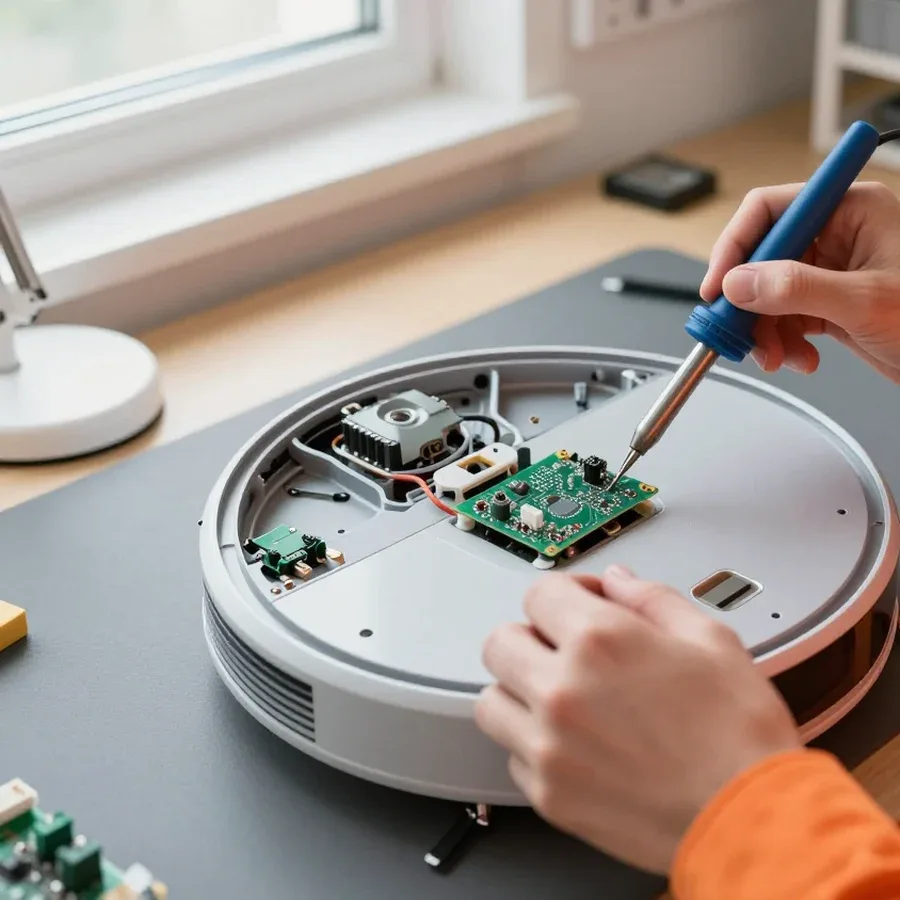 BeforeAfter

From request to performance check — five steps with free diagnostics.
Submit a request by phone or messenger and describe the symptom.
The technician will arrive anywhere in the city within 60 minutes after confirmation.
Clear the base, charge the device, and tell the technician your robot vacuum model.
Ask the technician about next steps if a part needs to be ordered, and agree on a time for a follow-up visit.
After the repair, the technician will demonstrate the device's operation to the owner.
The home appliance repair department in Almaty has 8 technicians with 8 to 12 years of experience.
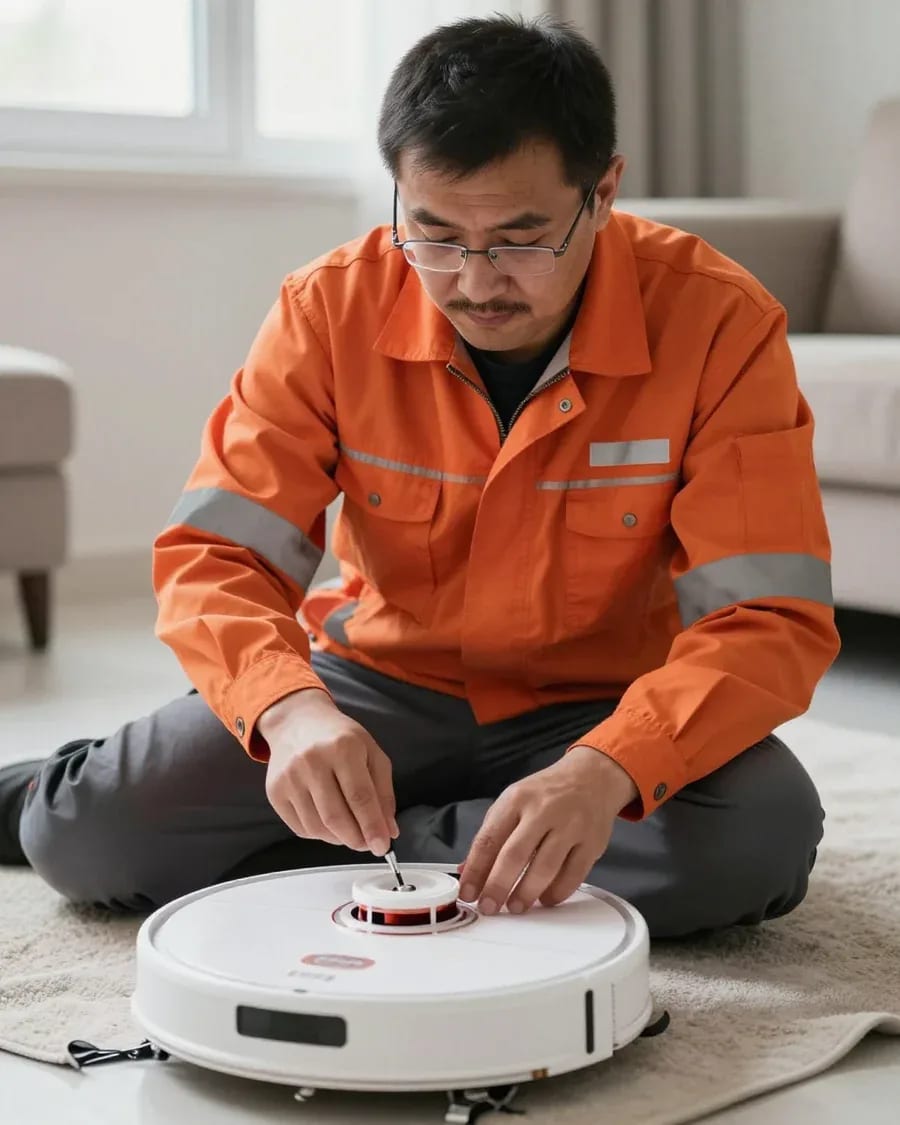
The department has 8 specializations — they are listed on the technicians' cards.
experience9 yearsWashing machine and refrigerator repair technician
 experience12 years
General household appliance repair technician
 experience10 years
Field technician for washing machine and refrigerator repair
 experience8 years
Expert washing machine repair technician
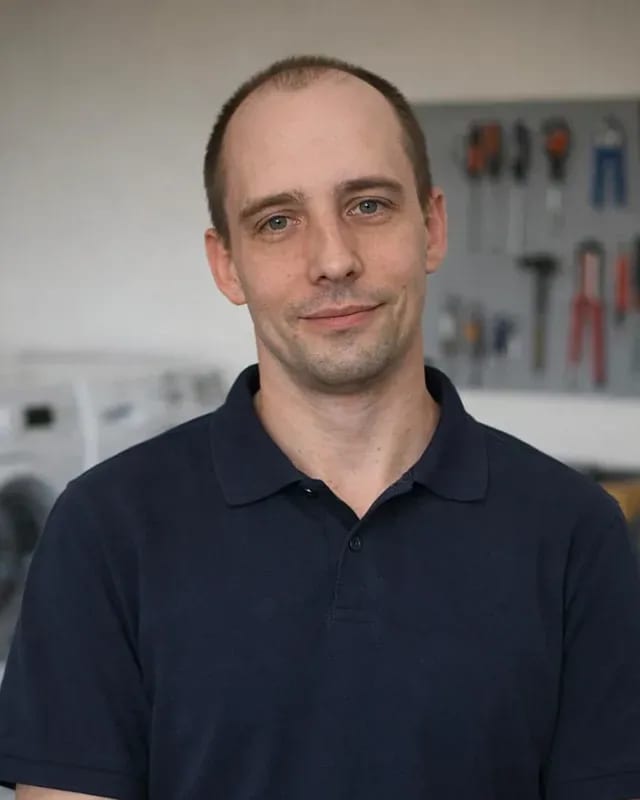 experience8 years
Field refrigerator repair technician
 experience8 years
Senior washing machine repair technician
 experience11 years
Dishwasher repair technician
 experience9 years
Washing machine repair technician
We reply during working hours
Choose your preferred contact method and have your model, symptoms, and access to the base ready — the technician will confirm the visit time and check the device.

Warranty question? Call us
+7 (778) 021 13 16Tech Service repairs Philips robot vacuums in Almaty: a technician comes to your home or takes the device to the service center. Diagnostics are free, arrival within 60 minutes across the city, and we give a 1-year warranty on labor and parts. The technician provides the cost after diagnostics, and you can pay via Kaspi QR, Kaspi Red, bank card, cash, or bank transfer for companies.
A Philips robot stops, flashes an indicator, or sits silent on its dock — that's a signal about a specific component, not a death sentence for the device. Let's break down what typical errors mean and when you need a technician.
In our experience, the cause is most often the charging contacts or the battery — the technician checks both during free diagnostics. The charging contacts carry current from the dock to the robot, and a thin layer of oxidation on the brass breaks the circuit just like a dead battery cell. The control board remains functional but won't start a cycle without power. We test the battery under load: even with normal open-circuit voltage, the cell can drop when the motors start. When both components are fine, the technician checks the ribbon cables and the connector on the board — a microcrack from a fall produces the same symptom. Before calling a technician, wipe the contacts on the robot and dock with a dry cloth — oxidation and dust cause exactly the same sign as a discharged battery.
We trace such stops step by step — sensors, lidar, firmware — and find the component that makes the robot interrupt its cycle. The lidar builds a map of the room, and if its motor jams, the device loses orientation and stops in the middle of the room with a navigation error. Bumper obstacle sensors read a dark baseboard or a mirrored cabinet as a wall and turn the device into a dead end. Firmware ties this data into a route, so a version glitch shows up as a series of identical stops during an update. If the robot stops in the same spot in the apartment, the issue is often not electronics but an obstacle the sensor reads as an error. It's worth noting the code before resetting settings — after a restart it may disappear, making it harder for the technician to pinpoint the cause.
Fast discharge and weak suction look like the device is giving up, but the causes are different — from battery wear to a clogged fine filter. Let's break down how to tell the components apart.
Our technicians distinguish battery wear from a board leak by how the device behaves under load and at rest — these are different jobs. The battery is responsible for the robot vacuum's runtime, and its capacity drops gradually: first the device can't finish cleaning, then it dies in the middle of the room. The control board behaves differently — it can drain the charge even when the motors aren't running, so the device discharges on the charging dock or overnight when idle. You can check this by the heat near the contacts and by how quickly the indicator drops after removing from the dock. If the device drains even on the dock without cleaning, it's more likely the board; if it holds charge at rest but dies quickly during operation — it's the battery. During free diagnostics, the technician measures capacity under load and compares it with the rated value — that way wear is visible without disassembly.
In most cases, the suction motor is fine—the suction drops because of the filter, the dust container, or a clog in the air duct. The motor creates a vacuum to pick up dirt, and as long as it spins without unusual whistling or overheating, there's no need to replace it. More often, the culprit is a clogged fine filter: dust gets compacted, air bypasses it, and the vacuum just smears dirt across the floor. The second most common cause is an overfilled dust container or a mat of hair at the air duct inlet. Before visiting the service center, rinse and dry the washable filter—a damp filter after washing reduces suction on its own, and that's the first thing a technician checks. If suction doesn't return after drying and cleaning, we check the impeller for play and cracks.
| Symptom | What we check first | What we replace most often |
|---|---|---|
| Runs out of charge quickly | Battery | Battery |
| Discharges on the dock without cleaning | Control board | Board |
| Weak suction | Filter, container | Filter |
| Not charging | Charging contacts | Contacts |
The robot can't find its dock, gets confused between rooms, or its brush won't spin—let's figure out whether the cause is in the sensors or the drive mechanism.
We check the lidar and dock sensors separately—if the map fails once, it's a firmware issue, but if the robot consistently can't find the station, it's the sensors. The lidar maps the room by reflecting a laser beam off walls and furniture, while infrared sensors on the body pick up the charging dock's signal at close range. When the robot circles the dock and won't make contact, the technician first checks the lidar window for dust and verifies the dock hasn't shifted from the wall. A one-time map loss after a firmware update is fixed by a reset, but a recurring failure with a clean window points to lidar motor wear or dock sensor failure. Dust on the lidar window often blocks it—wiping the window before calling a technician is worth it, as this is the most common "breakdown" that isn't one.
We see two main causes—a jammed shaft from hair or worn motor and gearbox; a technician distinguishes them by sound and shaft resistance. When the main brush shaft is wrapped in hair and threads, the motor hums laboriously, and turning it by hand feels stiff. If the shaft turns freely but doesn't spin on startup, the issue is the gearbox or motor winding: the gearbox transfers rotation from the motor to the brush via gears, and worn teeth cause slipping. Side brushes may still work normally—they have a separate drive, so the main unit's failure isn't always obvious from them. Hair wound on the shaft puts stress on the gearbox and eventually wears it out—clean the shaft regularly before it stops.
Getting stuck and erratic paths are more often linked to obstacle sensors and wheels than the lidar. The bumper around the body triggers on impact with an obstacle, and a pair of infrared sensors underneath monitors height drops to keep the robot from falling down stairs. When one drive wheel jams or its motor loses traction, the robot veers to the side, even though the lidar is mapping the room fine. Dust on the lower sensors and hair in the wheel axle cause the same effect—the robot turns around at a rug or circles in one spot. If the robot gets stuck on the same threshold or rug, temporarily remove the obstacle and see if the issue repeats—that separates the cause from a breakdown.
Our Philips robot vacuum repair follows a clear process—from request and free diagnostics to work approval and warranty on the result.
Diagnostics are free, and the technician starts with the component indicated by the symptom — the charger, lidar, or brush — rather than a full teardown. The charging contact is checked for voltage and battery wear, the lidar is tested for rotation and glass cleanliness, and the brush shaft is turned by hand to check for jamming. Tech Service technicians work with these components all the time, so from a description of how the device behaves they immediately form a working hypothesis instead of checking everything at random. Philips robot vacuum repair in Almaty starts with exactly this kind of targeted check, so an accurate description of the symptom and model saves time — it lets the technician take the likely parts right away and avoid a second visit. And the more detail the owner gives about the conditions under which the device cuts out or gets stuck, the more accurate the initial hypothesis will be even before the case is opened.
We arrive at your home within 60 minutes anywhere in the city, or we accept the robot at the service center — the client chooses the format. The technician comes personally, with no middlemen: our specialist takes the request and also performs the diagnostics and repair, so the breakdown history isn't lost when passed between parties. Minor work like cleaning the shaft or replacing the filter is done on site, while complex work involving the board is better done at the service center, where the right tools are at hand and the electronics can be properly tested after soldering. Residents of remote areas more often choose a home visit — that way there's no need to haul the device across town. At the service center, it's also easier to leave the robot for a recheck of a component if the initial test revealed unstable operation.
The specialist quotes the price after free diagnostics and approves the work with the client beforehand — no surprise extra charges. During the conversation, we explain which component has failed, what will be done with it, and what options are available, then the owner confirms the scope. You can pay via Kaspi QR, Kaspi Red (instalments), bank card, cash, or bank transfer for companies, and the 1-year warranty covers both labor and parts. Approving before starting protects against unnecessary work — if after diagnostics the client decides not to repair the device, they already know the cause of the breakdown and can weigh whether it's worth investing further. This approach keeps costs under control and eliminates disputes from the start: the owner sees in advance what the total is made up of and why this particular component was chosen rather than a neighboring one.
Philips robots differ in cleaning type and navigation, and this determines the set of components the technician checks during repair. We also explain separately what the warranty covers and when bringing the device back to life no longer makes sense.
We give a 1-year warranty on labor and parts — if the repaired unit fails again, we'll take care of it under warranty. Tech Service technicians record exactly which component was replaced and why, so a repeat visit for the same unit doesn't mean paying for labor again. The warranty also covers the installed parts: battery, pump, lidar, control board. In our experience, devices most often come back after a battery replacement — it's important that the technician also checks the charging controller, not just installs a new battery. A warranty on parts means that a repeat failure of the same unit doesn't turn into a new paid service at your expense — that's the difference from a one-time visit to a private technician.
Restoration makes sense when the robot's board and motor are working and only one unit needs replacing — battery, lidar, or brush. The control board manages the units, and its condition determines whether it's worth investing in bringing the device back to life: if it's intact, replacing one component gets the device working again. The suction motor is the second key unit: as it wears out, cleaning power drops, but it rarely fails together with the board. The battery is the most common replacement candidate, and after it the device holds a charge again and cleaning returns to its usual pace without stopping to recharge. The brush and lidar wear out mechanically, and replacing them doesn't affect the electronics. If both the board and motor are faulty, the cost of restoration approaches that of a new device — then it's more honest to tell the client after diagnostics.
Philips appliance breakdowns come down to a few recurring units — from the battery and board to the lidar and brushes. Below we've gathered the key points that help owners decide whether to restore their device.
Tech Service technicians repair other appliances too — with the same 1-year warranty on labour and parts.
 Refrigerator Repair in Almatyfrom 3 000 ₸
 Washing Machine Repair in Almatyfrom 3 000 ₸
 Dishwasher Repair in Almatyfrom 3 500 ₸
 Oven Repair in Almatyfrom 3 000 ₸
 Cooktop Repair in Almatyfrom 3 500 ₸
 Air Conditioner Repair in Almatyfrom 3 500 ₸
 Boiler and Water Heater Repair in Almatyfrom 2 500 ₸
 Freezer Repair in Almatyfrom 6 000 ₸
 Tumble Dryer Repair in Almatyfrom 5 000 ₸
 Coffee Machine Repair in Almatyfrom 2 500 ₸
 Robot Vacuum Cleaner Repair in Almatyfrom 3 500 ₸
 Vacuum Cleaner Repair in Almatyfrom 1 500 ₸
 Microwave Oven Repair in Almatyfrom 2 000 ₸
 Hair Dryer Repair in Almatyfrom 1 500 ₸
 Iron Repair in Almatyfrom 3 000 ₸
 Electric Kettle Repair in Almatyfrom 2 500 ₸
 Mixer Repair in Almatyfrom 2 500 ₸
 Multicooker Repair in Almatyfrom 500 ₸

If your dishwasher won't drain, the most common culprits are a clogged filter or drain hose; less often, it's the pump, impeller…
24 March 2026 · 12 minutes read
A washing machine can hum for many reasons, and the first thing to figure out is when the sound appears.
20 March 2026 · 12 minutes read
If your washing machine isn't filling with water, the most common culprits are a closed valve, a clogged inlet filter screen on the hose…
20 February 2026 · 13 minutes read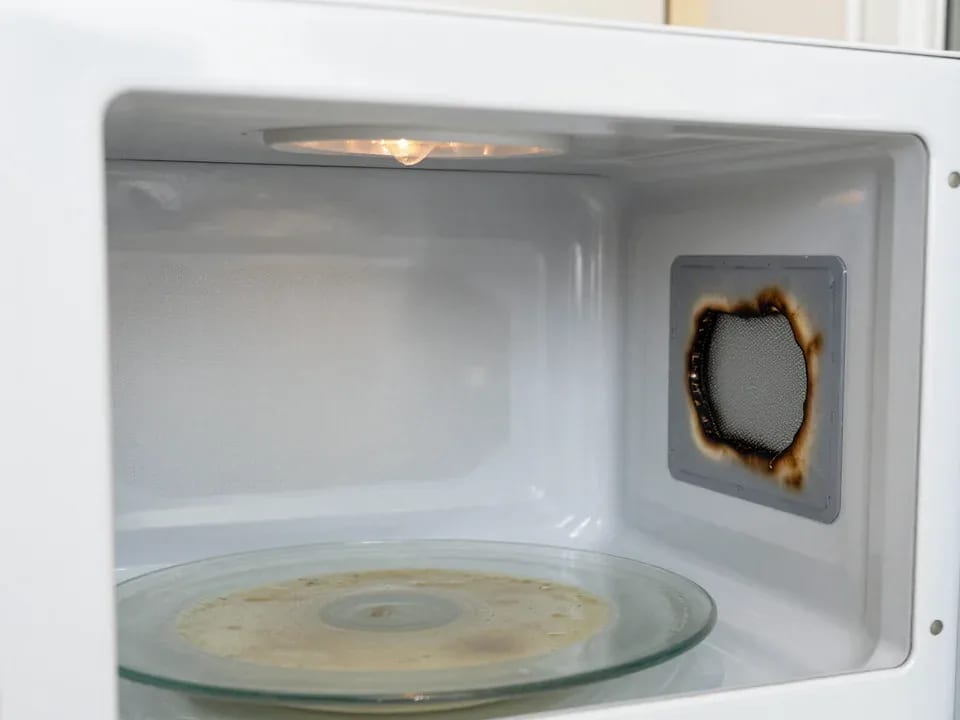
If your microwave isn't heating but the light and turntable still work, the problem is usually one of the high-voltage components — the magnetron, diode…
15 February 2026 · 12 minutes read
If your refrigerator stops working, first check the outlet, the power cord, and the thermostat setting, and after defrosting let it stand for a while.
4 February 2026 · 12 minutes read
Washing machine error codes are self-diagnostic codes that point to a specific component: drain, water fill, heating, motor, or door lock.
29 January 2026 · 13 minutes read