 experience9 years
Ruslan Ts.
Washing machine and refrigerator repair technician
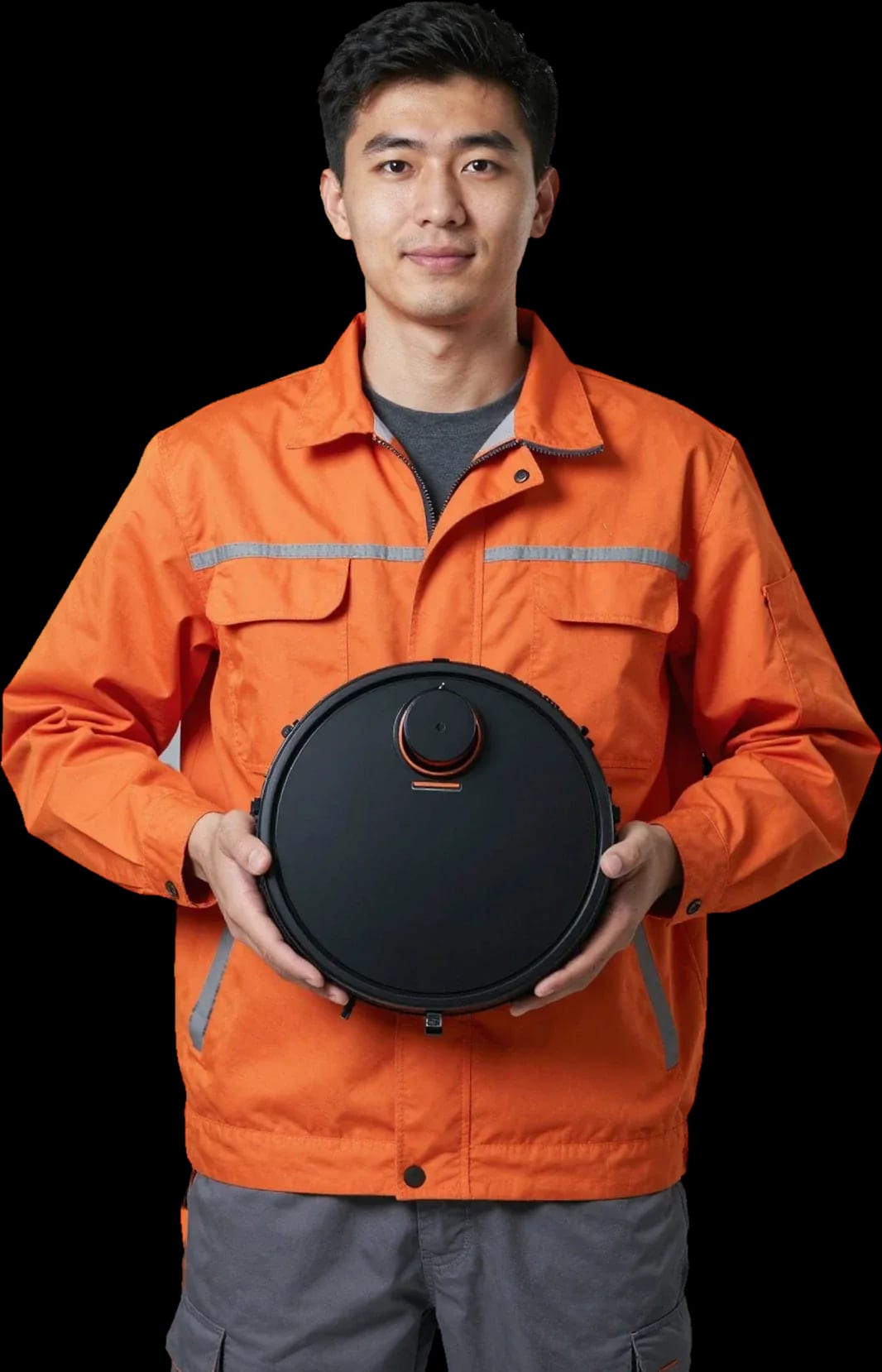
We arrive within 60 minutes anywhere in the city. Free diagnostics.
Our own technicians4 to 20 years of experience


Repair prices
Common symptoms and their likely causes, from simple to complex.
oxidized contacts, worn battery
from4 500 ₸
clogged filter, worn brushes, sensor
from5 000 ₸
battery, sensor, control board
from8 500 ₸
sensor, infrared beacon, interference
from5 500 ₸
bearing, brushes, debris
from3 500 ₸
motor, belt, foreign object
from5 000 ₸
battery, button, board
from4 500 ₸
tank, valve, seal
from8 500 ₸
1–2 daystime
from 5 000 ₸cost
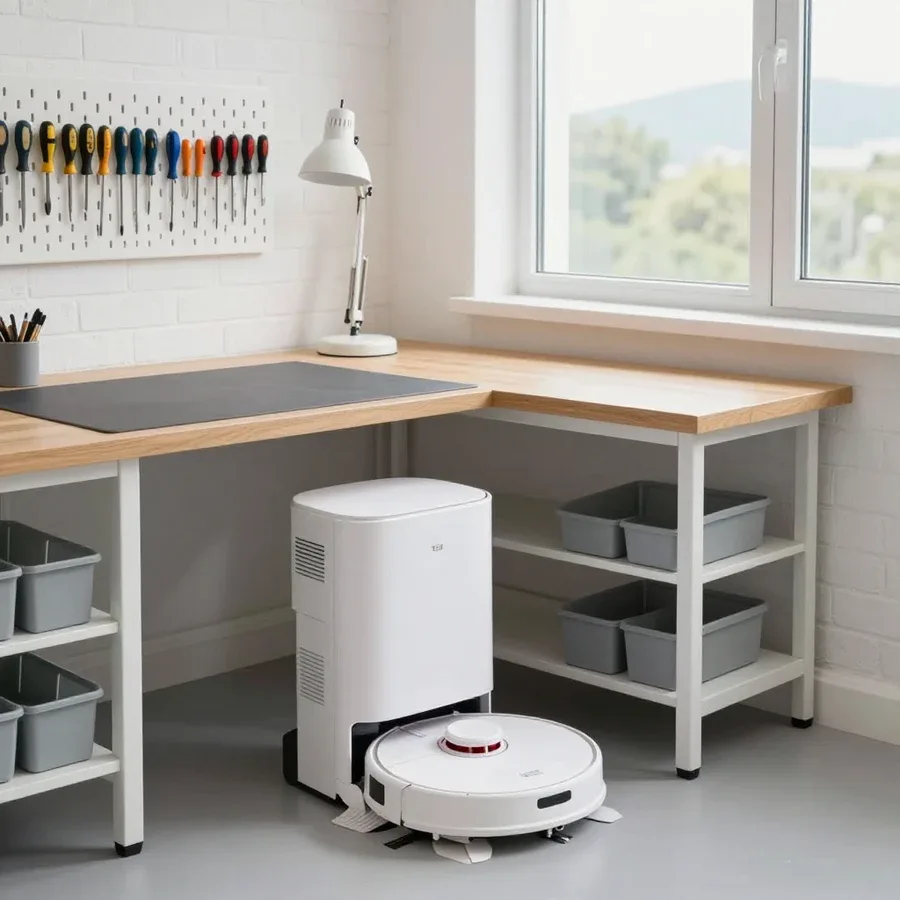 BeforeAfter

From request to checkup, five steps with free diagnostics.
Leave a request and a technician will arrive within 60 minutes anywhere in the city.
The technician finds the cause and gives you the repair cost.
The technician lists exactly what will be done and fixes the list before starting work.
The technician performs the work on site or takes the device with them.
The technician shows the result and returns the robot along with the replaced part, if any.
The home appliance repair department in Almaty has 8 technicians with 8 to 12 years of experience.
The department has 8 specializations — they are listed on the technicians' cards.
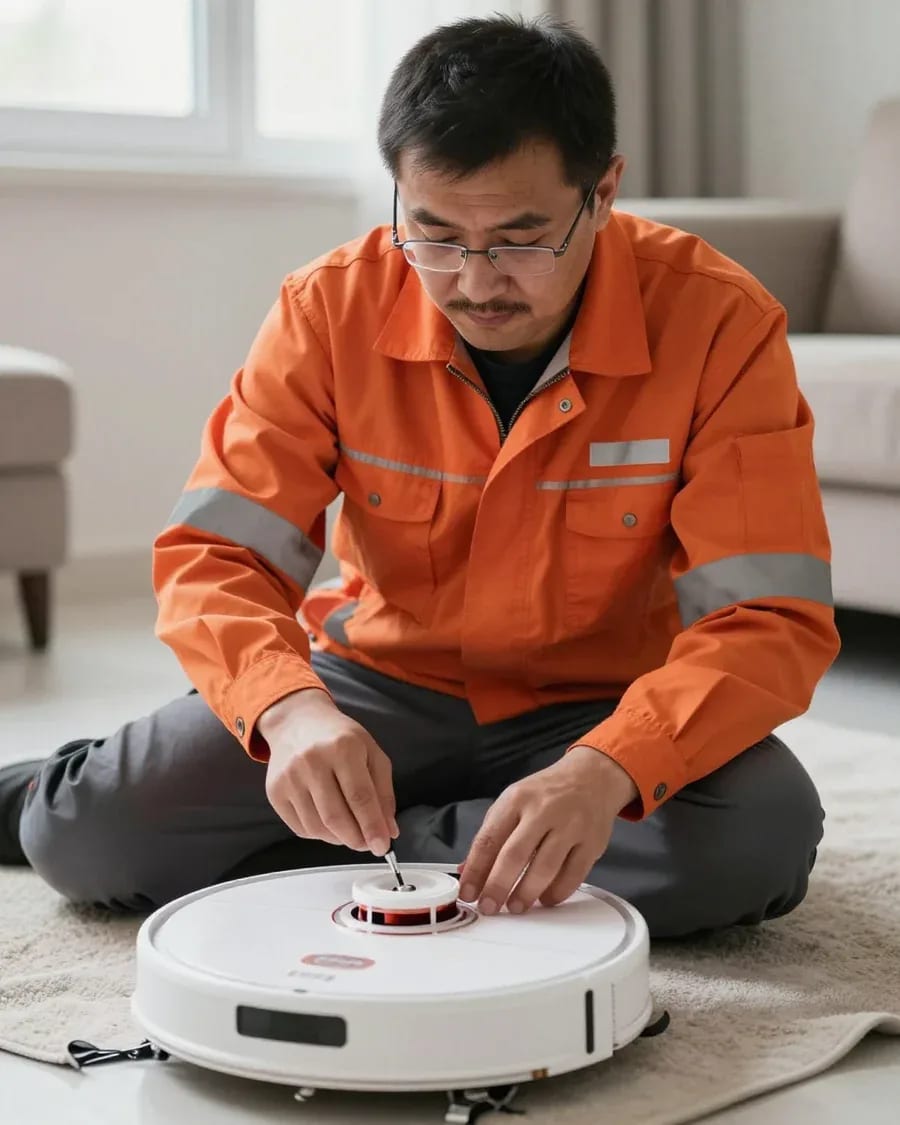
experience9 yearsWashing machine and refrigerator repair technician
 experience12 years
General household appliance repair technician
 experience10 years
Field technician for washing machine and refrigerator repair
 experience8 years
Expert washing machine repair technician
 experience8 years
Field refrigerator repair technician
 experience8 years
Senior washing machine repair technician
 experience11 years
Dishwasher repair technician
 experience9 years
Washing machine repair technician
We reply during working hours
Describe the issue and a convenient time, and the technician will arrange a visit and check the robot on site. Clear some space near the base beforehand and note when the problem occurs.

Warranty question? Call us
+7 (778) 021 13 16Tech Service repairs Ecovacs robot vacuums in Almaty: our technician arrives at your home within 60 minutes or the device is repaired at our service center. Diagnostics are free, we provide a 1-year warranty on labor and parts, and the technician quotes the price after diagnostics. We handle error codes, lidar, base, battery, and brushes on DEEBOT.
Ecovacs DEEBOT robots fail predictably by component — navigation, charging, brushes, control board. Let's break down which symptom points to which component and what the code on the device screen means.
| Code or symptom | Component | What we check |
|---|---|---|
| Lidar error | Laser rangefinder | Glass contamination, motor rotation |
| Base not found | Charging contacts | Contact contamination, base position |
| Brush error | Motor and drives | Hair tangling, shaft rotation |
| Fast discharge | Battery and board | Battery capacity, charging circuit |
| No app connection | Control board | Wi-Fi module, firmware |
If Ecovacs doesn't see the base or doesn't build a map, we check the lidar, obstacle sensors, and charging contacts — most often the failure is in one of these three components. A dust-clogged rangefinder glass causes a navigation error: the unit spins in place and doesn't remember rooms. Oxidized base contacts break charging, and the robot goes off to look for it again. Obstacle sensors stuck after wet cleaning make DEEBOT avoid clear areas. In the Ecovacs Home app, the map is saved by room, and after a lidar failure it has to be rebuilt. After moving, the problem is often in settings, not hardware: the unit loses the old map and it needs to be rebuilt before talking about a rangefinder breakdown. A Tech Service technician determines from the code and behavior whether the lidar or obstacle sensor failed — replacing a working component doesn't solve the problem. The technician quotes the cost of Ecovacs robot vacuum repair after free diagnostics.
For fast discharge on Ecovacs, we start by checking the battery; for brush failure, the motor and drives; and squeaking during movement is usually related to wheels and dirty axles. A battery that has lost capacity doesn't hold a cleaning cycle, and the unit returns to the base early. Main brush failure is most often caused by hair wound on the shaft or motor wear, while side brushes stop rotating due to broken blades and debris in the drive. Squeaking during movement signals dry wheel axles and dust packed in the gearbox. Fast discharge isn't always the battery's fault: if the battery holds under load, the technician checks the control board and charging circuit, otherwise a new battery will discharge just as fast. A Tech Service technician replaces the brush motor only after confirmed failure, not based on a single symptom.
We service the entire DEEBOT lineup — from the N series to OZMO, Slim, PRO, and Mini. Below, by component, what exactly we restore and how we test it after the work.
For navigation and charging, we restore the lidar, obstacle sensors, contacts, and the Ecovacs dock itself. The lidar is responsible for mapping: if it rotates jerkily or doesn't spin at all, the unit moves blindly and bumps into furniture. Obstacle sensors on the bumper and under the body get misaligned by dust and pet hair, so the device stops in front of an empty space or ignores a threshold. Charging contacts on the body and base oxidize from a wet cloth and cleaning agents, so the machine docks but doesn't charge. The dock is checked together with the vacuum: if the base contacts are burnt, a new battery inside the body won't solve the charging problem. That's why we always test both sides of the pair, not just the unit itself. We perform this Ecovacs robot vacuum repair in Kazakhstan using a unified navigation and charging check procedure.
We replace the Ecovacs battery as a separate job, and we diagnose the control board if the failure happened after wet cleaning. The standard battery loses capacity over charge cycles, and then the unit covers half a room instead of the whole area. We check the control board when the device won't turn on, freezes at startup, or behaves erratically. On OZMO models, the water tank sits close to the electronics, and a leak hits the connectors. After wet cleaning, moisture often gets into the connectors and ribbons rather than the whole board—these are checked first before talking about replacing electronics. This way we rule out unnecessary work: sometimes it's enough to dry and clean the contacts, and the board stays functional.
For brushes and drive, we replace the main and side brushes, the brush motor, and check the wheels; for connectivity, we replace the Wi-Fi module and set up connection to Ecovacs Home. The main brush wears down on tile and carpet, side brushes break off on furniture legs, and the brush motor hums and jams from tangled hair. We check wheels and drives for play and slipping: they cause the device to get stuck on carpets and fail to leave the base. The Wi-Fi module fails after power surges or moisture exposure, and the device disappears from the app. If the vacuum won't connect to the app, check the 2.4 GHz network before contacting service: Ecovacs Home doesn't work over 5 GHz, and this is a common cause of false requests. We visit any of these models across the city, and diagnostics are free.
Our Ecovacs robot vacuum repair follows one scenario—from request to checking all functions. A technician comes to your home or the device is serviced at our center.
After your request, our technician arrives at your home within 60 minutes anywhere in the city, or you can bring the robot to our service center. The visiting technician works with both popular Deebot series and flagship models with lidar. At your address, he first listens to how the device behaves and checks the code on the screen: this narrows down the suspect components before disassembly. Then comes an external inspection—brushes, wheels, base contacts, sensor condition. Some Ecovacs issues are resolved at this stage without deep disassembly. If the fault requires workshop conditions, the repair is done at our service center. This Ecovacs robot vacuum repair in Almaty follows the same procedure regardless of the device series.
Diagnostics are free, and the technician quotes the cost of restoring Ecovacs robot vacuums after diagnostics, once it's clear which component has failed. The check includes the lidar, sensors, base, battery, and control board. The cost of servicing Ecovacs robot vacuums in each case depends on the component: replacing the brush module and soldering the board are different types of work. Approval before work protects you from unnecessary replacements: if disassembly shows the part is intact, it isn't replaced just because it was on the list. The specialist shows which part needs replacement and explains how it affects the device's operation. He starts work only with your consent—no actions are taken with the device without it.
Some work is done at your home, some at the service center, then all robot functions are checked: navigation, charging, brushes, and app connection. Replacing brushes, wheels, and battery is usually done on-site, while board soldering or lidar replacement requires workshop conditions. The check includes starting a cleaning cycle, not just powering on: this shows that the lidar maps the area and the device returns to the base. The app is tested separately—the device must reconnect to the network and accept commands. We provide a 1-year warranty on labor and parts, so we do the final run before handing the device back to the owner. If the robot behaves differently than expected, the technician troubleshoots the cause before handing it over.
Our Ecovacs service terms are the same for all work: free diagnostics, warranty on labor and parts, and payment in any convenient way. Below is how it works in practice.
We provide a 1-year warranty on both labor and parts — this covers lidar restoration, battery replacement, and brush work. The cost of repairing Ecovacs robot vacuums is quoted by the technician after free diagnostics, and the warranty on the result applies regardless of the component. The term is the same for any component: there's no point in splitting cases into "complex" and "simple" — responsibility for the result doesn't depend on the component. For the lidar, the warranty covers both module replacement and post-installation calibration — if navigation starts acting up again, we'll fix it under warranty. For the battery, it covers the cell itself and correct connection to the board. A warranty on parts means that if the same part fails again, it's replaced under warranty rather than sold anew — so it's important to keep track of which component was installed. Keep this information handy — it will be useful if you need to contact us again about the same part.
We service Ecovacs robot vacuums even after the manufacturer's warranty expires — for us, this is a routine request, not an exception. The DEEBOT lineup is broad: OZMO, Slim, PRO, Mini — and for each model, our technicians know which components fail first. Diagnostics in this case is also free: we first identify the cause, then agree on the work. Parts are sourced by component, not by the whole model: the technician matches the specific component to the DEEBOT model to avoid installing an incompatible part. There is one limitation — discontinued models: for a rare component, the technician will explain upfront what restoration options are available. Owners in Almaty often turn to us with such devices when the manufacturer no longer accepts them for service.
You can pay via Kaspi QR, Kaspi Red, bank card, cash or bank transfer for companies, and the cost of servicing Ecovacs robot vacuums is agreed upon before work begins, so there are no surprises. First, free diagnostics: the technician finds the cause, explains which component has failed and what will be done. Only then do they quote the price — no blind figures over the phone, because the price depends on the specific fault. If another fault is discovered during the process, the technician stops and discusses it separately before continuing. This approach saves nerves on both sides: you know what you're paying for, and we don't take on work the owner isn't ready to pay for. If a hidden defect is found after the agreement, the technician shows it on site and offers options — postpone the repair or expand the scope. The decision always rests with the device owner, and we document the final list of work before starting.
Some issues can be resolved before the technician arrives, and some — already during diagnostics. Below is a list of self-checks and information that will speed up the visit.
The technician needs to know the DEEBOT model, the error code on the screen, and when the issue appeared — before or after a wet cleaning. At Tech Service, we first match the model number to the DEEBOT lineup and decode the code: on series with and without lidar, the same errors point to different components. Then we clarify the circumstances of the failure — water getting on the obstacle sensors during wet cleaning produces the same error as a clogged lidar, but the fix is different. Show the cleaning history in the app: it reveals where the robot loses the map and stops. Attach a photo of the screen with the code — if the device won't turn on, that's the only clue for diagnostics. The more precisely you describe when the problem appeared, the faster the technician can tell the lidar from the obstacle sensor and get the right part.
Here are the key points an Ecovacs robot vacuum owner should keep in mind before contacting a service center — from decoding the error code to checking functions after the work is done.
Tech Service technicians repair other appliances too — with the same 1-year warranty on labour and parts.
 Refrigerator Repair in Almatyfrom 3 000 ₸
 Washing Machine Repair in Almatyfrom 3 000 ₸
 Dishwasher Repair in Almatyfrom 3 500 ₸
 Oven Repair in Almatyfrom 3 000 ₸
 Cooktop Repair in Almatyfrom 3 500 ₸
 Air Conditioner Repair in Almatyfrom 3 500 ₸
 Boiler and Water Heater Repair in Almatyfrom 2 500 ₸
 Freezer Repair in Almatyfrom 6 000 ₸
 Tumble Dryer Repair in Almatyfrom 5 000 ₸
 Coffee Machine Repair in Almatyfrom 2 500 ₸
 Robot Vacuum Cleaner Repair in Almatyfrom 3 500 ₸
 Vacuum Cleaner Repair in Almatyfrom 1 500 ₸
 Microwave Oven Repair in Almatyfrom 2 000 ₸
 Hair Dryer Repair in Almatyfrom 1 500 ₸
 Iron Repair in Almatyfrom 3 000 ₸
 Electric Kettle Repair in Almatyfrom 2 500 ₸
 Mixer Repair in Almatyfrom 2 500 ₸
 Multicooker Repair in Almatyfrom 500 ₸

If your dishwasher won't drain, the most common culprits are a clogged filter or drain hose; less often, it's the pump, impeller…
24 March 2026 · 12 minutes read
A washing machine can hum for many reasons, and the first thing to figure out is when the sound appears.
20 March 2026 · 12 minutes read
If your washing machine isn't filling with water, the most common culprits are a closed valve, a clogged inlet filter screen on the hose…
20 February 2026 · 13 minutes read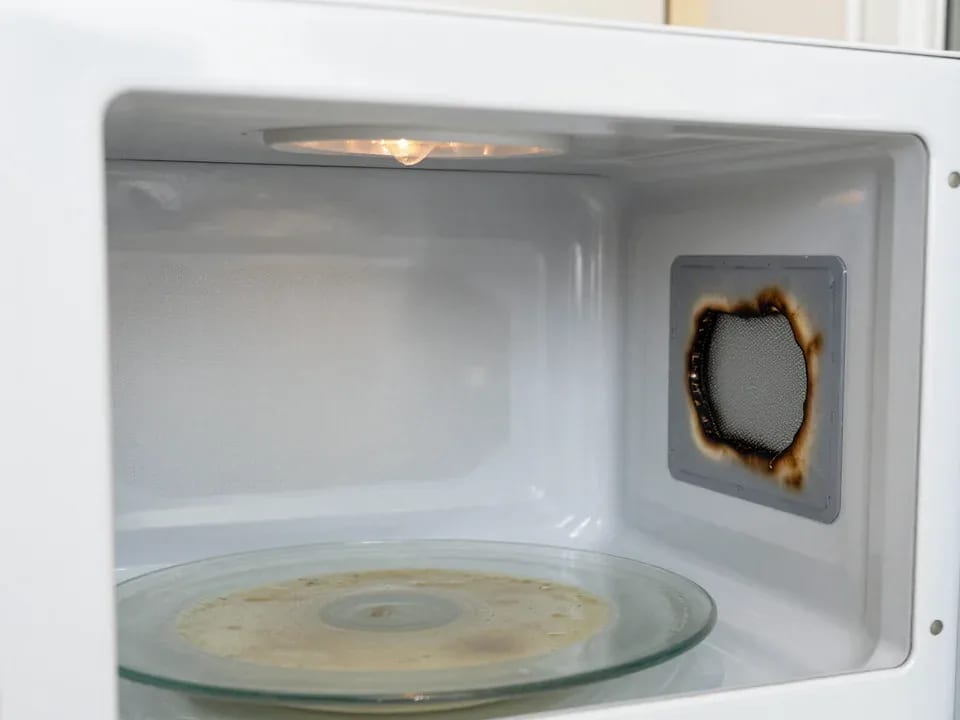
If your microwave isn't heating but the light and turntable still work, the problem is usually one of the high-voltage components — the magnetron, diode…
15 February 2026 · 12 minutes read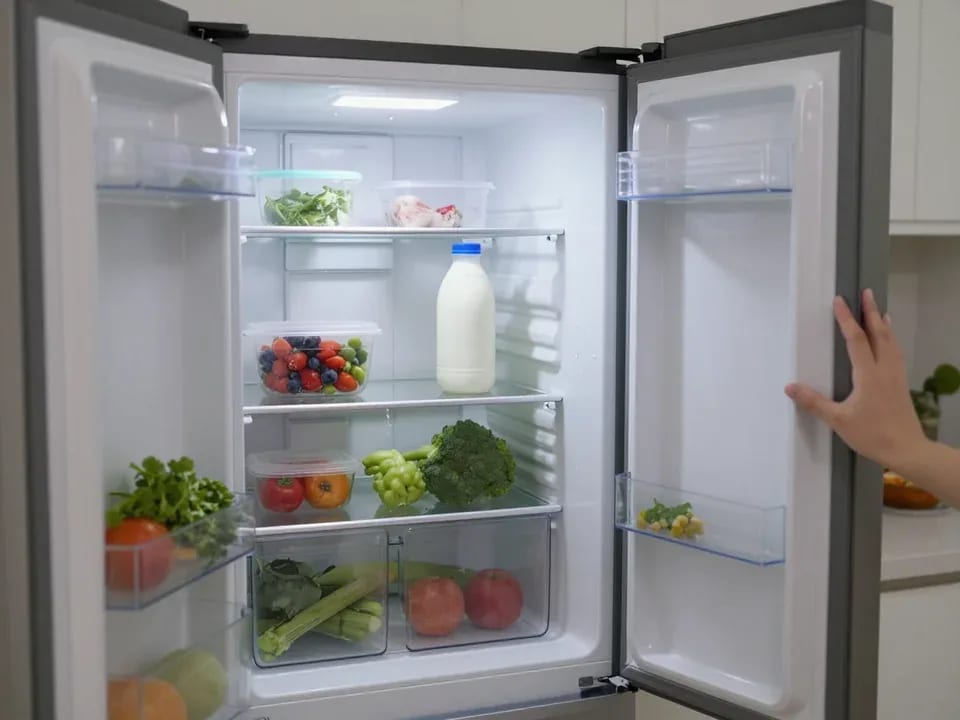
If your refrigerator stops working, first check the outlet, the power cord, and the thermostat setting, and after defrosting let it stand for a while.
4 February 2026 · 12 minutes read
Washing machine error codes are self-diagnostic codes that point to a specific component: drain, water fill, heating, motor, or door lock.
29 January 2026 · 13 minutes read