 experience9 years
Ruslan Ts.
Washing machine and refrigerator repair technician
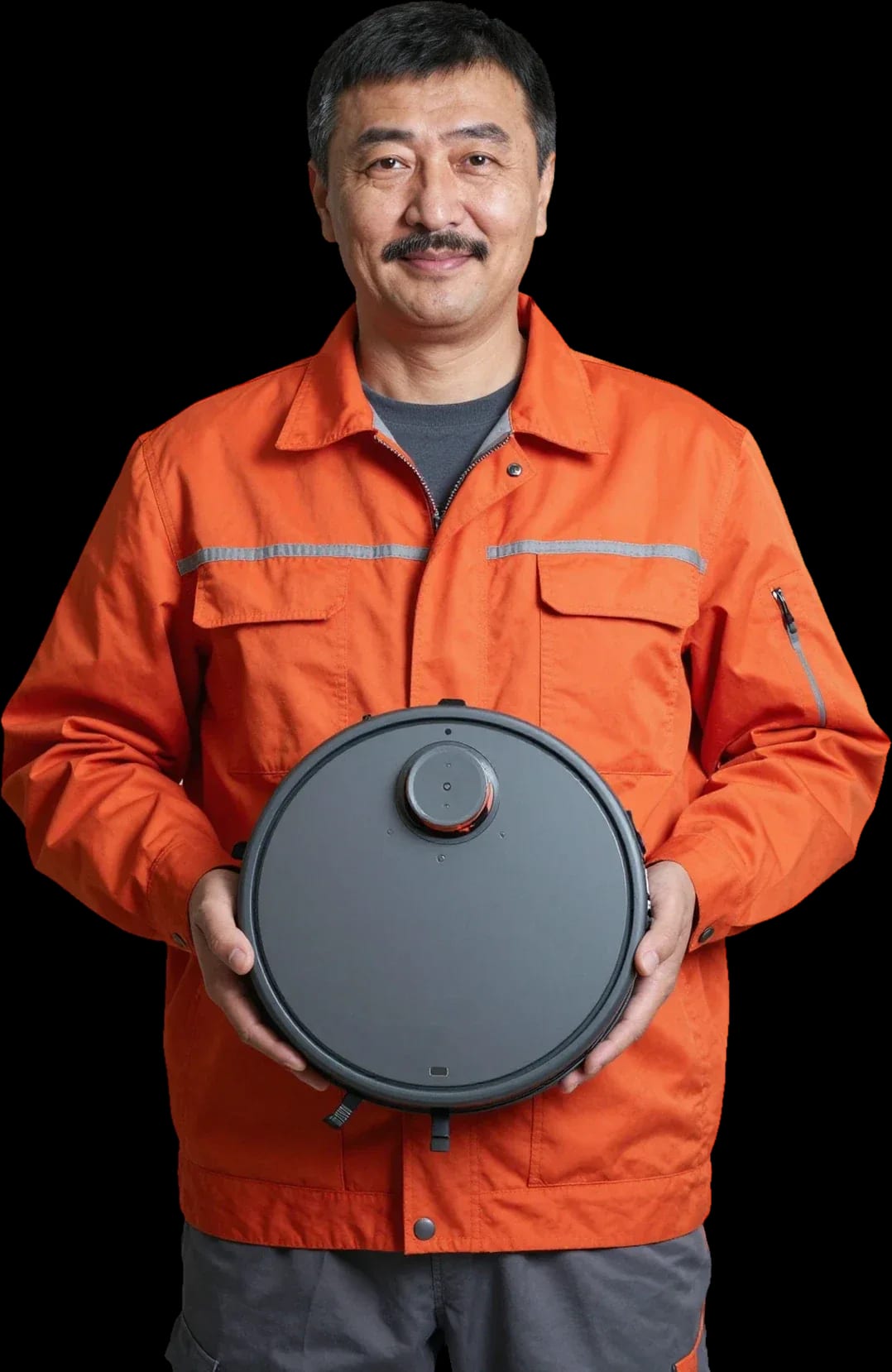
A technician arrives within 60 minutes anywhere in the city. Free diagnostics, 1-year warranty on labor and parts.
Our own technicians4 to 20 years of experience




Repair prices
The same symptoms show up across different Samsung models. The description can give you a rough idea of the cause, but diagnostics provide the exact answer.
Dead battery, oxidized contacts
from4 500 ₸
Issue with the station or contacts
from7 000 ₸
Clog, worn brushes, or sensor failure
from5 000 ₸
Worn bearing or imbalance
from3 500 ₸
The code points to a specific component
from4 000 ₸
Clogged filter or faulty pump
from8 500 ₸
Closed valve, clogged mesh or valve
from8 500 ₸
Damaged hoses, pump, or tubes
from8 500 ₸
1–2 hourstime
from 3 500 ₸cost
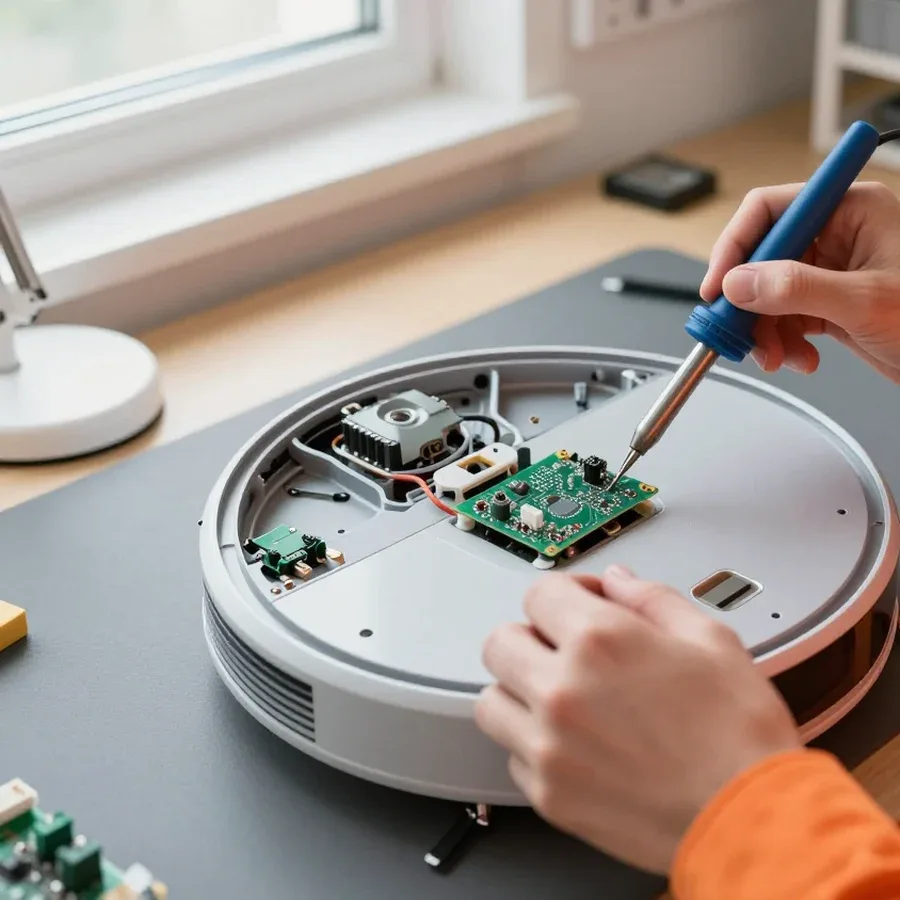 BeforeAfter

Five steps from your call to checking the device's performance.
Describe the symptom and your Samsung robot vacuum model so the technician brings the right tools.
Choose a convenient visit window and tell the technician the model and symptom so they can prepare.
You approve the scope of work and parts, and the technician performs the repair on-site.
The technician tests cleaning, charging, and sensors so you can see the result before handover.
The technician explains how to care for the brushes and filters to prevent the issue from recurring.
The home appliance repair department in Almaty has 8 technicians with 8 to 12 years of experience.
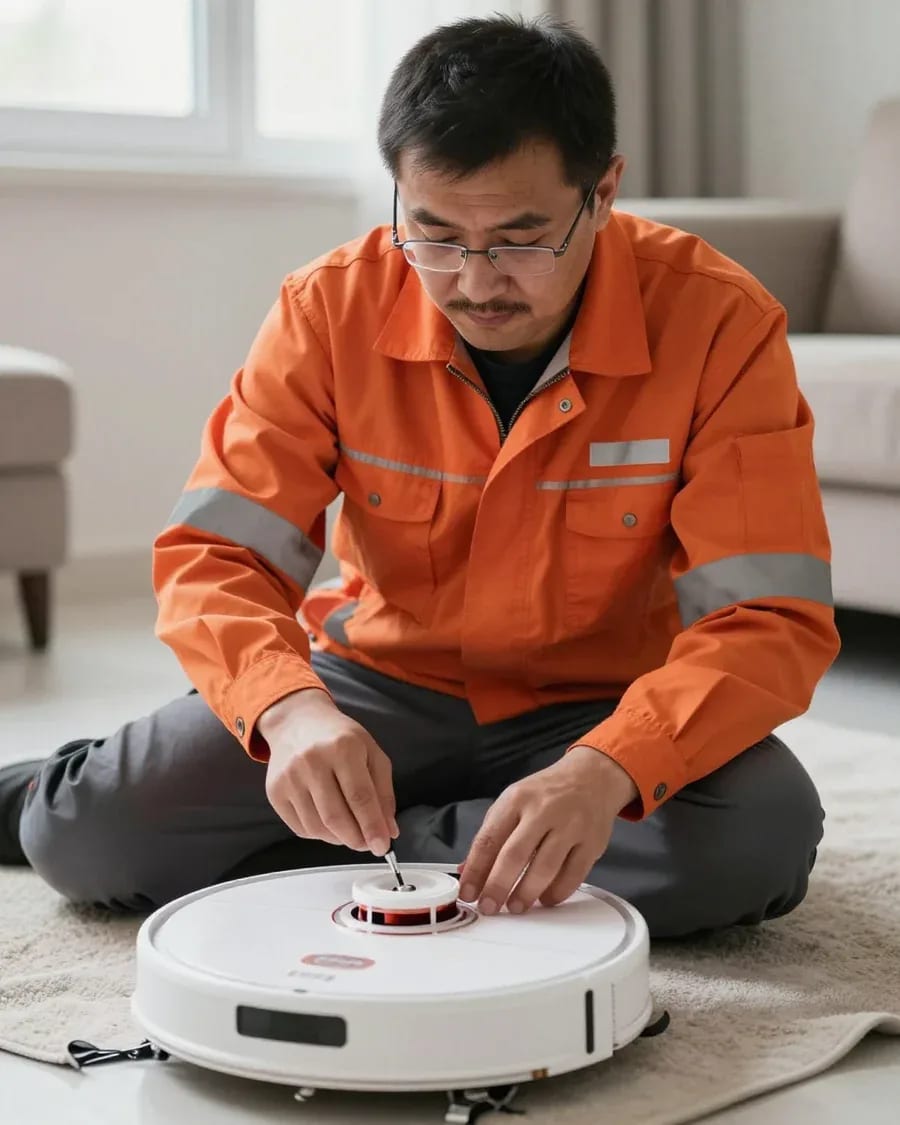
The department has 8 specializations — they are listed on the technicians' cards.
experience9 yearsWashing machine and refrigerator repair technician
 experience12 years
General household appliance repair technician
 experience10 years
Field technician for washing machine and refrigerator repair
 experience8 years
Expert washing machine repair technician
 experience8 years
Field refrigerator repair technician
 experience8 years
Senior washing machine repair technician
 experience11 years
Dishwasher repair technician
 experience9 years
Washing machine repair technician
We reply during working hours
Describe the model and symptom — the technician will bring the right tools and parts.

Warranty question? Call us
+7 (778) 021 13 16Tech Service repairs Samsung robot vacuums in Almaty: a technician arrives at your home within 60 minutes, or the work is done at our service center. Diagnostics are free, we quote the price after diagnostics, and provide a 1-year warranty on labor and parts. We fix navigation, lidar, power, brushes, and the control board.
Navigation issues are the most common reason people bring in Samsung robots. Here's what actually fails in the lidar and sensors, how it shows up during cleaning, and what we check during diagnostics.
We start with the charging contacts on the base and on the robot itself, then check the infrared sensors that pick up the dock's signal. These sensors are responsible for detecting the base and obstacles, and their performance depends on clean receiver windows and an intact ribbon cable. On the Powerbot line, we also check the drive that turns the body toward the station. Diagnostics are free, so the inspection shows exactly where the signal is lost: at the contacts, in the IR receiver, or on the board. If the contacts are oxidized or bent, the robot reaches the base but doesn't "see" it — cleaning and adjusting the contacts often solves the problem without replacing parts. Start by checking the base, not the robot — more than half of all cases come down to it.
The map is built by the lidar, a laser rangefinder on the robot's "head," and it's the part that most often fails after a drop or dust exposure. This unit handles navigation and room mapping: a rotating block scans walls and furniture, and the board converts reflections into coordinates. Dust on the glass, knocked-out optics, or a loose connector cause a patchy map, "drifting" routes, and stops in the middle of the room. On the Jet Bot, the lidar sits on a spring suspension — it absorbs some of the impact, but after a fall from height the glass and axis still suffer. The lidar is repairable: if the rotation motor is intact but the optics or connector are off, the unit is restored rather than replaced entirely. During free diagnostics, the technician checks rotation and lens cleanliness — that's cheaper than replacing the whole block.
A code on the screen or in the app is a hint, not a verdict. Here's how to read Samsung signals and what they mean in practice.
A Samsung error code points to a unit, not a specific part, so the interpretation is always confirmed by diagnostics. Self-diagnostics trigger based on control board readings: the device polls motors, sensors, and contacts, then reports the result with a sound signal and a line in the Samsung SmartThings app. Via the Wi-Fi module, the device connects to the app, where the failure history is stored — you can see whether the signal repeats or was a one-off. Error E5, which owners ask about most often, belongs to the charging group: it appears when the board doesn't get the expected parameters from the contact pair or battery. The same code can mean either a clog or a sensor failure — don't replace a part based on the code until a technician checks the unit; and don't disassemble the body "just to check," as that adds broken latches and damaged ribbon cables.
| Signal / group | What we check | Common cause |
|---|---|---|
| Navigation error | lidar, obstacle sensors | misaligned optics, dust, impact |
| Charging error | contacts, battery | oxidation, battery wear |
| Brush error | brush motor, rollers | tangled hair, jamming |
| Base error | dock, IR sensors | dirt, damaged contacts |
| General failure | control board | power surge, moisture |
Power issues are the second most common reason for service calls after navigation. We explain where natural battery wear ends and a board or contact fault begins.
In our experience, fast draining is most often due to lost battery capacity, less often a board leak or a stuck sensor. A Samsung Jet Bot or Powerbot lithium-ion battery loses a noticeable part of its capacity after two or three years of daily cleaning: the robot covers fewer meters per charge and returns to the dock more often. A leak on the control board shows up as heat around the buttons and a discharge overnight when idle — a healthy device holds its charge for weeks when turned off. A stuck bumper sensor makes the robot turn on flat ground, the motor spins the wheels without traction, and energy use goes up. We remove the battery, measure voltage under load, and check the board's current draw — that shows whether the battery or the electronics is at fault. If the robot drains even on the base, the problem is not the battery but the charging circuit — you need to check the contacts and the board.
We check the circuit from the charging contacts to the battery: oxidation, breaks, and the health of the base's power supply. Dust and moisture from wet cleaning settle on the spring-loaded contacts of the robot and on the dock's pads, an oxide film blocks the current, and the device sits on the base with zero charge. Further along the circuit is the ribbon cable to the control board — it can wear through from drops, and power doesn't reach the battery. We test the base's power supply separately: if the output voltage sags, the robot won't start a charging cycle and stays silent when you press the button. A device that "died" during long storage often comes back to life once the contacts are restored and a deep charge is done — don't write it off too soon. Diagnostics at our shop are free, so you'll know the cause before any work begins.
A robot's mechanical parts wear from hair, impacts, and moisture no less than its electronics. We explain which components can be restored and which have to be replaced entirely.
We remove the brush and check the drive: most often the shaft is clogged with hair, less often the gear is worn or the motor has burned out. On the main brush, strands wrap around the axle and jam it — the roller stops, and the gearbox wears out from overload. On the side brush, the bristles break off, and it stops picking up debris along walls and in corners. Suction drops when the channel to the dustbin is clogged or the filter is dirty: the suction motor hums louder than usual, but airflow weakens, and the robot passes the same area twice. We inspect the support wheels and their sockets separately — if it hits a threshold, the plastic cracks, and the device moves in jerks. Regular cleaning of hair from the shaft extends the life of the brush motor much longer than any repair after a breakdown.
| Component | What we do | When we replace |
|---|---|---|
| Brush and shaft | clean, straighten the mount | seats are damaged |
| Rollers | wash, lubricate | roller housing is cracked |
| Brush motor | restore contacts | winding is burned out |
| Lidar | wipe the optics, fix the connector | rotation motor is damaged |
Our Samsung robot vacuum repair in Almaty is simple: request, visit, diagnostics, approval, and work with a warranty. Below is each step and what it looks like on your side.
We take your request and arrive at your home within 60 minutes anywhere in the city, including the Auezov district. We take requests by phone or in chat: we ask for the model — Jet Bot, Powerbot, or an earlier series — and how exactly the breakdown shows up. The technician comes with their own tools and common spare parts for the model you name. We include travel to distant neighborhoods in that same hour: the countdown starts from request confirmation, not from leaving the service center. On site, they inspect the robot so we don’t have to take it back and forth unnecessarily. Give us the model and symptom in advance — the technician will bring the right tools and won’t waste the visit on clarifications. That way, the first visit almost always ends with a proper inspection, not a second trip for a part.
Diagnostics are free, and the technician gives you the cost after them — when the cause and scope of work are clear. First we check what most often fails: the lidar and its drive, charging contacts, the battery under load, bumper sensors, and the control board. Based on the inspection results, you get an explanation: which part failed, whether it is replaced or repaired, and how long each option will take. Approval before work starts protects you from surprises: you know in advance which part is being replaced and why. If you decide to decline the work, we return the device in the same condition it arrived in — diagnostics remain free, and the technician will tell you what to check yourself. Ask why this particular part was chosen — a clear explanation helps you later tell real wear from a random glitch.
We work at your home or at the service center if a complex teardown is needed, and you can pay via Kaspi QR, Kaspi Red, bank card, cash, or bank transfer for companies. Simple operations — replacing the main brush, side brushes, filter, wheel, battery, cleaning sensors — the technician does on site while you watch. Complex cases with the control board are better fixed at the service center — home conditions are not always suitable for soldering. Warranty — 1 year on labor and parts, regardless of where the work was done. Our Samsung robot vacuum repair in Almaty is handled by technicians with 4 to 20 years of experience, so they recognize rare faults by symptom even before disassembly. When you drop off the device, mention which components have already been replaced — this detail speeds up finding the cause and cuts unnecessary checks.
We explain the difference between a warranty case and a paid repair, and how regular care for the components reduces the risk of repeat breakdowns for the owner of a robot vacuum.
A warranty case is a factory defect, while a paid repair is the result of use: moisture, drops, worn consumables. Factory defects include a faulty board, motor, or lidar that shows up without external impact—the manufacturer recognizes such issues as their own. Paid service is needed for a water-damaged body, a component cracked after a fall, worn brushes, and a depleted battery: these are not defects but wear and tear. We provide a 1-year warranty on labor and parts, so it's important for the owner to understand which category their case falls into before disassembly. Even under the manufacturer's warranty, it's important to document the cause before disassembly—otherwise proving the defect is harder, and the dispute over the cause drags on and wastes time for both sides.
Our technicians have 4 to 20 years of experience, and we specialize in robot vacuums rather than all appliances. Specializing in one brand means the technician knows the typical weak points of Samsung Jet Bot and Powerbot models: where contacts oxidize most often, how the lidar behaves when dirty, which components suffer after wet cleaning. This experience reduces trial replacements—the specialist goes straight to the likely cause instead of swapping parts one by one. Tech Service is a direct provider: our technician comes to your home or picks up the device for service, with no middlemen or aggregators. For a specific brand, this saves the owner time: diagnostics are faster, and repair decisions are more accurate.
Repairing a Samsung robot vacuum comes down to a few recurring components and a clear sequence of actions. Below are the key points for the owner to keep in mind.
Tech Service technicians repair other appliances too — with the same 1-year warranty on labour and parts.
 Refrigerator Repair in Almatyfrom 3 000 ₸
 Washing Machine Repair in Almatyfrom 3 000 ₸
 Dishwasher Repair in Almatyfrom 3 500 ₸
 Oven Repair in Almatyfrom 3 000 ₸
 Cooktop Repair in Almatyfrom 3 500 ₸
 Air Conditioner Repair in Almatyfrom 3 500 ₸
 Boiler and Water Heater Repair in Almatyfrom 2 500 ₸
 Freezer Repair in Almatyfrom 6 000 ₸
 Tumble Dryer Repair in Almatyfrom 5 000 ₸
 Coffee Machine Repair in Almatyfrom 2 500 ₸
 Robot Vacuum Cleaner Repair in Almatyfrom 3 500 ₸
 Vacuum Cleaner Repair in Almatyfrom 1 500 ₸
 Microwave Oven Repair in Almatyfrom 2 000 ₸
 Hair Dryer Repair in Almatyfrom 1 500 ₸
 Iron Repair in Almatyfrom 3 000 ₸
 Electric Kettle Repair in Almatyfrom 2 500 ₸
 Mixer Repair in Almatyfrom 2 500 ₸
 Multicooker Repair in Almatyfrom 500 ₸

If your dishwasher won't drain, the most common culprits are a clogged filter or drain hose; less often, it's the pump, impeller…
24 March 2026 · 12 minutes read
A washing machine can hum for many reasons, and the first thing to figure out is when the sound appears.
20 March 2026 · 12 minutes read
If your washing machine isn't filling with water, the most common culprits are a closed valve, a clogged inlet filter screen on the hose…
20 February 2026 · 13 minutes read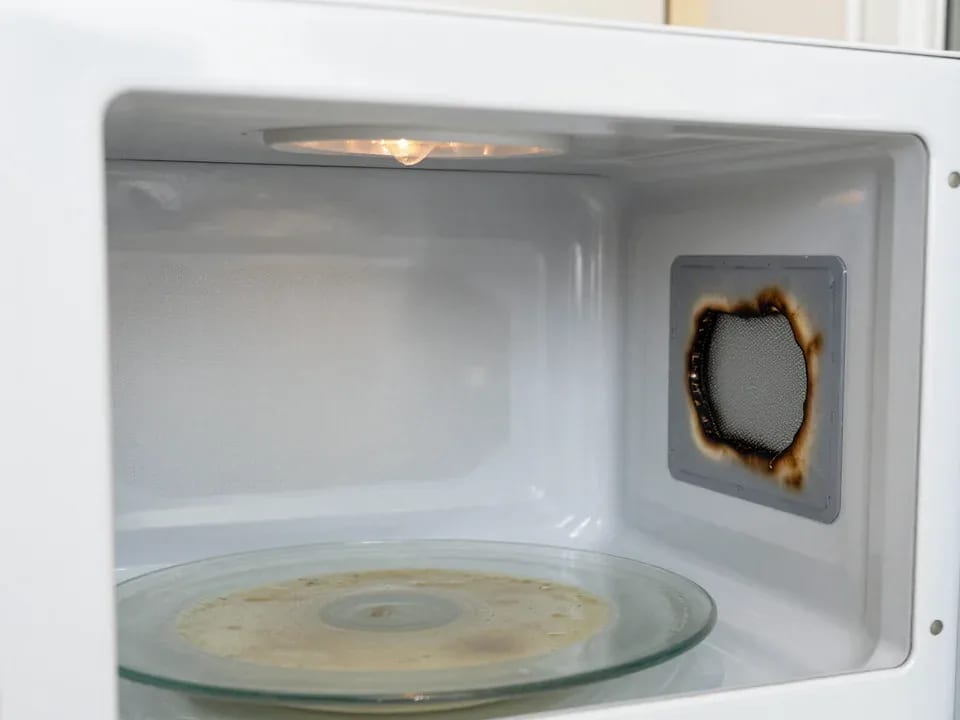
If your microwave isn't heating but the light and turntable still work, the problem is usually one of the high-voltage components — the magnetron, diode…
15 February 2026 · 12 minutes read
If your refrigerator stops working, first check the outlet, the power cord, and the thermostat setting, and after defrosting let it stand for a while.
4 February 2026 · 12 minutes read
Washing machine error codes are self-diagnostic codes that point to a specific component: drain, water fill, heating, motor, or door lock.
29 January 2026 · 13 minutes read