 experience9 years
Ruslan Ts.
Washing machine and refrigerator repair technician
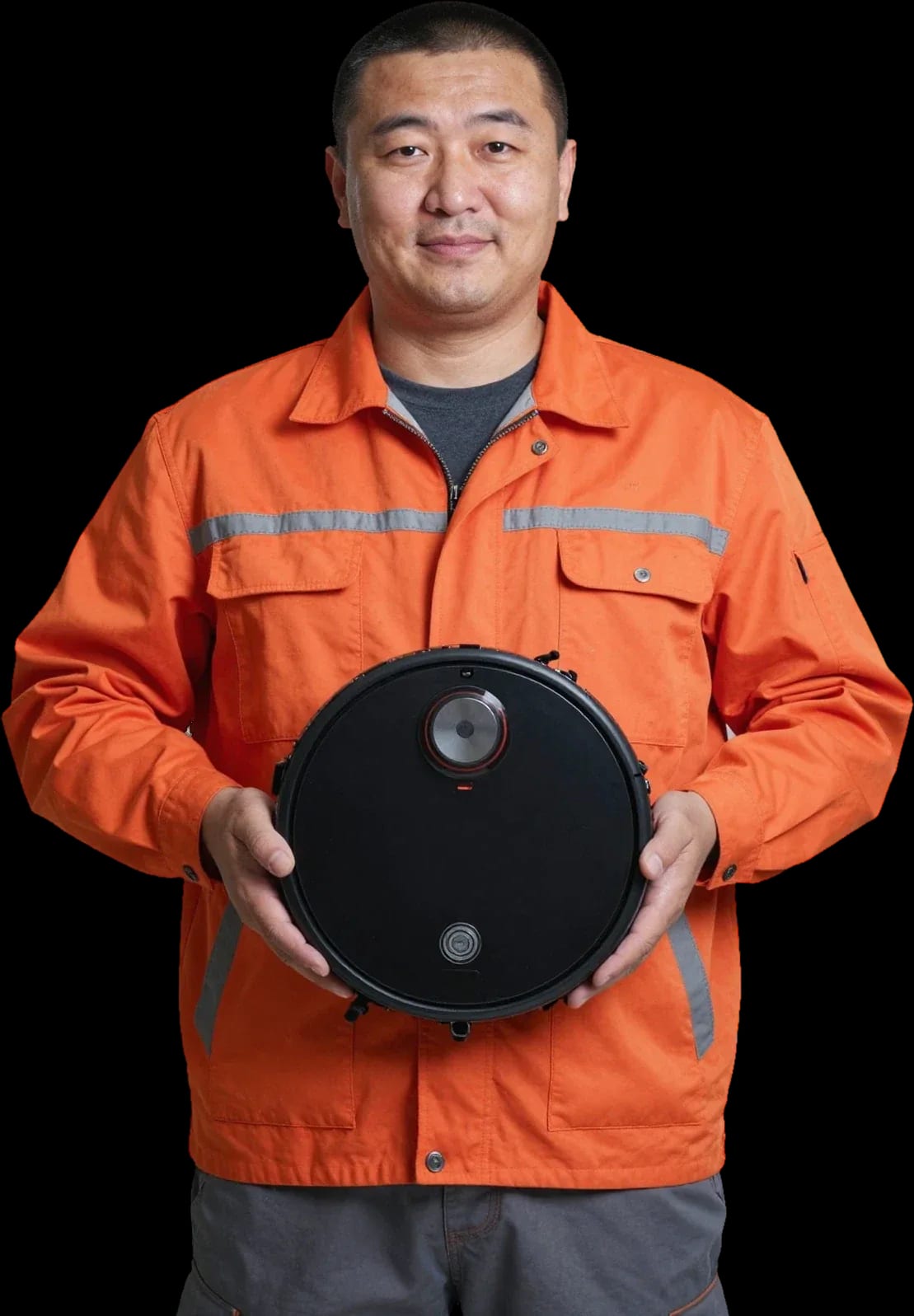
A technician arrives within 60 minutes anywhere in the city. Free diagnostics.
Our own technicians4 to 20 years of experience




Repair prices
Below are typical symptoms that Xiaomi robot vacuum owners report. The cause is identified after free diagnostics.
dirty contacts, adapter failure
from4 500 ₸
stuck button, board failure, dead battery
from8 500 ₸
clog in the tank, stuck valve
from8 500 ₸
dirty sensors, broken wheel
from4 000 ₸
IR beacon failure, oxidized contacts
from5 500 ₸
worn brushes, broken bearing
from3 500 ₸
code points to a component: drainage, intake
from4 000 ₸
imbalance, water not drained
from4 000 ₸
1–2 daystime
from 5 000 ₸cost
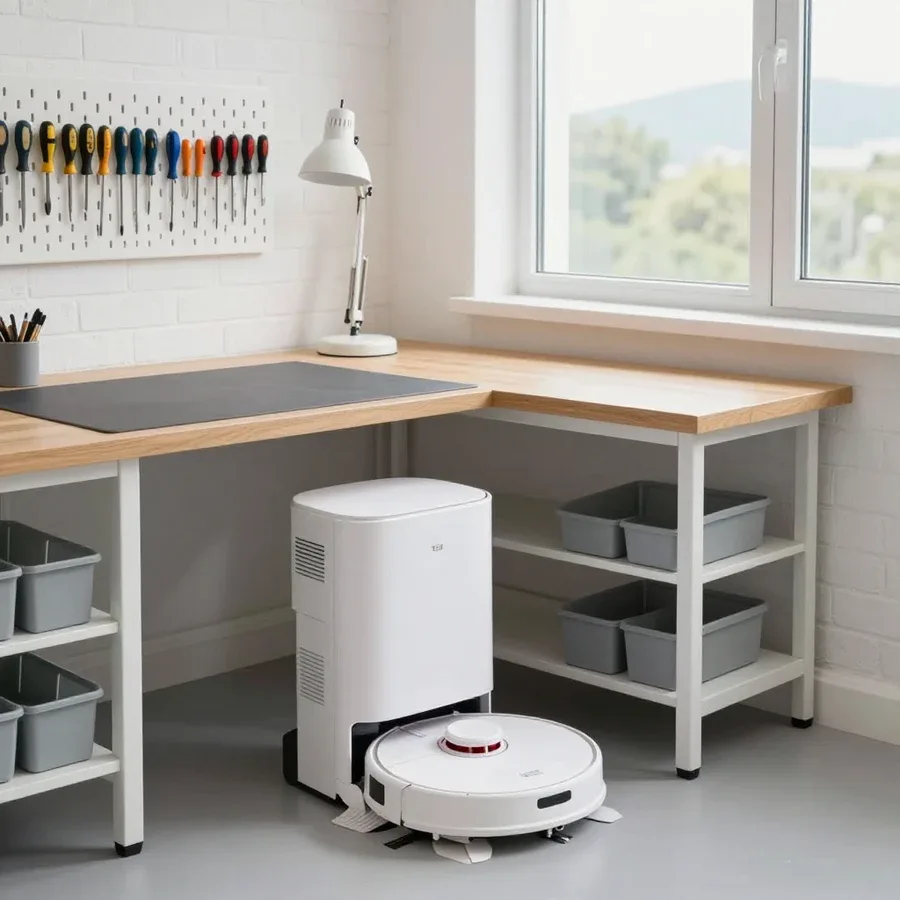 BeforeAfter

From request to inspection — five steps.
Submit a request by phone or messenger and describe the symptom.
A technician will arrive anywhere in the city within 60 minutes after confirmation.
The technician confirms a convenient visit window and address.
You approve the scope of work and cost, then the technician starts.
You accept the work and check the device together with the technician.
The home appliance repair department in Almaty has 8 technicians with 8 to 12 years of experience.
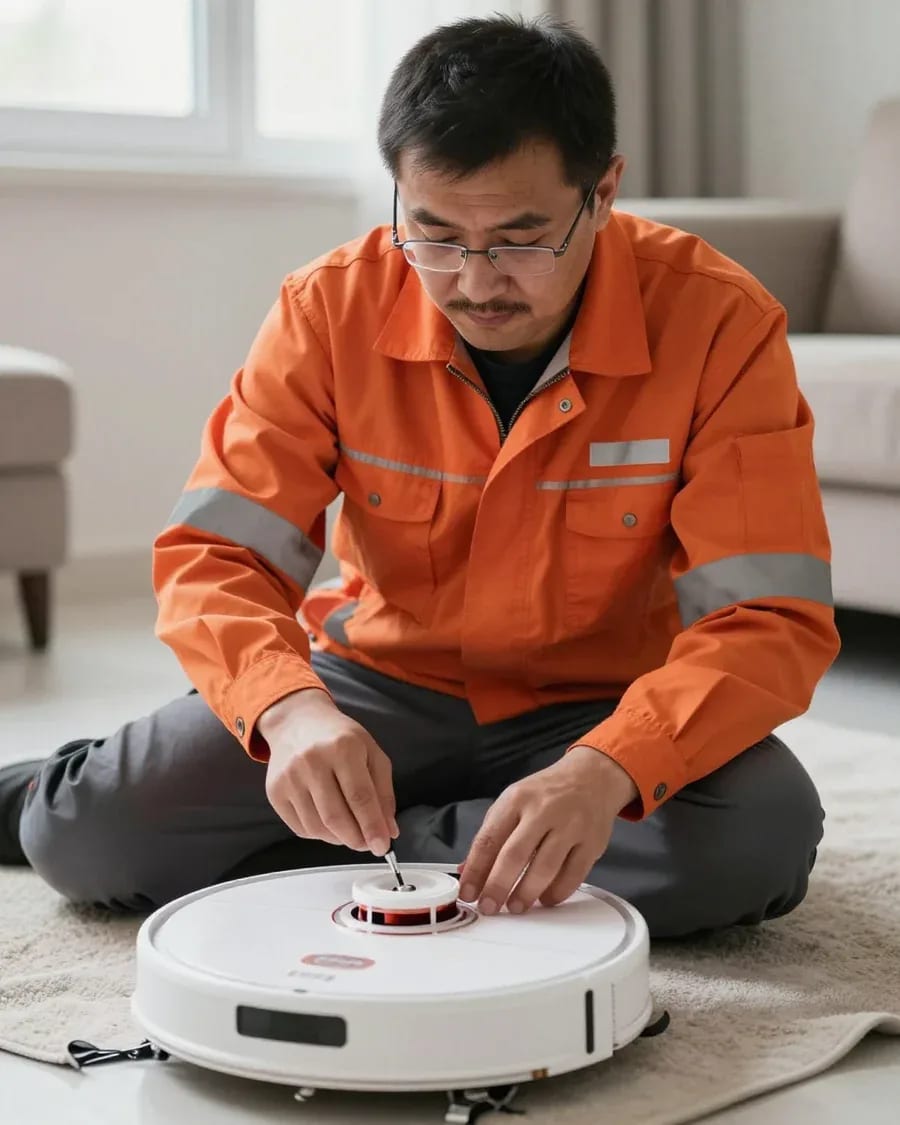
The department has 8 specializations — they are listed on the technicians' cards.
experience9 yearsWashing machine and refrigerator repair technician
 experience12 years
General household appliance repair technician
 experience10 years
Field technician for washing machine and refrigerator repair
 experience8 years
Expert washing machine repair technician
 experience8 years
Field refrigerator repair technician
 experience8 years
Senior washing machine repair technician
 experience11 years
Dishwasher repair technician
 experience9 years
Washing machine repair technician
We reply during working hours
Choose a convenient contact channel and visit time so diagnostics go without waiting.

Warranty question? Call us
+7 (778) 021 13 16Tech Service repairs Xiaomi robot vacuums in Almaty directly, without middlemen: our technician comes to your home within 60 minutes or accepts the device at the service center. Diagnostics are free, the technician quotes the price after diagnostics, and we provide a 1-year warranty on labor and parts.
Most requests start with a symptom in the app or on the body: the robot spins, stays silent, or won't charge. Let's break down the causes of each and when it's a repair versus maintenance.
Spinning in place is almost always related to the lidar (LDS module), obstacle sensors, or a firmware glitch, not the motor. The lidar is responsible for mapping and navigation: a rotating unit scans the room with a laser, and if the window is clogged with dust or the module itself doesn't rotate, the device loses orientation. Obstacle sensors on the bumper and underneath detect furniture and floor level changes—when dirty or misaligned, they make the device turn in one spot. Less often, firmware is to blame: after a failed update, the room map isn't saved, and the robot starts each cycle from scratch. Wheel motors play a smaller role here—if the drive failed, the device simply wouldn't move, not spin. If a simple cleaning doesn't help, you need Xiaomi robot vacuum diagnostics to pinpoint the unit. Before calling a technician, wipe the lidar window and wheels free of dust and hair—some 'breakdowns' turn out to be dirt that takes a minute to remove.
'Won't turn on' and 'won't charge' are most often caused by the battery, charging contacts, power supply, or control board—diagnostics reveal the exact cause. Charging contacts transfer current from the dock to the battery: oxidized or spring-loaded pads on the body and base create poor contact, and the device sits on the station discharged. The power supply and the dock itself can also fail—then the robot doesn't see the charger at all. The control board distributes current between components, and its failure shows as no response to the button. Li-Ion batteries wear out naturally: if the robot discharges noticeably faster than before, it's a sign of battery degradation, not electronics failure—replacing it before an error appears is usually more cost-effective.
The Mi Home app shows an error code but doesn't always explain the cause. Below is how to read the messages and what they mean in practice.
For us, an error code in Mi Home is a starting point for diagnostics: it points to a unit (lidar, battery, brushes, sensors) but not a specific part. The app sends a short message like 'check wheels' or 'navigation error,' and it immediately shows the technician where to look. However, the same code can mean both dirt and component failure—for example, a lidar signal appears from dust on the window as well as from wear of the module's motor. So the technician first checks simple causes—sensor cleanliness, contacts, free wheel movement—and only then concludes a replacement is needed. In my view, accurate code interpretation saves time: it immediately rules out unnecessary versions and prevents guessing when replacing parts.
| Part | What the error means | What the technician checks |
|---|---|---|
| Lidar | Doesn't map, spins in place | Module window, belt, motor |
| Battery | Drains quickly, won't charge | Battery capacity, charging contacts |
| Charging contacts | Won't dock | Dirty pads, power supply |
| Brushes | Doesn't pick up dust, stops | Winding, wear, free movement |
| Obstacle sensors | Bumps into furniture, falls off thresholds | Dirt, sensor operation |
In our experience, navigation failures after an update are more often software-related, while a recurring lidar error with a clean window already points to a module failure. The firmware controls room mapping: if the robot loses its route after an update but the lidar spins freely, the issue is in the software, not the part. The Mi Home app shows the same navigation error in both cases—you can't tell them apart from one message. The technician compares the device's behavior with the firmware version and the condition of the components: updates the software or resets the settings, and only then decides whether a replacement is needed. Before replacing a part, the technician checks whether the problem can be solved by an update or reset—so you don't pay for a part you don't need.
Repair starts with a request and free diagnostics. Then the technician decides which work can be done on-site and which requires the service center, and agrees on the scope with you.
| Work | On-site | At the service center |
|---|---|---|
| Cleaning sensors and lidar | Yes | No |
| Replacing brushes and filters | Yes | No |
| Replacing the battery | Yes | No |
| Charging contacts | Yes | No |
| Control board and lidar | No | Yes |
We offer on-site visits throughout the city—within 60 minutes after your request—and the technician quotes the price after free diagnostics. Xiaomi robot vacuum repair in Almaty starts with a request: the technician comes to your home or picks up the device for the service center if the work requires disassembly. On-site, they repeat the component check and confirm the cause you described over the phone. Our technicians have 4 to 20 years of experience and know how different model lines behave, so they don't confuse brush wear with a motor error. To speed up the visit, describe the symptom and the code from the app in advance—the technician will arrive with the right testing kit. Diagnostics are free, and the 1-year warranty covers both labor and parts.
Rapid battery drain is the most common reason people bring in Xiaomi robots. Let's look at how to tell normal battery wear from an electronics failure and which component the technician checks.
If the robot holds less and less charge but still turns on and works, it's Li-Ion battery degradation; if it doesn't charge at all or shuts down under load, the control board or charging contacts are likely at fault. Li-Ion capacity drops gradually: in the first year of use the loss is usually unnoticeable, and by the second or third year cleaning time drops by a quarter or more. The control board itself works fine—it only distributes current and isn't to blame for the reduced output of the cells. Another scenario is shutting down right when the turbine starts or when climbing onto a rug: a load spike on a weakened battery pulls the voltage below the threshold, and the controller cuts power as a safety measure. When diagnosing, the reference point isn't "how many hours it runs" but how cleaning time has changed compared to the first months: a gradual decrease points to the battery, a sudden one to the electronics. If you're unsure of the cause, Xiaomi robot vacuum repair in Almaty starts with checking the battery and contacts.
| Symptom | Likely cause | What the technician checks |
|---|---|---|
| Doesn't charge at all on the dock | Power supply or docking station | Output voltage of the power supply |
| Charges intermittently, shifting on the dock helps | Oxidized charging contacts | Contact pads and springs |
| Charges but drains quickly | Battery degradation | Capacity under load |
| Shuts down when the turbine starts | Voltage drop on the battery | Discharge current and cutoff threshold |
Our battery replacement includes selecting a compatible battery, installing it, and checking charge and runtime after replacement, with a 1-year warranty on labor and parts. First, during free diagnostics, the technician makes sure the reduced cleaning time is actually due to wear, not poor contacts or a faulty power supply—otherwise a new battery won't change anything. Then we select a compatible Li-Ion cell with the same capacity and voltage as the original; otherwise the controller may misread the remaining charge. After installation, we check charging and runtime, then return the robot to the owner. It's worth replacing the battery when wear already interferes with cleaning, not at the first drop in runtime: an early replacement won't make a noticeable difference.
Mi Robot Vacuum, Roborock, Dreame, Viomi, and Mijia are built similarly, but their failures and repair approaches differ. Below is what makes the difference and which components to check first.
| Line | Feature | Common failure |
|---|---|---|
| Mi Robot Vacuum | Lidar, simple dock | Brush wear, lidar failure |
| Roborock | Lidar and camera, pump in mopping models | Clogged pump, navigation error |
| Dreame | vSLAM camera, high power | Overheating, battery wear |
| Viomi | Camera, compact body | Dirty sensors, brushes |
| Mijia | Budget navigation, simple components | Battery drain, clogged filter |
Most requests come in because of navigation issues, battery drain, and dirty brushes — these components are under constant load and are the first to react to dust and wear. The lidar on the Mi Robot Vacuum and Roborock gets clogged with fine dust and pet hair, causing the robot to lose its map and spin in place. The vSLAM camera on Dreame and Viomi is sensitive to lens dirt and changes in room lighting. The battery degrades from frequent full discharges and prolonged operation at maximum power. Brushes and the HEPA filter clog fastest on carpets and in homes with pets. Knowing the lineup, the technician understands in advance which components to check first — this speeds up diagnostics. Regular cleaning of sensors and brushes extends the robot's life more than occasional major repairs.
Before booking, it's important to know who will actually come to fix the robot, how diagnostics are done, and what warranty you get after the work. Let's go over three things owners most often check before reaching out.
We offer a 1-year warranty on labor and parts — it applies both to at-home repairs and to work done at the service center. Diagnostics are free: the specialist first finds the cause, and then you decide whether to proceed with the repair. Our Xiaomi robot vacuum service center provides a 1-year warranty on labor and parts, so if you come back, you don't need to prove that the part was installed by our technician. From experience, components last longest when the reassembled mechanism was tested after installation, not just the part replaced. If the robot acts up again during the warranty period, we return to the same component and figure out why it didn't last.
Our repairs are done by our own specialist, not a middleman: Tech Service is a direct provider, so you're talking to the person who will fix the robot. The mobile technician comes to your home and determines on-site whether the issue can be fixed locally or the device needs to be taken to the service center. With a middleman, the repair history gets lost between you and the provider: one person takes the request, another does the repair, and later there's no one to claim the warranty from. With a direct provider, the warranty and repeat requests go to the same service, and the specialist remembers which part was replaced last time. In my view, that's the main difference — not in speed, but in who you go back to if something goes wrong.
Our technicians have 4 to 20 years of experience, and you can pay via Kaspi QR, Kaspi Red, bank card, cash, or bank transfer for companies — the price is quoted after free diagnostics. Experience matters not for its own sake, but because the specialist has already seen a similar symptom on a specific lineup and gets to the cause faster: on the Mi Robot Vacuum and Roborock, the same error codes often mean different things. We accept Kaspi QR, Kaspi Red, card, cash or bank transfer and quote the amount after the cause is found — until then you pay nothing. Moreover, diagnostics are free both at home and at the service center, so you make the repair decision with a precise answer about which component failed and what options you have.
Here are the key things a robot vacuum owner should keep in mind before calling a technician — from common symptoms to choosing a repair service.
Tech Service technicians repair other appliances too — with the same 1-year warranty on labour and parts.
 Refrigerator Repair in Almatyfrom 3 000 ₸
 Washing Machine Repair in Almatyfrom 3 000 ₸
 Dishwasher Repair in Almatyfrom 3 500 ₸
 Oven Repair in Almatyfrom 3 000 ₸
 Cooktop Repair in Almatyfrom 3 500 ₸
 Air Conditioner Repair in Almatyfrom 3 500 ₸
 Boiler and Water Heater Repair in Almatyfrom 2 500 ₸
 Freezer Repair in Almatyfrom 6 000 ₸
 Tumble Dryer Repair in Almatyfrom 5 000 ₸
 Coffee Machine Repair in Almatyfrom 2 500 ₸
 Robot Vacuum Cleaner Repair in Almatyfrom 3 500 ₸
 Vacuum Cleaner Repair in Almatyfrom 1 500 ₸
 Microwave Oven Repair in Almatyfrom 2 000 ₸
 Hair Dryer Repair in Almatyfrom 1 500 ₸
 Iron Repair in Almatyfrom 3 000 ₸
 Electric Kettle Repair in Almatyfrom 2 500 ₸
 Mixer Repair in Almatyfrom 2 500 ₸
 Multicooker Repair in Almatyfrom 500 ₸

If your dishwasher won't drain, the most common culprits are a clogged filter or drain hose; less often, it's the pump, impeller…
24 March 2026 · 12 minutes read
A washing machine can hum for many reasons, and the first thing to figure out is when the sound appears.
20 March 2026 · 12 minutes read
If your washing machine isn't filling with water, the most common culprits are a closed valve, a clogged inlet filter screen on the hose…
20 February 2026 · 13 minutes read
If your microwave isn't heating but the light and turntable still work, the problem is usually one of the high-voltage components — the magnetron, diode…
15 February 2026 · 12 minutes read
If your refrigerator stops working, first check the outlet, the power cord, and the thermostat setting, and after defrosting let it stand for a while.
4 February 2026 · 12 minutes read
Washing machine error codes are self-diagnostic codes that point to a specific component: drain, water fill, heating, motor, or door lock.
29 January 2026 · 13 minutes read