experience10 years
Vasiliy Z.
Senior TV repair technician
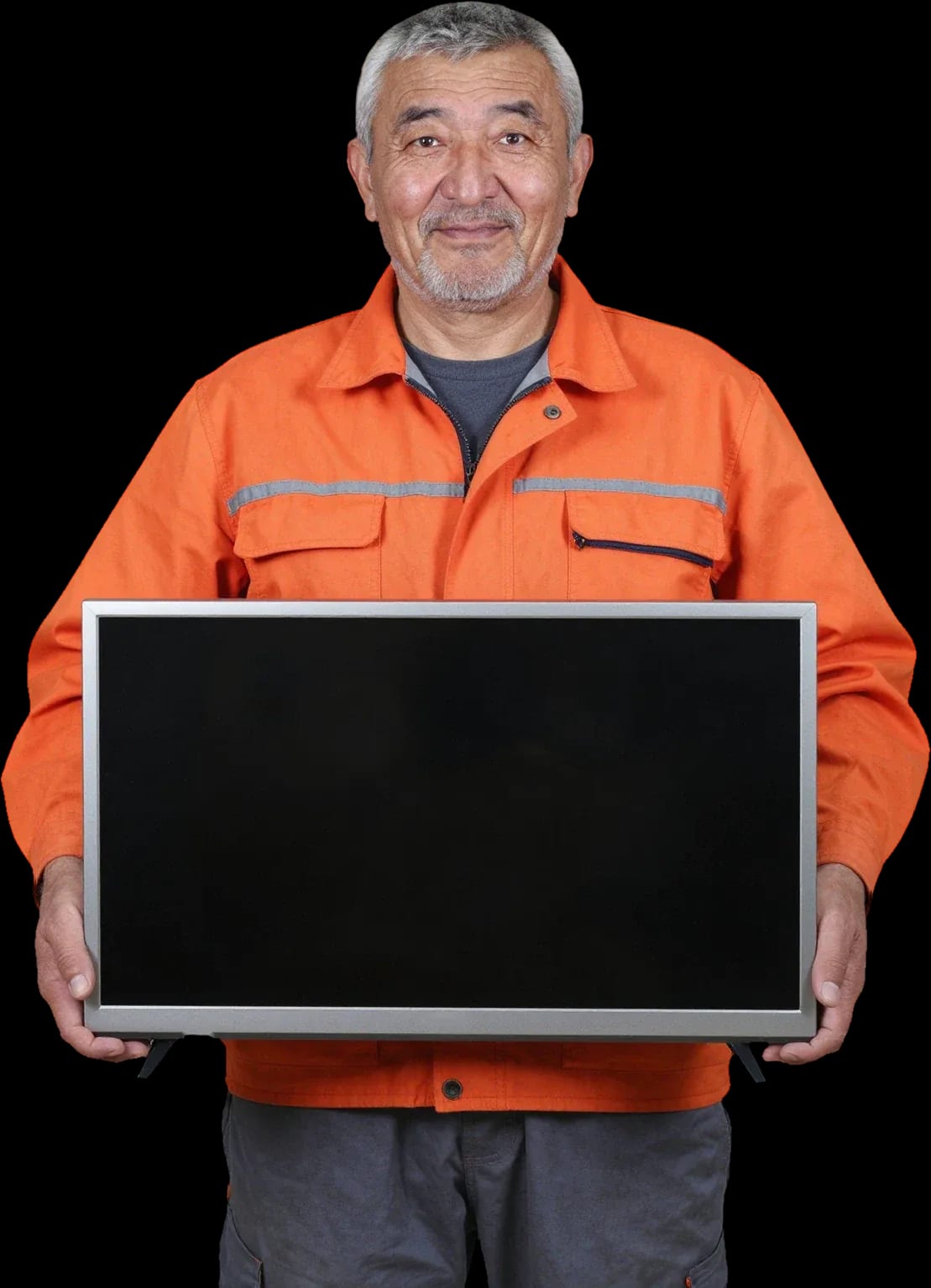
A technician arrives within 60 minutes anywhere in the city. Diagnostics are free.
Our own technicians4 to 20 years of experience




Repair prices
Symptoms are grouped by component — power, backlight, panel, sound. Pick the one that matches your case to describe it to the technician.
Power supply, board, button
from8 000 ₸
Backlight, T-CON, panel
from9 500 ₸
Ribbon cable, T-CON, panel
from9 500 ₸
Overheating, power supply, firmware
from8 000 ₸
Speakers, amplifier, settings
from7 000 ₸
Batteries, IR receiver, remote
from3 500 ₸
Backlight, panel, dust
from8 000 ₸
Speakers, amplifier, interference
from9 000 ₸
1 visittime
from 8 000 ₸cost
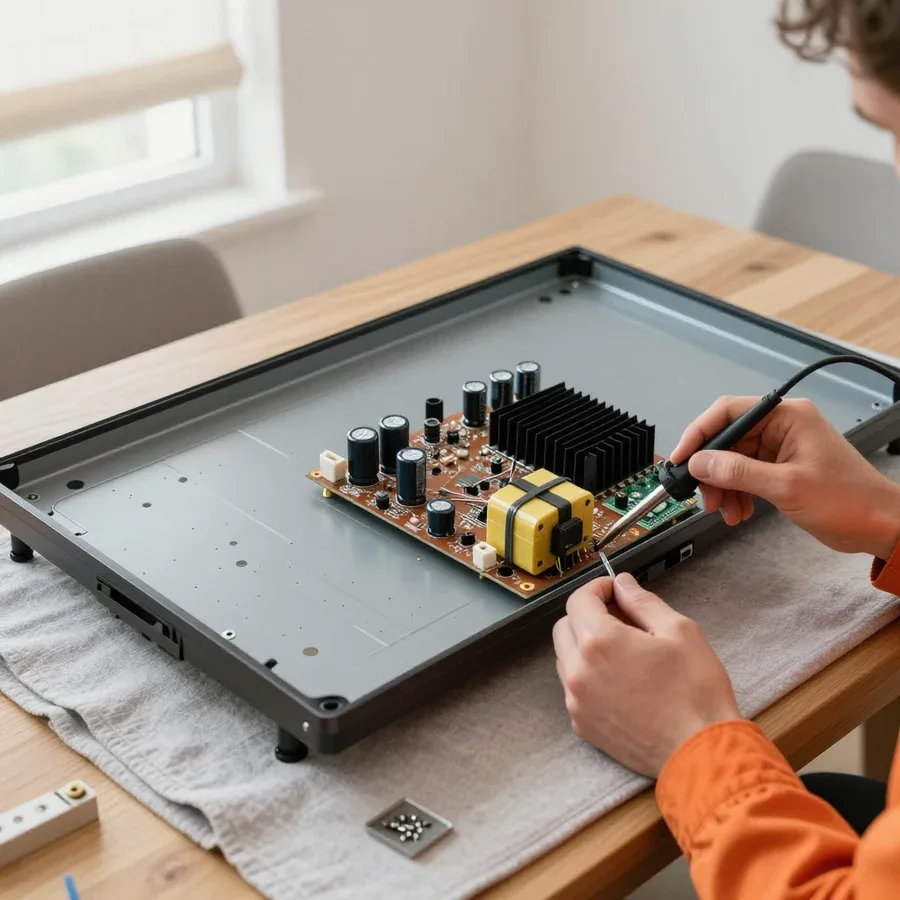 BeforeAfter

Five steps from request to checking the work. Diagnostics are free.
Leave a request, and the technician will clarify the symptoms and arrange a visit.
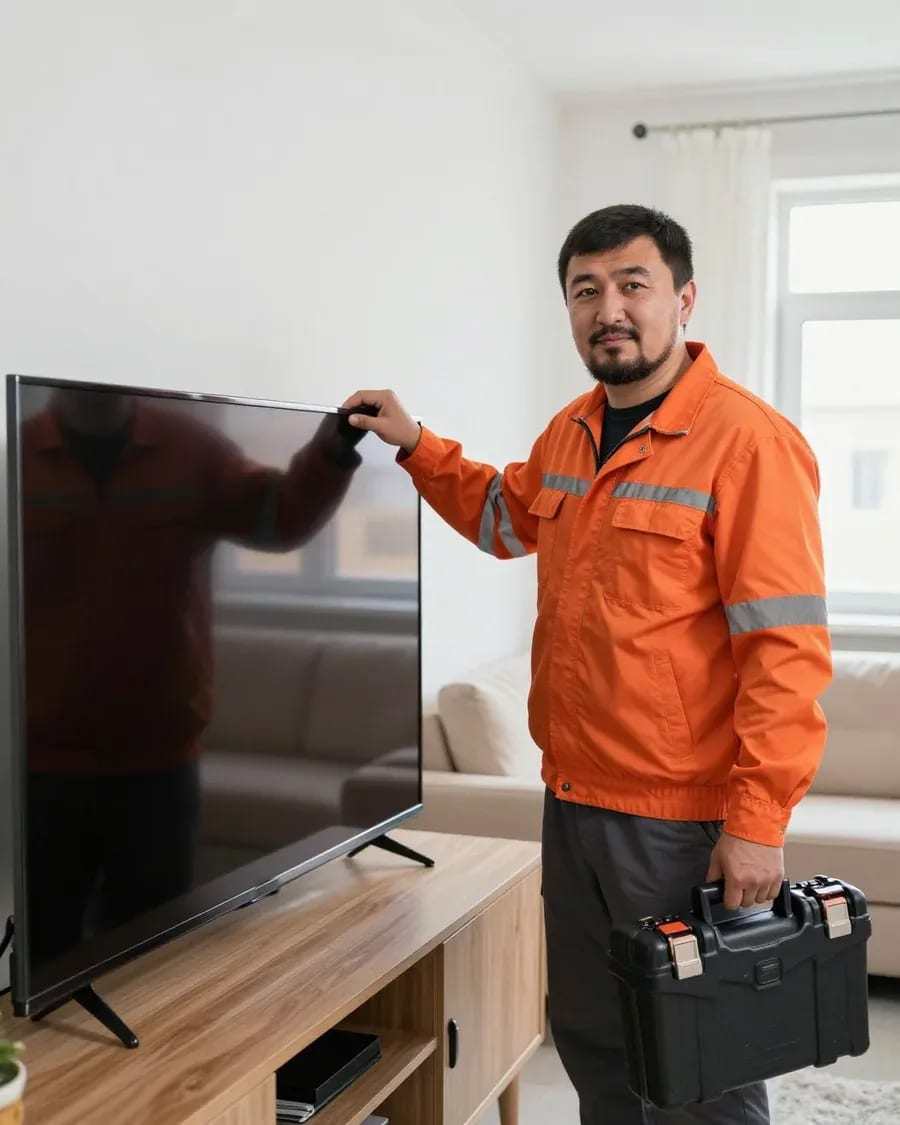
The technician arrives anywhere in the city within 60 minutes of your request.
The technician explains what work and parts are included in the estimate and confirms the scope before starting.
The technician identifies the part needed for your specific model and screen size and discusses replacement options with you.
You check the TV's performance. 1-year warranty on labor and parts.
The digital device repair department in Almaty has 7 technicians with 7 to 18 years of experience.
The department has 7 specializations — they are listed on the technicians' cards.
experience10 yearsSenior TV repair technician
 experience10 years
TV board repair technician
 experience10 years
Electromechanical technician
 experience13 years
Audio and DVD repair technician
 experience18 years
Smartphone repair technician
We reply during working hours
Note the symptoms and your TV model before calling — this speeds up parts selection and reduces the number of visits.

Warranty question? Call us
+7 (778) 021 13 16Tech Service repairs Xiaomi TVs in Almaty as a direct contractor: our technician comes to your home within 60 minutes anywhere in the city, or you can drop off the TV at our service center. Diagnostics are free, there's a 1-year warranty on labor and parts, and our technicians have 4 to 20 years of experience. The technician gives you the price after diagnostics.
Xiaomi TVs are the Mi TV and Redmi TV lines with LED panels running Android TV or PatchWall. Most of our calls are about power, backlight, and control board issues. Here's what each symptom means and how serious it is.
A blinking indicator on a Xiaomi usually points to a power supply or motherboard fault, not a broken panel. When it blinks rhythmically, the standby circuit tries to start the power rail and trips into protection—that's how the power supply behaves when output voltages sag. Less often, the symptom is caused by degraded capacitors on the motherboard or a failed LED backlight when the driver sees no load. We start by measuring the power supply's output voltages under load: that rules out half the possibilities before we even open the panel. If the indicator blinks rhythmically and the TV won't start, don't keep plugging it in—that stresses the power supply and can expand the damage.
If you have sound but no picture, Xiaomi TVs most often have a failed LED backlight, less often a T-Con board or the panel itself. The backlight in Mi TV and Redmi TV is made of LED strips, and one burnt-out diode breaks the whole strip's circuit—the panel stays dark while sound runs through a separate path. The T-Con board builds the picture from the motherboard signal, and its failure gives a solid black screen with working sound. We check the ribbon cables between the board and panel for oxidized contacts. You can test this in a dark room: if you see a faint glow around the edges when you turn it on, the backlight is the issue; a completely black screen with sound more often points to the T-Con or panel.
Vertical and horizontal lines on a Xiaomi screen are usually related to the T-Con board or ribbon cables, not the panel itself. The T-Con board sends the signal to the panel line by line, and a fault in its operation or a poor ribbon cable contact causes lines, ripples, or a shifted picture on one side of the screen. Spots and uneven lighting more often indicate local backlight damage or pressure on the panel. We test the ribbon cables and check the board with another signal before we talk about replacing the panel. If lines appear only after warm-up or disappear when you lightly press the frame, it's more often a cable than the matrix—that repair costs noticeably less than a panel replacement.
Random reboots and freezes on Xiaomi are more often related to firmware, the power supply, or the Wi-Fi module, not the PatchWall platform itself. The power supply feeds all TV components, and a sag on one of the lines shows up under load—when launching a heavy app or after warm-up. Firmware glitches cause menu freezes, missing apps, and Smart TV failing to go online. The Wi-Fi module handles connectivity, and its failure looks like constant connection drops with working internet. If the TV reboots under load, the technician checks power first; if it freezes in the menu and loses network, firmware and the Wi-Fi module.
Xiaomi TVs come in two main lines—Mi TV and Redmi TV—each with its own typical failures and parts selection specifics. Here's what we consider when accepting a TV for repair.
| Lineup | Common issues | What we check first |
|---|---|---|
| Mi TV | Freezing, Wi-Fi, backlight | Firmware and Wi-Fi module |
| Redmi TV | Power supply, backlight | Power and LED strips |
| LED panels of both lineups | Lines, no image | T-Con and ribbon cables |
Xiaomi TV owners often ask whether it's worth restoring the TV or easier to buy a new one. The decision depends on which component has failed — let's break it down by component.
Restoring a Xiaomi TV is usually justified when the backlight, power supply, T-Con, or ribbon cables fail — these components can be brought back without replacing the panel. We replace LED backlight strips individually, and the power supply and T-Con board by component, not as a whole: when the image is lost or the indicator blinks, diagnostics usually point to these components. We check the ribbon cables between the board and the matrix for contact and bending — a loose connector gives the same symptoms as a "dead" panel. A separate story is LED degradation at the edges: the picture darkens unevenly while the center stays even, and by this sign the technician distinguishes backlight wear from a board failure. If after free diagnostics the technician identifies a single component fault rather than the matrix, the intervention usually keeps the TV running for years — the panel stays original, and the 1-year warranty on labor and parts covers the result.
If diagnostics show damage to the matrix itself rather than the backlight or T-Con, the decision to restore depends on the TV's diagonal and series. The matrix is the most expensive component, and on large-diagonal models its replacement approaches the cost of a new device, while on compact series it often remains reasonable. That's why the technician first suggests making sure it's not the ribbon cables and T-Con: sometimes a "dead" panel turns out to be a loose ribbon cable, and then matrix replacement isn't needed at all. It's also useful to know the nature of the damage: a pinpoint impact leaves a local spot, while a crack in the glass or liquid crystal spill spreads into lines and entire sectors — this determines whether a local intervention can suffice. In such cases we show the test results before the decision — so the owner chooses between panel restoration and a new purchase with a full understanding of the component.
A Xiaomi TV after liquid damage can be fixed, but the outcome depends on whether the moisture reached the board and matrix before the first power-on. The motherboard and power supply suffer first: liquid causes contact corrosion and short circuits, and stains remain on the matrix that can't be removed. If liquid got inside, don't plug the TV in before diagnostics: while the board is dry, the chances of restoring it without replacing components are noticeably higher, and a single power-on often decides the outcome. Another complex case is a voltage surge after a thunderstorm or grid fluctuation: then the input circuits of the power supply burn out, and sometimes the matrix power chain too, and the technician checks both components in turn. Bring the device in or call a technician in the city — we'll assess for free what can be restored and what needs replacement.
Our Xiaomi TV repair follows a clear process from request to testing. We show the steps and explain what the technician checks first.
Diagnostics for Xiaomi TVs is free, and our technician arrives at your home within 60 minutes anywhere in the city. This applies to both Mi TV and Redmi TV models: we first find the cause, then discuss the work. During the inspection, we check the power supply and LED backlight first — these are the most common reasons for Xiaomi service calls — and only then move on to the motherboard and panel. The power supply and backlight strips are removed and tested separately so we don't replace a working part blindly. Then we name the fault and the scope of work. This is how Xiaomi TV repair in Almaty works without unnecessary transportation of the device. Free diagnostics for a Xiaomi TV saves time: you get a specific answer about your TV, not a general guess over the phone.
We repair Xiaomi TVs at your home or at our service center — the format depends on the fault: some parts are replaced on-site, while others require a workbench. If the issue involves the power supply or LED backlight, the technician often fixes it at your home: these parts are removed and replaced without transporting the TV. For work on the panel and motherboard, it's more convenient to take the TV to the service center, where we have the conditions for careful disassembly of a large case and panel testing. The on-site technician determines what can be done on-site and what requires the workshop, and explains why. This approach saves you time: you don't need to transport a TV that works otherwise if the fault can be fixed at home.
When choosing a service for Xiaomi, three things matter: the warranty, who exactly does the work, and how quickly the technician reaches your address. Here's how these terms work with us.
For Xiaomi TV service, we provide a 1-year warranty on labor and parts — this applies to both on-site visits and work at the service center. Xiaomi TV repair in Almaty is handled by the same team at every stage, so warranty obligations don't get lost between contractors. The terms are the same for both scenarios: if the power board, backlight, or another part fails again after the repair, you come back to us with the same request. The manufacturer's warranty and our work are different things: if the TV is still under the brand's warranty, it's worth checking the terms with the seller first, and we take on paid service with our own warranty. In my opinion, this is the point people most often confuse — and for good reason: before agreeing to paid work, check the factory warranty period in the TV documents so you don't lose the seller's free service.
Tech Service is a direct contractor: your Xiaomi TV is serviced by our technician, not a middleman, and you can pay via Kaspi QR, Kaspi Red, bank card, cash, or bank transfer for companies. Diagnostics, work, and warranty are handled by the same team, so your request doesn't go from a dispatcher to a subcontractor and back. Technicians with 4 to 20 years of experience determine the cause of the failure and fix it themselves — you don't need to make calls between contractors if something goes wrong. The price is quoted after free diagnostics, once the cause of the fault is clear. You can pay in the way that's convenient for you — Kaspi QR, Kaspi Red, card, cash or bank transfer. In our experience, this approach saves time: you discuss the fault with the same person who then takes responsibility for it under the warranty.
Our field technician with 4 to 20 years of experience comes to your home and reaches you anywhere in the city within 60 minutes. Technicians with 4 to 20 years of experience work both on-site and in the shop — the same person handles your request from inspection to post-repair check. The 60-minute arrival applies across the city, including remote areas, so you won't have to wait half a day. The technician arrives with tools for your specific request, so when you call, mention the model and symptom — that way they'll bring the right parts and you won't need a second visit. Diagnostics on-site are free: if the fault turns out to be more complex and requires shop work, they'll explain it on the spot and take the TV with them.
Here are the key takeaways on diagnosing and repairing Xiaomi TVs — a quick summary of what owners should keep in mind before calling a technician.
Tech Service technicians repair other appliances too — with the same 1-year warranty on labour and parts.
 Refrigerator Repair in Almatyfrom 3 000 ₸
 Washing Machine Repair in Almatyfrom 3 000 ₸
 Dishwasher Repair in Almatyfrom 3 500 ₸
 Oven Repair in Almatyfrom 3 000 ₸
 Cooktop Repair in Almatyfrom 3 500 ₸
 Air Conditioner Repair in Almatyfrom 3 500 ₸
 Boiler and Water Heater Repair in Almatyfrom 2 500 ₸
 Freezer Repair in Almatyfrom 6 000 ₸
 Tumble Dryer Repair in Almatyfrom 5 000 ₸
 Coffee Machine Repair in Almatyfrom 2 500 ₸
 Robot Vacuum Cleaner Repair in Almatyfrom 3 500 ₸
 Vacuum Cleaner Repair in Almatyfrom 1 500 ₸
 Microwave Oven Repair in Almatyfrom 2 000 ₸
 Hair Dryer Repair in Almatyfrom 1 500 ₸
 Iron Repair in Almatyfrom 3 000 ₸
 Electric Kettle Repair in Almatyfrom 2 500 ₸
 Mixer Repair in Almatyfrom 2 500 ₸
 Multicooker Repair in Almatyfrom 500 ₸
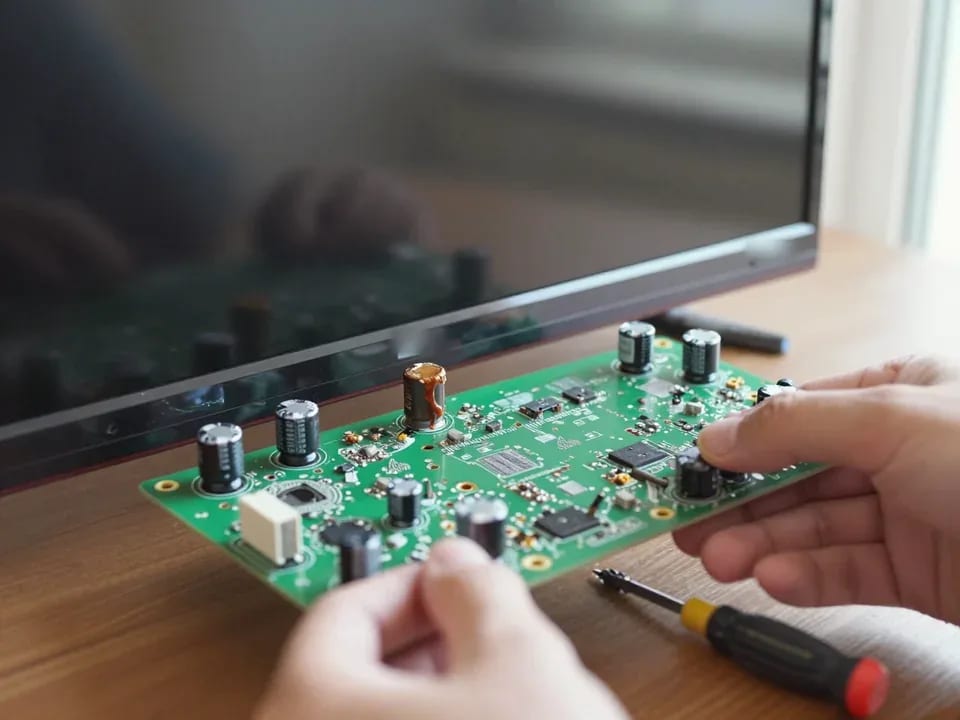
If your TV won't turn on, first check the outlet, power cable, and the button on the TV itself—not the remote.
21 November 2025 · 12 minutes read
If your laptop screen is broken, turn the device off first, don't press on the display, and check the picture through an external monitor.
12 March 2026 · 11 minutes read
If your phone won't charge, start by checking the adapter, cable, and port, then the charging settings.
16 February 2026 · 12 minutes read
If your laptop freezes, the first thing to do is restart it and check Task Manager to see what's loading the CPU and memory.
25 January 2026 · 12 minutes read
If your phone falls in water, take it out right away, turn it off, and don't charge it.
19 January 2026 · 12 minutes read
If your phone camera isn't working, first check app permissions, clear the cache, and restart your phone — this fixes some software glitches.
24 December 2025 · 13 minutes read