experience10 years
Vasiliy Z.
Senior TV repair technician
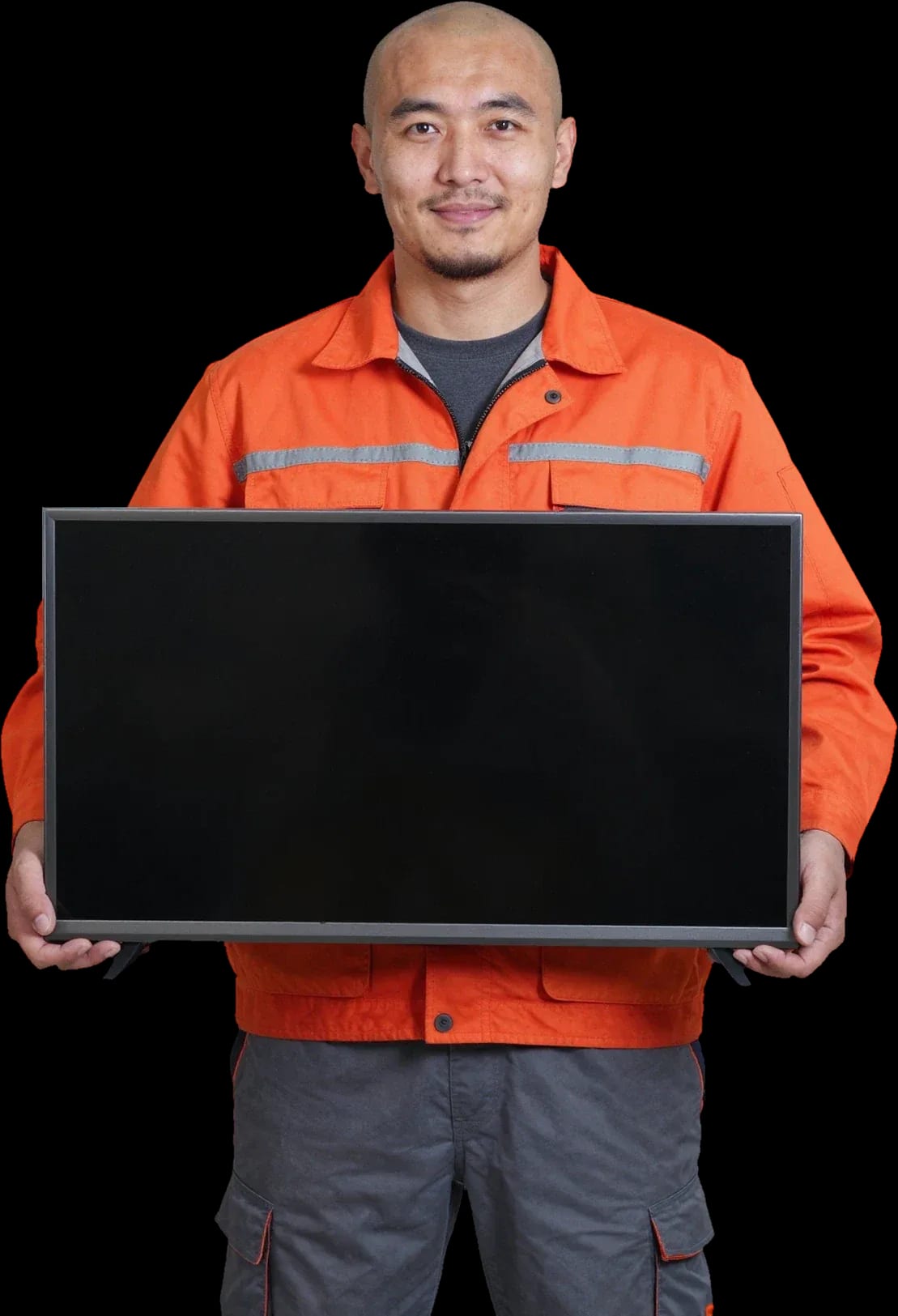
A technician arrives within 60 minutes anywhere in the city. Diagnostics are free, and the final price is given after the diagnosis.
Our own technicians4 to 20 years of experience




Repair prices
Below are eight typical symptoms and their causes, starting with the most common. The exact cause is determined by the technician after a free diagnosis.
Outlet, cable, remote
from8 000 ₸
Backlight, T-CON, panel
from7 000 ₸
Ribbon cable, T-CON, panel
from8 000 ₸
Module, firmware, router
from9 500 ₸
Overheating, power supply, backlight
from7 000 ₸
LEDs, driver, contacts
from9 000 ₸
Firmware, control board, memory
from9 500 ₸
Speakers, amplifier, settings
from6 000 ₸
1 visittime
from 8 000 ₸cost
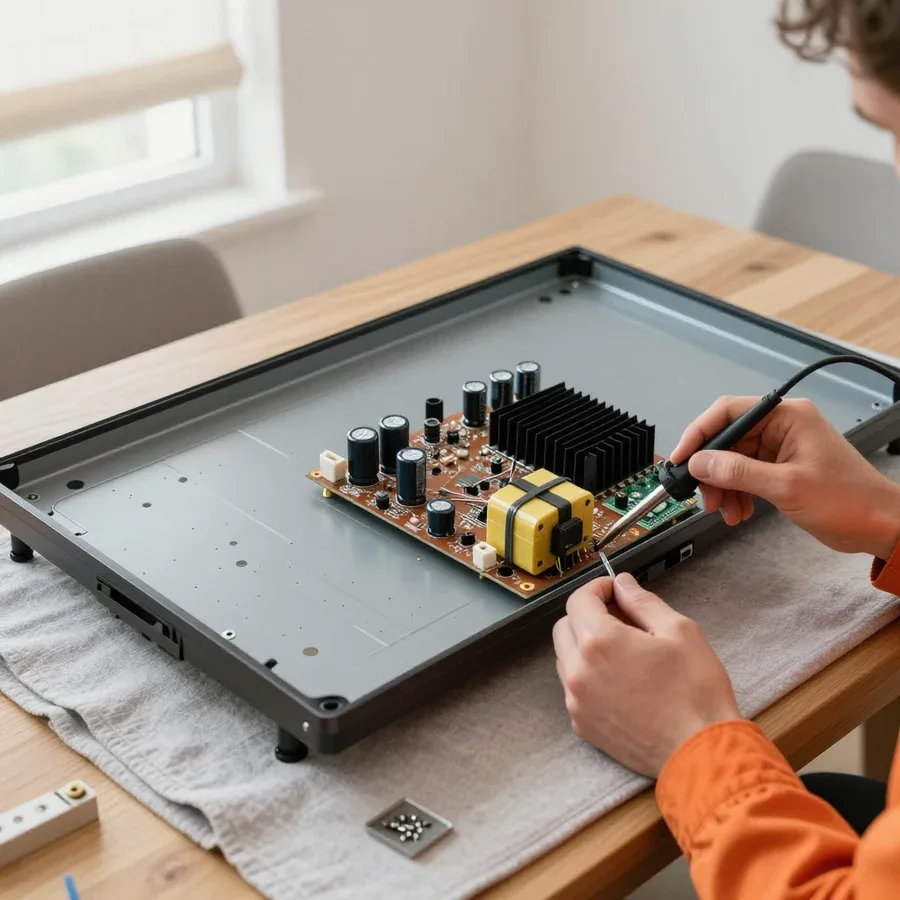 BeforeAfter

Five steps from request to checking the TV after repair.
Describe the symptom by phone or WhatsApp so the technician brings the right tools.
The technician arrives anywhere in the city and inspects the TV on site.
The technician identifies the cause and the repair cost before starting work.
You decide whether to repair now or later; the price is fixed before work begins.
The technician leaves a document confirming the work done and explains how to use the repaired component.
The digital device repair department in Almaty has 7 technicians with 7 to 18 years of experience.
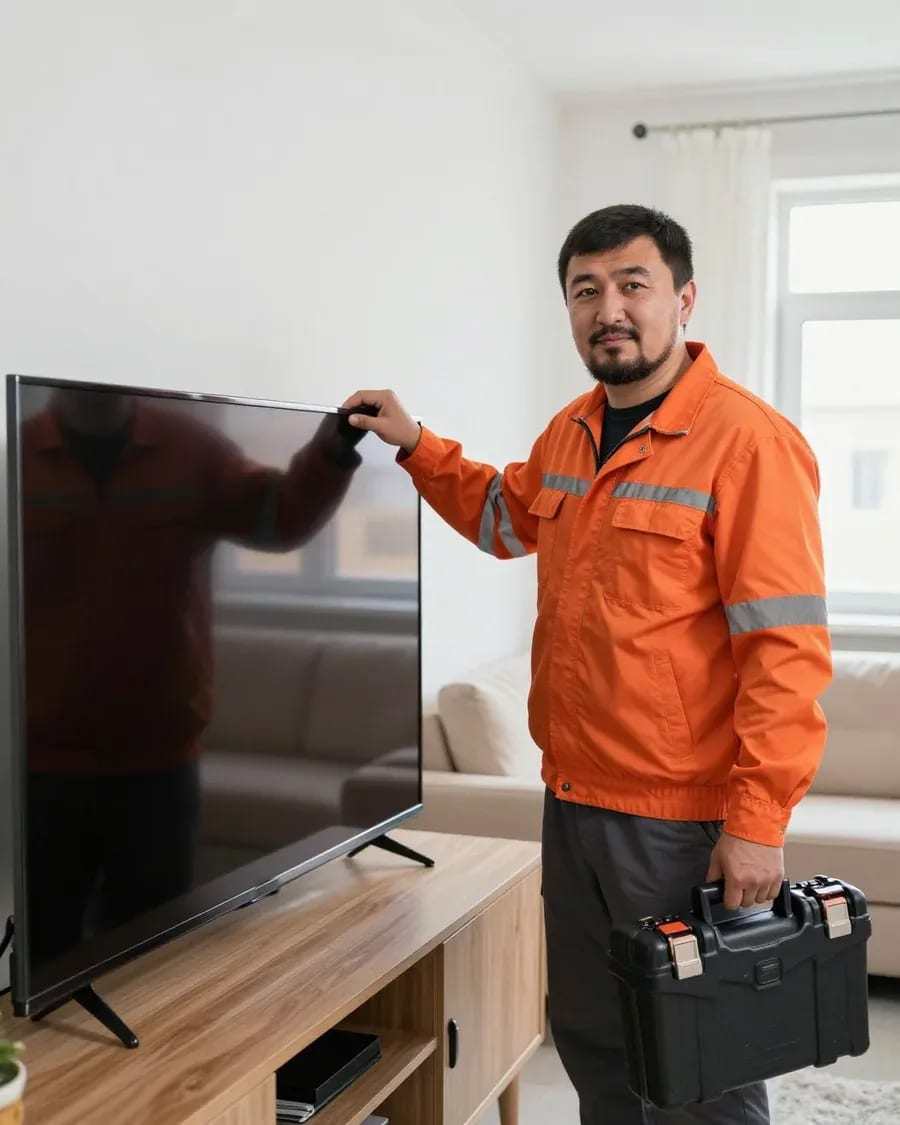
The department has 7 specializations — they are listed on the technicians' cards.
experience10 yearsSenior TV repair technician
 experience10 years
TV board repair technician
 experience10 years
Electromechanical technician
 experience13 years
Audio and DVD repair technician
 experience18 years
Smartphone repair technician
We reply during working hours
Choose a convenient contact channel — phone, WhatsApp, or the website form — and specify the visit time. The technician will confirm the arrival and bring tools. 1-year warranty.

Warranty question? Call us
+7 (778) 021 13 16Tech Service repairs Skyworth TVs in Almaty as a direct provider: our technician arrives at your home within 60 minutes or takes the TV to our service center. Diagnostics are free, we provide a 1-year warranty on labor and parts, and our technicians with 4 to 20 years of experience troubleshoot error codes and common issues with this brand.
Skyworth is a brand not every service center takes on: its electronics and Smart features are proprietary. Here we explain who repairs these panels in the city and how a direct provider differs from an aggregator.
We service Skyworth TVs as a direct provider: the technician comes himself, without intermediaries or aggregator dispatchers. Skyworth TV repair in Almaty is performed by the same team that takes your request and is responsible for the result. Our technicians have been working with this brand for 4 to 20 years — over that time they have handled various lineups, from budget LED to 4K panels. The same team that takes your request then goes out and is responsible for the result: we provide a 1-year warranty on labor and parts, and it is backed by a specific service center, not a third-party contractor. When an aggregator takes your request, you don't know in advance who will come or what experience they have. With a direct provider, one team is responsible for the work and the warranty — if you contact us again, you deal with the same people instead of starting over with a new contractor.
We offer a home visit within 60 minutes, and if it's more convenient to drop off your device, we do the work at our service center. Diagnostics are free in both cases: the specialist first finds the cause and only then quotes the cost of work. For a home visit, tell us the model and symptom in advance — the technician will bring tools for the specific task instead of figuring out the cause on site. A large panel is easier to examine at the service center where the necessary instruments are available, while a minor issue can often be fixed right at your home. We accept Kaspi QR, Kaspi Red, card, cash or transfer, so you don't have to adapt to just one. If you're unsure whether to come in or call us, describe the symptom over the phone: we'll advise what's more convenient in your case.
The symptom shows where to look — power, backlight, board, or panel. We break down the most common complaints from Skyworth owners and what each one means.
If a Skyworth won't turn on, we first check the power supply and mainboard rather than replacing parts at random. There are three typical causes behind a failure to start: protection triggered by a power surge in the mains, degraded capacitors in the primary circuit, and a faulty component on the mainboard that doesn't send a start signal to the inverter. The symptom 'turns off after warming up' often points to degradation of power components rather than the panel: capacitance drops under heat, and protection shuts the set down. That's why diagnostics start with measuring voltages at the power supply output and mainboard connectors, not by disassembling the screen. In my experience, half of 'won't turn on' calls are resolved at the power level — the panel and glass have nothing to do with it, and digging into the matrix before taking measurements is pointless.
When there's sound but the screen is dark, we check the backlight and its LED driver — this is the most common cause on Skyworth. The LED strip is powered through a driver on the board, and if one segment breaks or the driver fails, the picture disappears entirely, even though the sound and menu keep working. The check is simple: shine a flashlight right up against the screen — if you can see a faint image of the interface, the problem is almost certainly the backlight, not the panel. This changes the scope of work: replacing the strip or driver is noticeably simpler than replacing the panel, and the technician confirms the cause after free diagnostics. If the screen stays completely black even with the flashlight, then T-CON and ribbon cables are checked. Don't rush to agree to a panel replacement until the backlight has been ruled out — the symptoms are similar, but the labor involved differs dramatically.
We distinguish lines and freezing on the logo by their cause: lines usually come from the T-CON and ribbon cables, while freezing comes from the firmware or MainBoard memory. Vertical and horizontal lines with an intact glass indicate poor contact in the connectors or a failure in the T-CON row driver, whereas a frozen logo at startup points to corrupted firmware or faulty memory cells. Smart features glitching — Wi-Fi dropping, apps crashing, slow loading of the Smart platform — don't always require board replacement: sometimes a reflash is enough, and that should be checked before concluding the MainBoard needs replacing. The Wi-Fi module on these boards often fails due to a contact issue, not hardware. Moreover, we only reflash after checking the memory — otherwise the procedure has to be repeated. Lines on the screen that disappear when you press on the bezel usually indicate a ribbon cable rather than the panel.
A blinking indicator is a hint, not a verdict. Here's how to read Skyworth signals and what to check before calling a technician, so your conversation with the service center is productive.
We read a blinking red indicator on Skyworth as a sign of a startup failure, and during diagnostics we compare it with the condition of the power supply and MainBoard. On models with two lights, red blinks during a fault, while a steady green means the board is starting up. The main board handles signal processing, so it's checked after the power supply: testing the standby circuits, looking for bulging capacitors and signs of overheating. The number of blinks and the rhythm vary between models, so writing down the sequence before the visit is more useful than describing it as "blinking somehow." Diagnostics at our center are free, and the technician compares your notes with the code table for your specific model — that way the cause is found faster. If the light doesn't come on at all, check the outlet and power cable: sometimes it's a contact issue, not the device's electronics.
The "no signal" message usually relates to the source, not the TV itself, so checking starts with the set-top box and cable. Switch the source to another input, plug the HDMI into a neighboring port, replace the cable — these three actions eliminate half of false service calls. If the menu opens and looks normal, the panel and board are likely fine, and the problem is in the signal path, not in restoring the screen. Picture without sound or sound without picture on one input while another works points to a connector or set-top box settings. Inspect the jacks for looseness and oxidation: a loose port loses signal when the cable is touched. After repairs, we test all inputs to rule out hidden connector defects.
Skyworth TV repair always means working on a specific component inside the case. Below we show which parts are replaced, how the panel condition is assessed, and what is checked before ordering a spare part.
| Component | What we check | What we do |
|---|---|---|
| Backlight and LED driver | even glow, strip integrity | restore or install a new strip |
| Power supply | voltages, response to load | restore power circuits |
| MainBoard | startup, Smart features, connectors | repair or replace the board |
| T-con board and ribbon cables | stripes, image distortion | check connections, replace |
| Matrix | cracks, dead zones | assess repair or replacement |
| Smart features | Wi-Fi, apps, firmware | reflash, repair the module |
Skyworth matrices are more often replaced than restored because the panel is the most complex and expensive component, and local repair is not always possible. The panel itself is controlled by a separate T-con board, and it determines how the matrix displays the picture. If the defect looks like stripes or distortion, this board and the ribbon cables are ruled out first — sometimes a "faulty matrix" turns out to be a connection issue. The technician checks contacts, tests the ribbon cables, and assesses the panel condition by zones. Cracks and dead areas on the glass cannot be restored — only a new component can be installed. With uniform stripes and no mechanical damage, there is still a chance to get by with resoldering or replacing the T-con board. In our practice, checking connections before giving a verdict on the matrix often leads to a simpler scenario. So diagnosis comes first, then the decision about panel replacement.
We check spare part compatibility for Skyworth by the board marking and TV model before ordering the part. MainBoard, T-con board, and backlight look the same across different revisions, but the pinout and firmware differ. The technician notes the board number, matches it with the Skyworth model, and only then agrees on the cause and scope of work after diagnosis. Boards of different revisions that look identical may not fit, so the model and board number matter more than visual similarity. Backlight is matched by strip length, number of LEDs, and voltage — there is no universal strip that works "by eye." In my opinion, checking the marking saves the client a repeat visit: a part selected by number fits on the first try. Before ordering, the technician records the exact part number so installation goes without rework.
A transparent workflow removes half the questions before the technician even arrives. Here's how Skyworth service works and what you get in the end.
We give a 1-year warranty on labor and parts, including Skyworth backlight replacement. The warranty covers both the part itself and the quality of the technician's work — these are two separate areas of responsibility, and both are on us. Based on the experience of technicians with four and twenty years of service, the component that lasts longest is the one replaced for a confirmed reason, not on first suspicion. That's why before replacing anything we check the power supply, board, and panel so we don't swap parts blindly. If the same symptom comes back, you don't pay for diagnostics of the same issue again — the warranty covers exactly that case. If the TV acts up again, the technician returns and figures out what's causing it.
The cost of Skyworth service depends on which component failed and whether a part needs replacing, and the technician gives you the exact amount after free diagnostics. Backlight replacement and MainBoard recovery are tasks of different complexity, so each is priced separately. Sometimes repairing the board is cheaper than replacing it, and sometimes the opposite — the comparison is made for the specific fault, not for the type of component in general. Our technicians accept payment via Kaspi QR, Kaspi Red, bank card, cash, or bank transfer for companies, so the owner chooses what's convenient. And the estimate doesn't change during the job: first we agree, then we repair. Free diagnostics is exactly for this — so the owner sees what they're paying for and doesn't overpay for extra operations the fault doesn't require.
Skyworth TV repair follows a clear logic: first the symptom and indicator, then checking components, then the part and protecting the result. Below is a short summary to help you stay on track.
Tech Service technicians repair other appliances too — with the same 1-year warranty on labour and parts.
 Refrigerator Repair in Almatyfrom 3 000 ₸
 Washing Machine Repair in Almatyfrom 3 000 ₸
 Dishwasher Repair in Almatyfrom 3 500 ₸
 Oven Repair in Almatyfrom 3 000 ₸
 Cooktop Repair in Almatyfrom 3 500 ₸
 Air Conditioner Repair in Almatyfrom 3 500 ₸
 Boiler and Water Heater Repair in Almatyfrom 2 500 ₸
 Freezer Repair in Almatyfrom 6 000 ₸
 Tumble Dryer Repair in Almatyfrom 5 000 ₸
 Coffee Machine Repair in Almatyfrom 2 500 ₸
 Robot Vacuum Cleaner Repair in Almatyfrom 3 500 ₸
 Vacuum Cleaner Repair in Almatyfrom 1 500 ₸
 Microwave Oven Repair in Almatyfrom 2 000 ₸
 Hair Dryer Repair in Almatyfrom 1 500 ₸
 Iron Repair in Almatyfrom 3 000 ₸
 Electric Kettle Repair in Almatyfrom 2 500 ₸
 Mixer Repair in Almatyfrom 2 500 ₸
 Multicooker Repair in Almatyfrom 500 ₸
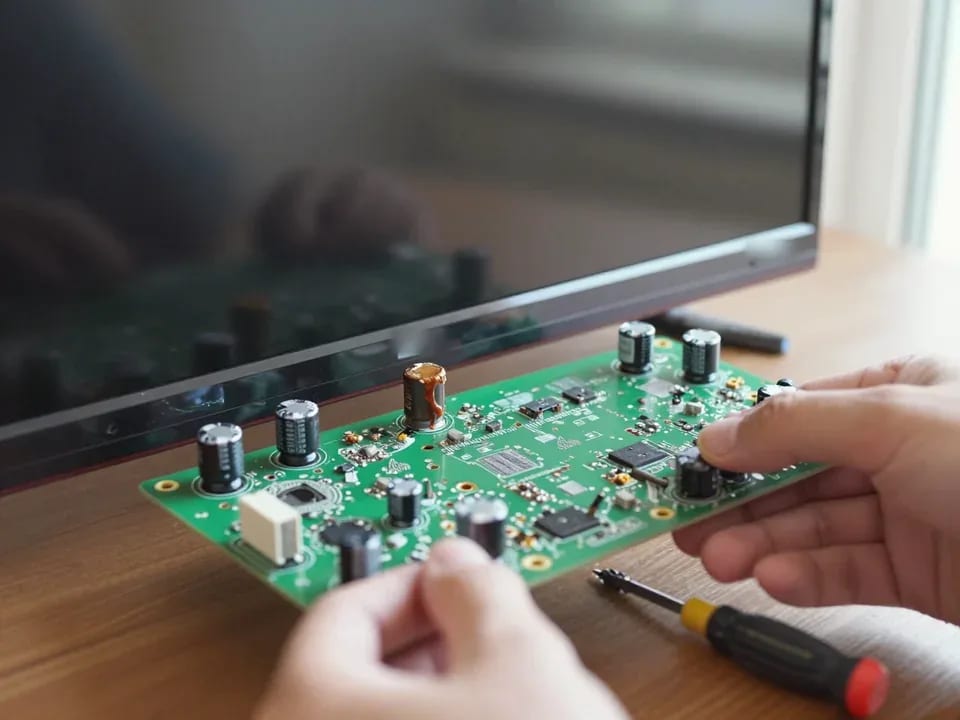
If your TV won't turn on, first check the outlet, power cable, and the button on the TV itself—not the remote.
21 November 2025 · 12 minutes read
If your laptop screen is broken, turn the device off first, don't press on the display, and check the picture through an external monitor.
12 March 2026 · 11 minutes read
If your phone won't charge, start by checking the adapter, cable, and port, then the charging settings.
16 February 2026 · 12 minutes read
If your laptop freezes, the first thing to do is restart it and check Task Manager to see what's loading the CPU and memory.
25 January 2026 · 12 minutes read
If your phone falls in water, take it out right away, turn it off, and don't charge it.
19 January 2026 · 12 minutes read
If your phone camera isn't working, first check app permissions, clear the cache, and restart your phone — this fixes some software glitches.
24 December 2025 · 13 minutes read