experience10 years
Vasiliy Z.
Senior TV repair technician

A technician arrives within 60 minutes anywhere in the city. Free diagnostics.
Our own technicians4 to 20 years of experience




Repair prices
Below are eight common symptoms and their likely causes, from most to least frequent.
power surge, blown power supply
from8 000 ₸
damaged screen, backlight failure
from9 000 ₸
speaker failure, audio amplifier fault
from8 000 ₸
overheating, power supply issue, software glitch
from9 500 ₸
matrix, ribbon cable, or T-CON board defect
from7 000 ₸
LED wear, driver fault
from8 000 ₸
dead batteries, dirty contacts
from8 000 ₸
matrix damage, moisture exposure
from9 500 ₸
1 visittime
from 9 000 ₸cost
 BeforeAfter

Five steps from request to checking the TV's performance.
Describe the problem, and the technician will arrange a time and address.
The technician arrives with tools and test equipment; the exact visit time is agreed when you place the request.
The technician finds the cause of the fault and quotes the repair cost.
You approve the list of work and the cost, and the technician starts the repair.
We check the picture and sound together after reassembling the TV.
The digital device repair department in Almaty has 7 technicians with 7 to 18 years of experience.
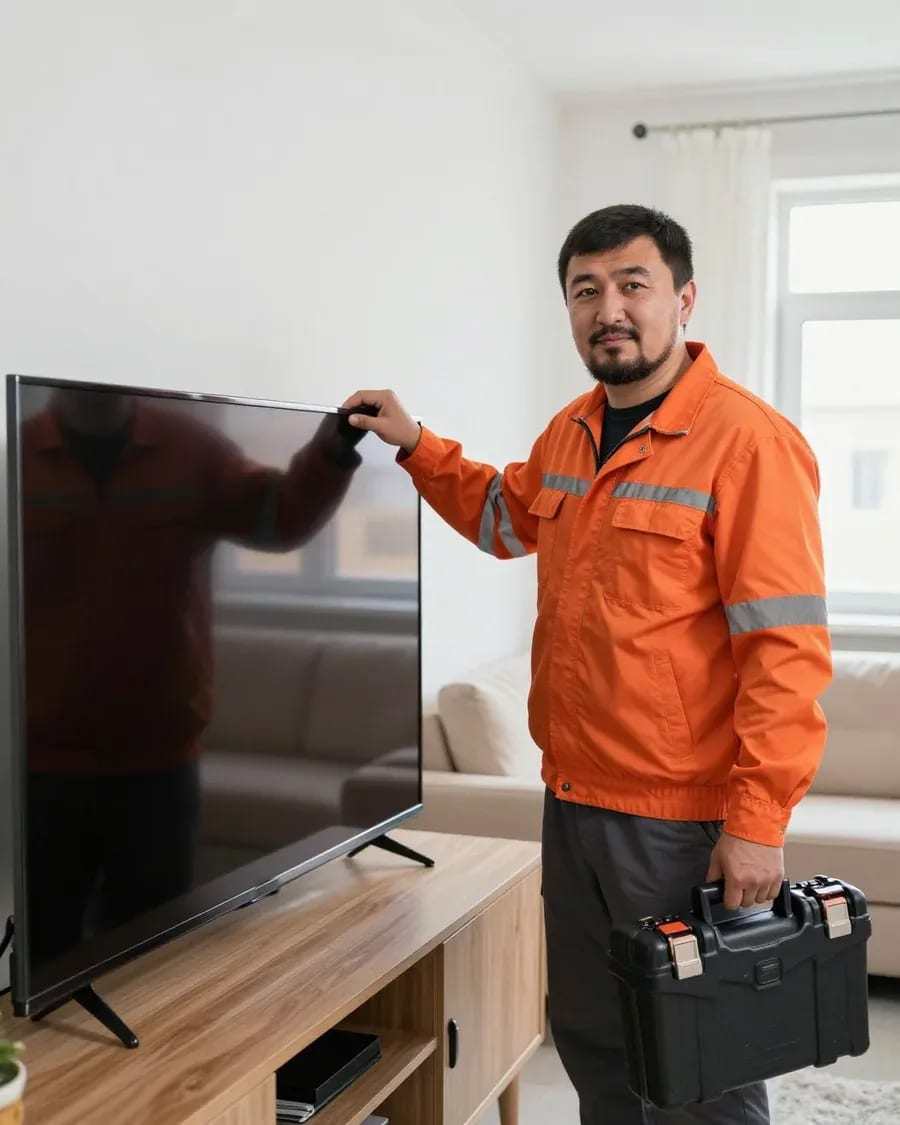
The department has 7 specializations — they are listed on the technicians' cards.
experience10 yearsSenior TV repair technician
 experience10 years
TV board repair technician
 experience10 years
Electromechanical technician
 experience13 years
Audio and DVD repair technician
 experience18 years
Smartphone repair technician
We reply during working hours
Describe the problem by phone or in the form on the site, and the technician will arrange a convenient visit time. 1-year warranty on labor and parts.

Warranty question? Call us
+7 (778) 021 13 16Tech Service repairs Sony TVs in Almaty with its own technicians who have 4 to 20 years of experience. A technician comes to your home within 60 minutes or accepts the device at the service center, diagnostics are free, and there is a 1-year warranty on labor and parts. The technician gives you the price after diagnostics.
A Sony TV rarely fails silently—it gives signals: the indicator blinks, the picture disappears, the splash screen freezes. Let's go over what each symptom means and what check you can do yourself.
The red indicator on a Sony Bravia blinks in series, and the number of flashes points to a specific unit—power supply, backlight, Main board, or T-Con. On Bravia with Direct LED, four flashes are more often linked to the backlight circuit, six or seven to the power supply, and a series of ten or more points to Main board errors. On Edge LED models with side backlighting, the flashing pattern is the same, but the strips fail earlier—the screen goes dark a few minutes after turning on. The T-Con board shows up differently: the image breaks into stripes or goes negative, and the indicator may not blink at all. Count the flashes up to the first long pause and write down the number—this figure shortens diagnostics and helps the technician bring the right part. If you can't figure it out yourself, a technician performs Sony TV repair in Almaty with a home visit. He fixes typical faults right at the client's place.
In most cases, "sound but no picture" on a Sony means the LED backlight has failed, not the panel, and we confirm this with free diagnostics. Inside the panel there are strips or rows of diodes: on Direct LED there are dozens, on Edge LED there are two to four strips along the edges, and the burnout of even some diodes turns off the whole screen, though sound and menu keep working. The panel itself stays intact—it is replaced only when there are cracks, dark spots, or stripes on the screen that don't disappear after warming up. You can check at home with a flashlight: shine light on the screen at an angle, and if a dim menu or channel logo appears, the backlight has failed and the panel is alive. This test takes a minute and immediately removes the owner's main fear—that the whole screen will have to be replaced.
After a power surge, a Sony most often suffers damage to the power supply, less often to the Main board, and we fix the consequences without replacing all the electronics. The switching power supply takes the hit first: the varistor, fuse, power switches, and input circuit capacitors burn out, so the TV stays silent and doesn't respond to the remote. If the surge came through the antenna cable or HDMI, the damage goes further—to the tuner or Main board—and then the device turns on but freezes on the logo. Restoration starts with testing the power circuit, not with replacing boards at random: a blown switch is replaced separately, and the secondary circuit diodes are checked along with it. Until the technician arrives, don't turn the TV on again—reapplying power can finish off the surviving components.
Sony Bravia, Android TV, and OLED models are built differently from Samsung or LG, and this changes the approach to diagnostics. Let's show what details the owner should know before contacting a technician: we handle Sony TV repair in Almaty with these differences in mind.
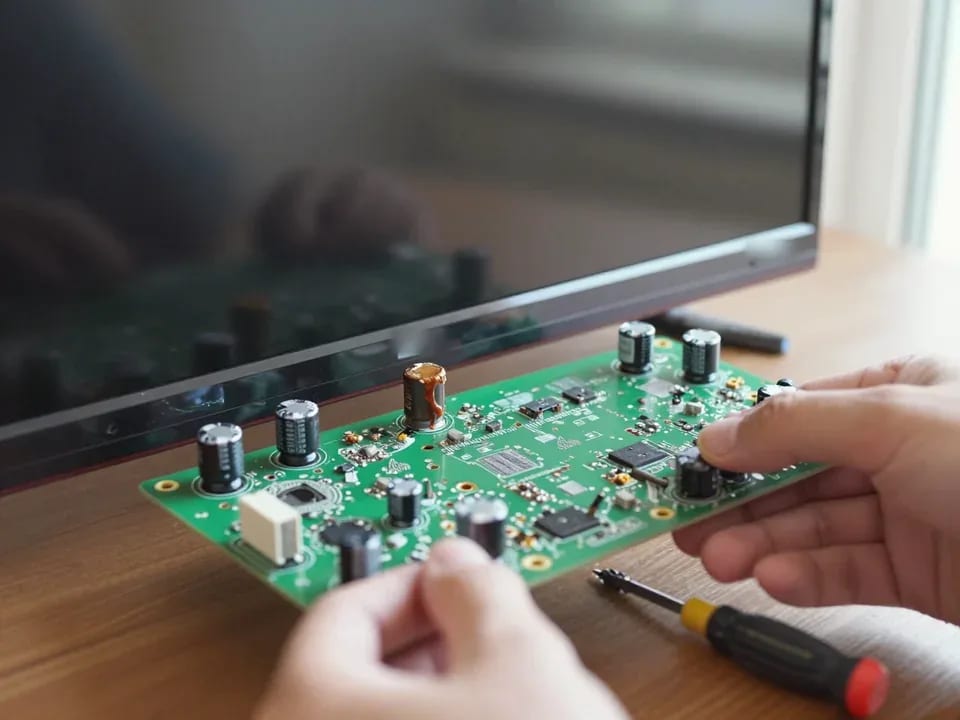
Sony Bravia has its own board architecture and backlight layout, so we diagnose by symptom and model, not by a universal scheme. The Main board on Bravia combines the tuner and signal processing, while the T-Con handles image scanning—stripes and artifacts on the screen almost always point to this ribbon cable or its connector. The backlight in Bravia lines consists of individual LED strips with their own driver, and failure of one strip creates a dark area rather than a complete loss of picture. On the premium Master Series line, panel fault detection is done especially carefully—a mistake during disassembly costs more than the repair itself. Therefore, before disassembly, we check the model against service documentation rather than relying on memory. If you need Sony TV repair at home, the technician takes these line-specific features into account during diagnostics.
Sony Android TV freezing on the logo is most often fixed by a software reset or reflashing, and we restore the system without replacing the board. Sony Google TV after a failed update can enter a boot loop: the screen shows the logo, then goes dark and repeats the cycle. In such cases, entering recovery mode, clearing the cache, and reinstalling the firmware helps. If the system boots but apps crash, we check free memory and the integrity of the data partition. If the splash screen returns after a reset, the cause is usually the memory module or firmware—then hardware diagnostics are needed. After restoring Android TV, we check that channels and accounts are intact and help set them up again if the reset affected them.
If Sony Bravia doesn't see Wi-Fi networks, the cause is more often the Wi-Fi module or a software glitch, and a non-working remote while the body buttons work points to the signal receiver. The Wi-Fi module on Bravia is soldered on a separate board and connected to the Main board by a ribbon cable—oxidation of the contact or a solder joint failure gives a gray network icon without a list of access points. The Sony remote is checked using the power button on the body: if the TV responds to it but not to the remote, we look for the problem in the IR receiver or the remote itself. Before bringing the TV in, it's worth checking the remote with a smartphone camera—the IR diode is visible as a purple flash, and this immediately rules out half the possibilities.
The technician fixes some Sony breakdowns right on site, while others require a workshop. Let's break down which jobs are done at the client's place and which are taken to the workshop.
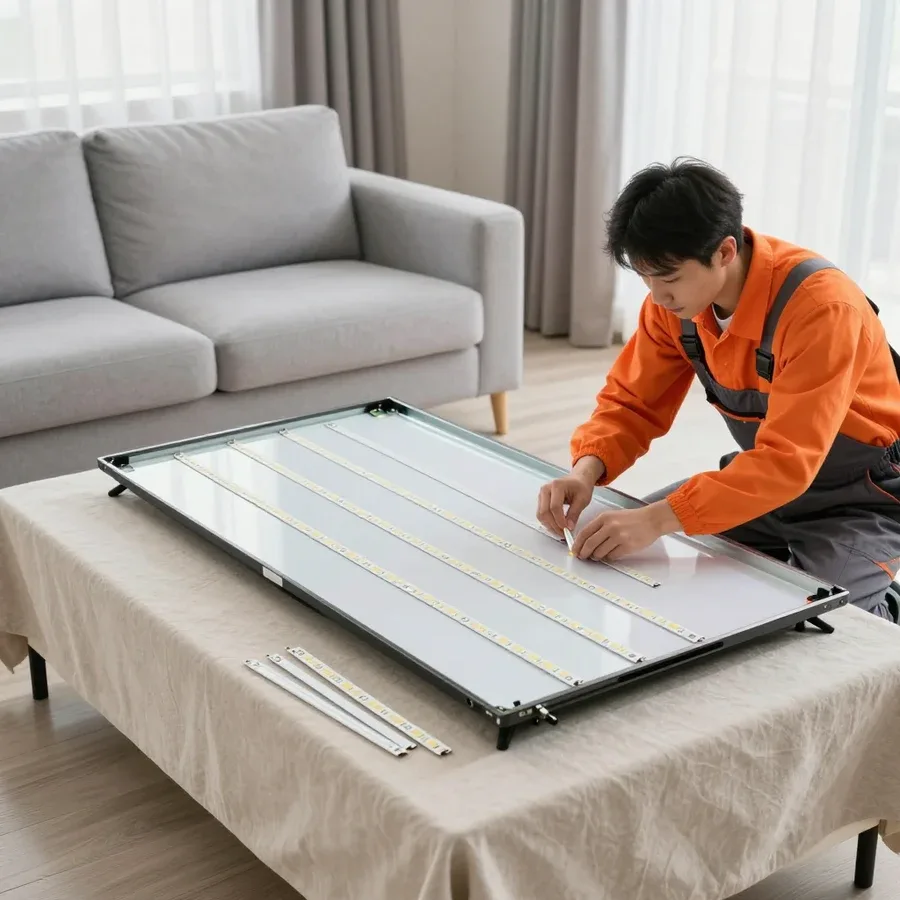
At the client's place, we fix backlight, power supply, Main board, and T-Con failures, and also restore Android TV—the on-site technician arrives within 60 minutes anywhere in the city. Sony TV repair at home is convenient because you don't need to transport the panel: the technician handles most of these failures right at the client's location. We replace LED backlight without taking the panel away: we check the strips and lines, and replace the inverter if necessary. We diagnose the power supply on site—most often the failure is related to the consequences of a power surge. We check the Main board and T-Con by marking and ribbon cables: some defects are fixed by resoldering connectors, others by replacing components. We restore Android TV via reflashing and checking the memory module if the issue is a software glitch rather than hardware. Working at the client's place saves time but requires free access to the TV—it's worth clearing the approach to the panel and the outlet in advance.
Matrix replacement and complex work with OLED panels are performed in the service center, where the panel can be carefully fault-detected and checked after assembly. Sony matrices are replaced only in the workshop: a large panel is easier to carefully fault-detect and check after assembly at the service site, and there are no such conditions in an apartment. Sony OLED requires even more careful handling—during fault detection, every connector and ribbon cable is checked because the panel reacts to the slightest pressure. If the breakdown affects the matrix itself or the OLED layer, on-site work is not suitable: we perform such repairs in the service center. It's better to transport a large Sony in its original packaging or vertically with fixation—pressure on the corner of the panel causes cracks that weren't there before.
| Repair | Where we do it | What we check |
|---|---|---|
| LED backlight replacement | at your home | strips, bars, inverter |
| Power supply repair | at your home | power, surge damage |
| Main board and T-Con repair | at your home, less often in the shop | board markings, ribbon cables |
| Android TV recovery | at your home | software, memory module |
| Panel replacement | in the shop | panel, connectors |
| OLED panel repair | in the shop | careful fault diagnosis |
From request to final check, Sony repairs follow clear steps. Here's how the process works, who comes to you, and what protection the warranty on completed work gives you.
First comes free diagnostics based on the symptom and model, then the technician quotes the price, and after you approve it, he does the work and checks the TV. Diagnostics are free: our technician checks the backlight, power supply, and main board, and measures voltages at the outputs. Based on the results, he explains which component failed and what work is needed. The owner learns the cost after free diagnostics, once the technician determines which part needs replacement. After approval, the work itself begins, and at the end there's a check: we turn the unit on, check the picture, sound, HDMI input switching, and response to the remote. Asking for a price before diagnostics makes no sense — the cause of "sound but no picture" could be the backlight or the board, and the work is different.
We provide a 1-year warranty on labor and a 1-year warranty on parts — this applies to both backlight replacement and board recovery. The same term applies to on-site service and in-shop work: the conditions don't depend on where the unit was repaired. If the TV acts up again later, the technician returns and finds the cause. The parts warranty is especially important during backlight replacement: the strips work together with the inverter, and the failure of one component shouldn't fall on the owner. The strips work together with the connection connectors, so they are replaced together. Before handing over the TV, the technician checks the picture and sound once more to make sure the unit works properly after reassembly.
A Tech Service technician with 4 to 20 years of experience will come to you, specializing in Sony TVs rather than all brands at once. Such a specialist recognizes typical Bravia and Master Series symptoms from your description and won't confuse them with a power supply failure in another model. City-wide visits within 60 minutes of your request. You can pay via Kaspi QR, Kaspi Red, bank card, cash, or bank transfer for companies: cash, card, transfer. When you call, give the model and the number of indicator blinks — that way the technician understands the nature of the fault in advance and comes prepared. The technician services Sony TVs at your home under the same warranty rules as in the shop, and the Sony TV repair center accepts units that are easier to bring in.
Sometimes a service visit comes down to the cost of the panel or board. Let's honestly look at when repair makes sense and when it's easier to replace the TV.
Restoring an old Sony makes sense if the problem is in the backlight, power supply, or software, but replacing the panel on models from previous years often costs as much as buying a new TV. The backlight and power supply are repairable components: strips, LED bars, and capacitors can be replaced without touching the panel itself. It's a different story with screen degradation or a crack: here the work comes down to the main and most expensive component of the device. On OLED models, you also need careful panel diagnostics, because organic layers don't tolerate mistakes during disassembly. People often skip screen replacement on older generations: by that time, the other components are already worn out, and the investment doesn't pay off. The decision should be made after diagnostics: the same model may need just a simple strip replacement or a full screen replacement—guessing before opening it up is pointless.
Technically, replacing a Sony panel is possible, but if there's a crack after an impact, we honestly tell you when the work isn't worth the investment. The screen itself is the most expensive component of a TV, and on older models, finding one becomes a separate challenge: compatible panels are rare, and transferring from a donor requires matching the revision. If the screen is damaged by impact, the ribbons and connectors often suffer too—they'll also need replacing, and that should be factored into the decision. Lines and dead pixels without mechanical damage can sometimes be fixed by resoldering the ribbon, but a crack always means replacing the entire panel. At the Sony TV service center, we first show you the defect and explain the options: the technician gives you the cost after free diagnostics, and the decision is yours.
Here's the key things a Sony owner should keep in mind before calling a technician: from decoding the indicator to deciding whether repairing the device is worthwhile.
Tech Service technicians repair other appliances too — with the same 1-year warranty on labour and parts.
 Refrigerator Repair in Almatyfrom 3 000 ₸
 Washing Machine Repair in Almatyfrom 3 000 ₸
 Dishwasher Repair in Almatyfrom 3 500 ₸
 Oven Repair in Almatyfrom 3 000 ₸
 Cooktop Repair in Almatyfrom 3 500 ₸
 Air Conditioner Repair in Almatyfrom 3 500 ₸
 Boiler and Water Heater Repair in Almatyfrom 2 500 ₸
 Freezer Repair in Almatyfrom 6 000 ₸
 Tumble Dryer Repair in Almatyfrom 5 000 ₸
 Coffee Machine Repair in Almatyfrom 2 500 ₸
 Robot Vacuum Cleaner Repair in Almatyfrom 3 500 ₸
 Vacuum Cleaner Repair in Almatyfrom 1 500 ₸
 Microwave Oven Repair in Almatyfrom 2 000 ₸
 Hair Dryer Repair in Almatyfrom 1 500 ₸
 Iron Repair in Almatyfrom 3 000 ₸
 Electric Kettle Repair in Almatyfrom 2 500 ₸
 Mixer Repair in Almatyfrom 2 500 ₸
 Multicooker Repair in Almatyfrom 500 ₸
If your TV won't turn on, first check the outlet, power cable, and the button on the TV itself—not the remote.
21 November 2025 · 12 minutes read
If your laptop screen is broken, turn the device off first, don't press on the display, and check the picture through an external monitor.
12 March 2026 · 11 minutes read
If your phone won't charge, start by checking the adapter, cable, and port, then the charging settings.
16 February 2026 · 12 minutes read
If your laptop freezes, the first thing to do is restart it and check Task Manager to see what's loading the CPU and memory.
25 January 2026 · 12 minutes read
If your phone falls in water, take it out right away, turn it off, and don't charge it.
19 January 2026 · 12 minutes read
If your phone camera isn't working, first check app permissions, clear the cache, and restart your phone — this fixes some software glitches.
24 December 2025 · 13 minutes read