experience10 years
Vasiliy Z.
Senior TV repair technician
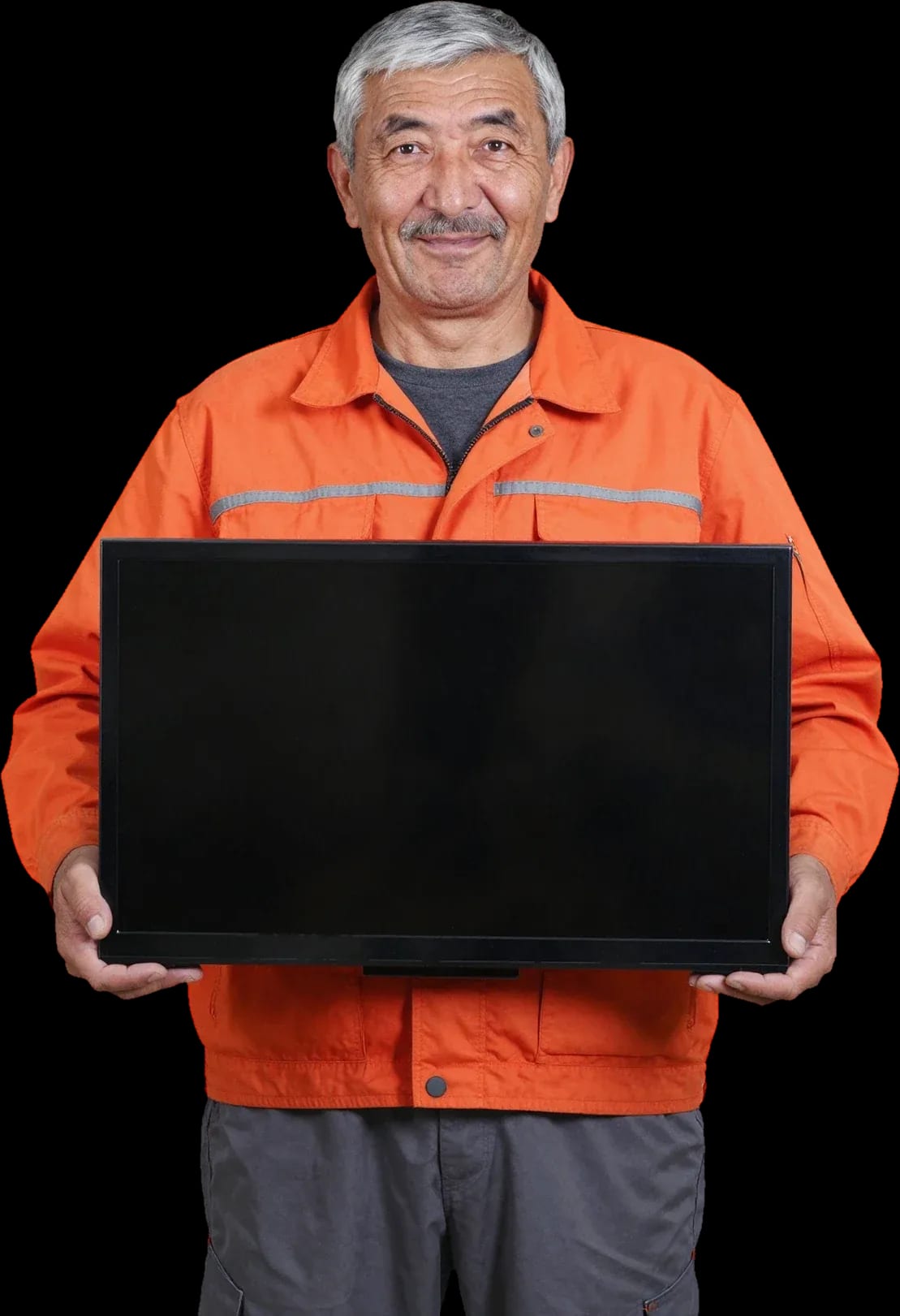
Free diagnostics. A technician arrives within 60 minutes anywhere in the city.
Our own technicians4 to 20 years of experience




Repair prices
The symptoms Shivaki TV owners most often report, and their likely causes.
power supply, power cord, or button
from8 000 ₸
backlight, inverter, or mainboard
from9 500 ₸
panel ribbon cable, T-CON board, or panel
from9 500 ₸
remote, IR receiver, or motherboard
from8 000 ₸
speakers, amplifier, or settings
from7 000 ₸
overheating, power supply, or board
from3 500 ₸
LEDs, inverter, or power supply
from9 000 ₸
firmware, capacitors, or processor
from8 000 ₸
1 visittime
from 9 000 ₸cost
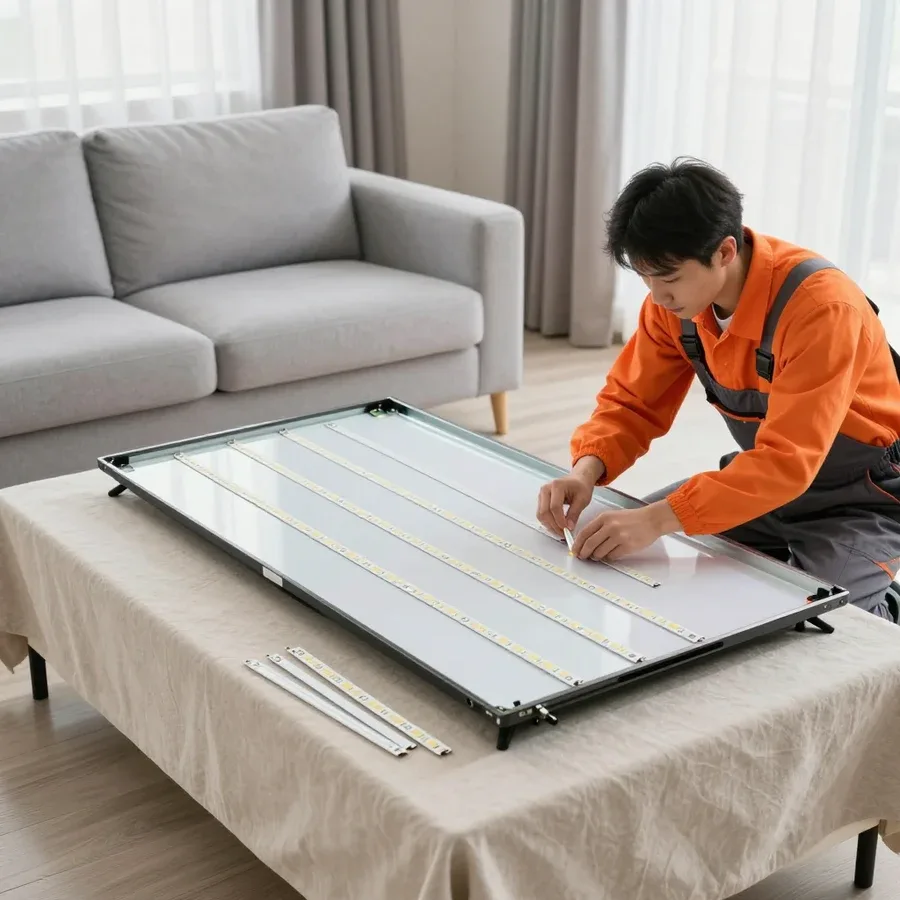 BeforeAfter

From request to final check — five steps, with free diagnostics.
Send a request, describe the symptom and your Shivaki TV model.
The technician comes anywhere in the city to inspect the TV on site.
The technician identifies the cause and gives you the price before any work starts.
You approve the work and parts, and the technician starts the repair.
The technician shows you the TV working after reassembly and answers any questions about using it.
The digital device repair department in Almaty has 7 technicians with 7 to 18 years of experience.
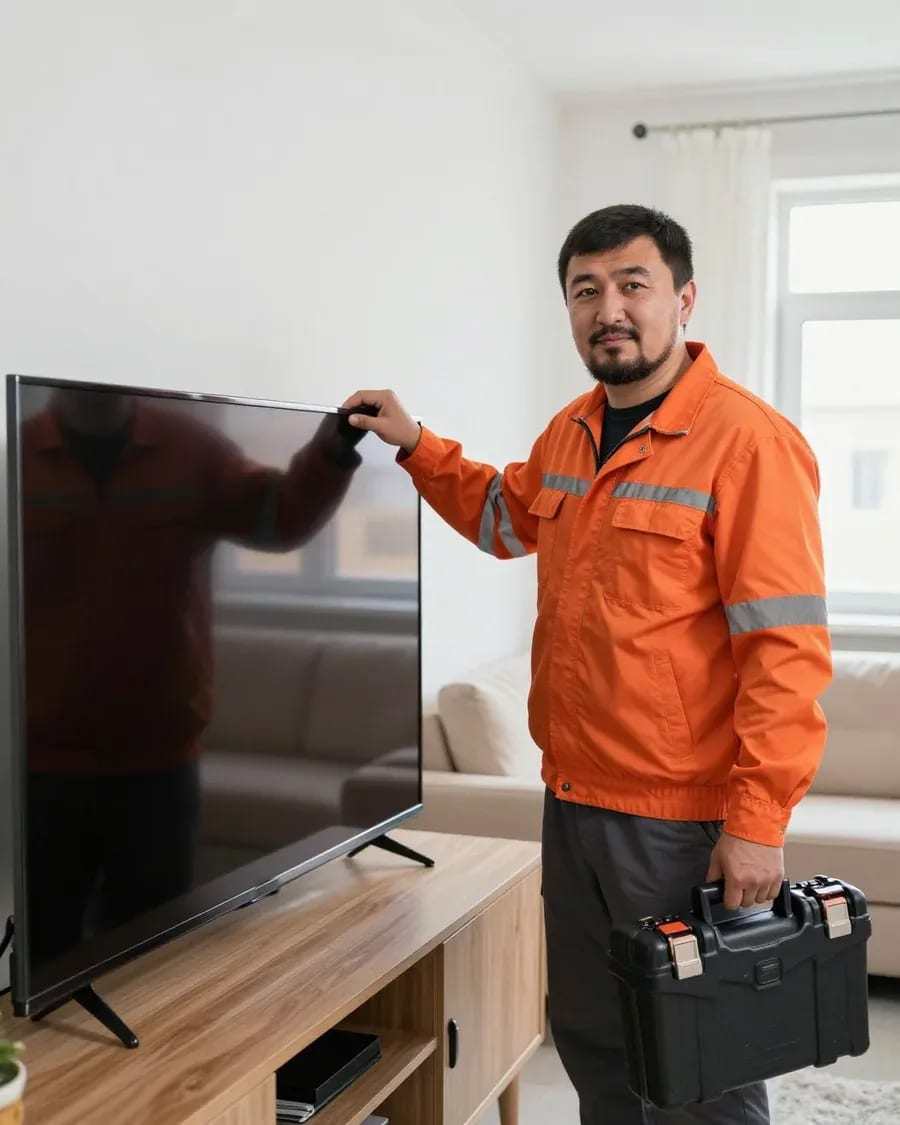
The department has 7 specializations — they are listed on the technicians' cards.
experience10 yearsSenior TV repair technician
 experience10 years
TV board repair technician
 experience10 years
Electromechanical technician
 experience13 years
Audio and DVD repair technician
 experience18 years
Smartphone repair technician
We reply during working hours
Describe the fault with your Shivaki TV and a time that works for you — the technician will confirm the visit and arrive with tools and a tester.

Warranty question? Call us
+7 (778) 021 13 16Tech Service repairs Shivaki TVs in Almaty as a direct provider: our technician comes to your home within 60 minutes anywhere in the city or takes the TV to our service center. Diagnostics are free, the technician gives you the price after diagnostics, and we provide a 1-year warranty on labor and parts. Our technicians have 4 to 20 years of experience.
We immediately address the doubt "will anyone take on a Shivaki": we know this brand and service it as a direct provider, without middlemen. Below we explain which models we accept, when restoration makes sense, and why this matters.
We service Shivaki LED and LCD TVs, including Smart TV, and we also take in older models — we decide on each specific panel after free diagnostics. The Shivaki lineup is diverse: budget LED chassis and CRT sets have different troubleshooting logic, a different set of components, and different typical failures. On CRT models, technicians more often check the horizontal output stage and power supply; on LED models, the backlight, inverter, and main board. That's why the technician first determines the panel type and chassis, and only then builds a inspection plan instead of replacing components at random. Our Shivaki TV repair in Almaty starts with this sorting: it saves time and prevents replacing a working component. If the panel cannot be restored, we will tell you honestly after diagnostics.
The decision depends on which component failed: local repair of the power supply or backlight usually keeps the TV alive, while replacing the matrix on a budget panel often costs as much as buying a new one. The power supply and LED backlight are repairable components; restoring them gets the set working again without replacing the screen. The matrix is the most expensive component, and on inexpensive diagonals its replacement is rarely justified. Another factor is the store warranty: if the set is under the seller's warranty, independent intervention may change its terms. In my opinion, you should first understand what exactly broke, and only then decide the fate of the panel. Diagnostics provides that answer — without it, the choice between restoration and purchase remains a guess.
Tech Service is a direct provider: our own technician comes to you, not a contractor from a platform, and we provide the 1-year warranty on labor and parts, not a third party. Technician arrival is within 60 minutes anywhere in the city, diagnostics are free, and you can pay via Kaspi QR, Kaspi Red, bank card, cash, or bank transfer for companies. When the same service handles everything from diagnostics to final check, responsibility for the outcome isn't diluted between a middleman and a technician. When you work through an aggregator, you deal with a dispatcher, and the contractor may change from request to request — and warranty obligations fall on the platform, not on the person with the tools. With us, the technician who arrived is responsible for the result. That's why we provide the 1-year warranty on labor and parts, instead of referring you to a contractor.
We break down a typical Shivaki LED chassis by components so the reader understands which symptom points to which component and why the same external sign can lead to different boards.
In a typical Shivaki LED TV, picture and sound rely on a combination of power supply, main board, T-CON, LED backlight with driver, and matrix, connected by ribbon cables. The power supply converts mains voltage into operating lines for the other boards, the main board receives the signal and distributes it, the T-CON controls the matrix and forms the image, and the backlight driver sets the current for the LED strips behind the panel. The panel ribbons connect the T-CON to the matrix and transmit pixel rows and columns, so any poor contact in them shows up as stripes or a missing picture. Understanding this chain matters because the same external symptom — for example, a dark screen with working sound — can point to different components, and without separating the panel from its surroundings, diagnostics becomes guesswork. That's why Shivaki TV repair in Almaty starts with checking each component of this chain separately.
| Symptom | Likely component | What we check |
|---|---|---|
| Won't turn on, indicator blinking | Power supply, backlight driver | Power and backlight circuit |
| Sound but no picture | LED backlight, driver | Panel glow, driver circuit |
| Lines and picture defects | T-CON, panel ribbons | Connections and control board |
| Turns off by itself after warming up | MainBoard, power supply | Heating and power stability |
| No sound with picture | Speakers, audio path | Audio path and speakers |
| Freezes in Smart TV, no Wi-Fi | MainBoard, Wi-Fi module | Firmware and communication module |
| Burnout after power surge | Power supply | Power circuits after surge |
With Shivaki, lines on the screen don't always mean the matrix: often the ribbons or T-CON are to blame, and that's determined during diagnostics, not by appearance. Panel ribbons connect the T-CON and the matrix, and a microcrack in a contact produces the same picture as a dying panel — but costs far less to fix. Overheating also confuses the picture: a TV that turns off after warming up can suffer from both dried-out capacitors in the power supply and degraded thermal paste under the MainBoard. That's why the technician first rules out the cheap-to-fix causes — connections and the control board — and only then draws a conclusion about the panel: this way you don't pay for a matrix replacement where resoldering a connection would have been enough. In our practice, separating these scenarios saves both time and the owner's money.
A blinking indicator on the Shivaki case is the first signal the owner sees. Let's break down how to read this indication, why the same number of flashes leads to different components, and when the cause isn't electronics at all.
A blinking indicator on a Shivaki most often signals a problem in the power supply or backlight circuit, not a failure of the matrix itself. The red LED in standby mode blinks when the MainBoard detects abnormal voltage at the power supply output or gets no response from the backlight driver. The picture disappears or appears for a second and goes dark, while sound may remain. The backlight driver is directly linked to the blinking: when LEDs in the strip are shorted, protection triggers cyclically, and the TV goes into restart. The number and rhythm of flashes differ between chassis, so there's no universal decoding: the technician counts the sequence and checks it against the specific board, not a generic table from the internet. If the indication is confusing, TV repair in Almaty starts with free diagnostics that will show which component to check first.
For us, decoding a Shivaki code starts with the board marking: the same code on different chassis points to different components, so we don't rely on generic lists. The MainBoard and power supply markings define the chassis series, and from that the technician understands which flash sequence is tied to what on this specific assembly. Shivaki parts are selected by board marking, not by the model name on the sticker: the same diagonal line can have different MainBoards depending on the batch and revision. The error code narrows the search area to the power supply, driver, or main board, but doesn't name the burned-out element. The practical point is that the code suggests which component to check first, while the actual cause is confirmed by an on-site check.
Sometimes a Shivaki TV doesn't respond to the remote and the indicator blinks not because of a board failure, but because of a dead battery in the remote or a stuck button on the TV itself. The IR receiver on the front panel picks up the signal, but the MainBoard doesn't start the cycle if the command comes in distorted or repeats endlessly from a held-down key. In that case, the indicator blinks to the rhythm of incoming commands, not an error code. It's worth checking the batteries in the remote, removing any foreign object from the buttons, and turning on the TV with the button on the body — if the picture appears, the electronics are fine. Before taking the TV to a service center, check the remote and buttons: this is the most common cause of "dead" controls, and it doesn't require touching the electronics.
We show the technical sequence of Shivaki checks from the power supply to the panel and explain where the TV owner fits into this process and what happens at each stage.
Our Shivaki diagnostics start with the power supply and backlight circuit, because they produce most of the "won't turn on" and "no picture" symptoms. First, the technician measures the output voltages under load and checks whether the source holds up during startup. Then they check the driver and LED strips: whether the circuit is intact, whether the glow is even, and whether any segments are burned out. If these components are fine, we move on to the T-CON and panel. Shivaki TV repair in Almaty follows exactly this sequence — from the power source to the panel. The inspection is free, so disassembling components doesn't turn into a separate expense for the owner. This order saves time: when the power source and LED strips are working, the technician goes to the T-CON and panel instead of taking the screen apart at random.
Can we replace the backlight without replacing the screen — we replace Shivaki backlight as a set without touching the panel: when there's sound but no picture, it's usually the LED strips or their driver. The panel stays in place during this operation — the technician removes the protective layers and installs new strips as a whole. The driver is checked separately, because working LEDs with a faulty driver still won't produce stable glow. Replacing as a set rather than individual LEDs reduces the risk of repeat failure: the new circuit works evenly, and the panel doesn't have to be opened a second time. Usually it's not one diode that burns out but the entire strip — spot soldering gives uneven brightness and visible spots on the screen. So before disassembly, make sure the panel is intact, and after replacement, check even glow across the entire area.
Let's cover three practical questions: will we find parts for Shivaki, will a specialist come to you, and what you get along with the warranty after the work is done.
We select Shivaki components by the board marking and panel model, not by eye, so compatibility is confirmed before we order a part. We cross-check the mainboard, power supply, and LED strips against the chassis revision: in budget series, the same model can come with different boards, and visually identical units are not interchangeable. If the required revision is not available, the technician will discuss next steps with you before you make a decision — so you decide with the full picture. For Shivaki LED chassis, some units are replaced as an assembly, such as the backlight as a complete kit, and this is more reliable than hunting for a separate element for a specific board revision: the assembly arrives matched and requires no connector fitting.
We arrive at your home within 60 minutes anywhere in the city, or we take the TV to the shop if the specific fault requires bench repair. The on-site technician performs free diagnostics at your place and handles typical power, board, and settings issues right there. Complex cases involving the panel and backlight are better handled in the workshop: a large screen is easy to damage in transit, and on the bench it is disassembled under calm conditions. The choice of scenario depends on the unit — some checks and replacements are done on site, the rest is agreed with you separately. The 60-minute technician visit applies citywide: travel does not affect either the timeframe or the work order.
We provide a 1-year warranty on labor and parts, and the technician quotes the price after free diagnostics, once the cause is known. The 1-year warranty covers both the installed unit and the labor itself. You can pay via Kaspi QR, Kaspi Red (instalments), bank card, cash, or bank transfer for companies, and diagnostics are free — even if you decide not to proceed with the repair. Based on our technicians' 4–20 years of experience, this approach removes the main fear — paying for an inspection blind: first you understand what broke and how much the fix will cost, and only then do you make a decision. That is why we do not quote a sum in advance — it can only be quoted honestly after checking the units, not from a description of the symptom.
Shivaki TV repair comes down to three things: understand which unit is causing the symptom, check it in the right order, and make sure the part is compatible with the specific chassis. Below is a short summary of the whole article.
Tech Service technicians repair other appliances too — with the same 1-year warranty on labour and parts.
 Refrigerator Repair in Almatyfrom 3 000 ₸
 Washing Machine Repair in Almatyfrom 3 000 ₸
 Dishwasher Repair in Almatyfrom 3 500 ₸
 Oven Repair in Almatyfrom 3 000 ₸
 Cooktop Repair in Almatyfrom 3 500 ₸
 Air Conditioner Repair in Almatyfrom 3 500 ₸
 Boiler and Water Heater Repair in Almatyfrom 2 500 ₸
 Freezer Repair in Almatyfrom 6 000 ₸
 Tumble Dryer Repair in Almatyfrom 5 000 ₸
 Coffee Machine Repair in Almatyfrom 2 500 ₸
 Robot Vacuum Cleaner Repair in Almatyfrom 3 500 ₸
 Vacuum Cleaner Repair in Almatyfrom 1 500 ₸
 Microwave Oven Repair in Almatyfrom 2 000 ₸
 Hair Dryer Repair in Almatyfrom 1 500 ₸
 Iron Repair in Almatyfrom 3 000 ₸
 Electric Kettle Repair in Almatyfrom 2 500 ₸
 Mixer Repair in Almatyfrom 2 500 ₸
 Multicooker Repair in Almatyfrom 500 ₸
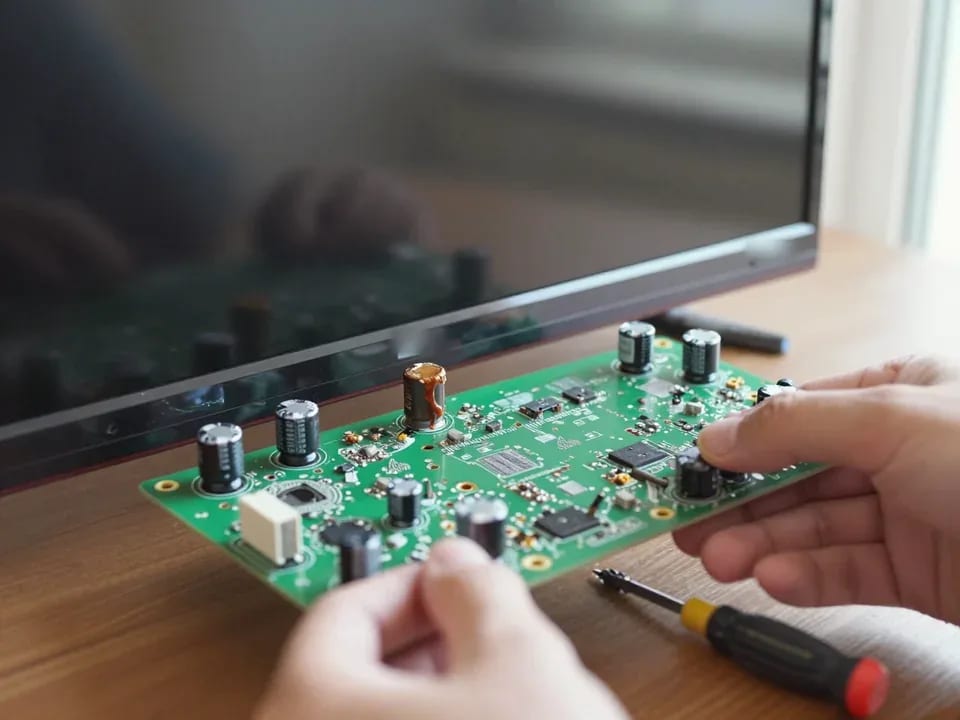
If your TV won't turn on, first check the outlet, power cable, and the button on the TV itself—not the remote.
21 November 2025 · 12 minutes read
If your laptop screen is broken, turn the device off first, don't press on the display, and check the picture through an external monitor.
12 March 2026 · 11 minutes read
If your phone won't charge, start by checking the adapter, cable, and port, then the charging settings.
16 February 2026 · 12 minutes read
If your laptop freezes, the first thing to do is restart it and check Task Manager to see what's loading the CPU and memory.
25 January 2026 · 12 minutes read
If your phone falls in water, take it out right away, turn it off, and don't charge it.
19 January 2026 · 12 minutes read
If your phone camera isn't working, first check app permissions, clear the cache, and restart your phone — this fixes some software glitches.
24 December 2025 · 13 minutes read