 experience6 years
Dmitriy R.
PC and laptop diagnostics technician
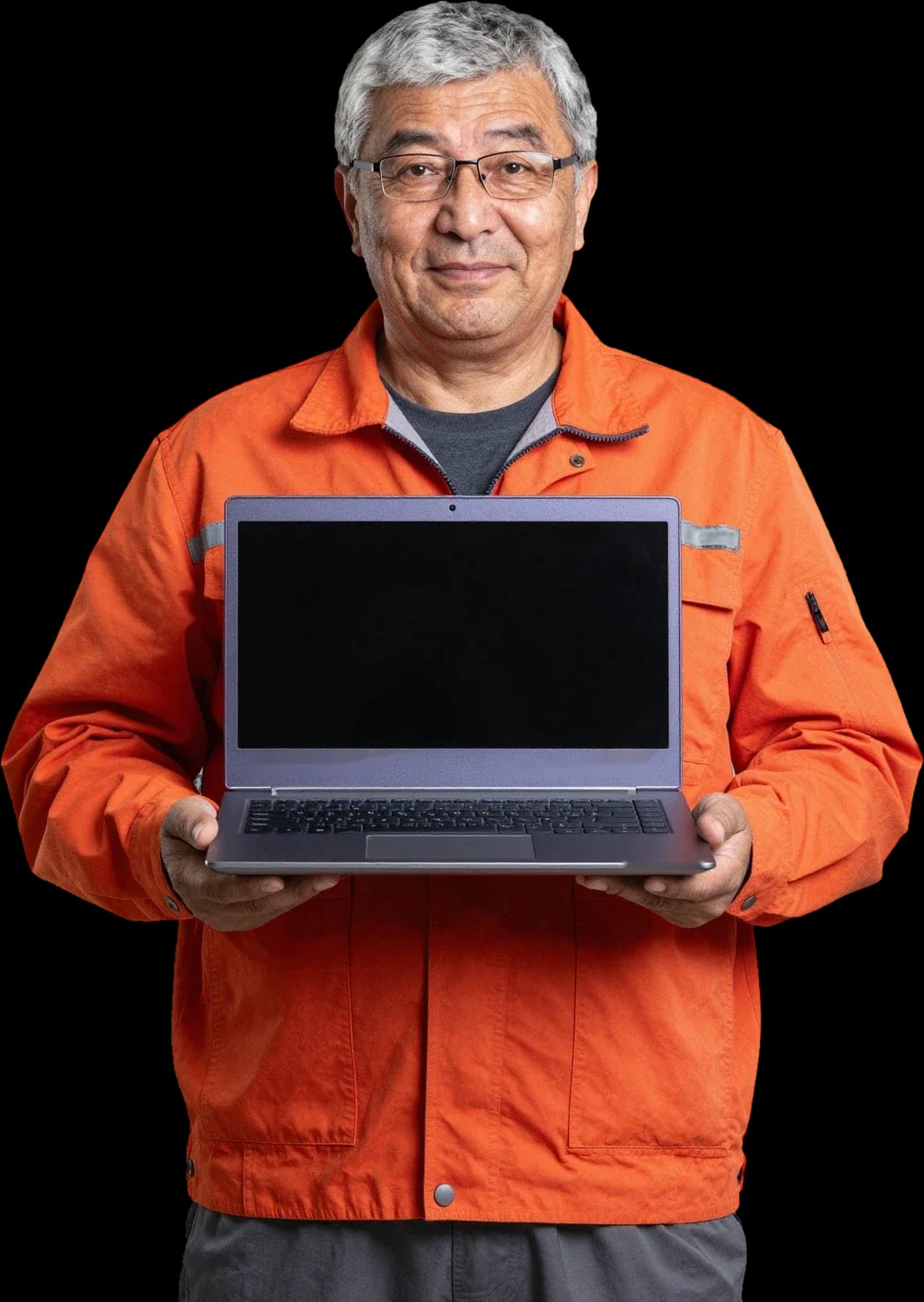
Free diagnostics, technician arrives within 60 minutes anywhere in the city. 1-year warranty on labor and parts.
Our own technicians4 to 20 years of experience




Repair prices
Symptoms customers most often report. The technician identifies the exact cause after free diagnostics.
power circuit, button, controller
from10 000 ₸
dust in heatsink, thermal paste, fan
from6 000 ₸
physical damage to matrix, cable
from6 500 ₸
sticking keys, cable, liquid damage
from6 500 ₸
power jack, battery, controller
from10 000 ₸
bearing wear, dust, imbalance
from4 500 ₸
board corrosion, short circuit
from11 500 ₸
cable, connector, drive
from6 500 ₸
1–2 hourstime
from 10 000 ₸cost
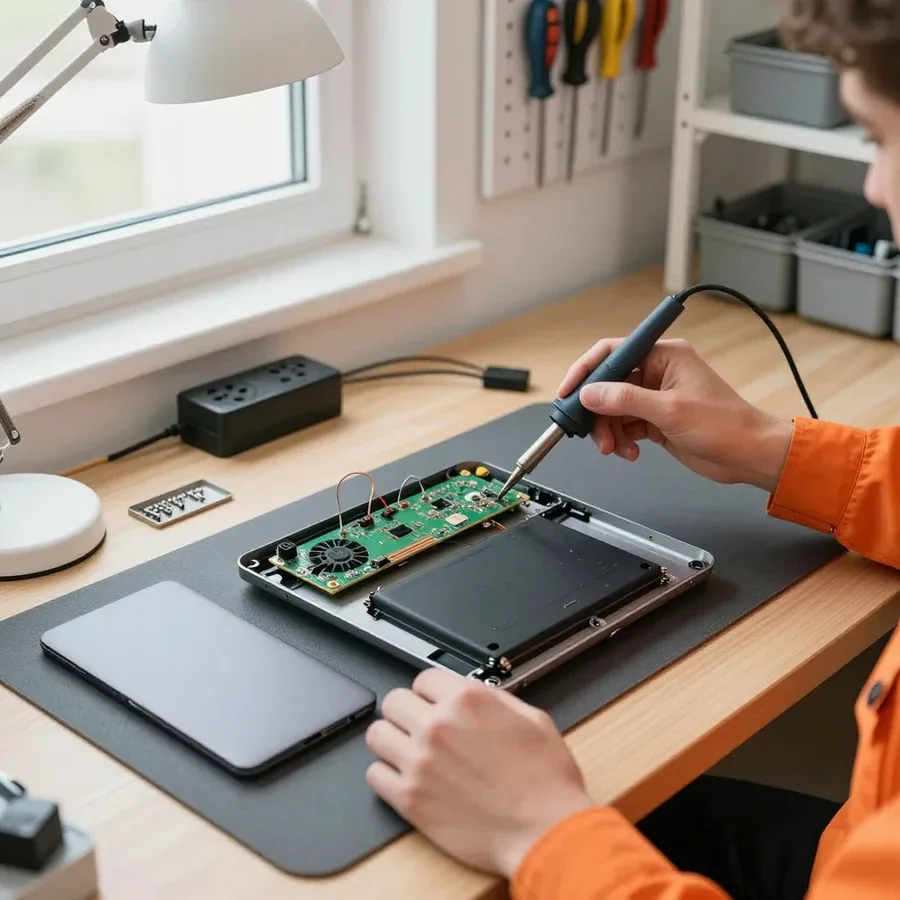 BeforeAfter

Five steps from request to device handover.
Describe the symptom and laptop model — the technician will prepare for the visit.
The technician arrives at your address, inspects the laptop, and identifies the cause of the issue.
The technician confirms the address and time, and checks if there's access to a power outlet and a table to work on.
The technician performs the repair and checks the device's components.
The technician explains what was replaced and how to handle the laptop in the first days after repair.
The computer and laptop repair department in Almaty has 7 technicians with 6 to 15 years of experience.

The department has 7 specializations — they are listed on the technicians' cards.
experience6 yearsPC and laptop diagnostics technician
 experience8 years
Laptop repair engineer
 experience7 years
PC and laptop repair technician
 experience10 years
Graphics card repair technician
 experience10 years
Software installation specialist
We reply during working hours
Provide the model and symptom — the technician will estimate the repair cost before the visit.

Warranty question? Call us
+7 (778) 746 01 65
Author: Dmitriy R.,PC and laptop diagnostics technician
Published
Updated
Tech Service repairs Sony and VAIO laptops in Almaty: our technician comes to your home within 60 minutes anywhere in the city, or the work is done at our service center. Diagnostics are free, there's a 1-year warranty on labor and parts, and technicians have 4 to 20 years of experience. The technician gives you the price after diagnostics.
We service Sony and VAIO laptops of all series, including models that have long been discontinued. We work as a direct provider: our own technician comes to your request, not a middleman.
We repair Sony VAIO laptops from various series, including Fit, S Series, and Sony ultrabooks, as well as older models that have long been discontinued. We handle Sony laptop repair in Almaty for all these series, including aging units. For older units, we source parts from dismantlers and compatible analogs, and for chassis components, a donor base often helps. Our technicians have worked with the lineup since its early generations, so they know where these chassis have weak spots and which components fail first. In older units, hinges, connectors, and the cooling system wear out more often, so during inspection we check them first, not just the reported issue. In my opinion, it's the old machines that require the most careful inspection: the owner brings in a laptop with one complaint, and during diagnostics it turns out the cause is in a different component.
Sony laptops have dense layouts and thin chassis, so disassembly requires care, and some fasteners and ribbon cables are fragile and easily damaged during careless opening. The matrix cable in ultrabooks runs right next to the hinges, and it's easy to tear if the lid is opened at the wrong angle. The video chip on many models is soldered onto the board next to the heatsink rather than being a separate module. Because of the dense layout, overheating in these chassis leads to video chip degradation faster, so cooling maintenance should be done earlier than on regular laptops. In our practice, most requests for this lineup are related to overheating and the consequences of a clogged heatsink, not drops or liquid spills.
We break down frequent symptoms in Sony laptops, their likely causes, and what we check during diagnostics so we don't replace parts at random.
Most often the cause is in the power circuits or the power supply, less often in the motherboard; we examine the power and charging circuits during free diagnostics before changing anything. The technician measures the input voltage, checks the startup circuits for continuity, and sees how the board responds to the power button. We test the power supply separately: unstable output voltage gives the same symptoms as a board failure, and swapping one for the other leads to unnecessary work. The motherboard in Sony VAIO models often suffers from overheating and voltage spikes, so after checking the power supply we also inspect it. If the laptop doesn't respond to the button but the charge indicator is on, the problem is usually not the battery but the startup circuits — this narrows the search and saves time.
Overheating and noise in VAIO are usually related to a clogged cooling system and dried thermal paste; we clean the cooling system, replace the thermal paste, and check whether the video chip has been damaged by overheating. Dust compacts on the heatsink fins, airflow drops, and the temperature under load rises faster than the manufacturer intended. Over the years, thermal paste loses its properties: a gap appears between the processor and the heatsink, heat dissipates worse, and the fan starts running at maximum speed to compensate for the loss. The video chip in VAIO heats up more than other components, so it suffers first from prolonged overheating — we assess its condition separately from cleaning. If noise remains after cleaning, the cause may be a worn fan rather than dust — then the part is replaced, otherwise overheating will return.
The motherboard, screen, and video chip are the components that most often worry Sony VAIO owners and require detailed explanation. Here we explain exactly what we check and replace in each case.
We restore the Sony laptop motherboard, including power circuits and chip replacement, and in case of video chip overheating we perform reballing or install a new chip. The technician opens the case, tests the power circuits with a multimeter, checks voltage stability under load, and inspects the board for signs of overheating and oxidation. Reballing restores the contact between the die and the board when the solder balls have degraded from heating and cooling cycles; installing a new chip is necessary if the die is damaged. We also check the charging circuit separately: an oxidized contact in the power jack produces the same symptoms as a burnt controller but is easier to fix. In our experience, motherboard repair makes sense when the other components are intact—then it costs less than buying a new laptop, but the decision is made only after diagnostics.
We replace the matrix and cable on Sony VAIO; the panel is a fragile component, so during installation we carefully handle the mounts and the conductive trace to avoid damaging adjacent components. First, the technician removes the screen bezel, disconnects the cable from the board, and checks it for kinks and oxidized contacts, then evaluates the panel itself by backlight uniformity and presence of dead pixels. If the image disappears or flickers, the cause may be in the connecting cable rather than the matrix itself—testing it during diagnostics allows us to avoid replacing a working screen. When installing a new panel, the technician adjusts the hinges without skew so the mounts don't crack again, and selects the part by diagonal and resolution for the specific VAIO model. In my opinion, it is precisely the care with mounts that distinguishes a durable result from a repeat visit a month later.
| Component | What we check | What we do if confirmed |
|---|---|---|
| Motherboard | power circuits, chips | repair, reballing, chip replacement |
| Matrix and cable | image, cable | matrix or cable replacement |
| Keyboard | contacts, cable | keyboard replacement |
| Case and hinges | mounts, wear | case and hinge repair |
| Ports | power, USB, audio | port replacement |
We show a transparent process from request to laptop pickup so you understand what happens to your device at each step and where you make decisions.
Diagnostics are free: the technician identifies the fault by symptoms, checks the components, explains the cause, and quotes the cost of work after diagnostics. During the inspection, we check the power supply, charging circuit, motherboard condition, fans, and hard drive — these components cause most failures on Sony VAIO. If the laptop won't turn on, we separately check the standby power circuit and charge controller, because the same external picture across different series means different things. In the city, the technician comes to you, and the initial inspection takes place on-site, without transporting the equipment to the service center. During diagnostics, it's important to mention all symptoms, even those unrelated to the main issue — this helps find the cause, not just the effect.
After diagnostics, we agree on the scope of work and only then start, and if the same fault returns after the intervention, we address it under warranty. During approval, you see which components are replaced and which are restored, and why this path was chosen: for example, with a damaged video chip, a reball is sometimes enough instead of replacing the board. We first discuss the list and cost, then the technician takes the laptop into work — no surprises at the end. We provide a 1-year warranty on labor and parts, so repeat requests for the same issue are handled within these obligations. Approval before work protects against unexpected expenses — you know in advance what is being replaced and why.
On-site format, warranty periods, and payment procedure — three things a laptop owner finds out before work begins. Below is how the technician visit works, what exactly the warranty covers, and under what terms we accept payment.
An on-site technician arrives at your home within 60 minutes anywhere in the city and performs diagnostics on-site if the work doesn't require a service workshop. This format covers cases when a Sony VAIO laptop is hard to transport — heavy chassis, spilled keyboard, cracked matrix — or the fault is simple and doesn't require soldering. The technician brings tools for disassembly, cleaning the cooling system, replacing the drive and RAM. Diagnostics are free in both formats: on-site and at the service center. If the inspection shows that work on the board, video chip, or cable replacement is needed, the technician takes the device to the workshop and agrees on the scope separately. An on-site visit is convenient when the laptop is fixed at the workplace or the fault is simple — diagnostics and some work are done right at your place, without transportation and the risk of damaging the chassis on the road.
We provide a 1-year warranty on labor and parts, meaning we are responsible for both the quality of workmanship and the installed parts. The year covers the entire cycle: if a defect appears several months after replacing the matrix or cable, the device is accepted under warranty without discussing the reasons. The warranty on parts means that if an installed part fails, it is replaced under warranty, not sold again — this distinguishes a direct contractor from an intermediary who shifts responsibility to the supplier. The condition applies to both on-site work and service at the workshop: the place of service doesn't affect the term. Before handing over the laptop, clarify which components are covered by the warranty list for your request — this makes it easier to make a claim if a defect appears in another part of the device.
Here are the key things a Sony VAIO laptop owner should keep in mind before contacting a technician: what affects the outcome and what to look for when choosing a service provider.
Tech Service technicians repair other appliances too — with the same 1-year warranty on labour and parts.
 Refrigerator Repair in Almatyfrom 3 000 ₸
 Washing Machine Repair in Almatyfrom 3 000 ₸
 Dishwasher Repair in Almatyfrom 3 500 ₸
 Oven Repair in Almatyfrom 3 000 ₸
 Cooktop Repair in Almatyfrom 3 500 ₸
 Air Conditioner Repair in Almatyfrom 3 500 ₸
 Boiler and Water Heater Repair in Almatyfrom 2 500 ₸
 Freezer Repair in Almatyfrom 6 000 ₸
 Tumble Dryer Repair in Almatyfrom 5 000 ₸
 Coffee Machine Repair in Almatyfrom 2 500 ₸
 Robot Vacuum Cleaner Repair in Almatyfrom 3 500 ₸
 Vacuum Cleaner Repair in Almatyfrom 1 500 ₸
 Microwave Oven Repair in Almatyfrom 2 000 ₸
 Hair Dryer Repair in Almatyfrom 1 500 ₸
 Iron Repair in Almatyfrom 3 000 ₸
 Electric Kettle Repair in Almatyfrom 2 500 ₸
 Mixer Repair in Almatyfrom 2 500 ₸
 Multicooker Repair in Almatyfrom 500 ₸

If your laptop screen is broken, turn the device off first, don't press on the display, and check the picture through an external monitor.
12 March 2026 · 11 minutes read
If your laptop freezes, the first thing to do is restart it and check Task Manager to see what's loading the CPU and memory.
25 January 2026 · 12 minutes read
If your laptop won't boot, first determine which of two states you're in: the device doesn't respond to the power button at all…
13 December 2025 · 12 minutes read
If your computer won't turn on, start simple: check the outlet, power cable, switch on the power supply, and the power button.
19 January 2026 · 13 minutes read








