 experience6 years
Dmitriy R.
PC and laptop diagnostics technician
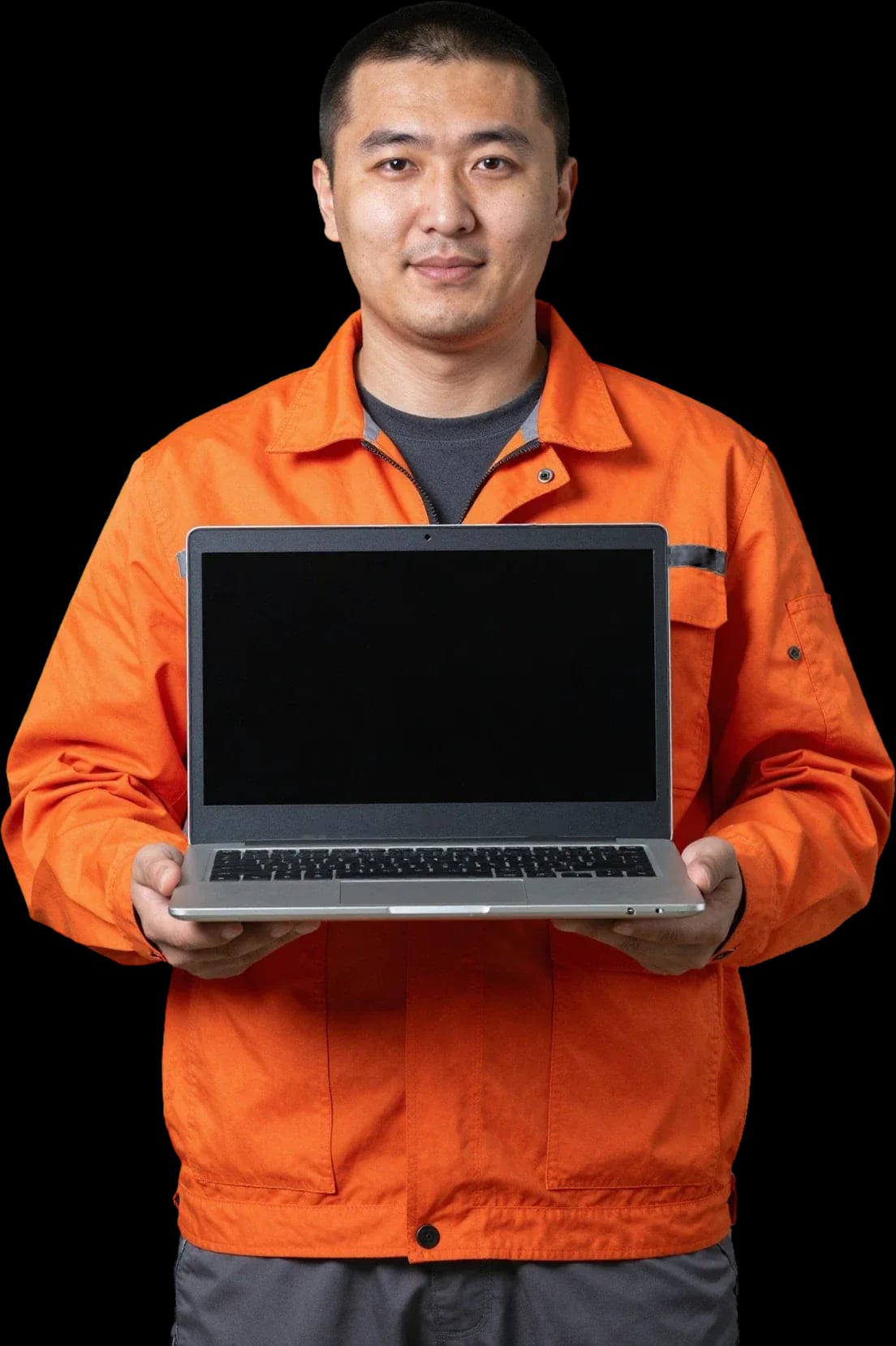
A technician arrives within 60 minutes anywhere in the city. Diagnostics are free.
Our own technicians4 to 20 years of experience




Repair prices
Below are typical symptoms and likely causes. The technician will pinpoint the exact cause after diagnostics.
power, button, board
from10 000 ₸
fan, mount, dust
from12 000 ₸
connector, battery, controller
from10 000 ₸
keyboard, ribbon cable
from6 500 ₸
display panel, hinges
from6 500 ₸
bearing wear, dust
from4 500 ₸
module, antenna, driver
from8 500 ₸
board corrosion, short circuit
from11 500 ₸
1–2 hourstime
from 5 500 ₸cost
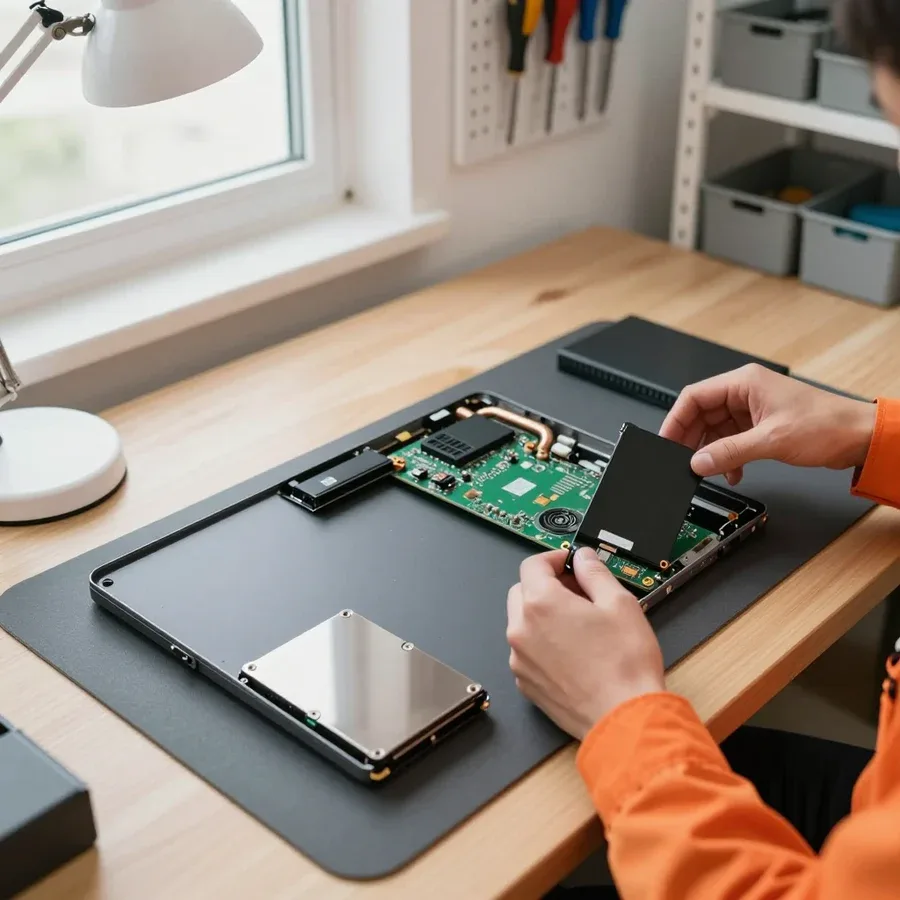 BeforeAfter

Five steps from request to performance check.
The technician agrees on a convenient time and visit address.
The technician checks the laptop and identifies the cause of the issue.
You approve the work and cost, and the technician gets started.
The technician performs the repair and replaces parts.
They check power-on, ports, keyboard, screen, and performance under load.
The computer and laptop repair department in Almaty has 7 technicians with 6 to 15 years of experience.

The department has 7 specializations — they are listed on the technicians' cards.
experience6 yearsPC and laptop diagnostics technician
 experience8 years
Laptop repair engineer
 experience7 years
PC and laptop repair technician
 experience10 years
Graphics card repair technician
 experience10 years
Software installation specialist
We reply during working hours
Agree on a visit time and specify your laptop model — a specialist will arrive within 60 minutes anywhere in the city. 1-year warranty on labor and parts. Ask the technician about payment.

Warranty question? Call us
+7 (778) 746 01 65
Author: Dmitriy R.,PC and laptop diagnostics technician
Published
Updated
Tech Service repairs HP laptops in Almaty: a technician comes to your home within 60 minutes or the work is done at the service center. Diagnostics are free, 1-year warranty on labor and parts, technicians with 4 to 20 years of experience. The technician provides the cost after diagnostics, and you can pay via Kaspi QR, Kaspi Red, bank card, cash, or bank transfer for companies.
We start HP laptop repair in Almaty by breaking down typical failure scenarios — power, overheating, liquid damage, motherboard. We explain what each symptom means and how to read it before a technician even arrives.
We begin by decoding HP error codes and blinking lights — they point to a specific component, usually power or RAM, not a completely burnt board. On Pavilion and other lines, the blink pattern of the power light encodes the type of failure: some codes relate to the memory module, some to the charging circuit, some to the controller on the motherboard. So the same "won't turn on" on two HP laptops can mean different components and different scopes of work. The code is easy to read: count the number of blinks before a pause, then the series repeats, and by the number of blinks the technician matches the symptom to the brand's fault table. Another sign is the reaction to the power button: if the fan briefly twitches and stops, power reaches the board but startup is blocked; if there's complete silence, the charging circuit and the connector itself are checked. Blinking a certain number of times is a code, not a coincidence: count the series until the pause and tell the technician — this narrows diagnostics before the visit.
For us, overheating and spontaneous shutdowns are most often caused by a dust-clogged cooling system and dried-out thermal paste, not a failed processor. The heatsink gets covered in dust, the fan roars at high speed, hot air can't escape — the processor hits its temperature limit and throttles. On ProBook this shows up as quiet throttling in office tasks, on Omen as frame drops in games that the owner mistakes for a weak graphics card. The noise pattern also tells a lot: a steady hum at low speed indicates a clogged heatsink, while an intermittent whine and vibration indicate fan bearing wear that needs replacement. Cleaning the fan and heatsink along with replacing thermal paste restores normal temperatures. Gaming Omen laptops run hotter than office ProBooks, so they need cooling maintenance more often — otherwise throttling in games is mistaken for a "weak graphics card".
We restore HP laptops after liquid damage and repair the power jack, and we fix the motherboard component-level: we replace the failed part, not the whole board. Coffee or water gets on the keyboard, drips down to the board, and corrodes traces; the DC-in jack loosens over time, and the laptop stops charging even with a working power adapter. Charging failure isn't always the jack: the power circuit on the board can also be at fault, so diagnostics check the entire line from the socket to the controller. The component-level approach means replacing a specific element instead of buying a new device. After liquid damage, time matters: the sooner you cut power and bring the laptop in, the fewer board traces get corroded, so "dry it and turn it on" is the worst scenario.
HP laptop service takes into account that several families have different chassis, cooling, and power designs. We explain how Pavilion differs from ProBook and Omen in typical failures and how that changes the repair approach.
| Line | Purpose | What we check first |
|---|---|---|
| Pavilion | home and office | chassis hinges, cooling, power jack |
| ProBook | work laptops | cooling system, storage, keyboard |
| Omen | gaming | overheating under load, thermal paste, power |
| Envy | thin and premium | power jack, display, ribbon cable |
| EliteBook | business class | battery, board, power jack |
Our technicians have 4 to 20 years of experience working specifically on HP laptops, so they can tell from the symptom and model where to look for the cause. On the Pavilion, the hinges are attached to thin embedded mounts in the lid—applying the wrong force during disassembly cracks the plastic, not just the fasteners. On the ProBook and Omen, the cooling system must be removed in a specific order of cables, and getting it wrong can break the contacts. Tech Service is a direct provider: our technician comes to you and never hands the device off to third parties. A general repair shop that “fixes all brands” often replaces parts at random; knowing the specific lineup saves the customer from replacing working components. That’s why before disassembly we match the symptom to the model family and check first what typically fails on that particular model.
In our experience, FPS drops on an Omen are more often caused by overheating and throttling than by a faulty graphics card, so we start with cooling and thermal paste. The heatsink in a gaming laptop gets clogged with dust after a few months of active use, the fans spin at maximum, and the CPU downclocks—that’s where the stuttering and noise come from. After disassembly, cleaning, and replacing the thermal paste, the technician tests the laptop under load to see if overheating is gone. If the frame rate improves after cleaning and new thermal paste, temperature was the issue; if not, we check the storage and settings before talking about replacing hardware. We check cooling and power first—and only then discuss more expensive repair options.
Our HP laptop service center follows clear steps—from free diagnostics to warranty. We explain the process so you know how your laptop service is progressing at every stage.
Our 1-year warranty covers both labor and parts, including screen and cable replacement. That means if a installed part fails or a soldered contact breaks months later, you don’t pay for the part again. The warranty applies to screen replacement, the screen cable, and component-level board repair—one term for the entire scope of work. After a liquid spill, the power connector contact can oxidize over time, so we check such units especially carefully. Ask the technician which items are covered by the warranty—it makes it easier to verify the scope of work if you come back. When you drop off your laptop, confirm which items are included in the warranty list and which the technician excluded.
We take in HP laptops after failed DIY repairs and first assess which unit was damaged. Most often it’s the motherboard: stripped threads, overheated traces, signs of a heat gun or soldering iron on nearby components. Such a unit requires component-level repair—restoring a specific circuit rather than replacing the whole board. Restoration is possible if the traces under the BGA chip are intact and the fiberglass layer hasn’t been removed. Signs of DIY interference make diagnostics harder, so tell the technician honestly what you did and with what tools—it saves time and reduces the risk of damaging the unit again. Bring the parts you removed as well: they show which components were replaced. If the board no longer powers on, the technician first tests the power circuits and only then concludes how deep the damage is—so restoration doesn’t turn into blind replacement of the entire unit.
There are two ways to get an HP laptop fixed: a technician comes to you, or the work is done at the service center. Let's look at how these formats differ and which one to choose for your specific situation.
When you book a home visit, an actual technician comes and works on the spot — not a courier who picks up the device and takes it to the service center without you. This HP laptop repair center acts as the direct provider: the technician inspects the device, opens the case, and explains what's wrong. During the visit, they do what can be done on-site — free diagnostics, cooling system cleaning, replacement of simple components — and takes complex operations to the workshop. The courier scheme works differently: the device leaves with a stranger, and you only find out about the breakdown and the scope of work when it comes back. When the work happens in front of you, you see what's being done and why, and the scope is agreed immediately — no surprises on the bill for invisible replacements. The difference is fundamental: a middleman takes away control, while the on-site format leaves the decision with the owner.
We send an on-site technician within 60 minutes anywhere in the city, so you don't have to haul your device across half of Almaty. The technician comes to your home or office, inspects the device, and determines what can be fixed on-site and what needs the workshop bench. Diagnostics on-site are free, so based on the results you can calmly decide whether to proceed or just get a consultation. The service covers both residential areas and the city center — you don't have to go anywhere, the technician comes to you. One more thing: if there are signs of liquid damage or overheating, every hour counts, so the sooner you call a specialist, the better the chance of getting away with replacing a single component instead of doing board-level work. Delaying costs more than the visit: liquid eats away traces, and overheating deforms contacts.
Some jobs are better done at the service center — for example, component-level board repair or matrix replacement, which require disassembling the case and testing after reassembly. On-site, the technician can't do complex soldering or run a full load test, so those tasks are performed at the workshop. If the device won't turn on and an on-site visit won't help, the technician will suggest bringing it to the workshop — the format is chosen based on the task, not imposed in advance. The 1-year warranty covers both labor and parts, regardless of where the repair was done. Payment is accepted in any convenient way, and the final cost is quoted by the technician after free diagnostics, once the cause is known.
Some breakdowns develop gradually, and it's easier to catch them early — that way, the question of how much HP laptop repair costs is solved with less work. Here are the signs that mean your laptop should be shown to a technician, and why prevention helps.
If the image changes when you tilt the lid or the lines disappear after moving the screen, the issue is more often the matrix cable, not the panel itself. The cable connects the HP laptop matrix to the board and wears out from constant opening and closing: the contact weakens, and the image flickers. When the distortion is constant and doesn't depend on the lid position, the matrix itself is more likely damaged — after a impact or pressure on the lid. An external monitor helps to tell the difference: if the image on it is clean, the problem is in the laptop screen or cable, not in the board's video output. In my opinion, you shouldn't replace the panel based on first impression — we check the cable first, and this check often saves replacing the whole matrix, and also removes unnecessary doubts for the owner.
We clean the cooling system from dust and replace the thermal paste so that the HP laptop doesn't overheat and throttle under load. Thermal paste is applied between the processor and the cooling system radiator: over time it dries out, heat dissipation drops, and the cooler starts running at maximum. Dust clogs the radiator fins, airflow weakens, and the temperature rises even on simple tasks. Preventive cleaning is reasonable to do before spontaneous shutdowns appear: wear accumulates unnoticed, and manifests as failure under load, when fixing the consequences is more expensive. From experience, after cleaning and fresh thermal paste, the device again maintains operating temperatures in games and heavy programs, and the fan stops going to maximum at every startup.
We've gathered the key points that determine the outcome of HP laptop restoration: from reading the error code to warranty terms. The HP laptop repair service builds its work on these principles. Below are five takeaways to keep in mind before contacting a technician.
Tech Service technicians repair other appliances too — with the same 1-year warranty on labour and parts.
 Refrigerator Repair in Almatyfrom 3 000 ₸
 Washing Machine Repair in Almatyfrom 3 000 ₸
 Dishwasher Repair in Almatyfrom 3 500 ₸
 Oven Repair in Almatyfrom 3 000 ₸
 Cooktop Repair in Almatyfrom 3 500 ₸
 Air Conditioner Repair in Almatyfrom 3 500 ₸
 Boiler and Water Heater Repair in Almatyfrom 2 500 ₸
 Freezer Repair in Almatyfrom 6 000 ₸
 Tumble Dryer Repair in Almatyfrom 5 000 ₸
 Coffee Machine Repair in Almatyfrom 2 500 ₸
 Robot Vacuum Cleaner Repair in Almatyfrom 3 500 ₸
 Vacuum Cleaner Repair in Almatyfrom 1 500 ₸
 Microwave Oven Repair in Almatyfrom 2 000 ₸
 Hair Dryer Repair in Almatyfrom 1 500 ₸
 Iron Repair in Almatyfrom 3 000 ₸
 Electric Kettle Repair in Almatyfrom 2 500 ₸
 Mixer Repair in Almatyfrom 2 500 ₸
 Multicooker Repair in Almatyfrom 500 ₸

If your laptop screen is broken, turn the device off first, don't press on the display, and check the picture through an external monitor.
12 March 2026 · 11 minutes read
If your laptop freezes, the first thing to do is restart it and check Task Manager to see what's loading the CPU and memory.
25 January 2026 · 12 minutes read
If your laptop won't boot, first determine which of two states you're in: the device doesn't respond to the power button at all…
13 December 2025 · 12 minutes read
If your computer won't turn on, start simple: check the outlet, power cable, switch on the power supply, and the power button.
19 January 2026 · 13 minutes read








