 experience6 years
Dmitriy R.
PC and laptop diagnostics technician
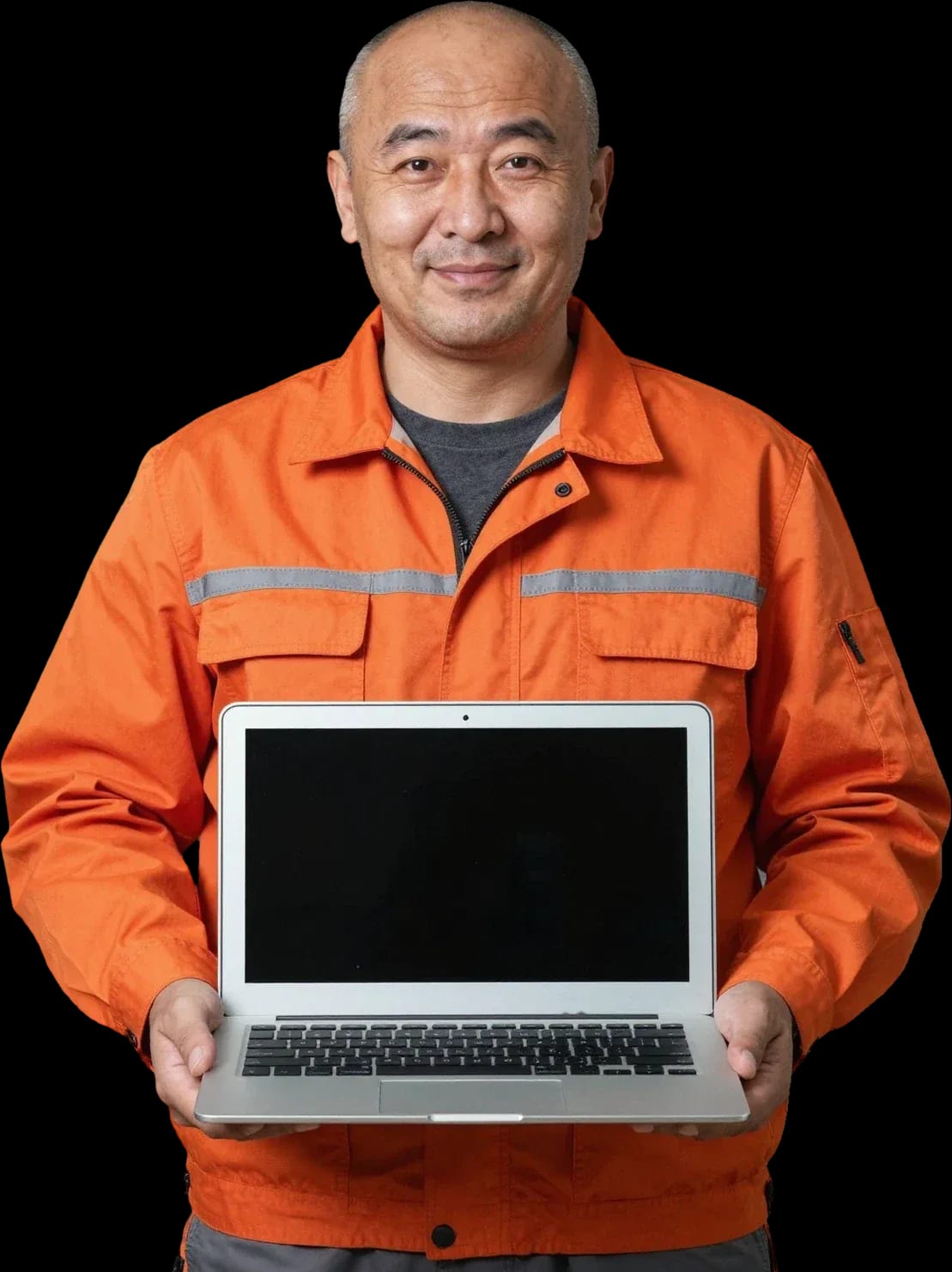
Free diagnostics and a technician at your door within 60 minutes anywhere in the city. 1-year warranty on labor and parts.
Our own technicians4 to 20 years of experience




Repair prices
Below are typical symptoms and likely causes. The exact cause is determined by the technician after free diagnostics, and the price is given at the same time.
battery, charge indicator
from22 000 ₸
dust, thermal paste, fan
from6 000 ₸
matrix, ribbon cable
from6 500 ₸
ribbon cable, stuck keys, board
from6 500 ₸
port, battery, adapter
from10 000 ₸
corrosion, short circuit
from11 500 ₸
ribbon cable, settings, board
from6 500 ₸
overheating, power, battery
from10 000 ₸
1–2 hourstime
from 5 500 ₸cost
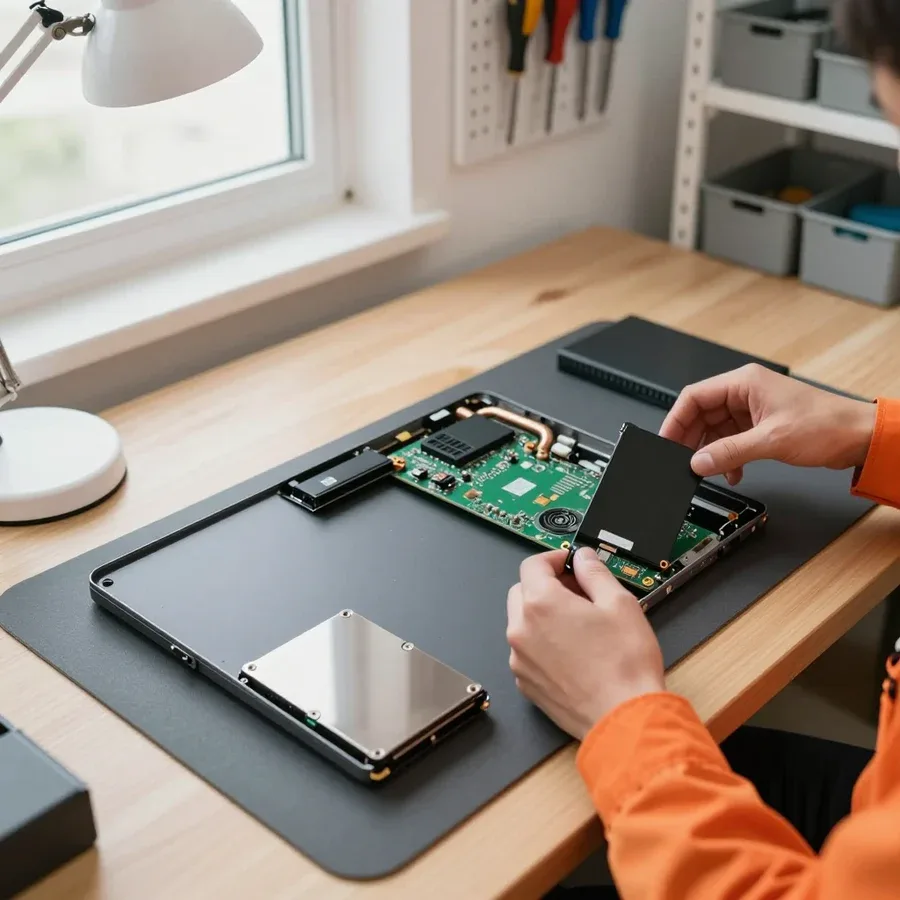 BeforeAfter

Five steps from request to post-repair check.
Describe the symptom and laptop model so the technician brings the right tools.
A technician arrives within 60 minutes anywhere in the city.
The technician confirms the address and a convenient time slot within the 60-minute arrival window so you don't have to wait.
The technician gives the final amount and scope of work before disassembly, so you can decide with no surprises.
The laptop is tested under load, and a 1-year warranty on labor and parts applies.
The computer and laptop repair department in Almaty has 7 technicians with 6 to 15 years of experience.

The department has 7 specializations — they are listed on the technicians' cards.
experience6 yearsPC and laptop diagnostics technician
 experience8 years
Laptop repair engineer
 experience7 years
PC and laptop repair technician
 experience10 years
Graphics card repair technician
 experience10 years
Software installation specialist
We reply during working hours
Choose your preferred contact channel and visit time — the technician will arrive within 60 minutes anywhere in the city.

Warranty question? Call us
+7 (778) 746 01 65
Author: Dmitriy R.,PC and laptop diagnostics technician
Published
Updated
Tech Service repairs Samsung laptops in Almaty: our technician arrives at your home within 60 minutes or accepts the device at the service center. Diagnostics are free, we agree on the price before starting work, and we provide a 1-year warranty on labor and parts. Our technicians have 4 to 20 years of experience.
Samsung laptops tend to fail in the same recurring ways. A technician can often tell from the symptom during diagnostics where to look — let's go over the main cases.
On a visit, we first check the power chain — the adapter, the DC-in jack, and the battery, because they account for most "won't turn on" cases. The adapter is tested under load: a multimeter shows a voltage drop if the unit can no longer handle it. The jack carries current from the adapter to the motherboard, and if the port is loose, contact is lost from the slightest movement of the plug. On models with a non-removable case, the battery is checked through the board connector: the controller reports capacity and cycle count. If the charge indicator doesn't respond when plugged in and the adapter is fine, the cause is more often the jack or a circuit on the motherboard — that's soldering work, not a single-part replacement. This kind of Samsung laptop repair in Almaty starts with free diagnostics, after which the technician quotes the cost of the work.
If a Samsung laptop heats up and shuts down under load, we check the cooling system — a dust-clogged heatsink and dried-out thermal paste. The cooling system draws heat away from the components that generate it: the CPU and GPU, and clogged heatsink fins block airflow. The fan then spins at high speed, but air passes through the gaps between dust layers rather than through the fins. Over a few years, thermal paste dries out and turns to crumbs, heat transfer from the die drops, and protection either throttles the clock speed or shuts the device down. A fan running at full speed isn't always a sign of imminent failure: it's often the system trying to compensate for a dust-clogged heatsink, and cleaning plus new thermal paste restores normal temperatures.
Lines and artifacts on a Samsung laptop screen come either from the panel or from the GPU, and after liquid damage or a drop, the picture depends on what got damaged first. The GPU processes graphics and sends the signal to the panel, so a failure in any link produces similar distortion. The cable between the board and the panel wears at the hinge, and then lines appear at a certain lid angle. Liquid spills leave oxidation on contacts, while a drop can shift the panel frame or damage the hinges. Condensation under the keyboard doesn't show up right away but days later, when oxidation reaches the cables and connectors. You can tell the panel from the GPU by outputting to an external monitor: if the external screen is clean, the problem is in the panel or cable, not the graphics.
While the technician is on the way, a few simple steps can help you avoid making the damage worse — especially with liquid spills and overheating. Let's go over three common scenarios and the steps that are safe before diagnostics.
Turn off the laptop, let it cool down, and move it off soft surfaces that block the vents. Check whether the air ducts are clogged with dust and lint, and don't place the device on a blanket or your lap while it's running. Samsung's cooling system is built around a fan–heatsink–thermal paste setup, and the fan is the only active element: if it hums steadily and loudly while the bottom of the case is hot, the heat dissipation load has increased. Thermal paste transfers heat from the processor to the heatsink, and over time it dries out, so temperatures rise even under light tasks. If the noise comes back 10–15 minutes after cooling down, it's not a one-off load but a clogged heatsink — that calls for cleaning, not a new laptop.
Check the power adapter and the outlet, try another cable — if the charge indicator doesn't light up, it's best not to take it apart yourself. Inspect the DC-in port for looseness and signs of oxidation: a wobbly port is often the reason the device doesn't respond when plugged in. After a drop, even if the case looks intact, wait for a technician: a shifted ribbon cable or a cracked port can finish off the power circuit when you turn it on. Don't press the power button again and don't shake the device trying to "start" it — you risk turning a cheap fix into a motherboard replacement. The technician explains the cause of the failure before starting work, so by the time they arrive, just keep the laptop off and unplugged.
Some Samsung laptop failures are fixed right at home, while others require a full teardown at the service center. Here's when each format makes sense and what the technician does on site.
We arrive at your home within 60 minutes anywhere in the city and handle diagnostics, dust cleaning with thermal paste replacement, and screen and power port replacement on site. Diagnostics are free, so the type of failure is confirmed before any work — the owner immediately sees which component has failed. Cleaning with fresh thermal paste eliminates overheating and fan noise on Samsung laptops that have run for years without maintenance. The screen and power port are modular components: they are removed and replaced in front of the customer, without a full teardown. A home visit saves time but doesn't replace service-level disassembly: if diagnostics show that board soldering is needed, the technician will say so honestly before starting work.
We handle motherboards, video chips, and complex cases after liquid damage at the service center, where we have the conditions for soldering and load testing. Liquid damage is a separate category: the liquid gets inside the chips, and cleaning at home won't help — the board needs to be removed entirely. The video chip and power circuits require heating and temperature control, and after soldering the laptop is tested under load to make sure screen artifacts don't come back. Complex cases after a drop also go to the service center: cracks in solder joints and torn contacts are only visible on a removed board. If the technician recommends this format instead of a home visit, it's usually about the quality of the result, not convenience: soldering work at home doesn't provide the needed precision.
| Type of failure | Format | Technician's actions |
|---|---|---|
| Won't turn on, won't charge | Home visit or service center | Power check, port replacement |
| Overheating, fan noise | Home visit | Cleaning, thermal paste replacement |
| Lines, artifacts on screen | Home visit or service center | Diagnostics of screen and video chip |
| Liquid damage, drop | Service center | Disassembly, soldering, load testing |
| Motherboard, video chip | Service center | Soldering, load testing |
Below is the journey of a Samsung laptop from request to final check: what the technician does at each step and why the workflow is arranged this way.
Our diagnostics are free: the technician finds the cause and approves the cost before starting work, so you know what you're paying for. First, they inspect the case and ports, check the power supply and charging circuit, then remove the bottom cover and assess the board, cooling system, and cables. At this stage, it's clear whether it's a local issue or the aftermath of a liquid spill that affected multiple components. The specialist quotes the price after the inspection, because the same "won't turn on" can be a port or a board power circuit — different jobs. Approving before work begins protects you from surprises: the owner signs off on the scope, and only then does the laptop go into repair. In my view, this step saves more time than any other part of the process.
When the work is done, we stress-test the laptop to make sure the cause is fixed, not just the symptom. The technician boots the system, runs the CPU and graphics under heavy load, monitors temperature and fan speed, and checks image stability on the built-in and external monitors. Stress testing is crucial for overheating and GPU issues: without it, the problem can return a day or two after pickup. We also test the power circuit and charging ports separately — they often act up only during extended AC operation. We only return the laptop to its owner after it has run under load without failures. A simple "it turns on, so it's ready" test doesn't give that confidence, and on older graphics cards, it's the load that reveals degradation.
We provide a 1-year warranty on labor and parts — this is Tech Service's standard for Samsung laptop service. It covers both the replaced component and the quality of work: if the same issue reappears, the technician investigates on the spot. A warranty on the part separate from labor means that if it fails again, you won't have to prove whose part it is — the service is responsible. This approach removes the owner's main fear: that obligations end right after pickup. In our practice, the longest-lasting repairs are those where the part was matched to the specific model, not guessed. A year is the period during which it's usually clear whether the replacement was correct, so we chose it as the baseline.
Not every "breakdown" after an update is hardware. We explain how to tell a software glitch from a hardware failure by external signs and what diagnostics reveal.
If a Samsung laptop slows down, throws errors, or won't boot after a Windows update, but doesn't overheat or make noise, it's most likely a software issue. Such behavior shows up as hangs on the boot logo, a blue screen with an error code, missing Wi-Fi and audio drivers, or spontaneous logouts. The case stays cool, the fan runs steadily, and the image on the screen is sharp without artifacts. The cause is often a failed update: driver conflicts, a corrupted system file, or file system errors from an interrupted installation. Software diagnostics start with booting into safe mode and checking the Windows event log — the codes show which module is crashing. This picture often masquerades as hardware: hangs at startup and blue screens don't always mean parts need replacing.
Hardware failure reveals itself through physical signs — overheating, noise, lines on the screen, or no response to power. The Samsung laptop's screen is responsible for displaying images, and damage to it causes vertical lines, dead pixels, or dark spots that don't disappear in the BIOS. An overheating GPU drops the image or causes artifacts under load; a cooling system with a clogged radiator blows hot air and gets loud at high speeds; a faulty power supply won't hold a charge and shuts down the device when unplugged. The laptop may not start at all — no indicators, no fan. This symptom isn't fixed by reinstalling the system: if the picture repeats after a clean Windows install, the cause is a component, not software.
During free diagnostics, we check power, temperature under load, and system behavior to separate a software glitch from a hardware failure. The technician measures voltage at the power connector and battery, takes temperature readings under stress testing, compares them with the normal values for the specific model, then boots the system and reviews the event log and driver behavior. We check the software side separately: safe mode, clean boot, system file integrity. Separating hardware from software saves money: sometimes restoring the system is enough instead of replacing a part, and vice versa—reinstalling won't help with a dying video chip. The technician quotes the price after free diagnostics, and the 1-year warranty on labor and parts applies in both cases.
Here are the key things a Samsung laptop owner should keep in mind before contacting a technician—from recognizing the symptom to checking the result after repair.
Tech Service technicians repair other appliances too — with the same 1-year warranty on labour and parts.
 Refrigerator Repair in Almatyfrom 3 000 ₸
 Washing Machine Repair in Almatyfrom 3 000 ₸
 Dishwasher Repair in Almatyfrom 3 500 ₸
 Oven Repair in Almatyfrom 3 000 ₸
 Cooktop Repair in Almatyfrom 3 500 ₸
 Air Conditioner Repair in Almatyfrom 3 500 ₸
 Boiler and Water Heater Repair in Almatyfrom 2 500 ₸
 Freezer Repair in Almatyfrom 6 000 ₸
 Tumble Dryer Repair in Almatyfrom 5 000 ₸
 Coffee Machine Repair in Almatyfrom 2 500 ₸
 Robot Vacuum Cleaner Repair in Almatyfrom 3 500 ₸
 Vacuum Cleaner Repair in Almatyfrom 1 500 ₸
 Microwave Oven Repair in Almatyfrom 2 000 ₸
 Hair Dryer Repair in Almatyfrom 1 500 ₸
 Iron Repair in Almatyfrom 3 000 ₸
 Electric Kettle Repair in Almatyfrom 2 500 ₸
 Mixer Repair in Almatyfrom 2 500 ₸
 Multicooker Repair in Almatyfrom 500 ₸

If your laptop screen is broken, turn the device off first, don't press on the display, and check the picture through an external monitor.
12 March 2026 · 11 minutes read
If your laptop freezes, the first thing to do is restart it and check Task Manager to see what's loading the CPU and memory.
25 January 2026 · 12 minutes read
If your laptop won't boot, first determine which of two states you're in: the device doesn't respond to the power button at all…
13 December 2025 · 12 minutes read
If your computer won't turn on, start simple: check the outlet, power cable, switch on the power supply, and the power button.
19 January 2026 · 13 minutes read








