 experience6 years
Dmitriy R.
PC and laptop diagnostics technician

Free diagnostics, a technician at your door within 60 minutes anywhere in the city. 1-year warranty on labor and parts.
Our own technicians4 to 20 years of experience




Repair prices
The symptoms customers most often report. The exact cause is determined by the technician after diagnostics.
discharged battery, power failure
from10 000 ₸
clogged heatsink, worn thermal paste
from6 000 ₸
stuck keys, liquid damage
from8 500 ₸
worn cells, deep discharge
from7 000 ₸
damaged matrix or cable
from6 500 ₸
worn touchpad, dirt
from8 500 ₸
loose mounting, misalignment
from12 000 ₸
overheating, worn storage drive
from5 000 ₸
1–2 hourstime
from 10 000 ₸cost
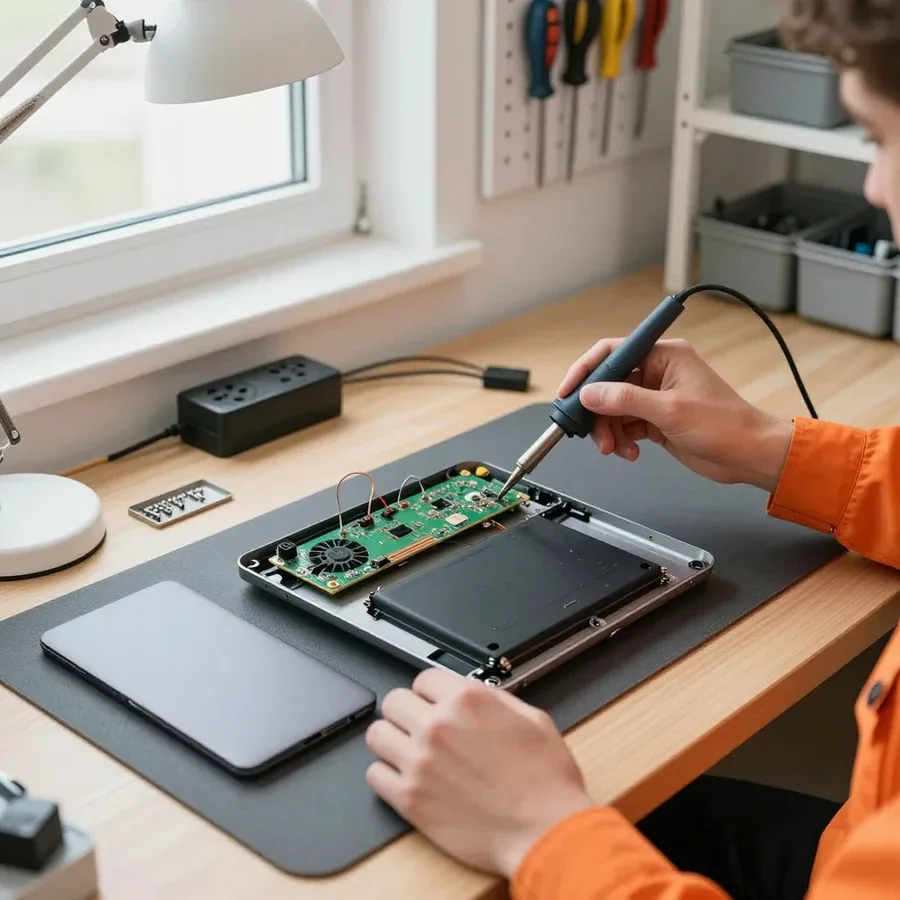 BeforeAfter

Five steps from request to checking your laptop after repair.
You submit a request, and the technician clarifies the symptoms and address.
The technician arrives anywhere in the city within an hour of your request.
The technician agrees with you on a convenient time and place for the work.
You approve the scope of work and the cost, and then the technician starts.
The technician explains what was replaced and how to handle the unit in the first few days.
The computer and laptop repair department in Almaty has 7 technicians with 6 to 15 years of experience.

The department has 7 specializations — they are listed on the technicians' cards.
experience6 yearsPC and laptop diagnostics technician
 experience8 years
Laptop repair engineer
 experience7 years
PC and laptop repair technician
 experience10 years
Graphics card repair technician
 experience10 years
Software installation specialist
We reply during working hours
Describe the issue with your Huawei laptop and leave a request. The technician will clarify the details and suggest a convenient visit time.

Warranty question? Call us
+7 (778) 021 50 18
Author: Dmitriy R.,PC and laptop diagnostics technician
Published
Updated
Tech Service repairs Huawei MateBook laptops in Almaty as a direct provider: our technician comes to your home within 60 minutes or the work is done at our service center. Diagnostics are free, there is a 1-year warranty on labor and parts, and our technicians have 4 to 20 years of experience. The technician gives you the price after diagnostics.
The MateBook series are thin ultrabooks, and they have their own set of breakdowns: cooling, hinges, ports, and the display suffer. Let's look at which faults most often come into the service center.
The compact MateBook chassis leaves almost no margin for heat dissipation, so dust and dried-out thermal paste quickly cause overheating and fan noise. Huawei ultrabooks are built around a thin chassis: the heatsink is compact, the air ducts are narrow, and the fan spins up to high RPM even during office tasks. A dust-clogged channel raises the CPU temperature within minutes of load, and throttling kicks in—clock speeds drop, and the interface lags. Hinges and chassis elements also take more stress: the lid is thin, the support area is small, and play develops earlier than on thicker models. A separate issue is the display cable: it runs through the hinge, and when the hinge is loose, it wears out before the chassis itself cracks. A thin body handles impacts worse—when dropped, the load goes into the hinges and corners of the display rather than into a massive base, so these components are checked first.
| Component | What happens | What we do |
|---|---|---|
| Display | lines, cracks, no image | diagnose the display separately from the cable, install a new one |
| Battery | drains quickly, won't hold a charge | check battery health, install a new battery |
| Cooling system | noise, overheating, shutdowns | clean, replace thermal paste |
| Power connector | won't charge, loose | repair or install a new DC-in |
| Keyboard | sticky keys after liquid spill | restore or install a new one |
| Hinges and chassis | play, creaking, cracks | repair the mount, replace components |
If your MateBook heats up and shuts down specifically while charging, we first separate two causes: battery heating and a clogged cooling system. The battery generates heat during charging, and with worn power components this heating increases; at the same time, a clogged heatsink can't dissipate heat from the processor. We check battery health, temperature under load from the power adapter, and the condition of the thermal paste—these three points reveal the cause without random disassembly. We also check the power controller separately: if it fails, the laptop may shut down only when the adapter is connected but work fine on battery. Charging adds heat to the processor's operation, so a clogged heatsink shows itself first under load from the power adapter—cleaning the cooling system often eliminates the symptom entirely, leaving battery and controller replacement for the second case.
A symptom on the MateBook screen is only the entry point for diagnostics. We show how a technician reads error codes and distinguishes one fault from another.
If your MateBook won't turn on, check the charger and indicator before going to a service center: how it responds to the power adapter immediately splits the problem into two branches — power supply or motherboard. Plug in the adapter and see if the LED near the port lights up, whether the power button responds to a long press, and if there's any signal on an external monitor via HDMI. Separately, test the adapter on another device — this rules out its failure. Then inspect the port for looseness and dirt, and try holding the button for about 15 seconds with the cable connected: this resets residual charge in the controller. No response to the button with the cable connected more often points to the charging circuit rather than the battery, so the technician starts with multimeter measurements instead of replacing the battery — this way you don't pay for a part that's still good.
We read an error code during MateBook boot as a pointer to a specific component: storage messages lead to the SSD, current errors — to the charging circuit. The screen shows messages like "No bootable device," "Hard disk not found," or it freezes on the Huawei logo — each one narrows down the search. We check storage failure through the BIOS: does the system see the drive in the device list, is its capacity detected, is the model readable. If the SSD is present in BIOS but boot doesn't proceed, we check the integrity of the system partition and the cable connecting the drive to the board. Current-related issues show up differently — spontaneous reboots, shutdowns under load, no charging. The same code can mean either storage failure or a loose cable, so we test the SSD separately from the connector before talking about replacement.
Our diagnostics are free and start with disassembly and fault detection: the technician checks the power supply, the matrix separately from the cable, and the cooling. First, they measure voltages on the charging circuit and controller — this shows whether current reaches the board and where the circuit breaks. Then they disconnect the matrix from the cable and test each separately: an image on an external monitor confirms the board is alive and the problem is in the screen or wiring. Cooling is checked by radiator temperature and fan behavior under load. Testing the matrix and cable separately saves on replacement: often it's enough to replace the cable rather than the whole screen, and that's exactly what diagnostics reveals. After fixing the issue, we test the laptop under load to make sure the symptom hasn't returned.
Huawei laptop repair in Almaty can be done at your home or at the service center. Here's what we can handle on-site and what requires a workshop.
We send a technician within 60 minutes anywhere in the city, and they come to your home or perform the work at the service center. This format covers most requests from MateBook owners: a faulty power port, a worn-out battery, a dust-clogged radiator. The visiting technician works as the direct provider — you see exactly who is doing what with your laptop, with no handing it over to third parties. Diagnostics on-site are free, so when the specialist arrives, they first name the cause of the issue and only then discuss next steps with you. On-site visits are convenient for anything that doesn't require soldering — diagnostics, cooling cleaning, battery replacement; board work is taken to the service center. If during the inspection it turns out that board repair is needed, the specialist explains this right away and agrees on next steps, so you have no questions about the scope of work.
| Work | Where it's done | What we check |
|---|---|---|
| Diagnostics | at your home or at the service center | power, display, cooling |
| Cooling system cleaning | at your home | radiator, fan, thermal paste |
| Battery replacement | at your home | battery health, charging circuit |
| Power connector repair | at your home or at the service center | DC-in, power controller |
| Board soldering | at the service center | power controller, circuits |
| Liquid damage recovery | at the service center | board, ribbon cables, keyboard |
The timeline depends on the issue and part availability, so we give an exact time after free diagnostics, not in advance. Cooling cleaning and battery replacement are done on-site, while board soldering or liquid damage recovery require a workshop — that's also where final stress testing is performed. Based on our technicians' experience of 4 to 20 years, the hardest part is finding a board for MateBook models that were never sold in Kazakhstan: the connector and power controller are found quickly, but a rare component has to be sourced separately. A rare MateBook model may require sourcing a part, and we tell you that right away instead of promising a deadline we can't meet. The technician gives the exact timeline after free diagnostics, once the cause and scope of work are clear.
A warranty and a clear process matter more than promises of speed. We show exactly what the warranty covers and how payment for laptop repair works.
We provide a 1-year warranty on labor and parts, and it covers the replaced component and the work performed. After replacing a keyboard, power connector, or display ribbon cable, the specialist stress-tests the device and checks the exact component that was replaced. Warranty on the part and on the labor are two different things: if a component fails, the replacement itself matters too, so we document both. In practice, this means that if you come back with the same component, the technician checks what was replaced instead of starting disassembly from scratch. This approach is clearer than general promises — the owner sees exactly what scope of work the service center is responsible for. If the device behaves differently after repair than before the breakdown, show it to the specialist: the warranty covers both the replaced part and the labor to install it.
Tech Service is a direct service provider: we have our own technicians with 4 to 20 years of experience, not an aggregator or intermediary. The same person handles diagnostics and repair, so they are responsible for the result and don't pass the laptop down the chain. The on-site technician comes to your home or takes the device to the service center — the route is the same, with no middlemen. Direct service means that if you have a follow-up question about your MateBook, you talk to the person who worked on the board, not a dispatcher relaying someone else's report. The technician remembers which component was checked and which was ruled out — this helps on a repeat visit. If the laptop has already been looked at elsewhere and you don't have a clear answer, tell us in advance — the specialist will take that history into account during diagnostics.
The technician gives you the price after a free diagnostic, once the cause of the breakdown is clear, and you can pay via Kaspi QR, Kaspi Red, bank card, cash, or bank transfer for companies. Quoting a sum before disassembly is just guesswork: the same complaint about a MateBook can point to a cable, the display matrix, or the board. That's why we first check the power supply, cables, and controllers, and only then tell you which unit needs replacing and why. Diagnostics are free, and whether you go ahead with the repair or not doesn't depend on it. You can pay in cash, by card, or by bank transfer — whichever is easier for you. An honest quote starts with a clear explanation: you should see exactly what unit you're paying for. If you still have questions about the scope of work after diagnostics, ask them before the repair begins — the technician will go through every point.
Some Huawei ultrabooks were never sold in Kazakhstan, but that's no reason to refuse repair. Here's how we work with rare versions and how we source components.
We take on rare Huawei models that were never supplied to Kazakhstan, and we start with diagnostics, not with a refusal. The procedure is the same as for mass-market series: disassembly, board inspection, checking power circuits and the controller, testing the matrix and cables. The difference is that documentation and part numbers for imported versions are limited, so we inspect defects especially carefully — we cross-check unit markings, board revision, and firmware version. We source components based on the actual fault, not the device name: some parts are compatible with the mainstream D, X, and 14/16 series, while others have to be found separately by part number. Diagnostics are free, so you can bring a rare version in for inspection without worry and decide what to do with the device based on the results. A rare model is a matter of access to parts, not a death sentence for the laptop. For such a build, it's more important to understand which unit should be replaced entirely and which can be restored — that's decided during fault inspection, not by whether a spare part is on the shelf.
Repairing a Huawei isn't inherently more expensive than other laptops — the final cost depends on which unit failed and which part needs replacing. The expensive items on ultrabooks remain the matrix and the motherboard: replacing them involves sourcing a compatible component, checking cables, and calibrating the backlight. The power controller, cooling system, connectors, and battery are routine jobs that don't depend on how rare the version is. We source components based on the fault inspection: the technician pinpoints exactly where the problem is and offers options — restore the unit or replace it with a compatible one. We provide a 1-year warranty on labor and parts, so the repair isn't a temporary fix but a full solution with commitments. The technician gives you the price after a free diagnostic, once the cause and scope of work are clear. Comparing repairs by brand makes no sense: for this lineup, the matrix and board cost more, while cleaning the cooling system and replacing the battery are routine jobs.
Here's the key things an ultrabook owner should keep in mind before going to a service center: from the first signs of a breakdown to the criteria for choosing a technician.
Tech Service technicians repair other appliances too — with the same 1-year warranty on labour and parts.
 Refrigerator Repair in Almatyfrom 3 000 ₸
 Washing Machine Repair in Almatyfrom 3 000 ₸
 Dishwasher Repair in Almatyfrom 3 500 ₸
 Oven Repair in Almatyfrom 3 000 ₸
 Cooktop Repair in Almatyfrom 3 500 ₸
 Air Conditioner Repair in Almatyfrom 3 500 ₸
 Boiler and Water Heater Repair in Almatyfrom 2 500 ₸
 Freezer Repair in Almatyfrom 6 000 ₸
 Tumble Dryer Repair in Almatyfrom 5 000 ₸
 Coffee Machine Repair in Almatyfrom 2 500 ₸
 Robot Vacuum Cleaner Repair in Almatyfrom 3 500 ₸
 Vacuum Cleaner Repair in Almatyfrom 1 500 ₸
 Microwave Oven Repair in Almatyfrom 2 000 ₸
 Hair Dryer Repair in Almatyfrom 1 500 ₸
 Iron Repair in Almatyfrom 3 000 ₸
 Electric Kettle Repair in Almatyfrom 2 500 ₸
 Mixer Repair in Almatyfrom 2 500 ₸
 Multicooker Repair in Almatyfrom 500 ₸

If your laptop screen is broken, turn the device off first, don't press on the display, and check the picture through an external monitor.
12 March 2026 · 11 minutes read
If your laptop freezes, the first thing to do is restart it and check Task Manager to see what's loading the CPU and memory.
25 January 2026 · 12 minutes read
If your laptop won't boot, first determine which of two states you're in: the device doesn't respond to the power button at all…
13 December 2025 · 12 minutes read
If your computer won't turn on, start simple: check the outlet, power cable, switch on the power supply, and the power button.
19 January 2026 · 13 minutes read








