 experience6 years
Dmitriy R.
PC and laptop diagnostics technician
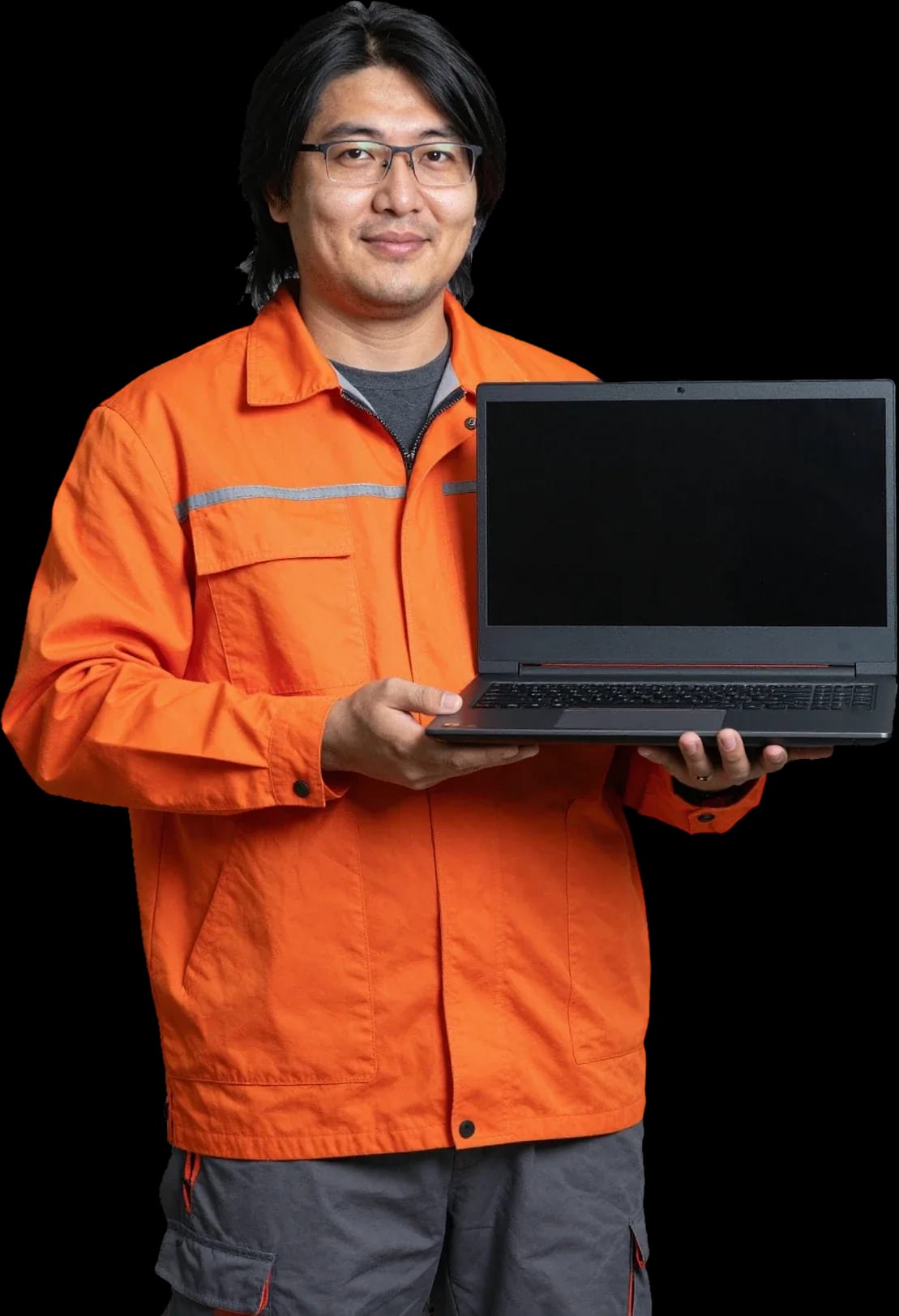
A technician arrives within 60 minutes anywhere in the city. Free diagnostics
Our own technicians4 to 20 years of experience




Repair prices
The symptoms MSI laptop owners most often report and their likely causes — starting with the most common.
power, button, board
from10 000 ₸
dust, thermal paste, cooler
from4 500 ₸
matrix, cable
from6 500 ₸
connector, battery, controller
from10 000 ₸
corrosion, short circuit
from11 500 ₸
dust, bearing
from4 500 ₸
cable, liquid damage, wear
from6 500 ₸
power circuits, chips
from22 000 ₸
1–2 hourstime
from 10 000 ₸cost
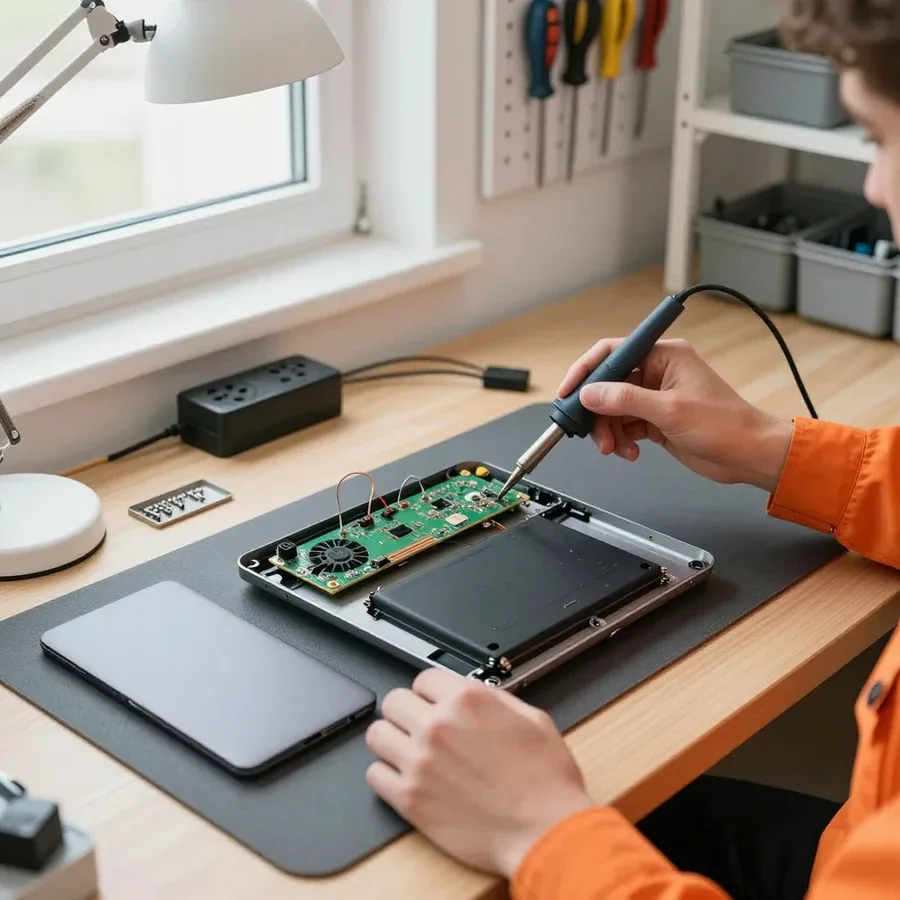 BeforeAfter

Five steps from request to checking the device.
Describe the model and symptom — the technician will arrange a visit.
You choose a convenient visit window, the technician confirms the time.
The technician checks the power, screen, and storage, and identifies the cause.
You discuss the scope of work and parts, then the technician starts.
You check that the device turns on, the screen, and the ports.
The computer and laptop repair department in Almaty has 7 technicians with 6 to 15 years of experience.

The department has 7 specializations — they are listed on the technicians' cards.
experience6 yearsPC and laptop diagnostics technician
 experience8 years
Laptop repair engineer
 experience7 years
PC and laptop repair technician
 experience10 years
Graphics card repair technician
 experience10 years
Software installation specialist
We reply during working hours
Describe the fault of your MSI laptop and a convenient time — the technician will arrange the visit and give a preliminary repair cost.

Warranty question? Call us
+7 (778) 746 01 65
Author: Dmitriy R.,PC and laptop diagnostics technician
Published
Updated
Tech Service repairs MSI laptops in Almaty as a direct provider: our technician comes to your home within 60 minutes anywhere in the city, or the work is done at our service center. Diagnostics are free, the technician quotes the price after diagnostics, and there is a 1-year warranty on labor and parts.
Gaming MSI laptops carry a high thermal load, and most of the requests we get are about overheating, noise, and failure to power on. Let's look at why this happens specifically with this brand and what to do about it.
MSI gaming lines — Katana, Raider, Stealth, Titan, Vector, Sword, Cyborg — are built for high GPU loads, but in a thin chassis heat dissipation is limited, so during long gaming sessions the GPU and CPU reach peak temperatures. The heatsink and heat pipes draw heat away from the dies, fans blow it out through the vents, and thin models have less temperature headroom than full-size ones. Under load the GPU heats up to 80–90 degrees, and if heat dissipation is compromised, the controller throttles or cuts power as a safety measure. If the laptop shuts down not immediately but after 20–40 minutes of gaming, it's more often a sign of a dust-clogged heatsink and dried thermal paste rather than dead hardware — cooling maintenance in such cases solves the problem before it becomes fatal.
Noise and reduced fan speed on MSI are usually caused by dust on the blades, dried bearing lubricant, or fan deformation, not by system settings. Dust builds up between the blades and heatsink fins, the blades lose balance, and humming and vibration appear, while the bearing eventually starts to whine at low speeds. The fan may change speed in bursts if it's sticking, while the cooling control firmware keeps raising the voltage. Cleaning the heatsink and checking the fans shows where the fault lies — in the mechanics or in the control. Constant humming at idle and speed surges under load are a reason to check the fan before overheating affects the GPU; replacing a fan is simpler than restoring a board after thermal damage.
We change thermal paste and thermal pads in gaming MSI laptops during cooling maintenance because the factory compound dries out over time and stops dissipating heat from the GPU and CPU. Paste on the dies loses plasticity from heating and cooling cycles, voids appear between surfaces, and temperatures under load rise even with a clean heatsink. Thermal pads on VRAM and power circuits wear differently than paste on dies, so they are checked separately — otherwise after cleaning the GPU temperature remains high. Our technician travels across the city, disassembles the cooling system, cleans the heatsink, and replaces the compounds, and the 1-year warranty on labor and parts applies. It's worth checking the cooling at the first signs of rising temperatures — launch a game and compare the sensor readings with what's normal for your model.
By observing the laptop's behavior, you can narrow down the causes before even opening it. Below are common MSI scenarios and what to do about them.
| Symptom | Likely cause | First step |
|---|---|---|
| Won't turn on, indicator is on | power circuit, firmware, motherboard | free diagnostics |
| Black screen but you can hear it running | matrix, cable, GPU | check on an external monitor |
| Not charging from the original power supply | DC-in jack, power supply | check the jack and power supply |
| Restarts itself after an update | software glitch, firmware | reflash, stress test |
| Noise and fan surges | dust, fan bearing | cooling cleaning |
| Won't turn on after liquid spill | board oxidation | board restoration |
If your MSI won't turn on, we start with free diagnostics: we check the power circuit, the DC-in jack and the power adapter, then the motherboard and firmware. A lit indicator with a black screen doesn't mean the electronics are fully alive — power may reach one component and stop at another. That's why we test the whole chain, not just one symptom: first we measure the voltage at the input, then check the standby line, then the response to the power button. For such requests, our own technician comes to you, not a middleman — and he performs the check on site. If the cause is a software failure, we reflash the chip and test under load. We provide a 1-year warranty on labor and parts.
We restore MSI motherboards after liquid damage: we remove oxidation, check the circuits, and get it running if the damage hasn't affected critical layers. Liquid damage is dangerous not because of the contact itself but because of corrosion: it eats away traces and vias between layers, and the longer the laptop stays wet, the deeper the oxidation goes. The sooner the device reaches the service center, the higher the chance of fixing it with restoration alone — if the device was turned on and dried under load, heating accelerates the reaction, and then instead of cleaning we have to deal with the consequences. Our technicians with 4 to 20 years of experience first disconnect power and disassemble the case, then clean the electronics from residue, and only then apply voltage for testing. Diagnostics are free, and the warranty on labor and parts is 1 year.
The procedure is the same whether we come to your home or you bring the device to the service center. Let's go through the steps and what each one includes.
MSI laptop repair in Almaty starts with a request, and we send a technician to your home within 60 minutes anywhere in the city. The specialist comes to you or takes the device to the service center if the case requires workshop conditions. On site, he performs an initial inspection, checks power and cooling, and then works on the board or replaces the matrix at the service center. A home visit is convenient for diagnostics and some repairs, but motherboard restoration or screen replacement usually happens in the workshop — the specialist will tell you after the inspection, not in advance. In our practice, people choose home visits for cleaning and setup, while soldering and complex cases are handled at the service center. We accept requests throughout the city, including remote areas.
Diagnostics are free: the specialist checks power, the board, cooling, and the screen, and only then quotes the cost of repairs. Stress testing shows how the system behaves under heat and identifies the component that's actually at fault. We agree on the price after the inspection, so the owner knows upfront what they're paying for. Free diagnostics aren't just about giving a quote — they reveal the real source of the problem and often change the owner's initial guess about the breakdown. In my experience, a significant portion of requests complaining about the screen end up with a verdict on the board or the ribbon cable. The inspection results are recorded, and the client is explained what work is needed and why this particular order was chosen. The technician walks through each checked component out loud so the owner sees the logic behind the conclusions, not just the final verdict.
We provide a 1-year warranty on labor and parts, and you can pay via Kaspi QR, Kaspi Red (instalments), bank card, cash, or bank transfer for companies. It also covers installed parts, so the owner doesn't pay again if a component fails before the term ends. Payment methods are discussed before work begins, so there are no surprises. A warranty on parts is just as important as on labor: if a part fails early, it's resolved under warranty, not at the client's expense. Moreover, the 1-year term covers seasonal loads on cooling, when a laptop runs at its limit in summer. Before handing over your device, ask which components are covered by the warranty — this avoids disputes later and helps plan maintenance.
Below is the list of MSI components we work on and what we check in each case so the breakdown doesn't come back through a related element.
| Component | What we do | What we check nearby |
|---|---|---|
| Motherboard | repair or restore | power circuits, BIOS |
| Display panel | replace | cable, video chip |
| Keyboard | replace | cable, board |
| DC-in power jack | replace | power adapter |
| Hinges and chassis | repair | display panel mounts |
| Cooling system | clean, replace thermal paste | fans, heatsink |
We restore the MSI motherboard rather than replacing it entirely by default: restoration is possible if the damage is local and hasn't affected critical layers. In our practice, the board more often suffers from overheating and liquid damage — burnt areas near power circuits, corrosion under chips, damaged traces after a short circuit. The technician opens the laptop, removes the shields, and tests the circuits to find the specific area rather than replacing the whole module blindly. A full board replacement is justified when the damage is extensive or the required component isn't available separately — the technician will say so after diagnostics, not at the start of the conversation. Before agreeing to a replacement, ask which circuits exactly can't be restored: sometimes it's cheaper and more reliable to repair two local areas than to look for a compatible board for a specific model.
We restore MSI hinges and chassis parts: cracks near hinges and loose display panel mounts are a common mechanical failure in thin chassis. In gaming models, the hinge holds the lid with the display panel and constantly works under load, so the plastic around the mount eventually cracks and screws tear out of their seats. We restore the mounts, reinforce the hinge area, and adjust the lid movement so it opens without skewing. If a loose hinge is left unattended, the load shifts to the display panel frame and cable — then screen replacement gets added to the chassis work, so it's not worth delaying mechanical repair. If there's a crack near the hinge, check whether the lid pulls to one side when closing: early intervention saves both the display panel and the cable.
Cooling maintenance and an honest assessment of repair limits are what set our approach to gaming MSI apart from a generic service. Below we explain why cleaning is needed and when a component is replaced rather than restored.
We clean the cooling system of a gaming MSI from dust and replace the thermal paste because a clogged heatsink and dried-out compound lead to GPU overheating and failure to start under load. Dust settles on the heatsink fins and fan blades, airflow drops, and the video chip runs at high temperatures longer than it's designed for. Thermal paste dries out over a season or two and stops transferring heat from the die to the base, causing the laptop to throttle in games. In our practice, densely packed MSI gaming lines clog up faster than thin office models — the fans run at high speeds and draw in more dust. Maintenance is cheaper and faster than restoring a board after heat damage, so it's worth doing before symptoms appear, not after.
Restoration makes sense for localized damage to the board, connector, or casing, while replacing the module is the way to go when the damage is extensive or a repair won't deliver stable operation. A cracked solder joint on the GPU, a burnt power circuit, a loose charging connector, or a broken hinge can be fixed with targeted work—the technician reflows the contact or replaces an individual component. But if the board layer is punctured, the traces under the BGA are damaged, or the casing around the matrix is deformed, the module is replaced entirely; otherwise the laptop will come back with the same fault in a few weeks. For complex cases, the technician stress-tests the MSI laptop after repair to make sure temperatures and power are normal. An honest assessment of repair limits saves the owner time: if a module can't be fixed, it's better to learn that during free diagnostics than after several attempts.
MSI demands attention to GPU cooling and thin chassis: the thermal load on the GPU is higher, and access to components is limited by the layout. Engineers put powerful chips into a slim chassis, so heat dissipation relies on two or three heat pipes and a shared heatsink rather than separate loops. Disassembling such a laptop is done from the bottom, through a removable cover with a dozen screws of different lengths—mixing them up means damaging the threads. The matrix and touchpad cables are routed tightly, the mounts are fragile, and careless disassembly tears the connectors. Because of the dense layout, taking apart an MSI takes longer than universal models and requires care with cables and matrix mounts. We service MSI gaming lines with this in mind—from cleaning to soldering.
Here's the key things an MSI gaming laptop owner should keep in mind before and after visiting a service center—a short list without unnecessary details.
Tech Service technicians repair other appliances too — with the same 1-year warranty on labour and parts.
 Refrigerator Repair in Almatyfrom 3 000 ₸
 Washing Machine Repair in Almatyfrom 3 000 ₸
 Dishwasher Repair in Almatyfrom 3 500 ₸
 Oven Repair in Almatyfrom 3 000 ₸
 Cooktop Repair in Almatyfrom 3 500 ₸
 Air Conditioner Repair in Almatyfrom 3 500 ₸
 Boiler and Water Heater Repair in Almatyfrom 2 500 ₸
 Freezer Repair in Almatyfrom 6 000 ₸
 Tumble Dryer Repair in Almatyfrom 5 000 ₸
 Coffee Machine Repair in Almatyfrom 2 500 ₸
 Robot Vacuum Cleaner Repair in Almatyfrom 3 500 ₸
 Vacuum Cleaner Repair in Almatyfrom 1 500 ₸
 Microwave Oven Repair in Almatyfrom 2 000 ₸
 Hair Dryer Repair in Almatyfrom 1 500 ₸
 Iron Repair in Almatyfrom 3 000 ₸
 Electric Kettle Repair in Almatyfrom 2 500 ₸
 Mixer Repair in Almatyfrom 2 500 ₸
 Multicooker Repair in Almatyfrom 500 ₸

If your laptop screen is broken, turn the device off first, don't press on the display, and check the picture through an external monitor.
12 March 2026 · 11 minutes read
If your laptop freezes, the first thing to do is restart it and check Task Manager to see what's loading the CPU and memory.
25 January 2026 · 12 minutes read
If your laptop won't boot, first determine which of two states you're in: the device doesn't respond to the power button at all…
13 December 2025 · 12 minutes read
If your computer won't turn on, start simple: check the outlet, power cable, switch on the power supply, and the power button.
19 January 2026 · 13 minutes read








