 experience6 years
Dmitriy R.
PC and laptop diagnostics technician
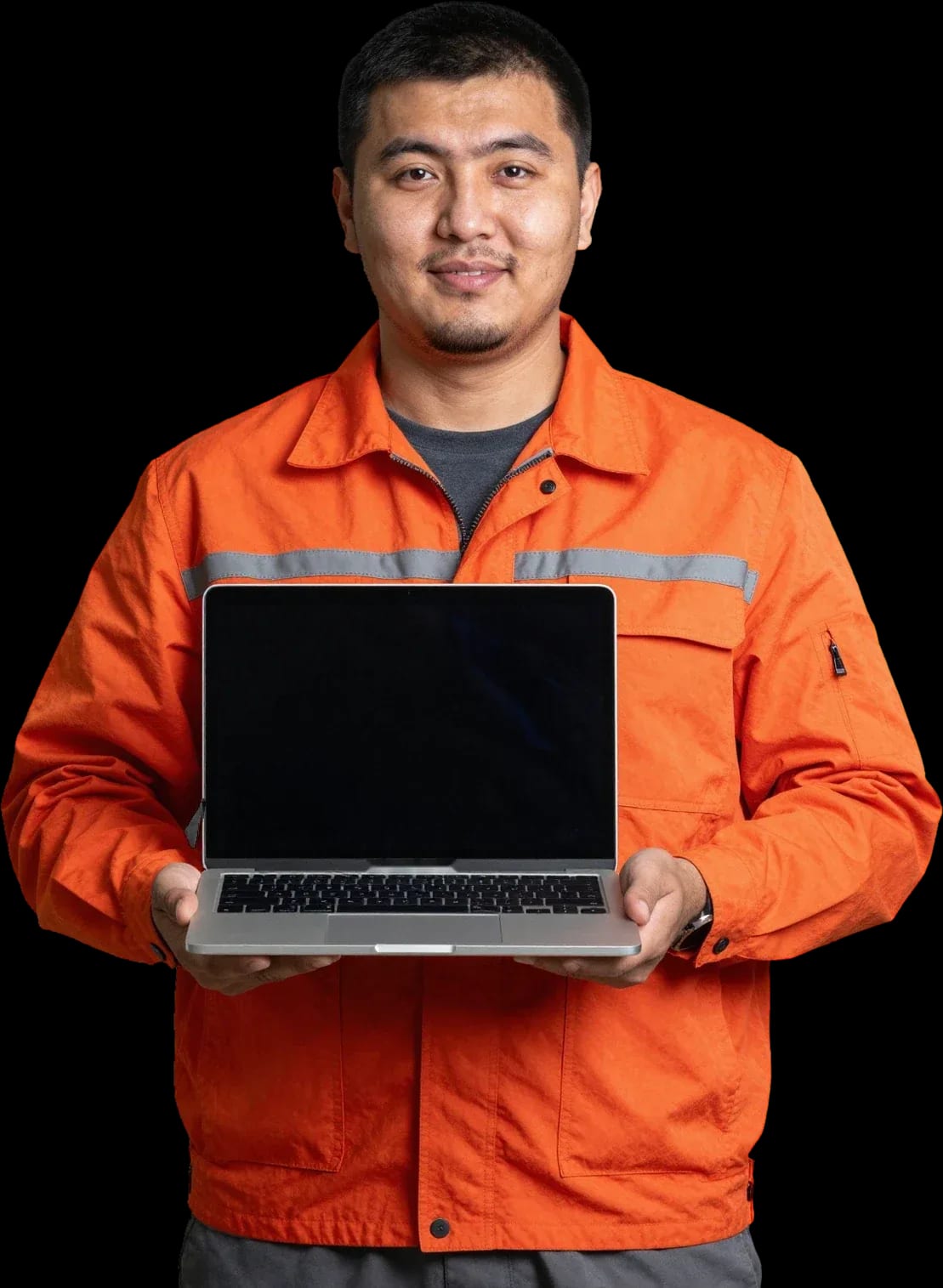
Free diagnostics, a technician at your door within 60 minutes anywhere in the city. 1-year warranty on labor and parts.
Our own technicians4 to 20 years of experience




Repair prices
Below are frequent symptoms and likely causes. The technician will pinpoint the exact cause during free diagnostics.
overheating, power failure, drivers
from10 000 ₸
connector, cable, controller
from6 500 ₸
cable, connector, broken traces
from6 500 ₸
glass, digitizer, display cable
from6 500 ₸
module cable, connector, driver
from6 500 ₸
board corrosion, short circuit
from22 000 ₸
worn hinges, cracks, fasteners
from12 000 ₸
antenna, module, contacts
from8 500 ₸
1–2 daystime
from 5 500 ₸cost
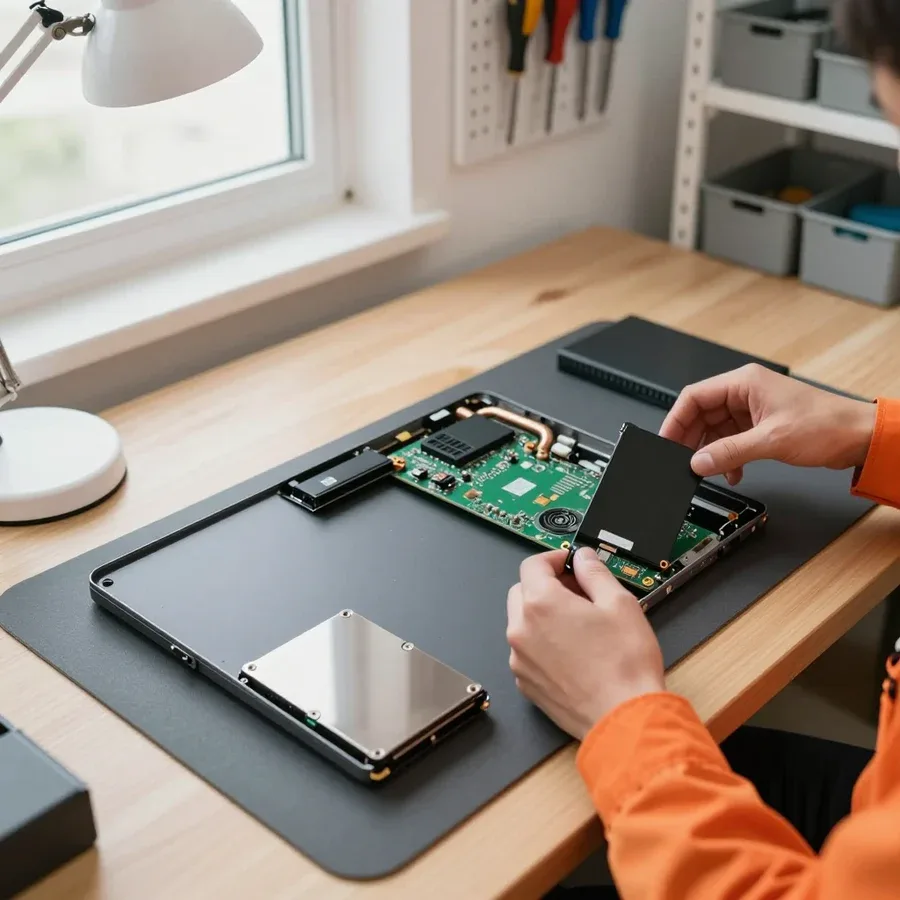 BeforeAfter

From request to final check — five steps.
Send a request by phone or WhatsApp and describe the symptom.
The technician arrives anywhere in the city within 60 minutes of your request.
Tell the technician what tasks you were doing and under what conditions the issue appears so they can reproduce it more accurately.
Ask the technician how long the work will take and when you can pick up the laptop or get it back on site.
Check charging, touchscreen, Wi-Fi, and sound in real-world conditions to make sure everything works.
The computer and laptop repair department in Almaty has 7 technicians with 6 to 15 years of experience.

The department has 7 specializations — they are listed on the technicians' cards.
experience6 yearsPC and laptop diagnostics technician
 experience8 years
Laptop repair engineer
 experience7 years
PC and laptop repair technician
 experience10 years
Graphics card repair technician
 experience10 years
Software installation specialist
We reply during working hours
Tell us what's happening with your laptop and which model you have — the technician will suggest the likely cause and quote the cost for your configuration.

Warranty question? Call us
+7 (778) 746 01 65
Author: Dmitriy R.,PC and laptop diagnostics technician
Published
Updated
Tech Service repairs Microsoft Surface Laptop, Book, Pro, Go, and Studio notebooks in Almaty. A technician arrives at your home within 60 minutes or takes the device to the service center. Diagnostics are free, we quote the price after them, and we provide a 1-year warranty on labor and parts. We work with Surface adhesive assemblies and boards.
The Microsoft lineup breaks differently from regular laptops — glued assemblies, proprietary connectors, detachable keyboards. Here's what we see most often in the shop and how it shows up.
Most often we see a battery drained to zero, a faulty Connect connector, or a power controller failure on the board. On Laptop and Pro models, this connector handles both charging and docking, so an oxidized contact blocks both power and data transfer. The controller on the motherboard fails after voltage spikes — then the device doesn't respond to the button or to plugging in the charger. A battery that's gone into deep discharge also won't accept a charge from the original power supply. Before bringing it in, try holding the power button for 15-20 seconds and charging the device from another power supply — this rules out half of false calls. We start microsoft laptop repair in Almaty with free diagnostics: the technician tests the connector and checks the controller so we don't replace the board blindly.
On Book and Pro models the keyboard is detachable, and the problem is more often in the contact group of the connector or the ribbon cable, not the keyboard itself. On the Book, the contact group oxidizes over time from moisture and dust, and the ribbon cables and connectors inside the base wear out from frequent screen flipping. On the Pro, the external keyboard connects via the magnetic Type Cover connector, and a bad contact gives the effect of "won't type even though the backlight is on." The keyboard itself stays functional in such cases — the signal transmission line is what suffers. If input disappears after flipping the screen or getting wet, it's almost always the contact — cleaning and restoring the connector is cheaper than replacing the whole base. We service detachable keyboards for Book and Pro by restoring the contact group instead of immediately offering a new base.
Surface Laptop and Surface Pro overheat and get noisy due to a dust-clogged heatsink and dried thermal paste, and we replace a broken screen together with the adhesive layer. In a thin chassis the cooling system works at its limit: dust clogs the heatsink fins, thermal paste dries out in a couple of years, and the fan hums even when watching video. The display is glued to the body around the perimeter, so a hit or drop shatters the glass along with the adhesive frames. On these assemblies the screen is held by glue, so replacing the display is work with heat and adhesive frames, not just unscrewing bolts. We clean the cooling system and replace thermal paste, and when replacing the screen we remove the display with heating to avoid damaging the body. Annual cooling maintenance extends the board's lifespan more noticeably than any performance tweak.
A blue screen and an error code don't always mean hardware failure. Here's how we separate a Windows problem from a board fault during free diagnostics.
| Code or symptom | What it indicates | What we check |
|---|---|---|
| MEMORY_MANAGEMENT | RAM | Memory modules, contacts, MemTest |
| CRITICAL_PROCESS_DIED | System or SSD failure | Drive SMART, file integrity |
| WHEA_UNCORRECTABLE_ERROR | Hardware failure | Power circuits, board controller |
| INACCESSIBLE_BOOT_DEVICE | Disk or bootloader | SSD, drive connector, boot records |
| DPC_WATCHDOG_VIOLATION | Driver or hardware | Event log, drivers, overheating |
| Windows update error | System | File system, free space, services |
Before drawing conclusions about the board, we always test the charger and the Connect port with another power supply. The technician connects a known-good adapter, measures the voltage at the port, and watches how the laptop responds to being plugged in. If the Surface only charges at an angle or gets hot near the port, the port is usually the culprit, not the board—and that's far cheaper. A damaged port is replaced separately, without dragging the whole assembly into it. The Surface motherboard is checked only after the adapter, cable, and contact have been ruled out. This order saves the owner money: often an expensive board repair is replaced by a simple port replacement. Around the city, the technician arrives with a set of adapters and testers, so the check is done on site.
Proprietary connectors, glued assemblies, and tight layouts make these laptops harder to disassemble. Here's what we restore and how, when a simple part replacement doesn't help.
We restore the motherboard by soldering—reviving power circuits and controllers rather than installing a new board unnecessarily. This approach to motherboard repair in a thin chassis requires care. The board has a tight layout: charge controllers, power components, and connectors are soldered onto a small area with thin traces, so we work under a microscope with pinpoint heating. Typical operations include restoring broken circuits after liquid damage, replacing burnt charge controllers and power components, and eliminating short circuits on power lines. A separate task is proprietary connectors: their pinouts differ from standard ones, and finding a donor requires checking against a schematic, not guessing. Soldering here takes experience: incorrect heating leads to lifted traces, and then the job costs more than a replacement. Before soldering, the technician tests the circuits and compares readings with known-good values—this way we avoid replacing a working component.
| Component | What we do | Design feature |
|---|---|---|
| Screen | Remove the glued assembly, install the matrix | Display is glued to the chassis |
| Battery | Disassemble the glued chassis, install the battery | Battery is glued inside |
| Keyboard | Check the contact group, replace the component | Removable or built into the chassis |
After a liquid spill, a laptop won't turn on due to board oxidation and short circuits — it needs disassembly, cleaning, and circuit restoration. First, we remove the case and wash the board to remove liquid residue, then dry it and inspect the traces under a microscope: oxidation and damaged contacts appear as dark spots and breaks. Next, we restore damaged circuits, replace burned-out components, and check power under load on each line, not just at idle — some defects only show up when the battery is connected. The sooner the device is brought in after the spill, the higher the chance of saving the board: after a week, oxidation eats away the traces, and the work becomes more complicated. It's best to bring the device right away without trying to turn it on to check — reapplying power to a wet board finishes off what could still have been restored.
We show step by step what happens from the moment you request service: from free diagnostics to returning the device with a warranty. No hidden stages or extra charges along the way.
We provide a 1-year warranty on labor and parts — if the same fault returns, we fix it under warranty. The agreement covers both the motherboard and the battery: we replace the component and are responsible for its operation for the entire term. The warranty applies to the specific operation performed, not to the device as a whole, so it does not cover breakdowns unrelated to the service. The warranty on parts is no less important than the warranty on labor: the parts here are proprietary, and a warranty replacement saves more than it seems. Ask the technician which components are covered by the warranty — that makes it easier to understand what is covered. Over a year of use, a proprietary component has time to show a hidden defect, and then it is replaced again at no cost to you.
Our technicians have from 4 to 20 years of experience, and we accept Kaspi QR, Kaspi Red, card, cash and bank transfer. Experience matters especially for Surface: glued assemblies and a dense board do not forgive a beginner's mistakes, and rework costs more than the initial visit. The team includes specialists with different levels of experience, and for complex cases involving the board or liquid damage, we assign someone who has already disassembled such components. Payment is made in a way that's convenient for you, without being tied to a specific bank or terminal. A technician's experience is visible from the very first disassembly: if they work confidently with proprietary connectors and don't jump to conclusions, the device is in reliable hands. And 4+ years of experience means they have disassembled more than a few dozen cases with glued fittings.
A Surface laptop can be serviced at home or at the service center — it depends on the type of breakdown. We explain when an on-site visit is appropriate and when it's better to bring the device to us.
A technician arrives at your home within 60 minutes anywhere in the city and runs diagnostics on the spot. Simple jobs — replacing a connector, cleaning, setup — are done right away. The mobile format covers tasks that don't require heating and disassembling the case: replacing a Connect connector when the cable won't stay in and charging cuts out, cleaning the cooling system of dust when the device overheats and the fan is noisy, setting up Windows after a crash. On-site diagnostics are free — the specialist checks power, connections, and port condition right in front of you, on your own table. This scenario suits owners who don't want to part with their device for days: a connector or overheating issue is solved in one visit. A home visit saves time, but complex board work requires the service center — the technician will honestly tell you if the device needs to be taken in.
Board work, screen and battery replacement require the service center — it has the conditions for soldering and working with adhesive assemblies. A motherboard after liquid damage or a short circuit needs trace repair and component reballing under a microscope: you can't do that on a kitchen table. The screen (matrix) is held by an adhesive layer, and removing it without damaging the display and flex cables is only possible with heating. The battery in a thin case is also glued in — it's replaced with a full teardown of the base and subsequent resealing. If the on-site technician sees that soldering is needed, they won't "fix it on their knee" — the device is taken to the service center to avoid making things worse. In my opinion, it's better to agree to the transfer right away than to risk the board to save a day.
Tech Service is a direct provider: our own specialist comes to your home or works in the service center — we're not an aggregator or an intermediary. The same person who takes your request later handles the device: no need to ship it between services and wait for it to be passed to a third party. The 1-year warranty on labor and parts is tied to whoever performed the work — if you come back, our own employee handles it. A direct provider means the person who does the work is responsible for the result: responsibility isn't diluted between a dispatcher, a courier, and a subcontractor, and you don't overpay a middleman. You can pay via Kaspi QR, Kaspi Red, bank card, cash, or bank transfer for companies, and the specialist quotes the price after free diagnostics — no hidden fees for "transferring" to another service.
The five points below sum up Microsoft laptop servicing in Almaty into a short memo: what to consider when choosing a technician and how a system crash differs from a hardware failure.
Tech Service technicians repair other appliances too — with the same 1-year warranty on labour and parts.
 Refrigerator Repair in Almatyfrom 3 000 ₸
 Washing Machine Repair in Almatyfrom 3 000 ₸
 Dishwasher Repair in Almatyfrom 3 500 ₸
 Oven Repair in Almatyfrom 3 000 ₸
 Cooktop Repair in Almatyfrom 3 500 ₸
 Air Conditioner Repair in Almatyfrom 3 500 ₸
 Boiler and Water Heater Repair in Almatyfrom 2 500 ₸
 Freezer Repair in Almatyfrom 6 000 ₸
 Tumble Dryer Repair in Almatyfrom 5 000 ₸
 Coffee Machine Repair in Almatyfrom 2 500 ₸
 Robot Vacuum Cleaner Repair in Almatyfrom 3 500 ₸
 Vacuum Cleaner Repair in Almatyfrom 1 500 ₸
 Microwave Oven Repair in Almatyfrom 2 000 ₸
 Hair Dryer Repair in Almatyfrom 1 500 ₸
 Iron Repair in Almatyfrom 3 000 ₸
 Electric Kettle Repair in Almatyfrom 2 500 ₸
 Mixer Repair in Almatyfrom 2 500 ₸
 Multicooker Repair in Almatyfrom 500 ₸

If your laptop screen is broken, turn the device off first, don't press on the display, and check the picture through an external monitor.
12 March 2026 · 11 minutes read
If your laptop freezes, the first thing to do is restart it and check Task Manager to see what's loading the CPU and memory.
25 January 2026 · 12 minutes read
If your laptop won't boot, first determine which of two states you're in: the device doesn't respond to the power button at all…
13 December 2025 · 12 minutes read
If your computer won't turn on, start simple: check the outlet, power cable, switch on the power supply, and the power button.
19 January 2026 · 13 minutes read








