 experience6 years
Dmitriy R.
PC and laptop diagnostics technician

A technician arrives within 60 minutes anywhere in the city. Free diagnostics — the technician identifies the cause and gives you the price on the spot.
Our own technicians4 to 20 years of experience




Repair prices
Below are the frequent symptoms Packard Bell laptop owners report and the likely causes.
power supply or power button failure
from10 000 ₸
damaged LCD panel or ribbon cable
from6 500 ₸
damaged LCD panel or ribbon cable
from6 500 ₸
disconnected ribbon cable or liquid damage
from6 500 ₸
worn charging port or battery
from10 000 ₸
worn bearing, dust buildup
from6 000 ₸
worn drive, low memory, overheating
from5 000 ₸
cracked mounts, broken plastic
from12 000 ₸
1–2 hourstime
from 10 000 ₸cost
 BeforeAfter

Five steps from your request to checking the result.
You describe the symptom, the technician asks for details and arranges a visit.
The technician agrees on a convenient time and clarifies which symptoms to demonstrate at the meeting.
Have the charger, the system password and a description of the symptoms ready.
The technician lists what the repair will include, and you confirm the scope before disassembly starts.
The technician hands over the laptop, you check that it turns on, the keyboard, touchpad and screen, then the request is closed.
The computer and laptop repair department in Almaty has 7 technicians with 6 to 15 years of experience.

The department has 7 specializations — they are listed on the technicians' cards.
experience6 yearsPC and laptop diagnostics technician
 experience8 years
Laptop repair engineer
 experience7 years
PC and laptop repair technician
 experience10 years
Graphics card repair technician
 experience10 years
Software installation specialist
We reply during working hours
Leave a request for a technician — they will arrive within 60 minutes anywhere in the city.

Warranty question? Call us
+7 (778) 746 01 65
Author: Dmitriy R.,PC and laptop diagnostics technician
Published
Updated
Tech Service repairs Packard Bell laptops in Almaty as a direct contractor: our technician comes to your home or repairs at the service center. Diagnostics are free, on-site visits within 60 minutes across the city, and a 1-year warranty on labor and parts. Technicians with 4 to 20 years of experience also handle older models of the brand.
The brand has left new retail, but there are still plenty of its devices in the city. We look at whether technicians take on such laptops and why these machines can really be brought back to life.
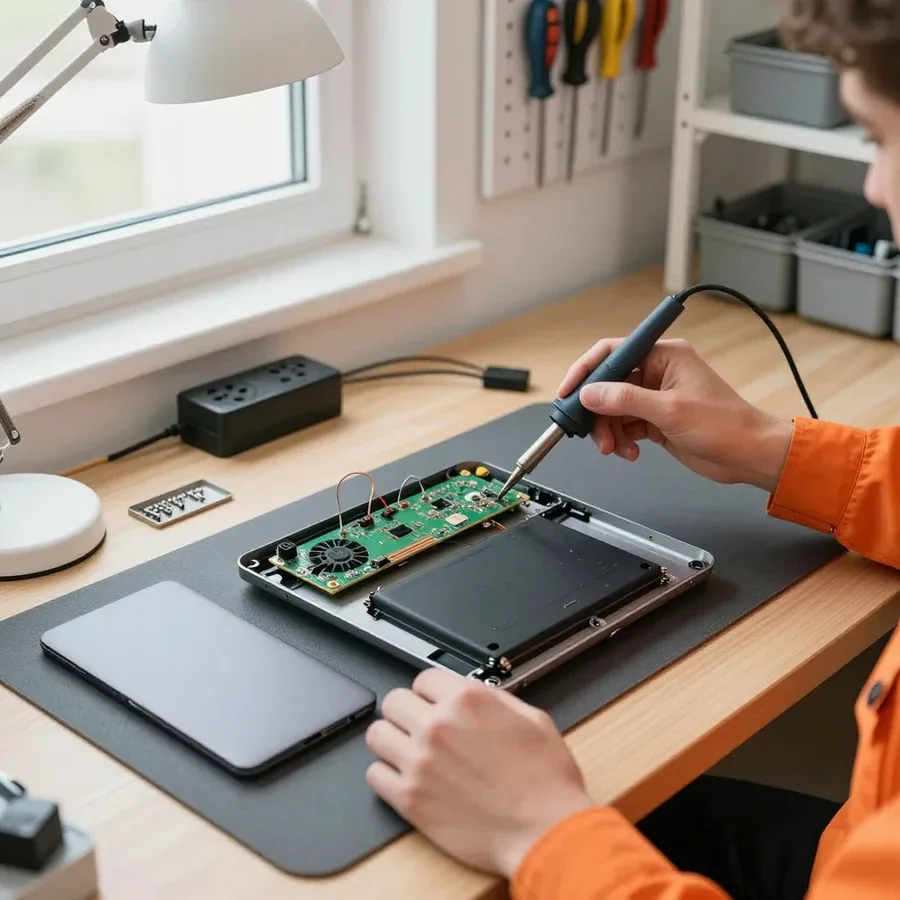
We service Packard Bell laptops in Almaty, including discontinued models, and accept them both on-site and at our service center. We repair Packard Bell laptops in Almaty both at your home and at our service center. Our technician arrives at your home within 60 minutes anywhere in the city, and diagnostics on site are free. Tech Service is a direct provider: our own specialist comes to you, not a middleman who passes the device to a third party. Owners of old models often think that after the brand left the market, parts can't be found — in reality, components are matched by the actual board and case revision, not by the year the laptop was sold. The absence of the brand in new retail doesn't affect the repair itself. Before the visit, please provide the exact model number — the technician will know in advance which case and board revision they're dealing with.
Most Packard Bell laptops are built on a modular principle, so the screen, keyboard, storage and cooling are replaced as separate units. The HDD in such cases can be swapped for an SSD without soldering, the keyboard can be removed after unclipping the top panel, and the cooling system is serviced through the removable bottom cover. The case is assembled with screws and plastic clips, without glued seams around the perimeter — this makes disassembly noticeably easier and reduces the cost of work. The simpler the disassembly, the lower the risk of damaging cables and clips during replacement, and this directly affects the outcome of restoring an old laptop. In our experience, such models come apart faster than many thin ultrabooks where parts are glued in and screws are hidden under rubber feet.
We break down frequent complaints from Packard Bell owners and show which component is behind them: by the symptom, the technician determines the likely cause and decides what to check first during inspection.
Most often, "won't turn on" is caused by a discharged battery and a faulty power jack, while a black screen with the fan running points to the screen or video chip. We start by measuring voltage at the power jack and testing the battery under load: an oxidized contact and a deep capacity drop produce exactly this picture — no response to the button at all. If the fan spins but the display backlight doesn't come on, we check the screen cable, the panel itself and the graphics chip on the motherboard, since in budget laptops this brand more often suffers from local overheating. Our diagnostics are free, so we disassemble components before any work is approved. If the indicators respond to the button but there's no image, it's worth checking the output on an external monitor — this quickly separates a screen problem from a board problem.
Fan noise and shutdowns under load usually mean a dust-clogged cooling system and dried-out thermal paste. Dust packs between the radiator fins and fan blades, airflow drops, and the CPU and GPU start throttling or cut power as a safety measure. During disassembly, we remove the heatsink, blow dust out of the case, and replace the thermal paste: over the years, the old paste dries to a chalky state and stops transferring heat from the die to the heatsink base. We also check the heatsink mounting—loose screws cause uneven pressure and local hot spots. Overheating is dangerous not only because of freezes—prolonged operation at high temperatures damages the GPU and degrades the board's solder joints, and repairs cost more than a routine cleaning.
| Symptom | Likely cause | What the technician checks |
|---|---|---|
| Not charging | Power jack, battery | Voltage and contact |
| Slow boot | Worn-out HDD | Drive health |
| Black screen | Display panel, GPU | Output to external monitor |
| Noise and shutdown | Dust, thermal paste | Cooling system |
| Startup error | BIOS code | Decoding the code |
First actions often determine whether the board survives. We cover the two most common scenarios—liquid spills and overheating—and what to check before calling the service center.
You can use an overheating laptop for a short time and only for simple tasks—browser and documents—but each overheating cycle brings the GPU or board closer to failure. In budget models, the cooling system consists of a heatsink, heat pipe, and fan; dust clogs the radiator fins, thermal paste between the chip and heatsink base dries out in a couple of years, and heat stops dissipating. Our technician at Tech Service cleans the cooling system of dust and replaces the thermal paste—after that, temperatures return to normal operating values. If the laptop shuts down by itself, that's already a protective reaction: the controller cuts power when the sensor detects critical heat. This symptom means cooling can't cope and maintenance can't be postponed—otherwise the next in line will be GPU soldering.
Here's a look at which Packard Bell laptop components we replace and restore, and how we source parts for models that have long been discontinued.
We replace the screen and keyboard on Packard Bell as separate units, and for discontinued models the part is matched by markings and connector type. The screen is selected by diagonal, resolution, and cable type — budget laptops can have either 30-pin or 40-pin connectors, and if the wrong one is chosen, the image either won't appear or will be upside down. We find the keyboard by the code on the back and the layout: on some models it's removable and comes off from the top, on others it's pressed into the upper part of the case together with the touchpad. We check the cables for creases and oxidized contacts — they fail more often than the screen itself. On some models the keyboard is attached together with the upper part of the case, so the technician determines the replacement method after disassembly, not from a photo.
We restore Packard Bell motherboards after liquid damage and repair the power jack, and BIOS flashing helps with startup failures. After liquid exposure, the board is cleaned of oxidation, traces are tested for continuity, and damaged components are replaced — restoration requires schematics and donor parts, which are almost gone for older series. The power jack suffers from loosening when the charger is handled carelessly: the contact comes loose, the laptop stops charging or shuts off when the plug is moved. We reflash the BIOS chip when the device turns on but the system won't start or settings get reset. Before soldering, the board is always checked for short circuits with a multimeter — without this check, replacing the jack can damage the unit again after just a few charger connections, and then you'll need another disassembly and a new repair cycle.
| Service | What we replace or check | What it does |
|---|---|---|
| Cooling system cleaning | Heatsink, fan, air ducts | Lowers temperature and noise |
| Thermal paste replacement | Layer between chip and heatsink | Eliminates overheating under load |
| HDD to SSD upgrade | Storage drive and SATA connector | Speeds up system boot |
| Memory check | RAM sticks and contacts | Eliminates freezes and errors |
| Case maintenance | Hinges, mounts, lid | Restores structural rigidity |
We walk through the chain from request to laptop return: where the technician comes, how work is approved, and what the warranty covers. This way the owner knows every step in advance and doesn't run into surprises.
The technician arrives at your home within 60 minutes anywhere in the city and performs free diagnostics, and if needed, takes the laptop to the service center. On site, they check the power, response to the power button, condition of the charging port, and signs of overheating — these signals show where to look for the cause. If the problem requires disassembly, soldering, or board work, the laptop is transported to the workshop, where there are conditions for precise soldering and testing power circuits. On-site diagnostics show whether the issue can be fixed on the spot — this saves time when disassembly or soldering is needed and avoids unnecessary trips with the device. For owners of an old Packard Bell, such a visit often becomes the only way to find out if restoration makes sense without parting with the device for several days.
The technician quotes the price after a free diagnostic, and the work is agreed upon before any repairs begin. You receive a list of what will be done to the device and confirm it — no work starts without your consent. This approach is convenient for complex cases: for example, when after opening it turns out that a damaged matrix cable is also adjacent to the board. Kaspi QR, Kaspi Red, card, cash, or bank transfer are accepted both for on-site visits and at the service center, so you can pay in the way that suits you. Approval before work begins protects you from unexpected items — you know in advance exactly what will be done to the laptop and won't see anything you didn't agree to. In my opinion, this step most often relieves the owner's anxiety: they see the scope of work before the device goes into disassembly.
We provide a 1-year warranty on labor and parts. This also applies to replaced components: if the problem recurs with the same unit, you won't have to pay for the work again. We are the direct contractor — the technician who comes to your home also handles your laptop at the service center, so responsibility for the result isn't diluted among intermediaries. In our practice, the warranty period is the same for both cleaning with thermal paste replacement and board repair with power connector soldering. The warranty also covers replaced parts, so if the same unit has a problem again, you won't have to pay for the work again — keep your visit details so the technician can quickly restore the service history and not waste time rechecking what's already been established.
To sum up on repairing a laptop of this brand: what determines the outcome — from typical breakdowns to the work order and warranty obligations to the owner.
Tech Service technicians repair other appliances too — with the same 1-year warranty on labour and parts.
 Refrigerator Repair in Almatyfrom 3 000 ₸
 Washing Machine Repair in Almatyfrom 3 000 ₸
 Dishwasher Repair in Almatyfrom 3 500 ₸
 Oven Repair in Almatyfrom 3 000 ₸
 Cooktop Repair in Almatyfrom 3 500 ₸
 Air Conditioner Repair in Almatyfrom 3 500 ₸
 Boiler and Water Heater Repair in Almatyfrom 2 500 ₸
 Freezer Repair in Almatyfrom 6 000 ₸
 Tumble Dryer Repair in Almatyfrom 5 000 ₸
 Coffee Machine Repair in Almatyfrom 2 500 ₸
 Robot Vacuum Cleaner Repair in Almatyfrom 3 500 ₸
 Vacuum Cleaner Repair in Almatyfrom 1 500 ₸
 Microwave Oven Repair in Almatyfrom 2 000 ₸
 Hair Dryer Repair in Almatyfrom 1 500 ₸
 Iron Repair in Almatyfrom 3 000 ₸
 Electric Kettle Repair in Almatyfrom 2 500 ₸
 Mixer Repair in Almatyfrom 2 500 ₸
 Multicooker Repair in Almatyfrom 500 ₸

If your laptop screen is broken, turn the device off first, don't press on the display, and check the picture through an external monitor.
12 March 2026 · 11 minutes read
If your laptop freezes, the first thing to do is restart it and check Task Manager to see what's loading the CPU and memory.
25 January 2026 · 12 minutes read
If your laptop won't boot, first determine which of two states you're in: the device doesn't respond to the power button at all…
13 December 2025 · 12 minutes read
If your computer won't turn on, start simple: check the outlet, power cable, switch on the power supply, and the power button.
19 January 2026 · 13 minutes read








