Валерия А.Order No. AST-2512-833 · 23 July 2025
oursTV Repair in
С чем обратился: полосы. Сергей Архипов показал старую деталь, всё прозрачно. После ремонта — как новое)
Repair: tv repair in
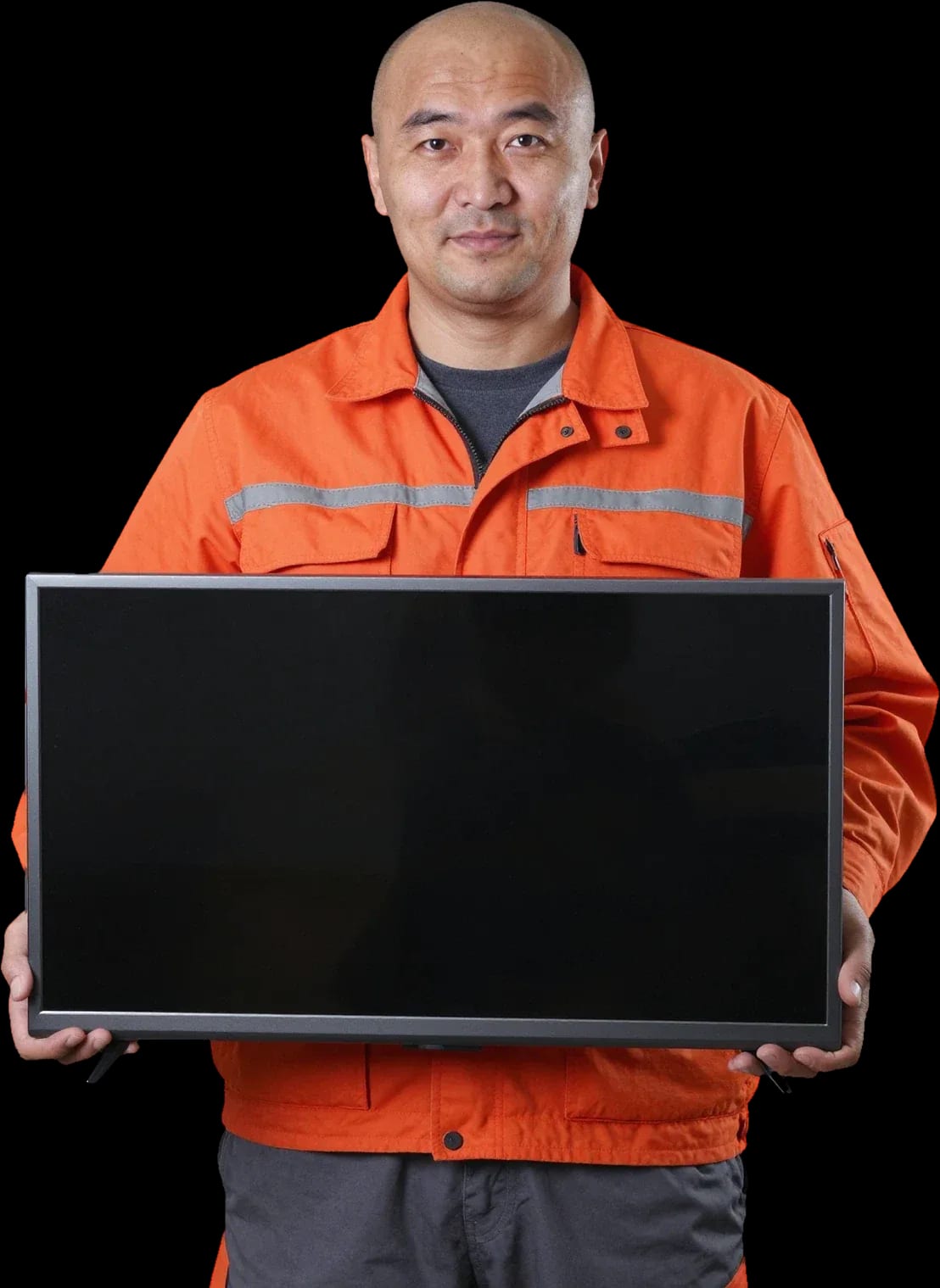
A technician arrives within 60 minutes anywhere in the city. Diagnostics are free, and the final price is set after inspection.
Our own technicians4 to 20 years of experience




Repair prices
Describe the symptoms: what's on the screen, whether there's sound, if the indicator is blinking. This helps the technician pick the right tools and find the cause faster.
power supply, control board, power cord
from8 000 ₸
backlight, panel, ribbon cable
from9 000 ₸
overheating, power supply, control board
from8 000 ₸
backlight, backlight driver, brightness
from9 000 ₸
panel, ribbon cable, T-CON board
from9 500 ₸
speakers, amplifier, sound settings
from7 000 ₸
remote, IR receiver, control board
from9 500 ₸
panel, backlight, internal dirt
from9 000 ₸
1 visittime
from 9 000 ₸cost
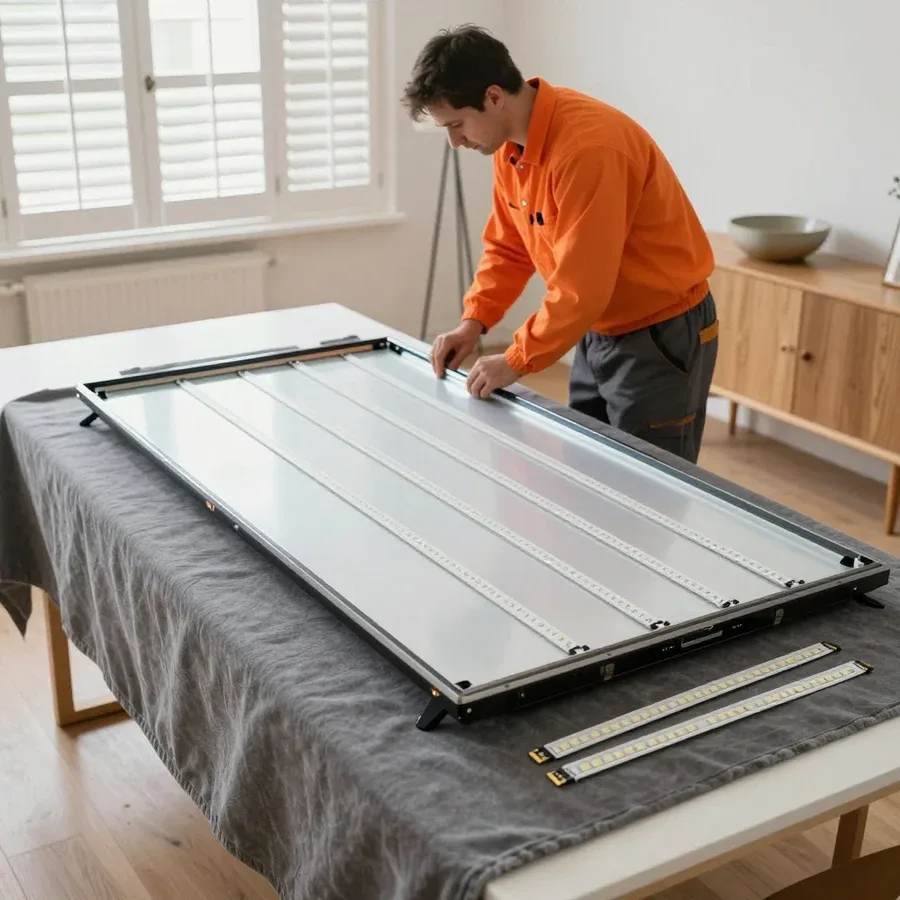 BeforeAfter

Five steps from request to checking the TV's operation.
Describe the symptom and TV model so the technician brings the right tools.
The technician arrives with tools for the described symptom and model, and inspects the TV on site.
The technician agrees with you on the scope of work and the order of steps.
Module replacement or TV adjustment according to the agreed plan.
Together with you, we check the picture, sound, and remote operation after repair.
We reply during working hours
Leave a request for a TV inspection: the technician will identify the cause of the fault and agree on the work. Discuss the cost and payment method on site.

Warranty question? Call us
+7 (778) 096 59 61 experience10 years
TV screen replacement technician
 experience7 years
Lead electronics repair technician
 experience10 years
Mobile PC repair technician
 experience10 years
Laptop repair and assessment technician
 experience15 years
Digital device repair technician

Author: Oraza B.,TV screen replacement technician
Published
Updated
Tech Service repairs Xiaomi TVs in Astana: a technician arrives at your home within 60 minutes or the work is done in the service center. Diagnostics are free, the technician quotes the price after diagnostics, and there's a 1-year warranty on labor and parts. Technicians with 4 to 20 years of experience know the specifics of Mi TV and Redmi TV.
Xiaomi TVs, including the Mi TV and Redmi TV lines, break down in their own way, and understanding typical symptoms helps owners figure out what they're dealing with before a technician arrives.
A lit indicator with a black screen usually points to a faulty power supply or backlight rather than a complete failure of the unit. The internal module in Mi TV and Redmi TV outputs several voltages at once: one powers the motherboard with the processor, another powers the LED strips, and a drop in any channel leaves the device on but without a picture. When our technician arrives, the first thing they do is measure these channels under load, because the defect often doesn't show up at idle. Our diagnostics are free, and a visit within the city takes up to 60 minutes. If the indicator responds to the remote but the screen stays dark, listen for a relay click during startup—if there's no click, the search narrows down to the power board. Our technician performs this Xiaomi TV repair in Astana either on-site or at the service center, depending on the nature of the fault.
If there's sound but no picture, Xiaomi TVs most often have a failed backlight or T-CON board, while the panel itself remains intact. The T-CON generates the signal for the panel and is connected to it by ribbon cables: an oxidized or torn contact causes stripes, flicker, or a completely black screen with working sound. The LED strips in Mi TV and Redmi TV are connected in series, and failure of a single diode kills the entire circuit. Checking with a flashlight helps distinguish these cases before the technician arrives—if you can see a faint outline of the menu on the screen, the backlight is dead but the panel is alive. Our specialist confirms the cause on-site and explains exactly what needs to be replaced and why.
Spontaneous shutdowns and freezing on the logo in Xiaomi TVs are usually linked to overheating of the power board, a Smart TV firmware failure, or a faulty motherboard. Swollen capacitors lose capacitance when heated, and the unit goes into protection mode, while damaged flash memory sectors on the motherboard prevent the system from booting past the splash screen. We reflash Xiaomi Smart TVs on Android TV and Google TV via the service port when a standard update no longer works. If the TV turns off after the same time interval each time, it more often points to thermal protection of the power board rather than a software glitch—note the interval, as it will help the technician narrow down the search. This symptom is rarely related to the outlet or a power surge, so don't bother replacing the extension cord hoping for a miracle.
The status indicator on a Xiaomi TV is the first source of clues about a breakdown. Let's break down how to read its signals and what they mean in practice.
A blinking indicator on a Xiaomi TV signals that the power board or motherboard is failing self-test at startup. During startup, the device polls its components, and if one fails, the LED starts flashing in series instead of glowing steadily. A steady light with a black screen more often indicates a backlight or power circuit issue, while no light at all points to a cable, connector, or lack of power. On Mi TV and Redmi TV models, the signal logic differs, so during diagnostics we first note the indicator behavior and only then open the case. Count the number of flashes before the pause—series with different numbers of flashes point to different components, and this detail significantly speeds up diagnostics. If your own check didn't help, Xiaomi TV repair at the service center begins with testing the power board and mainboard.
| Indicator signal | Likely cause | What the technician checks |
|---|---|---|
| Steady light, black screen | Power board or backlight | Power supply and LED strips |
| Blinks in series | Board self-test failure | Power board, mainboard |
| Blinks and goes out | Power supply protection | Capacitors, power circuit |
| No light at all | No power or cord issue | Cable, connector, power |
If the buttons on the Xiaomi TV work but the remote doesn't, the cause is usually the remote itself, the IR receiver, or the Bluetooth module, not the panel or power supply. IR remotes send commands to a receiver at the bottom of the panel, while Bluetooth models use a communication module, and a failure in any link produces the same symptom. In our practice, such cases often end with replacing the remote or resoldering the receiver, not repairing the main unit. Before calling a technician, check the remote with your smartphone camera—the IR LED appears as a purple flash on the camera screen, which immediately rules out half the possibilities. If there is a flash but the TV doesn't respond, the issue is in the receiver or module—that requires disassembly and testing the board.
Backlight and matrix produce similar external symptoms, but the work involved differs in complexity and consequences. Let's look at how to distinguish one fault from another on a Xiaomi TV by screen behavior.
A faulty backlight on a Xiaomi TV shows up as a black screen with working sound, a dim image, or light spots around the edges of the panel. Inside such a panel there is a row of LED strips and individual LEDs: they illuminate the liquid crystal layer from behind, while the layer itself remains functional. Hence the characteristic sign—the picture is visible only at an angle or under bright external light, while the menu and sound respond. A Tech Service technician checks the backlight by shining a directed beam onto the screen in a darkened room: if a fragment of the image appears where the light hits, the strips and LEDs need replacement. The backlight can be restored without replacing the screen—LED strips and LEDs are replaced, and the panel itself stays, making this option noticeably more affordable than replacing the matrix.
Vertical stripes, dead pixels, and distorted colors on a Xiaomi TV often point to the matrix, ribbon cables, or T-CON board, not the backlight. The T-CON board generates the line scan from the processor signal and sends it to the panel, while the matrix ribbon cables deliver this signal to the rows and columns. When the ribbon cable contact is broken, a straight stripe, half the image, or color shift across the entire area appears on the screen. During diagnostics, our technician first reconnects the ribbon cables and checks the connector seating—an oxidized contact produces the same symptoms as a dying panel. If the stripes change when you lightly press on the screen frame, the problem is usually in the matrix ribbon cable, not the panel itself—this leaves a chance to avoid replacing the screen.
| Symptom | Backlight | Matrix or T-CON |
|---|---|---|
| Black screen, sound present | Typical | Possible |
| Dim image | Typical | Uncharacteristic |
| Light spots around edges | Typical | Uncharacteristic |
| Vertical stripes | Uncharacteristic | Typical |
| Dead pixels | Uncharacteristic | Typical |
| Distorted colors | Uncharacteristic | Typical |
A power surge and liquid spill are two situations where the owner's first actions determine whether the Xiaomi TV can be saved and how serious the repair will be.
After a power surge, the power board is usually the first to suffer in a Xiaomi TV, and with a severe drop, the motherboard may also be affected. The switching power supply is designed for a certain voltage range, and a sharp spike can blow the varistor, diode bridge, or capacitor before the protection kicks in. Externally, it looks the same: the indicator doesn't light up or lights up and goes out, and the screen stays black. A Tech Service technician checks both units separately to avoid replacing a working module. You shouldn't turn the TV on again to "test" it — reapplying voltage to a damaged board can finish off working components and make the repair more expensive. Our diagnostics are free, so the first step is to call a technician rather than pressing the power button.
If liquid is spilled on a Xiaomi TV, it's important to disconnect the power as quickly as possible and not try to turn the TV on before diagnostics. Moisture gets onto the power board, motherboard, and matrix cables, causing short circuits between contacts and accelerating oxidation of the traces. The first hours are the most dangerous: while there are conductive droplets inside, applying voltage damages circuits that could still have been saved. Liquid causes contact corrosion and short circuits that don't show up immediately, so even a TV that looks "dry" should be shown to a technician — hidden corrosion spots make themselves known later. A technician arrives within 60 minutes in the city, disassembles the panel, and assesses which units are damaged and which are not.
The power board in a Xiaomi TV is usually repaired by replacing individual components, and a full replacement is needed only for extensive damage to traces and chips. A blown capacitor, diode, or fuse in the power supply is replaced pointwise, and the remaining working elements of the unit stay in place. If a section of traces has burned out or the control chip is damaged, restoring individual parts makes no sense — then the module is replaced entirely. The decision is made after diagnostics: if one capacitor or diode is damaged, component-level repair preserves working parts and costs less than a full replacement. We provide a 1-year warranty on the work performed and the parts installed, so the technician immediately explains which option was chosen and why it suits your case.
Let's go over how to call a Xiaomi TV specialist to your home, what happens at each stage, and what terms apply to the repair.
A Tech Service technician arrives at your home in Astana within 60 minutes, and on-site diagnostics are free. The mobile specialist works throughout the city, including new residential areas and outskirts where a taxi takes longer than our person. The check covers power, backlight, matrix, and main boards — we inspect all units that cause the symptom "no picture" or "won't turn on." When calling, it's worth giving the exact Xiaomi TV model and describing how the screen behaves: whether the indicator lights up, if there's sound, and if the logo appears. Based on this description, the specialist brings the right tools and immediately checks the likely unit instead of wasting time on a general inspection. Diagnostics are free, so the owner doesn't pay for the inspection itself — they learn the cost after the check.
Tech Service provides a 1-year warranty on labor and parts, and the technician quotes the price after free diagnostics. We accept payment in any form — cash, card or transfer — and it doesn't affect the warranty terms. The repair is done by our own employee, not a middleman: the same person runs diagnostics, is responsible for the result and issues the warranty on the work performed and parts installed. The question 'repair the panel or buy a new TV' is decided based on the condition of the panel and other components — sometimes replacing the panel isn't practical, and we'll tell you honestly after checking. On mid-range Xiaomi models with IPS panels, backlight replacement often extends the life of the TV, but cracks and liquid-damaged areas of the panel can't be restored. We don't take on work that won't give a result — it's better to discuss real options with the owner right away.
Understanding breakdowns, indicator codes and how to call a technician comes down to a few practical points that help you decide what to do with a faulty TV.
Tech Service technicians repair other appliances too — with the same 1-year warranty on labour and parts.
 Refrigerator Repair in Almatyfrom 3 000 ₸
 Washing Machine Repair in Almatyfrom 3 000 ₸
 Dishwasher Repair in Almatyfrom 3 500 ₸
 Oven Repair in Almatyfrom 3 000 ₸
 Cooktop Repair in Almatyfrom 3 500 ₸
 Air Conditioner Repair in Almatyfrom 3 500 ₸
 Boiler and Water Heater Repair in Almatyfrom 2 500 ₸
 Freezer Repair in Almatyfrom 6 000 ₸
 Tumble Dryer Repair in Almatyfrom 5 000 ₸
 Coffee Machine Repair in Almatyfrom 2 500 ₸
 Robot Vacuum Cleaner Repair in Almatyfrom 3 500 ₸
 Vacuum Cleaner Repair in Almatyfrom 1 500 ₸
 Microwave Oven Repair in Almatyfrom 2 000 ₸
 Hair Dryer Repair in Almatyfrom 1 500 ₸
 Iron Repair in Almatyfrom 3 000 ₸
 Electric Kettle Repair in Almatyfrom 2 500 ₸
 Mixer Repair in Almatyfrom 2 500 ₸
 Multicooker Repair in Almatyfrom 500 ₸
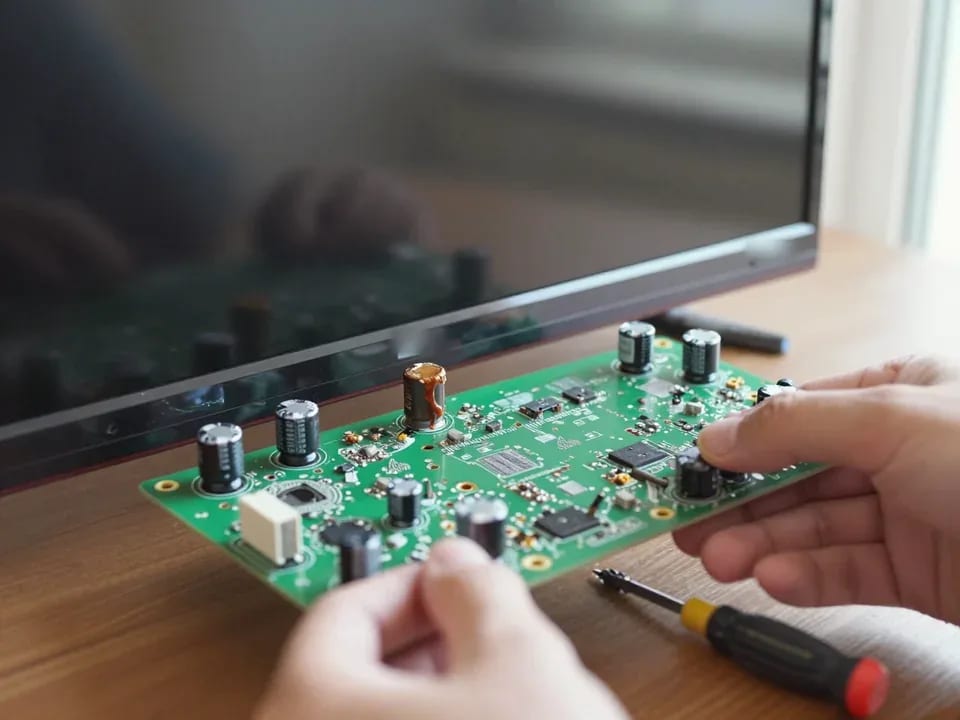
If your TV won't turn on, first check the outlet, power cable, and the button on the TV itself—not the remote.
21 November 2025 · 12 minutes read
If your laptop screen is broken, turn the device off first, don't press on the display, and check the picture through an external monitor.
12 March 2026 · 11 minutes read
If your phone won't charge, start by checking the adapter, cable, and port, then the charging settings.
16 February 2026 · 12 minutes read
If your laptop freezes, the first thing to do is restart it and check Task Manager to see what's loading the CPU and memory.
25 January 2026 · 12 minutes read
If your phone falls in water, take it out right away, turn it off, and don't charge it.
19 January 2026 · 12 minutes read
If your phone camera isn't working, first check app permissions, clear the cache, and restart your phone — this fixes some software glitches.
24 December 2025 · 13 minutes read