Валерия А.Order No. AST-2312-202 · 10 May 2023
oursДолго выбирал, остановился на этом варианте. В Астане с сервисами беда, поэтому выбирал по отзывам. Сергей Москоленко посмотрел и честно сказал: менять не надо.
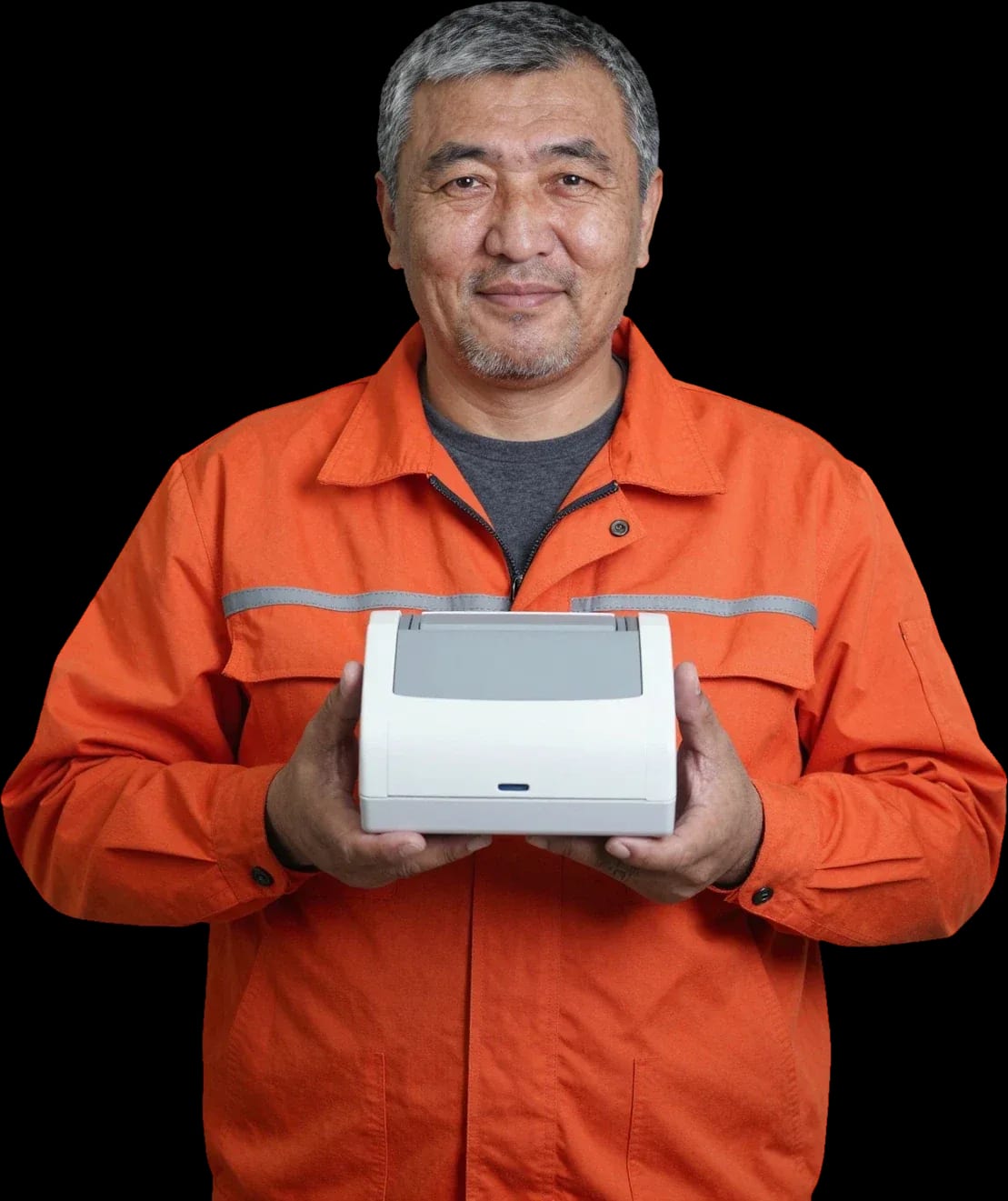
We'll fix your receipt printer on-site or at our service center. Free diagnostics, technician on-site within 60 minutes anywhere in the city.
Our own technicians4 to 20 years of experience




Repair prices
Symptoms are grouped by component: printing, paper feed, power, and connectivity. Find a similar case to understand which component to check.
thermal paper, printhead, ribbon cable
from4 500 ₸
feed roller, guides, torn ribbon
from7 500 ₸
power, power supply, button
from11 500 ₸
cable, port, driver
from7 000 ₸
printhead, platen, paper
from4 000 ₸
gearbox, motor, bearing
from3 500 ₸
cutter blade, gear, debris
from8 000 ₸
battery, charging port, board
from5 500 ₸
1–2 daystime
from 3,500 ₸cost
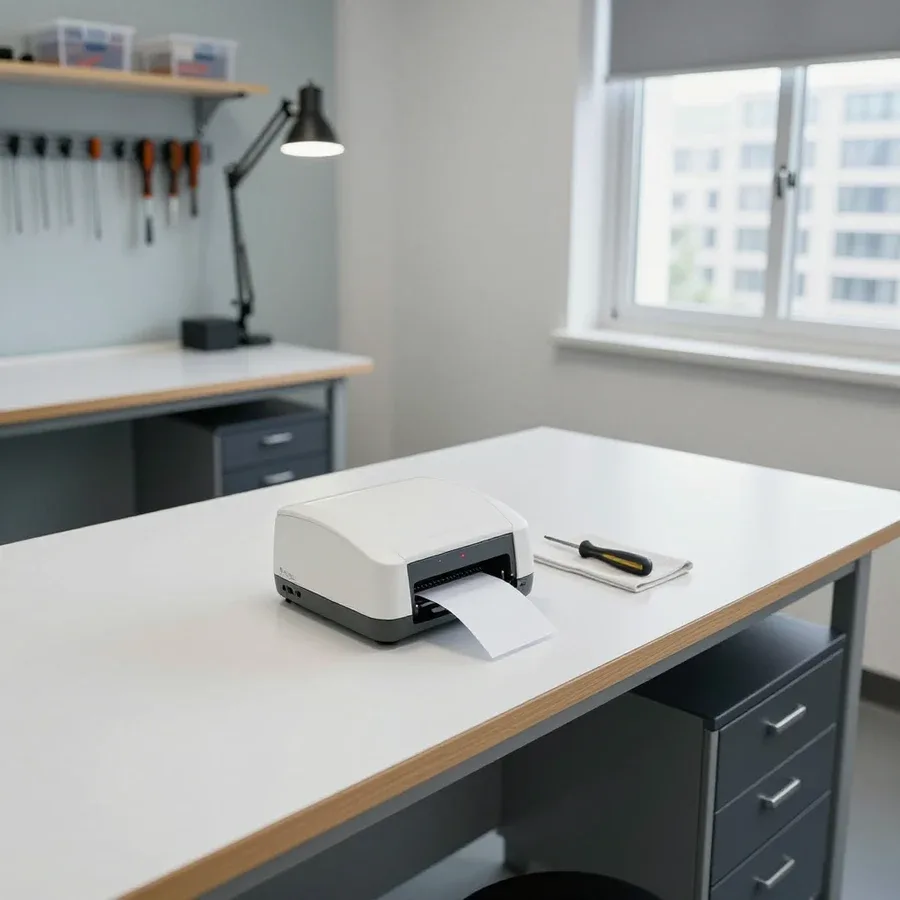 BeforeAfter

From request to print check — five clear steps.
Describe the symptom and printer model — the technician will prepare for the visit.
Escort the technician to the POS and show how it works before work begins.
The technician will clarify the POS operating mode and choose a convenient time for a test print.
Clear access to the printer and POS, prepare the model and serial number.
The technician will explain operation and answer questions about printhead care.
We reply during working hours
Ask the technician by phone whether diagnostics are free and whether they repair your printer model.

Warranty question? Call us
+7 (778) 096 59 61 experience7 years
PC and network repair engineer
 experience11 years
Senior mobile computer technician
 experience10 years
Laptop repair technician
 experience9 years
Motherboard repair technician
 experience16 years
Printer repair technician
 experience12 years
Computer repair technician
 experience18 years
All-in-one computer repair technician
Tech Service repairs thermal printers, label printers, and receipt printers in Astana. A technician arrives at your home or office within 60 minutes anywhere in the city, or you can drop off your device at our service center. Diagnostics are free, there is a 1-year warranty on labor and parts, and the technician provides the cost after diagnostics.
A thermal printer doesn't fail in general—it fails in specific components: the printhead, paper feed mechanism, sensors, or control board. Let's look at the typical symptoms a user notices and the causes behind them.
Faint or blank printing usually means either a worn printhead or the wrong ribbon, and during diagnostics we distinguish one from the other. Over time, the heating elements in the printhead burn out, and print density drops gradually—first barcodes fade, then entire sections of the label disappear. In label printers with a ribbon, the picture is similar, but the cause is often the consumable itself: a ribbon with a different ink layer type or a used-up roll produces the same effect. Print density settings in the driver also matter—a low value dries out the image without any visible breakdown. If the picture doesn't change after replacing the ribbon, the problem isn't the consumable—you need to check the printhead and density settings, not buy a new ribbon.
Label jams are usually caused by worn feed rollers or incorrect calibration, and in half the cases it's fixed by adjustment, not part replacement. The feed mechanism pulls the label through the paper path using rollers—as they wear, their surface becomes smooth and stops gripping the paper, so the label slips off the guides and gets stuck. The second cause is incorrect calibration: the device misreads the gap between labels and pulls the label at an angle. The third is debris and adhesive from labels in the paper path that stick to rollers and sensors. Before taking the printer to a service center, check if the paper path is clogged with label adhesive—this is a common cause that the user can spot themselves. Inspect the feed rollers: a smooth, polished surface won't grip the paper, and the label slips off the guides. If jamming continues after cleaning the paper path and recalibrating, the cause is worn rollers or incorrect sensor settings—that's a job for a technician during diagnostics.
Work starts not with parts replacement but with free diagnostics: the technician finds the cause, explains it, and only then quotes the cost of work and agrees on a plan.
After diagnostics, we either service and calibrate the components or replace the worn printhead — in both cases, the work and part are covered by a 1-year warranty. Thermal printer repair in Astana starts with pinpointing the cause of the failure, so we don't replace parts at random. Cleaning the printhead with isopropyl alcohol and a soft cloth removes carbon buildup, calibrating the sensors eliminates missed labels, and adjusting density and speed restores clear text and barcodes. The technician performs these steps in order and shows the result on a test print. Replacing the printhead restores print quality when the heating elements are already burned out and cleaning no longer helps. We don't replace it "just in case": if wear is partial, maintenance and density adjustment extend its life and postpone replacement. Before replacement, the technician shows the wear on a test print — you see the difference before and after rather than taking our word for it.
Preventive cleaning of the printhead and paper path significantly reduces the risk of faint print and jams, and the frequency depends on how intensively the printer is used at your site. Label adhesive and paper dust accumulate unnoticed — under heavy use, the paper path should be inspected more often than you might think, otherwise roller wear accelerates. Removing carbon buildup from the heating elements prevents faint output and streaks: dirt interferes with even heat transfer to the paper. At checkouts and warehouses with a high volume of labels, inspections are done more often than at a counter with light use — watch for the first signs: fading text, streaks, slight jamming. Wipe the printhead only with a soft, lint-free cloth and alcohol, without acetone or abrasives, and let it dry completely before turning the printer on.
A thermal printer sits at a checkout or in a warehouse, and taking it away is inconvenient — so the technician comes to your site, or you can bring the device to our service center. Let's figure out which format suits your breakdown.
The technician comes to your home or site when the issue can be fixed on the spot — printhead cleaning, calibration, driver setup, replacement of consumable parts. At a checkout, this is most often faint printing, label tearing, or misalignment after changing a roll; in a warehouse, it's a jammed ribbon and a sensor that doesn't see the gap between labels. The on-site technician brings tools for typical operations and gets the printer working right at the counter or in the warehouse if the issue can be resolved on site. In our experience, an on-site visit covers most requests from checkouts and warehouses where the equipment is tied to ongoing operations. This format saves businesses time: the checkout or warehouse doesn't stand idle while the printer is taken away and returned.
We arrive within 60 minutes anywhere in the city, so you won't have to wait half a day for a technician. We count the time from the confirmed request, not from the call: the dispatcher first clarifies the model and symptom, then passes the address to the technician. For cash registers in the center and on the left bank, this is noticeably faster than a round trip to the service center with a printer in hand. You can submit a request by phone or email — it's important to state the model, for example Zebra or Godex, and describe the printing symptom. The more accurately you describe the symptom and printer model when requesting, the faster the technician will gather the right tools and prepare for the visit. If the printer is connected to a cash register or accounting system, please clarify in advance how it's linked to the computer — that's also part of preparing for the visit.
We accept equipment for service when the control board or power supply needs repair, or the thermal head needs replacement followed by print testing. Such work requires disassembling the case, accessing the electronics, and test printing after reassembly — this can't be done at the checkout counter. Signs that you should bring it in: the printer won't turn on, the indicator blinks in a specific sequence, you hear a click from the case when power is applied, or printing comes out with stripes even after cleaning. The technician on-site will confirm the cause in the electronics, and you'll decide whether to leave the equipment for service or take it back. If the printer won't turn on or shows a board error, an on-site visit doesn't always solve the problem — such cases are handled more honestly and quickly at the service center.
We specialize in thermal printing — from warehouse labeling devices to point-of-sale cash registers, including popular Zebra and Godex models.
Label printers and receipt printers break down differently: the former more often suffer from gap sensor and feed mechanism issues, while the latter — from printhead and power problems due to intensive use. In a labeling machine, the gap sensor detects the boundary between labels, and when it gets dirty, the device starts printing with an offset or skips labels. The feed mechanism with rollers wears out from dense material and unstable roll geometry. In cash register equipment, the printhead works almost non-stop throughout a shift, so overheating and wear of thermal elements happen sooner, and the power supply experiences constant load from peaks when printing receipts. Understanding the device type helps anticipate the faulty unit in advance — and that speeds up diagnostics when the technician arrives on site.
| Printer type | Where it's used | What breaks most often | On-site repair |
|---|---|---|---|
| Label printer | Warehouse, manufacturing | Gap sensor, label feed | Yes |
| Receipt printer | Cash register, point of sale | Printhead, power supply | Yes |
| Zebra | Warehouse, logistics | Printhead, feed rollers | Yes |
| Godex | Warehouse, labeling | Sensor, feed mechanism | Yes |
| Direct thermal printer | Retail, accounting | Thermal head, feed mechanism | Yes |
Yes, we service Zebra and Godex printers both on-site and at your home, as long as the issue can be fixed on the spot. Both brands use similar thermal printing technology, so they share common failures: printhead wear, gap sensor errors, ribbon jams, and feed issues. During the visit, the technician checks the test label print, inspects the printhead under magnification, and tests the sensors, then tells you the cause. If the repair requires replacing a part or calibration that can't be done in your working environment, the device is taken to our service center. For warehouse Zebra and Godex printers, on-site service is especially convenient: the equipment stays in your workflow and doesn't need to be reconnected to your inventory system afterward. A city visit takes up to 60 minutes, diagnostics are free, and there's a 1-year warranty on labor and parts.
We can't give you a price upfront because it depends on the faulty unit and the printer model. That's why we start with free diagnostics and only then quote the final amount.
The final price depends on which unit has failed, whether a part needs replacing, and the printer model — the technician gives you the amount after free diagnostics. Most often it's the printhead: partial wear can be fixed by cleaning, while full wear requires a new part. The device type also matters: receipt printers and label printers have different sets of components, so a similar-looking problem can cost differently. At Tech Service, we don't quote over the phone — without an inspection, that would just be a guess. Repair isn't always more expensive than a new device: with partial printhead wear, cleaning and adjustment cost less than replacement, and you can see that already during diagnostics.
We accept Kaspi QR, Kaspi Red, card, cash or bank transfer for companies, so you can pay in whatever way is convenient for you. The technician gives you the amount after free diagnostics — before work starts, you already know the final price and scope of repair. Payment isn't tied to a specific stage: what matters is that you agreed on the amount in advance. Since the price is only known after diagnostics, it makes sense to discuss it before work begins — that way there are no surprises at the end. If during the repair it turns out another part is needed, the technician will first get your approval rather than springing it on you. Approval before any work is our practice: you pay for what you agreed to, not for surprises from the workshop.
The price includes the technician's labor and, if replacement is needed, the part — both are covered by a 1-year warranty. That means you get more than a one-time fix: you get a commitment for the unit we worked on. The warranty covers the work performed and the part installed, not the entire device. Our technicians have been working with thermal printers for 4 to 20 years, and over that time they've gotten used to documenting exactly what was replaced. A warranty on labor and parts means that if the same unit fails again, it's handled as a warranty claim, not as a new job. If the same unit has another issue, contact the service center — the warranty on labor and parts covers it.
We send our own staff technician, not a contractor from a marketplace. That's why the service center as a whole stands behind the result, not an anonymous contractor you can't reach later.
Tech Service is a direct contractor with its own technicians, not an intermediary that passes your request to third parties. Our employee takes the request and goes to the site — office, store, or warehouse — and sees the job through to the end. When the service center itself repairs the device, responsibility for the work and warranty isn't split between a platform and a contractor: you deal with one place instead of figuring out who's actually responsible for the result. This approach saves time for both the client and the technician. In practice, it saves time — you don't have to explain the symptoms again to a second person or wait for the request to move down the chain. If a printer won't turn on, won't feed paper, or shows an error, the direct contractor sees the whole picture from the first visit. In our experience, this is easier for both the client and the technician: one contact, one person responsible, a clear warranty scope.
Our technicians have 4 to 20 years of experience, and that directly affects how quickly the cause of a breakdown is found. An experienced specialist can tell printhead wear from a ribbon problem by the printout and the printer's behavior — without taking things apart at random or replacing parts unnecessarily. Faint printing, streaks, a jammed label, or a blinking indicator — each symptom narrows down the likely causes, and during free diagnostics the technician checks exactly those, not the entire device. This approach reduces the number of wrong guesses: instead of "let's replace the head and see," the diagnosis is confirmed first, then a repair is proposed. Receipt printers and label printers have different sets of typical faults, and a technician with extensive experience takes that into account right away. The more accurately the cause is identified during the inspection, the fewer parts are replaced for nothing and the more predictable the result.
A 1-year warranty on labor and parts plus free diagnostics removes the main fear — paying and then facing the same breakdown a week later. Transparency starts with the inspection: you learn the cause and the cost before work begins, not after, and you can decline the repair without losing money on diagnostics. This matters when the fault is debatable — for example, the ribbon or print settings are to blame rather than the device itself: the technician will honestly tell you that nothing needs replacing. The work and the installed parts are covered by warranty, so if the same issue comes back, it's handled under that warranty. In our experience, a transparent process removes half the questions before the visit even happens: the client understands what they're paying for and doesn't expect surprises at the end.
Here's a quick summary of the topic: typical thermal printer breakdowns, repair stages, and how to choose a technician in the city.
Tech Service technicians repair other appliances too — with the same 1-year warranty on labour and parts.
 Refrigerator Repair in Almatyfrom 3 000 ₸
 Washing Machine Repair in Almatyfrom 3 000 ₸
 Dishwasher Repair in Almatyfrom 3 500 ₸
 Oven Repair in Almatyfrom 3 000 ₸
 Cooktop Repair in Almatyfrom 3 500 ₸
 Air Conditioner Repair in Almatyfrom 3 500 ₸
 Boiler and Water Heater Repair in Almatyfrom 2 500 ₸
 Freezer Repair in Almatyfrom 6 000 ₸
 Tumble Dryer Repair in Almatyfrom 5 000 ₸
 Coffee Machine Repair in Almatyfrom 2 500 ₸
 Robot Vacuum Cleaner Repair in Almatyfrom 3 500 ₸
 Vacuum Cleaner Repair in Almatyfrom 1 500 ₸
 Microwave Oven Repair in Almatyfrom 2 000 ₸
 Hair Dryer Repair in Almatyfrom 1 500 ₸
 Iron Repair in Almatyfrom 3 000 ₸
 Electric Kettle Repair in Almatyfrom 2 500 ₸
 Mixer Repair in Almatyfrom 2 500 ₸
 Multicooker Repair in Almatyfrom 500 ₸

If your laptop screen is broken, turn the device off first, don't press on the display, and check the picture through an external monitor.
12 March 2026 · 11 minutes read
If your laptop freezes, the first thing to do is restart it and check Task Manager to see what's loading the CPU and memory.
25 January 2026 · 12 minutes read
If your computer won't turn on, start simple: check the outlet, power cable, switch on the power supply, and the power button.
19 January 2026 · 13 minutes read
If your laptop won't boot, first determine which of two states you're in: the device doesn't respond to the power button at all…
13 December 2025 · 12 minutes read








