Виолетта Д.Order No. 2505-2796 · 24 December 2025
oursСервис выбрал по карте — этот был ближе всего. Для Астаны — хороший вариант.
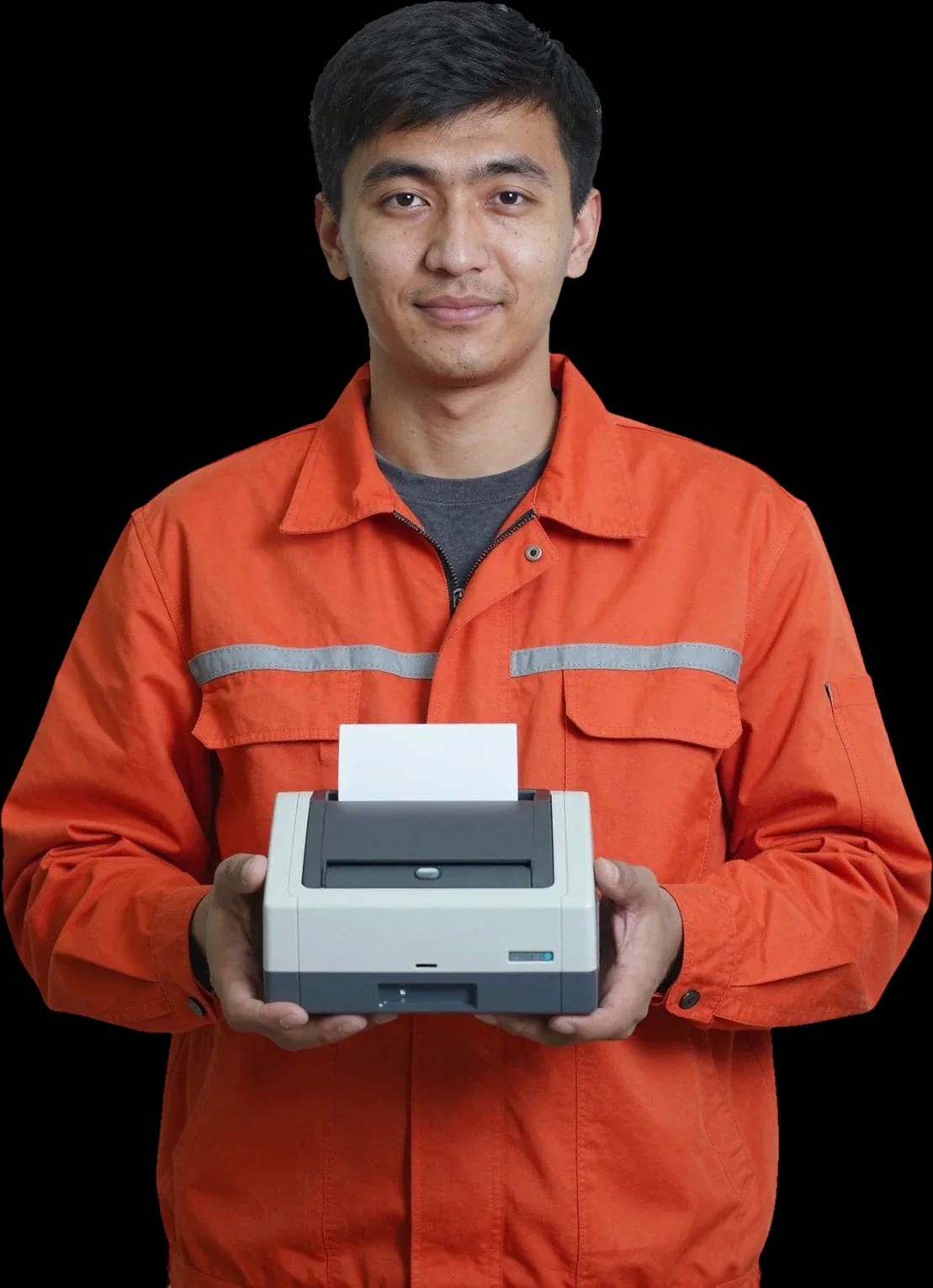
We restore cash register printing on site. Diagnostics are free.
Our own technicians4 to 20 years of experience




Repair prices
Below are the symptoms customers most often report. The technician will determine the exact cause during inspection.
Thermal head, ribbon cable, driver settings
from4 500 ₸
Dirty print head, worn paper
from4 000 ₸
Roller, guides, skewed roll
from7 500 ₸
Power supply, button, power cable
from11 500 ₸
Cover sensor, limit switch, ribbon cable
from7 000 ₸
Thermal head, pressure roller, contamination
from4 500 ₸
Cutter blade, gear, cutter motor
from8 000 ₸
Worn gears, roller, bearing
from7 500 ₸
1–2 daystime
from 11,000 ₸cost
 BeforeAfter

Five steps from request to checking the work.
The technician will arrange a convenient visit time and confirm your contact details.
Technician visit within 60 minutes across the city.
The technician clarifies the printer model and symptoms to prepare for the visit.
The technician records the symptoms in the request and confirms the exact arrival time.
You receive warranty documents for the completed work and parts.
We reply during working hours
Choose a convenient booking channel and visit time — the technician will coordinate the details and confirm the request. Ask the technician for a convenient visit time.

Warranty question? Call us
+7 (778) 096 59 61 experience7 years
PC and network repair engineer
 experience11 years
Senior mobile computer technician
 experience10 years
Laptop repair technician
 experience9 years
Motherboard repair technician
 experience16 years
Printer repair technician
 experience12 years
Computer repair technician
 experience18 years
All-in-one computer repair technician
Tech Service repairs receipt printers and label printers in Astana: a technician arrives at your location within 60 minutes or takes the equipment to the service center. Diagnostics are free, we provide a 1-year warranty on labor and parts, and we quote the price after diagnostics. We work as a direct contractor with our own technicians.
A receipt printer most often stays silent for three reasons: the thermal head, the paper sensor, or the thermal paper itself. Let's break down how to tell these faults apart by the appearance of the receipt and the indicator's behavior.
A blank receipt usually means the thermal head isn't heating up or the optical sensor doesn't see the roll even though it's physically in the compartment. The print head is a thin bar with heating elements: if some have burned out or the ribbon cable is oxidized, the device outputs a strip without a single character. The optical pair detects the presence and edge of the roll; when dirty or misaligned, it signals 'no paper' and printing doesn't start at all. The thermal paper itself also plays a part: a cheap roll with a thin thermal layer develops weakly or not at all, and expired paper loses sensitivity to heat. If the roll is inserted incorrectly, with the thermal side down, the printer also outputs a blank receipt—this is the first thing to check before calling a technician: flip the roll and print a test strip.
Faint printing and streaks point to either thermal head wear or cheap/expired thermal paper—a test on a new roll helps tell the difference. Insert a fresh roll of known quality and print a test receipt: if the image becomes contrasty, the consumable was the issue, not the mechanics. The print head wears gradually—heating elements burn out unevenly, and then white vertical streaks appear on the receipt, repeating from receipt to receipt in the same place. Uniform faintness along the entire receipt usually indicates low-quality consumable, while local white streaks indicate burned-out areas on the thermal head, which is replaced. The easiest check: run your fingernail across the receipt—where the thermal layer is thin, the mark will be fainter than on a quality roll.
A red indicator or flashing signals a specific printer error code—our technician deciphers it during free diagnostics and immediately names the cause. Codes vary by model, but most stem from three components: the optical pair, the cover-open sensor, and the control board. A dirty sensor gives a false 'no paper', a loosely closed cover triggers a lock signal, and a board failure shows as a series of flashes after power-on. The code itself doesn't mean 'replace the head': some codes clear with a restart or cleaning the optics, and only diagnostics show whether replacement is needed. Our technicians work with receipt printers from 4 to 20 years old and narrow down the causes by the indicator pattern even before opening the case.
Jams are almost always related to the feed roller, the paper path, or an incorrectly loaded roll. Here's what you can fix yourself and when a specialist visit is needed.
Paper gets stuck at the exit due to a dirty feed roller, a foreign object in the paper path, or a skewed roll. The rubber roller grabs the thermal paper and pulls it along the guides to the print head; over time, paper dust and label adhesive settle on the surface, grip decreases, and the paper feeds unevenly, jamming at the exit. A skewed roll produces the same picture: the edge catches on the guide, the receipt comes out wavy and tears. A foreign object—a paperclip, a piece of cardboard, a dried bit of glue—gets stuck in the tear-off mechanism and stops the feed. If after removing a jam the device tears the receipt in the same place, the issue is not the paper but the tear-off assembly—it's adjusted at the service center.
| What's happening | Likely cause | Who fixes it |
|---|---|---|
| Roll loaded crooked | improper loading | user |
| Receipt tears at the exit | dirty feed roller | service center |
| Paper crumples in the path | foreign object | service center |
| Printer jams after roll replacement | wrong thermal paper layer | user |
| Constant jam in one spot | worn tear-off assembly | service center |
On a service call, we check the feed path, roller cleanliness, and paper sensor—these are the three components that most often cause jams. First, the technician turns the roller by hand and checks traction: if the rubber looks glazed or dusty, it's cleaned with a special solution, not alcohol, which dries out the surface. Then they inspect the guides against the light, looking for paper scraps, glue, and bent edges. The paper sensor is checked separately: it detects whether a roll is present using an optical mark, and dust buildup gives a false "out of paper" signal. If the jam repeats, we check not only the roller but also this sensor: it may "think" the roll is empty, and the device stops feeding.
If the indicator light is off or the POS system doesn't see the device, the cause is usually in the power supply, connectors, or control board. Let's go through both scenarios step by step.
If the indicator light is off, first check the power cable and outlet, then the power supply and the printer's control board. The cord wears out at the base of the connector over time, and the power adapter loses contact inside the plug housing—both defects cause complete silence when turning on. The control board is responsible for starting all components, and damage after a power surge shows up the same way: no light, no sound, no paper feed. Mobile and stationary models are built similarly, so the check order is the same: first the external cord and outlet, then the internal power circuits. It's also worth inspecting the connector on the case—dust accumulates there, and contacts loosen over time. Sometimes the device "won't turn on" because of a stuck button or triggered protection—this is only visible during disassembly, so don't rush to buy a new one.
USB or Ethernet connection problems can be due to the driver, cable, or connector, and sometimes the printer's control board. First, rule out the computer and POS system: check on another device with the same cable to see if the printer is recognized. USB, Ethernet, and COM connectors on the case loosen over time from frequent reconnections, and contacts inside the socket oxidize from dust. Reinstall the driver through Device Manager—if the port doesn't appear at all, it's a hardware issue. The POS system may also fail to see the device due to incorrect port settings: a wrong COM number or virtual port disrupts communication even with a working printer. When the device isn't visible on another computer with the same cable, the problem is in the device itself, not the POS settings—this speeds up diagnostics.
If checking the cable and restarting didn't help, we come to your home within 60 minutes and check the power, connectors, and board on site. The field technician brings tools for circuit testing and inspecting connection sockets—within the city, they reach you within an hour of your call. Diagnostics are free: the specialist names the cause and cost of work after inspection, not over the phone. Some power and connector issues are fixed right on the visit, and the device keeps working without a trip to the service center. We provide a 1-year warranty on labor and parts, and our technicians have 4 to 20 years of experience. You can pay via Kaspi QR, Kaspi Red (instalments), bank card, cash, or bank transfer for companies, and if the defect requires disassembly, the technician will explain what they're checking and why it's necessary.
We explain what the technician does on-site, when the equipment is taken to the service center, and how it works with us: from the first visit to getting a working device back.
On-site, we provide free diagnostics, check the thermal head, paper feed path, and connection, then quote the price and agree on the work. The visiting technician arrives with tools and common consumables, so many issues are fixed right away: cleaning the print head from carbon buildup and paper dust, correcting the paper roll loading, switching the interface between USB, Ethernet, and COM. Receipt printer repair in Astana on-site is convenient for a business that can't stop sales: the cash register keeps working while the technician handles the device. Based on our team's experience, roller contamination, incorrect ribbon loading, and misconfigured port settings account for more than half of all receipt printer calls—and all of these are resolved without transporting the device. Before the visit, clear access to the back panel and prepare a paper roll—this will make diagnostics faster.
We take it to the service center when the thermal head needs replacement or the control board needs repair—these works require stationary conditions. The print head is replaced only after checking the printout: the technician prints a test page and looks at where exactly the dots are missing—across the entire width or in a stripe. The control board is checked for damaged power circuits and ports, and such defects cannot be fixed on-site without disassembling the case. The technician immediately explains which works are done on-site and which at the service center, so you understand whether the printer will stay with you or not. This approach saves time: you don't wait for a courier and don't wonder if the device will be returned by the shift. If the device stays at the service center, record the accessories—power supply, cables, tray—to avoid disagreements upon return.
The technician arrives within 60 minutes anywhere in the city, and the duration of the work itself depends on the fault and scope. The visit and diagnostics are included in one trip: the technician inspects the device, checks printing and connection, then quotes the price. If the issue is fixed on-site, you get a working printer during the same visit; if a component needs replacement, they explain what exactly they are taking and why. The exact timeframe is given after diagnostics—so you don't rely on general promises but know what is being done with your printer. When calling, specify the model and symptom—this helps the technician bring the right tools and reduce the need for a second visit. The 1-year warranty on labor and parts applies regardless of where the work was performed.
We address the three questions most often asked before servicing a receipt printer: whether diagnostics are paid, what the cost of work consists of, and what exactly the warranty covers after the technician's intervention.
Our diagnostics are free: the technician checks the printer, identifies the cause, and only then quotes the cost of work. First, they inspect the case and paper feed path, check power and connection to the cash register, test printing a sample receipt, and assess the condition of the print head. Based on the inspection, they explain which part has failed and what work is needed, and you decide whether to proceed. The cost is agreed upon before work begins, so there are no surprises at the end. In my opinion, this is the main difference between proper diagnostics and a 'quick glance': the cause is confirmed, not assumed. Free diagnostics is also beneficial because you pay only for a confirmed fault, not for guesses over the phone.
The technician gives you the price after a free diagnostic. It depends on the fault and the work required. Replacing a thermal head, cleaning the paper feed path, repairing the power board or the connection port are tasks of different complexity, and lumping them into one figure makes no sense. You only pay for what is actually broken: the technician does not suggest replacing working parts "just in case." Sometimes repair is cheaper than buying a new printer, sometimes it is not; they will tell you honestly when a part replacement is not justified and it is easier to buy new equipment. This conversation happens before the work, not at the end, so you make an informed decision. If intervention is not advisable, you will know right away and won't pay for pointless actions.
We provide a 1-year warranty on labor and parts, including replacement of the print head in a thermal printer. This means that if the printer starts malfunctioning again for the same reason after service, the repeat work is on us, not on you. The print head is the most heavily used component of a receipt printer: it contacts the paper, heats up with every print, and is the first to react to poor-quality thermal paper, so the warranty on it is especially important. The warranty covers both labor and the installed part, so if the same fault recurs, you don't pay twice. Based on our workshop's experience, most warranty claims involve the print head and the paper feed path—we check these especially carefully when handing over the printer.
Here's what equipment we accept for service, what you should know about foreign models, and why we are a direct service provider rather than an intermediary between you and a technician.
We service receipt printers (thermal printers), label printers including Zebra and Godex, as well as mobile and stationary models. We work on devices for checkout counters, warehouses, and pickup points: desktop thermal printers with 80 mm rolls, compact mobile devices with a battery and Bluetooth, and stationary label printers with thermal transfer printing. Each class has its weak spot: checkout printers more often suffer from the paper feed path, while label printers have issues with the print head and the tear-off mechanism. A technician can come to your home or you can bring the device to our service center; diagnostics are free. Label printers are similar in design to receipt printers, but their paper path and print head are different—the specialist tailors the approach to the specific model rather than following a one-size-fits-all scheme, and this directly affects the outcome of the repair.
We accept printers bought outside Kazakhstan—as long as the model is repairable. Devices brought from abroad come with different print head part numbers, different firmware, and different power voltage, so the technician checks the nameplate markings and board revision before starting work. For receipt printers and thermal printers from neighboring countries, consumables and rollers often match, but a print head for a rare model may take longer to find. For some foreign models, spare parts are harder to find, so during diagnostics we'll tell you right away whether replacing the part is realistic. That answer on the first visit saves the client time: instead of waiting for who knows what, they immediately learn whether it's worth repairing the device or easier to look for a replacement.
| Parameter | How we do it |
|---|---|
| Who performs the repair | our own Tech Service technician |
| Service format | at your home or in our service center |
| Diagnostics | free |
| Warranty | 1 year on labor and parts |
| Technician experience | from 4 to 20 years |
| Payment | Kaspi QR, Kaspi Red, card, cash or bank transfer |
That wraps up our look at common receipt printer problems. Here's a quick recap: where to start troubleshooting and when it's time to call a repair shop.
Tech Service technicians repair other appliances too — with the same 1-year warranty on labour and parts.
 Refrigerator Repair in Almatyfrom 3 000 ₸
 Washing Machine Repair in Almatyfrom 3 000 ₸
 Dishwasher Repair in Almatyfrom 3 500 ₸
 Oven Repair in Almatyfrom 3 000 ₸
 Cooktop Repair in Almatyfrom 3 500 ₸
 Air Conditioner Repair in Almatyfrom 3 500 ₸
 Boiler and Water Heater Repair in Almatyfrom 2 500 ₸
 Freezer Repair in Almatyfrom 6 000 ₸
 Tumble Dryer Repair in Almatyfrom 5 000 ₸
 Coffee Machine Repair in Almatyfrom 2 500 ₸
 Robot Vacuum Cleaner Repair in Almatyfrom 3 500 ₸
 Vacuum Cleaner Repair in Almatyfrom 1 500 ₸
 Microwave Oven Repair in Almatyfrom 2 000 ₸
 Hair Dryer Repair in Almatyfrom 1 500 ₸
 Iron Repair in Almatyfrom 3 000 ₸
 Electric Kettle Repair in Almatyfrom 2 500 ₸
 Mixer Repair in Almatyfrom 2 500 ₸
 Multicooker Repair in Almatyfrom 500 ₸

If your laptop screen is broken, turn the device off first, don't press on the display, and check the picture through an external monitor.
12 March 2026 · 11 minutes read
If your laptop freezes, the first thing to do is restart it and check Task Manager to see what's loading the CPU and memory.
25 January 2026 · 12 minutes read
If your computer won't turn on, start simple: check the outlet, power cable, switch on the power supply, and the power button.
19 January 2026 · 13 minutes read
If your laptop won't boot, first determine which of two states you're in: the device doesn't respond to the power button at all…
13 December 2025 · 12 minutes read








