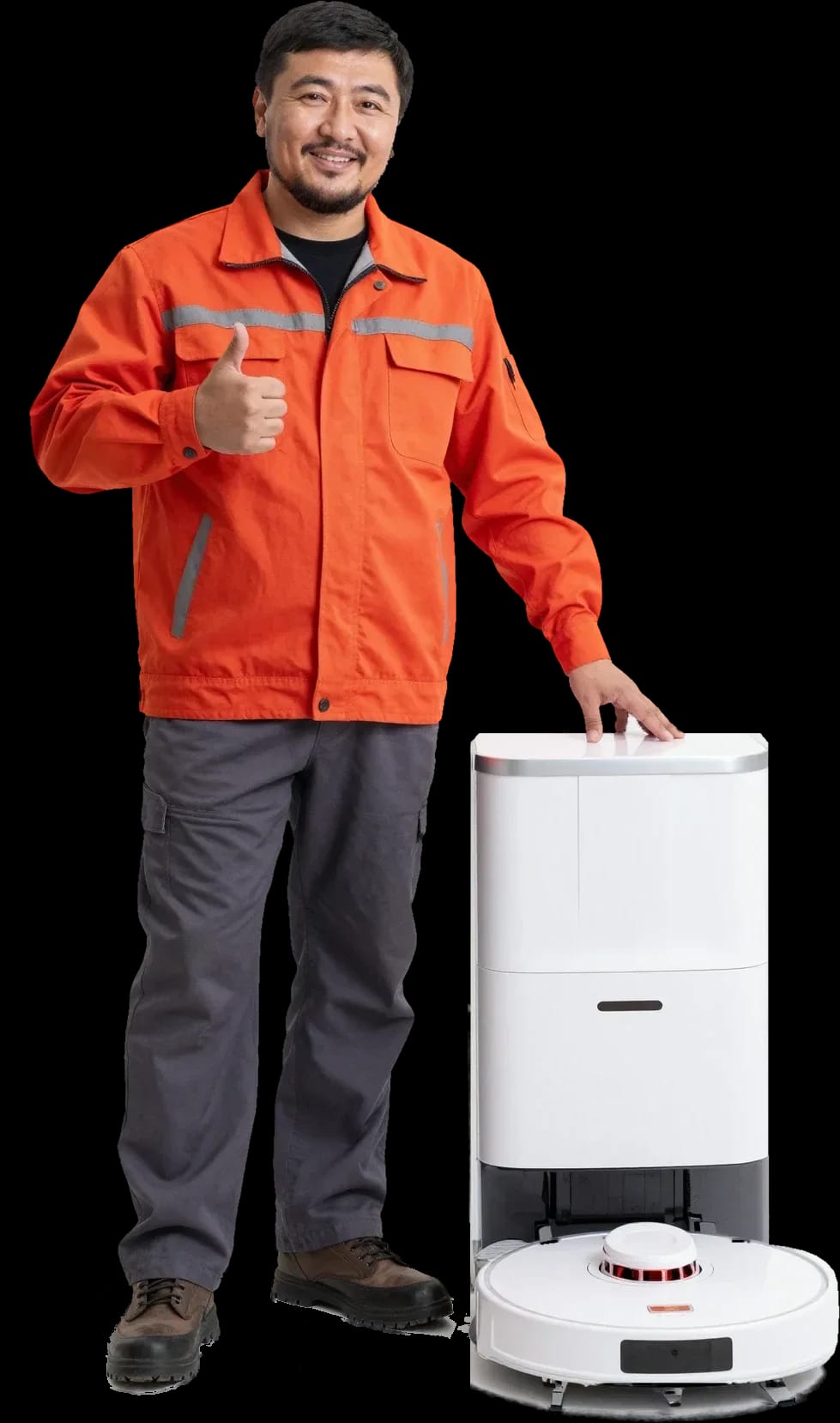
Tech Service repairs robot vacuums in Astana as a direct provider with its own technicians. A technician arrives at your home within 60 minutes anywhere in the city or takes the device to the service center, diagnostics are free, and there is a 1-year warranty on labor and parts. The technician gives you the price after diagnostics.
Why a robot vacuum won't turn on or charge
If the robot won't turn on or won't hold a charge, it's usually the battery, the charging contacts, or the control board. Here's what you can check yourself and when it's time to call a technician.
Battery or board: how to tell by the robot's behavior
If the robot doesn't respond to the button or the charger at all, it's more likely the control board or the charging contacts; if it turns on but drains quickly, it's almost always the battery. The battery powers the robot vacuum and loses capacity over time: the device covers fewer rooms, shuts down mid-clean, and sits on the dock longer. The control board gives a different symptom: the robot is silent, the indicator doesn't light up, and the button doesn't respond even after hours of charging. The charging contacts on the body and on the dock oxidize from wet cleaning, and then the charge simply doesn't reach the battery. Before calling a technician, place the robot on the dock for a few hours and wipe the charging contacts with a dry cloth — this rules out half of false breakdowns.
What to check before calling a technician
- Charging contacts: inspect the pads on the robot's body and on the dock — burn marks and dark residue prevent current from reaching the battery.
- Charging dock: make sure it's plugged into a working outlet and its indicator is on, and that the robot clicks into place on it.
- Power button: hold it longer than usual and see if the indicator responds at all — a silent device points to the board.
- Battery: recall how long the robot used to run versus now — a twofold drop in cleaning time means lost capacity.
- Full charge: leave the device on the dock for a few hours and start it — if it doesn't come back to life, disassembling it without a technician risks damaging the board.
When battery replacement is needed and how we do it
We replace the battery when the robot holds a charge noticeably less than usual or shuts down mid-clean, and we give a 1-year warranty on the new battery. Diagnostics are free: the technician checks capacity, charging contacts, and the control board so we don't replace parts blindly. We handle robot vacuum repair in Astana as a direct provider — our technician comes to your home or takes the device to the service center, with no middlemen. Technician arrival within 60 minutes anywhere in the city, payment via Kaspi QR, Kaspi Red, bank card, cash, or bank transfer for companies. The battery is replaced along with checking the contacts and board — otherwise the new part will quickly fail for the same reason. After replacement, the technician runs a test clean and compares the run time with the expected one to make sure the capacity holds.
What to do if the robot spins in place and doesn't map the room
If the vacuum spins in place, loses the map, or doesn't return to the dock, it's about sensors, wheels, and the drive. We explain where a sensor fails and where it's the firmware.
Obstacle sensors and lidar
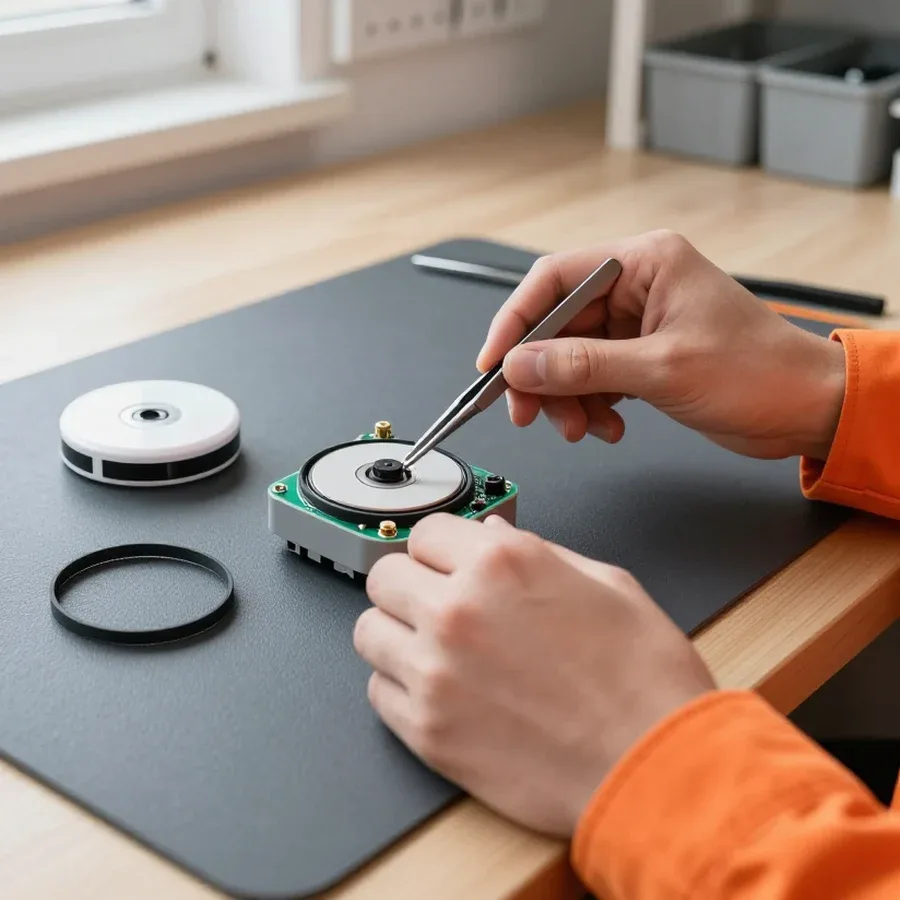
If the device spins in place and doesn't map the room, the most common culprit is a dirty lidar or obstacle sensors, not a software glitch. The lidar rotates in the turret on the body and scans the room, while infrared sensors work at the bumper and underneath. Dust, pet hair, and water droplets on the turret glass and sensor windows distort the signal: the robot sees a nonexistent wall or misses a real one, stops, and turns in one spot. Navigation and mapping fall apart in this situation, even though the hardware is fine. Check the bumper separately: if it sticks after a hit and doesn't return to its original position, the touch sensors trigger falsely, and the device turns without starting to move. Wipe the sensors with a dry soft cloth after each wet cleaning — residue and splashes distort readings, and the device goes blind.
Wheels, drive, and returning to the dock
When the vacuum doesn't return to its base, we check the wheels and drive for jamming and debris, as well as the contacts and position of the charging base itself. Hair packed on the axle makes the wheel stick, and the device veers off instead of going straight, while oxidized base contacts prevent it from docking for charging even with correct coordinates. Another cause is the wheel lift sensor: it tells the board that the robot is lifted off the floor, and it stops moving even though the wheels are level. A Tech Service technician removes the wheel module, cleans the axle, and tests the drive under load, then inspects the contacts and the base platform. It's best not to move the base without restarting the map—the robot looks for it using saved coordinates and loses its reference point if it's shifted.
When it's firmware, not hardware
If after resetting settings and updating firmware the vacuum builds the map again and returns to its base, the issue was a software glitch, not the sensors. Firmware controls how the device processes rangefinder signals and plots its route: after a failed update or power failure, navigation logic breaks down, and clean sensors send correct data that the firmware reads incorrectly. A software glitch shows up the same way in any room, while a sensor failure only occurs under certain conditions, such as dark surfaces or mirrors. It's easy to check: move the device to another room—if the picture is the same, it's not about the room's geometry. A factory reset erases the room map—after that, give the device one full pass to build it again.
Why the robot doesn't pick up dirt, hums, or smells
Weak suction, humming, and unusual smells are linked to the turbo brush, filter, and motor. We explain which parts you can clean yourself and which need replacement.
Turbo brush, side brushes, and HEPA filter
If the robot doesn't pick up dirt or leaves streaks, first check for tangled hair on the turbo brush, worn side brushes, and a clogged HEPA filter. The turbo brush collects debris from the floor and is the first to catch hair, threads, and pet fur—tangles on the shaft reduce speed and kill suction. Side brushes with worn bristles stop sweeping dirt from corners, and edge streaks remain even with a working motor. The filter gets clogged with fine dust, airflow drops, and the bin fills up faster than usual. This consumable can't be washed under pressure and put back wet—after such cleaning it loses airflow capacity, and the motor runs overloaded. On a good turbo brush, the bristles spring back and don't catch on floorboards, and there's no felt of hair on the shaft—if the tangle is hard to remove, suction has already dropped.
Suction motor and unusual smell
Humming and unusual smells often point to wear in the suction motor or a clog in the bin, and we check both during diagnostics. The motor spins the impeller and creates vacuum in the air path; worn bearings cause a growing hum, and suction drops even with a clean filter. A clog in the bin or the channel between the brush and the bin causes whistling and the same effect—air can't pass through. Our Tech Service technician distinguishes a clogged air path from bearing wear by the sound, and by the smell—damp dust in the bin versus overheated winding. A burning smell during operation is a reason to turn off the robot immediately and not start it until inspected, otherwise the motor may fail completely. Diagnostics are free, so don't put off checking the motor until the first streaks appear on the floor.
What you can clean yourself and what needs replacing
| Component | What to do | When |
|---|
| Turbo brush | remove tangles | weak suction |
| Side brushes | clean or replace | bristle wear |
| HEPA filter | rinse or replace | clogging |
| Bin | rinse | after each cleaning |
| Suction motor | diagnose | humming and smell |
Error codes and how to tell a breakdown from a software glitch
An error code on the screen or in the app is a hint, not a verdict. Here's how to read your robot's signals and when they actually point to hardware.
What an error code on a robot vacuum means
An error code on a robot vacuum points to a specific component — a clog, a stuck part, a charging or sensor issue — and the manufacturer's app or the model's manual usually provides the explanation. A number like E2, E5, or C1 doesn't fix anything by itself: it just narrows the search to charging contacts, obstacle sensors, or the suction motor. The same digit means different things across product lines: on one model it's a stuck turbo brush, on another it's a battery below threshold. Always check the explanation for your specific model, not generic tables from the internet — there are no universal codes, manufacturers number faults their own way. In my experience, half of the calls about a "mysterious error" are resolved once the owner finds the exact description for their machine in the app.
Signals that point to hardware
- Repeating code: the error comes back after a restart and reset — so it's not a one-time firmware glitch.
- Mechanical noise: grinding, whining, or knocking while moving indicates wear on the suction motor or brush bearing.
- No response to buttons: the device doesn't respond to controls and won't start, which points to a control board or power issue.
- Smell of burning or melted plastic: occurs when wiring or the motor overheats — stop using the device immediately.
- Code in the same spot: if the error occurs in a specific floor area, check the surface and thresholds — the robot is reacting to a real obstacle, not malfunctioning.
How we diagnose by error code
We match the error code to the robot model, check the indicated component, and run free diagnostics to separate a software glitch from a breakdown. First, the technician rules out simple causes — clogs, stuck parts, dirty sensors — and only then disassembles the unit, so we don't replace a working part. We test the control board separately from the motor: circuit testing shows whether the battery is drained or a component has burned out. Our experience — from 4 to 20 years across different product lines — tells us that sensor errors are more often software-related, while motor errors are hardware-related. A technician arrives at your home anywhere in the city within 60 minutes. It's worth starting diagnostics with the simplest explanation — that way you don't pay to replace a working part and see the real cause right away.
Repair at home or at the service center, and when the technician arrives
Some robot breakdowns are fixed on the spot, others require service repair. Here's which faults are handled at home, which are taken to the workshop, and how quickly a technician arrives.
What can be fixed at home
At home, we clear clogs, replace brushes and filters, check charging contacts and the base, and run diagnostics to determine if service repair is needed. A visiting technician performs on-site diagnostics and fixes simple issues, and if necessary, takes the device to the service center. There's no separate expense here: diagnostics are free, and the technician quotes the cost of work after inspection. Most often, we can restore suction, re-establish contact with the base, and remove hair tangled on the turbo brush right on the spot. Home repair saves time, but if board soldering or motor replacement is needed, it's more convenient to hand the device over to the service center — that can't be done on-site. The technician tells you in advance which components will be checked on-site, so you understand the scope of work before the case is opened.
When the robot requires service repair
A robot vacuum comes into the service center when the control board or suction motor needs replacing, or when complex work on sensors and navigation is required. The control board isn't soldered mid-air in an apartment: you need a workbench, proper lighting, and circuit checks after the repair, otherwise the fault will return within a week. The suction motor is replaced as a complete unit — this is a delicate operation that involves disassembling the housing and isn't done on-site. Obstacle sensors and the laser rangefinder require calibration after replacement, otherwise the robot will start spinning in place again instead of mapping the room. Before handing the robot over for service, it's worth taking a photo of the map and settings in the app — after repair, it's easier to restore them than to set everything up from scratch. The technician explains which component is being replaced and why this operation can't be done without disassembling the housing.
How the technician visit works and what diagnostics includes
The technician arrives at your home within 60 minutes anywhere in the city, performs free diagnostics, and quotes the cost of work after inspection. Diagnostics includes checking power and charging contacts, testing the suction motor, inspecting the turbo brush and side brushes, reading error codes, and checking the sensors. Our technicians have 4 to 20 years of experience, so they can often identify typical faults from the robot's behavior even before disassembly. If the problem turns out to be more complex and requires service, the technician takes the device and explains exactly what will be replaced. Before the technician arrives, it's worth clearing the area around the charging base and making sure the robot is charged — this will make diagnostics faster. If the robot won't turn on, just leave it on the base until the technician arrives.
Warranty, parts, and cost after diagnostics
Owners usually want to know the warranty terms, parts availability, and payment procedure before handing over their robot for repair. Below is what our warranty covers, which brands we service, and how the final price is calculated.
What the 1-year warranty on labor and parts covers
We provide a 1-year warranty on labor and parts, including replaced batteries, suction motors, and control boards — if a part fails, we'll take care of it under warranty. The battery in a robot vacuum wears out faster than other components: with daily cleaning, its capacity drops noticeably sooner than that of the motor or electronics, so a one-year coverage on it is especially important. The suction motor and control board fail less often, but their replacement is the most sensitive part of the work, and the warranty period applies to these repairs as well. The warranty is tied to the specific replaced part, so in the work description we record exactly which component was replaced — on a repeat visit, the technician immediately sees the history and doesn't waste time searching for the cause again. Our technicians have been working with this equipment for 4 to 20 years, so they can often identify a worn-out component from the device's behavior even before opening the housing.
Which brands and models we service
| Brand or type | What we check | Note |
|---|
| Xiaomi | battery, sensors | frequent battery replacement |
| Roborock | navigation, dock | complex electronics |
| iRobot | brushes, motor | consumable wear |
| With dock | pump, contacts | self-cleaning check |
How the cost is determined and how to pay
The technician gives you the price after a free diagnostics, once the cause of the breakdown is clear, and you can pay for the work in any way you like — via Kaspi QR, Kaspi Red, bank card, cash, or bank transfer for companies. This order is convenient because first you see which part has failed and which components need replacing, and only then you decide whether to go ahead with the work or not. Inspecting a robot vacuum in Astana doesn't add a separate line to the bill, since diagnostics are free with us, and a technician can be at your door within 60 minutes anywhere in the city. It makes sense to compare the cost with the price of a new device before disassembly, not when the unit is already being worked on: if the repair turns out to be impractical, you have the right to decline, knowing the exact cause of the fault. The final amount is quoted before work begins — no surprise extra charges along the way. The 1-year warranty on labor and parts remains valid whether you pay by card, cash, or transfer, so the payment method doesn't affect the technician's obligations.
What robot vacuum cleaner repair entails
Robot vacuum breakdowns come down to a few recurring scenarios: power, navigation, suction, and electronics errors. Below is a quick guide on where to start and when you can't do without a technician.
- Power: if the robot won't turn on or drains quickly, check the battery, contact pads, and charging board.
- Navigation: spinning in place points to obstacle sensors, the laser rangefinder, wheel drive, or a firmware glitch.
- Suction: loss of suction, humming, and smell require cleaning the turbo brush and HEPA filter, then checking the motor.
- Error codes: look up the meaning in the documentation for your specific model — generic tables often give the wrong interpretation.
- Work order: the scope of diagnostics and the final cost are agreed before work begins, not after parts are replaced.