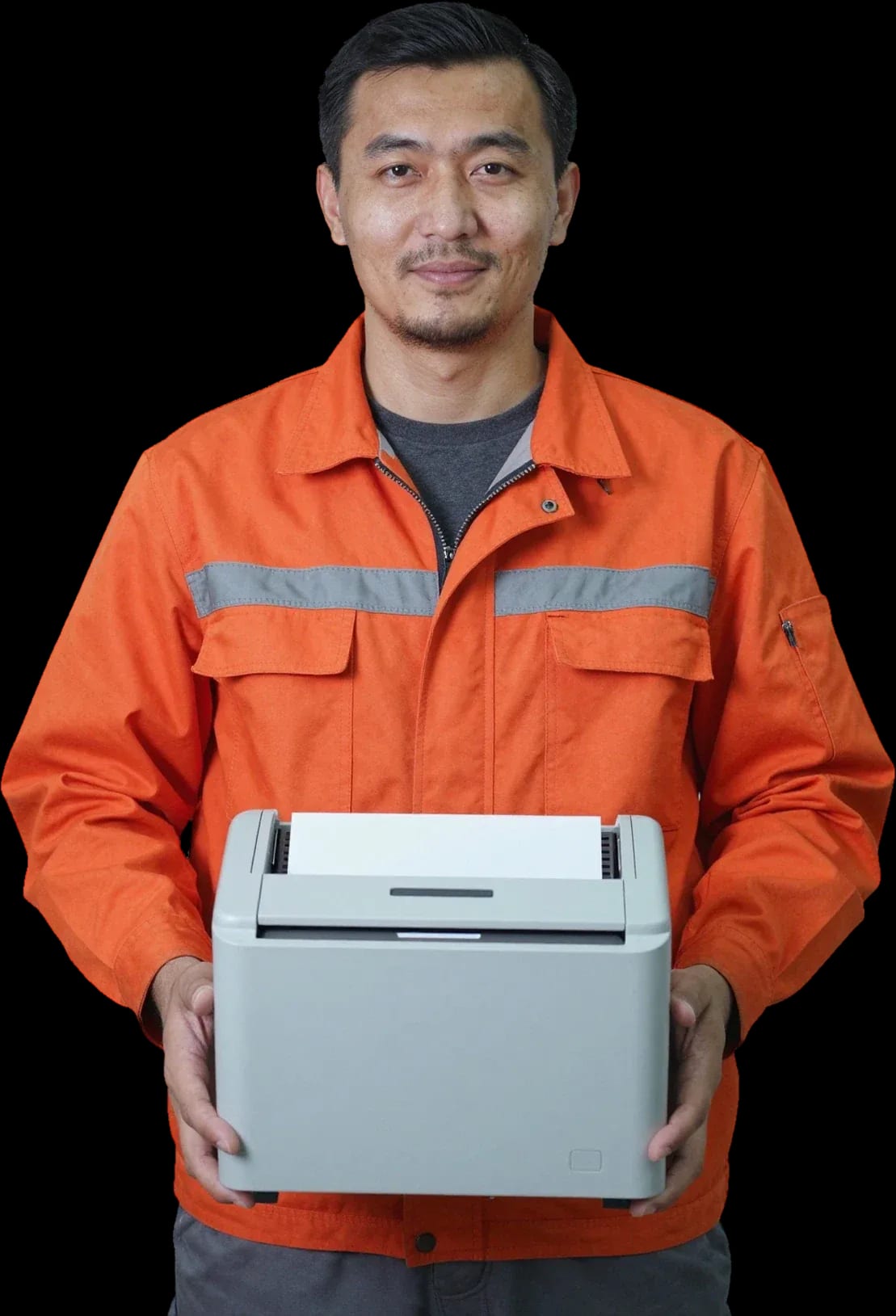
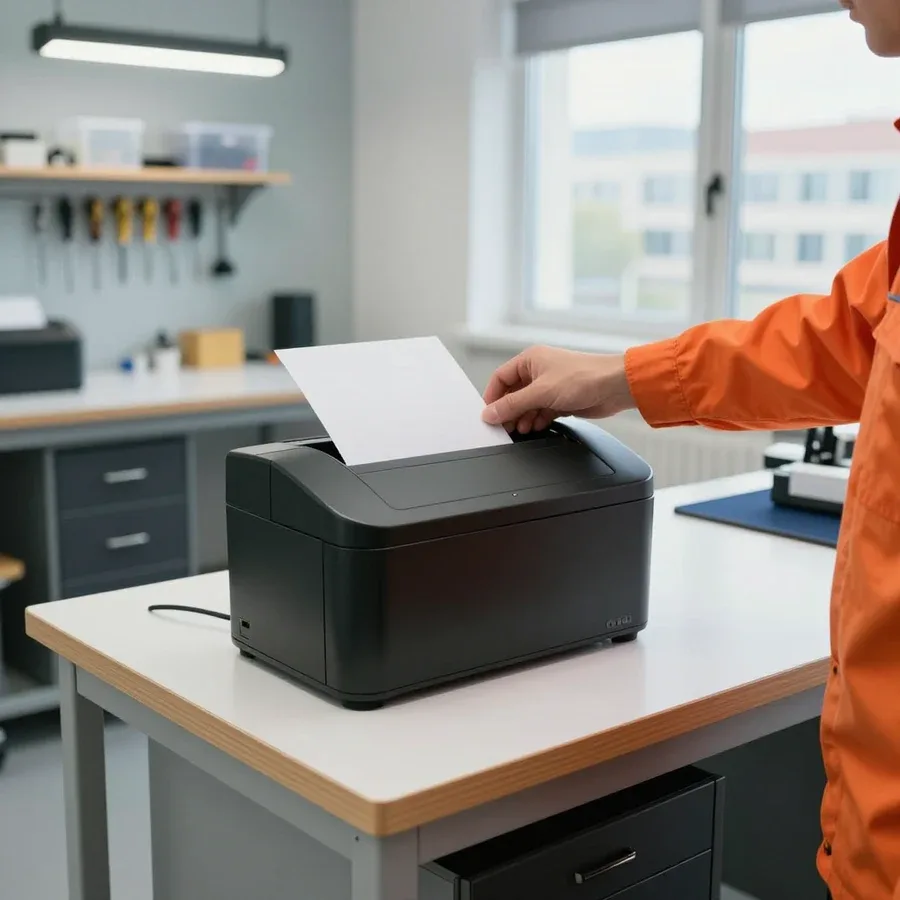
Tech Service repairs office shredders in Astana as a direct provider, with no middlemen. A technician comes to your home or office within 60 minutes anywhere in the city, diagnostics are free, and we give a 1-year warranty on labor and parts. The technician quotes the price after diagnostics.
Why the shredder won't turn on and what a blinking indicator means
A shredder that won't turn on is always a symptom, not a verdict. Here's what to check before calling a technician, what a blinking indicator means, and when the cause is inside the housing.
What to check before calling a technician
- Outlet and plug: push the plug fully into a working outlet and check that the power cord isn't pinched at the base of the housing.
- Waste container: remove the bin, empty the paper, and push it back in until it clicks — the fill sensor blocks startup if the container isn't closed tightly.
- Operating mode: switch the shredder to auto and then to reverse — if the shaft turns backward, power is present and the fault is in the paper presence sensor.
- Protection after a jam: let the machine cool down and clear the cutting block of stuck strips without running the motor under load.
- Buttons: press each key in turn — a stuck or recessed button can mimic a complete power failure.
What a blinking indicator or error code means
On most office shredders, a blinking indicator signals one of three states: overheating, a full container, or a jammed cutting block, and during diagnostics we read this sequence first. The control board manages forward, reverse, and auto modes, and the overheat sensor cuts off the motor when the winding temperature exceeds the allowable threshold. Single flashes are usually related to the waste bin, a series of rapid flashes to thermal protection, and a steady light with no response to buttons indicates jammed blades. On models with a display, the error code is explained in the specific manufacturer's manual. Blinking doesn't always mean a board failure — often it's standard protection, so don't take the housing apart yourself until simple causes are ruled out.
When the control board is faulty
If after a jammed batch the shredder doesn't respond to any button, we check the control board and the motor power circuit — these are the parts most often damaged by overload. When jammed, the shredder motor draws increased current, and the power component on the board takes the hit first, not the winding. The mode switches may remain intact, so the machine looks fine externally but won't start. The technician tests the power circuit, checks the contacts, and assesses the condition of the board traces to separate a burned component from a wiring break. Board repair is often cheaper than replacing the whole unit, but the decision is made only after free diagnostics, when the cause is visible, not just the symptom.
Shredder hums but doesn't cut and jams paper
Humming without cutting and paper jams are the most common complaints about office document shredders. Here's where to look for the cause: in the motor, the gearbox, or a foreign object inside the block.
Motor or gearbox
If the shredder hums but the blades don't rotate, we check two units: the shredder motor and the gearbox with drive gears — by the sound and nature of the hum, the technician can tell one from the other right on site. A steady low hum with a stationary cutting block usually indicates a break in the motor circuit: the winding gets power, but rotation isn't transmitted. Metal grinding or rhythmic clicking points to worn gearbox gears — the transmission works for a few seconds, then the shaft stops. The cutting pair remains intact; only the transmission suffers. We start shredder repair in Astana with free diagnostics: the technician opens the housing, checks the winding, and inspects the gear teeth without disassembling a working unit. A hum with metal grinding more often indicates worn gearbox gears, while a steady hum without movement indicates a break in the motor circuit: don't restart the machine until the cause is found, otherwise a broken gear fragment will jam the block.
What to do if it jams paper
- Reduce the load: feed one sheet less than the rated capacity — jams almost always start with overloading.
- Check the paper: damp, crumpled, and stapled sheets jam more often than dry, flat ones, so dry the stack.
- Use reverse: let the mechanism run backward and push out the jammed stack without helping by hand.
- Clear it without jerking: if reverse doesn't work, carefully remove the sheets with tweezers while the power is off.
- Don't pull with force: a jerk bends the edges and cracks the gears, turning a jam into a gearbox replacement.
Paper clip or staple in the cutting block
A paper clip or staple in the cutting block is a common cause of jamming, and during diagnostics we first inspect the edges for metal objects before disassembling the gearbox. A clip gets between the blades along with a sheet, hits the edge, and stops rotation: the motor hums, the gears are under load, and the cutting pair holds the metal. The inspection takes a few minutes and doesn't require disassembling the housing — the technician shines a flashlight into the gap and removes the clip with tweezers. If the metal has gone deeper, the block has to be removed and the gears checked for chips: a stuck clip chips the teeth when you try to turn the shaft. Metal in the block not only jams the cutting pair but also chips the edges, so after removing the clip it's worth checking for chips — if scoring is found, the part is ground rather than replaced entirely.
Overheating and thermal protection
The shredder turns off after a few minutes of operation — sometimes this is normal protection, and sometimes it's a faulty sensor or clogged cooling. We explain how to tell one from the other and what to do next.
Why thermal protection triggers
Thermal protection triggers when the motor runs longer than allowed without a pause — for personal models this is usually several minutes of continuous shredding. Inside there is a thermal sensor: it detects the temperature rise of the winding and, through the control board, opens the power circuit to prevent the motor from burning out. Office machines have a longer cycle, household ones shorter, and the manufacturer specifies exact values in the manual — a typical scheme is 5 minutes of operation and 20 minutes of cooling. The thermal sensor is connected to the board, and it is the board that sends the command to shut off the cutting unit. If the device turns off faster than the stated cycle, the issue is not the load but the thermal sensor itself or clogged cooling: dust in the vents prevents heat from escaping, and protection triggers earlier. This is already a reason for diagnostics, not for shredding even more slowly.
When overheating indicates a malfunction
If after cooling the shredder doesn't start or turns off again after a minute, we check the thermal sensor and the motor power circuit — this is no longer normal protection but a breakdown. There are three typical causes: the sensor is stuck in the open state and won't let it start, the ventilation grilles are clogged with paper dust, or the motor winding is damaged and heats up abnormally fast. During free diagnostics at Tech Service, the technician tests the sensor, inspects the control board, and checks whether the shaft is binding. Constant shutdowns wear out the motor faster, so don't delay diagnostics even if the device seems to work — early repair costs less than replacing the motor. If the device turns off a minute after being turned on, the technician checks not only the sensor but also the condition of the winding: overheating without load almost always indicates internal damage.
How to reduce the load on the shredder
- Small portions: shred 5–10 sheets per pass, not to the max — this way the motor doesn't reach peak current.
- Pauses between passes: let the machine cool for at least a minute after each batch of documents.
- Rated sheet capacity: don't exceed the sheet count and don't feed cardboard, staples, or thick film — they cause shock loads.
- Lubricate the cutting block: apply special oil to the blades once a month during active use — friction and heat decrease.
- Clean the cooling: blow out the grilles to remove paper dust so air can flow freely to the motor and the device shuts down less often.
Uneven cutting, stripes, and burrs
Stripes and burrs on the output mean something is wrong with the cutting unit or the guides. Let's look at the causes and repair options.
Dull blades or misaligned settings
Stripes and burrs usually mean dull blades, and less often misaligned paper guides; during diagnostics we check both the cutting pair and the feed geometry. A dull edge doesn't cut the paper fibers but crushes them: the output has a ragged edge, and fuzz runs along the cut line. Misaligned guides cause skew — the sheet goes at an angle, strips come out of different widths, and on thick paper the unit starts to jam. Wear of the cutting pair speeds up if staples and thick cardboard get into the tray: the edges chip in spots, and the defect shows up as patches along the entire length. A dull cutting pair not only ruins the cut but also overloads the gearbox, so replacing the blades also extends the life of the drive.
Repair options for cutting problems
| What we check | Symptom | Repair option |
|---|
| Cutting pair | chips, burrs | sharpening, blade replacement |
| Paper guides | uneven feed | adjustment |
| Drive gearbox | grinding, play | gear repair |
| Unit lubrication | dry running, heating | maintenance |
When to replace blades and when to restore them
Blades are replaced when the edges are chipped or worn down to the base, and the unit is restored when the edges are intact but the geometry is off or there is contamination. Sharpening brings the cutting pair back to work if the metal hasn't lost thickness: a minimal layer is removed, the profile is restored, and the cut is even again. When the chips are deep or the edge is worn almost to the base, sharpening doesn't help — the pair sits loosely on the guides, and the defect returns after a few cycles. Misaligned feed geometry is fixed by adjustment: the gap between the blades and guides is set, and the carriage movement is checked. A unit clogged with paper dust is disassembled and cleaned, and the lubrication is refreshed at the same time. Timely replacement of the cutting pair costs less than repairing the gearbox, which suffers from dull blades.
On-site repair at home or office and how a technician visit works
A shredder is heavy and bulky equipment, and hauling it across town isn't always an option. Let's look at how on-site service at home or office works, when it's better to bring the equipment to us, and what you can realistically do yourself.
Does a technician come to the office
Yes, we travel to offices and homes across the city, and a specialist arrives within 60 minutes after your request — this is convenient when the machine is in a working office and can't be turned off for long. The on-site specialist brings tools for typical faults: a jammed stack of paper, a stuck cutting unit, a triggered overheat protection, a misaligned cut setting. On site, they perform free diagnostics, open the housing, check the drive and control board, and test the contacts. If the fault allows, they fix it on site without taking the equipment away — employees keep working, and the device is back in service. During the visit, the specialist names the cause of the breakdown and the scope of work so you understand what exactly is happening with the equipment. If the breakdown requires machine shop work or unit replacement, they will honestly say so on site and offer a second format — service at our workshop.
When it's better to bring the shredder to the service center
If you need the cutting block replaced or the gearbox restored, we offer service at our workshop — it's easier to open the housing and check the components there than on-site. The cutting block and drive gears sit deep inside the housing, so to reach them the machine is laid out on a well-lit table and kept disassembled while work is done: there's no room to set that up in an office, and limited space gets in the way at home. At the workshop, the technician removes the blades, checks the gear teeth for wear and chips, verifies the shaft fit, replaces the worn assembly if needed, and reassembles the housing. The technician decides on the format after diagnostics, so the client knows upfront what happens next: either it's fixed on-site or the device is taken to the workshop and returned after the work. This approach avoids surprises — you won't find out about a transfer at the last moment.
Fix it yourself or call a technician
- Paper jam: turn off the machine, remove the jammed stack of paper, and check for any scraps left between the blades.
- Overfilled bin: empty the scrap container — the fill sensor blocks startup because of it.
- Visual check: inspect the power cable and outlet before concluding the motor is broken.
- Disassembling the housing: don't remove the cover or take apart the gearbox yourself — the drive gears are fragile and chip easily.
- Control board: don't touch the electronics without experience — a failed disassembly damages both the board and the gearbox, and then service costs more than the initial diagnostics.
Direct provider, diagnostics, and warranty
When a shredder is repaired by a direct provider rather than an intermediary, the client sees the whole process from diagnostics to pickup and gets a warranty from the one who did the work. Here's how we handle it.
Why a direct provider is better than an intermediary
- Direct provider: Tech Service is not an aggregator or intermediary — our technician comes to you, so we stand behind the work.
- One responsible party: when going through an intermediary, the client doesn't know who will repair the equipment, and the warranty covers the catalog, not the technician.
- Mobile technician: a specialist arrives at your home or office within 60 minutes anywhere in the city and works on-site.
- Technician experience: our technicians have 4 to 20 years of experience and are familiar with various office equipment models.
- 1-year warranty: covers labor and parts, and you can claim it directly with us, not a third party.
Free diagnostics and how pricing works
Diagnostics are free, and the technician quotes the price after them — once it's clear which component failed and what to do about it. First, the specialist inspects the shredder, checks the power, cutting block, and motor, and if necessary disassembles the housing to reach the control board. At this stage, the client gets an explanation of the cause — in plain words, without technical fog. Then the technician outlines the needed work and its cost, and after approval starts the repair. This approach avoids surprises: the client first sees the cause and then decides whether to repair the shredder or not. You can pay via Kaspi QR, Kaspi Red, bank card, cash, or bank transfer for companies. In my view, this sequence removes the main fear — that you'll be quoted one price and billed another.
Warranty on labor and parts
We provide a 1-year warranty on labor and parts — this covers blade replacement, motor repair, and gearbox work. A shredder's cutting block is under constant stress from paper, staples, and paper clips, so after replacing the blades it's important that the part is matched to the specific model, not just "something similar." The motor and gearbox are components where assembly errors don't show up immediately but after weeks of operation, and the one-year warranty covers that period. The warranty also applies to the parts we install, so the client doesn't have to separately source parts and arrange their warranty. In our experience, shredders last longest when, after repair, the owner doesn't exceed the recommended load and regularly clears staples from the bin.
Which shredders and brands we repair, and when repair isn't worth it
Owners often ask whether we service their brand and whether it's worth restoring a particular machine. Here's our answer by category, brand, and the cases where the effort isn't justified.
Shredder categories we service
We service personal, office, and micro-cut shredders, and for archival and industrial models we confirm the scope of work during diagnostics. A personal unit rated for 6–8 sheets sits on a desk and often suffers from being overloaded with a thin stack; a department shredder rated for 15–30 sheets with a bin runs for hours and wears out the gearbox. Micro-cut models shred documents into pieces about 2×15 mm and require precise alignment of the cutting assembly. Archival and industrial machines with continuous feed are less common, and for those we first assess whether the components are accessible rather than promising a result blindly. Micro-cut shredders depend on precise cutting assembly alignment, so these models more often need in-shop service rather than a house call—setting the blade gap on site is difficult.
Fellowes, Rexel, Kobra, and other brands
We work with office shredders from common brands, including Fellowes, Rexel, and Kobra, and determine during diagnostics which components need attention. Fellowes Powershred and Microshred lines are common office machines with overheat sensors and reverse; Rexel offers compact desktop models and office machines with auto-feed; Kobra has series with separate disc cutting and cross-cut. The tools and approach to the cutting block differ among these brands: on some, the blades come out as a unit; on others, partial disassembly of the housing is required. Based on the brand and model, the technician knows in advance which components tend to fail and brings the right tools—this saves time on site.
When restoration isn't worthwhile
- Destroyed gearbox: the drive gears are shattered or have spun on the shaft, and replacing the assembly as a whole outweighs the value of restoration.
- Irreversible blade wear: the cutting block is worn to burrs along its entire length, and reconditioning the edge won't restore a clean cut.
- Cracked housing: the frame's load-bearing elements or shaft seats are broken, so a new assembly won't hold its geometry.
- Signs of liquid damage and corrosion: the board and contacts are damaged to the point that replacing the electronics drags in the rest of the work.
- Amateur intervention: stripped threads and soldering traces in the power section make the outcome of restoration unpredictable.
Key points on paper shredder repair
Here's a quick summary of all breakdown scenarios—from a blinking indicator to an uneven cut—so you can quickly identify the cause and choose your next step.
- Won't turn on or the indicator blinks: first check the bin and safety lock, then call a technician.
- Humming without cutting and jamming: the gearbox, motor, or a foreign object in the block is to blame.
- Overheating: this is normal protection, but frequent shutdowns are a reason for diagnostics.
- Strips and burrs: dull blades or misaligned guides.
- House or office call: convenient for office equipment, but complex components are better repaired in the shop.