Пётр Ч.Order No. 2603-5185 · 17 September 2026
oursGame Console Repair in
Позвонил в четыре места, тут ответили по-человечески. Вечером включил — залипают кнопки. Настройки не слетели, всё как было.
Repair: game console repair in

A technician arrives within 60 minutes anywhere in the city. Diagnostics are free.
Our own technicians4 to 20 years of experience



Repair prices
We first check the symptoms that can completely disable a console: failure to power on and overheating. Other issues are diagnosed later.
dust in the heatsink, fan wear
from8 000 ₸
laser wear, dirty lens
from12 000 ₸
damaged HDMI port, broken trace
from13 500 ₸
stick wear, sticky buttons
from5 000 ₸
overheating, firmware failure
from5 000 ₸
power supply failure, open circuit
from16 000 ₸
worn power connector, cable
from9 000 ₸
loose port, oxidized contacts
from9 000 ₸
1–2 hourstime
from 16 000 ₸cost
 BeforeAfter

Five steps from request to checking the result.
Leave a request — the technician will agree on a convenient time and come over.
The technician clarifies the list of checks and agrees on it with you before diagnostics begin.
The technician records the symptoms and agrees on the list of checks with you.
You get an explanation of the cause in simple terms and decide whether to repair now or later.
Ask the technician how to check the console after repair and which symptoms should disappear.
We reply during working hours
Ask the technician about the cause of the breakdown and the list of checks before work begins. 1-year warranty on labor and parts.

Warranty question? Call us
+7 (778) 046 88 53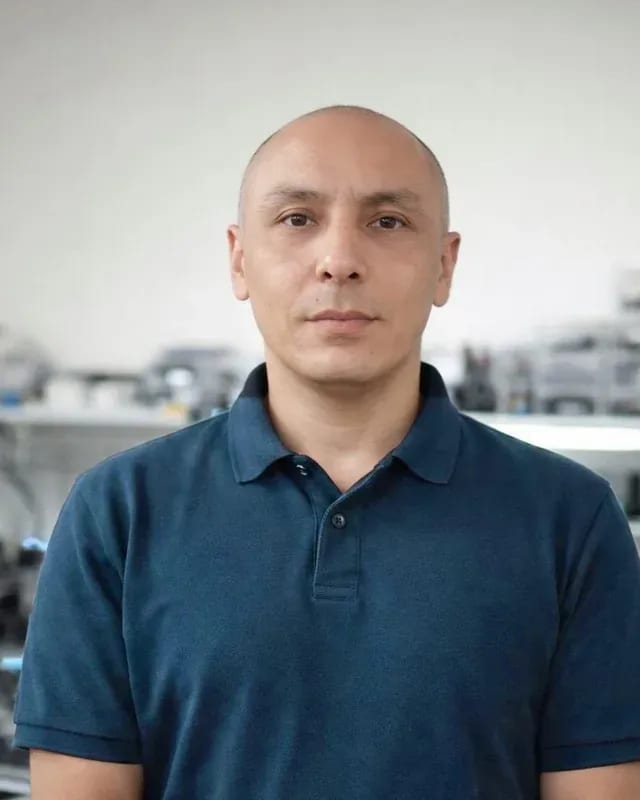 experience7 years
Lead electronics repair technician
 experience10 years
Mobile PC repair technician
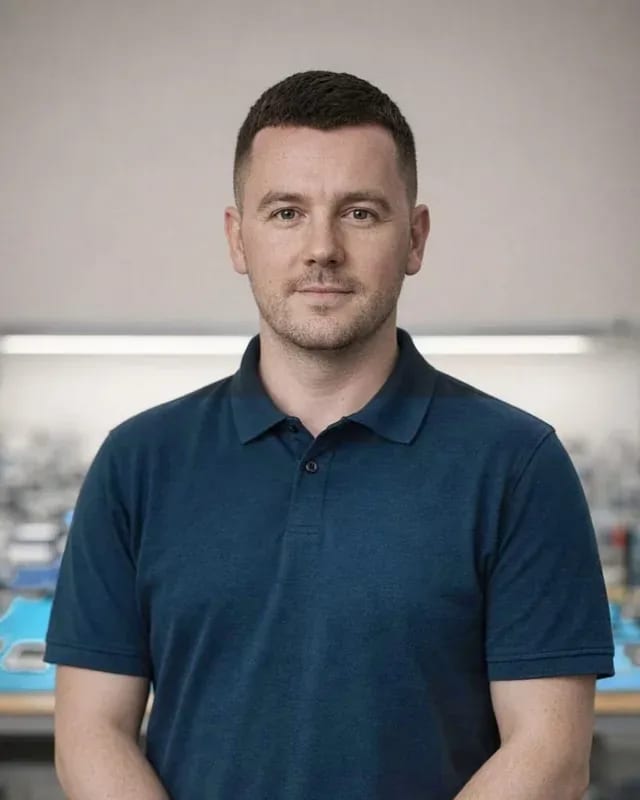 experience10 years
Laptop repair and assessment technician
 experience15 years
Digital device repair technician
 experience15 years
Laptop and all-in-one repair technician
 experience10 years
TV screen replacement technician
 experience9 years
Backlight replacement technician
Tech Service repairs game consoles and controllers in Astana with our own technicians, no middlemen. A technician arrives at your home within 60 minutes anywhere in the city or accepts the console at our service center. Diagnostics are free, the price is quoted after diagnostics, and there's a 1-year warranty on labor and parts.
We work with all popular lines of consoles and controllers, not just one brand. Below is what exactly comes in for repair and how requests differ across devices.
We repair PlayStation 5 and PS4, Xbox Series X|S and Xbox One, Nintendo Switch, and Steam Deck — all the common console lines in Astana. For stationary models, people most often bring them in for noise and overheating after several years of active gaming; for PS4, it's disc drive and HDMI port wear; for Series X|S, it's shutting down under load. Portable Switch and Steam Deck units come to us with overheating and stick drift — the sticks are built into the body, not in a separate controller. Our game console repair in Astana starts with free diagnostics: the technician opens the case and checks the cooling system, power, and board. Portable and stationary models have different failure patterns, so we start diagnostics by clarifying the model and the conditions under which the symptom appeared.
We fix controllers separately from the console, and most often we deal with stick drift, trigger wear, and battery issues. On the PS5 DualSense, the stick drifts after long shooter sessions; on Series X|S controllers, the triggers wear down and the analog module gets loose; on Switch Joy-Con, drift appears faster due to the compact design. Our game console repair in Astana covers both the consoles themselves and their peripherals: you can bring the controller with the device or separately, and diagnostics are free in both cases. Stick drift doesn't always mean replacing the whole controller, so we check the analog module first and only then propose the scope of work.
| Device | Common requests | What we check |
|---|---|---|
| PlayStation 5 | noise, overheating, shutting down | cooling, thermal paste, power supply |
| PlayStation 4 | noise, disc drive, HDMI | fan, drive, port |
| Xbox Series X\ | S | overheating, shutting down |
| Nintendo Switch | Joy-Con drift, overheating | sticks, cooling |
| Steam Deck | noise, overheating, sticks | cooling, analog modules |
| Controllers | drift, triggers, battery | sticks, buttons, battery |
The same symptom can point to different components, so we break down the most common complaints and explain what's usually behind them.
If the console hums and shuts down after 20 minutes of gaming, the cooling system is usually to blame — a radiator clogged with dust and dried-out thermal paste. The fan runs at max speed trying to compensate for the clogged channels, but heat doesn't leave the CPU and GPU. Thermal pads on the memory and power circuits lose their elasticity over time and stop dissipating heat — the console gets hotter under the same load. In our practice, restoring game consoles in Astana for this complaint usually comes down to disassembly, cleaning the radiator, and replacing the thermal paste and pads. A tired power supply can produce a similar picture: a voltage drop also shuts the console down under load. Overheating and a power supply issue give a similar symptom, so we tell them apart during diagnostics, not by the sound of the fan.
No image is usually down to the HDMI port, unreadable discs point to the disc drive, and an error code can indicate either hardware or the system. The HDMI port on the console takes constant strain from the cable, and its contacts work loose from the board — the picture drops out or flickers. The disc drive fails because of the drive mechanism and wear on the optical head, so cleaning the lens doesn't always help. An error code on its own isn't a death sentence — the same combination shows up both when the firmware glitches and when a chip on the board fails. In our experience, console service for a picture complaint most often starts with checking the HDMI port, not replacing the board. An error code alone isn't a verdict; it needs to be matched against how the console behaves so you don't replace a working part.
After a liquid spill, a console can be saved if you don't turn it on and don't dry it with a hair dryer, but hand it straight to a technician. Moisture on its own rarely kills electronics — powering it up is more dangerous, when a short burns through traces on the board. A hair dryer pushes liquid deeper under the chips and spreads it to neighboring components, so hot-air drying only makes things worse. Sugary drinks leave a conductive residue on the board, so delay is more dangerous for the electronics than the moisture itself. We restore consoles after liquid spills by disassembling, cleaning the board, and drying it before the first power-up. If the console has been dropped or a cable caught it during a game, a mechanical cause adds to the spill — a cracked solder joint on the connector or a torn contact.
Some problems can be solved without intervention, while some actions only make things worse, so a short checklist saves time and money and helps the technician get to work faster.
Data and games are usually saved because the repair affects the hardware, not the storage, but it's still worth making a backup before you bring it in. Saves are stored in the console's memory or in your account's cloud profile, and the board and system aren't touched during typical service: the technician works with power, cooling, and connectors. A separate case is when the storage itself fails: then data recovery depends on the condition of the chip, not on taking the case apart, and the chances are higher the fewer times the console was turned on after the failure. After the work, the system is checked separately to make sure the console boots normally and recognizes installed games. If the console turns on even for a short time, a backup is the cheapest insurance before any repair: move your saves to an external drive or to the cloud. If liquid has been spilled, make a copy first while the board is still responding.
The format depends on the breakdown and the console model, so let's break down when it's more convenient to call a technician to your home and when it's better to bring the console to the workshop.
People call a mobile technician when they don't want to haul the console across town or the breakdown doesn't require a workshop. We arrive within 60 minutes anywhere in the city: the specialist brings tools for diagnostics and standard repairs. On site, they usually check power, ports, the TV connection, the condition of the gamepads, and the cooling system—tasks that don't require disassembling on a workbench. We do on-site diagnostics for free: the technician names the cause and explains what can be fixed right away and what will have to go to the workshop. Cleaning the cooling system, replacing thermal paste, checking cables, and setting up video output all fit into one visit. The mobile format saves travel time, but the specialist confirms the final decision after free diagnostics—sometimes it's easier to take the console with them than to make two trips.
Some jobs require a service center, so we handle complex cases in the workshop, where the console goes after diagnostics. Replacing the HDMI port, soldering on the board, recovery after liquid damage, and other work with microchips require a workshop and disassembly down to the board—these operations aren't done on site. In the workshop, the specialist works on the device's board separately from the case, checks power circuits, tests the traces, and only then reassembles the console. A separate category is the aftermath of liquid damage: the board needs to be washed, dried, and tested under load, and that can't be done on a coffee table. If the on-site conditions aren't right for a particular job, the technician will say so honestly rather than improvise: it's better to agree right away to transport the console to the workshop than to come back to the same breakdown again. The in-shop format takes more time for logistics, but complex operations are performed under proper conditions.
| Parameter | At home | At the service center |
|---|---|---|
| Time until start | arrival within 60 minutes | by appointment |
| Convenience | no need to go anywhere | console stays at the workshop |
| Type of work | diagnostics and simple repairs | complex board work |
| Diagnostics | free | free |
| Warranty | 1 year | 1 year |
The repair follows clear stages, and at each one the client understands what's happening with the console. The final cost depends on the nature of the breakdown, the device model, and the scope of work needed.
The cost depends on the failure, the model, and the operations needed, and the technician gives the exact amount after free diagnostics. Replacing thermal paste on a PlayStation 5 and repairing board traces on a Switch are tasks of different levels: the first involves one component, the second requires soldering under a microscope and checking power circuits. On an Xbox Series X, overheating is often caused by dried thermal interface, while on a portable Steam Deck the same complaint may indicate battery degradation or a power controller failure. In our practice, the phrase "the console shuts down during games" leads to different diagnoses on three models, and the scope of work differs significantly. That's why we don't quote a price before inspection: approval before work begins protects you from surprises at the end, and the client sees the scope of tasks in advance.
The timeframe depends on the failure and the operations needed, so the technician gives it after diagnostics, not in advance over the phone. Cleaning the cooling system and replacing thermal paste is one story, while restoring a power circuit on the motherboard is quite another: it requires disassembly down to the board, finding the faulty component, and testing under load. The board in modern consoles is multilayer, and accessing the right layer requires careful work with a soldering station, not a quick module swap. We test the console after work on real games, not just on power-up — that way we see whether the device handles the load and doesn't overheat after half an hour. Complex board operations take more time than cleaning the cooling system, and that's normal for a quality result.
A warranty is not a formality but clear obligations. Below we explain what scope of work it covers, how to proceed if the failure recurs, and why going directly to the technician simplifies responsibility for the result.
We provide a 1-year warranty on labor and parts, meaning we are responsible for both the quality of the work performed and the installed parts. These are two separate obligations: one concerns how the technician performed soldering, assembly, or cleaning; the other concerns the part itself, whether it's a power connector, cooling fan, or controller. If the console stops starting again due to issues related to this work, the case is handled under warranty. It does not cover mechanical damage, signs of liquid damage, or intervention by other technicians — this is standard practice for service centers. The warranty on parts is important separately because a part can fail regardless of the quality of the work: even a carefully installed component sometimes turns out to be defective, and then it is replaced without arguments about who is at fault.
If the failure recurs after service, you need to contact the service center again, and we will determine the cause under warranty. Bring the console or call a technician — diagnostics are free, just like the first time. A recurring failure does not always mean the same issue: the console may have been failing due to overheating, and after fixing the fan, a power supply fault appeared, so the device undergoes testing again rather than being repaired "from memory." We check whether the current cause matches the one fixed earlier and only then decide how to proceed. The technician describes which part failed and whether it is related to the previous visit. This approach protects both the owner and us from unnecessary replacement of components that are actually working.
Tech Service is the direct provider — our own experienced technicians with 4 to 20 years on the job, not contractors or middlemen. The same specialist comes to your home or takes the device in at the service center, and they also handle diagnostics and testing after the work is done. When the same service that does the work also provides the warranty, responsibility for the result isn't split between different parties: you don't get a situation where one technician installed the part, another put the case back together, and there's no one to hold accountable. Around the city, a technician arrives within 60 minutes, so a follow-up warranty visit doesn't stretch into days of waiting. In my view, it's this continuous responsibility of one specialist from request to final check that truly stands behind the word 'warranty' — not a stamped piece of paper.
Here's the key things to keep in mind before calling a technician: what determines the choice of repair format and why rushing to disassemble costs more.
Tech Service technicians repair other appliances too — with the same 1-year warranty on labour and parts.
 Refrigerator Repair in Almatyfrom 3 000 ₸
 Washing Machine Repair in Almatyfrom 3 000 ₸
 Dishwasher Repair in Almatyfrom 3 500 ₸
 Oven Repair in Almatyfrom 3 000 ₸
 Cooktop Repair in Almatyfrom 3 500 ₸
 Air Conditioner Repair in Almatyfrom 3 500 ₸
 Boiler and Water Heater Repair in Almatyfrom 2 500 ₸
 Freezer Repair in Almatyfrom 6 000 ₸
 Tumble Dryer Repair in Almatyfrom 5 000 ₸
 Coffee Machine Repair in Almatyfrom 2 500 ₸
 Robot Vacuum Cleaner Repair in Almatyfrom 3 500 ₸
 Vacuum Cleaner Repair in Almatyfrom 1 500 ₸
 Microwave Oven Repair in Almatyfrom 2 000 ₸
 Hair Dryer Repair in Almatyfrom 1 500 ₸
 Iron Repair in Almatyfrom 3 000 ₸
 Electric Kettle Repair in Almatyfrom 2 500 ₸
 Mixer Repair in Almatyfrom 2 500 ₸
 Multicooker Repair in Almatyfrom 500 ₸

If your laptop screen is broken, turn the device off first, don't press on the display, and check the picture through an external monitor.
12 March 2026 · 11 minutes read
If your phone won't charge, start by checking the adapter, cable, and port, then the charging settings.
16 February 2026 · 12 minutes read
If your laptop freezes, the first thing to do is restart it and check Task Manager to see what's loading the CPU and memory.
25 January 2026 · 12 minutes read
If your phone falls in water, take it out right away, turn it off, and don't charge it.
19 January 2026 · 12 minutes read
If your phone camera isn't working, first check app permissions, clear the cache, and restart your phone — this fixes some software glitches.
24 December 2025 · 13 minutes read
If your laptop won't boot, first determine which of two states you're in: the device doesn't respond to the power button at all…
13 December 2025 · 12 minutes read