Алихан Ю.Order No. 2608-3809 · 30 October 2026
oursServer Repair in
Қыс қатты, техникасыз қиын, сондықтан тез жөндеу керек болды. Құрылғы ескі, бірақ жақсы қарайды екен. Рахмет, ұсынамын.
Repair: server repair in
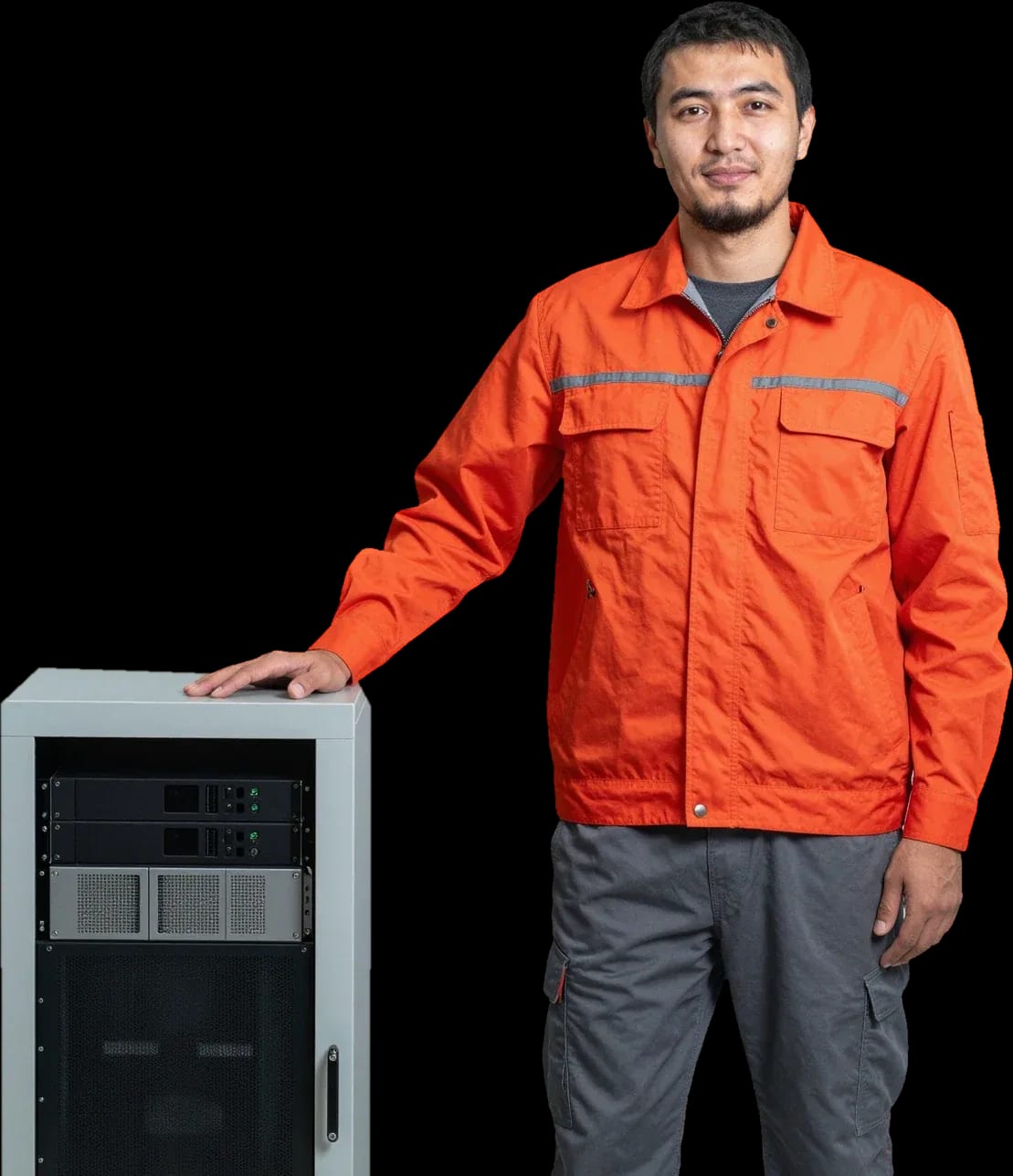
We restore server equipment on site. Technician arrives within 60 minutes anywhere in the city.
Our own technicians4 to 20 years of experience




Repair prices
Below are typical symptoms and components the technician checks. The exact cause is determined during free diagnostics.
power supply, power button, control board
from21 500 ₸
dust-clogged heatsinks, worn-out coolers
from13 500 ₸
module, slot, controller
from16 000 ₸
failing drives, controller errors
from16 000 ₸
load, age, fan
from21 500 ₸
bearing wear, dust, mounting
from13 500 ₸
overheating, memory, disk
from14 000 ₸
cable, drive bay, controller
from16 000 ₸
1–2 daystime
from 35 000 ₸cost
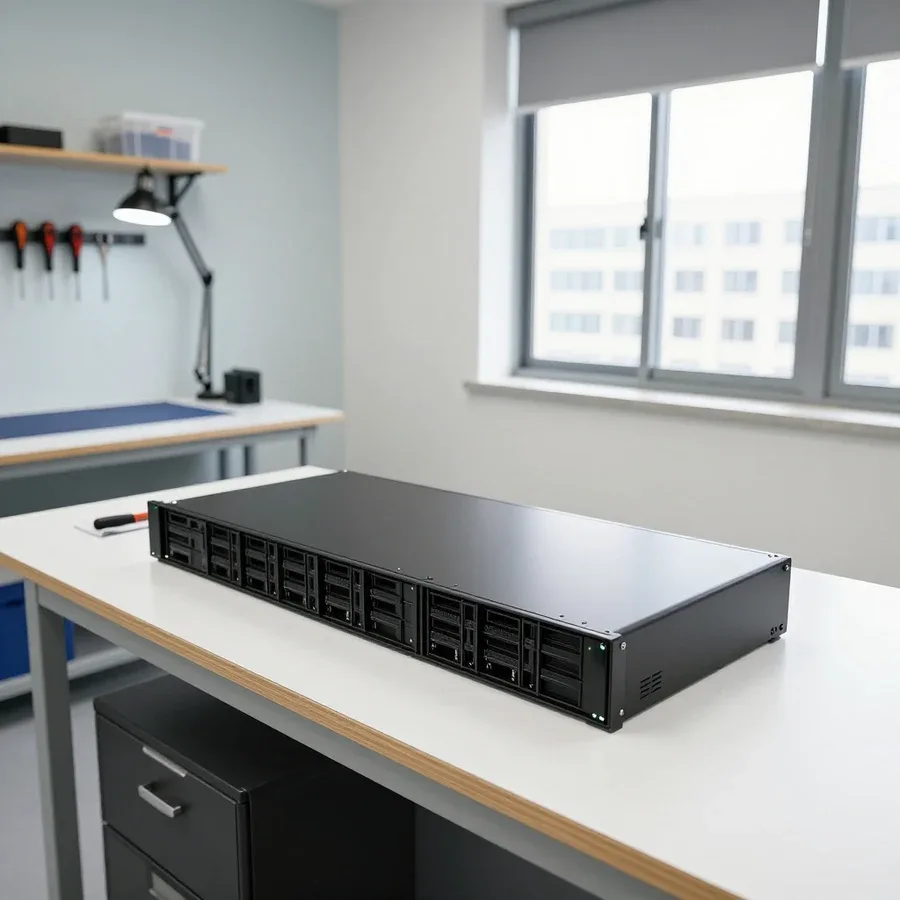 BeforeAfter

Five steps from request to equipment performance check.
Provide the server model, symptoms, and rack access details so the technician arrives prepared.
The technician coordinates the work window and rack access to avoid unnecessary service downtime.
You discuss the scope of work and parts, then confirm the repair.
The technician performs the work and checks that the server starts up.
The technician explains the results and what to consider for future operation of the component.
We reply during working hours
Leave a request and a technician will arrive within 60 minutes anywhere in the city. You can schedule a convenient time.

Warranty question? Call us
+7 (775) 774 18 08 experience7 years
PC and network repair engineer
 experience11 years
Senior mobile computer technician
 experience10 years
Laptop repair technician
 experience9 years
Motherboard repair technician
 experience16 years
Printer repair technician
 experience12 years
Computer repair technician
 experience18 years
All-in-one computer repair technician
Tech Service repairs servers and server hardware in Astana: a technician arrives at your office or home within 60 minutes anywhere in the city, or the repair is done at our service center. Diagnostics are free, you get a 1-year warranty on labor and parts, and the technician gives you the price after diagnostics.
A server doesn't break suddenly—almost every symptom has a specific cause. We go through common failure scenarios and what to check before the technician arrives.
Most often a server won't turn on because of the power supply, oxidized connectors, or a damaged motherboard after a power surge. The server's power supply delivers power to the CPU, memory, and drives, and if it fails, the whole boot chain is cut off. Oxidized contacts on connectors show up the same way—the unit stays silent or starts intermittently, then shuts down again under load. A power surge hits the motherboard circuits and controllers, so a case that looks fine may show no signs of life. Spontaneous shutdowns under load are often linked to degradation of the same power supply and overheating of its output stages. If the power supply indicator doesn't light up when the cable is connected, that narrows the search to the power line rather than the CPU or memory, and that's where checks begin.
Constant fan noise and rising temperatures point to a clogged cooling system, dried-out thermal paste, or a failed fan. Dust on the server's CPU heatsinks reduces heat dissipation, and the coolers run at max to keep the temperature down. Thermal paste between the CPU and heatsink loses its properties over time, and heat stops being removed even with a clean case. A failed fan forces the others to spin faster, which causes the loud hum and vibration. Instability shows up as freezes and reboots under load when the temperature crosses the protection threshold. If the fans go to max right after startup, the server often enters a protective mode and drops workloads—that's a signal to check cooling before restarting business systems.
The "doesn't see disks" error is more often related to the RAID controller, cable, or the drive itself, not the array configuration. The RAID controller manages combining disks into an array, and a firmware failure or a bad slot contact takes out the whole group at once. A frayed or loose cable gives the same picture—the drives are physically fine but aren't detected by the system. Hard drives showing signs of wear drop out of the array one by one, and the RAID goes into a degraded state. Array configuration isn't the issue here until the hardware is checked. Separately, check the controller's event log: it shows which disk or channel dropped first and whether there was a read error before it dropped out of the array. Before rebuilding the RAID, it's important to check the physical condition of the disks and controller—rebuilding an array on faulty hardware erases data permanently.
You can rarely just "take away" a server—the company's business systems depend on it. We explain how on-site service works and when equipment still has to be removed and brought to the workshop.
We arrive at your location within 60 minutes anywhere in the city and run diagnostics on-site, without taking equipment out of your office. The technician works with rack-mounted hardware: checks power supplies, fans, cables, RAID controller status, and error logs to separate a local failure from a motherboard issue. This format suits companies where a machine going down means employees stop working — the inspection causes minimal disruption to ongoing operations. Diagnostics are free, so you can assess the scope of work at no cost. On-site repair without stopping business systems is possible when the fault is local — a power supply, fan, or cable; if the motherboard is damaged, the equipment will still need to be removed. We start server repair in Astana with exactly this kind of visit to assess the condition of the hardware on-site.
Equipment is taken to the service center when a motherboard replacement, soldering, or in-depth component testing is needed — things that can't be done on-site. This applies to cases with damaged slots, a faulty RAID controller, or degraded memory modules: such components require opening the case, circuit testing, and platform compatibility checks, and some operations are only performed in the workshop. Before removal, agree with the technician on the shutdown procedure and back up the configuration — advance preparation reduces downtime for business systems and eliminates the risk of losing array settings. After testing, we return the equipment to the rack so startup is predictable. We provide a 1-year warranty on labor and parts — it covers the risk of a repeat failure after the repair.
A server platform has a different architecture — redundant power supplies, RAID arrays, and error-correcting memory — so diagnostics focus on different components. Each power supply is checked individually, along with the RAID controller battery status, ECC module compatibility, and CPU temperature under load. A regular computer technician without server experience often replaces parts at random — on this type of hardware, that approach risks losing array data, so the technician's specialization matters. Our technicians have 4 to 20 years of experience with server hardware, and that affects how carefully diagnostics are performed. A desktop computer doesn't have these components, and techniques developed on it don't transfer one-to-one here.
A transparent process addresses the main fear of any server owner — how long it will take and how it will end. Here's a breakdown of the stages, free diagnostics, and warranty obligations.
Diagnostics are free: the technician identifies the fault and only then quotes the price. During the visit, we check the power supply, RAM, disk and RAID controller status, review event logs, and monitor temperature under load. A technician visit takes up to 60 minutes anywhere in the city, so the inspection starts without a long wait. If the failure only appears under load, we recreate the configuration that triggers it — this pinpoints the source more accurately than a single power-on test. We state the result in clear terms: not "something with the board," but a specific component. The technician quotes the price after diagnostics, so you decide on the repair knowing the exact cause, not a guess over the phone.
We provide a 1-year warranty on both labor and parts — this covers the repair itself and the installed components. The term is the same for on-site service and in-shop work, with no separate conditions to negotiate. The parts warranty matters separately from the labor warranty: if a part fails, it is replaced, not written off as 'wear and tear.' In our practice, power supply units and drives in RAID arrays fail most often — warranty cases for them are handled just like any other component. When you file a warranty claim, the technician runs diagnostics again and confirms the source of the failure. So when you come back, it helps to describe exactly what was done last time — that makes it easier to match the new issue with the previous repair.
When a server breaks down, the owner faces a choice — restore it or buy a new machine. We break down the criteria for making that decision without emotion and unnecessary expense.
Restoration makes sense if a single component is faulty — a power supply, fan, or RAID controller — while the rest of the platform is healthy. Replacing the failed element gets the machine back up, while the motherboard, processors, and RAM keep working without intervention. It's this kind of local failure of one component on a healthy foundation that happens most often — replacing the whole server in such a case doesn't make economic sense. Before deciding, the technician checks the condition of neighboring components: power connectors, capacitors on the board, temperature under load, so you don't replace one element and discover a second one a week later. A single breakdown with an intact motherboard and memory is the most common case where major investment in new hardware isn't justified. They also assess whether the faulty component is dragging others down: a dying fan overheats the processor and gradually wears out neighboring components, and a faulty RAID controller can corrupt data on the drives. Fixing one component is usually both cheaper and faster than replacing the entire platform.
Buying a new machine is more cost-effective if several key components are damaged at once or the platform is outdated and can't handle the workload. A power surge often takes out both the power supply and the motherboard at the same time — then restoration requires replacing two expensive components, and related parts like the controller and memory modules may also be affected. If the hardware has been running for many years and its performance no longer matches the tasks, investing in repair doesn't pay off: the same money goes into restoring an outdated configuration that will hit its ceiling again in a year in terms of core count, memory capacity, or support for newer drives. After a serious power surge that damaged both the power supply and the board, the total cost may approach the price of a new machine — then it's more honest to say so directly than to stretch the restoration over several visits. The decision is made after inspecting all components, not just the obviously burned ones.
| Situation | What's faulty | What's more reasonable |
|---|---|---|
| Local failure | one component | repair |
| Damage after a surge | power supply and board | evaluate both options |
| Outdated platform | several components | replacement |
| Array under load | RAID and drives | diagnostics, then decision |
The market has many intermediaries and aggregators that take a request and pass it on. We break down how to tell a direct contractor and what to look for when choosing.
The service provides a warranty on labor and parts and takes responsibility for the result, while a private sysadmin usually works without such obligations. The difference shows up not at the diagnostic stage but later—when, after replacing the RAID controller, the array falls apart again a few weeks later. With a private technician, there's no one to file a claim against: they don't provide warranty coverage on labor and parts. The service, on the other hand, documents the scope of work and is responsible for the installed part for the entire warranty period. When a RAID or motherboard fails, what matters is not only the technician's skill but also who is responsible for the part after the work—with a service, that's spelled out in the warranty. In my view, saving money on a private technician is justified only for simple tasks like replacing a fan, not for a controller that data integrity depends on.
A direct provider sends their own technician and is responsible for the work themselves, while a middleman passes the request to a third party and doesn't control quality. It's easy to check this at the phone call stage. Ask who exactly will come and who provides the warranty—if the answer is vague, the person you're talking to isn't the one responsible for the result. With us, the technician visits the site personally and handles the server from diagnostics to handover, so all questions are resolved with one person, not through a chain of dispatchers. The 1-year warranty on labor and parts is provided by the contractor, not by a platform that simply resold the request. In our experience, clients often find out about a middleman only after the work is done, when there's no one to make a warranty claim to. Ask directly whether the company has its own technicians—that's the first filter when choosing.
We service HP ProLiant, Dell PowerEdge, and Supermicro servers—these are the most common platforms clients bring to us in the capital. Each line has its own failure patterns, and a one-size-fits-all approach doesn't work here. Different platforms have their own typical weak points—one more often suffers from power issues, another from the controller—so the technician tailors diagnostics to the model. Work starts with free diagnostics: the engineer identifies exactly what failed before replacing anything. Different platforms have their own typical weak points, so the technician tailors diagnostics to the specific model. Knowing these nuances shortens the time to find the cause: the technician doesn't check everything in a row but goes through the components most likely to fail on that platform. If your server is a different brand, diagnostics will still show what the cause is.
No competent technician can give an exact price before inspection: the cause of the failure only becomes clear during diagnostics. Here's what the cost consists of and what terms apply when you contact us.
The cost depends on which component failed and what parts are needed, so the technician quotes it after free diagnostics. The amount is affected by the type of fault and the parts involved: replacing a fan or power supply in a 1U chassis versus replacing a RAID controller means a different scope of work and a different set of components. Our inspection is free, so diagnosing the cause doesn't add a single extra line to the bill—you pay only for the agreed scope. The same error on screen can mean either a cheap fan replacement or a controller replacement on different servers—so an estimate based on symptoms is always approximate. In my view, it's more honest to give a range after inspection than to quote a number over the phone that later doubles.
We accept Kaspi QR, Kaspi Red, card, cash or bank transfer and agree on the work based on the diagnostic results before any work begins. The process is simple: a technician arrives, finds the cause, explains what needs to be replaced and why, and only proceeds with your approval. This applies both for on-site visits to your office and for service at our center. Approving the work upfront protects you from unexpected charges — you confirm the scope in advance instead of finding out the total after the fact. If you decide not to proceed with the work after the inspection, the diagnostics remain free. In practice, this step removes the main concern customers have — that the bill will be higher than promised. In our experience, sometimes after the inspection it turns out that only one component needs replacing rather than the entire unit, and the final cost comes in lower than initially feared.
Server repair rarely starts with replacing hardware. First, it's important to understand what exactly has failed, and only then decide on the intervention.
Tech Service technicians repair other appliances too — with the same 1-year warranty on labour and parts.
 Refrigerator Repair in Almatyfrom 3 000 ₸
 Washing Machine Repair in Almatyfrom 3 000 ₸
 Dishwasher Repair in Almatyfrom 3 500 ₸
 Oven Repair in Almatyfrom 3 000 ₸
 Cooktop Repair in Almatyfrom 3 500 ₸
 Air Conditioner Repair in Almatyfrom 3 500 ₸
 Boiler and Water Heater Repair in Almatyfrom 2 500 ₸
 Freezer Repair in Almatyfrom 6 000 ₸
 Tumble Dryer Repair in Almatyfrom 5 000 ₸
 Coffee Machine Repair in Almatyfrom 2 500 ₸
 Robot Vacuum Cleaner Repair in Almatyfrom 3 500 ₸
 Vacuum Cleaner Repair in Almatyfrom 1 500 ₸
 Microwave Oven Repair in Almatyfrom 2 000 ₸
 Hair Dryer Repair in Almatyfrom 1 500 ₸
 Iron Repair in Almatyfrom 3 000 ₸
 Electric Kettle Repair in Almatyfrom 2 500 ₸
 Mixer Repair in Almatyfrom 2 500 ₸
 Multicooker Repair in Almatyfrom 500 ₸

If your laptop screen is broken, turn the device off first, don't press on the display, and check the picture through an external monitor.
12 March 2026 · 11 minutes read
If your laptop freezes, the first thing to do is restart it and check Task Manager to see what's loading the CPU and memory.
25 January 2026 · 12 minutes read
If your computer won't turn on, start simple: check the outlet, power cable, switch on the power supply, and the power button.
19 January 2026 · 13 minutes read
If your laptop won't boot, first determine which of two states you're in: the device doesn't respond to the power button at all…
13 December 2025 · 12 minutes read








