Екатерина К.Order No. ZK-2025-497 · 20 July 2025
oursMFP Printer Repair in
С этим и пришёл: не сканирует. Сергей Архипов принял без вопросов, хотя был без записи. Полёт нормальный.
Repair: mfp printer repair in
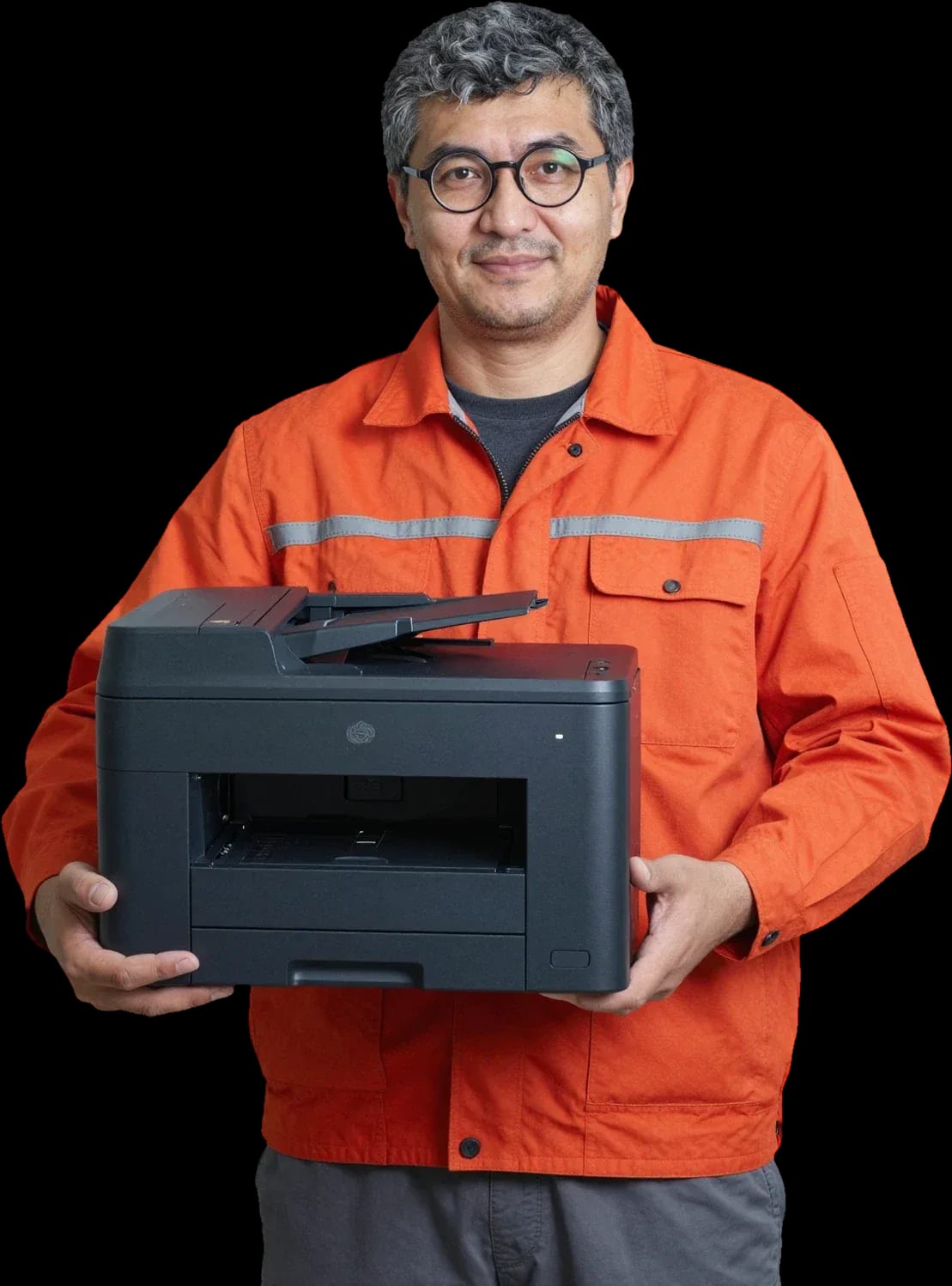
Technician arrives within 60 minutes anywhere in the city. Free diagnostics, technicians with 4 to 20 years of experience.
Our own technicians4 to 20 years of experience




Repair prices
Below are frequent symptoms and likely causes. Describe the symptom by error code or print pattern so the technician brings the right parts.
cartridge, contacts, driver
from5 000 ₸
feed roller, torn sheet, sensor
from8 500 ₸
toner, drum unit, printhead nozzle
from5 000 ₸
roller, tray spring, pad
from2 500 ₸
code points to a specific unit
from5 500 ₸
toner, drum unit, settings
from10 500 ₸
nozzle, cartridge, parking station
from5 000 ₸
rollers, bearing, gearbox
from3 000 ₸
1 daytime
from 3,000 ₸cost
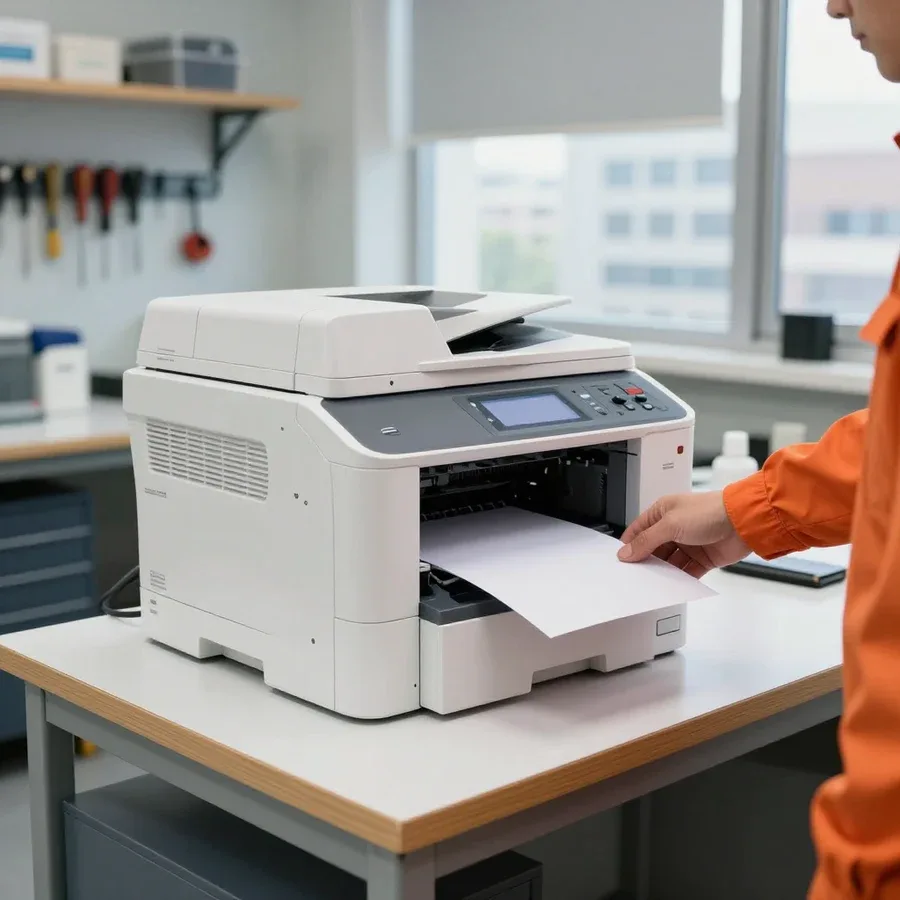 BeforeAfter

Five steps from request to print check. Diagnostics are free.
Describe the symptom and model — the technician will prepare tools and parts.
The technician brings standard consumables and tools for the specified model.
The technician records the list of operations and parts in the request so the client knows what they are paying for.
The technician confirms the final cost and the list of replaced parts in the request.
The technician tests printing, and you accept the result.
We reply during working hours
Have the device model, symptom description, and error code ready — this way the visit is completed in one go. 1-year warranty on labor and parts.

Warranty question? Call us
+7 (778) 096 59 61 experience7 years
PC and network repair engineer
 experience11 years
Senior mobile computer technician
 experience10 years
Laptop repair technician
 experience9 years
Motherboard repair technician
 experience16 years
Printer repair technician
 experience12 years
Computer repair technician
 experience18 years
All-in-one computer repair technician
Tech Service repairs printers in Astana with our own technicians: we come to your home or office within 60 minutes anywhere in the city, diagnostics are free, and we quote the price after the diagnostics. We provide a 1-year warranty on labor and parts and you can pay via Kaspi QR, Kaspi Red (instalments), bank card, cash, or bank transfer for companies. We repair laser and inkjet printers and restore printing, scanning, and copying.
Most printer failures show up as a specific symptom, and from that you can already guess which unit is at fault — here are the most common complaints and what's behind them.
If the device doesn't respond to the power button, our technician first checks the power supply and the control board — these are the two most common causes of a complete lack of response. The power supply converts voltage, and when it fails it doesn't send power to the board; the control board distributes it to the units, and if damaged it won't start either the motor or the fuser. The third most frequent culprit is the ribbon cables and connectors between the board and the panel: an oxidized contact or a frayed wire produces the same effect as burnt electronics. We check the entire chain in order and replace only the failed component, not the whole unit. Before calling a technician, try plugging the cable into a different outlet and check the button on the device itself — sometimes the problem is there, not in the electronics.
Stripes and gaps are most often caused by the drum, the fuser film, or the cartridge itself — the technician identifies the culprit by the nature of the defect and replaces the specific unit. A vertical black stripe runs the entire length of the page from a damaged drum or a dirty transfer roller, while a faint repeating stripe points to worn fuser film in the fuser. Even gaps across the page width are a sign of depleted toner in the cartridge or a faulty metering blade. We compare the defect with a test page and check the unit's page count so we don't replace parts at random and don't make you bring the device in twice. We also check how the cartridge sits in the guides: a misalignment of a couple of millimeters causes a stripe at the edge even though the cartridge itself is fine. If dirty printing appears right after a cartridge refill, the cause is usually the toner or a clog — that's the first thing we check.
An error code on the printer display is a hint, not a verdict: some causes are clear from the code itself, while others can be checked with simple steps before the technician arrives.
An error code points to a specific unit — a jam, a toner problem, the scanner, or power — and our technician deciphers it by model and repairs based on that hint. The combinations of characters are different for each manufacturer: for one brand, a code with the letter "E" and a number means the fuser is overheating; for another, the same number means a control board failure; and on inkjet models, certain codes are assigned to carriage parking and printhead cleaning. Deciphering an error code without the service table for a specific model almost always gives only a general direction — the unit is guessed correctly, but the cause inside it is not. Write down the code and the printer model before calling — with them, the technician often already knows which parts to bring.
A blinking indicator usually signals a jam, an empty cartridge, or a unit error, and the interpretation depends on the combination of lights and the code on the screen. A steady green light means ready, frequent orange blinking is a warning about a consumable, and a rhythmic blink along with a code points to a specific fault: in laser models this indicates a fuser error, in inkjet models — a carriage stall. If the indicator blinks but the screen is blank, the model likely has no display, and then only the light pattern matters — it's worth recording a video so the technician can see the sequence before the visit. Also check if the lamp blinks after refilling the cartridge: a poorly seated chip or a misaligned metering gear gives the same signal as low toner. Don't disassemble the case trying to find the cause — it's easy to damage the ribbons and connectors, and diagnostics becomes more complicated.
Not every MFP breakdown can be fixed on site. We explain when a specialist's visit is enough and when it's better to take the device to the workshop.
Complex cases — replacing the control board, recovery after liquid spill or toner spill — we handle in the workshop and return the device after the work is done. On site, the specialist records the external symptoms and confirms that the unit requires stationary disassembly, electronics cleaning, and testing under load. The control board is tested separately from the case, and traces of liquid are assessed by the condition of the tracks and contacts. It's better not to power on a liquid-damaged device again: applying power to a wet board finishes off tracks that could still be restored. The sooner our technician sees the consequences of the spill, the higher the chance of saving the electronics — in such cases, don't delay diagnostics. The 1-year warranty on labor and parts applies after return from the workshop as well.
| Breakdown | Where we fix it | What we check |
|---|---|---|
| Doesn't pick up paper | On site | Pickup rollers, paper path |
| Streaks and gaps | On site | Cartridge, photoconductor drum |
| Won't turn on | On site or at the service center | Power supply, board |
| Won't scan | On site | CIS module, ribbons |
| Liquid spill, toner inside | At the service center | Electronics, cleaning |
Our MFP repair follows clear steps — from request and visit to print check and returning the device to the owner. Below is how each stage works and what information to prepare in advance.
After you request service, a technician will be at your door within 60 minutes anywhere in the city — at home or at the office, so work doesn't stop if the MFP is needed for printing. Service in Astana starts with a short conversation: the dispatcher asks for the model, the symptom, and the address, and the field specialist gets the job and heads to the site. MFP repair in Astana begins with this request, so it's important to give the model and symptom right away. Office MFPs are often needed by morning or before a report is due, so it's best to request service as soon as the device stops printing rather than putting it off until the end of the day. Our own employee arrives on site with tools and a basic set of consumables — not a courier or middleman. It helps to have the device model and error code ready when you call — that speeds up the visit and parts selection.
Diagnostics are free with us: the specialist finds the cause, explains which unit failed and why, and only then quotes the cost of work. The power supply, control board, paper feed unit, cartridge, photoconductor, and fuser are checked one by one so we don't replace parts at random. If the defect is intermittent, several sheets and a test page are run to catch the failure in action. The scanning path is inspected separately: dirty glass and worn feed rollers cause copy defects that are easy to mistake for a printing unit failure. The cost of work is quoted after free diagnostics — so you pay for a confirmed cause, not a guess. Then you decide whether to proceed with the repair or just get a consultation: the technician shows which part needs replacing and which still has life left.
An MFP differs from a printer in that it prints, scans, and copies — and failures in these functions are different, so we break down the fleet and its units.
We service laser and inkjet devices, including office models with high print volumes and home devices, and each type has its typical failures. In laser machines, the main wear is on the fuser, photoconductor, and paper feed unit: when the resource reaches tens of thousands of prints, the heat roller loses its properties and the Teflon coating wears off. Inkjets suffer from dried ink in the nozzles, air leaks in the CISS, and clogged carriage parking — two or three weeks without printing already leads to clogged heads. Office models with duplex and 500-sheet trays add failures of pickup rollers and sensors, while compact home models add carriage skew and ribbon cable breaks. Our technicians have 4 to 20 years of experience, so they identify the device type by model before the visit. It's useful to service inkjet devices preventively — that delays printhead replacement.
We service HP, Canon, Xerox, Epson, Pantum, Brother, Kyocera, and Samsung MFPs—these are the main machines in Astana. Each brand has its own failure patterns: HP and Canon more often wear out cartridge units and rollers; Kyocera and Xerox develop issues with developer units and fusers under high volumes; Epson with printheads and CISS; Pantum and Brother with feed mechanisms and drive gears. By brand and model, the technician knows in advance which components tend to fail and brings the right parts on the visit—this reduces repeat visits. Diagnostics are free, and there is a 1-year warranty on labor and parts. For residents of the capital, it helps to provide the exact model: the series index makes it easier to predict the failing unit even over the phone.
After service, it's important that the problem doesn't come back and that office equipment doesn't sit idle. That's why we separately cover the warranty on labor and parts and how quickly a technician arrives on call.
We provide a 1-year warranty on labor and parts—if the defect returns after service, we address it under this warranty. This means a repeat failure of the same unit doesn't turn into a new charge: the technician rechecks the equipment and fixes the cause under the same terms. The warranty covers both the replaced unit and the work of installing and configuring it. The warranty covers both the replaced unit and the work of installing and configuring it. The warranty on parts means you won't have to buy the replaced unit again if it fails due to our fault. So when you drop off the equipment, ask which unit was replaced—it makes it easier to explain the nature of a repeat issue.
If the MFP is needed for office work, a technician arrives within 60 minutes anywhere in the city and fixes the problem on-site when possible so printing doesn't stop. The visit service is also available for home devices, but in the office equipment downtime is more noticeable: without the MFP, printing invoices, copying documents, and scanning incoming mail come to a halt. On-site, the technician performs free diagnostics, explains the cause, and agrees on the work—the cost is quoted after inspection. Some office issues are resolved on the spot, others require repair at the service center. For office MFPs with high print volumes, it's worth discussing preventive maintenance in advance—it reduces the risk of sudden breakdowns. In Astana, it's better to schedule an urgent visit ahead of time: if the equipment prints a lot, don't put off maintenance.
We've pulled together the key points that help you decide on restoring your multifunction printer without unnecessary trips and calls: from interpreting symptoms to choosing the right service provider.
Tech Service technicians repair other appliances too — with the same 1-year warranty on labour and parts.
 Refrigerator Repair in Almatyfrom 3 000 ₸
 Washing Machine Repair in Almatyfrom 3 000 ₸
 Dishwasher Repair in Almatyfrom 3 500 ₸
 Oven Repair in Almatyfrom 3 000 ₸
 Cooktop Repair in Almatyfrom 3 500 ₸
 Air Conditioner Repair in Almatyfrom 3 500 ₸
 Boiler and Water Heater Repair in Almatyfrom 2 500 ₸
 Freezer Repair in Almatyfrom 6 000 ₸
 Tumble Dryer Repair in Almatyfrom 5 000 ₸
 Coffee Machine Repair in Almatyfrom 2 500 ₸
 Robot Vacuum Cleaner Repair in Almatyfrom 3 500 ₸
 Vacuum Cleaner Repair in Almatyfrom 1 500 ₸
 Microwave Oven Repair in Almatyfrom 2 000 ₸
 Hair Dryer Repair in Almatyfrom 1 500 ₸
 Iron Repair in Almatyfrom 3 000 ₸
 Electric Kettle Repair in Almatyfrom 2 500 ₸
 Mixer Repair in Almatyfrom 2 500 ₸
 Multicooker Repair in Almatyfrom 500 ₸

If your laptop screen is broken, turn the device off first, don't press on the display, and check the picture through an external monitor.
12 March 2026 · 11 minutes read
If your laptop freezes, the first thing to do is restart it and check Task Manager to see what's loading the CPU and memory.
25 January 2026 · 12 minutes read
If your computer won't turn on, start simple: check the outlet, power cable, switch on the power supply, and the power button.
19 January 2026 · 13 minutes read
If your laptop won't boot, first determine which of two states you're in: the device doesn't respond to the power button at all…
13 December 2025 · 12 minutes read








