Ангелина Я.Order No. AS-7818 · 26 April 2026
oursTV Repair in
Знакомый мастер раньше здесь работал, дал номер. Приехал с дачи, а тут — слетела прошивка. Полёт нормальный.
Repair: tv repair in
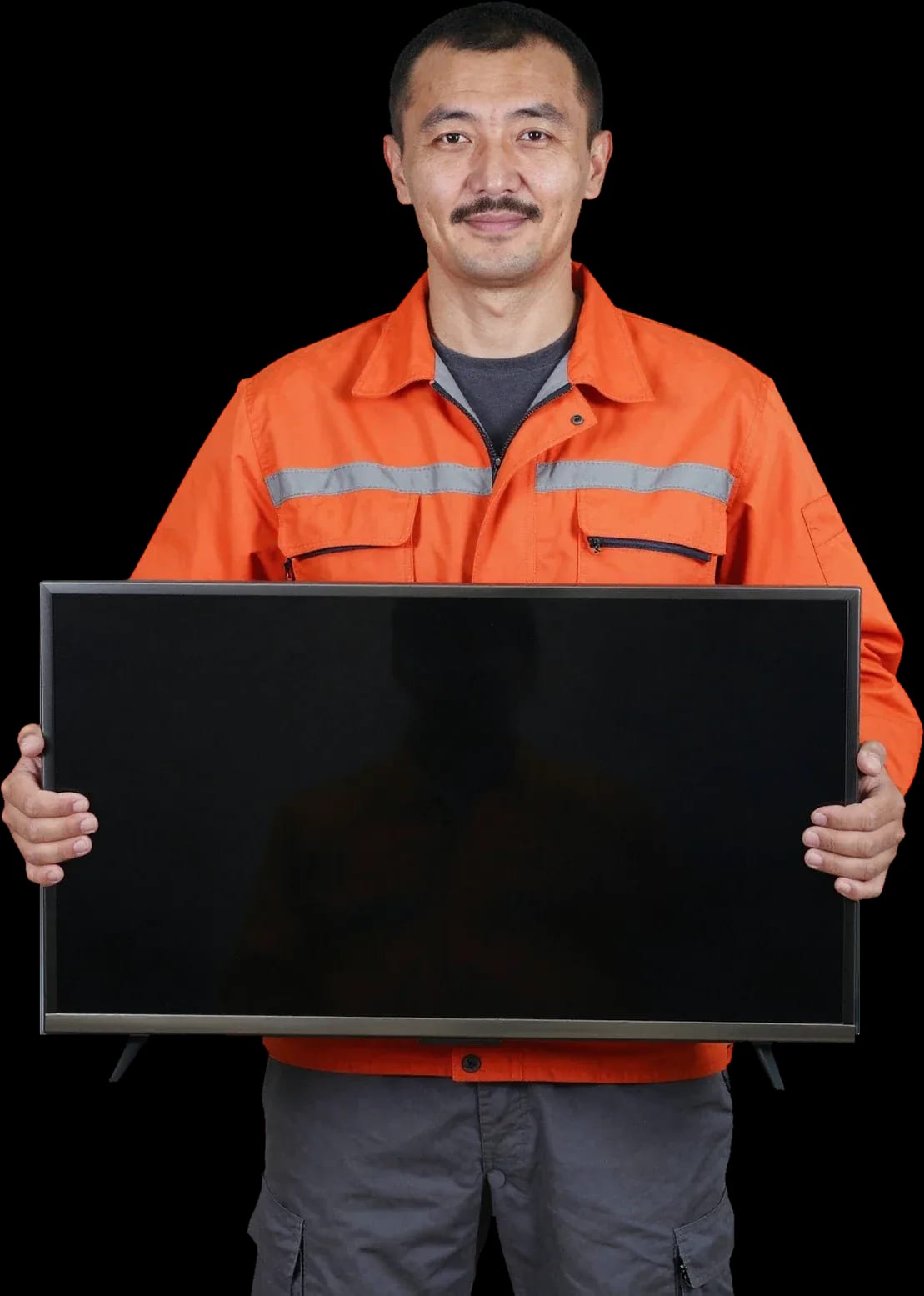
A technician arrives within 60 minutes anywhere in the city. Diagnostics are free.
Our own technicians4 to 20 years of experience




Repair prices
The symptoms Sony TV owners most often report and their likely causes.
no power, faulty power supply
from8 000 ₸
power supply, control board
from8 000 ₸
remote, receiver, control board
from9 500 ₸
antenna, tuner, settings
from5 500 ₸
Wi-Fi module, HDMI port, board
from9 500 ₸
control board, settings, remote
from5 500 ₸
speakers, amplifier, settings
from7 000 ₸
software glitch, module, board
from5 500 ₸
1 visittime
from 10 000 ₸cost
 BeforeAfter

Five steps from your call to checking the TV after repair.
Describe the symptom; the technician will confirm the model and prepare for the visit.
The technician comes anywhere in the city and inspects the TV on site.
The technician finds the cause: checks the power, backlight, and panel.
You approve the list of work and parts, then the technician gets started.
The technician cleans up and turns on the TV to show you the picture and sound.
We reply during working hours
Provide the model, symptom, and screen size. Make sure the TV and remote are accessible. The technician will confirm the details over the phone.

Warranty question? Call us
+7 (778) 096 59 61 experience10 years
TV screen replacement technician
 experience7 years
Lead electronics repair technician
 experience10 years
Mobile PC repair technician
 experience10 years
Laptop repair and assessment technician
 experience15 years
Digital device repair technician

Author: Oraza B.,TV screen replacement technician
Published
Updated
Tech Service repairs Sony TVs in Astana: our technician comes to your home or takes the TV to the service center. Diagnostics are free, arrival within 60 minutes anywhere in the city, and a 1-year warranty on labor and parts. The technician quotes the price after diagnostics, and you can pay via Kaspi QR, Kaspi Red, bank card, cash, or bank transfer for companies.
A Sony TV signals a fault by the number of red indicator blinks. We explain what each code means and how to tell a backlight issue from a damaged panel.
| Number of blinks | Likely component | What we check |
|---|---|---|
| 2 | Power supply board | power, overcurrent protection |
| 3 | Main board | startup, firmware |
| 4 | Backlight and LED driver | LED strips, driver |
| 5 | T-Con board | ribbon cables, signal to panel |
| 6 | Inverter and backlight | backlight power circuit |
A black screen with working sound usually points to the backlight, not the panel — the image is being formed but not lit. LED strips sit behind the diffuser, and when one or several fail, the panel goes dark with dark patches at the edges. The driver on the power supply board is also checked in such cases: it sets the current for the strips, and its failure produces the same symptom. You can check with a flashlight: if you can make out a picture at an angle under light, the panel is fine and the issue is with the strips. On models with local dimming, a failed zone looks like a solid dark rectangle rather than a stripe. A technician confirms the diagnosis by measuring voltage at the backlight connector before disassembling the panel. Sony TV repair at home is convenient when the symptom is confirmed and the component is clear.
Vertical or horizontal stripes are most often related to the T-Con board and ribbon cables, while Android TV stuck on the logo points to firmware or the Main board. A thin colored line at the edge and ripples across the whole panel have different causes: the first comes from a ribbon cable contact, the second from a signal fault on the T-Con. When the hardware is fine, Android TV stuck on the splash screen is fixed by reflashing through the service port, while a boot loop indicates a fault in the Main board memory. Stripes that change when you lightly press the screen frame usually indicate a ribbon cable contact rather than the panel itself — that's cheaper to service. The technician quotes the price after free diagnostics, once the component is confirmed.
Bravia, OLED, Master Series, and Android TV are built differently, and that affects both servicing and the decision to repair or replace. We break down the three components we see most often.
We usually repair Sony power boards rather than replace them entirely: fixing the unit is cheaper than replacement and keeps compatibility with the specific model. In the power supply, the input stage, capacitors, PWM controller, and power switches burn out — these components are replaced individually, while the board itself stays original. After a voltage spike, the input stage is the first to suffer, so we start checking there rather than the Main board: this immediately shows whether the voltage has passed further down the circuit. The Main board is only touched when the power is normal but the TV still won't start. In our experience, replacing the whole board is justified in one case — when most of the traces are burned and restoration becomes unpredictable. Before approving the work, the technician shows which components can be restored — this removes the question of 'repair or replace'.
We service Sony Android TV and Google TV: freezing on the logo and Smart failures are more often solved by reflashing or restoring the Main board rather than replacing the TV. Symptoms on these lines are similar: the set-top box loads endlessly, apps crash, the remote loses connection, the Wi-Fi module disappears from the network list. Reflashing restores the system if the failure is software-related; when it doesn't help, the Main board and Wi-Fi module are checked — the cause is hardware there. Over-the-air channels usually work: the tuner lives separately from the Smart part. If Smart functions fail but over-the-air channels work, the problem is almost always in the Main board or module, not the matrix. Our technician first captures the boot log on-site — it shows at which stage the system fails.
Some Sony TV faults are fixed right in the apartment, others require a workshop. Below we explain what counts as on-site work, when the unit is taken to the service center, and how a request is handled.
We take a Sony TV to the service center when matrix replacement or in-house panel diagnostics is required — this can't be done safely at home. A cracked or degraded glass, layer cracks, polarizing film replacement, and work with an OLED panel require a flat surface and space where the screen can be laid down without pressure on the corners. For OLED and large diagonals, transportation itself is risky: thin glass bends under its own weight, and securing it to a car body without a rigid frame adds stress to the corners. Therefore, we decide on in-house service after diagnosing at home, not in advance — often the on-site technician confirms that the fault can be fixed on the spot. For Astana residents, this saves a trip: if the matrix is intact, the unit stays in the apartment. Sony TV repair in Astana in most cases is done on-site, and the unit is sent to the service center only when a stationary workspace is unavoidable.
Diagnostics are free, a technician comes to you within 60 minutes anywhere in the city, and the price is quoted after diagnostics — before any work starts. We take your request by your Sony model, by symptom and error code if the indicator has already been blinking: this helps us bring the right parts and avoid stretching the visit into a second trip. On site, the technician confirms the diagnosis, shows exactly what has failed, and agrees on the scope of work — the client sees the list before the case is opened. A technician with 4 to 20 years of experience comes as the direct contractor, no middlemen, so the scope is agreed on site, not through a dispatcher. We provide a 1-year warranty on labor and parts and you can pay via Kaspi QR, Kaspi Red (instalments), bank card, cash, or bank transfer for companies.
A few simple steps before the technician arrives will help you avoid making the Sony fault worse and keep the chance of a low-cost repair — especially when you smell burning or the indicator blinks in series.
We restore Sony TVs after power surges: most often the power supply is affected, less often the Main board, and in most cases the unit is repaired rather than replaced. In a switching module, the varistor, fuse, and power switches are the first to fail — replacing them costs less than installing a new unit. The Main board is affected less often: the surge passes through the input stage, and damage reaches it only with a strong drop or a repeated power-on. Repeated start attempts after a surge are a typical mistake: each start sends current through already blown components and expands the damage. During free diagnostics, we test the input stage and check the standby power separately from the main power — this shows exactly where the line has broken. If the TV won't turn on after a surge but the indicator isn't blinking, that points to the input power line, not the backlight protection.
Sometimes it's more honest to tell the owner right away that replacing the TV makes more sense than repairing it. Here are the criteria that show this even before the device is opened.
We explain when replacing a Sony matrix isn't worth it: if the panel is non-separable or the model was discontinued long ago, restoration may cost more than a new TV. On Bravia LED models, the screen often comes as a single module with the backlight, and replacing it means replacing the whole unit. On premium lines like Master Series, the panel is designed for separate installation, so this approach makes sense longer than on budget models. During free diagnostics, the technician checks the panel type, year of manufacture, and parts availability — these three parameters already show whether it's worth continuing. On expensive lines like Master Series, installing a new screen is often justified, but on budget LEDs it isn't, and this is clear at the diagnostics stage.
Here's what you get when you book our specialist for Sony service: who will arrive, what terms apply, and what to check about your model before the visit.
Tech Service is a direct contractor: our own specialist arrives at your home within 60 minutes anywhere in the city, and diagnostics are free. The same person who takes your request is the one who works on your Sony TV — it's not resold to another contractor or passed to a dispatch service. A technician arrives with their own tools, opens the back cover, checks the power supply, backlight, and main board, then explains what caused the failure. The inspection costs nothing whether you agree to the repair or not. Direct contractor means the scope of work and the price are agreed with the person who will actually do the repair: the price is quoted after the inspection, with no middleman markup and no third-party recalculation.
We provide a 1-year warranty on labor and parts — this covers both backlight replacement and Sony power board repair. The warranty applies to the full list of operations performed at the customer's home or in the service center: after the repair, the owner receives confirmation of the period during which the result remains our responsibility. The warranty also covers parts, so you don't have to figure out separately what's covered if you need to come back. If a few months after a backlight replacement the edges darken again or the power board stops turning on the Sony TV, the follow-up is handled under the same warranty period, not as a brand-new request.
To book a technician, just tell us your Sony model, the symptom, and the number of indicator blinks — that's enough to prepare for the visit. The model is on the sticker on the back of the case, and the symptom is described in words: no picture with sound, screen goes dark after a few seconds, lines across the matrix. If the red indicator is blinking, it helps to count the series of flashes and the pause between them — this code tells the specialist in advance which unit to focus on. You can pay via Kaspi QR, Kaspi Red, bank card, cash or bank transfer for companies, and the price is quoted after free diagnostics, once the cause is known. The more accurately you describe the symptom, the faster the technician can identify the unit on site and the less time the check takes. TV repair in Astana is done with all these details in mind.
Here are the key things a Sony owner should keep in mind before calling a technician — from decoding the blinks to deciding whether to repair the panel or replace the TV.
Tech Service technicians repair other appliances too — with the same 1-year warranty on labour and parts.
 Refrigerator Repair in Almatyfrom 3 000 ₸
 Washing Machine Repair in Almatyfrom 3 000 ₸
 Dishwasher Repair in Almatyfrom 3 500 ₸
 Oven Repair in Almatyfrom 3 000 ₸
 Cooktop Repair in Almatyfrom 3 500 ₸
 Air Conditioner Repair in Almatyfrom 3 500 ₸
 Boiler and Water Heater Repair in Almatyfrom 2 500 ₸
 Freezer Repair in Almatyfrom 6 000 ₸
 Tumble Dryer Repair in Almatyfrom 5 000 ₸
 Coffee Machine Repair in Almatyfrom 2 500 ₸
 Robot Vacuum Cleaner Repair in Almatyfrom 3 500 ₸
 Vacuum Cleaner Repair in Almatyfrom 1 500 ₸
 Microwave Oven Repair in Almatyfrom 2 000 ₸
 Hair Dryer Repair in Almatyfrom 1 500 ₸
 Iron Repair in Almatyfrom 3 000 ₸
 Electric Kettle Repair in Almatyfrom 2 500 ₸
 Mixer Repair in Almatyfrom 2 500 ₸
 Multicooker Repair in Almatyfrom 500 ₸
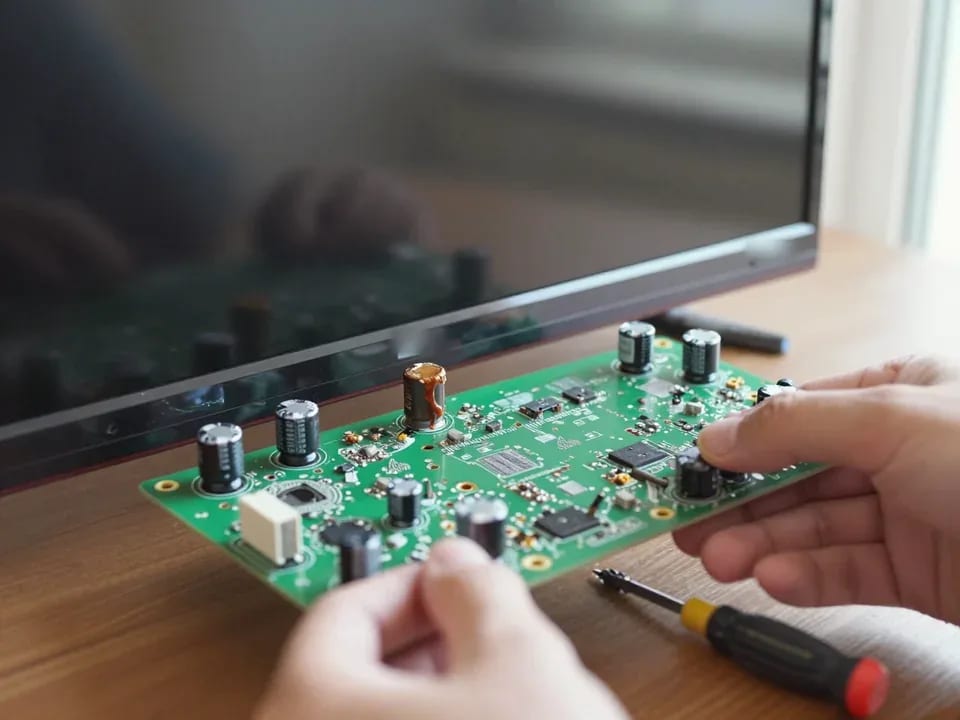
If your TV won't turn on, first check the outlet, power cable, and the button on the TV itself—not the remote.
21 November 2025 · 12 minutes read
If your laptop screen is broken, turn the device off first, don't press on the display, and check the picture through an external monitor.
12 March 2026 · 11 minutes read
If your phone won't charge, start by checking the adapter, cable, and port, then the charging settings.
16 February 2026 · 12 minutes read
If your laptop freezes, the first thing to do is restart it and check Task Manager to see what's loading the CPU and memory.
25 January 2026 · 12 minutes read
If your phone falls in water, take it out right away, turn it off, and don't charge it.
19 January 2026 · 12 minutes read
If your phone camera isn't working, first check app permissions, clear the cache, and restart your phone — this fixes some software glitches.
24 December 2025 · 13 minutes read