Георгий З.Order No. AS-9481 · 12 August 2026
oursTV Repair in
Позвонил в четыре места, тут ответили по-человечески. С утра заметил: не включаеться. Третий месяц — никаких проблем
Repair: tv repair in

A technician arrives within 60 minutes anywhere in the city. Free diagnostics, 1-year warranty on labor and parts.
Our own technicians4 to 20 years of experience




Repair prices
Below are the frequent symptoms customers contact us about. Mention them to the technician when you call so they can bring the right parts. The exact cause is determined during diagnostics.
power supply, standby mode, button
from8 000 ₸
backlight, inverter, ribbon cable
from7 000 ₸
panel, backlight, T-CON
from9 000 ₸
ribbon cable, T-CON, panel
from9 500 ₸
overheating, power supply, firmware
from8 000 ₸
speakers, amplifier, settings
from7 000 ₸
IR receiver, remote, batteries
from3 500 ₸
diffusers, backlight, panel
from9 000 ₸
1 visittime
from 10,000 ₸cost
 BeforeAfter

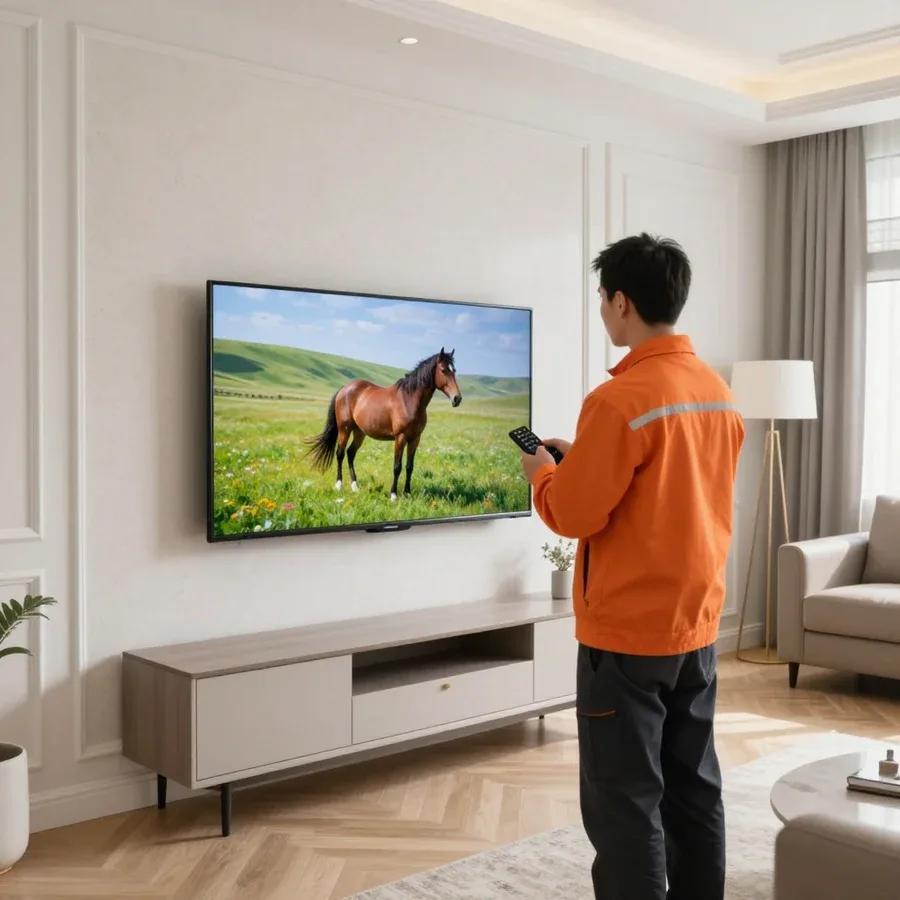
Five steps from request to checking the TV after repair.
Describe the symptom and TV model — the technician will arrange a visit.
The technician comes anywhere in the city and inspects the TV on site.
The technician agrees the scope of work and price with you before starting the repair.
Work begins only after you confirm the scope and price.
Ask the technician about warranty terms and how to handle the repaired component.
We reply during working hours
Provide the model and symptom — the technician will arrange a convenient visit time. The request takes a couple of minutes, and you'll get a precise answer about your issue during the call.

Warranty question? Call us
+7 (778) 096 59 61 experience10 years
TV screen replacement technician
 experience7 years
Lead electronics repair technician
 experience10 years
Mobile PC repair technician
 experience10 years
Laptop repair and assessment technician
 experience15 years
Digital device repair technician

Author: Oraza B.,TV screen replacement technician
Published
Updated
Tech Service repairs JVC TVs in Astana as a direct service, without middlemen or aggregators. Our own technician arrives at your home within 60 minutes anywhere in the city or takes the equipment to the service center. Diagnostics are free, 1-year warranty on labor and parts, technicians with 4 to 20 years of experience.
A blinking light doesn't mean the TV is fried—it's a self-diagnostic signal from the board. Here's what it tells you, which components fail most often, and what to do before the technician arrives.
A blinking JVC indicator is a self-diagnostic code: the number of flashes in a series points to the component the circuit considers faulty. On startup, the control board checks the standby power supply, backlight, and matrix outputs. If parameters are off, it flashes a series instead of turning on. Different JVC lines use different coding—some count long and short signals, others just the number of flashes before a pause. The standby power supply appears in this diagnostics more often than other components because its output parameters are checked first. Count flashes in series with pauses—the pause separates one code from another, and this sequence helps the technician narrow down the search before even opening the case. If you can't decode the codes yourself, JVC TV repair in Astana starts with free diagnostics.
| Signal | Likely Component | What to Do Before the Technician |
|---|---|---|
| Series of flashes, no picture | Power supply | Unplug from power for 15 minutes |
| Light on, screen dark | Backlight or control board | Check response to remote |
| Flashes and clicks on startup | Power supply, protection | Do not turn on again |
| Picture with stripes | T-CON or matrix cable | Do not press on the screen |
| Light not responding | Power or button | Check outlet and cable |
Sound works but no picture—the most common reason people call about a JVC. Here's how to tell backlight from matrix by screen behavior, where to look for the cause of stripes, and which components on this brand weaken first.
Vertical or horizontal lines on JVC TVs are more often caused by the T-CON board and ribbon cables than by the panel itself. The T-CON board generates the signal for the panel, and when synchronization fails, even lines, colored stripes, or a split image appear on the screen. The ribbon cables between the board and the matrix lose contact due to heat and vibration — then the lines appear intermittently and disappear after warming up. Damage to the panel itself produces a different pattern: chips, bright spots, lines strictly in one area. If the lines change when you lightly press on the frame or disappear after warming up, this points to the ribbon cable contact group rather than the panel. A technician tests the ribbon cables and checks the T-CON power supply before deciding to replace the matrix — otherwise it's easy to condemn a working panel.
Not every JVC fault can be fixed on-site. Some work requires service center conditions, and this determines whether you go to the workshop or a specialist comes to you.
At the customer's home, we most often replace the backlight, repair the power supply and control board — these tasks don't require a workbench. Burned-out LED strips, swollen capacitors in the power supply, broken traces on the main board — typical operations for an on-site technician, for which a soldering station and a multimeter are enough. On many JVC models, the backlight is replaced through the back cover without removing the panel from the wall or completely disassembling the matrix. The power supply is tested under load right on-site, and the control board is diagnosed by its response to remote commands. Such work saves time for both the customer and the service center: no need to take the device to the workshop and wait for it to come back, and the technician closes the request in one visit.
We replace the matrix and perform complex panel work at the service center because it requires conditions that aren't available on-site. The matrix itself is a glass base with polarizing films, and any point pressure on it during transfer leaves an irreparable defect. There's no flat, spacious surface in an apartment to lay the panel on, and no dust-protected area — a speck between layers causes a dark spot on the screen. Resoldering T-CON ribbon cables also requires care and free space, and doing such an operation while holding the panel is risky for the panel itself. If lines or a black screen point to the matrix, the device is taken to the workshop — there the panel is disassembled on a clean surface and the backlight is replaced along with the reflectors.
The decision depends on which component has failed and how repairable the model is. Let's look at cases where repairs bring the device back to life and when it's wiser to consider a new one.
These repairs make sense when the problem is with the backlight, power supply, or control board, and the panel itself is intact. The backlight is the LED strips behind the screen, the power supply powers all components, and the control board distributes the signal; each of these can be replaced or restored separately from the panel. With such a fault, the TV keeps the most important thing—a working screen—and replacing a component costs less than a new TV of comparable size. Our diagnostics are free, and the technician identifies the faulty component based on the actual condition, not the description of symptoms: the same "no picture" can be caused by the backlight, the panel, or the board. Such repairs get the TV working again without replacing the most expensive component, so the decision is made after free diagnostics, not based on symptom description. In my opinion, it's precisely the accurate localization of the fault that most often persuades the owner to go for restoration.
A service request for a JVC TV starts with a description of the symptom, not the name of a part. Below is a list of actions before the specialist arrives and the procedure for approving work after inspection.
Our diagnostics are free, and the technician gives you the price after the diagnostics and before any work starts, so you can decide whether to go ahead. The inspection begins with checking voltages on the power supply and testing the backlight—these components are checked first when there's no picture. Next, the T-CON board and matrix cables are checked if the symptom is stripes or no picture with sound still working. Based on the inspection, you get a list of faulty components and options: backlight replacement, board repair, or full module replacement. Approving the work before it starts protects you from unexpected costs—you know in advance exactly what will be done and why. Diagnostics are free—the technician gives you the price after the diagnostics and before the repair begins.
A warranty and direct service remove the main fear when booking JVC service: that the technician disappears after you pay and the problem comes back. Here's how we handle it.
1-year warranty on labor and parts—we provide a 1-year warranty on labor and parts, so if the same problem happens again due to our work, we fix it at our expense. The year covers both the service and the installed part. Technicians with 4 to 20 years of experience know JVC's typical components, so if you come back, they quickly determine whether it's a warranty case. A warranty on parts is just as important as on labor: if a part fails, not the person with the soldering iron, the service is still responsible. We don't separate "this is labor" and "this is a part"—we're responsible for the result as a whole. Practical tip: keep your repair documents—they make it easier to confirm a warranty case and get a repeat issue fixed for free faster, without arguments or extra checks.
Tech Service is a direct service: our own technician comes to you, not a middleman who passes the request to a third party. The same service takes and handles your request, with no chain of contractors between you and the technician. JVC TVs are repaired by people with 4 to 20 years of experience who have worked with this brand and know its typical components. Technician arrival within 60 minutes across the city—the service provider reaches your home within the agreed time, not whenever a third-party crew is free. The 1-year warranty on labor and parts is backed by the one who did the work, not by someone who resold the request. The price is given after free diagnostics, not as an advance over the phone. When the service itself does the work, responsibility for the result and warranty isn't blurred between an aggregator and a contractor.
We've gathered in one place the things that most often determine the outcome of appliance repair: decoding TV signals, the difference between a backlight and a matrix failure, and the logic of choosing between fixing and replacing the device.
Tech Service technicians repair other appliances too — with the same 1-year warranty on labour and parts.
 Refrigerator Repair in Almatyfrom 3 000 ₸
 Washing Machine Repair in Almatyfrom 3 000 ₸
 Dishwasher Repair in Almatyfrom 3 500 ₸
 Oven Repair in Almatyfrom 3 000 ₸
 Cooktop Repair in Almatyfrom 3 500 ₸
 Air Conditioner Repair in Almatyfrom 3 500 ₸
 Boiler and Water Heater Repair in Almatyfrom 2 500 ₸
 Freezer Repair in Almatyfrom 6 000 ₸
 Tumble Dryer Repair in Almatyfrom 5 000 ₸
 Coffee Machine Repair in Almatyfrom 2 500 ₸
 Robot Vacuum Cleaner Repair in Almatyfrom 3 500 ₸
 Vacuum Cleaner Repair in Almatyfrom 1 500 ₸
 Microwave Oven Repair in Almatyfrom 2 000 ₸
 Hair Dryer Repair in Almatyfrom 1 500 ₸
 Iron Repair in Almatyfrom 3 000 ₸
 Electric Kettle Repair in Almatyfrom 2 500 ₸
 Mixer Repair in Almatyfrom 2 500 ₸
 Multicooker Repair in Almatyfrom 500 ₸
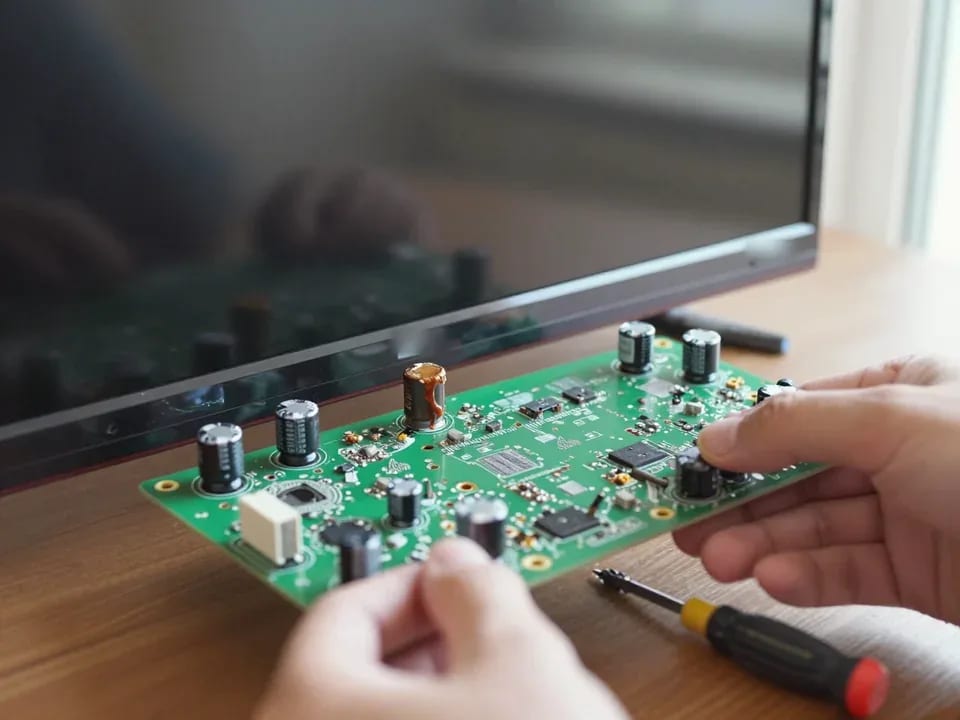
If your TV won't turn on, first check the outlet, power cable, and the button on the TV itself—not the remote.
21 November 2025 · 12 minutes read
If your laptop screen is broken, turn the device off first, don't press on the display, and check the picture through an external monitor.
12 March 2026 · 11 minutes read
If your phone won't charge, start by checking the adapter, cable, and port, then the charging settings.
16 February 2026 · 12 minutes read
If your laptop freezes, the first thing to do is restart it and check Task Manager to see what's loading the CPU and memory.
25 January 2026 · 12 minutes read
If your phone falls in water, take it out right away, turn it off, and don't charge it.
19 January 2026 · 12 minutes read
If your phone camera isn't working, first check app permissions, clear the cache, and restart your phone — this fixes some software glitches.
24 December 2025 · 13 minutes read