Original
Cartridge from the printer manufacturer
- Compatibility
- Fully matches the printer model
- Selection
- By printer model or cartridge number
- Price
- After free diagnostics
- Warranty
- 1 year on labor and parts
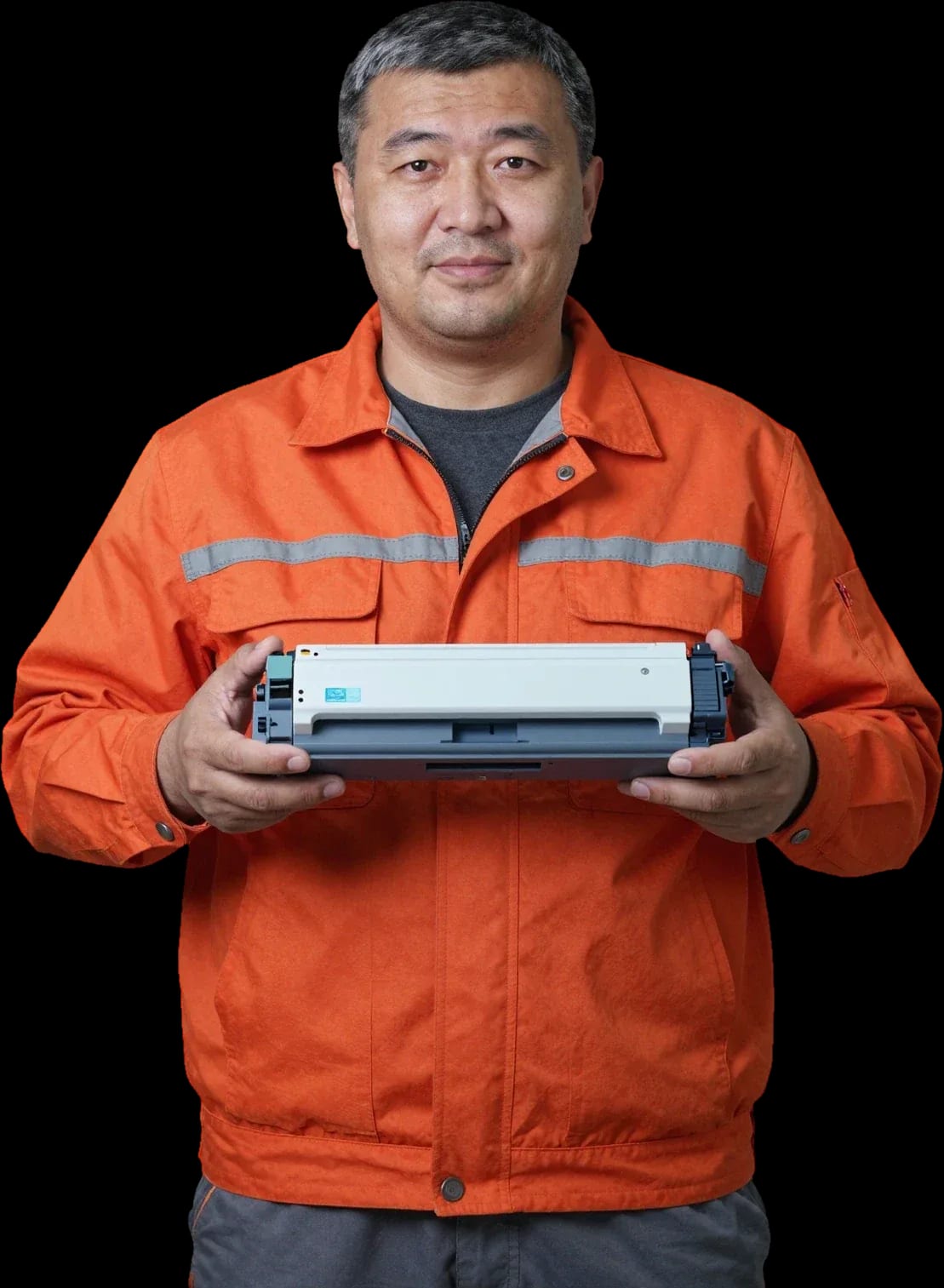
A technician arrives within 60 minutes anywhere in the city. Free diagnostics, 1-year warranty on labor and parts.
Our own technicians4 to 20 years of experience




1 yearwarranty on labor and parts
60 minutestechnician arrival anywhere in the city
Freediagnostics
5
Five signs help you understand when it's time to refill or replace the cartridge: faint printing, streaks, blank print, printer noise, and contamination of the paper path.
Faint printing and gaps
The print becomes lighter, white areas appear on the page — toner in the hopper is running low.
Streaks and spots
Vertical streaks or dark spots indicate drum wear or roller contamination.
Noise and jerking during printing
Unusual noise, roller squeaking, or paper feed jerking during printing point to mechanism wear.
Blank print
The page comes out almost white — toner is not being supplied, possibly a metering blade issue.
Paper path contamination
Gray background at the edges of the page and toner rubbing off when touched indicate paper path contamination.
If you notice at least one sign, it's worth having the cartridge checked by a technician.
Describe the symptomsWe reply during working hours
Describe your cartridge and printer model — the technician will advise what to check first and which parts are usually replaced.

Warranty question? Call us
+7 (778) 096 59 61 experience7 years
PC and network repair engineer
 experience11 years
Senior mobile computer technician
 experience10 years
Laptop repair technician
 experience9 years
Motherboard repair technician
 experience16 years
Printer repair technician
 experience12 years
Computer repair technician
 experience18 years
All-in-one computer repair technician
Tech Service offers cartridge refill in Astana with a technician visit within 60 minutes across the city. The technician comes to your home or office, runs free diagnostics, refills your laser or inkjet cartridge, and checks print quality. We provide a 1-year warranty on labor and parts.
Print quality degrades gradually, and device owners don't always notice the change right away. We go through the symptoms in order to help you tell an empty toner from a printer malfunction.
During free diagnostics, our technician checks both the cartridge and the printer, so the cause of faint printing is identified before service, not after. The specialist removes the cartridge, inspects the drum, wiper blade, magnetic roller, and doctor blade, and runs a test page with a known-good consumable. If the device prints cleanly with a working cartridge, the issue is in the toner and bin parts, and refurbishment with replacement of worn components solves the problem. If the defect persists even with a good consumable, the cause is in the printer unit — then the device needs repair, not consumable service. Tech Service technicians work with printers of various classes and during diagnostics distinguish toner depletion from mechanical wear. Sharp streaks across the entire page width more often point to a dirty drum, and this part is checked before service — otherwise the defect will return. If you need cartridge refill in Astana with a technician visit, we arrange it at your home or office, and the procedure itself is performed with the result verified on a test page.
Faint printing right after service usually means the wrong brand of toner was filled, the doctor blade doesn't fit tightly, or the chip wasn't reset and the printer is running in economy mode. Powder with the wrong particle size gives a gray fill instead of black, and a skewed doctor blade causes uneven supply and gaps along the page edge. An unreset chip makes the device print in a gentle mode, and image density drops even with a full bin. Before disassembling the cartridge again, print a test page and assess the nature of the defect: uniform faintness and local gaps point to different causes, and this saves an unnecessary teardown. Print quality check completes the procedure — it shows the technician whether the toner needs replacing or the blade just needs adjusting.
We explain what happens from request to print check, and why you don't need to take the cartridge anywhere. Below are the steps of on-site service, options for home and office, and frequency guidelines.
| Format | Where it takes place | Who does it | What we check |
|---|---|---|---|
| Home visit | At the client's apartment | Our technician | Test print quality |
| Office visit | At the workplace | Our technician | Page cleanliness and streaks |
| In-shop refill | At the workshop | Our technician | Print after reassembly |
Service frequency is determined not by the calendar but by your print volume and page coverage — in an office with a heavy paper flow, toner runs out noticeably faster than with occasional use. Use the printed page counter and the first signs of fading as your guide: gray background, light areas in solid fills, streaks along the edge. Keep a spare refilled cartridge in a sealed package away from light and moisture, otherwise the powder clumps and spills during installation. With daily printing, toner runs out faster than with a couple of pages a week — you can see it on the print counter. Plan replacement based on symptoms, not "once a month" — that way the procedure won't catch you off guard in the middle of a workday or stop your paper flow. Cartridge refill service in Astana with a technician visit works exactly on this principle — based on actual toner consumption, not a rigid schedule.
The processes differ in consumables and the set of checks — we show this difference so you can see whether your equipment is serviced and what exactly the technician will do on site.
| Cartridge type | Consumable | What we do | How we check |
|---|---|---|---|
| Laser | Toner | Add powder, clean the hopper of old toner | Test page, fill density |
| Inkjet | Ink | Fill with ink, prime the channels | Nozzle check pattern, no gaps |
| Laser with chip | Toner | Add powder, check the module | Test page, print counter |
| Inkjet with CISS | Ink | Fill the tanks, check the supply channels | Nozzle check pattern, color proof |
We also service cartridges with chips, but sometimes the electronic module needs to be replaced or the printer firmware updated so the device accepts the consumable again. The chip counts printed pages and blocks operation after a programmed threshold—without updating it, the machine shows a message that the cartridge is empty even when the hopper is full of toner. On some models, it's enough to replace the board itself; on others, the device needs to be flashed, and the technician determines this on-site after free diagnostics. On-site cartridge refilling is convenient because the technician performs all these checks and adjustments right at your place without taking the equipment to the workshop. Original and compatible toner behave differently on small text and graphics: the former holds thin lines more consistently, while the latter sheds more noticeably on dense fills. Choosing the composition for the workload gives more than choosing only for the printer brand—for active graphics printing, a compatible option is sometimes more cost-effective, while on contracts and tables the difference in quality becomes noticeable by the second thousand pages.
Refilling isn't always justified. We explain the criteria a technician uses during diagnostics to decide whether a new portion of toner will extend the unit's life or the part has already reached its limit.
DIY restoration is possible, but without disassembly, cleaning, and print checks, it's easy to damage the photoconductor drum or spill toner inside the printer. The toner powder is fine and scatters easily—dust that gets inside the device causes a gray background on sheets, and then you have to clean the machine rather than just service it. The housing can crack at the mounts during inexperienced disassembly, and the waste toner hopper overfills and spills its contents onto the mechanics. A print quality check after the procedure is essential: a test page shows streaks, background, and patchy areas that you can't see on a blank sheet. According to technicians' experience, saving on one-time service leads to cleaning the machine and replacing parts. Refilling extends the unit's life only when the wear parts are in good condition—on a worn photoconductor drum, a new portion doesn't last long. If you're unsure whether to tackle it yourself, our technician will quote cartridge refilling prices after free diagnostics.
The warranty covers the work itself and the installed parts. We explain exactly what it includes and what steps to take if printing isn't restored after service.
We provide a 1-year warranty on labor and parts. Diagnostics are free: a specialist checks the consumable and the printer, and only then explains what needs attention—the procedure itself, part replacement, or repair of the print unit. Our technicians have 4 to 20 years of experience in service, so they identify the cause of a failure by the nature of the defect on a test page rather than by trial and error. On-site visits in the city within 60 minutes, and Kaspi QR, Kaspi Red, card, cash or bank transfer are accepted. If a unit breaks down, it's worth noting the cause during diagnostics: this makes it easier to separate a consumable defect from a printer malfunction. Cartridge refilling prices depend on the consumable model and the scope of work, so the technician quotes the exact amount after free diagnostics.
A quick look at when refilling is really needed, how printing technologies differ, and what to consider when choosing an approach to restoring your consumable.
If you ask, the technician will check other parts during the same visit.
Other large appliances

If your laptop screen is broken, turn the device off first, don't press on the display, and check the picture through an external monitor.
12 March 2026 · 11 minutes read
If your laptop freezes, the first thing to do is restart it and check Task Manager to see what's loading the CPU and memory.
25 January 2026 · 12 minutes read
If your computer won't turn on, start simple: check the outlet, power cable, switch on the power supply, and the power button.
19 January 2026 · 13 minutes read
If your laptop won't boot, first determine which of two states you're in: the device doesn't respond to the power button at all…
13 December 2025 · 12 minutes read
