Геннадий Ж.Order No. TSA-68980 · 25 December 2025
oursPrinter Repair in
С левого берега ехать далеко, поэтому искал поближе к дому. Вчера работало, сегодня уже полосы. Пользуюсь и вспоминаю добрым словом.
Repair: printer repair in
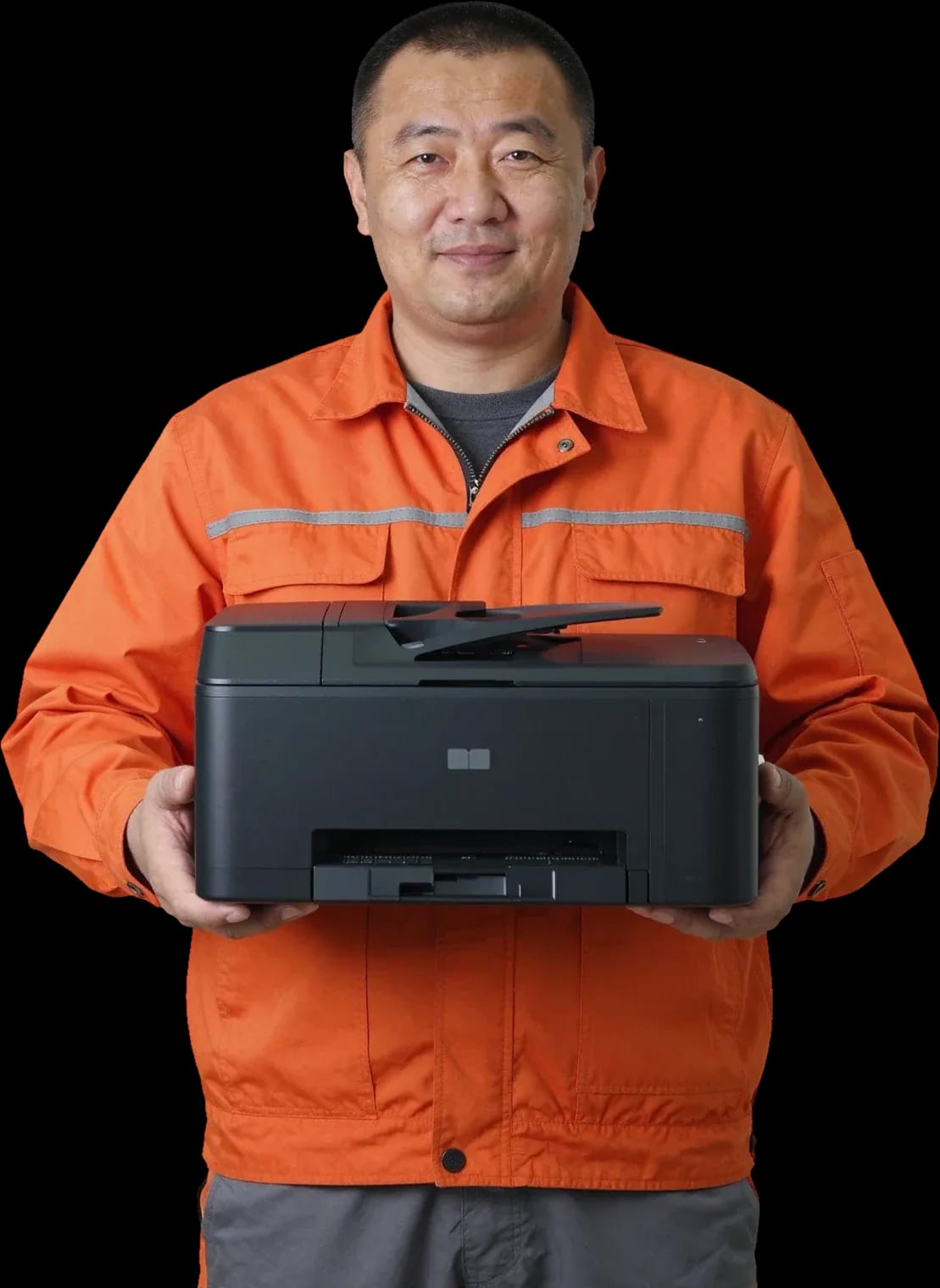
A technician arrives within 60 minutes anywhere in the city. Free diagnostics.
Our own technicians4 to 20 years of experience




Repair prices
Paper feed problems, streaks on prints, display errors, noise during operation, faint printing, and toner smudging — these are the main symptoms customers come to us with.
pickup roller, spring, contamination
from4 500 ₸
guides, roller, sensor
from3 500 ₸
cartridge, photoconductor drum, metering blade
from3 500 ₸
power supply, cord, button
from8 500 ₸
code points to a component, sensor, or board
from6 000 ₸
toner, roller, cartridge contacts
from5 000 ₸
fuser unit, heating element, pressure roller
from8 000 ₸
gearbox, bearing, rollers
from3 500 ₸
1–2 daystime
from 8 500 ₸cost
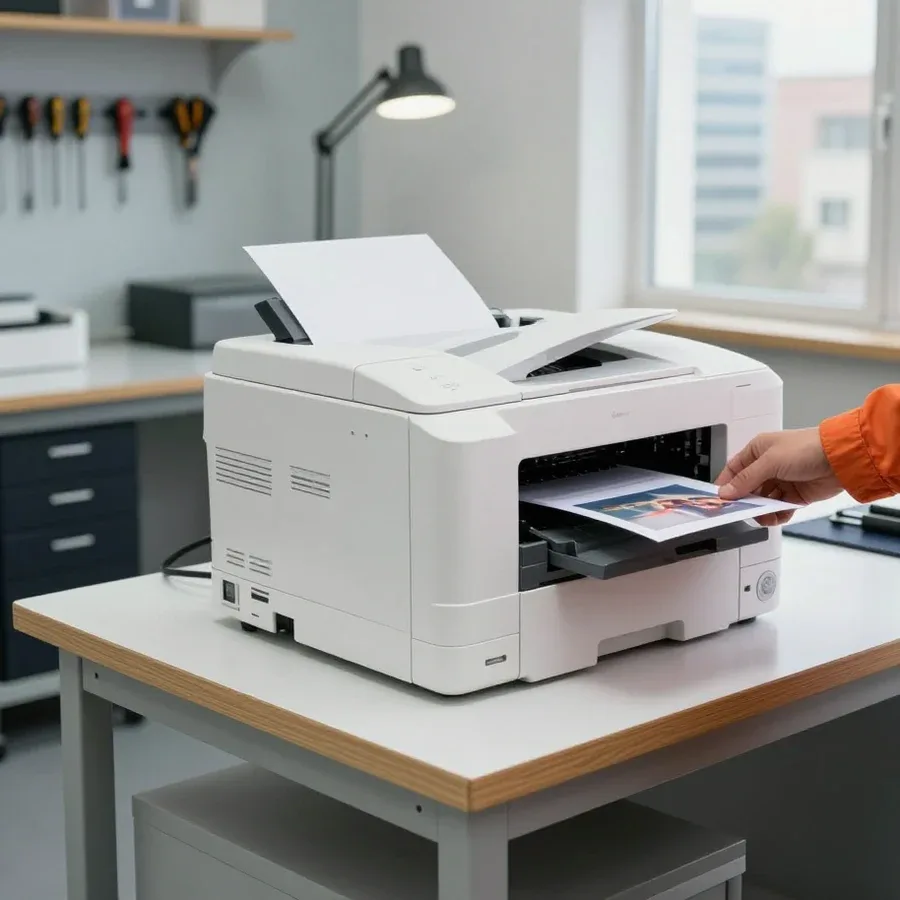 BeforeAfter

Five steps from request to checking the printer after the work.
You describe the symptom, and the technician clarifies the model and nature of the issue.
You pick a convenient visit window and tell the technician the printer model.
The technician checks the components and identifies the cause of the problem.
You confirm with the technician which parts are needed and what the work includes.
You check the test print for line quality, absence of streaks, and jams.
We reply during working hours
Describe your printer model and symptom — this will help the technician quickly identify the cause of the issue.

Warranty question? Call us
+7 (778) 096 59 61 experience7 years
PC and network repair engineer
 experience11 years
Senior mobile computer technician
 experience10 years
Laptop repair technician
 experience9 years
Motherboard repair technician
 experience16 years
Printer repair technician
 experience12 years
Computer repair technician
 experience18 years
All-in-one computer repair technician
Tech Service repairs printers and multifunction devices in Astana as a direct provider: our technician arrives at your home within 60 minutes or picks up the equipment for service. Diagnostics are free, the technician quotes the price after diagnostics, and there is a 1-year warranty on labor and parts. Our technicians have 4 to 20 years of experience.
Most requests start with a specific symptom — a blank page, streaks, paper jams, a blinking indicator. We explain what's behind it and what a specialist does.
Most often the issue isn't the toner itself but the chip, the cartridge contacts, or a clogged nozzle plate — we check this during free diagnostics. After refilling, the powder is physically there, but the device reads the chip and contact points, not the amount of toner inside. Oxidized contacts, a faulty chip, or a dried-out nozzle plate trigger a 'no toner' message or a blank page even with a full hopper. Our printer maintenance specialist in Astana first checks the contacts, tests the chip, and runs a test page to separate a consumable problem from a device malfunction. If after refilling the device says 'no toner,' don't rush to buy a new cartridge — check the chip and contact points first, as this is a common cause of a false message. In such cases, printer repair in Astana starts with checking the contacts and chip, not replacing consumables.
Jams are almost always caused by worn feed rollers, a dirty paper path, or the wrong paper weight — we replace the rollers and clean the path. Rubber rollers lose grip over time and stop grabbing the sheet evenly, while dust and paper scraps in the path disrupt its movement. Paper that's too thin or damp wrinkles at the entry, and the jam repeats in the same spot. Our technician removes the feed rollers, cleans the path, and checks the feed assembly with test prints on different paper weights. If the device jams in the middle of the sheet every time, it's not the machine being 'finicky' but wear on a specific assembly — don't delay replacing the rollers, or the fuser film will suffer.
Streaks and faintness in laser printers are usually linked to the fuser film and cartridge, while in inkjet printers they're due to a dried-out printhead; a blinking indicator points to a specific error code that the specialist reads during diagnostics. Vertical streaks in laser printing come from a worn fuser film or drum, and a faint even background from depleted toner. In inkjet models, ink dries in the head and lines, causing gaps and white lines. A blinking indicator isn't a general alarm but a code: by the number of flashes or combination of lights, the technician identifies the assembly before disassembly. An inkjet printer after a month of inactivity almost always prints with gaps — that's ink drying in the head, and the sooner you call, the better the chance of fixing it with cleaning without replacing the printhead.
Repair with a direct provider is a clear sequence of steps, not 'leave a request and wait.' We show what the journey from call to equipment return looks like.
We take your request and send our specialist to your home — across the city, they arrive within 60 minutes, which is a decisive factor for offices where the printer is needed urgently. A dispatcher takes the request: clarifies the device brand, the symptom — won't turn on, jams sheets, shows an error code — and passes the details to the technician. This data collection saves time on site: the technician arrives with a hypothesis about the cause rather than studying the device from scratch. For office printing, half a day of downtime means delayed invoices and contracts, so urgency is a working necessity, not a whim. If the equipment is needed for work, mention it when requesting — the specialist will come with a standard set of tools and parts for your symptom to avoid back-and-forth trips.
Our diagnostics are free: a technician finds the cause, explains it, and only then agrees on the scope of work and the price with you. At this stage, they check the paper feed unit, the condition of the cartridge, the rollers, the fuser, and the print head — the symptom shows where to look. The client gets specifics, not vague words like “something broke”: which part is worn and why it caused the print defect. Agreeing before work starts protects you from “surprises in the bill”: you know in advance what work will be done and why, and you can decline if it doesn’t make sense. A printer technician doesn’t start disassembling until you’ve confirmed the scope — that way both sides understand the boundaries of the job.
The technician fixes some issues right at your home, while complex cases that require disassembling components are taken to the service center — the format depends on the diagnosis, not on your choice. On site, they usually handle paper jams, replace feed rollers, clean the paper path, reinstall the cartridge, and set up the driver and Wi-Fi connection. If they suggest taking the device to the service center, it usually means a component like the fuser film or print head needs replacing — such work isn’t done well on site because it requires disassembly and testing on a bench. We provide a 1-year warranty on labor and parts, so after fixing the issue it’s important to check printing with the technician present: a test page will show whether the defect is gone and lets you confirm the result right away.
We service laser and inkjet printers, MFPs, and receipt printers from major brands. Below you’ll find them by device type and by brand so you can immediately see if this is your case.
| Equipment type | Common faults | What we check |
|---|---|---|
| Laser printer | streaks, faint printing, paper jams | fuser film, cartridge, rollers |
| Inkjet printer | gaps, drying out after inactivity | print head, ink lines |
| MFP | scanner or printing not working | scanner module, printing unit |
| Receipt printer | won’t print receipts, paper jam | printing mechanism, feed path |
We service HP, Canon, Epson, and Xerox printers and MFPs — for each brand, our technicians have 4 to 20 years of experience and an understanding of the typical issues with specific model lines. In HP and Canon laser printers, the fuser film and the cartridge’s metering blade often fail; in Epson inkjet printers, the print head after long periods of inactivity; in Xerox, the paper feed unit. The same symptom on different machines is treated differently: a low toner message after refilling on HP and Canon is cleared by replacing the chip, while on some Epson models it’s reset by clearing an internal counter. That’s why you should provide the exact model when you request service — the technician can prepare the right tools and approach in advance. The printer model saves diagnostic time: the technician arrives with a check plan instead of trying options on site.
If the printer won’t connect over Wi-Fi after you change the router or your computer can’t see it, it’s usually not a breakdown but a setup issue — the technician configures the network and drivers on site. The Wi-Fi module in a printing device is tied to the network settings, and after replacing the router, the old connection details stop working. We enter the new SSID and password, check that the device appears in the list of devices, and reinstall the driver for your operating system. In my experience, more than half of “won’t print over the network” requests are resolved by setup alone, without opening the case. Before taking the printer to the service center because of wireless connection problems, check whether the router sees it in the client list — if the device’s address is there, the issue is almost certainly solved by setup, not repair.
Printer owners often wonder whether they really need to take the device to a service center or if it can be fixed at home. Here's when each option makes sense and what the choice depends on.
On-site, we fix paper jams, replace feed rollers, set up Wi-Fi and drivers, and perform cleaning and preventive maintenance — anything that doesn't require disassembling the case. The technician arrives with their own tools and supplies, so typical operations are handled right there at your desk or reception counter. Setting up a wireless connection takes extra time: after a router reset or password change, the printer often drops off the network, and this can be resolved on-site without taking it away. For an office, this format saves a workday — no need to disconnect the printer and wait for a courier; the technician comes and leaves with the equipment working. If the symptom returns a week after cleaning, ask the technician to check the feed unit more thoroughly rather than just doing surface maintenance.
Equipment is taken to the service center when the fuser film, print head, or another unit needs replacement that requires disassembly and calibration. Such work can't be done properly on the fly: after replacing a unit, the printing mechanism is aligned and checked on test prints to avoid streaks and misalignment. If the printer won't turn on at all, the technician first runs diagnostics and names the likely cause — sometimes replacing a specific unit is more reasonable than buying a new device, but the decision is yours after agreeing on the scope of work. Diagnostics are free, so declining service afterward costs you nothing, and the 1-year warranty covers both labor and installed parts. Before taking the printer away, check which units have already been replaced: a service history shortens the troubleshooting and reduces the risk of a repeat visit.
For offices where the printer is needed for ongoing tasks, we arrive within 60 minutes anywhere in the city — that's our standard response time, not a separate service. Office urgency is different from home: print queues pile up, accounting waits for invoices, and downtime slows several departments at once. The technician arrives with a set of common parts for popular models, so some breakdowns are fixed in a single visit. If the equipment is critical for work, describe the symptom and exact model when you call — the specialist will come prepared, and the chance of resolving the issue in one visit is higher. Offices in Astana often place the printer in a high-traffic area where it collects dust: regular preventive maintenance every few months extends the life of the feed unit more noticeably than fixing it after a breakdown.
The main fear when contacting a service center is being upsold or having things made worse. Here's how warranty, diagnostics, and payment work with us, so you can decide with your eyes open.
We provide a 1-year warranty on labor and parts — that's the standard term for our service, not an extra option. Behind every request is a specific specialist with 4 to 20 years of experience who is responsible for the result: they run diagnostics, replace parts, and record exactly what work was done. The warranty also covers replaced parts, so if the same breakdown returns a few months later, you make a warranty claim instead of paying again. Printer repair cost depends on the specific breakdown, and the technician names it after free diagnostics. In my view, this is the main marker: a service that isn't afraid to give a year on a part usually fixes the root cause rather than hoping for the best. Before handing over the printer, ask which cases are covered by warranty and which aren't — an honest specialist will state the boundaries upfront.
Diagnostics are free, and the technician gives you the price for the work after the check — you pay for the repair, not for the 'inspection'. The technician arrives within 60 minutes anywhere in the city, opens the casing, checks the paper feed mechanism, the print unit and the electronics, and only then tells you which unit has failed and why. If you decide not to go ahead after the diagnostics, you lose nothing — that's the whole point of a free inspection: first find the cause, then make a decision. In our experience, a common story is when someone has already prepared for a unit replacement, but the problem turns out to be dried ink or a misaligned sensor, and the work ends up costing far less than expected. So don't agree to any work before you've heard the specific cause of the breakdown and the list of parts to be replaced.
We accept Kaspi QR, Kaspi Red, card, cash or bank transfer, so you don't have to adjust to the service. For a home visit this is convenient: the specialist arrives with a card terminal, and you settle the matter on the spot without hunting for an ATM. If an office is having the equipment repaired, paying by card or transfer is easier for accounting — just ask for this option when you place your request, and the technician will explain how to make the payment and which details to use. And for organizations, predictability matters: the amount is known after the free diagnostics, before any work begins, so you can approve it with your accounting department in advance. In my view, flexible payment is a small thing that saves you nerves: you don't have to postpone the visit just because you don't have the right payment method at hand.
The capital's market has plenty of aggregators and middlemen who pass requests on to third parties. Here's what to look for so you don't overpay and don't end up without a warranty.
Tech Service is a direct contractor: we have our own specialists, not middlemen passing requests to third parties, so we are responsible for quality and deadlines. Our employee comes to your home or accepts the equipment at the service center, and they remain responsible for the result. With an aggregator, you don't know who will come or what warranty they'll give: the request goes to subcontractors, and there's no one to make a claim to. With a direct contractor, the specialist and the warranty are tied to one company — if the problem comes back, it's resolved within that company, without correspondence between middlemen. In our experience, printer servicing often starts with clarifying the symptom over the phone so the employee brings the right tools. A good printer repair technician doesn't hide behind a dispatcher but explains what they will do and how. Ask when you place your request who exactly will come and who provides the warranty — the answer will show whether you're dealing with a contractor or a dispatcher.
When you place a request, give the printer model, the symptom and how urgent it is — this speeds up diagnostics and helps the specialist arrive prepared. The dispatcher only needs the make and series to understand the machine's design: laser models and inkjet MFPs have different units that fail more often. Urgency matters for an office where a printing stoppage halts document flow — mention it right away, not when the technician arrives. The more precisely you describe the symptom, for example 'stripes along the edge of the page' instead of 'prints badly', the faster the employee can identify the likely cause before the visit and bring the right part. On the phone, also ask how the work will be approved: the specialist gives the price after the free diagnostics, and work doesn't start until you agree. The technician arrives with a set of tools for the make you named, rather than figuring out the details on site.
Here's the key stuff to keep in mind when your printer stops working and you're figuring out who to trust with it.
Tech Service technicians repair other appliances too — with the same 1-year warranty on labour and parts.
 Refrigerator Repair in Almatyfrom 3 000 ₸
 Washing Machine Repair in Almatyfrom 3 000 ₸
 Dishwasher Repair in Almatyfrom 3 500 ₸
 Oven Repair in Almatyfrom 3 000 ₸
 Cooktop Repair in Almatyfrom 3 500 ₸
 Air Conditioner Repair in Almatyfrom 3 500 ₸
 Boiler and Water Heater Repair in Almatyfrom 2 500 ₸
 Freezer Repair in Almatyfrom 6 000 ₸
 Tumble Dryer Repair in Almatyfrom 5 000 ₸
 Coffee Machine Repair in Almatyfrom 2 500 ₸
 Robot Vacuum Cleaner Repair in Almatyfrom 3 500 ₸
 Vacuum Cleaner Repair in Almatyfrom 1 500 ₸
 Microwave Oven Repair in Almatyfrom 2 000 ₸
 Hair Dryer Repair in Almatyfrom 1 500 ₸
 Iron Repair in Almatyfrom 3 000 ₸
 Electric Kettle Repair in Almatyfrom 2 500 ₸
 Mixer Repair in Almatyfrom 2 500 ₸
 Multicooker Repair in Almatyfrom 500 ₸

If your laptop screen is broken, turn the device off first, don't press on the display, and check the picture through an external monitor.
12 March 2026 · 11 minutes read
If your laptop freezes, the first thing to do is restart it and check Task Manager to see what's loading the CPU and memory.
25 January 2026 · 12 minutes read
If your computer won't turn on, start simple: check the outlet, power cable, switch on the power supply, and the power button.
19 January 2026 · 13 minutes read
If your laptop won't boot, first determine which of two states you're in: the device doesn't respond to the power button at all…
13 December 2025 · 12 minutes read








