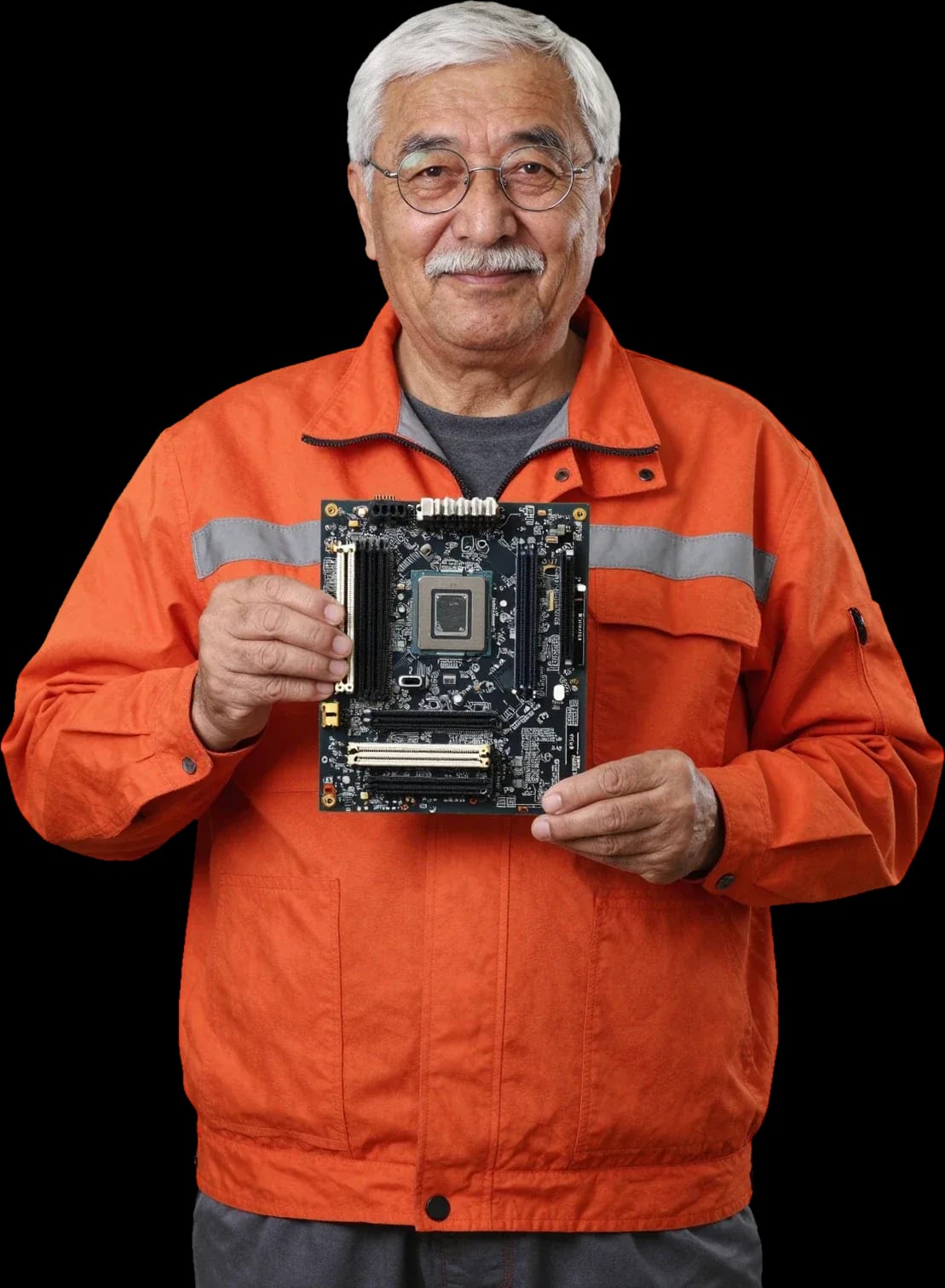
Tech Service repairs motherboards for laptops, PCs, TVs, home appliances, and UPS systems in Astana. A technician arrives at your home within 60 minutes or takes the board for repair at the service center. Diagnostics are free, there is a 1-year warranty on labor and parts, and the technician gives you the price after diagnostics.
How to tell the problem is in the motherboard
The board controls how the device starts and distributes power, so its failure often looks like a broken power supply, memory, or button. Here are the signs a technician uses to tell one fault from another.
Symptoms that point to the board
- Won't turn on at all: the indicator doesn't light up, fans don't spin, and the device doesn't respond when you press the power button.
- Turns on and immediately turns off: it starts for a couple of seconds, then power cuts out without any command from you.
- Beeps and won't start: the speaker gives a repeating signal, the screen stays black, and the system doesn't begin to load.
- Gets hot around the connectors: the case near the charging port and ribbon cables becomes hot even when the device is off.
- Charge level jumps: the battery indicator jumps or goes out even though the adapter and cable are known to be good.
- Error during startup: a code or hardware failure message appears on the screen, and startup stops at the same point every time.
- No change after replacing the adapter and checking memory: the cause is almost always on the board, and you need diagnostics to find it rather than guessing by swapping parts.
How to tell a board fault from a power supply or memory issue
During diagnostics, we first rule out the power supply, memory slots, and ribbon cables: their failure gives the same symptoms as a faulty board. The technician connects a known-good adapter and checks if the device starts, then removes the RAM modules one by one and checks the contacts for oxidation. Ribbon cables and connectors are tested for breaks, and the power controller is checked under load: it distributes voltage, and its failure causes a drop at the processor and socket. Some cases of a "dead" startup end up being the adapter or a loose RAM contact, not the board. If you need motherboard repair in Astana, the technician first performs this step-by-step check. You need to check from simple to complex — that way the technician doesn't replace working parts and doesn't add unnecessary operations to the bill.
What happens to the board after liquid damage and a voltage spike
After liquid damage and a voltage spike, the power and charging circuits suffer first, along with the controller and connector. Liquid starts corrosion of traces and contacts, while a surge from the mains blows capacitors, resistors, and chips in the protection circuits. The board may look fine on the outside, but oxidation under components keeps eating away at metal and later causes a break. Tech Service restores such boards with mandatory cleaning and trace repair, not just replacing a burned-out component. The technician also checks the vias separately: after moisture they oxidize first and break the connection between layers, even though the traces on top look fine. The sooner you bring a liquid-damaged device to the service center, the less corrosion has time to affect neighboring traces — so don't put off diagnostics.
Boards in different devices and how their repair differs
A motherboard isn't only in a computer — it controls laptops, TVs, washing machines, and UPS systems. The logic for finding a fault is the same, but the components and neighboring parts are different for each device.
Laptop and PC boards
In laptops and PCs, we most often work on power circuits, charging circuits, the controller and the charging connector, and we also check memory slots and the CPU socket. On a compact laptop board, these components sit right next to each other, so the technician first tests the lines under load, then checks the charge controller, and only after that moves on to connectors and slots. In a desktop tower, the picture is simpler: large parts are spaced out, and troubleshooting goes faster—from the power supply to the VRM circuits and then to the socket. Laptop boards are denser, so during diagnostics it's important to disconnect cables and memory one at a time—this way the cause is found faster and without risk of touching neighboring components.
TV, appliance, and UPS boards
We service TV electronics, washing machine control modules, and uninterruptible power supplies—it's the same fault-finding, just adjusted for the neighboring components of each device. In a TV, the main module's backlight circuits and the ribbon connectors that go to the panel are checked; Smart TV, OLED, QLED, and LED models have different sets of components, but the principle is the same. In a washing machine, the electronics are connected to the motor and pump, and the technician first rules those out before looking at the board itself. In a UPS, the control module is responsible for the load and charging, so its health is checked separately from the batteries. In a TV, it's important not to confuse the electronics with the panel, and in a UPS—with a worn-out battery: this determines whether a repair or replacement of another component is needed.
Comparison of boards by device
| Device | What we check on the board | What we rule out nearby |
|---|
| Laptop | power and charging circuits, controller | power adapter, battery |
| PC | power circuits, memory slots, socket | power supply, memory sticks |
| TV | main module, connectors | panel, backlight |
| Washing machine | control module, connectors | motor, pump |
| UPS | control module, load circuits | batteries |
Repair at home or at the service center and what the technician does
Not every board fault can be fixed on-site, and not every one needs to be taken to the workshop. Here's what a specialist does on-site, what happens during free diagnostics, and when the board is taken to the service center.
What the technician does during free diagnostics
- Finding the cause: during free diagnostics, we identify which unit has failed rather than replacing parts at random.
- Power and charging circuits: we check whether voltage reaches the board and where the circuit breaks.
- Power controller: we test the unit that distributes voltage between components separately—it's the most common casualty after a power surge.
- Connectors and cables: we inspect the power connector, memory slots, and cables for oxidation, looseness, and broken contacts.
- Agreeing on the scope of work: before work begins, you know which part is being replaced and why—diagnostics aren't about finding the most expensive fault, but about letting you approve the list in advance.
Which faults are fixed at home and which at the service center
At home, we handle tasks that don't require disassembling the board or working with components, while complex cases involving component replacement are done at the service center. An on-site specialist checks power, connectors, cables, and contacts, reconnects modules if necessary, and clears accumulated errors. Anything involving soldering, chip replacement, and trace repair requires a workshop: there the board is disassembled, diagnosed circuit by circuit, and restored to operation. The 'home or service center' split saves you time—the technician immediately says when the board will have to be taken to the workshop. Moreover, they explain the decision before you agree to the work—so you know upfront what you're getting into and how long each stage will take.
How the work proceeds from request to final test
- Request: you describe how the device behaves — it won't turn on, won't charge, or shows an error code.
- Technician visit: in the city, we arrive within 60 minutes to inspect the equipment on site.
- Free diagnostics: a specialist finds the cause and tells you where the repair will be done — on site or at the workshop.
- Approval of the scope of work: you approve the list of work, and then the work itself begins.
- Test run: the board must not just "start up" but work reliably under load, otherwise the fault will return.
Warranty, diagnostics, and payment procedure
Warranty terms and payment for work are often left out of board repair ads. We explain what the 1-year warranty covers, what checks are included in free diagnostics, and how payment works.
What the 1-year warranty covers
We provide a 1-year warranty on labor and parts — that is, both on the repair itself and on the installed board components. If after the board is restored the device stops turning on again or behaves unstable, a specialist rechecks the board and fixes the cause under warranty. Replacement of components — capacitors, power circuits, connectors — is also covered by this period: a failed part and a soldering error are considered different cases, and both are covered. A component failure and a soldering error require different approaches to checking. A warranty on parts separate from labor is important because a broken component and a soldering error are different causes, and both must be covered.
Why diagnostics are free and what they include
Our diagnostics are free: a specialist checks the board, finds the cause of the fault, and quotes the cost of work before it begins. The check includes a visual inspection of the board for signs of liquid damage and overheating, continuity testing of power circuits, and checking the components that prevent the device from turning on or holding a charge. A technician travels to your home within 60 minutes anywhere in the city — the inspection is done on site, without trips to the service center. If the cause is not the board but the power supply or memory, you will be told right away, and you won't pay for unnecessary work. Free diagnostics removes the main fear — "they'll take it, inflate the bill": you pay only for approved work, not for finding the cause itself.
How payment for repair works
You can pay via Kaspi QR, Kaspi Red, bank card, cash, or bank transfer for companies, and the specialist quotes the price after free diagnostics — before you agree to the repair. The scope of work is discussed on site: the specialist explains which components need replacement and why the board won't work without it, and you decide whether to proceed or limit yourself to diagnostics. Diagnostics are free, so you don't pay for the inspection itself. The order "first diagnostics and price, then repair" is convenient: you make a decision with a number in hand, not blindly. The scope of work is agreed in advance, so you know exactly what you're paying for. If after diagnostics you decide to decline the repair, you don't pay for the inspection — diagnostics are free. The specialist explains each item on the list in simple terms so the decision is clear.
Repair or replace the board, and what to do before the technician arrives
Sometimes it's easier to install a new module than to restore the old one, and sometimes restoration is possible even after a failed attempt to fix it yourself. We explain how such a decision is made and what steps to take before the technician arrives.
When the board is repaired and when it is replaced
We first assess whether the board can be restored by replacing components, and only if that is not feasible do we suggest replacing it with a similar one. Finding the cause of the fault starts with diagnostics: the technician checks the power circuits, inspects the condition of the traces and contacts, and identifies burned-out elements. Restoration is more often possible when one area is damaged and the rest of the circuit is intact. Replacement is appropriate if several layers are destroyed or the damage covers a large area. The decision to take such a step should be based on diagnostics, not on "it's easier this way": often it is the last option, not the first. In my view, replacing the module is worth it only when restoration is not technically and economically justified, and the technician has already checked all available points.
Board after a failed DIY repair
We take in devices after unsuccessful attempts to fix them yourself — first we run diagnostics and see what changes have already been made. The technician notes traces of soldering, jumpers, replaced elements, and understands where to look for the cause of the fault next. Restoration in such cases is possible if the previous interventions did not destroy the traces or damage neighboring components. Outside interference complicates the search for the cause, so it is important for the specialist to know where and which elements have already been touched — this helps diagnostics. It is more useful to honestly tell about your attempts than to hide them: this way the technician does not waste time on steps that have obviously already been taken and immediately moves on to checking questionable areas. An open conversation about interventions saves time in finding the fault.
What to check yourself before the technician arrives
- Power supply and cable: check that the power supply delivers voltage and the cable is firmly seated in the power connector.
- Power button: make sure the button does not stick and responds to pressing, rather than just moving without effect.
- Ribbon cables and connectors: inspect visible ribbon cables for kinks and check that the connectors are fully inserted.
- External signs: note whether there was a burning smell, signs of liquid damage, or swollen elements — this will give the technician a direction for diagnostics.
- Do not disassemble: do not take the module apart or resolder elements — disassembling it yourself often erases signs of the fault and adds new ones.
- Wait for diagnostics: stop at external checks and wait for free diagnostics so as not to complicate the restoration.
Why motherboard repair in Astana is trusted to a direct provider
On aggregators and in directories you see a list of providers, but you don't know who exactly will come and who is responsible for the result. With a direct provider, the service is responsible for the work, not an intermediary.
A direct provider, not an aggregator
Tech Service is a direct provider: our specialist comes to you, and the work is done by our service, not a third-party contractor from an aggregator. On such platforms, one company accepts the request, but a private individual may be sent to the address — someone you did not choose and whose qualifications are unknown. We work differently: the on-site employee and the service employee are our people, and they handle the device from diagnostics to the final test run. In a chain of intermediaries, it gets lost who exactly replaced a component and at what stage the fault appeared — which means there may be no one to make claims to. When one provider is responsible for the result, not a chain of intermediaries, it is easier to claim the warranty and understand who is accountable for the outcome.
Arrival within 60 minutes and technician experience
A technician arrives at your door within 60 minutes anywhere in the city, and our staff have 4 to 20 years of experience. On-site diagnostics are available throughout the city — you don't need to take a device with a dead board to a service center. The initial inspection happens at your place: the technician assesses the board's condition on the spot so you immediately understand the cause of the problem and the next steps. Our people work with boards in laptops, PCs, TVs, and home appliances — both power circuits and the aftermath of liquid damage. Fast arrival matters not for its own sake, but because a board after liquid damage or a power surge is best shown to a specialist as early as possible: the less time that has passed, the better the chance of replacing individual components rather than the whole board. A practical tip — don't turn the device back on before inspection.
What affects the repair cost
The cost of work depends on which board component has failed and which parts need replacing, so the technician quotes it after free diagnostics. Finding the cause takes longer than the replacement itself: you need to test the power circuits, check the controllers, and make sure the board isn't affecting neighboring components. There's no point relying on average prices: two seemingly identical faults can require different amounts of work, and the exact cost only becomes clear after diagnostics. You can pay via Kaspi QR, Kaspi Red, bank card, cash, or bank transfer for companies. Ask any provider what checks are included in diagnostics and how the work is calculated — that way motherboard repair pricing stops being a mystery even before the device is taken apart.
Motherboard repair and what it involves
Board repair is always a move from a precise cause to a specific action, not trying parts one by one. Below is a short summary to help you decide without unnecessary expense.
- Disguised as another fault: a board problem often looks like a failed power supply or memory, so it's best to start with diagnostics rather than replacing parts at random.
- Different devices — different components: boards aren't only in computers — laptops, TVs, washing machines, and UPS units have their own typical components and neighboring parts.
- Home or service center: some faults can be fixed on-site, while complex component replacement is done at the service center.
- Terms matter more than promises: a warranty on labor and parts plus free diagnostics is better for your wallet than a quoted "average price."
- Before the technician arrives: stick to external checks and don't take the board apart yourself — that way you keep the chance of recovery.